
What actually transfers
The file name and content transfer completely. Codex "reads AGENTS.md files before doing any work." Warp's Project Rules live in "an AGENTS.md file (or WARP.md for backwards compatibility)." Same filename, same markdown, no conversion.
One filename detail will bite you if you were sloppy. Warp's docs carry an explicit caution: "The filename must be in all caps for Warp to recognize it (e.g., AGENTS.md, not agents.md or Agents.md)." Codex is equally strict in a different way — its fallback list is exact, and "Filenames not on this list are ignored for instruction discovery." If you had registered a lowercase or custom name through project_doc_fallback_filenames, Warp will not see it.
Nesting works, but stacking replaces overriding. This is the substantive change.
Codex's model: "Starting at the project root (typically the Git root), Codex walks down to your current working directory... In each directory along the path, it checks for AGENTS.override.md, then AGENTS.md, then any fallback names in project_doc_fallback_filenames. Codex includes at most one file per directory." Then it merges: "Codex concatenates files from the root down... Files closer to your current directory override earlier guidance because they appear later in the combined prompt."
Warp's model: "Warp automatically applies the AGENTS.md (or WARP.md) in the root and in the current directory," and "If you edit files in another subdirectory, Warp makes a best-effort attempt to include that subdirectory's rules file as well." Conflicts resolve by a stated precedence: "1. Rules in the current subdirectory's project rules file 2. Rules in the root directory's project rules file 3. Global Rules."
Both end up preferring the specific over the general. The difference is what happens to guidance you wanted gone. In Codex, an AGENTS.override.md in a directory means the sibling AGENTS.md is not read at all — you can genuinely replace. In Warp, precedence decides conflicts, but the root file is still applied. A rule the root file states and your subdirectory never mentions stays in effect.
So a Codex setup that used overrides to carve out an exception needs those exceptions restated as explicit contradictions in the subdirectory file, rather than as an absence.
The byte cap disappears, and that is a real relief. Codex "skips empty files and stops adding files once the combined size reaches the limit defined by project_doc_max_bytes (32 KiB by default)," with the remedy being "Raise the limit or split instructions across nested directories when you hit the cap." Warp's rules documentation states no equivalent cap. If you had been splitting files to stay under 32 KiB, that constraint is gone — though "because you can" is a poor reason to recombine them.
Global scope changes from a file to a UI. Codex keeps global guidance at ~/.codex/AGENTS.md (or AGENTS.override.md, since "Codex uses only the first non-empty file at this level"), relocatable with CODEX_HOME. Warp's Global Rules "apply across all projects and contexts" and are managed in the Warp Drive Rules pane, where each rule can carry a name and "Description (what the rule does and when to apply it)."
That is a different artifact. Your global file becomes a set of individually described rules, not a document — and it is no longer in version control unless you keep a copy somewhere.
Verification changes tools, and both are good. Codex gives you commands: codex --ask-for-approval never "Summarize the current instructions.", a --cd subdir variant for nested behavior, and a full audit via "a plaintext TUI log with codex -c log_dir=./.codex-log." It also has no cache to fight — "Codex rebuilds the instruction chain on every run (and at the start of each TUI session), so there is no cache to clear manually."
In Warp, rules in play surface in the conversation: "Rules used in an interaction will appear in the conversation under References or marked as derived from a specific rule." Different mechanism, same purpose, and worth using in the first week rather than assuming.
Codebase indexing is new, and it is local. Codex reads files on demand. Warp maintains an index: "Warp indexes your Git-tracked codebase to help Agents understand your code and generate accurate, context-aware responses. No code is stored on Warp servers." You get statuses — Synced, Discovering files, Failed, Codebase too large — plus .warpindexingignore for control, and all plans support "at least 5,000 files per codebase."
Nothing to migrate here. It is a capability you gain, with a sync you now have to think about: "if many files have changed or the network is slow, the sync may not complete before the Agent tries to access context."
Agent Memory is the upside, with three conditions. Warp's Agent Memory "gives agents in Warp persistent memory across supported harnesses, including the Warp Agent, Claude Code, and Codex." It is a serious system: personal, agent, and team stores; automatic extraction where "New knowledge merges with existing memories or supersedes them on conflict"; per-store read-only or read-write access with per-store instructions; traceability, where "Each memory records where it came from"; and auditability, where "Every change to a memory is recorded."
Now the conditions, all three of which are documented and all three of which matter. It "is in research preview and is enabled per team for design partners," with a waitlist. Coverage of third-party harnesses applies when they run as cloud agents — "Running third-party harnesses locally isn't supported during the research preview." And it lives on Warp: "Memory stays bound to its owner (a user, an agent, or a team), independent of which harness reads or writes."
So the honest version is: if your team is a design partner and you run Codex as a Warp cloud agent, you gain a hosted memory layer. If you are not, or you run Codex locally in your own terminal, you do not — and Codex's own local memories, which are off by default and covered in turning on Codex's local memories, stay behind on your machine.
The manual migration
Step 1: Move the files, then restate every override as a contradiction
Copy each AGENTS.md to the same path. Nothing changes in the content.
Then handle overrides, which is the part that needs judgment. For every AGENTS.override.md in your tree, ask what it was suppressing. If it existed to replace a root rule — "use make test-payments instead of npm test" — restate it in that directory's AGENTS.md as an explicit instruction, because in Warp the root rule will still be applied and precedence only helps where the two directly conflict. If it existed to suppress a root rule without offering a replacement, you need a sentence that says so plainly, since silence no longer suppresses anything.
While you are there, check your global file. Break ~/.codex/AGENTS.md into individual Global Rules with descriptions, and keep a copy in version control if you care about reviewing changes to it — the Warp Drive pane is a good editing surface and not a git history.
If your repository used custom filenames through project_doc_fallback_filenames, rename them to AGENTS.md (all caps) at the appropriate paths. Warp's /init can also link an existing external rules file, and the documented list is specific: "CLAUDE.md, .cursorrules, AGENT.md, GEMINI.md, .clinerules, .windsurfrules, .github/copilot-instructions.md." Note the singular AGENT.md in that list; plural AGENTS.md is read natively.
Step 2: Decide about Agent Memory honestly, then index and verify
Answer two questions before you plan anything around Agent Memory: is your team enabled for the research preview, and will you be running Codex as a Warp cloud agent rather than locally? If either answer is no, treat Agent Memory as a future capability and design as if it is absent.
That is not a criticism of the feature. It is what the documentation says, and building a workflow on a research preview you are not enrolled in is how teams end up with a context gap they discover three weeks in.
Then set up what you definitely do get. Open your repository in Warp so indexing starts, and check the status under Settings > Code > Indexing and projects until it reads Synced. Add a .warpindexingignore if the repository is large. Then run one Agent conversation and look at the References section to confirm which rules were actually pulled in — the same instinct as running Codex's summarize-instructions command, and the reason why agents ignore your instruction files is usually a discovery problem rather than a comprehension one.
The Better Way: Keep the Durable Half Off the Preview Track
The file migration is a copy plus an override audit. What this move exposes is that your durable project knowledge has been depending on whichever tool you happened to be using — Codex's local memories on one machine, or Warp's Agent Memory if you are enrolled and running in the cloud.
Both are real features. Neither is a place to put knowledge you need regardless of enrollment status, machine, or where the agent happens to execute. That layer should not be a property of the harness at all.
Put it outside and the calculation simplifies: you migrate rules, you gain codebase indexing, and the facts your agents need are already there on the first run. MemoryLake sets up in three steps.
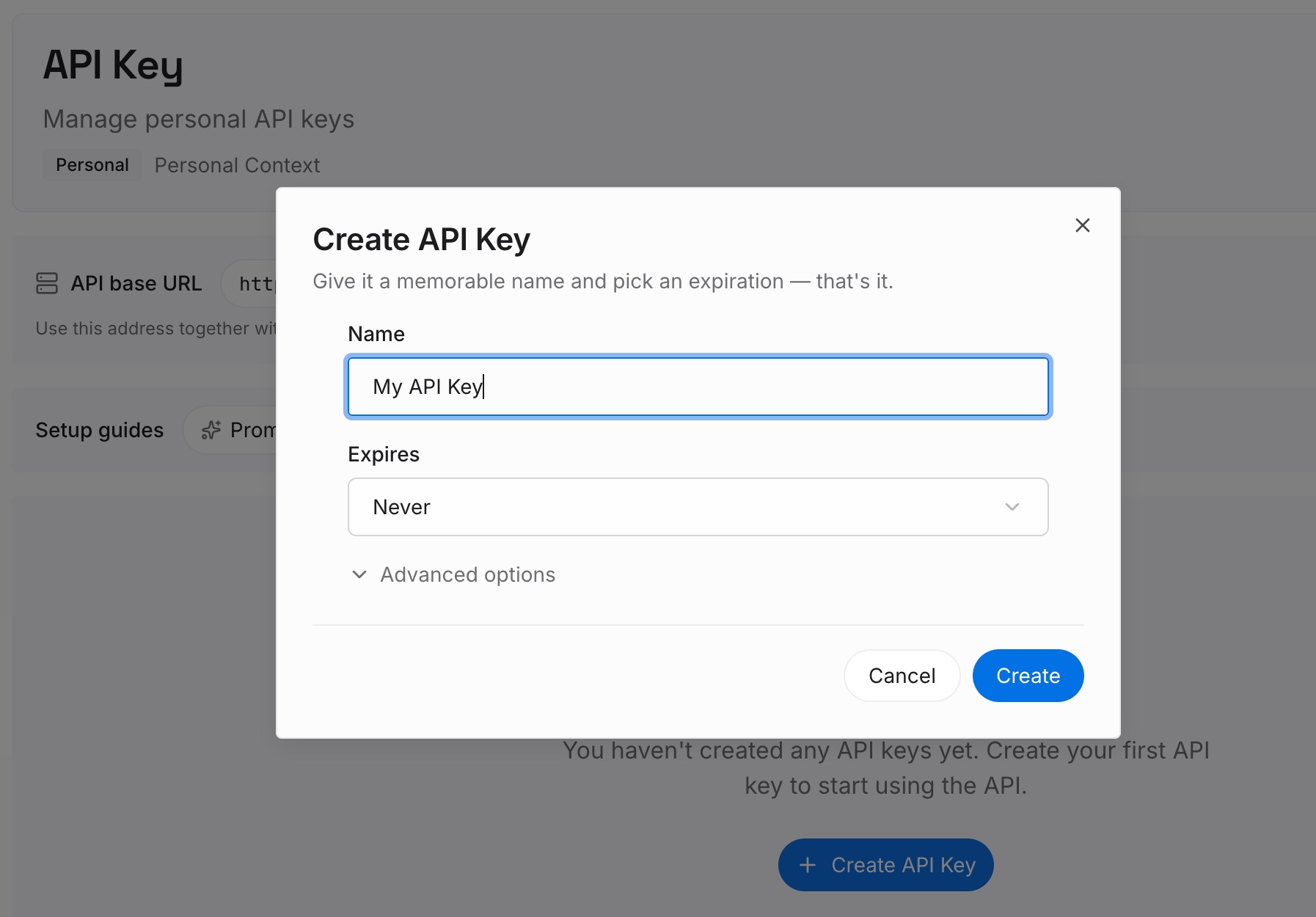
Step 1: Create an API key
Sign in and generate an API key from your dashboard. It does not depend on a research-preview enrollment or on whether the agent is running locally or as a cloud agent, which is precisely the ambiguity this migration introduces.
Step 2: Upload your first memories
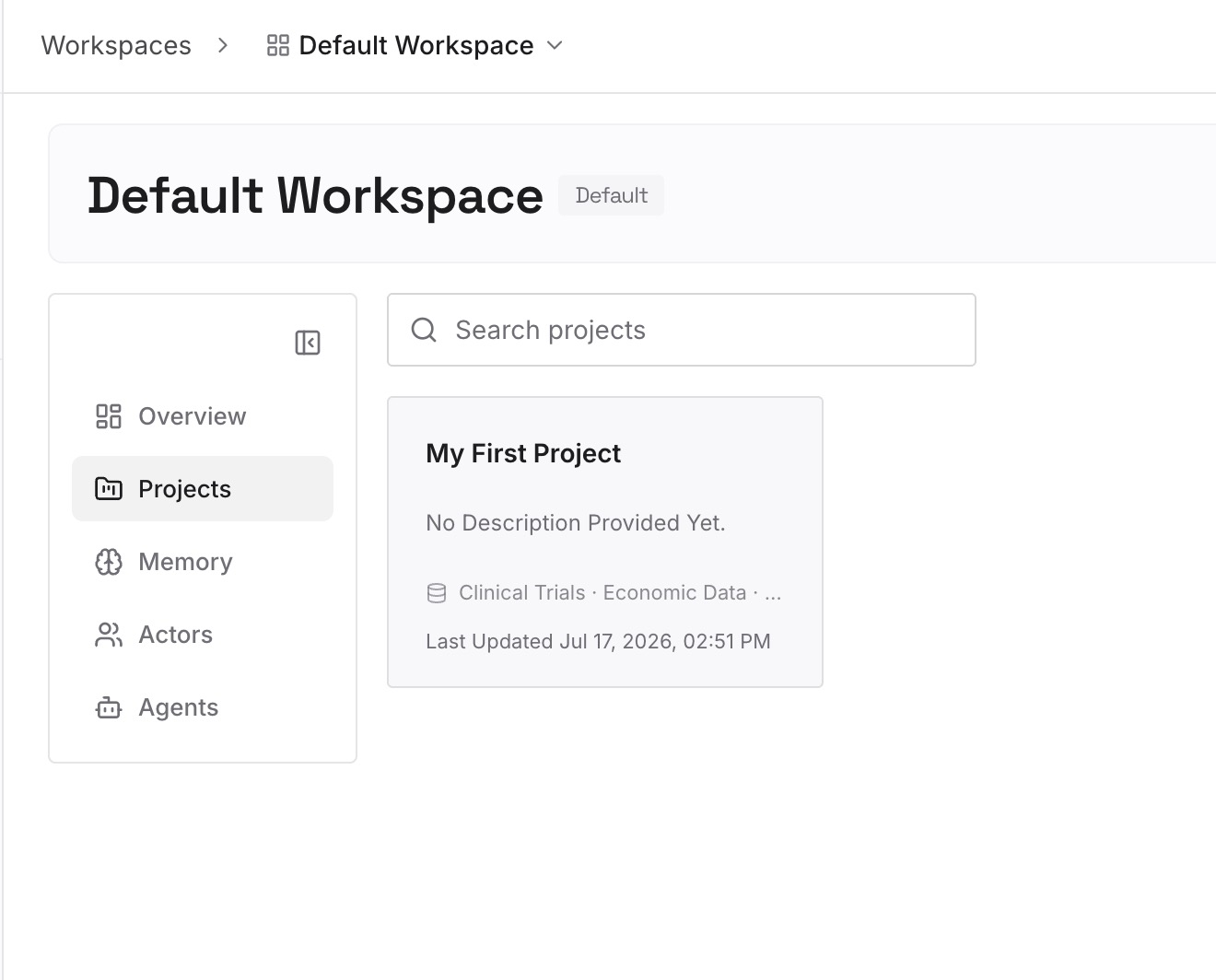
Put in what neither a rules file nor an index can supply: architectural decisions and the reasons behind them, why a deprecated service still exists, domain vocabulary, ownership, the constraints that have reasons attached.
Keep behavior in AGENTS.md, now without a 32 KiB ceiling to fight — which is a good reason to keep those files short on purpose rather than because you were forced to.
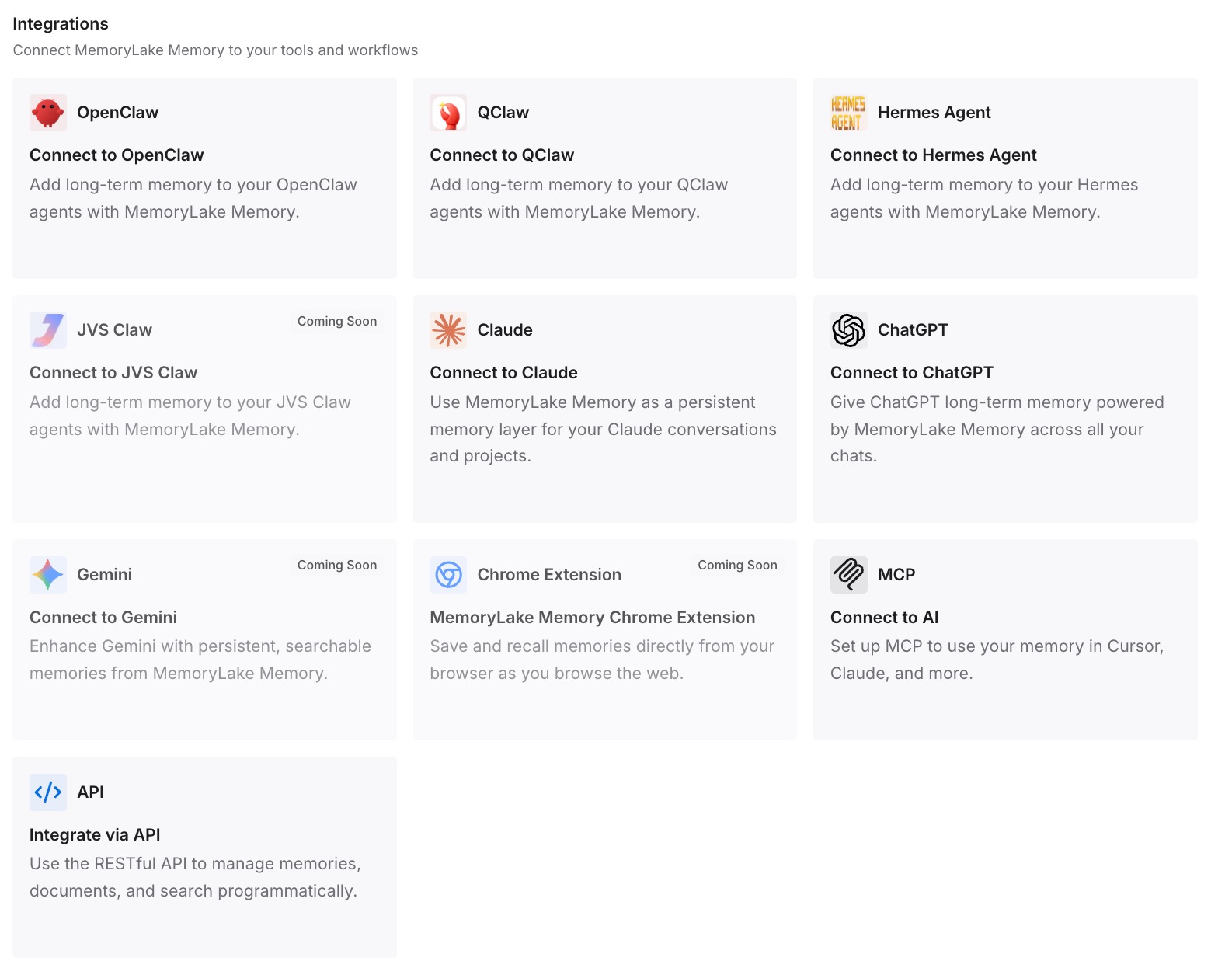
Step 3: Connect your AI & agents
Point Warp at the store, and point Codex at it too while you still run both. A staged migration is exactly when a shared layer earns its place, since the alternative is two tools with two partial pictures — the case made in sharing one memory across tools.
What this changes in practice
The first change is that the override audit is a one-time cost instead of a recurring surprise. Once exceptions are stated rather than implied, they survive the next tool too.
The second is that losing the byte cap does not mean losing discipline. 32 KiB was an arbitrary ceiling; short instruction files are still better followed than long ones, and the facts that used to compete for that budget now live elsewhere.
The third is that Agent Memory becomes a bonus rather than a dependency. If your team gets enrolled, it adds traceable, auditable, team-shared memory on top of what you already have. If it does not, nothing in your setup was counting on it — which is the point of keeping team AI context independent of any one tool.
Best practices for a Codex to Warp move
- Keep the filename in all caps. Warp requires it; lowercase and custom names registered in Codex will not be seen.
- Audit every
AGENTS.override.md. Warp applies root and current directory together, so absence no longer suppresses. - Restate suppressions explicitly. A rule you wanted gone needs a sentence, not an omission.
- Break the global file into described rules. And keep a version-controlled copy if you want change history.
- Let indexing finish before judging quality. Watch for Synced, and use
.warpindexingignoreon large repositories. - Read the References section. It is Warp's answer to Codex's summarize-instructions command.
- Do not plan around Agent Memory unless you are enrolled. Research preview, per-team for design partners, cloud agents only during the preview.
- Keep instruction files short anyway. The 32 KiB cap is gone; the reason for brevity is not.
Conclusion
The file half of this migration is a copy, and the two genuine gains — codebase indexing and no byte cap — arrive with no work at all.
The two things to handle deliberately are override semantics, which do not survive the move, and Agent Memory, which is excellent and conditional in three documented ways. Restate your exceptions, keep the durable facts in a layer neither tool owns, and the switch costs you an afternoon rather than a quarter of rediscovering what your agents used to know.