
What actually transfers
Instruction files, and they transfer well
Copilot's durable configuration is .github/copilot-instructions.md plus whatever scoped instruction and prompt files you have accumulated. Cursor reads two comparable things:
- Project rules in
.cursor/rulesas.mdcfiles, version-controlled with the repository, each with an application mode: Always Apply, Apply Intelligently (the agent decides based on your description), Apply to Specific Files (glob-matched), or Apply Manually (invoked with an @-mention). - AGENTS.md, a plain markdown file in the project root or subdirectories, with no frontmatter required — the fastest landing spot for content you are porting today.
There are also User Rules, global preferences you set in Cursor's Customize settings, which apply across projects for Agent chat. Keep personal style there and project facts in the repository, so teammates inherit one without the other.
What does not transfer
Copilot chat history has no export path into Cursor, and a raw transcript would be the wrong shape anyway. The valuable content inside those chats is the reasoning you supplied: why the payments module tolerates duplicate writes, which test suite lies, that the auth extraction was attempted in March and abandoned. The mechanics of how thin the underlying context really was are covered in why GitHub Copilot forgets your codebase context.
Cursor forgets between sessions too
Rules are injected per prompt; nothing accumulates across sessions on its own. New chat, new context — which is why Cursor users hit the same wall from the other side, documented in why Cursor forgets previous sessions, project rules, and architectural decisions. Switching editors changes the ergonomics of the problem, not the problem.
The manual migration
Step 1: Port your instructions into Cursor's format
Start by splitting your Copilot instructions into two piles, because they are almost certainly mixed:
- Behavioral instructions — naming, formatting, error handling, review expectations, files never to touch. These belong in rules.
- Project facts — service boundaries, data model, deprecations, decisions and their reasons. These are knowledge, and they grow.
Then place the behavioral half. For a straight port, drop it into AGENTS.md and you are running the same day. For something you will maintain, write .mdc rules in .cursor/rules and pick the mode deliberately: Always Apply for the handful of non-negotiables, Apply to Specific Files for anything language- or directory-specific, Apply Intelligently for domain guidance with a clear description, Apply Manually for checklists you want on demand.
Resist the urge to set everything to Always Apply. That is how you end up paying for a 3,000-token rules file on every completion, including the ones that needed two lines of it.
Step 2: Rebuild the knowledge that only existed in chat
Open your last two weeks of Copilot chats and write down everything you explained more than once. Repetition is the audit — whatever you kept re-typing is precisely what was never stored.
Write those as short, dated, reasoned entries: "Idempotency keys on the payments webhook — provider retried and we double-charged in staging, 2026-05." Ten of those are worth more than a thousand words of prose, and they are what makes Cursor stop proposing things your team already rejected.
The Better Way: One Memory Layer, Either Editor
Here is the pattern worth noticing: your rules survived the migration because they were files in your repository. Your knowledge did not, because it lived inside a tool you left. The fix is not a bigger rules file — it is to keep project knowledge outside the editor entirely.
MemoryLake sits in that position: architecture, decisions, and incident history in one memory layer, read by Cursor over MCP — and by whatever you evaluate next quarter.
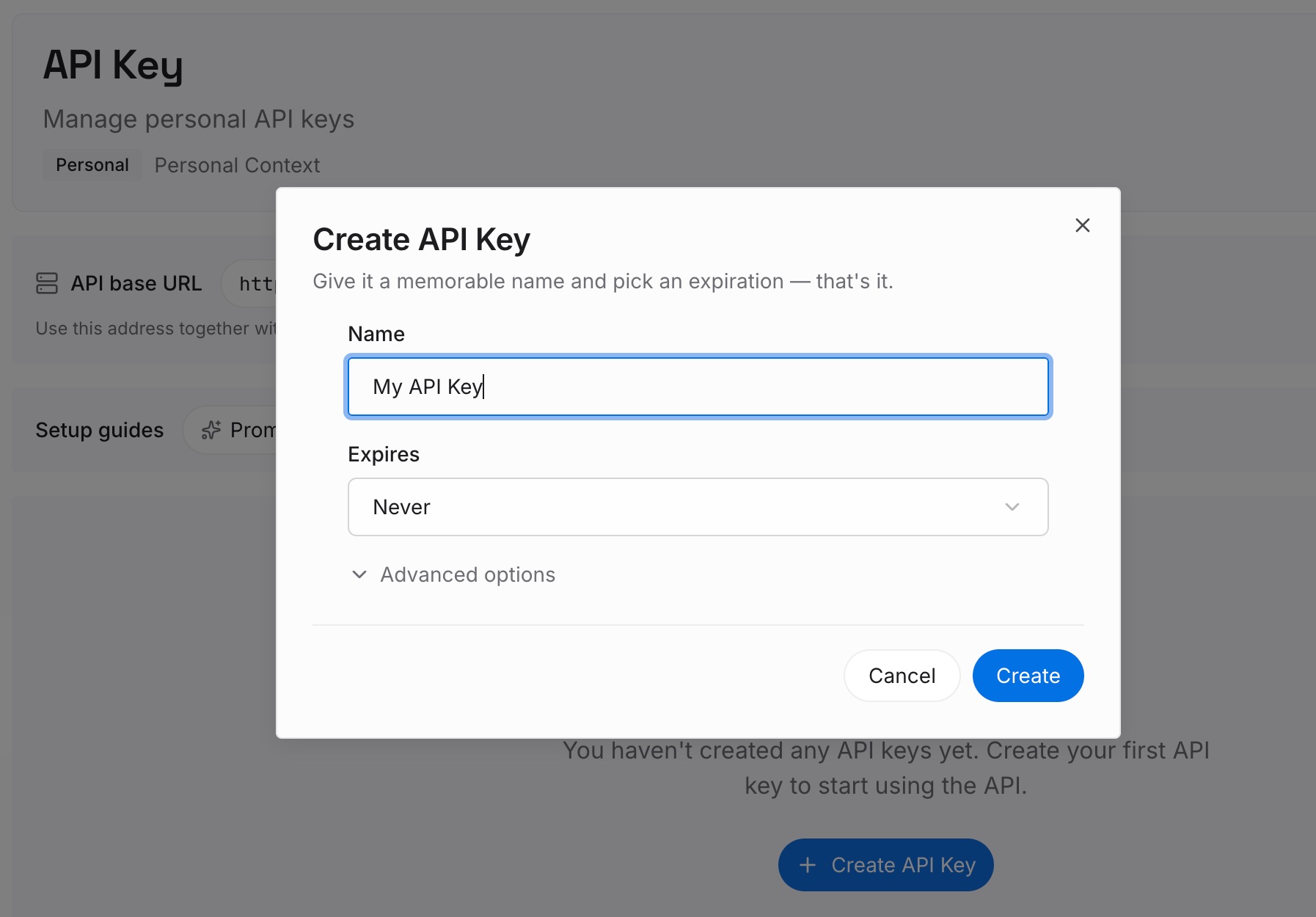
Step 1: Create an API key
Generate a key and make your first request in about 30 seconds.
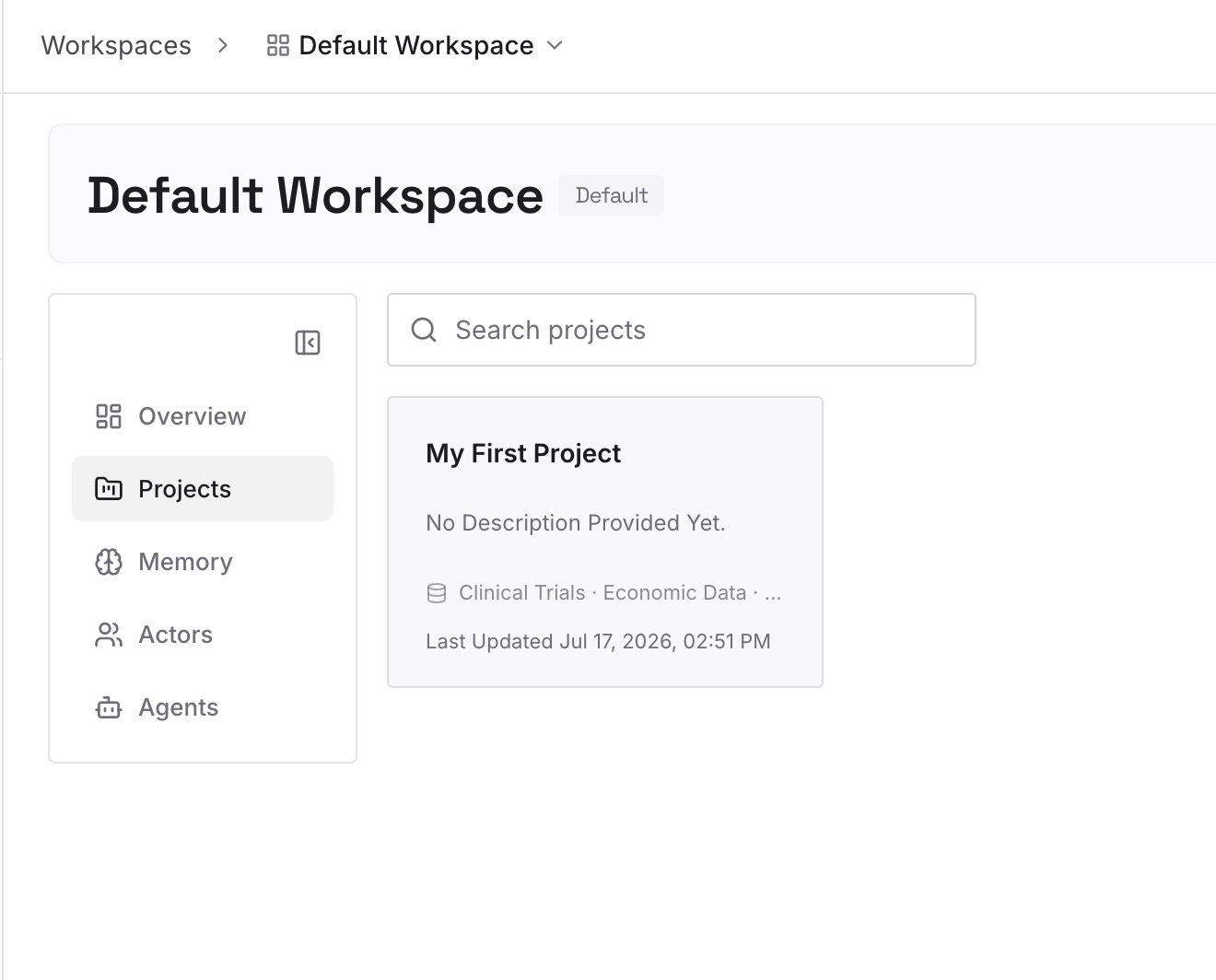
Step 2: Upload your first memories
Drop in the documents, images, and files that hold your project's real context: the rules you just wrote, ADRs, architecture notes, runbooks, post-mortems, API specs.
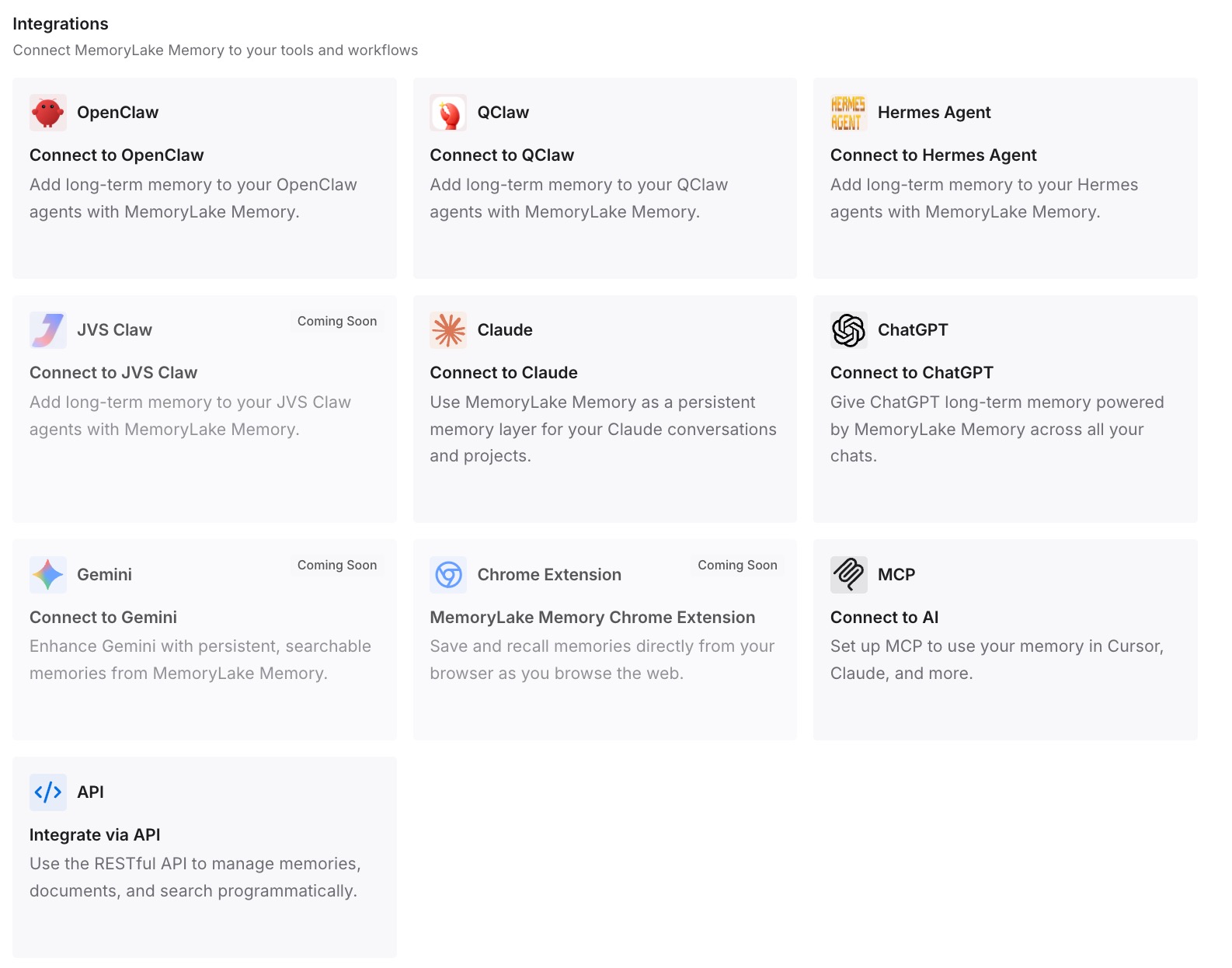
Step 3: Connect your AI & agents
Give Claude, Codex, OpenClaw, and your other agents access to that memory via MCP or the API, and add it to Cursor alongside your other MCP servers. Rules keep handling how the agent should behave; memory handles what is true about your system. Related paths: Cursor to Claude Code and Copilot to Claude Code.
What the switch costs — and saves
Price the parts. Installing Cursor and porting instruction files: an hour. Choosing sensible rule modes instead of Always-Apply-everything: another hour, and it pays for itself in tokens within a week. Rebuilding the tacit knowledge: half a day, and the only part that compounds.
Then the recurring bill. If your standing project context is 2,000 tokens and it gets restated 20 times a day across chats and agents, that is roughly 1.2M tokens a month of repetition, plus four or five minutes of re-briefing per session. A large Always-Apply rules file does not remove that cost — it makes it unconditional.
The real saving is optionality. Today, evaluating a new editor means paying the context-rebuilding tax again, which is why teams stay on tools they have outgrown. When memory is external, trying the next tool costs an afternoon and abandoning it costs nothing.
Best practices for the migration
Split rules from knowledge on day one
Rules are instructions, small and always relevant. Knowledge is facts about your system, larger and selectively relevant. Keeping them separate is what stops your rules file from growing into a wall of text nobody trusts.
Use rule modes as a budget, not a formality
Always Apply is a spend on every single completion. Reserve it for the few things that are always true, and let globs and descriptions carry the rest. This is the one Cursor-specific habit that materially changes your cost.
Write memory when you learn something, not when you remember to
The best moment to store a fact is the minute after you explained it to an agent. Do it then and the next session — in Cursor, in Claude Code, in whatever comes next — starts from your conclusion instead of your first guess.
Conclusion
Copilot to Cursor is a genuinely easy switch on the surface and a knowledge migration underneath. Instruction files port cleanly into .cursor/rules or AGENTS.md, rule modes give you real control over what loads when, and User Rules keep personal preferences out of your teammates' way.
What does not port is the months of context you supplied in chat — and Cursor's documentation is straightforward that rules are prompt-level context, not memory. Rebuild that knowledge once, store it outside the editor, and the next migration is a connection change rather than another month of re-explaining your own codebase.