
Why Your Cursor Context Doesn't Follow You to Claude Code
What each tool stores
Cursor keeps context in repo-committed rules (.cursor/rules/, legacy .cursorrules) plus local session memory and generated Memories. Claude Code reads CLAUDE.md files at startup and works from your codebase, holding session context in its window. The static rules have rough equivalents on both sides; the dynamic understanding — decisions, corrections, accumulated project knowledge — has no shared home.
The technical reason it doesn't transfer
Rules are just text, so translating .cursor/rules/ into CLAUDE.md is doable by hand. But Cursor's session memory lives in local app state with no export, and Claude Code has no importer for it. So the part that made your Cursor genuinely useful — everything it learned beyond the written rules — doesn't come with you. Claude Code rebuilds its own understanding from the code, from scratch.
What this costs you
You re-onboard the agent on a codebase your previous tool already understood: the same conventions re-stated, the same decisions re-explained, the same corrections re-made. Anything that lived only in Cursor's session memory — never written into a rules file — is simply gone. And if you keep Cursor around for some work, the two tools' understanding of the project immediately diverges.
Step-by-Step: Moving From Cursor to Claude Code by Hand
The native route is manual, but it gets the essentials across.
Step 1: Extract what Cursor holds
- Copy your
.cursor/rules/*.mdcand any legacy.cursorrulescontent. - Review Cursor's Memories for this project and copy the accumulated facts worth keeping — there's no bulk export, so this is manual.
- Note the decisions and conventions that live in your head or in past chats but never made it into a rules file.
Step 2: Set up Claude Code
- Create or update
CLAUDE.mdat the repo root with your conventions, translated from the Cursor rules. - Add the salvaged Memories and decisions into
CLAUDE.mdor a docs file Claude Code will read. - Re-add any MCP servers you relied on in Cursor to your Claude Code MCP config.
What you get is a translated baseline: rules rewritten as CLAUDE.md, plus whatever context you remembered to salvage. There's no transfer of session history, and nothing here stays in sync with Cursor if you keep using it.
What doesn't survive the migration
Cursor's session-level understanding that never reached a rules file. Conversation history from past Cursor sessions. And the sync is one-time — refine CLAUDE.md next month and any teammate still on Cursor won't see it, and adding a third tool means translating context again. It's the cross-machine and cross-tool context gap showing up at the moment you switch.
The Better Way: One Memory Layer for Both Agents
The migration is only hard because context lives inside each tool. Lift it into a neutral layer and Cursor and Claude Code read the same source. MemoryLake stores your conventions, architecture, and decisions once — versioned Git-style, end-to-end encrypted — and serves them to both agents over MCP, so switching is a connection, not a rebuild.
| Dimension | Manual Cursor → Claude Code | MemoryLake layer |
|---|---|---|
| Steps required | Translate rules + salvage memory | 3 (one-time) |
| Dynamic project understanding | Mostly lost | Retained and searchable |
| Stays in sync during a gradual switch | No | Yes |
| Works with a third agent later | Translate again | Connect it |
| Version history of decisions | No | Yes (Git-style) |
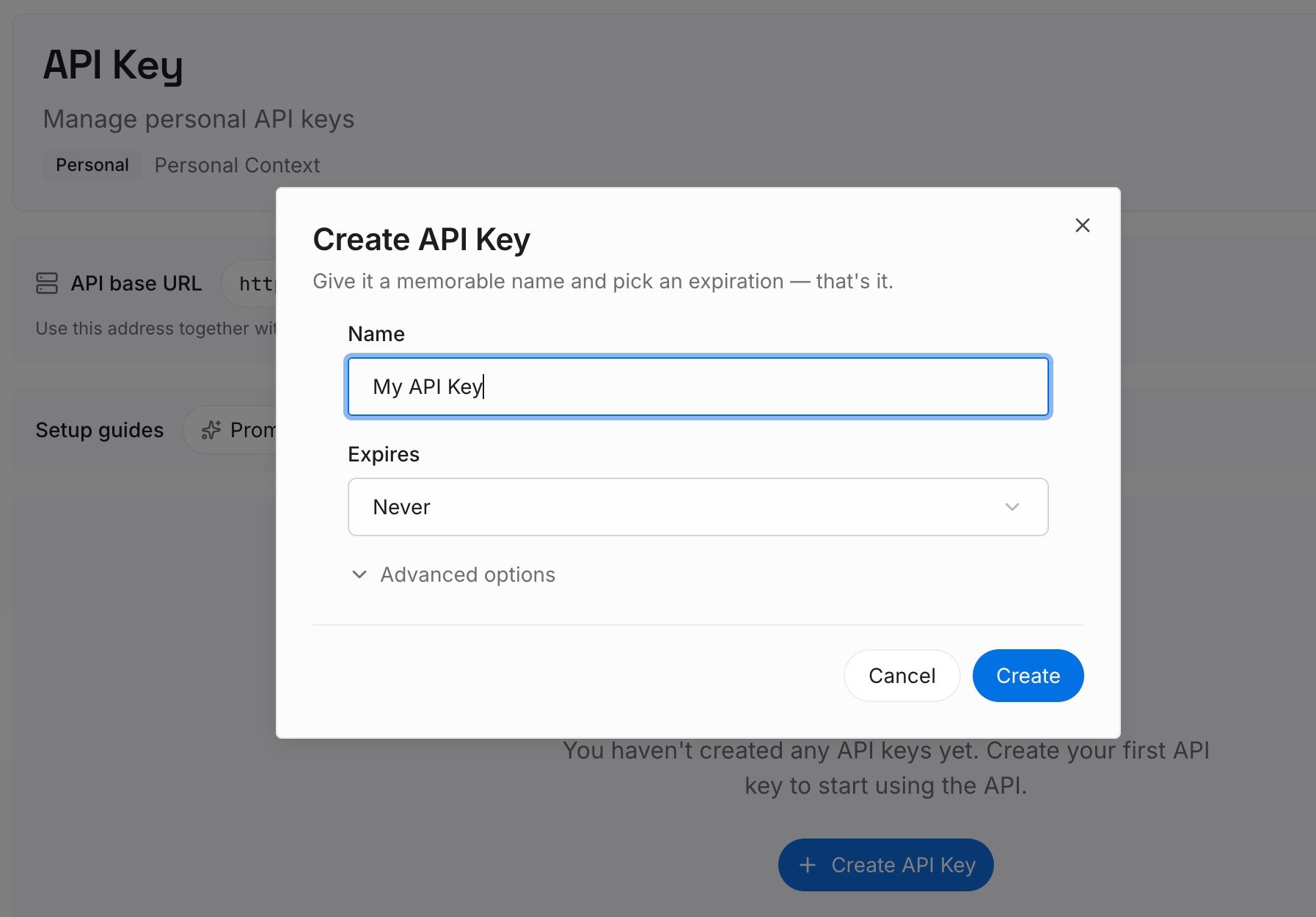
Step 1: Create an API key
Sign in to MemoryLake, generate a key, and make your first request — it takes about 30 seconds.
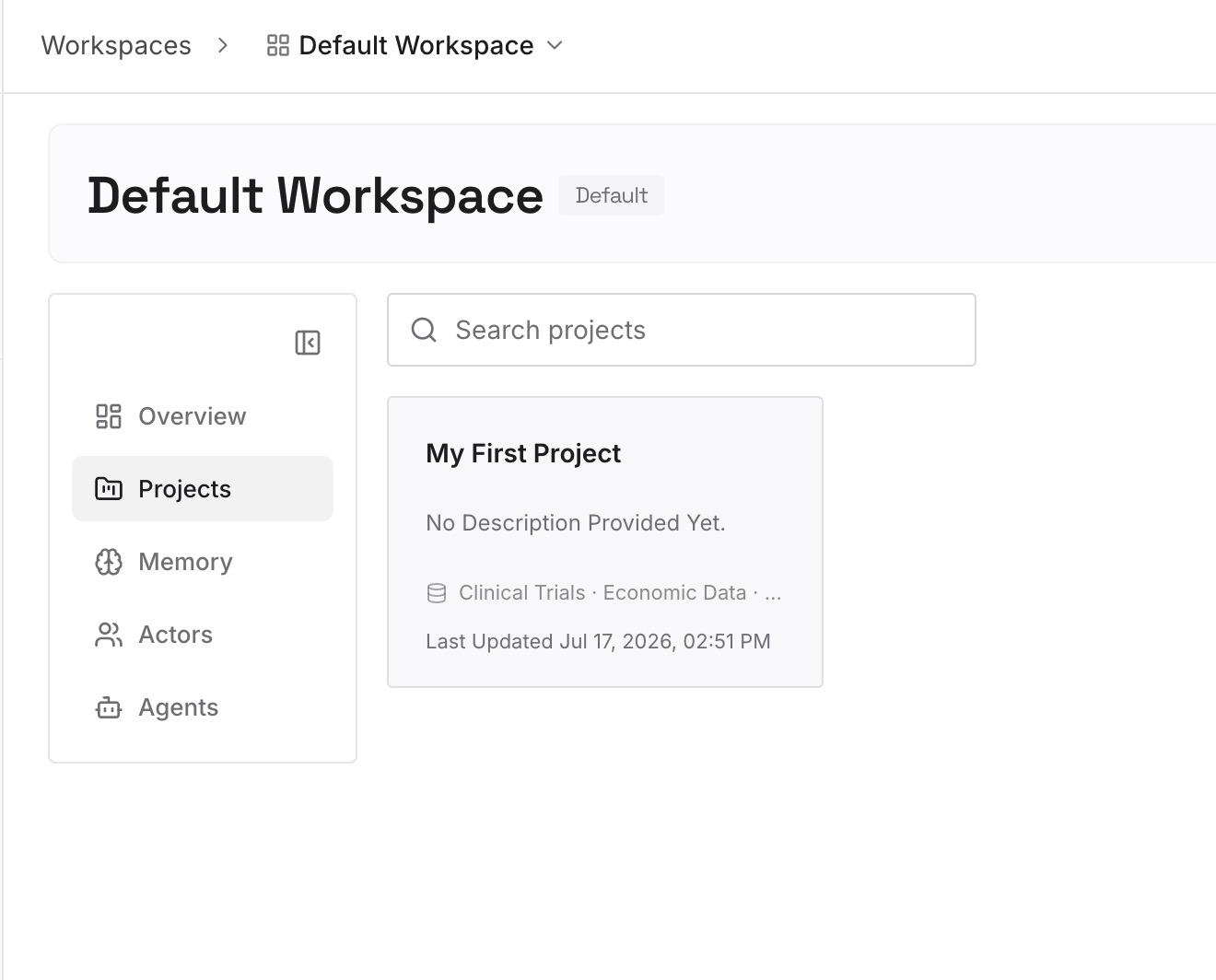
Step 2: Upload your first memories
Drop in the project knowledge both agents need: conventions, architecture notes, decisions, and reference docs — documents, images, and other files all work — instead of trapping them in one tool's rules format.
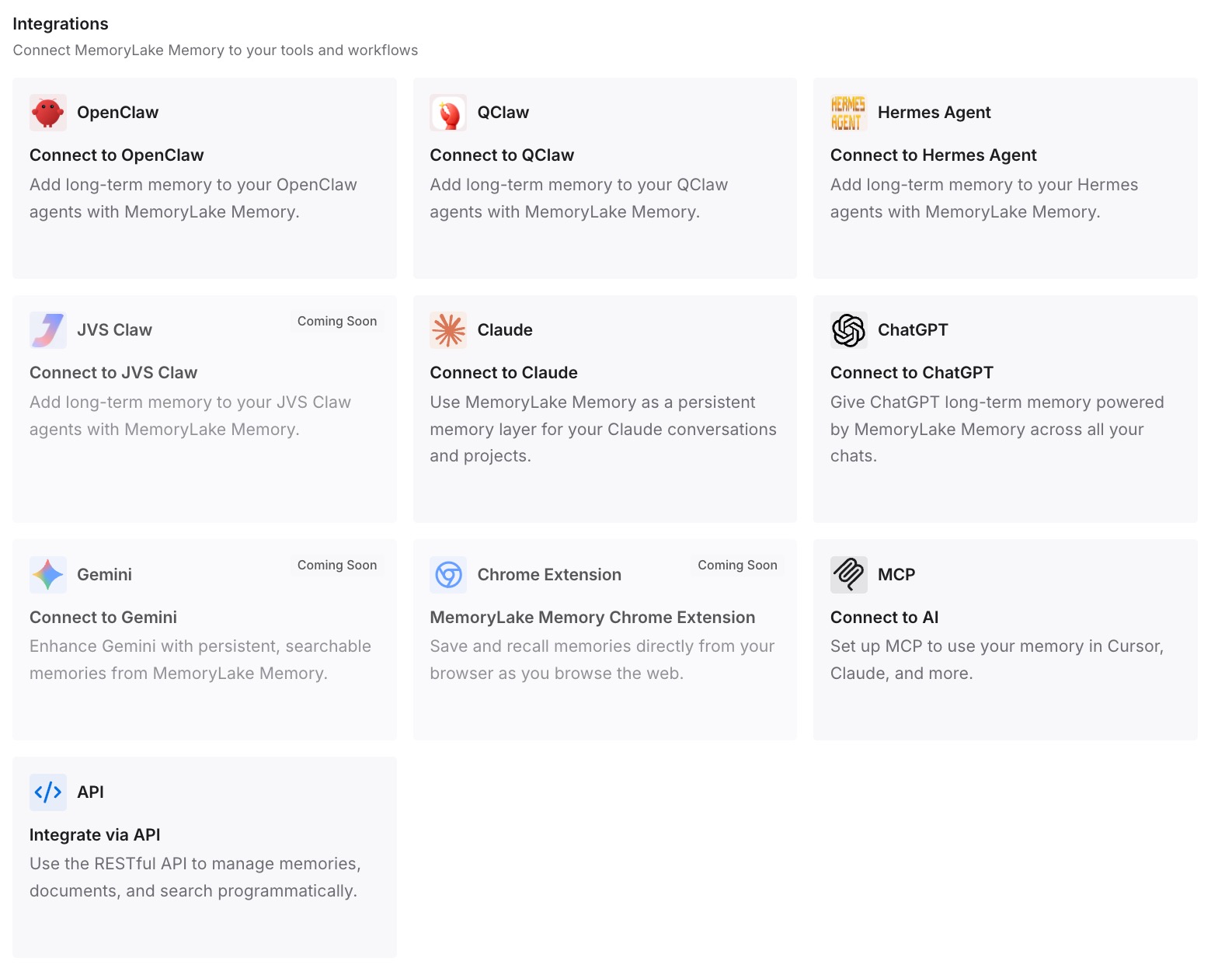
Step 3: Connect your AI & agents
Both tools speak MCP: add MemoryLake to Claude Code's MCP config and to .cursor/mcp.json with your API key. During a gradual switch, neither agent falls behind — and the same memory is available to Codex, OpenClaw, and other agents via MCP or the API, so your next tool just connects.
What Re-Onboarding an Agent Actually Costs
The switching tax
Moving coding agents means re-teaching a codebase the last one already knew — conventions, decisions, corrections, restated by hand. In an agent billed by usage, the fresh grep-and-rebuild also burns tokens on rediscovery before any work happens.
Retrieval instead of re-onboarding
With a shared layer, Claude Code pulls your project's conventions and decisions on demand instead of reconstructing them, so it starts informed on day one. Cheaper, faster, and switching back or adding a tool later costs nothing — MemoryLake's Token Saving Calculator projects the effect from your usage.
Best Practices for a Cross-Agent Memory
Put dynamic context in the layer, conventions in the repo
Keep stable rules in CLAUDE.md / .cursor/rules/ where each tool reads them, and dynamic context — decisions, resolved issues, project understanding — in the shared memory. Each goes where it belongs.
Salvage before you switch
Cursor's session memory is the part that vanishes. Capture it into the shared layer before you commit to Claude Code, so the switch loses nothing.
Scope by repository
One memory scope per repo keeps both agents' context precise and prevents one project's conventions from bleeding into another's.
Conclusion
Cursor and Claude Code both do strong work, but moving between them means rebuilding by hand — and the accumulated understanding that made your setup good is exactly the part that doesn't export. Keep that context in a shared memory layer instead, and the switch becomes a connection: both agents read the same conventions and decisions, kept in sync, ready for whatever you adopt next. Migrate once; let every agent share the memory.