
What actually transfers
Warp opens with the sentence most migration guides bury: "Warp doesn't have a one-click Cursor importer."
The reason it gives is technical and correct: "Cursor is built on the VS Code codebase, so its terminal settings live in settings.json under keys like terminal.integrated.fontFamily and terminal.integrated.defaultProfile.*. Because that file is readable, Warp's Agent can translate matching terminal values into Warp's settings.toml."
So the automation exists and it is real — it is just scoped to appearance. On the agent side, the page is equally direct: "Cursor's Composer and Agent features don't have a one-to-one migration path; they map to different Warp concepts."
Here is the mapping that matters, drawn from Warp's own equivalence table:
| From Cursor | In Warp |
|---|---|
| Composer / Agent panel | Agent Mode in any tab |
| Agent tabs | Multiple agents in parallel across tabs |
.cursorrules | AGENTS.md / WARP.md at the project root, picked up as a Rule |
| MCP servers | MCP |
| Model choice per conversation | Model selector |
| Codebase indexing | Codebase Context |
| Inline diff review | Code Review |
The row to focus on is .cursorrules. Warp's instruction is refreshingly blunt: "Run /init in Agent Mode to generate an AGENTS.md, or copy your .cursorrules content directly."
That covers one of Cursor's four instruction scopes. Cursor's docs list Project Rules in .cursor/rules, User Rules that are "Global to your Cursor environment," Team Rules "managed from the dashboard" on Team and Enterprise plans, and AGENTS.md as a "Simple alternative to .cursor/rules."
Warp has two scopes: Global Rules and Project Rules. So the mapping is lossy in a specific direction — Cursor's Team Rules, managed centrally on a dashboard, do not have a Warp equivalent you can point at. They become either Global Rules on each person's machine or a committed AGENTS.md, and only the second one stays in sync by itself.
One more thing worth stating before anyone counts on it. Warp does have a persistent memory system, Agent Memory, and it is genuinely cross-harness — the docs describe memory "shared across every supported agent harness, including the built-in Warp Agent, Claude Code, Codex, and others as they're added." But the availability line is unambiguous: "Agent Memory is in research preview and is enabled per team for design partners," with a waitlist to request access. If your team is not a design partner, plan this migration as though it is not available yet, because for you it is not.
The manual migration
Two steps. The first inventories what Cursor was actually feeding the agent; the second lands it where Warp will read it.
Step 1: Inventory all four Cursor scopes, not just the one you remember
Cursor's docs frame rules as the persistence mechanism outright: "Large language models don't retain memory between completions. Rules provide persistent, reusable context at the prompt level." Which means your rules files are your context, and you need all of them.
Open each scope and copy the contents out:
- Project rules in
.cursor/rules, as.mdcfiles. Note the gotcha while you are in there: "A plain.mdfile in.cursor/rulesis ignored by the rules system because it has no frontmatter." If you have been keeping notes as.mdin that directory, Cursor never read them, and there is no point migrating them as rules. - User rules, global to your Cursor environment. These live with you, not the repo, and are the ones most often forgotten.
- Team rules, from the dashboard, if you are on a Team or Enterprise plan. Get an export before you lose access.
AGENTS.md, if you already use it. This one is the free win; it moves as-is.
While copying, record each rule's activation type. Cursor's types are Always Apply, Apply Intelligently (which fires "When Agent decides it's relevant based on description"), and Apply to Specific Files (pattern-matched). You will need this on the Warp side, because Warp's model is simpler and some of your rules will have to change category.
Also note what does not appear in any file: the corrections you made in chat over the past six months. Cursor's docs are explicit that models do not retain memory between completions, so if a preference was never written into a rule, it was being re-established every session and there is nothing to export. Write those down now — this is the one part of the migration where the source is your own memory. If you have wondered why Cursor forgets your project rules or forgets across machines, the four-scope split is usually the answer.
Step 2: Land it in Warp's two scopes, and mind the filename rules
Warp supports exactly two rule types: "Global Rules apply across all projects and contexts" and "Project Rules live in your codebase and apply automatically when working within that project. They're stored in an AGENTS.md file (or WARP.md for backwards compatibility)."
Map like this. Cursor Project Rules with Always Apply become root AGENTS.md content. Cursor Project Rules scoped to specific files become directory-level AGENTS.md files, because "Warp automatically applies the AGENTS.md (or WARP.md) in the root and in the current directory." Cursor User Rules become Warp Global Rules. Cursor Team Rules become committed AGENTS.md content, which is the only form that stays shared.
Three filename rules will bite you if you skip them:
- "The filename must be in all caps for Warp to recognize it (e.g.,
AGENTS.md, notagents.mdorAgents.md)." - "If both
WARP.mdandAGENTS.mdexist in the same directory,WARP.mdtakes priority." So a leftoverWARP.mdfrom an earlier experiment will quietly win over the file you just wrote. - Warp recommends
AGENTS.mdfor new projects and continues to support existingWARP.mdfiles, which you can rename at any time without other changes.
Rules that relied on Cursor's Apply Intelligently mode need a decision, because Warp's Project Rules apply automatically by location rather than by model judgment. Either make them unconditional or scope them to a directory. Keeping them vague and hoping they fire on relevance is how a migrated rule set gets quietly ignored — the same failure mode behind why agents ignore your instruction files.
Do not skip /init. Running it in Agent Mode generates an AGENTS.md shaped the way Warp expects, which is a better starting point than a pasted .cursorrules file.
The Better Way: Put the Learned Layer Where Neither Editor Owns It
Follow the two steps above and you will have a correct Warp setup. You will also have proved the uncomfortable point: the automated part of this migration moved your font, and the manual part moved everything that mattered.
That asymmetry is not Warp's fault, and it is not Cursor's. It is what happens when a project's accumulated knowledge lives inside one tool's file format. Warp's own answer to it — Agent Memory — is the right idea and is currently limited to design partner teams. An external memory layer gives you the same property today, without a waitlist. MemoryLake sets up in three steps.
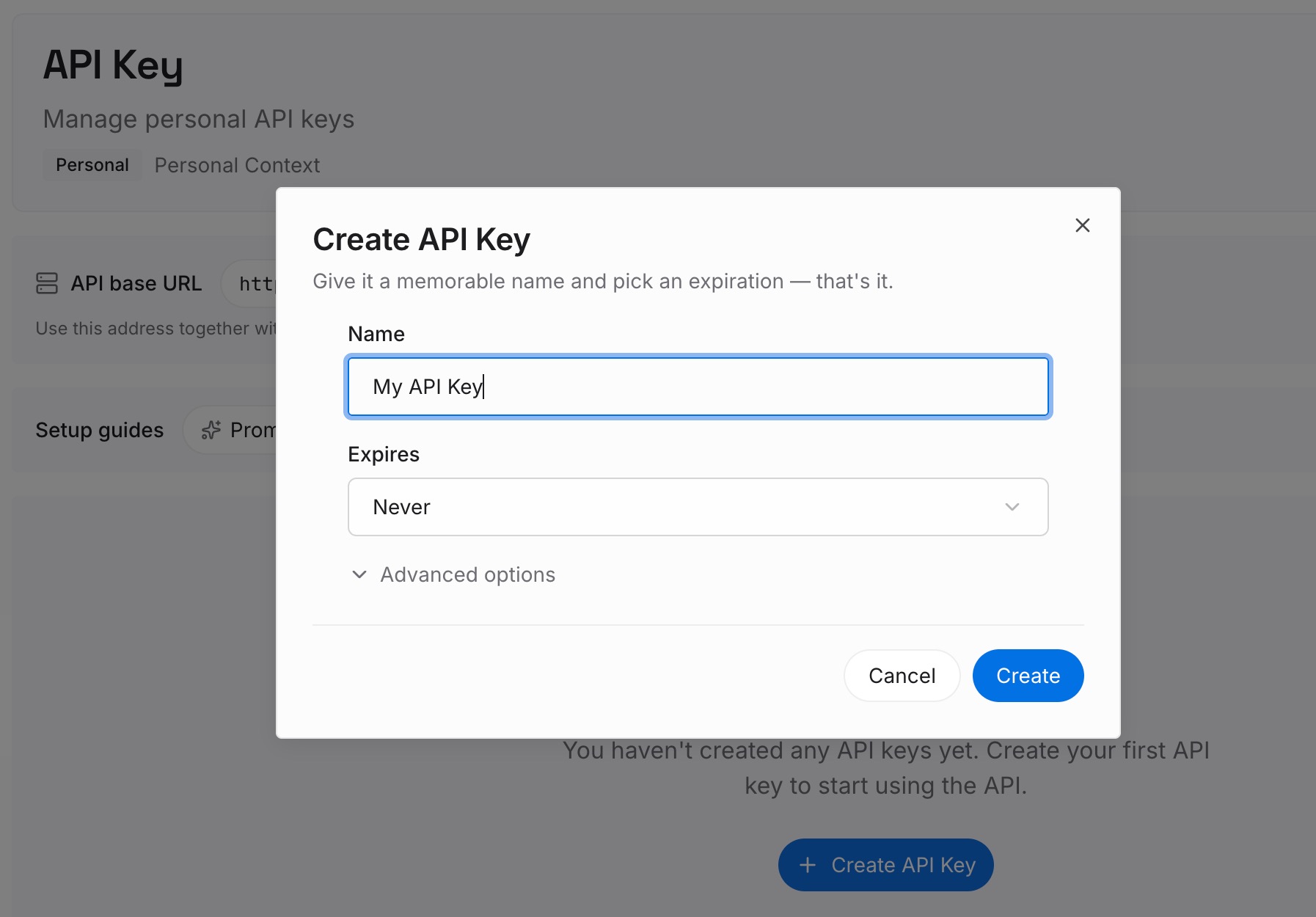
Step 1: Create an API key
Sign in and generate an API key from your dashboard. This credential belongs to your team rather than to an editor, which is what lets the same knowledge be readable from Warp today and from whatever you evaluate next quarter.
Step 2: Upload your first memories
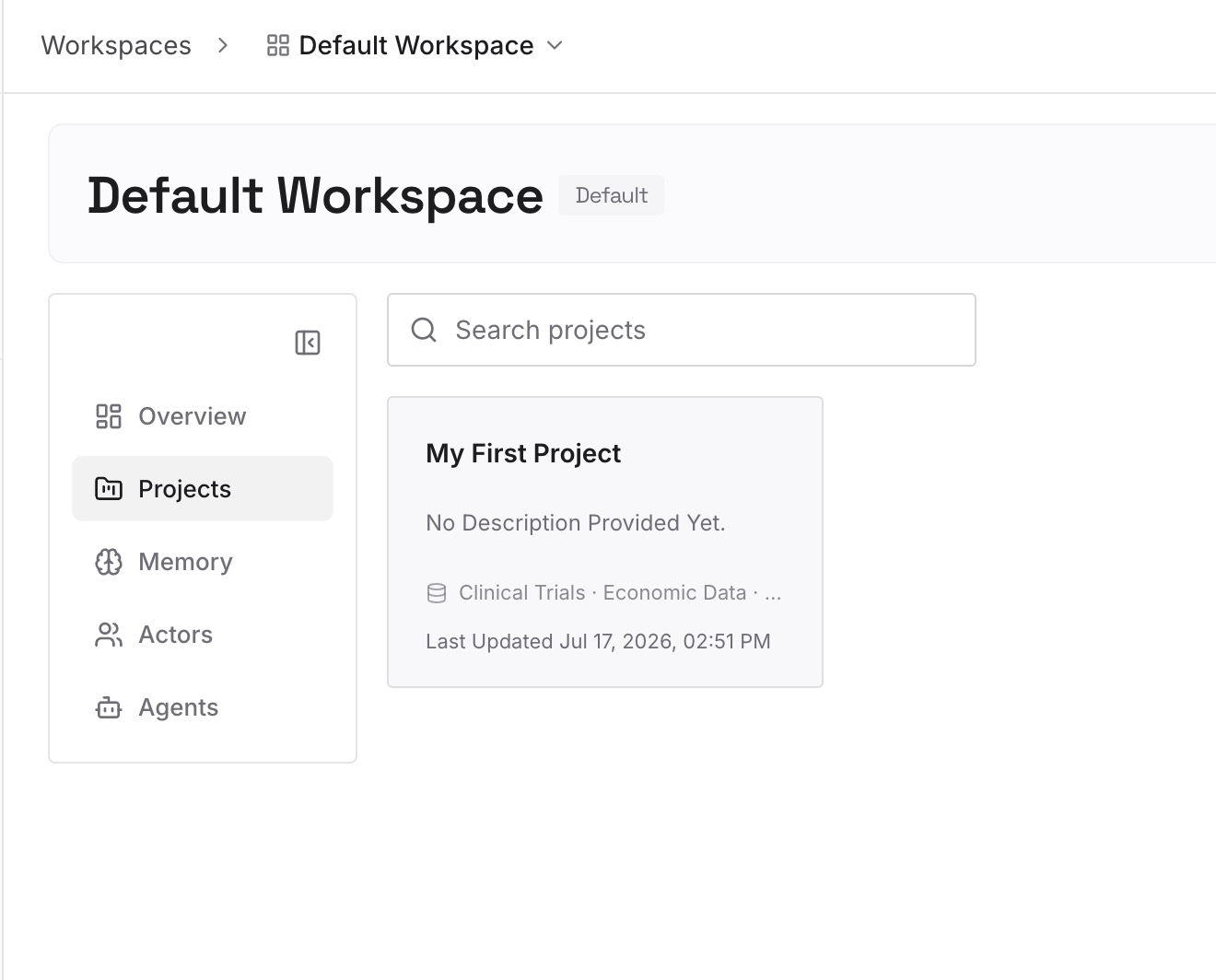
Put the things you wrote down in Step 1 that had no file to live in: architectural decisions and why they were made, the conventions you kept restating in chat, client and domain specifics, the reason a particular workaround exists. Also put the Team Rules content here if central management mattered to you — it is the closest thing to a dashboard-managed scope you will have on the Warp side.
Keep AGENTS.md for what it is good at: the rules that must always apply, committed and reviewable in the repo.
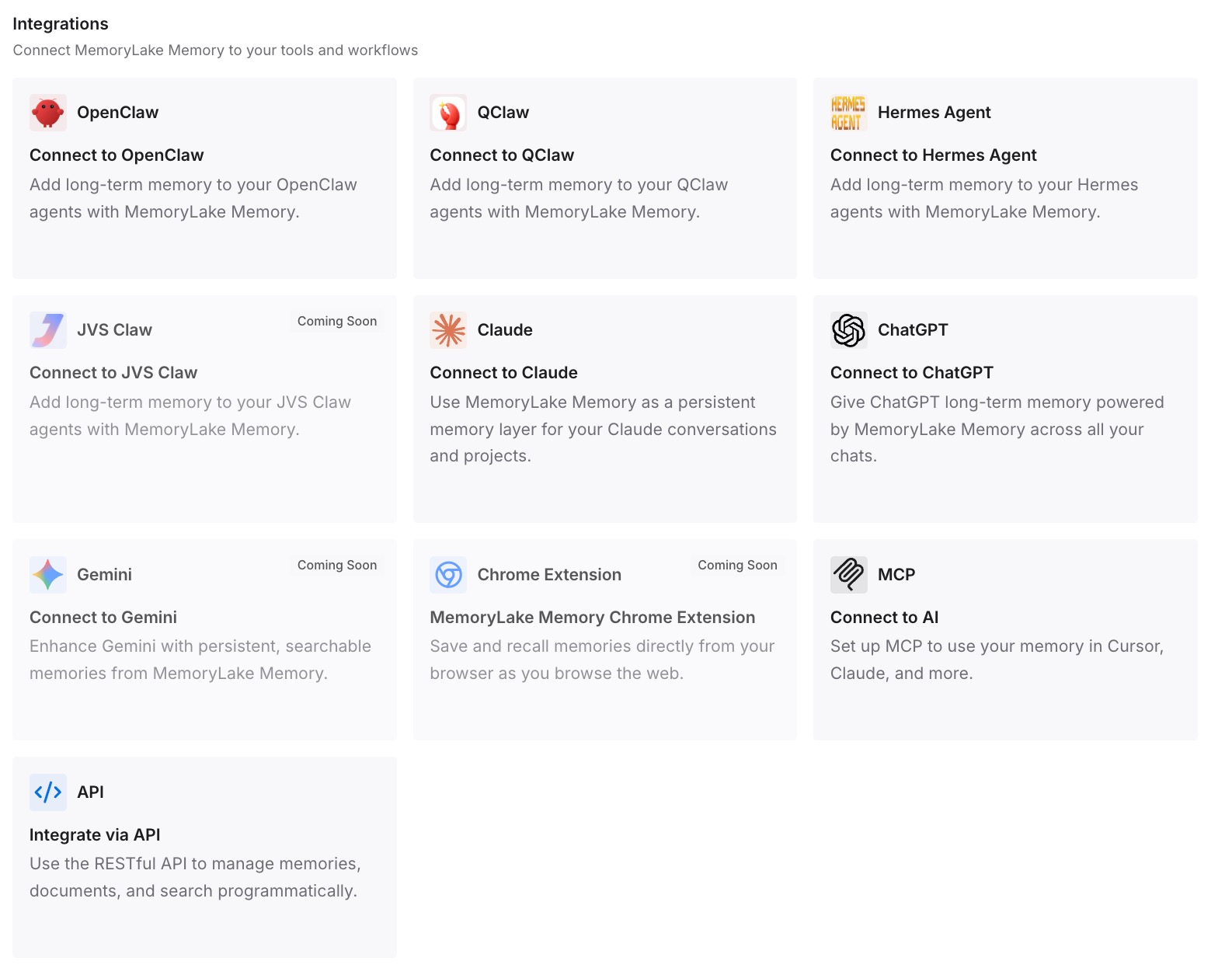
Step 3: Connect your AI & agents
Point Warp's Agent at the store. If part of the team stays on Cursor during a trial period — which is the sane way to run a migration — both editors read the same layer instead of forking into two divergent rule sets that someone has to reconcile later.
What this changes in practice
The first change is that a trial period stops being expensive. Most Cursor-to-Warp evaluations stall because keeping two rule sets in sync is tedious, so people either commit too early or abandon the trial. With the durable layer outside both, running them side by side costs nothing extra.
The second is that the Team Rules gap stops mattering. Warp's two scopes are clean but neither is centrally managed the way a dashboard is; a shared store restores that property without asking everyone to maintain identical Global Rules by hand.
The third is that you stop competing for prompt real estate. Rules that always apply get concatenated into context every time, which is exactly right for ten conventions and wrong for two hundred facts about your domain. Splitting "rules the agent must follow" from "things the agent should know" is the practical version of the distinction in what coding agents actually read.
Best practices for a Cursor-to-Warp move
- Run the settings port first, then forget about it. Let Warp's Agent translate
settings.jsonwith themodify-settingsskill and review the diff. It handles appearance; do not expect more. - Inventory all four Cursor scopes before you uninstall anything. User Rules and Team Rules are the ones people lose.
- Delete stray
.mdfiles from.cursor/rulesrather than migrating them. Cursor was ignoring them; migrating them just moves dead weight. - Check for a leftover
WARP.md. In the same directory it takes priority overAGENTS.md, which produces a very confusing debugging session. - Use all-caps filenames.
agents.mdis not recognized. - Convert
Apply Intelligentlyrules into either always-on or directory-scoped. Warp applies project rules by location, not by relevance judgment. - Do not plan around Agent Memory unless you have access. It is in research preview for design partner teams, with a waitlist. Write your migration for what you can use this week.
- Keep decisions and domain knowledge out of the rules file. Rules are for behavior; the growing body of context belongs somewhere it can grow.
Conclusion
Warp deserves credit for a migration page that says "no one-click importer" in the first paragraph. That honesty tells you where the work is: the terminal moves itself, .cursorrules copies across into AGENTS.md, and everything your agent learned about your project has to be rewritten by a person who remembers it.
You will do that rewrite once for this migration. Whether you do it again for the next one depends on where you put it this time.