
Why switching coding agents loses your context
Copilot's memory is thinner than it feels
After months of use, Copilot feels like it knows your project. What it actually has, per session, is the files you have open, what it can retrieve from the repository, and your instruction files. Repository-level custom instructions — .github/copilot-instructions.md and the per-scope instruction and prompt files alongside it — are real, portable, and version-controlled. Everything else is inference performed fresh, plus a chat history that is a transcript, not a knowledge base. Developers hit the edges of this constantly; the mechanics are covered in why GitHub Copilot forgets your codebase context.
The valuable part was never written down
The expensive knowledge is the kind you only produced in conversation: why the payments module tolerates duplicate writes, which test suite lies, that the previous attempt at extracting the auth service failed and why. You explained those things to Copilot in chat. There is no file to copy, and no export format that would capture them if there were.
Claude Code is stateless too
This is the part most migration guides skip. Claude Code starts every session as a blank slate. It reads CLAUDE.md at your project root and your user-level ~/.claude/CLAUDE.md, and it can reach whatever tools you connect over MCP — but the session itself accumulates nothing that survives it. If you switch tools without changing how your context is stored, you will meet the same problem with a different UI, as Claude Code forgetting project context describes in detail.
Switching tools is a change of interface. Only changing where your context lives is a change of situation.
The manual migration
Step 1: Collect what Copilot actually holds
Work through your repository and gather the portable pieces:
.github/copilot-instructions.md— your repository-wide instructions- Any scoped instruction files and reusable prompt files you have accumulated
- Editor settings that encode conventions, such as lint and formatter configuration
- Anything you have pinned in a wiki, ADR folder, or onboarding doc
Then do the harder inventory. Open your last two weeks of Copilot chats and write down every piece of context you had to explain more than once. That repetition is your memory audit: whatever you kept re-typing is precisely what was never stored.
Step 2: Rebuild it where Claude Code will read it
Claude Code reads CLAUDE.md, so start there. Port the instruction content, then structure it so it stays useful as it grows:
- Project shape: what the services are, what talks to what, what is deprecated
- Conventions: naming, error handling, test expectations, commit and review norms
- Decisions with reasons: not "use Postgres" but "Postgres, because queue-mode workers broke in-process state"
- Traps: the flaky suite, the module with hidden coupling, the migration that must run in order
Keep user-level preferences in ~/.claude/CLAUDE.md and project facts in the repository file, so teammates inherit the project half without your personal half.
This gets you a working Claude Code setup, and it is genuinely better than starting cold. It also has a ceiling: a single markdown file is a briefing document, not a memory. It does not grow on its own, nobody updates it after a hard debugging session, and nothing in it reaches the assistant you use for incident reviews or the agent you route to a cheaper model next month. Six months in, CLAUDE.md is either stale or enormous.
The Better Way: One Memory Layer, Either Tool
The fix for repeating this migration is to stop storing project knowledge inside whichever agent you happen to use. MemoryLake sits outside your tools: your architecture notes, decisions, and repository context live in one memory layer, and Claude Code reads from it over MCP. If you later add Codex, keep Copilot for autocomplete, or hand work to a second agent, they read the same source instead of each rebuilding a private copy.
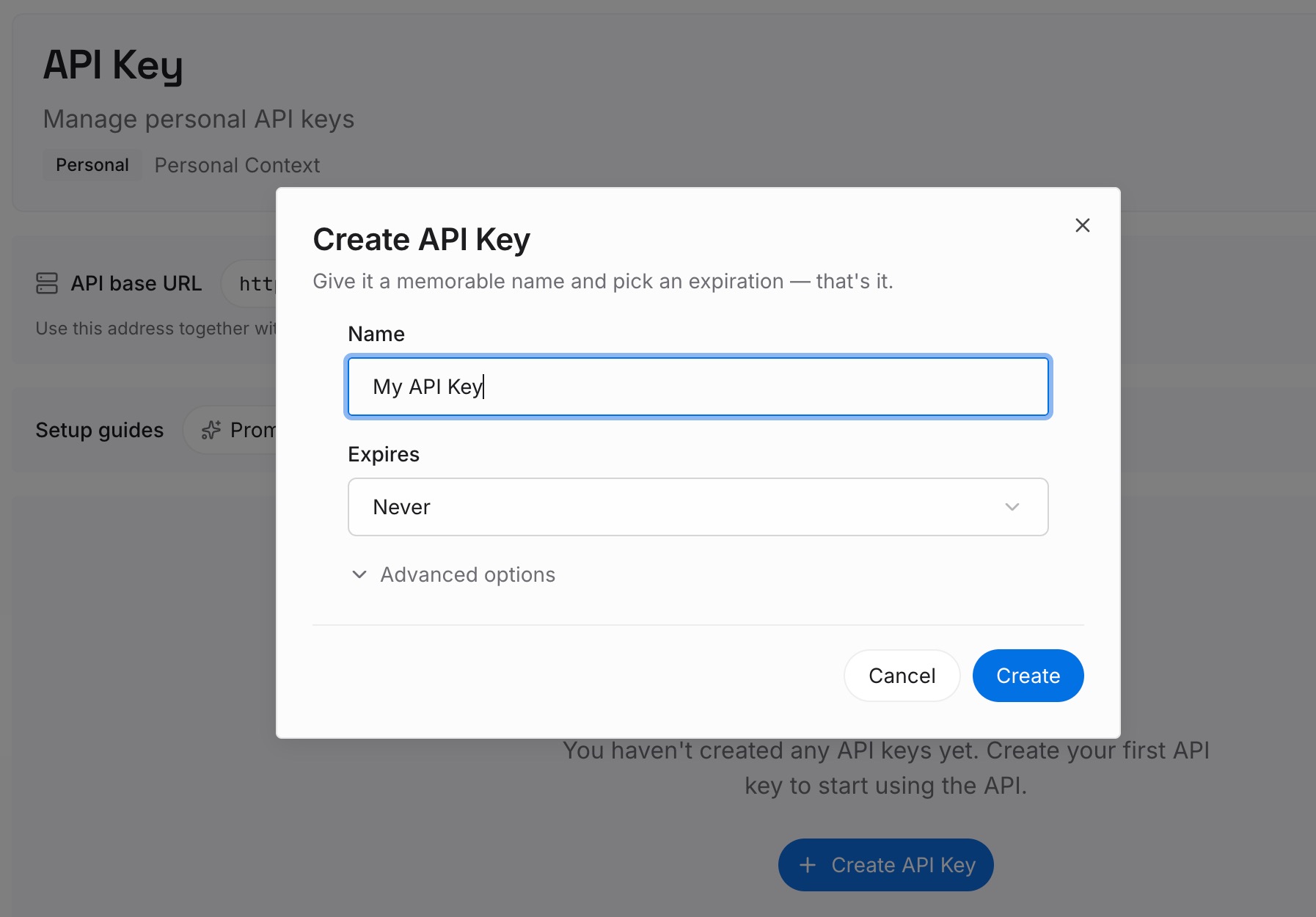
Step 1: Create an API key
Generate a key and make your first request in about 30 seconds.
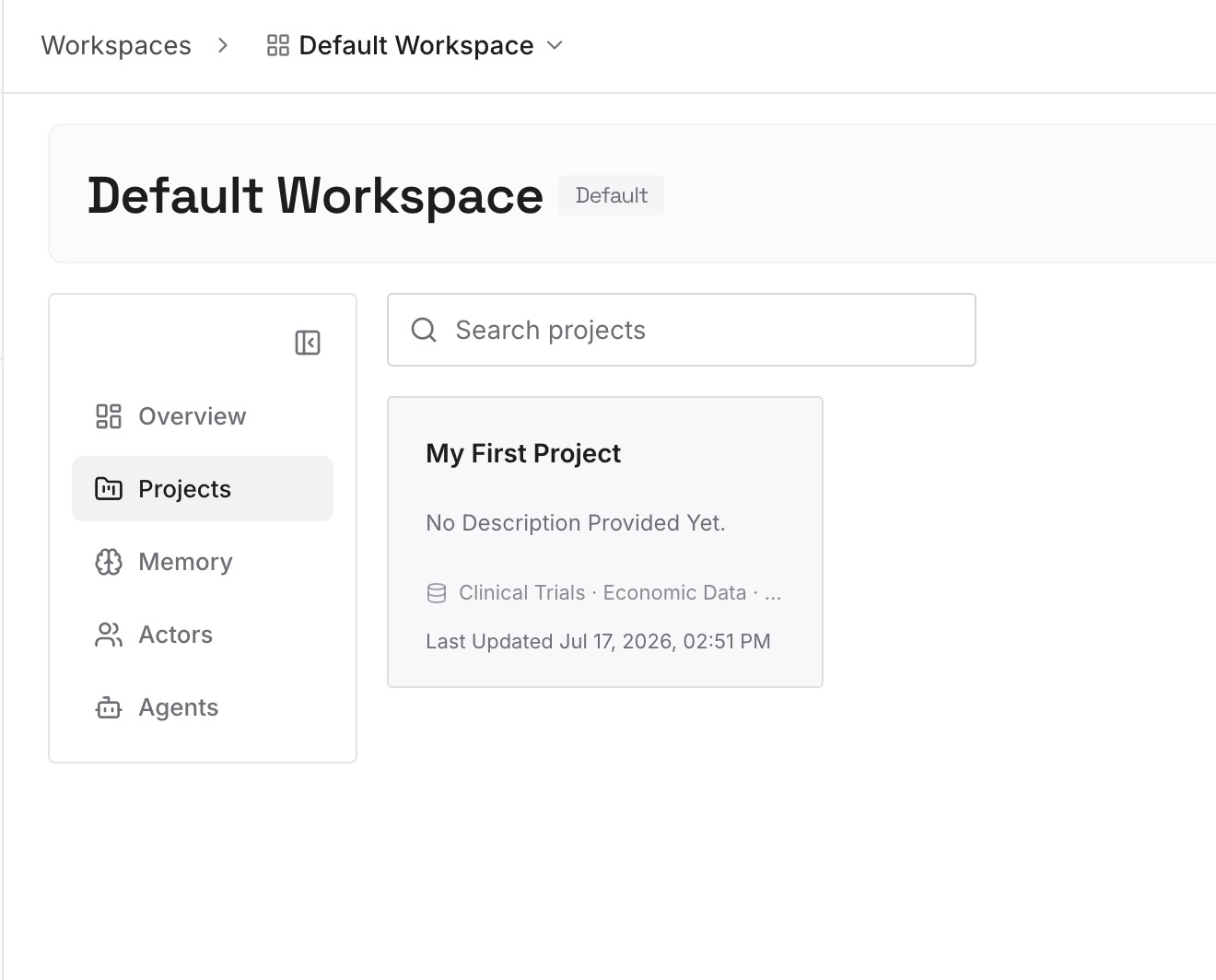
Step 2: Upload your first memories
Drop in the documents, images, and files that carry your project's real context — the CLAUDE.md you just wrote, architecture diagrams, ADRs, runbooks, incident write-ups, API specs. This is the material that used to exist only in chat.
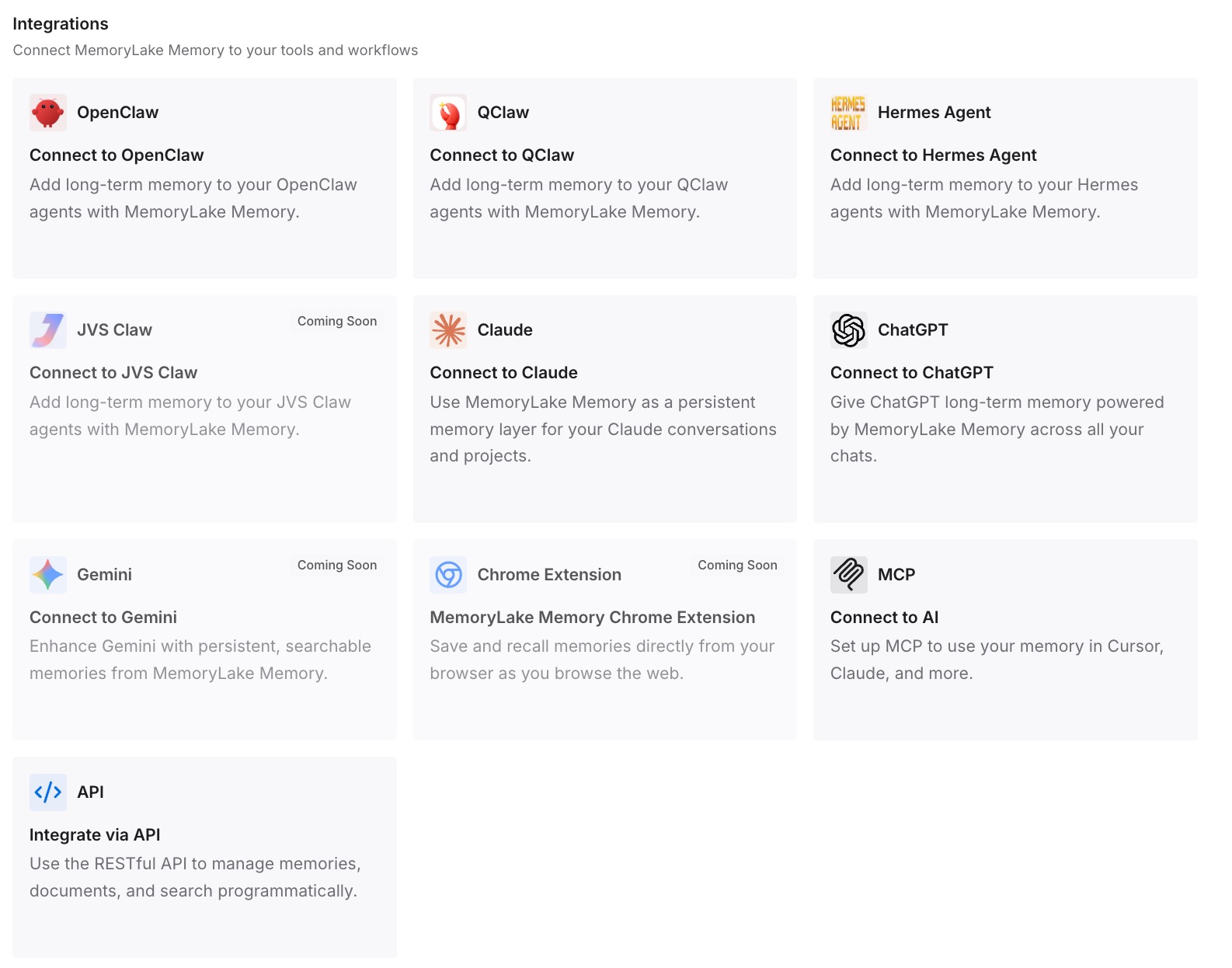
Step 3: Connect your AI & agents
Give Claude, Codex, OpenClaw, and your other agents access to that memory via MCP or the API. For the Claude Code specifics, see how to add memory to Claude Code. From then on, a new session starts with your project already loaded, and the next tool change is a configuration edit rather than a migration.
What the move actually costs you — and saves
Price the manual path honestly. Porting instruction files: under an hour. Reconstructing tacit knowledge into CLAUDE.md: half a day if you are thorough. Then the recurring cost: suppose your standing project context is 2,000 tokens and it gets restated 20 times a day across sessions and agents. That is roughly 1.2M tokens a month spent repeating yourself, and four or five minutes of re-briefing every time you open a session.
The one-time write into a shared memory layer replaces the recurring half of that. It also changes what happens on your next tool evaluation: today, trying Codex or a new agent means paying the context-rebuilding cost again, which is exactly why teams stay on tools they have outgrown. When memory is external, evaluating a tool costs an afternoon instead of a month.
Best practices for the switch
Migrate decisions, not transcripts
Do not dump chat logs into your new setup. Extract the conclusions — the choice, the reason, the date — and store those. Conclusions retrieve well; transcripts bury the signal and cost tokens to read.
Run both tools for two weeks
Keep Copilot's autocomplete while Claude Code takes agentic work. Overlap surfaces the context you forgot to port, because you will notice yourself explaining something twice.
Write memory once, read it everywhere
Every time you explain something to an agent that you will need again — a convention, a constraint, a post-mortem finding — put it in the shared layer rather than the session. That habit is what makes the third migration trivial. It is the same principle behind migrating from Cursor to Claude Code and moving off Codex without starting over.
Conclusion
Moving from GitHub Copilot to Claude Code is two migrations wearing one name. The first is mechanical: instruction files to CLAUDE.md, done in an hour. The second is the one that hurts — the months of context you explained in chat, which has no export path because it was never stored.
You can rebuild that by hand, and you should, once. But if you rebuild it inside Claude Code, you are storing it in the next tool you will leave. Keep your project's memory in a layer your agents read from, and the question stops being "how do I move my context to Claude Code" and becomes "which agent should read it today."