
What actually transfers
The content transfers. The structure does not. Kiro's workspace steering lives in .kiro/steering/ and global steering in ~/.kiro/steering/, both as plain .md files. Codex reads AGENTS.md files. Prose moves without edits; where it lands is the question.
One file per directory is the governing constraint. Codex's discovery is a walk: "Starting at the project root (typically the Git root), Codex walks down to your current working directory... In each directory along the path, it checks for AGENTS.override.md, then AGENTS.md, then any fallback names in project_doc_fallback_filenames. Codex includes at most one file per directory."
Six steering files at one path become at most one file. You either concatenate them into a single root AGENTS.md or distribute them into the directories whose code they govern — and the second option is what Codex's model is built for.
Global steering maps, with a first-file rule. In Codex's home directory, "Codex reads AGENTS.override.md if it exists. Otherwise, Codex reads AGENTS.md. Codex uses only the first non-empty file at this level." So your ~/.kiro/steering/ directory of personal conventions becomes exactly one file at ~/.codex/AGENTS.md. The override file is useful for a temporary swap: "Use ~/.codex/AGENTS.override.md when you need a temporary global override without deleting the base file."
Merge order is stated, and it is the reverse of what some people assume. "Codex concatenates files from the root down, joining them with blank lines. Files closer to your current directory override earlier guidance because they appear later in the combined prompt." Later wins. That maps cleanly onto Kiro's instinct that specific beats general, but it is achieved by position in a concatenated prompt rather than by a precedence rule.
None of Kiro's four inclusion modes have a Codex equivalent. This is the substantive loss, so it is worth listing what you are giving up.
inclusion: always is the default and maps directly — those files were unconditional in Kiro and stay unconditional in Codex.
inclusion: fileMatch with a fileMatchPattern loads a file "only when working with files that match the specified pattern," and the docs are clear about why: "This keeps context relevant and reduces noise by loading specialized guidance only when needed." Codex has no pattern-triggered loading. A fileMatch file becomes either always-loaded or not loaded.
inclusion: manual files are "available on-demand by referencing them with #steering-file-name in your chat messages," and they "also appear as slash commands." Codex has no on-demand instruction attachment.
inclusion: auto, with a name and a description, is the relevance-based mode. Also absent.
Kiro is direct that these modes exist for a reason: they help "optimize performance and ensure relevant context is available when needed." Removing them means everything you keep is paid for on every run.
AGENTS.md already behaves like Codex, even inside Kiro. Kiro supports the standard, with one documented difference: "AGENTS.md files do not support inclusion modes and are always included." If part of your Kiro setup is already in AGENTS.md, that part is a straight copy and you have already been living with unconditional loading for it.
The byte cap is the failure mode nobody expects. "Codex skips empty files and stops adding files once the combined size reaches the limit defined by project_doc_max_bytes (32 KiB by default)." It stops. It does not warn. The documented remedies are both available: "Raise the limit or split instructions across nested directories when you hit the cap."
Now combine the two facts. Kiro users typically have more total steering text than a comparable Codex setup, precisely because inclusion modes made it cheap to keep a lot of it. Flatten that into unconditional files and 32 KiB arrives sooner than you would guess. This is the same class of silent shortfall behind why Codex skips your AGENTS.md rules.
Specs do not transfer. Kiro's specs are structured artifacts — every spec generates requirements.md, design.md, and tasks.md under .kiro/specs/<name>/, tracking user stories, architecture, and discrete implementation tasks. Codex has no spec system to receive them. The files are markdown and they stay in the repository if you want them, but they stop being live artifacts an agent tracks progress against.
Cloud steering has a limit worth knowing about. If you used Kiro on the web, note that "'Global steering' refers to your local ~/.kiro/steering/ directory, which the cloud sandbox cannot read," which is why Kiro provides Configuration Sync for cloud sessions. Codex's global file lives on the machine running Codex, so the same class of question applies wherever you run it.
The manual migration
Step 1: Restructure by location, not by topic
Resist the instinct to concatenate everything into one root AGENTS.md. That is the fastest path and it walks straight into the byte cap.
Instead, sort your steering files by where their guidance applies, then place each one in the directory it governs. A steering file whose fileMatchPattern was "app/api/**/*" becomes app/api/AGENTS.md. One scoped to "src/components/**/*" becomes src/components/AGENTS.md. Codex's own advice matches: "Codex stops searching once it reaches your current directory, so place overrides as close to specialized work as possible."
This recovers a meaningful share of what fileMatch was doing. Not all of it — Codex triggers on your working directory rather than on files the agent reads — but a developer working in app/api gets the API guidance and not the component guidance, which was the point.
For genuinely universal content, keep one root AGENTS.md and keep it short. Your technology stack, your coding conventions, your build and test commands. Move inclusion: always files here and nothing else.
Where a nested directory needs to replace rather than extend the guidance above it, use AGENTS.override.md in that directory — Codex checks for it first and takes it instead of a sibling AGENTS.md.
Two practical notes. If a repository already uses a different filename, register it rather than renaming: project_doc_fallback_filenames = ["TEAM_GUIDE.md", ".agents.md"] in ~/.codex/config.toml makes Codex treat those as instruction files, and the docs warn that "Filenames not on this list are ignored for instruction discovery." And if you have Codex code review in GitHub, review rules belong in a ## Code Review Rules section "in the AGENTS.md closest to the code the rules govern."
Step 2: Decide what happens to manual and auto files, then measure the result
Your inclusion: manual and inclusion: auto files are the ones with no home. They were the troubleshooting guides, the migration procedures, the "context-heavy documentation that's only needed occasionally" — Kiro's own description of what manual mode is best for.
You have three honest options and one bad one. You can promote them to unconditional and pay for them every run. You can place them in a nested directory so they load only when someone works there. You can leave them as ordinary repository documentation the agent reads when asked, which is closest to their original behavior. The bad option is concatenating them into the root file, which is how you hit 32 KiB and start losing the guidance you actually needed.
Then verify. Codex documents exactly how, and this is not a step to skip after a restructure:
Run codex --ask-for-approval never "Summarize the current instructions." from the repository root and confirm the global and project files appear in precedence order. Run codex --cd subdir --ask-for-approval never "Show which instruction files are active." to confirm nested overrides replace broader rules. For a full audit, "opt into a plaintext TUI log with codex -c log_dir=./.codex-log and check ./.codex-log/codex-tui.log."
Two things that make this cheaper than it sounds. There is no cache to fight: "Codex rebuilds the instruction chain on every run (and at the start of each TUI session), so there is no cache to clear manually." And if guidance looks truncated, the docs name the fix directly — raise project_doc_max_bytes or split across nested directories.
While you are configuring, decide about Codex's own memory layer separately. It exists and it is off by default, with its own behavior worth understanding on its own terms; turning on Codex's local memories covers what it keeps and how to control it.
The Better Way: Stop Paying Context Rent on Facts
Everything above is a real restructure, and it leaves you making a trade Kiro never forced on you: which guidance is worth loading on every single run.
That trade only exists because instructions and facts are stored in the same place. Instructions are short and behavioral — "run make test-payments here," "never rotate keys without notifying security." Facts are long and referential — why the API is versioned in the path, what a term means internally, which service owns which queue. Kiro let you keep both in steering because inclusion modes made the facts cheap. Codex charges you for them on every run, against a 32 KiB ceiling.
Split them and the ceiling stops mattering. AGENTS.md files stay small and behavioral; the facts live in a store the agent reads when the question comes up. MemoryLake sets up in three steps.
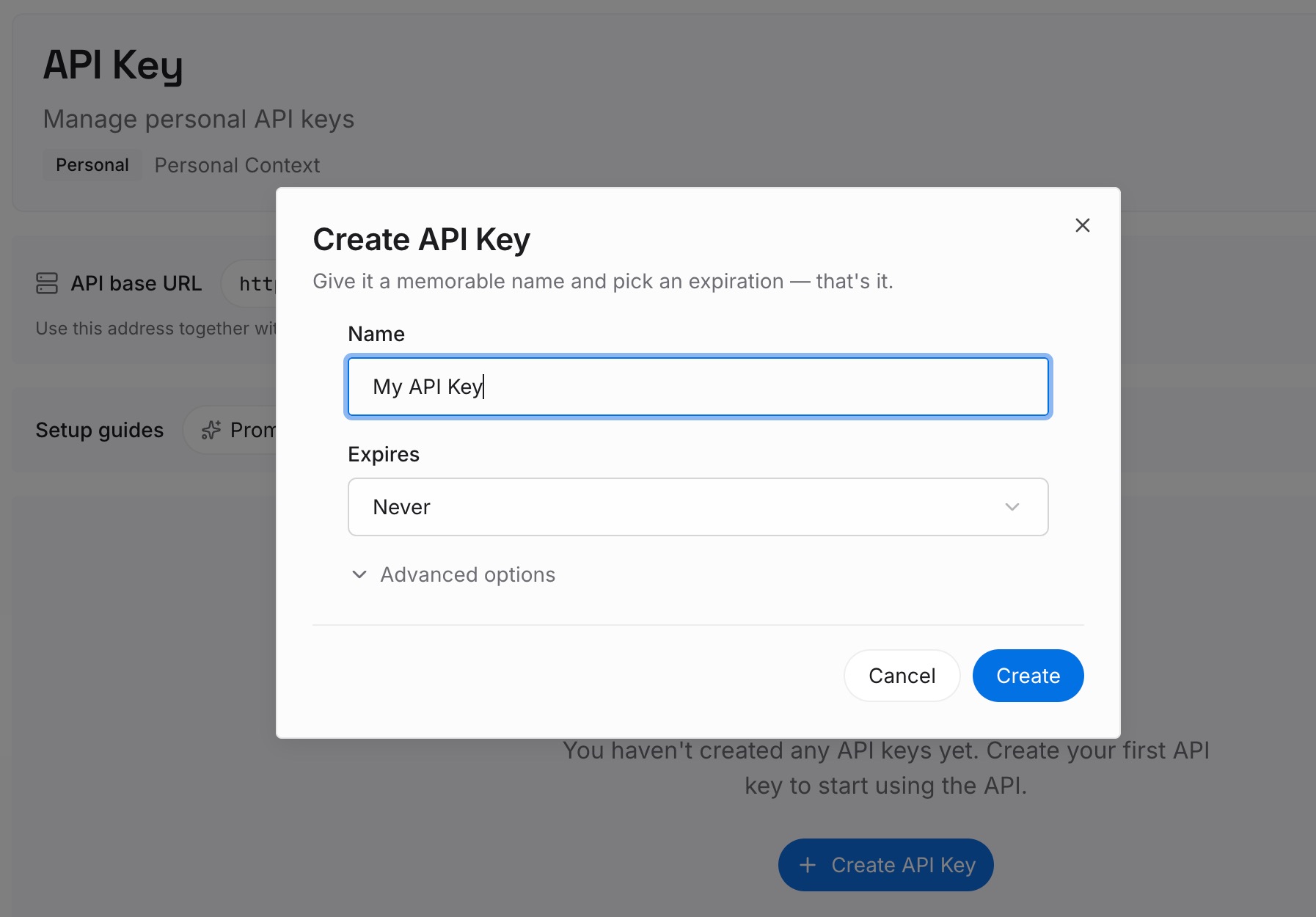
Step 1: Create an API key
Sign in and generate an API key from your dashboard. It is not part of the instruction chain, so nothing it holds counts against project_doc_max_bytes or has to be duplicated into a nested directory.
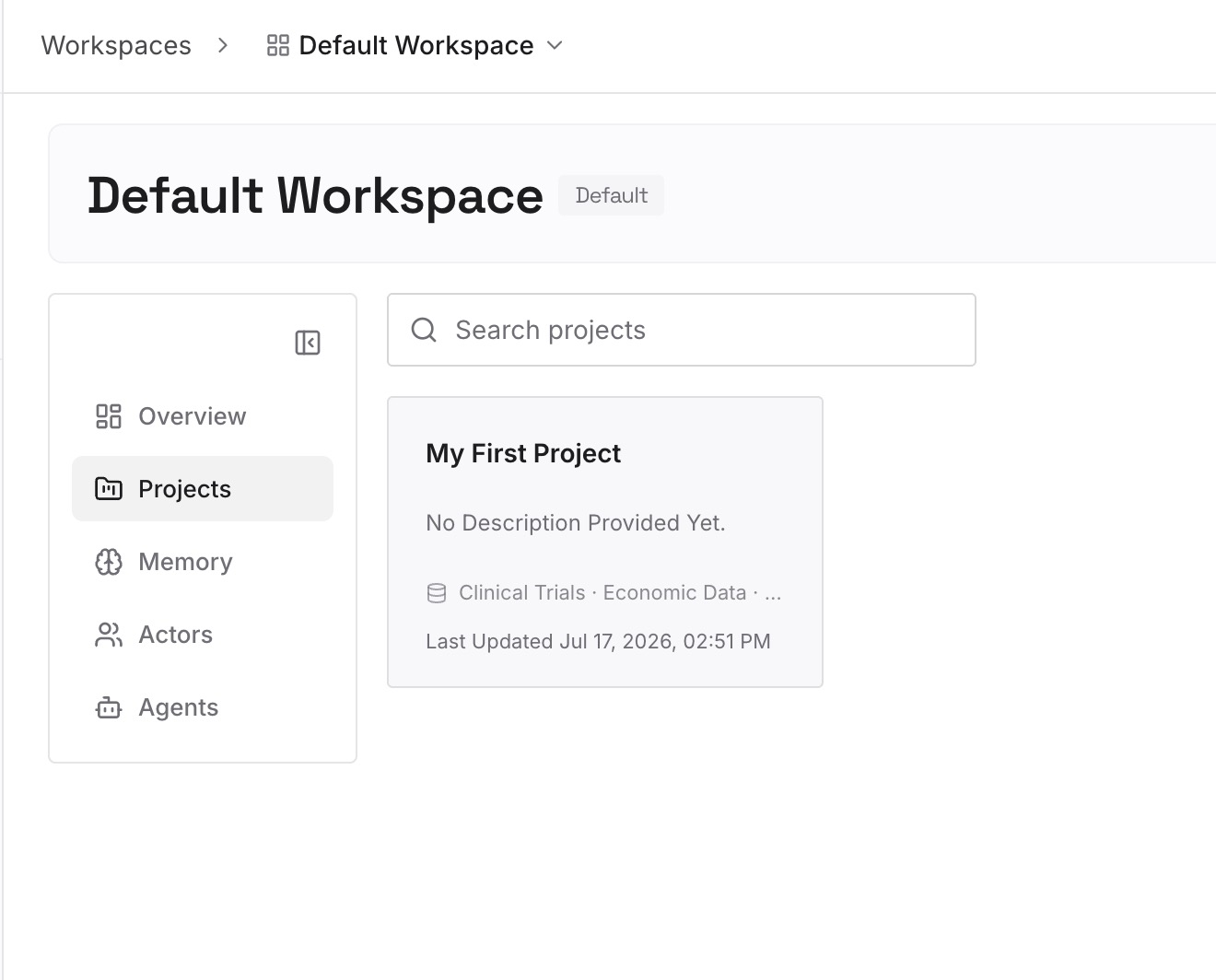
Step 2: Upload your first memories
This is where your manual and auto steering files belong. Troubleshooting procedures, architectural decisions and the reasons behind them, domain vocabulary, migration runbooks, the answers you keep repeating in review.
Keep behavior in AGENTS.md. Commands, conventions, and the rules that must apply on every run are exactly what the instruction chain is for.
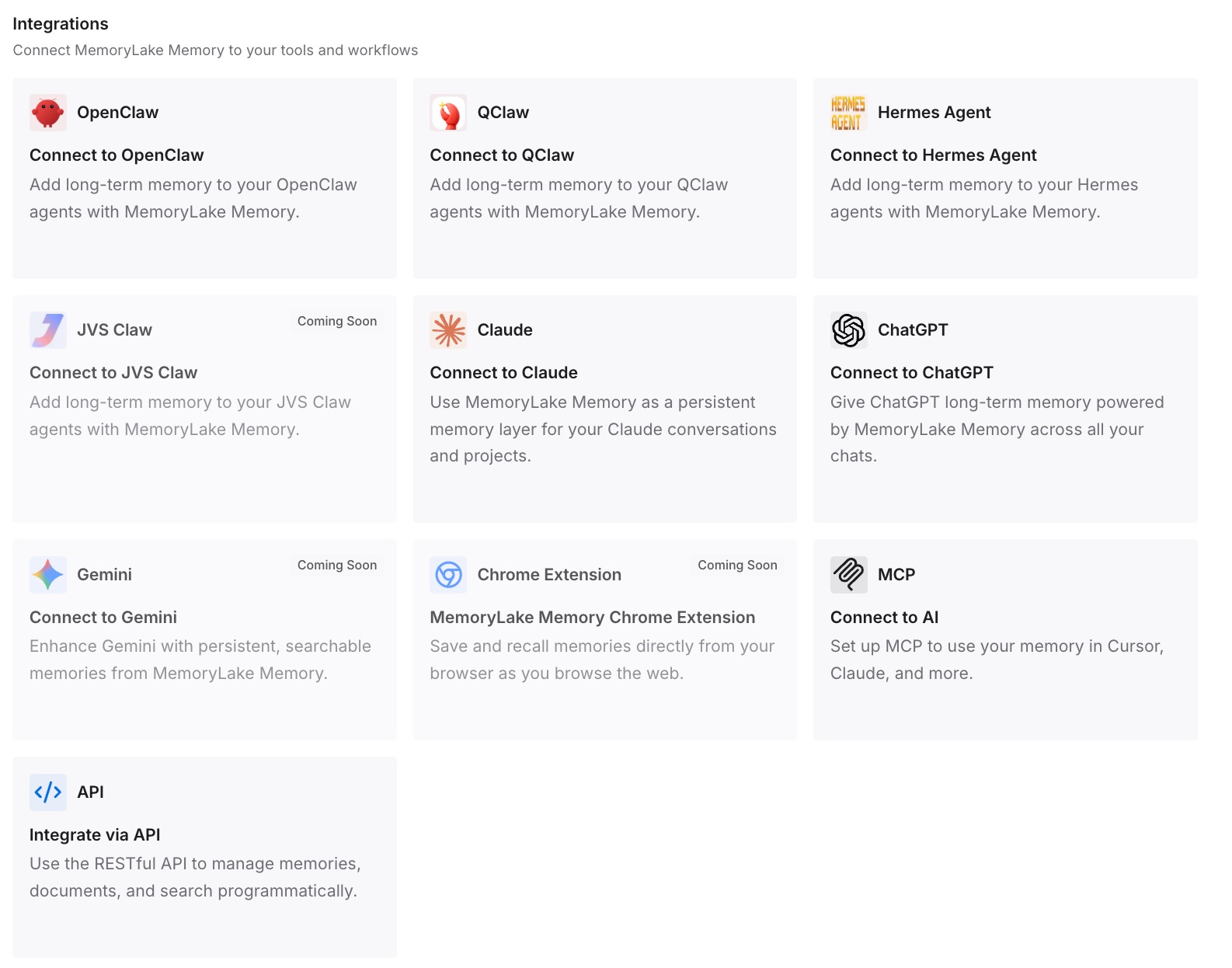
Step 3: Connect your AI & agents
Point Codex at the store. Occasional guidance becomes available without being resident, your root file stays comfortably under the cap, and the guidance that must always apply is short enough to actually be followed — which is the point of why agents ignore your instruction files.
What this changes in practice
The first change is that 32 KiB stops being a design constraint. Right now every fact you want an agent to know competes with every instruction you want it to follow, inside one budget.
The second is that losing inclusion modes costs less. fileMatch is partly recoverable through directory placement; manual and auto are not, and a store is the closer analogue to "available on demand" than an always-loaded file ever was.
The third is that your specs stop being a dead end. Kiro's requirements.md, design.md, and tasks.md hold real decisions and real reasoning. Codex has nothing that tracks them, but the decisions inside them are exactly the kind of durable knowledge worth keeping readable — the case made in turning project docs into AI memory.
Best practices for a Kiro to Codex move
- Distribute, do not concatenate. Codex includes at most one file per directory, so place guidance in the directory it governs.
- Keep the root file short. Only
inclusion: alwaysmaterial belongs there. - Translate
fileMatchinto location. A pattern ofapp/api/**/*becomesapp/api/AGENTS.md. - Use
AGENTS.override.mdto replace, not extend. Codex checks for it beforeAGENTS.mdin the same directory. - Register alternate filenames instead of renaming.
project_doc_fallback_filenamesmakes Codex read them; unlisted names are ignored. - Watch the cap deliberately. Loading stops at
project_doc_max_bytes, 32 KiB by default, with no warning. Raise it or split. - Verify with the documented commands.
codex --ask-for-approval never "Summarize the current instructions."and the--cd subdirvariant, plus the TUI log for an audit. - Do not try to port specs. Keep the files as documentation; extract the decisions inside them somewhere an agent can actually reach.
Conclusion
Codex's instruction model is simpler than Kiro's on purpose: walk the tree, take one file per directory, concatenate, stop at 32 KiB. Simplicity is a feature, and it means the migration is mostly a question of geography — put each piece of guidance where the code it governs lives.
What does not survive is conditional loading, and that is the part to plan around rather than discover. Distribute what you can, verify with the commands Codex gives you, and move the occasional-reference material somewhere that does not charge you for it on every run.