
What actually transfers
Your project instructions, into .clinerules/. Perplexity lets you add "instructions (up to 8,000 characters) that tell Computer how to work inside this Project," managed under Settings as "instructions that are used for every query run in the project." Cline "processes all .md and .txt files inside .clinerules/, combining them into a unified set of rules," so 8,000 characters splits comfortably into several focused files.
Read them before you paste, though. Perplexity's own example of what belongs there is "a preferred response format or a status file to keep updated" — output-shape instructions for a research assistant. A meaningful fraction of yours probably tells Computer how to present findings, which is not something Cline needs. Convert the parts that describe your standards; drop the parts that describe report formatting.
Your project files, as repository files. Perplexity Projects let you "upload persistent files individually, as folders, and as imports from connected file sources," and "Computer can also create, update, and manage files on your behalf." Those artifacts are real files — download them and put the ones that still matter in the repo, where Cline reaches them with @ mentions and drag-and-drop.
One permissions note if you are not the owner: "Viewers and editors can view files but only editors can edit project files."
Nothing else transfers cleanly, and five things have no destination at all.
Brain, which was the memory. This is the big one. Brain builds ongoing memory from everything done in the project, you "can view the current memory generated in the Brain tab," and you can set it to run automatically or manually under Settings. There is no export, and Cline has nothing that accumulates on its own — Memory Bank is a documentation methodology you maintain by hand. So Brain's contents have to be read and retyped, and the Brain tab is the only place to read them.
One billing detail that catches teams mid-migration: "Brain runs are billed to the creator of the project." If the project creator has left or their seat is gone, that affects whether Brain is still updating while you migrate.
The project summary. A running status update of the work done in a project, which — per Perplexity's Settings documentation — "will also leverage Brain for more context" when enabled. Cline's nearest equivalents are activeContext.md and progress.md in Memory Bank, which Cline describes as the files that update most frequently and track milestones. Same purpose, opposite mechanism: Perplexity generates it, you write Cline's.
Prioritized sources. Perplexity lets you "add and manage web links and domains to be prioritized" for queries in the project. That is a research primitive with no analogue in a coding agent. If your project depended on always consulting three specific documentation domains, that preference has to become an instruction in prose, and it will be weaker.
Connectors and project-level credentials. Perplexity Projects let you "choose which connectors the project uses and add connector-specific instructions" plus "shared project-level credentials." Cline's extension point is MCP servers, configured per-tool rather than per-project, and credentials are yours rather than the project's. Plan on re-issuing anything shared — do not attempt to carry credentials across.
Channel bindings, and the individual-memory switch. Perplexity can "bind Slack or Teams channels to this project," pulling channel context in and routing those sessions into the project's history. And there is a setting most people never look at: "Control whether queries in the project are allowed to draw from individual memory." Cline has neither concept, so anything that was arriving through a channel binding now arrives however you arrange it.
Skills are a maybe, not a yes. Perplexity Projects let you "upload and manage reusable skills scoped to the project," and notes that "users will still have access to personal and organization skills within a project as well." Cline reads skills from .cline/skills/, .clinerules/skills/, and .claude/skills/, with each skill a folder containing a SKILL.md. Perplexity's documentation does not state the file format its project skills use, so do not assume the folders drop in — open one and check before planning a copy. Treat this as "possibly a rewrite" rather than a directory move.
The collaboration model changes shape. Perplexity has explicit roles — Owner, Can edit, Can view — access scopes from Restricted (the default) through organization-wide, and contributor limits of "up to 5 contributors on non-Enterprise Projects; up to 9,999 on Enterprise-owned Projects." Cline's sharing model is version control: its guidance is to use project configuration "for team-shared behavior that should travel with the repo" and to "Commit .cline/ files you want to share with your team." Anyone with repo access has everything, which is simpler and coarser.
The manual migration
Step 1: Read the Brain tab and the summary before you stop paying for the project
Do this first, because it is the only step that cannot be redone later.
Open the Brain tab and read what is there. This is Perplexity's accumulated understanding of the project — the thing that made returning to it feel like continuing rather than restarting. Check the memory section under Settings while you are there: if Brain was set to manual, it may be staler than you think, and running it once before you read gives you a better snapshot.
Then read the project summary, if it was enabled. It is the closest thing you have to a written handover.
Then export the files. Individually or by folder, including anything Computer created on your behalf. And copy the full instructions text out of Settings — all 8,000 characters if you used them.
Keep the project alive until the migration is done. Once Brain stops running or access lapses, the Brain tab is not something you can reconstruct from your chat history.
Step 2: Land the rules, then build the container Perplexity was filling for you
Rules first, and split as you go. Create .clinerules/ and put the converted instructions in focused files — Cline supports optional numeric prefixes like 01-standards.md for ordering, and gives every rule a toggle so you can disable one without deleting it. Workspace rules take precedence over global ones when they conflict, which is the behavior you want for anything project-specific.
Then install Memory Bank, and accept that it is manual. Cline's setup is to add its custom instructions to a rules file such as .clinerules/memory-bank.md and then ask Cline to "initialize memory bank." It creates six markdown files: projectbrief.md, productContext.md, activeContext.md, systemPatterns.md, techContext.md, and progress.md.
Here is where the mismatch shows up, and it is worth planning for rather than discovering. Those six files describe a codebase — its architecture, its stack, its current focus, its milestones. Your Perplexity Project accumulated research findings: what you learned about a market, which vendors you compared, what a regulation actually requires. None of that is a natural fit for systemPatterns.md or techContext.md.
You have two honest options. Bend Memory Bank by adding a seventh file for findings, which works but sits outside the documented structure Cline's instructions describe. Or keep findings out of Memory Bank and give them their own home — which is the next section.
Whichever you pick, write activeContext.md and progress.md from the project summary you read in Step 1. That is the closest translation available, and doing it while the summary is fresh is much easier than reconstructing it in a month. Cline's /newtask command is worth knowing here too: it "works like a developer handoff," packaging plan, work done, relevant files, and next steps into a fresh task — useful once you are running, not a substitute for the initial write-up. Cline's own broader setup patterns are collected in the best memory setups for Cline.
The Better Way: Give Findings a Container Neither Tool Provides
Step back and look at the shape of what went wrong. Instructions converted. Files downloaded. And the part that mattered most — the accumulated understanding of an ongoing effort — existed as a vendor-generated view you could read but not export, on its way into a documentation structure designed for describing code.
That is not a Perplexity failing or a Cline failing. Brain is a good feature; the Brain tab exists precisely so you can see what it holds. Memory Bank is a good pattern; six files in your repo beat nothing in a home directory. They are just built for different kinds of knowledge, and research findings fall between them.
That is what MemoryLake holds: your project's durable facts in a layer your tools query, independent of which assistant produced them. Setup is three steps.
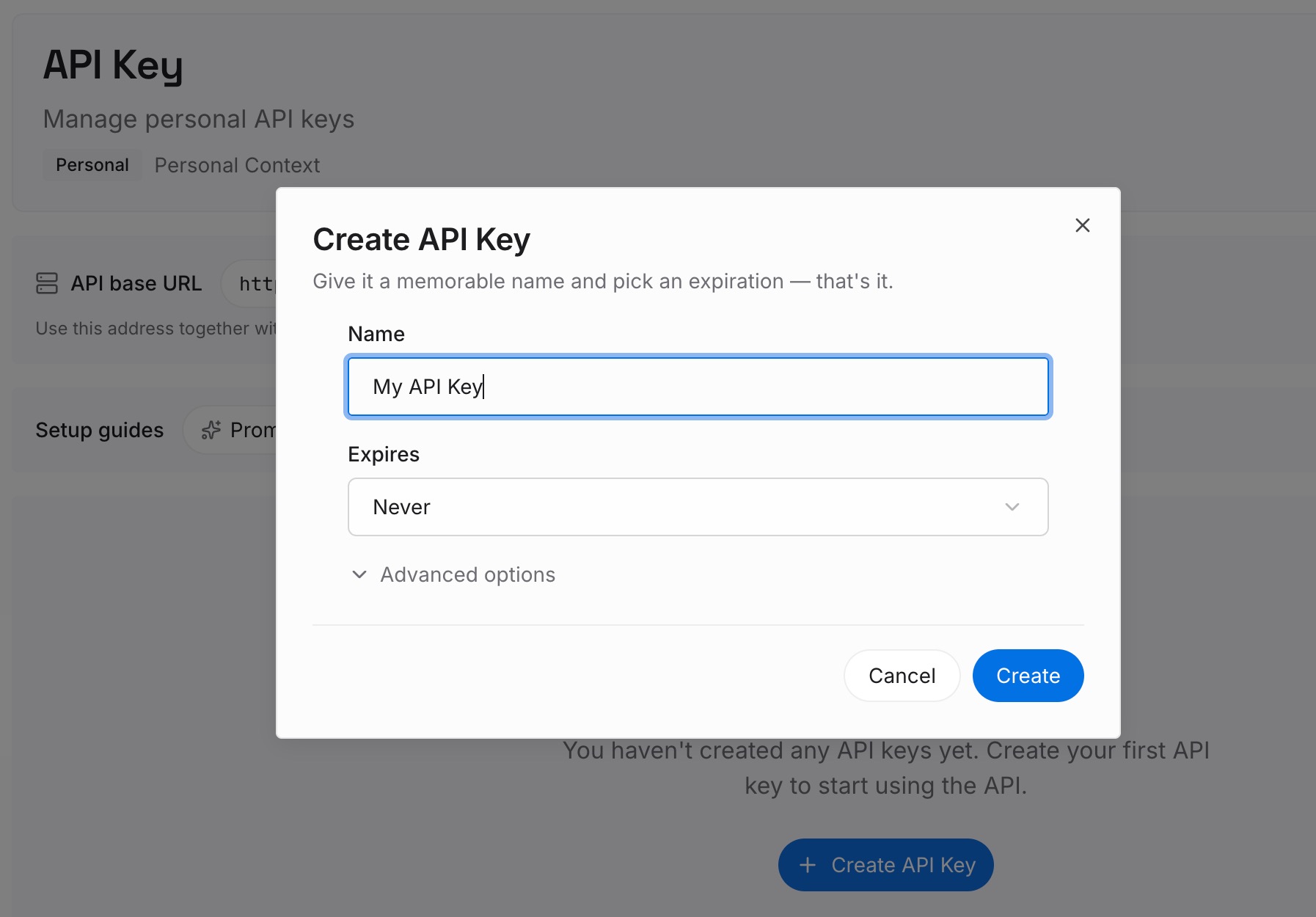
Step 1: Create an API key
Sign in and create an API key. One credential across the tools you connect.
Step 2: Upload your first memories
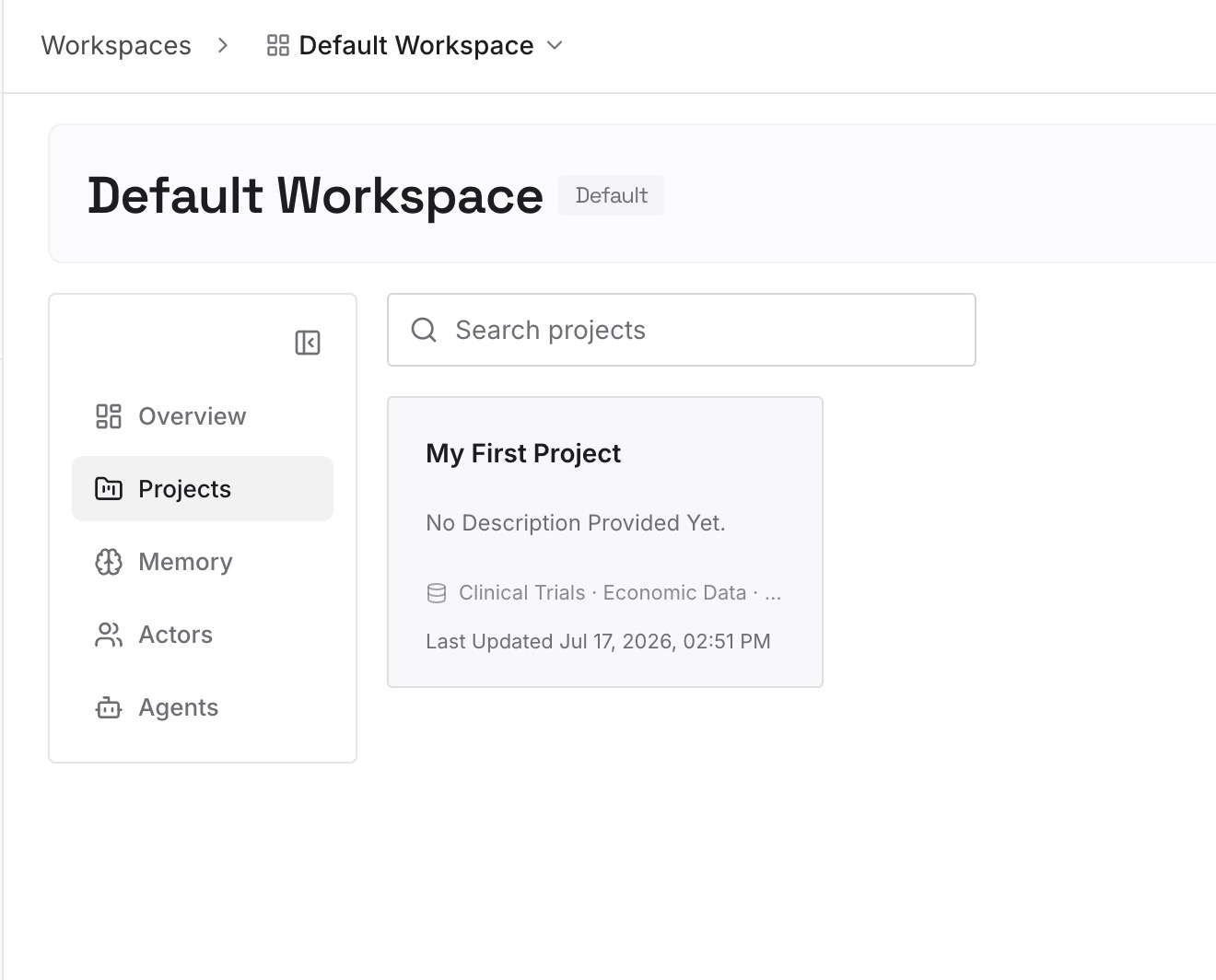
Short entries, one claim each. The Brain tab you just read is the best input list you will ever have:
Each finding as a claim, with its source. "The vendor's rate limit is 500/min on the standard tier, confirmed on their pricing page in June." Findings without provenance become rumors within a quarter.
Conclusions you reached, separate from the documents you read. A Project accumulated both. Only the conclusion is worth carrying.
Options you evaluated and rejected, and why. The single most re-litigated category, and the one that appears in no file.
Constraints that came from research rather than code. The regulation, the contract term, the platform policy. Nothing in a repository implies them.
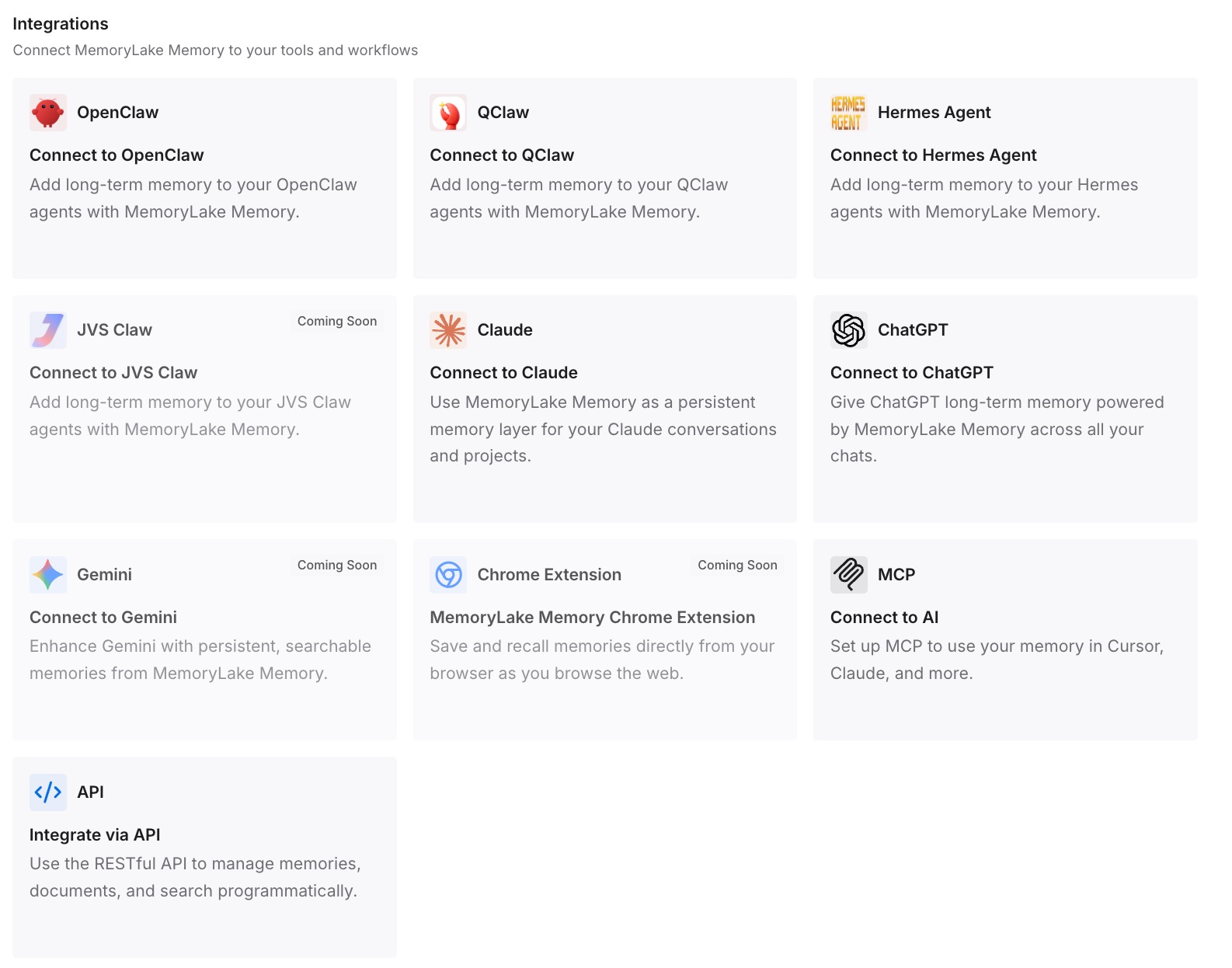
Step 3: Connect your AI & agents
MemoryLake is reachable over MCP and over an API, so MCP-native agents — Cline, Claude, Claude Code, Codex, and OpenClaw among them — connect by pointing at the MCP server, while other assistants read the same memory through the API. Which means the research that justified a decision stays queryable from the tool you write the code in.
Three honest limits. MemoryLake cannot read or export your Brain, your project summary, or your Perplexity files — Brain is a Perplexity feature with no export, and Step 1 above is a reading exercise for exactly that reason. It holds only what you or your agents put into it, so Step 2 is manual. And it does not replace .clinerules/ or Memory Bank; rules steer behavior and Memory Bank tracks project state, and neither is something a memory layer writes.
What this changes in practice
Instructions convert, with editing. Report-formatting rules do not belong in a coding agent.
Brain becomes a read-once task. No export exists, so schedule the reading.
The project summary becomes two files you write. activeContext.md and progress.md, once, from the summary.
Prioritized domains become prose, and get weaker. No equivalent primitive exists.
Sharing changes from roles to repo access. Simpler, coarser, no five-contributor cap.
Findings stop being homeless. They were in a vendor view; now they are queryable — the general shape in why Perplexity forgets your Spaces content.
Best practices for switching from Perplexity Projects to Cline
Read the Brain tab first, and run Brain once before you do. If it was on manual, the view may be stale.
Copy the instructions out in full, then cut. 8,000 characters is a lot to reconstruct and some of it is worth dropping.
Check your role before planning an export. Only editors can edit project files.
Keep the project alive through the migration. Brain is not reconstructible from chat history.
Split instructions into toggled .clinerules/ files. One long rule file is a rule nobody edits.
Actually initialize Memory Bank. Skipping it is how people conclude Cline forgets things — the symptom side is in why Cline forgets task history.
Don't force findings into systemPatterns.md. Those six files describe code. Research is a different kind of knowledge.
Re-issue credentials; never carry them. Perplexity's project-level credentials are project-scoped by design.
Keep the findings queryable, not filed. A research conclusion is asked for, not read — which is also why making Perplexity remember your research context is a different job from documenting a codebase.
Conclusion
Perplexity Projects to Cline is a move between two different theories of what a project is. Perplexity's is an ongoing effort with conversations, tasks, connected tools, prioritized sources, and an accumulating memory. Cline's is a repository with rules that steer generation and a documentation set describing the code's current state.
The mechanical half is straightforward: up to 8,000 characters of project instructions become .clinerules/ files, and project files — including anything Computer produced for you — become repository files. Edit as you convert, because instructions written to shape a research assistant's output are not standards a coding agent needs.
The half with no destination is Brain and the project summary. Brain builds ongoing memory from all the work in a project and can be viewed in the Brain tab; it cannot be exported, and Cline has nothing that accumulates without you. The project summary maps loosely onto activeContext.md and progress.md, except that you now write it. Prioritized domains, connectors, channel bindings, and the individual-memory switch have no counterparts at all.
So read the Brain tab while you still have it, run Brain once first if it was on manual, export the files, convert the instructions with a red pen, initialize Memory Bank properly, and put the findings — with sources, conclusions, and rejected options — somewhere both a research tool and a coding agent can query. Then the next tool change costs you the rules, not the understanding.