
Why this move loses context
Replit's value is the environment, and the environment stays behind
Replit is strongest at collapsing the distance between an idea and a deployed URL: the runtime, the database, the secrets, the deploy target, all managed. That is exactly what you are giving up by moving to a local repository and a terminal agent — deliberately, because you want control. But a lot of your project's actual behavior was defined by that managed environment, and none of those assumptions are written down anywhere in the code you are exporting.
Your decisions live in the chat, not the repo
Look at how the prototype was built: you typed intent, the agent produced code, you corrected it, and the correction became a message. The repo records the final state. The chat records why. Move the repo and you keep the what while leaving the why on a platform you are logging out of.
Claude Code starts blank too
This is the part most migration guides omit. Claude Code opens each session with no history. It reads CLAUDE.md in your project root and your user-level ~/.claude/CLAUDE.md, and it can reach whatever you connect over MCP — but the session accumulates nothing that survives it, as described in why Claude Code forgets project context. Switching tools without changing where context lives just relocates the problem.
The manual migration
Step 1: Get the code out
Use Replit's own Git path rather than a zip if you can:
- Open the Version Control (Git) panel in your Repl.
- Connect your GitHub account and create the remote repository.
- Push. From then on you have a two-way sync — changes in Replit can be pushed, changes on GitHub can be pulled.
If the connection misbehaves, download the Repl as a .zip and push it to a fresh repository manually. Then clone locally and run Claude Code in that directory. There is no official Anthropic migration command for bringing a project's history across — a handful of community tools exist for relocating Claude Code projects, but for a Replit export, plain Git is the whole story.
Before you close the tab, capture what the environment was doing for you: environment variables and secret names (not the values), the database and its connection pattern, the deploy target, scheduled jobs, and any port or build configuration Replit was handling implicitly. These are the assumptions that break first on a local machine.
Step 2: Rebuild the context in CLAUDE.md
Now the part that determines whether the migration actually pays off. Open your Replit chat history and read the last two weeks with one question in mind: what did I have to explain more than once? That repetition is your knowledge inventory.
Write it into CLAUDE.md in three groups:
- Project shape — what the services are, what the data model looks like, what is deprecated, what the deploy story is now that Replit is not doing it.
- Decisions with reasons — not "use idempotency keys" but "idempotency keys on the webhook because the provider retried and we double-charged twice in testing."
- Traps — the migration that must run before the backfill, the endpoint that returns 200 on failure, the test that is flaky under load.
Keep personal preferences in ~/.claude/CLAUDE.md and project facts in the repository file, so teammates inherit the project half without your habits.
This is a real improvement over starting cold. It also has a ceiling: a markdown file is a briefing, not a memory. Nobody updates it after a hard debugging session, it grows until it costs tokens on every session, and nothing in it reaches the assistant you use for incident reviews or the agent you route to a cheaper model next month.
The Better Way: One Memory Layer, Either Tool
Notice what actually survived the move: files. CLAUDE.md will survive the next move too — and so will everything else you keep outside the tool. That is the argument for putting project knowledge in a memory layer rather than in whichever agent you are currently using. MemoryLake holds it once; Claude Code reads it over MCP, and so does anything you adopt later.
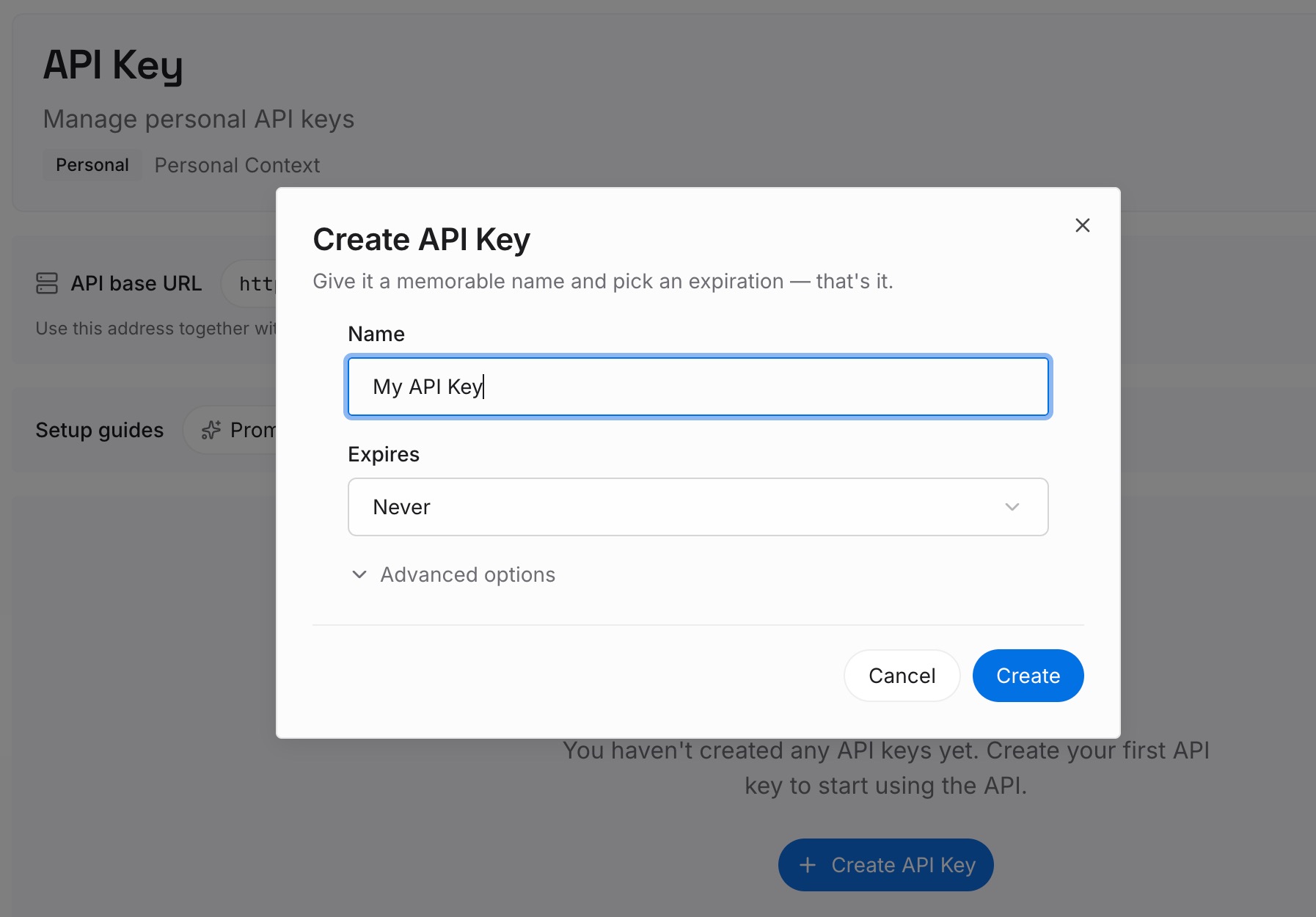
Step 1: Create an API key
Generate a key and make your first request in about 30 seconds.
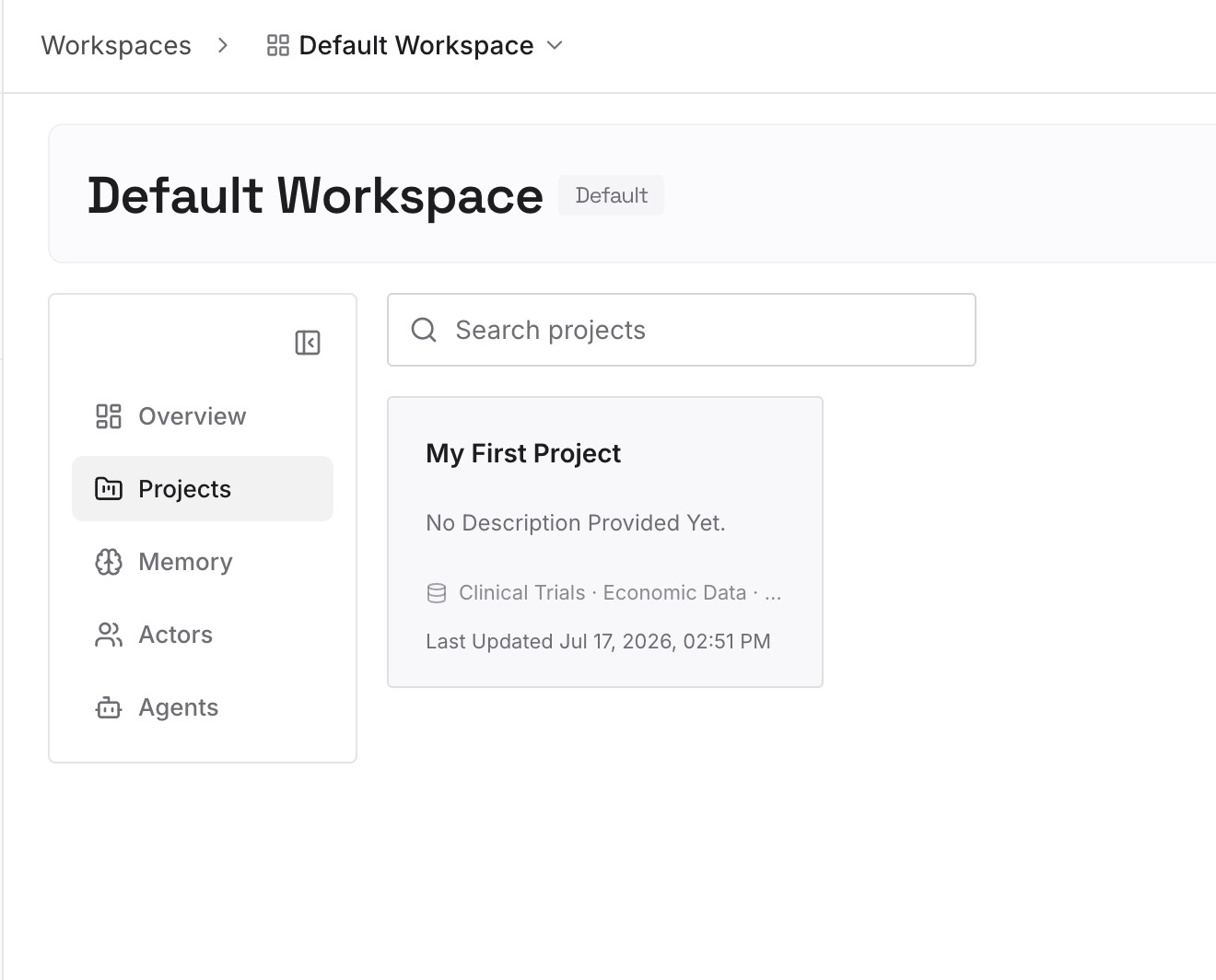
Step 2: Upload your first memories
Drop in the documents, images, and files that carry your project's context: the CLAUDE.md you just wrote, the environment inventory from Step 1, architecture notes, the incident write-ups from the prototype phase, API specs.
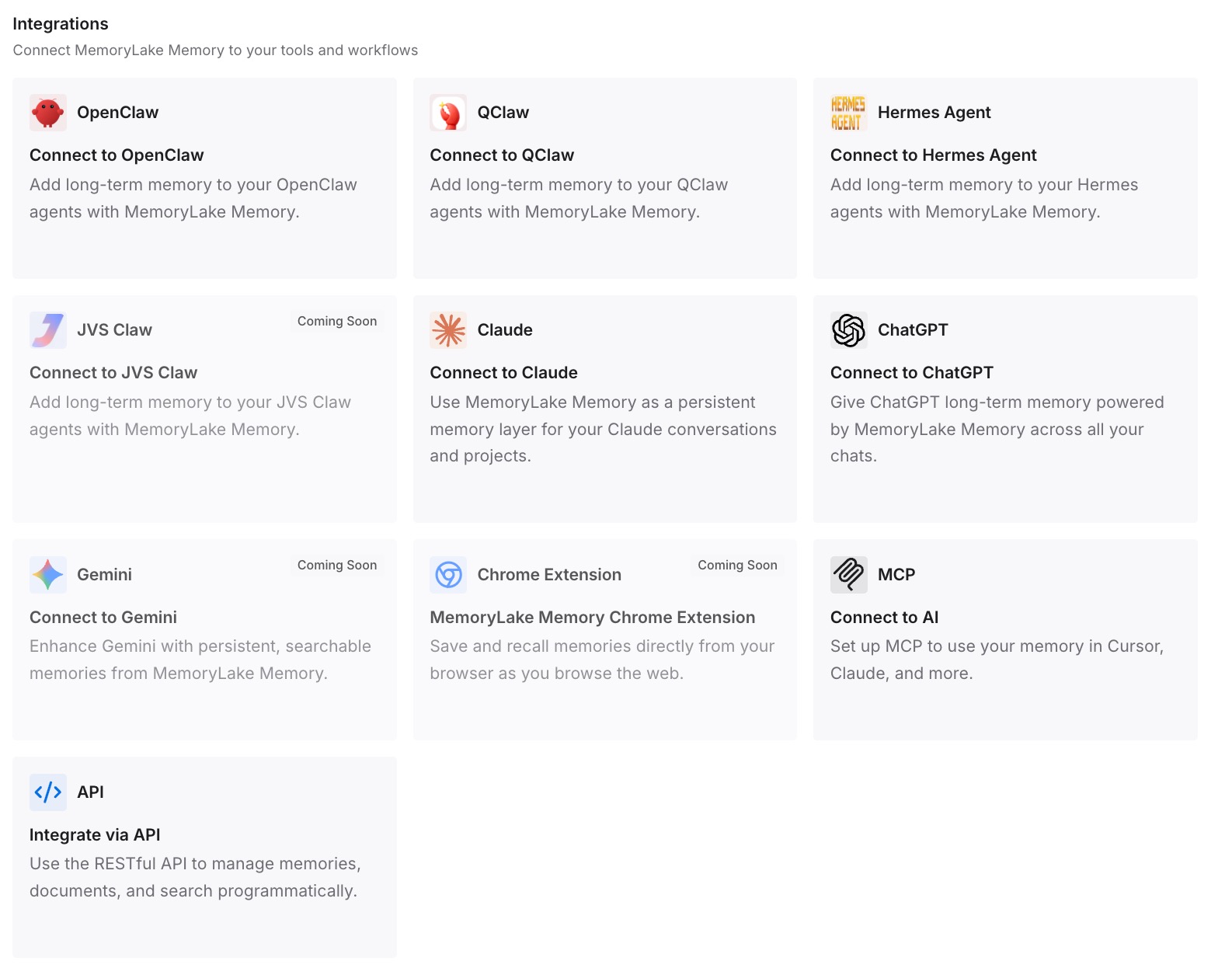
Step 3: Connect your AI & agents
Give Claude, Codex, OpenClaw, and your other agents access to that memory via MCP or the API — see how to add memory to Claude Code for the client-specific steps. A new session then opens with the project already loaded, and the next tool change costs you a connection rather than a rebuild. The same pattern applies to the other coding-agent moves: Cursor to Claude Code and GitHub Copilot to Claude Code.
What the move costs — and saves
Price it honestly. Git export and local setup: under an hour. Recovering the environment assumptions Replit was handling: half a day, most of it spent discovering something is missing when it fails. Writing the knowledge inventory into CLAUDE.md: another half day, and the only part that compounds.
Then the recurring cost you avoid. If your standing project context is 2,000 tokens and gets restated 20 times a day across sessions and agents, that is roughly 1.2M tokens a month spent repeating yourself, plus the four or five minutes of re-briefing per session. A migration is the cheapest moment to fix that, because you are already paying the rebuild cost once — the choice is only whether you rebuild into a file that dies with the next tool or into a layer that does not.
Best practices for the switch
Export the environment, not just the code
The prototype ran somewhere managed. Write down secrets by name, the database topology, cron jobs, and build steps before you leave. This is the single most common source of "it worked in Replit" bugs, and it is entirely preventable in twenty minutes.
Migrate conclusions, not chat logs
Do not paste your Replit history into CLAUDE.md. Extract the decisions — choice, reason, date — and store those. Conclusions retrieve well; transcripts bury the signal and cost tokens.
Keep prototyping in Replit if it works
Plenty of teams keep using Replit to validate ideas fast and Claude Code for production hardening. That split is only comfortable when both read the same project memory; otherwise you maintain two divergent versions of the truth and rediscover the same traps twice.
Conclusion
Moving from Replit to Claude Code is two migrations sharing one name. The first is mechanical — connect the Git panel, push to GitHub, clone, done in an hour. The second is the expensive one: the environment assumptions Replit was quietly handling, and the reasoning that only ever existed in agent chat.
Rebuild both, once, deliberately. But rebuild the knowledge into something outside the editor, because the tool you are moving to today is not the last tool you will move to. When project memory lives in a layer your agents read, "migrating" stops meaning "re-explaining everything" and starts meaning "pointing a new client at the same source."