
What actually transfers
On the Trae side. Trae keeps project-level rules at .trae/project_rules.md and user-level rules at .trae/user_rules.md. It also creates a .trae/rules/ directory in the project, and you can organize rule files into subfolders under it — the system reads those directories recursively. Rules are invoked in chat with #rulename, and everything is plain Markdown specifically so it can be version-controlled and shared across a team. MCP support and .rules arrived together in Trae v1.3.0, so any MCP servers you configured are a concept that carries over rather than something you lose.
On the Cursor side. Project rules live in .cursor/rules as .mdc files, each with one of four activation modes: Always Apply, Apply Intelligently, Apply to Specific Files, and Apply Manually. Cursor also reads a plain AGENTS.md in the repository root, which is the open format Codex, Amp, Jules, and Factory read too. Personal preferences that shouldn't be committed go into User Rules under Cursor's settings.
So the mapping is direct:
| Trae | Cursor |
|---|---|
.trae/project_rules.md | .cursor/rules/*.mdc, or root AGENTS.md |
.trae/user_rules.md | User Rules in Cursor settings |
.trae/rules/ subfolders | Separate .mdc files, one per concern |
#rulename invocation | Apply Manually mode, referenced in chat |
| MCP servers | MCP servers, reconfigured in Cursor |
What doesn't transfer. Three categories, in ascending order of pain:
- Session history. Your Trae conversations stay in Trae. Nothing reads them for you.
- Whatever you kept in the chat instead of the file. Most people explain far more per session than they ever write down. That explanation was never persisted anywhere.
- The rejected approaches. The most expensive thing to lose, because Cursor will cheerfully propose the refactor you already tried and reverted, and you'll spend an afternoon re-deciding a settled question.
Worth noting what the Trae community built to cope: there are third-party workflow-continuity packages for Trae that save context under one command and restore it under another, precisely because session continuity had to be hand-rolled. If you've been using something like that, those saved files are the best raw material you have for this migration.
The manual migration
Step 1: Move the rules, and split them while you're at it
Don't paste one long project_rules.md into one long .mdc. Cursor's activation modes only help if the rules are separated by concern.
- Read
.trae/project_rules.mdand split it into topics: build and test commands, directory conventions, style, security constraints, anything about a specific subsystem. - Create one
.mdcper topic in.cursor/rulesand set the mode deliberately. Universal constraints go on Always Apply. Subsystem-specific rules go on Apply to Specific Files with globs. Occasional playbooks — a release checklist, a migration procedure — go on Apply Manually and get invoked when needed, the same way you used#rulenamein Trae. - Don't set everything to Always Apply. It's tempting and it's expensive: every always-on rule is tokens on every single completion. This is the most common mistake in a rules migration and it shows up as a bill, not as an error.
- Move
.trae/user_rules.mdinto Cursor's User Rules rather than committing it — personal preferences shouldn't be in the repo. - If your project is likely to be touched by more than one agent, consider putting the tool-neutral core in a root
AGENTS.mdinstead, since Cursor and several other agents read it. - Reconfigure your MCP servers in Cursor and confirm each one responds before you rely on it.
Step 2: Rebuild what rules were never holding
Set aside an hour and write down the knowledge that only existed in Trae sessions:
- Decisions and their reasons. "The queue consumer stays single-threaded because ordering matters for refunds" is one line that prevents a bad suggestion for the next year.
- Dead ends. Approaches tried and reverted, with the reason. This is what stops the loop.
- Local traps. The test that's flaky on Windows, the generated file that must never be edited by hand, the migration that has to run before the seed.
- Anything from a saved-context file. If you used a Trae continuity workflow, mine those archives now — they're the only written record of your sessions you have.
Write this as knowledge, not as rules. It doesn't belong in an always-on .mdc, because it grows every week and nobody wants to pay for a 900-line preamble on every completion.
The Better Way: One Memory Layer, Either Editor
Which raises the obvious question: where does it belong?
Both editors give you the same two things — a rules file and a fresh context every session. That's why the migration is easy and why it's also lossy. Rules are the right home for constraints and the wrong home for accumulated knowledge, and neither Trae nor Cursor offers a third place to put it. So it ends up in chat, and chat ends when the session does.
The fix is to add the missing layer rather than to write a longer rules file. MemoryLake is a memory layer that lives outside the editor and is reachable over MCP or an API, so the knowledge stops being editor-specific — and the next migration stops being an archaeology project.
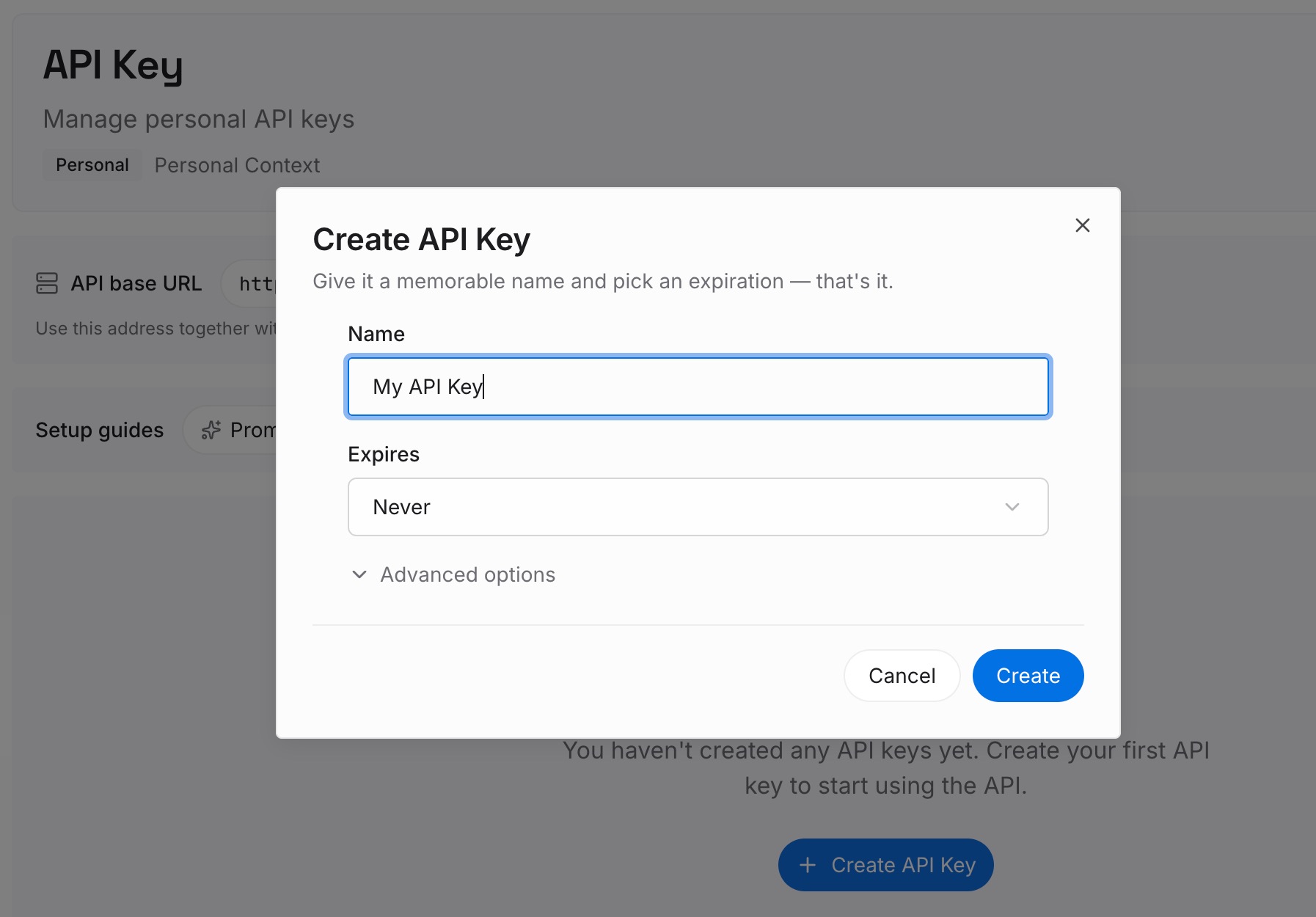
Step 1: Create an API key
Generate a key and make your first request in about 30 seconds.
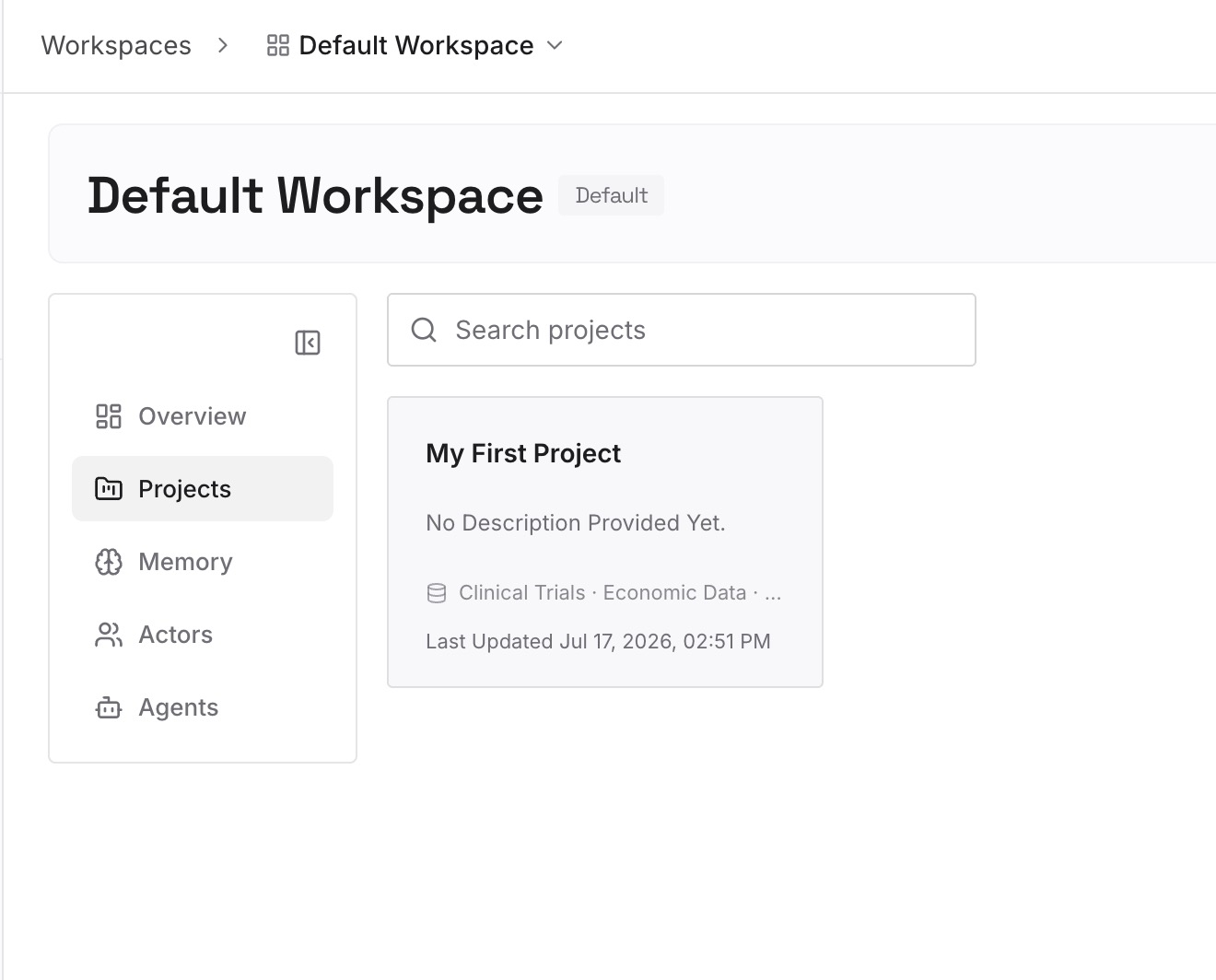
Step 2: Upload your first memories
Load the decision log you just wrote, plus the material people keep re-explaining: architecture notes, API contracts, runbooks, incident write-ups, diagrams. Documents, images, and other files all go to the same place.
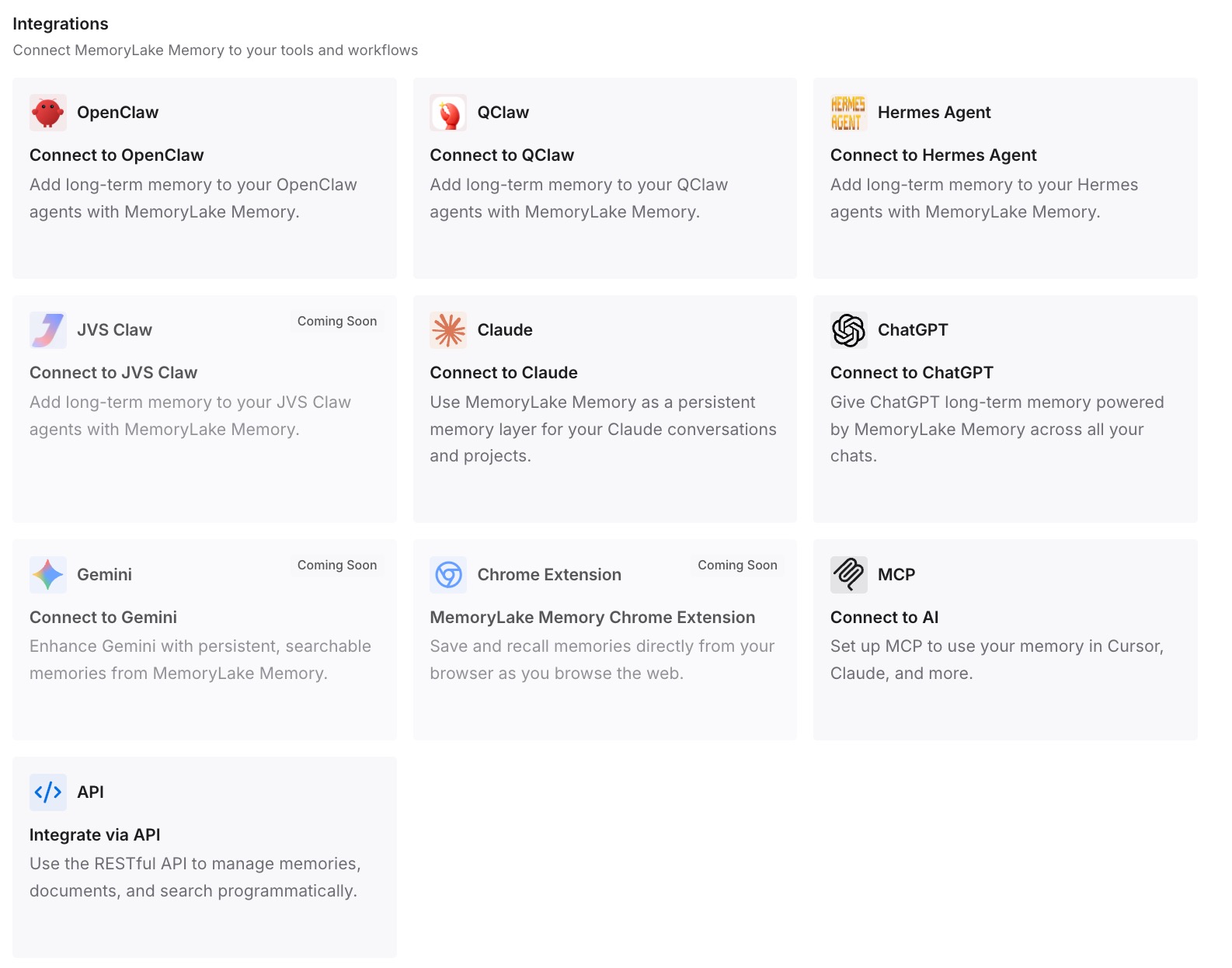
Step 3: Connect your AI & agents
Give Cursor, Claude, Codex, OpenClaw, and other agents access over MCP. Your .cursor/rules files go back to being short and rule-shaped, and the knowledge that grows weekly lives somewhere every tool can query — including whatever editor you're using next year.
What this changes in practice
The first difference is cost, and it's measurable. Rules files bloat because they're doing double duty, and always-on rules are billed on every completion. Moving knowledge out of the rules and into a queryable layer shrinks what you pay for per request while increasing what the agent can find when it actually needs it.
The second is that the switch stops being one-way. Right now, if Cursor doesn't suit you, going back means another manual rebuild — so people stay with a tool that isn't working. When the knowledge is external, evaluating an editor for two weeks costs a config change.
The third is team consistency. A rules file in the repo is shared; the context you typed into your Trae chat wasn't. If three developers each carry a different mental model of why the architecture looks like this, their agents produce three different kinds of code — which is the same failure as Cursor forgetting context across machines, just distributed across people.
Best practices after the move
Audit your rule modes in week one
Open every .mdc and check its activation mode against how often it's genuinely needed. Anything on Always Apply that isn't a universal constraint should be demoted. Cursor gives you four modes for a reason, and using one of them is how rules files quietly become expensive.
Keep the knowledge log in one place, not in three files
The temptation after a migration is to scatter notes into READMEs, comments, and rules files. Pick one home for accumulated knowledge and route everything there. Fragmented knowledge is functionally the same as no knowledge, because nothing can retrieve all of it.
Don't delete your Trae setup for a fortnight
Keep .trae/ and your Trae install until you've run a full week in Cursor, including one real debugging session. Migration gaps never appear in the first hour — they appear the first time you need something you assumed came across. The same caution applies to any editor move, including coming into Cursor from Copilot or taking Cursor rules out to Claude Code.
Conclusion
Trae to Cursor is one of the easier editor migrations available: both keep instructions in Markdown, both read a rules directory, both speak MCP. Split .trae/project_rules.md into separate .mdc files, set the activation modes deliberately instead of defaulting everything to Always Apply, move user rules into Cursor's settings, and reconnect your MCP servers.
Then spend the saved effort on the part no file mapping covers. Neither editor stores what your sessions taught you, so the decisions and the dead ends have to be written down by someone — and if they're written into an always-on rules file, you'll pay for them on every completion and still lose them at the next migration. A memory layer outside the editor is what makes context something you keep rather than something you reconstruct. That's ultimately the same gap behind Trae forgetting context between sessions and Cursor forgetting previous sessions.