
What actually transfers
Your skills — with no changes at all. Zed's instructions for installing a skill are to "copy the skill's folder into ~/.agents/skills/ for global use, or into your project's .agents/skills/ folder for project-local use." Cursor loads skills from .agents/skills/, .cursor/skills/, ~/.agents/skills/, and ~/.cursor/skills/. The .agents/ paths are identical, both use a folder containing a SKILL.md, and both adopted the same open standard. If your skills live in .agents/skills/, they work in Cursor the moment you open the repo.
Cursor goes further for compatibility: it "also loads skills from Claude and Codex directories: .claude/skills/, .codex/skills/, ~/.claude/skills/, and ~/.codex/skills/."
Your instruction content — after you establish which file held it. The text moves. Which file it was in, and which file Zed was reading, are two different questions.
Personal instructions — as User Rules. Zed's personal instructions live at ~/.config/zed/AGENTS.md (on Windows, under %APPDATA%\Zed\). Cursor's equivalent is User Rules, "Global to your Cursor environment."
What does not transfer: first-match-wins as a mechanism. Zed picks one file. Cursor's Project Rules are conditional — each .mdc file decides its own loading behaviour through frontmatter. That is more control and more to get right.
Also not transferring: any assumption about external agents. Zed runs External Agents over ACP — Claude, Codex, OpenCode, Copilot, Cursor, and others — and Terminal Threads that run a CLI directly. Zed's documentation is careful here: "External Agents and Terminal Threads may read their own native instruction files directly. Do not assume Zed's instruction loader controls those agents." If your Zed setup leaned on external agents, part of your context behaviour was never Zed's to begin with.
And the honest one: neither tool documents a memory layer. Zed's documentation index has no memory page, and neither does Cursor's. Both are instruction-and-skills tools by design, and Cursor states the underlying premise directly: "Large language models don't retain memory between completions. Rules provide persistent, reusable context at the prompt level." That is an accurate description of what rules are and a clear statement of what they are not. Nothing in this migration changes it — you are moving between two tools that both expect you to supply the continuity.
The manual migration
Step 1: Find out which file Zed has actually been reading
Walk the list in order — .rules, .cursorrules, .windsurfrules, .clinerules, .github/copilot-instructions.md, AGENT.md, AGENTS.md, CLAUDE.md, GEMINI.md — and stop at the first file that exists in your repo. That is your real project instruction file. Everything below it has been inert.
Two results are common and both are worth catching before you migrate:
A stale legacy file is winning. A .cursorrules or .windsurfrules left behind by a previous tool outranks AGENTS.md. Note the irony for this particular migration: .cursorrules is not in Cursor's current documentation at all — Cursor's four rule types are Project Rules in .cursor/rules, User Rules, Team Rules, and AGENTS.md. A stale .cursorrules has been the file steering Zed while being the file Cursor has moved on from.
Your maintained file was never loading. If AGENTS.md is not the first match, the rules you thought were in force were not. Read the file that was winning; some of what you assumed was working may never have been tested.
Also check personal versus project precedence: "Project instructions override personal AGENTS.md when they conflict." If a behaviour surprised you in one repo but not another, that is usually why.
One terminology note so you are not searching for something that has been renamed. Zed's docs state that "Rules have been replaced by Skills and Instructions," with reusable on-demand rules becoming Skills, always-on rules becoming personal AGENTS.md, and project .rules files retained for compatibility. If you followed an older Zed guide, the concepts still exist under different names.
Step 2: Rebuild one always-on file as rules that load when they should
Cursor's Project Rules live in .cursor/rules as .mdc files, and the extension is not optional. The documentation is explicit: "Project rules must use the .mdc extension. A plain .md file in .cursor/rules is ignored by the rules system because it has no frontmatter to specify description, globs, and alwaysApply. If you prefer plain markdown, use AGENTS.md instead."
So you have two landing options, and the simplest is often right: if your Zed instructions were one always-on file and you want them to stay that way, put them in AGENTS.md, which Cursor documents as a "Simple alternative to .cursor/rules." Done.
If you want the conditional loading Zed could not do, translate instead. Cursor's four rule types map cleanly onto the sections most people's AGENTS.md has grown:
| What it was in Zed | Cursor rule type | Frontmatter |
|---|---|---|
| Always-on repo conventions | Always Apply | alwaysApply: true |
| Guidance for one area of the codebase | Apply to Specific Files | globs: src/components/**/*.tsx, alwaysApply: false |
| Situational guidance the agent should judge | Apply Intelligently | description: …, alwaysApply: false |
| Something you invoke by hand | Apply Manually | neither description nor globs |
The interaction is documented as a table and behaves exactly as it reads: alwaysApply: true means globs and description are ignored; alwaysApply: false with globs auto-attaches when a matching file is in context; false with a description lets the agent pull it in when relevant; and false with neither means the rule loads only when you @-mention it.
The Apply Intelligently type is the one to write carefully. The description is what the agent reads to decide relevance, so "RPC service conventions and patterns for the backend" earns its place and "misc rules" does not.
Practical notes: /create-rule in Agent generates the file with correct frontmatter, which is the fastest way to avoid the .md trap entirely. Rules can be organized in folders inside .cursor/rules. Nested .cursor/skills/ directories are automatically scoped to files inside that directory, so a monorepo can colocate skills with the package they belong to. And one caveat if you use Cursor's cloud or remote execution: Cursor "does not copy your local ~/.cursor/skills/ and ~/.agents/skills/ folders to Cloud Agents," remote SSH sessions, or self-managed workers — project skills from the repo travel, personal ones do not.
That completes the file migration. What it does not complete is anything that was never in a file.
The Better Way: Give the Reasoning a Home Neither Tool Provides
Both tools handle instructions well and neither claims to do more. Cursor's own framing is the honest one: rules "provide persistent, reusable context at the prompt level," and rule contents "are included at the start of the model context."
At the start of the context, on every relevant request. That constraint is what makes a rules file the wrong container for a whole category of knowledge. Why a convention exists, which approach you already tried and rejected, the constraint that makes the obvious solution wrong, the deadline that explains the shortcut — none of that is an instruction. Putting it in AGENTS.md makes the file longer and the agent no more compliant, and after a migration where you have just discovered that a file you maintained was not even loading, the appeal of a shorter instruction file should be obvious.
That is what MemoryLake holds: your project's durable knowledge in a layer your tools query, so rules stay short and the reasoning stays available across whichever editor you are in this year. Setup is three steps.
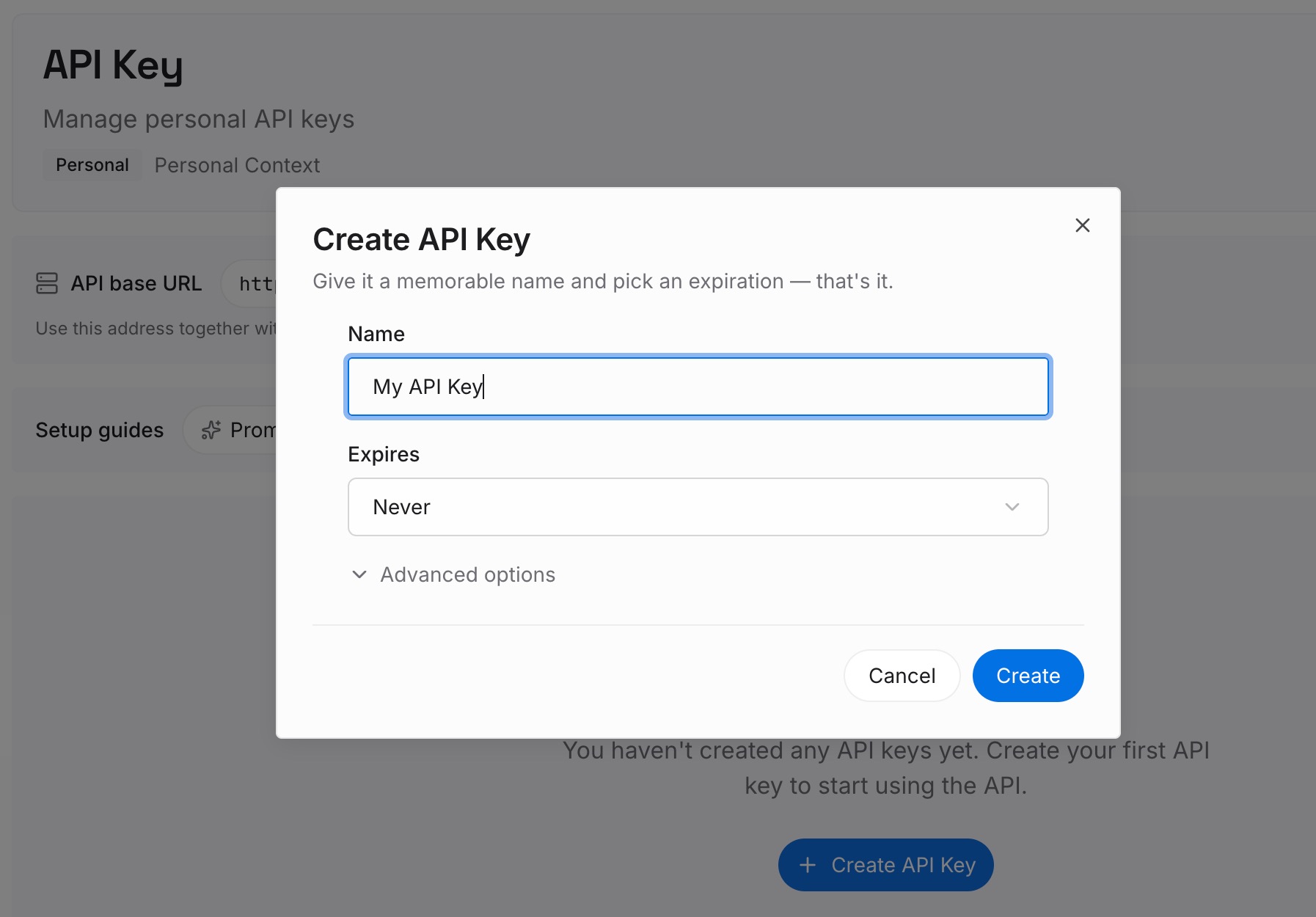
Step 1: Create an API key
Sign in and create an API key. One credential across the tools you connect.
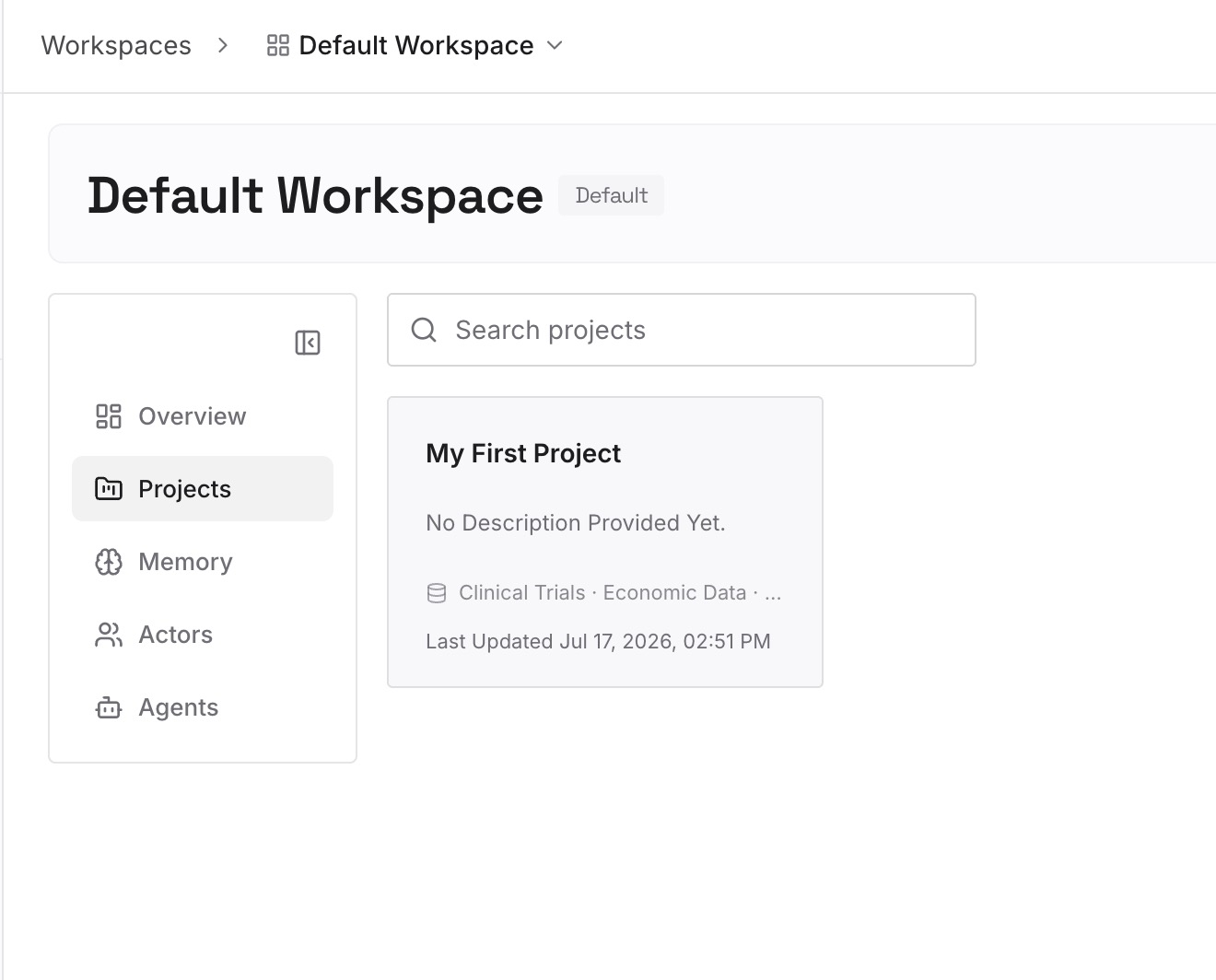
Step 2: Upload your first memories
Short entries, one claim each. The best source is the instruction file you were about to make longer:
Every rule's reason. "Components stay under 200 lines because the review tooling truncates larger diffs." The rule goes in a .mdc file; this goes here, and it is what stops the rule being dropped next quarter.
Approaches already rejected in this repo. The category that appears in no rules file and no commit message, and gets re-proposed on every fresh session.
Environmental facts nothing announces. The undocumented rate limit, the ordering dependency between two jobs, the test that only fails in CI.
What the migration just taught you. If a stale .cursorrules was outranking your AGENTS.md, write down which conventions were therefore never actually enforced. That is a fact about your codebase, not a rule.
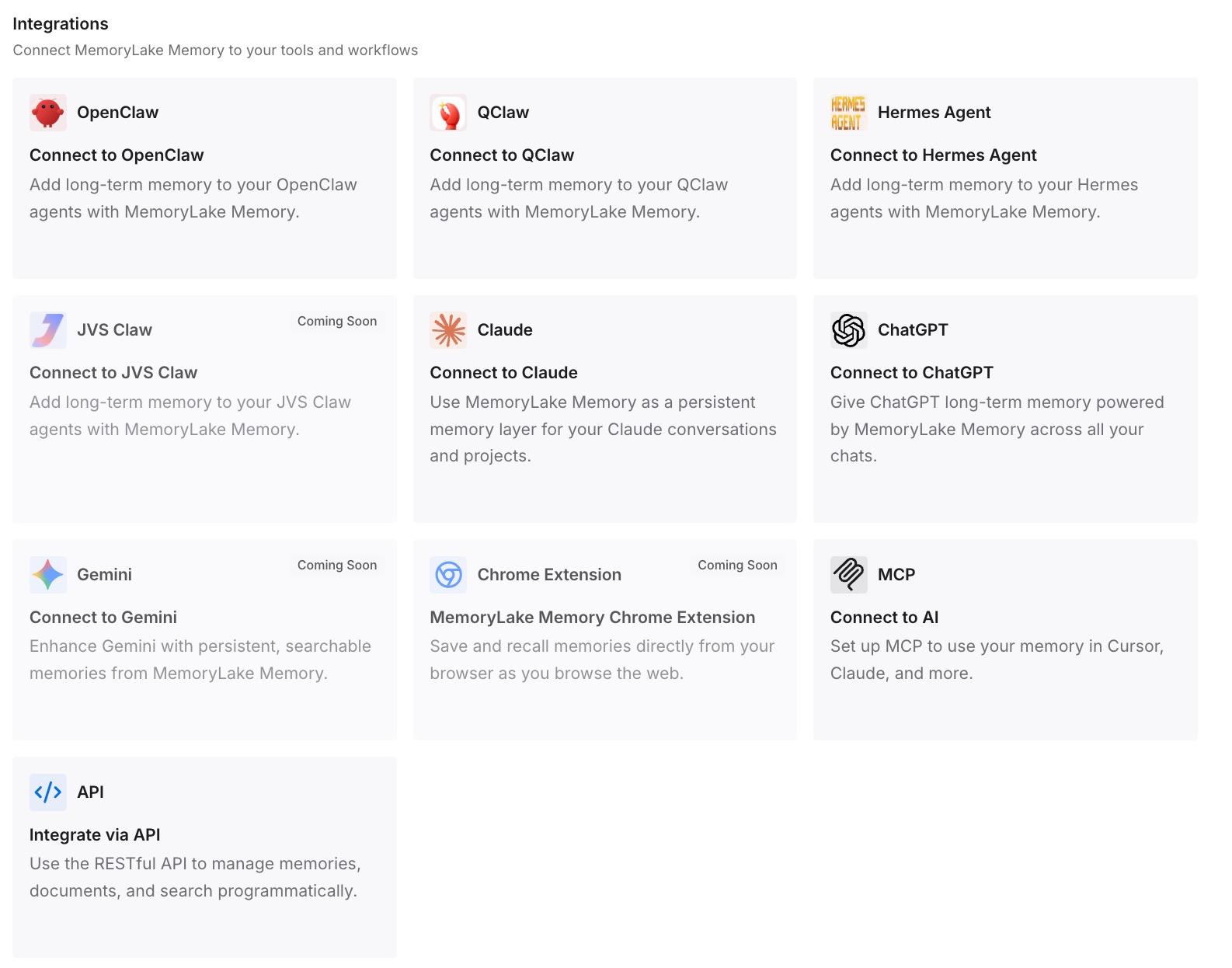
Step 3: Connect your AI & agents
Connect what you use. MemoryLake is reachable over MCP and over an API, and both Zed and Cursor support MCP servers — useful during the overlap period when you have not fully switched. MCP-native agents such as Claude Code, Codex, and OpenClaw read the same memory, and anything else reaches it through the API.
Three honest limits. MemoryLake does not write your .mdc files, your AGENTS.md, or your User Rules — those are how you steer Cursor, and the loading behaviour above is Cursor's. It holds only what you or your agents put into it, so Step 2 is deliberate. And rules are context rather than enforced configuration: anything that must hold every single time needs a check in CI, not a line in markdown.
What this changes in practice
You find out what was really loading. First-match-wins means the answer is often not the file you were editing.
Skills cost nothing to move. Both tools read .agents/skills/.
Loading becomes conditional instead of all-or-nothing. Four rule types replace one always-on file.
The .md trap stops being a mystery. Wrong extension in .cursor/rules means the file does not exist.
Instruction files get shorter. The reasoning moves out, so what remains is instructions.
The next editor switch is cheaper. The durable knowledge is no longer inside one tool's config directory.
Best practices for moving from Zed to Cursor
Establish the winning file before you copy anything. Zed reads the first match in a nine-file list.
Delete stale legacy rule files after you have read them. A leftover .cursorrules outranks AGENTS.md in Zed and is undocumented in current Cursor.
Use /create-rule rather than hand-writing .mdc frontmatter. It generates valid frontmatter and skips the most common failure.
If you want plain markdown, use AGENTS.md. Cursor documents it as the simple alternative; do not fight .cursor/rules.
Write real descriptions on Apply Intelligently rules. The description is what the agent reads to decide relevance.
Scope with globs instead of one giant always-on file. Loading everything on every request is what made the Zed file unwieldy.
Keep personal skills in the repo if you use Cloud Agents. Local ~/.agents/skills/ is not copied to remote execution environments.
Do not expect either tool to remember. Neither documents a memory layer — the general shape is in what coding agents actually read.
Conclusion
This migration is easier than most and has one genuine surprise in it. The easy part is skills: Zed and Cursor both load from .agents/skills/ and ~/.agents/skills/, both use a folder with a SKILL.md, and nothing needs converting. The surprise is at the source — Zed reads the first matching file from a list of nine, so the instruction file that has been shaping your agent may not be the one you have been maintaining, and AGENTS.md sits seventh in that order.
Establish which file was winning, read it properly, then decide how it should land. One always-on file goes into AGENTS.md and you are finished. If you want conditional loading, translate it into .cursor/rules — remembering that a plain .md in that directory is ignored, and that /create-rule writes valid frontmatter for you.
What neither tool offers is a place for the reasoning. Cursor says it outright: rules provide reusable context at the prompt level, loaded at the start of the model context. That is the right description of an instruction file and the reason it is the wrong container for decisions, rejected approaches, and constraints. Move the instructions into the right rule types, keep them short, and put the reasoning somewhere your next editor can read too. What that looks like on the Cursor side specifically is covered in how to carry Cursor context across sessions.