
Why a missing remote instruction file is hard to notice
OpenCode reads custom instructions from an AGENTS.md file, and additionally from a list you specify in opencode.json or the global configuration. That list accepts plain paths, globs, and URLs, and the documented behaviour is that "all instruction files are combined with your AGENTS.md files."
Combined is the operative word. There is one merged body of instructions, assembled at startup, and nothing in the conversation marks which entries contributed. A file that arrived and a file that timed out produce the same visible session: the agent is following instructions, just not all of them.
Compare that with how the local entries behave. A path in the list either resolves on disk or it does not, and disk lookups do not take five seconds. A glob either matches files or matches nothing. Those failures are stable — wrong today means wrong tomorrow, which is the kind of failure you find once and fix once.
A remote entry fails intermittently. It works at your desk and not on the train. It works for you and not for the colleague behind a slower proxy. Intermittent absence of instructions is the worst version of this problem, because the thing people do when an agent ignores a rule is restate the rule, not check whether the rule arrived. That is the same trap behind most cases of an agent that appears to be skipping the rules in your instruction file.
There is a second, quieter issue in the same list. OpenCode's own example for the instructions field includes a .cursor/rules glob ending in .md. Cursor's project rules use a different extension, so a glob written that way matches nothing in a folder full of Cursor rules — and matching nothing is not an error. Copying a working example from one tool's documentation into another tool's configuration is how you end up with a list that looks populated and contributes little.
What people try instead
Pointing every project at the same URL and calling it centralised. It is centralised. It is also now a network dependency on the startup path of every session in the company.
Raising the timeout. There is no documented option for it. The five seconds is stated as the behaviour, not as a default you tune.
Adding a second URL as a fallback. Two remote entries are two chances to time out, not a failover. Nothing in the documented behaviour tries one and then the other.
Assuming a failed fetch is loud. Nothing in the documentation describes a hard failure or a blocked session when a remote instruction file does not arrive in time. Plan for silence.
Duplicating the shared rules into every project's AGENTS.md. This is the reliable option and it is the one the remote feature exists to avoid. It works, and within a month the copies disagree.
Assuming the file reference syntax will save you. It will not, and the documentation is explicit: "opencode doesn't automatically parse file references in AGENTS.md." Writing a path inside the instruction file does not pull that file in. The instructions field is the supported route.
The Fix: Keep a committed local copy as the source of truth, and let the network refresh it
The goal is to keep one authoritative version of the shared rules without putting a network call on the critical path of every session. That means the copy in the repository is what OpenCode reads, and the network is what updates the copy.
Step 1: Replace the remote entry with a committed local path
In opencode.json, change the URL entry to a path inside the repository. Something like a docs folder holding the shared guide, referenced as a plain path in the instructions array. Commit the file.
This inverts the dependency. OpenCode now reads a file on disk, which either exists or does not, and the failure mode becomes stable instead of intermittent. Anyone cloning the repository gets the rules whether or not they can reach the internal host.
While you are editing the list, check every glob in it. Confirm the extension matches what the target tool actually writes — that is where the Cursor rules example goes wrong — and confirm each glob matches at least one file today. A glob that matches nothing is indistinguishable from an entry that is working, which is exactly the property you are trying to eliminate.
Step 2: Make the refresh a visible step, not a startup side effect
Now decide how the local copy gets updated. The right answer is whatever your team already reviews: a scheduled job that opens a pull request when the upstream guide changes, or a step in your dependency-update routine.
What matters is that the update is something a person sees. When the shared guide changes, someone reviews the diff in the context of this project, because a rule that makes sense in a central repository sometimes does not make sense in a particular service. A startup fetch gives you the new text with no review; a pull request gives you the new text and a decision.
It also gives you history. Six months later, "when did this rule start applying to us" has an answer in the repository log, which is the thing a fetched file can never provide.
Step 3: Verify the combined instruction set is what you expect
Start a session and confirm the rules are in effect — not by asking the agent whether it has them, but by giving it a small task that the rules govern and checking the output follows them.
Pick something unambiguous and cheap. If the shared guide requires a particular error-handling shape, ask for a small function that must return an error, and look at the shape. If it requires a comment convention, ask for a new file and read the header.
Do this once after the change, and again whenever the local copy is refreshed. A test that exercises a rule is the only reliable check, because the instruction set is merged into one body with no per-entry reporting — the same reason scoping instructions to specific files is worth doing deliberately rather than by assumption.
Setting this up in MemoryLake
The shared guide is configuration for one tool. The reasoning behind its rules — why this error shape, why this boundary — is what you actually want available in every tool and every session. MemoryLake is a place to keep that reasoning so it does not depend on a fetch completing.
You write the entries yourself, in your own words. Nothing is read out of, written to, or deleted from a remote instruction file, an OpenCode configuration, or any vendor's store.
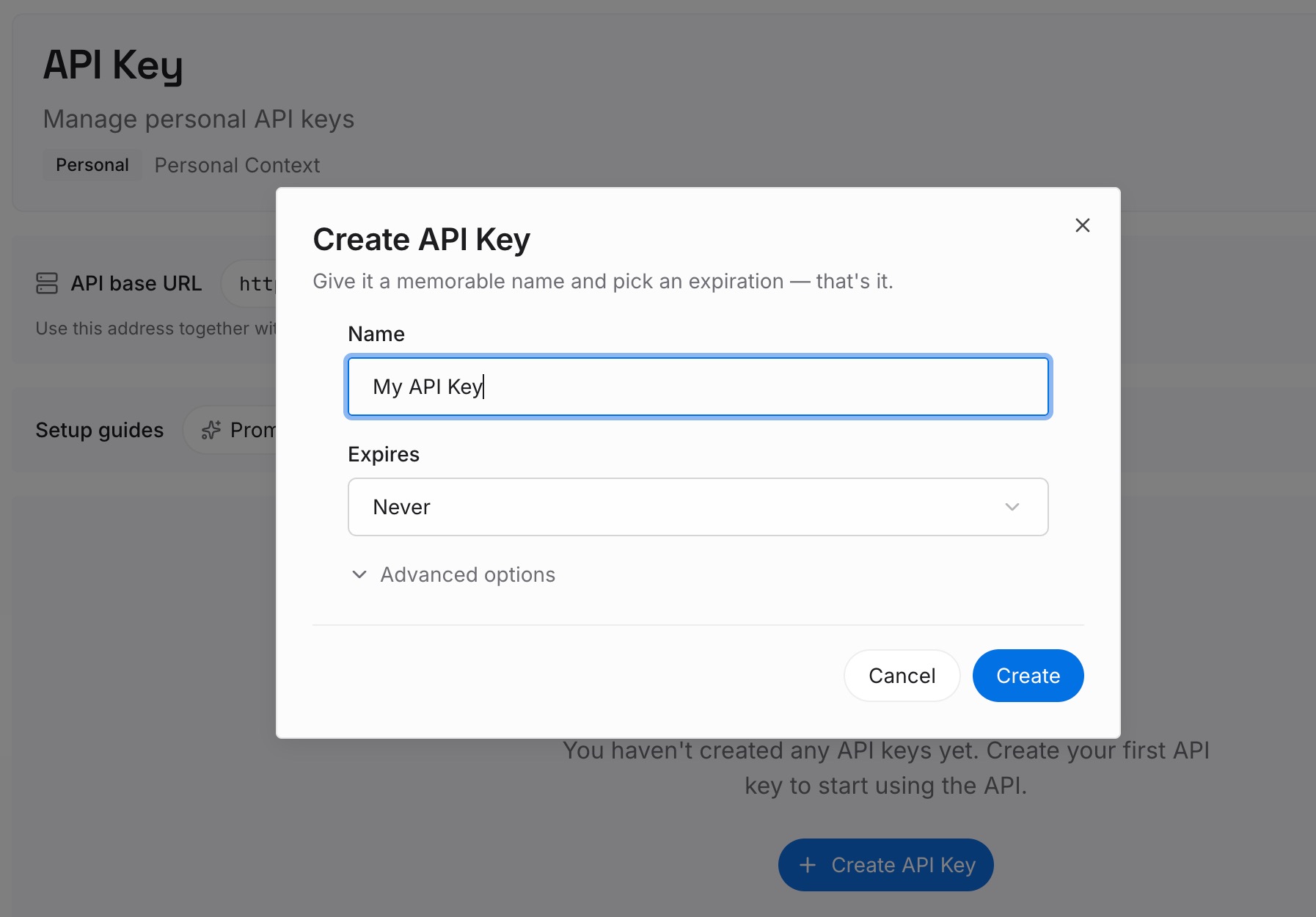
Step 1: Create an API key
Sign in and generate a key from the dashboard. The key lets an agent read the entries directly, with no intermediate file to fetch and no timeout to lose.
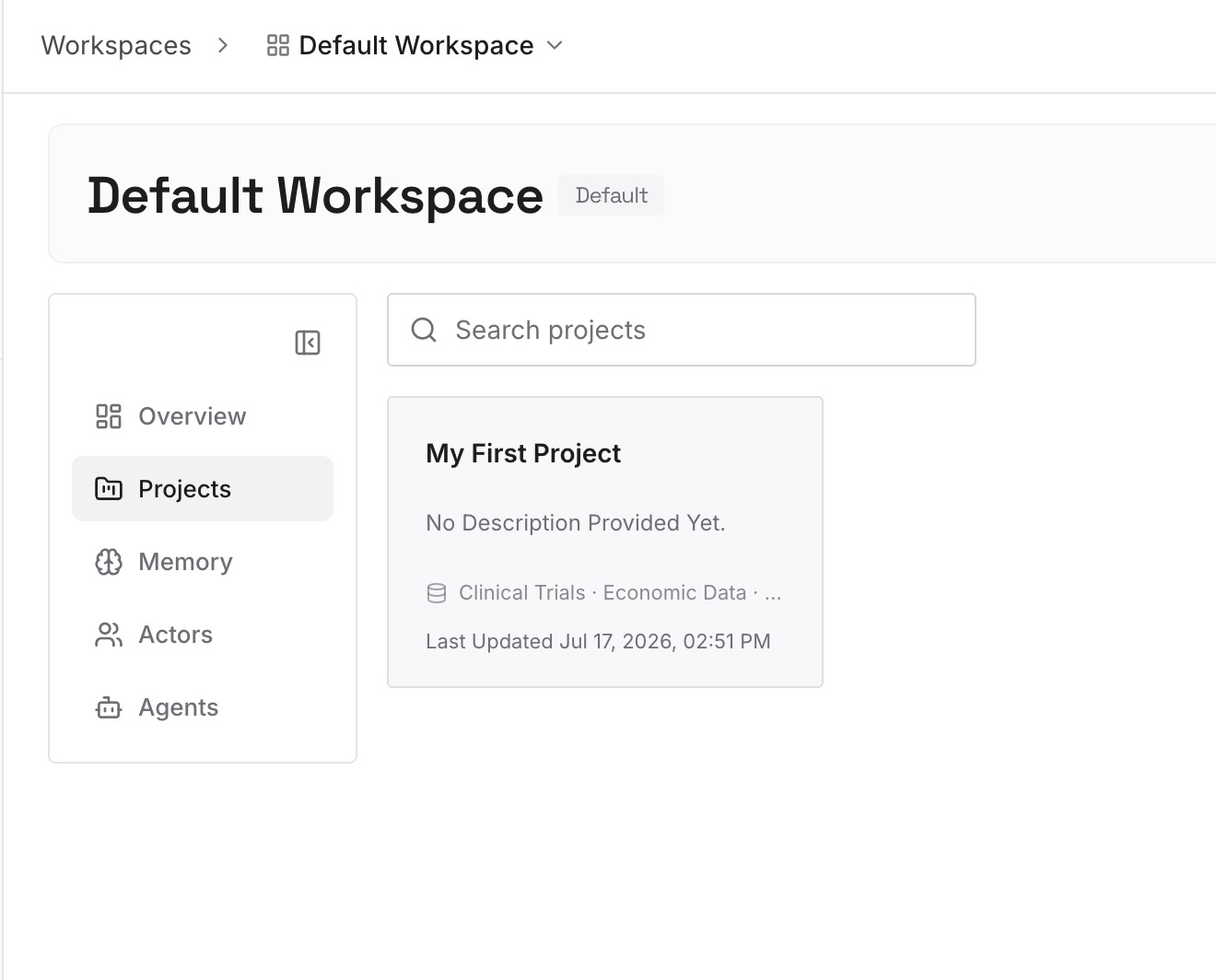
Step 2: Upload your first memories
Add the decisions the shared guide encodes, one per entry, each with its reason. "Errors return a typed result because callers need to branch on the kind" is portable. "Follow the error handling guide" is a pointer that stops working the moment the pointer breaks.
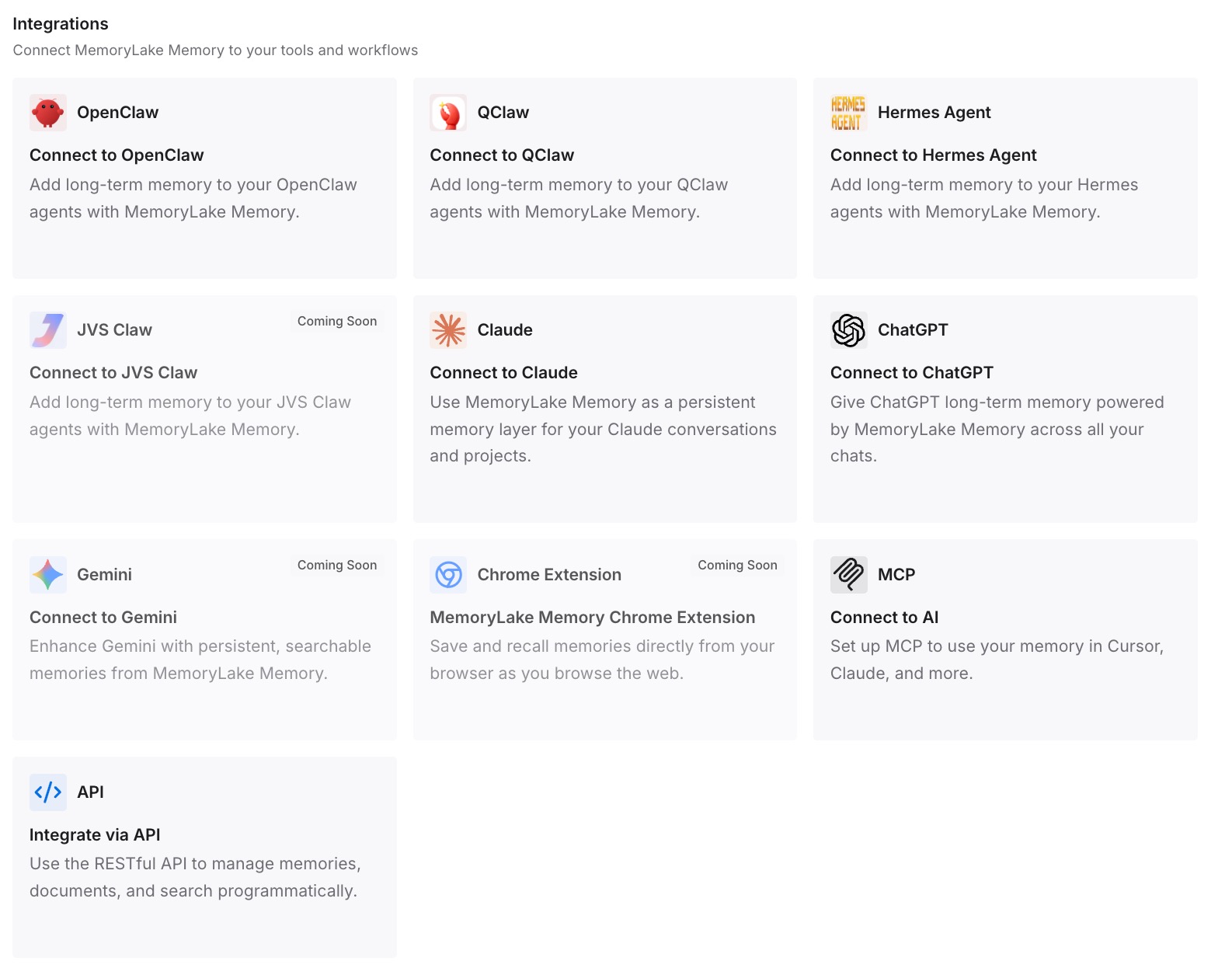
Step 3: Connect your AI & agents
Point your agents at the workspace. The reasoning is then present in every tool your team uses, and the tool-specific instruction file can stay as thin as the tool needs it to be.
What this changes in practice
The first change is that a bad network stops being a silent rule outage. Reading from disk means the rules are there or they are conspicuously not there, and "conspicuously not there" is something a person notices on the first run rather than in a code review three weeks later.
The second is that the shared guide gains a review step. Central rule repositories accumulate rules, and a project that fetches them at startup adopts every addition automatically, including the ones that do not apply to it. A refresh that arrives as a diff gets read.
The third is that your instruction list becomes auditable. Every entry is a path or a glob you can check, and checking a glob takes seconds. Once there is no URL in the list, "what is in my instruction set" is a question with a definite answer — which is the property that makes an instruction file worth maintaining, and the reason file order and precedence are worth pinning down explicitly.
There is a cost, and it is honest to name it: the local copy can go stale. A fetched file is always current, and a committed one is current as of the last refresh. That trade is worth making because a stale rule is visible in the file and a missing rule is not, but it only holds if the refresh actually happens. If your team will not run the refresh, you have chosen staleness rather than been surprised by it.
The same trade-off appears whenever a tool offers to pull instructions from somewhere else, whether that is an agent generating a rule for you on request or a migration that rewrites your configuration into a new tool's format — as anyone who has moved a project into OpenCode from Cursor will recognise.
Best practices for an instruction list you can trust
Keep the startup path local. Anything OpenCode must read before the first turn should be on disk. Network calls belong in refresh jobs, not in session startup.
Verify every glob against the target tool's actual extension. This is a two-minute check that catches the single most common silent-nothing entry. Do not trust an example, including an official one.
One authoritative copy per repository, committed. Not a symlink to a shared checkout, not a path outside the project. Someone cloning fresh should get the rules.
Test a rule, do not ask about it. An agent reporting that it has your instructions is not evidence. A small task governed by a rule is.
Keep the reason out of the rule file and somewhere durable. Rule files get rewritten when tools change. The reason a rule exists is what lets the next person decide whether to keep it.
Date the local copy. A one-line note at the top saying when it was last refreshed turns "is this current" from an investigation into a glance.
Watch what grows. Every entry in the instructions list is combined into the request. A list that accumulates entries is a prefix that grows on every turn, which is the same accounting problem as token costs that come from what you send every time.
Conclusion
Remote instruction files solve a real problem and introduce a specific one. OpenCode fetches them with a five-second timeout, combines whatever arrives with your AGENTS.md, and gives you no per-entry report — so an instruction file that did not make it looks exactly like one that did.
Point the list at a committed local copy, make the refresh a reviewed step rather than a startup side effect, and prove the rules are live by giving the agent a task they govern. You lose automatic currency and gain a failure mode you can see.
Then keep the reasoning behind the rules somewhere that does not live in any one tool's configuration file, because that is the part you will still need after the next migration — the same conclusion teams reach when they move instructions between agents and find the file was the easy part.