
Why Upgrading to GPT-5.6 Doesn't Fix Your Memory
What carries over, and what doesn't
Because GPT-5.6 runs inside the same ChatGPT account, your existing Memory entries, Custom Instructions, and Projects come with the upgrade — that part is genuinely seamless. What doesn't change is the shape of the problem: each new conversation still starts from your stored preferences plus whatever you paste in, not from the full working context of everything you've done.
Why a bigger context window isn't memory
Luna's 1.5M-token window is a real capability jump — it holds more in a single session. But a context window is short-term memory: it lasts as long as the conversation and resets when you open a new one. A larger window lets you stuff more in per session; it doesn't make anything persist across sessions, and it definitely doesn't reach outside ChatGPT. Bigger context and durable memory are different problems, and the upgrade only touches the first.
What this costs you
You upgrade expecting continuity and get more capacity instead. You still re-brief each new chat, just with room to paste more. And the deeper cost is unchanged: the context you're accumulating in GPT-5.6 is invisible to Claude, to your coding agent, and to the next model you'll want to try — the upgrade deepens your investment in one vendor without making that investment portable.
Step-by-Step: Carrying Your Context Into GPT-5.6 by Hand
If you're upgrading and want a clean context baseline, here's the honest manual pass.
Step 1: Consolidate what the old model knew
- Open Settings → Personalization → Memory and review the stored entries; prune anything stale from the previous model and keep what still applies.
- Copy your Custom Instructions somewhere you can reuse them.
- Collect the documents your work depends on — the ones you re-upload into new chats.
Step 2: Set up GPT-5.6 with that context
- Confirm your Memory carried over, and add any facts worth making explicit for the new model.
- Re-apply your Custom Instructions if you refined them.
- Attach your source documents to the relevant Project so GPT-5.6 sessions can reach them.
The upgrade preserves the ChatGPT-side pieces automatically; the manual work is really about pruning and re-attaching documents. But it's still one-time and still ChatGPT-only — nothing here helps the moment you open a different tool.
What still doesn't survive
Cross-tool context: nothing you set up for GPT-5.6 is visible to Claude, Grok, or your IDE agent. Live documents: attached files are re-read per conversation, not maintained as evolving knowledge. And future-proofing: when the next model arrives (in 2026, that's weeks away, not years), you're managing context by hand again.
The Better Way: One Memory Layer for Every Model
Upgrading is easy when memory lives above the model instead of inside it. Keep your context in a neutral layer and GPT-5.6 becomes one consumer of it, not the owner. MemoryLake stores your documents, decisions, and preferences once — versioned Git-style, end-to-end encrypted — and serves the same memory to GPT-5.6 and every other AI you touch.
| Dimension | Upgrading within ChatGPT | MemoryLake layer |
|---|---|---|
| Keeps ChatGPT preferences | Yes | Yes |
| Context persists across sessions | Only what fits the window | Yes, retrieved on demand |
| Reaches your other AI tools | No | Yes (MCP or API) |
| Documents stay live and versioned | Re-read per chat | Yes (Git-style) |
| Next model launch | Manual re-setup | Connect the new model |
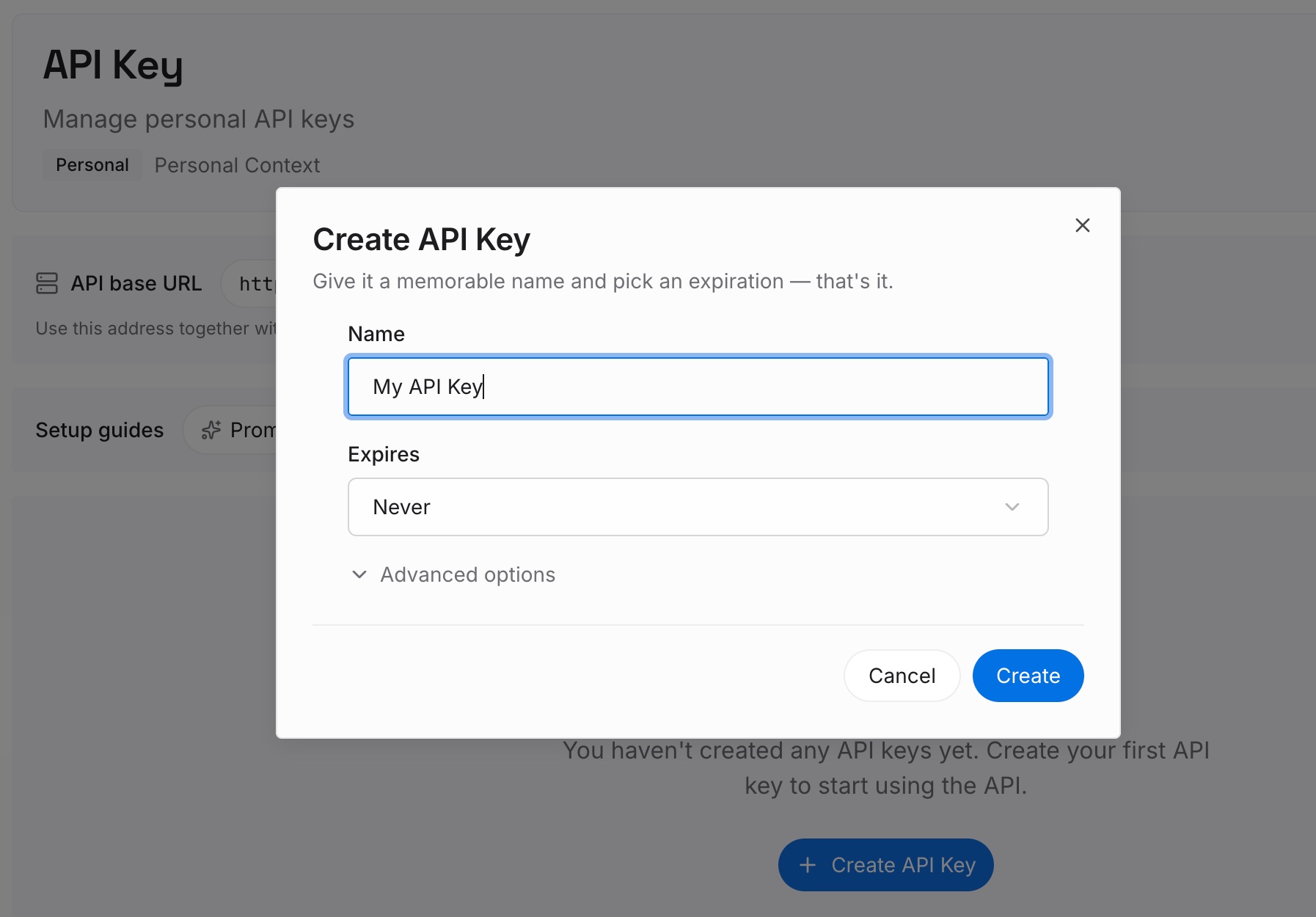
Step 1: Create an API key
Sign in to MemoryLake, generate a key, and make your first request — it takes about 30 seconds.
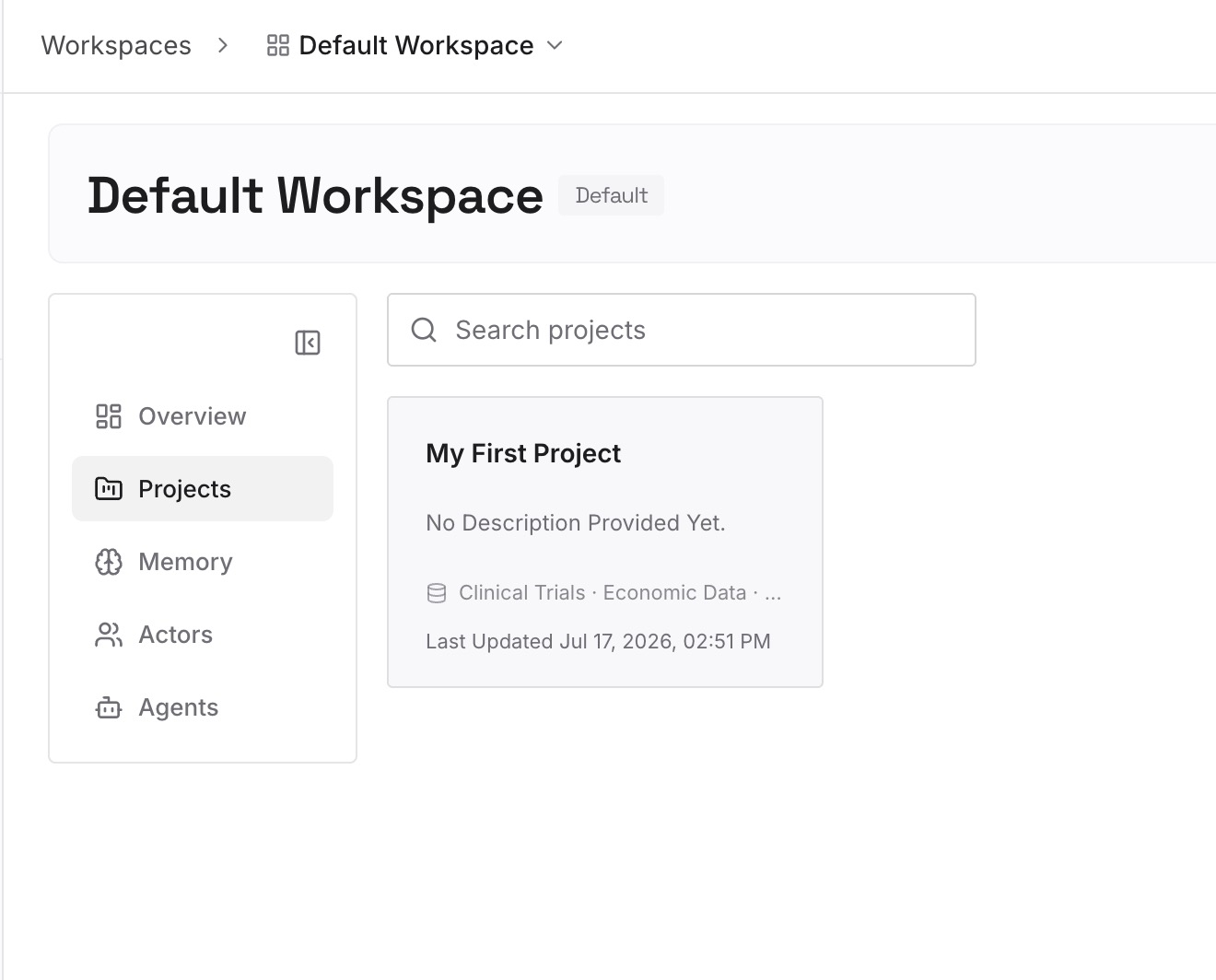
Step 2: Upload your first memories
Drop in the working context you don't want tied to one model: your standing preferences and project facts as text, plus the documents, images, and other files your work runs on.
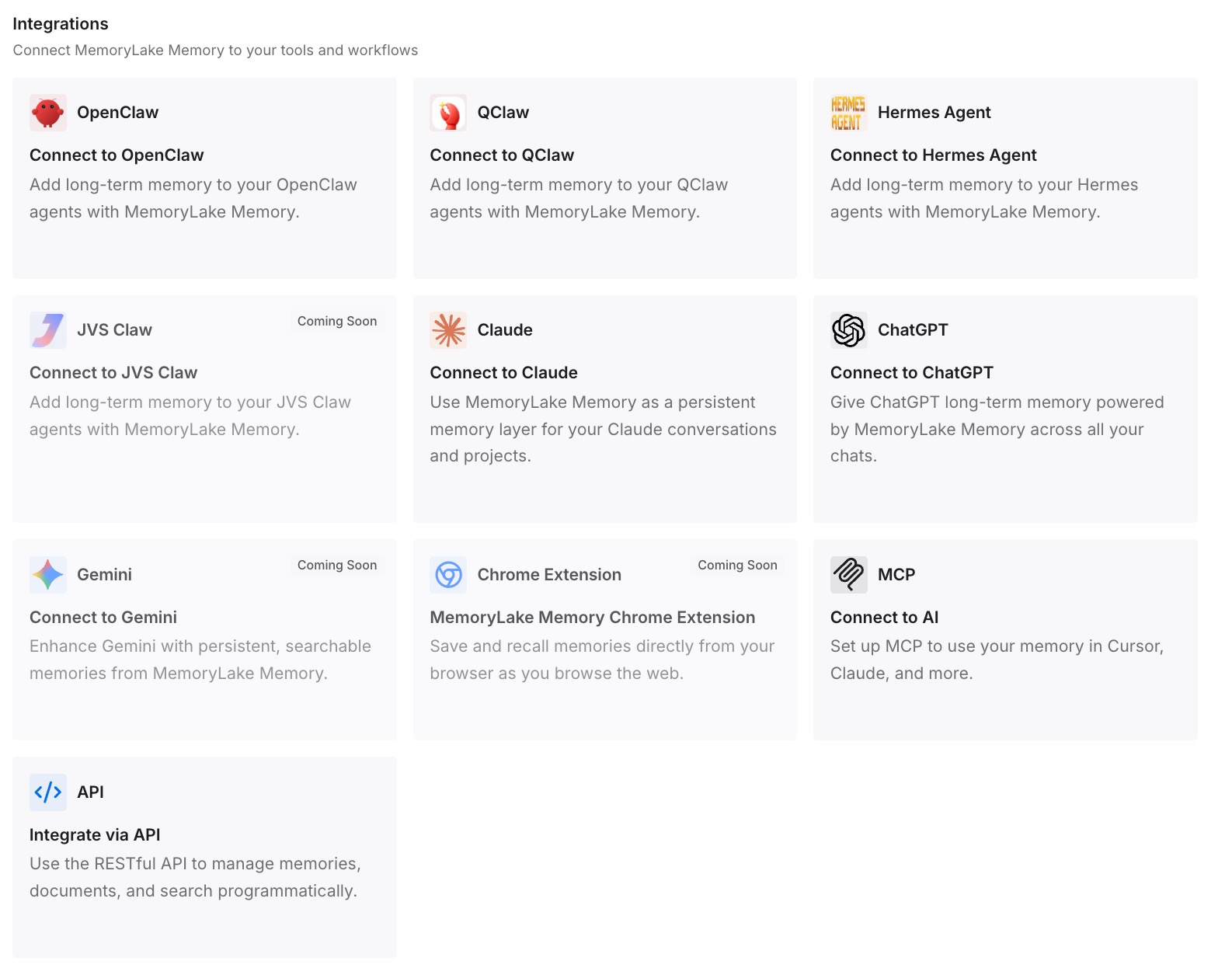
Step 3: Connect your AI & agents
Connect GPT-5.6 through MemoryLake's ChatGPT integration or the API, and the same memory is available to Claude, Codex, OpenClaw, and other agents over MCP or the API. Upgrading models — or switching vendors entirely — becomes a connection step, not a context reset.
What Chasing the Newest Model Actually Costs
The upgrade treadmill
The industry has shifted from "best model wins" to "best fit wins," and fit changes monthly. Each upgrade or sideways move that resets your context is time spent re-teaching instead of working — a tax that compounds every time a compelling new model ships.
Retrieval instead of re-teaching
With a shared layer, a new or upgraded model pulls your relevant context on demand rather than making you rebuild it. You get GPT-5.6's capabilities — the bigger window, the stronger reasoning — applied to context that's already there. And when Luna's window fills on a big task, retrieving only what's relevant beats stuffing everything in; MemoryLake's Token Saving Calculator projects the effect from your usage.
Best Practices for Model-Portable Memory
Treat the context window as workspace, not storage
Use Luna's 1.5M tokens for the task in front of you; keep the durable knowledge in a layer that outlives the session. Window size is for depth per task, not memory across tasks.
Keep one source of truth as you upgrade
Rather than re-curating context inside each new model, update your neutral layer once and let every model read it. Upgrades stop fragmenting your context across versions.
Prune at every upgrade
A new model is a clean moment to drop outdated context. Update the layer, and GPT-5.6 plus all your other tools see the current version.
Conclusion
Moving to GPT-5.6 gets you a sharper model and a much bigger window, and within ChatGPT your preferences follow you. What it doesn't get you is memory that lasts across sessions or travels across tools — that was never what an upgrade fixes. Put your context in a layer above the model, and every upgrade from here is pure upside: new capability, same memory, no reset. Upgrade the model; keep the memory.