
Why your n8n agent forgets
Simple Memory is a window, and the window is small
The Simple Memory node's Context Window Length setting is the number of previous interactions to include, and it defaults to 5. One interaction is an exchange — a user message plus the agent's reply — so the default keeps roughly the last ten messages. Everything older silently falls out of the window. Nothing errors. The agent simply stops referring to what happened earlier in the same conversation, which is why long chats degrade rather than break.
It lives in workflow data, so it does not survive
Simple Memory stores chat history in the workflow's own data under a session key. That is convenient in the editor and fragile everywhere else: the history is tied to the instance's working state, and it is gone after a restart or redeploy. This is the classic "works in development, forgets everything after deployment" report, and the standard advice — move to Postgres or Redis chat memory before going live — exists precisely because of it.
Queue mode breaks it outright
n8n's documentation states the limitation plainly: if your instance uses queue mode, this node does not work in an active production workflow, because there is no guarantee that memory calls are routed to the same worker. If you scaled n8n horizontally and then wondered why memory became erratic — remembering sometimes, forgetting sometimes — that is the mechanism. Requests land on different workers, and each worker has a different idea of what was said.
The session key decides who remembers what
Memory is grouped by session key. With the Chat Trigger, n8n fills it from the incoming sessionId, which is usually what you want. Two common misconfigurations cause the opposite symptoms of each other:
- A hardcoded static key means every user shares one memory — the agent conflates conversations and leaks context between people.
- A key that changes on every execution means every message starts a new conversation — the agent looks amnesiac even though memory is technically working.
Memory is scoped per agent node, per workflow
The memory node connects to one AI Agent node. It is not a shared store across your automation. The support agent in workflow A knows nothing about what the onboarding agent in workflow B concluded yesterday, even for the same customer, and neither knows what your team wrote in the SOP that governs both. If you run several agents, that fragmentation compounds — the general problem is covered in multi-agent memory.
What teams try first
Raising the Context Window Length
The obvious lever, and it helps briefly. But you pay for every retained message on every call, the window is still bounded, and it is still volatile. You have made the forgetting happen later, not stopped it.
Switching to Postgres or Redis chat memory
This is the right production move and you should make it: history survives restarts and works under queue mode. Be clear about what it gives you, though. It is a durable transcript store keyed by session — it holds what was typed, not what your organization knows. It does not contain your product docs, your pricing rules, last quarter's decisions, or the resolution of the ticket this customer opened in March. Ask it anything outside that session's messages and it has nothing.
Pushing context into the system prompt
Teams paste the policy, the tone guide, and the FAQ into the agent's system message. Every execution pays for those tokens, the text drifts out of date, and updating it means editing workflows one by one. It is the automation equivalent of re-explaining context to your AI forever.
Building retrieval yourself
The next step is usually a vector store plus an embedding pipeline plus a retrieval subworkflow. That can work, and it is a real project: chunking, embedding refreshes, ranking, scoping, expiry. It also does not solve memory by itself, for reasons worth reading in why RAG isn't memory — retrieval finds documents, memory holds conclusions.
The Fix: Give Your n8n Agents a Persistent Memory Layer
Chat memory and memory are two different jobs. Keep a Postgres or Redis memory node for conversation continuity within a session, and put durable knowledge in a layer that is not tied to a workflow, a worker, or a session key. That is the role MemoryLake plays: one memory your agents read from and write to, reachable over MCP or the API from any workflow you build.
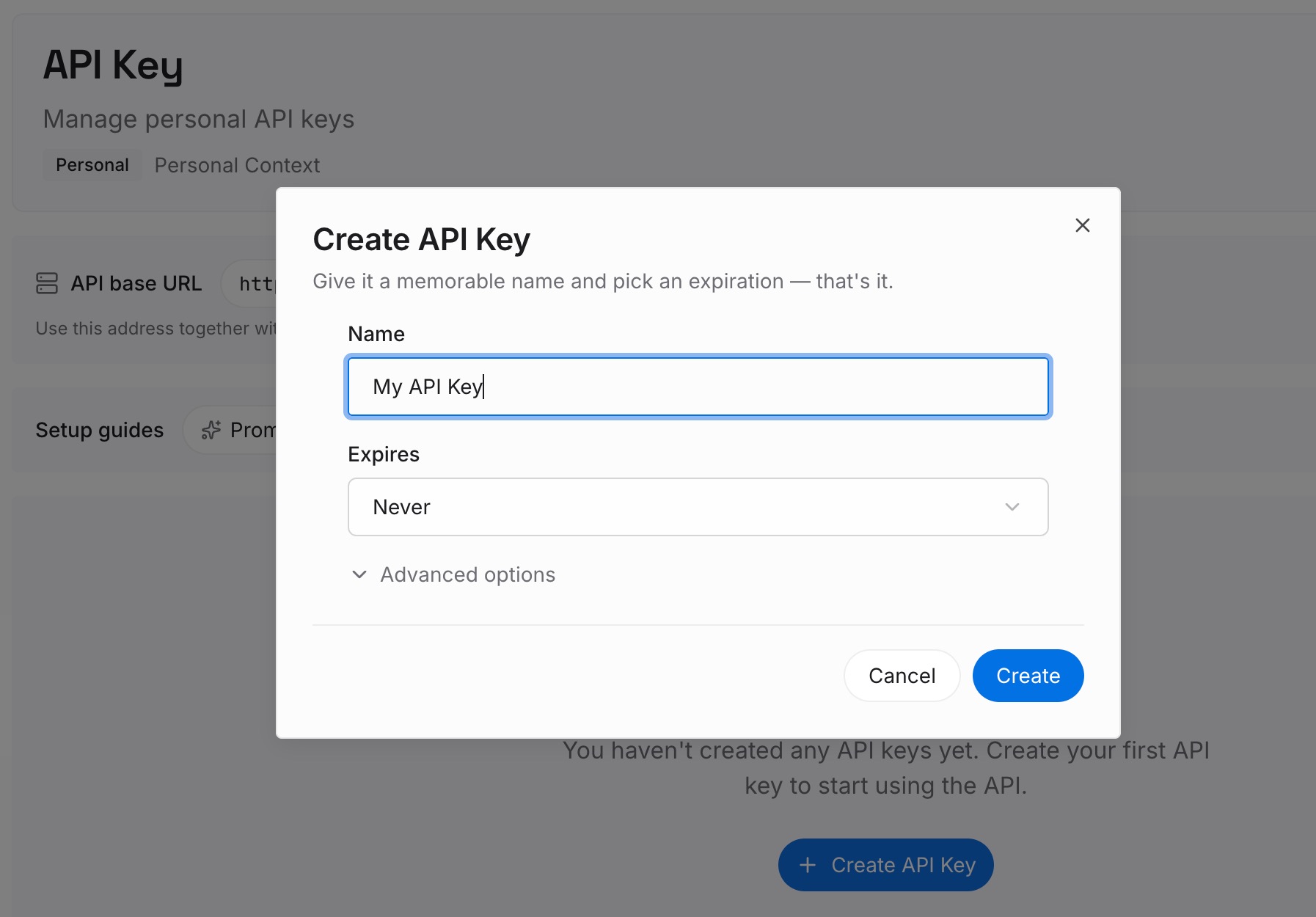
Step 1: Create an API key
Generate a key and make your first request in about 30 seconds.
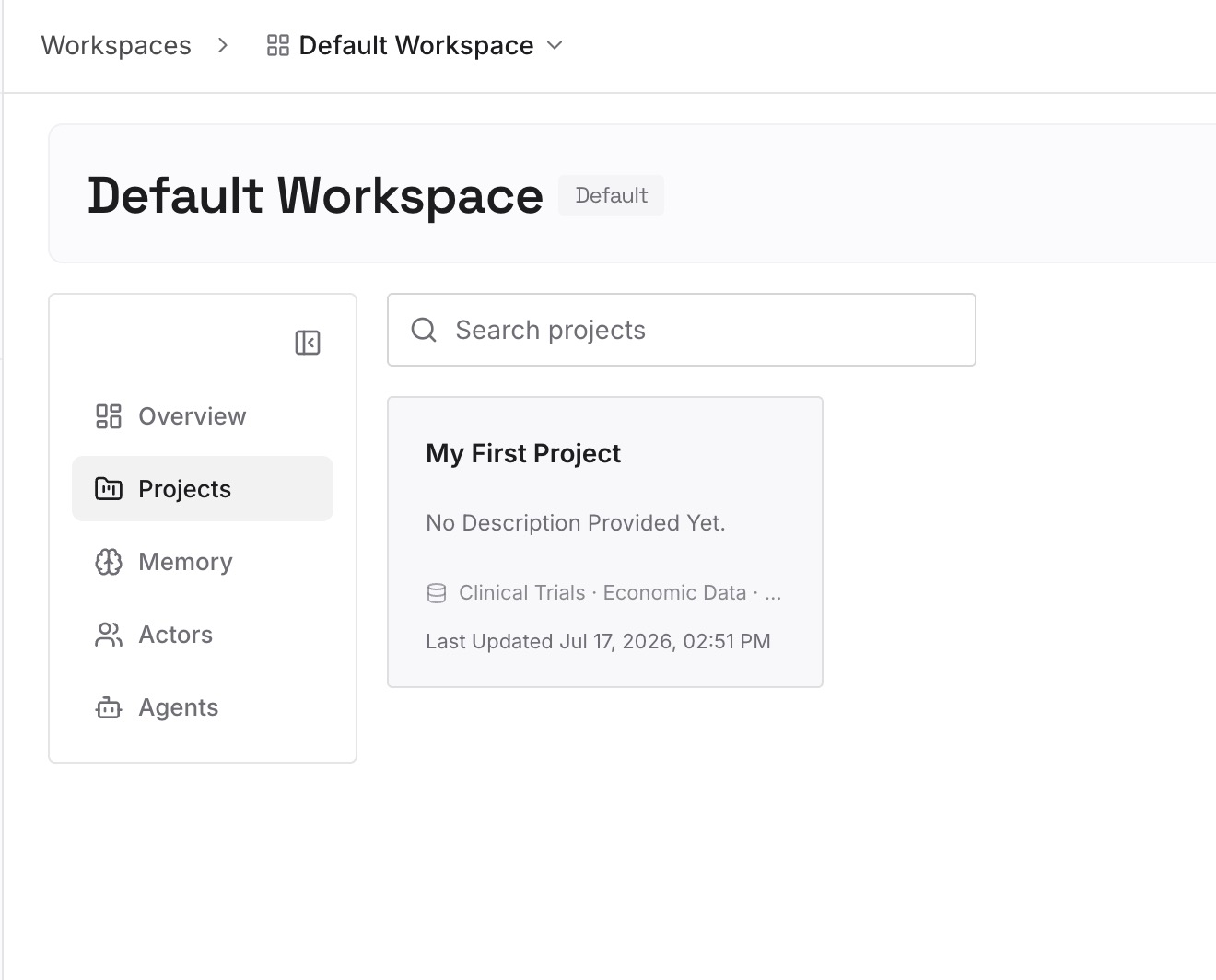
Step 2: Upload your first memories
Drop in the documents, images, and files your agents keep needing: product docs, SOPs, pricing and policy rules, escalation paths, prior resolutions. This is the knowledge that never belonged in a chat buffer.
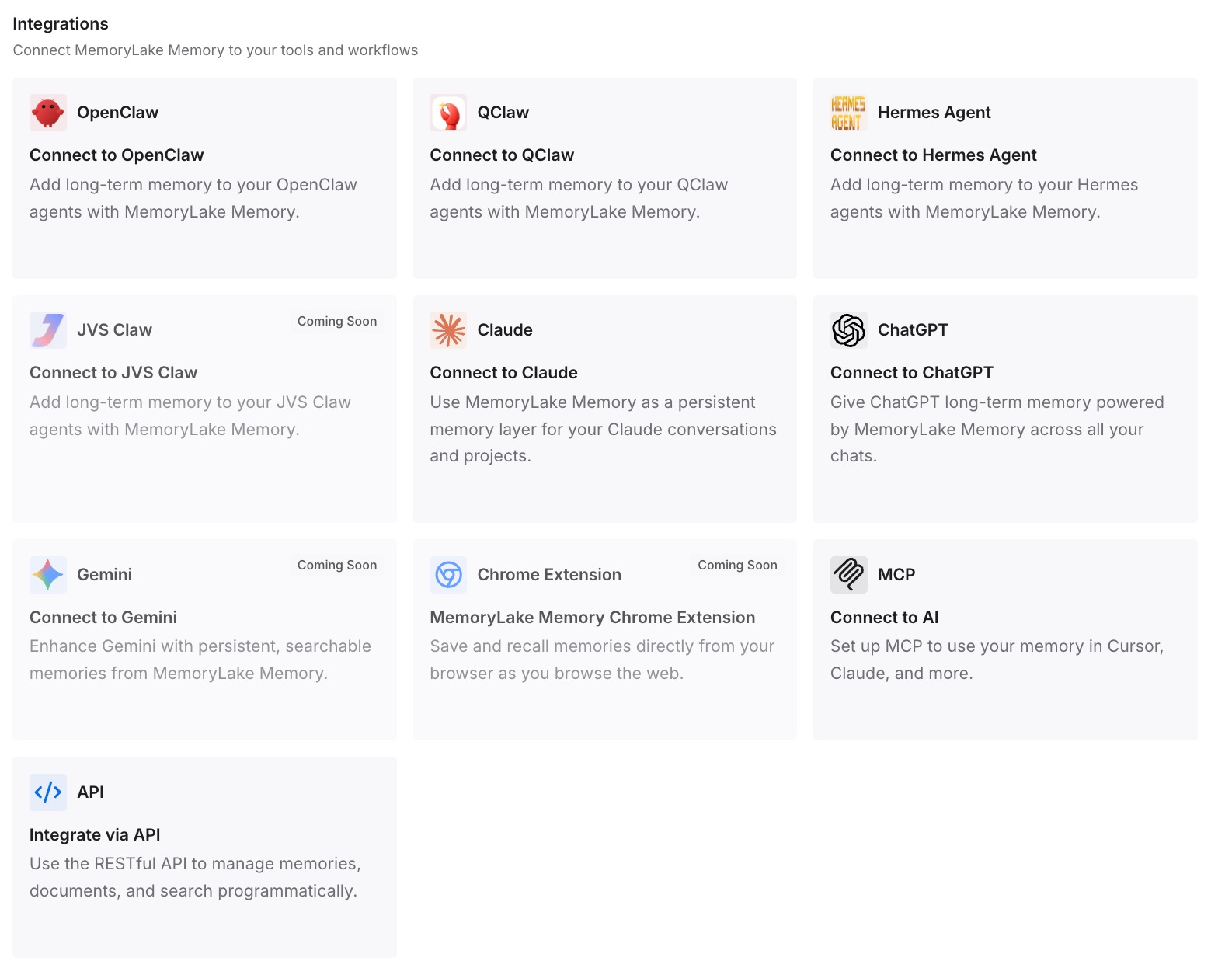
Step 3: Connect your AI & agents
Give Claude, Codex, OpenClaw, and your n8n agents access to that memory via MCP or the API — an MCP connection where your tooling supports it, or a plain HTTP request from the workflow itself. Every execution, on any worker, reaches the same memory. If you also expose your own tools to agents, adding memory to a custom MCP server and memory for stateless MCP servers cover that side.
What this changes in practice
Count what your workflows currently repeat. If each execution carries 1,500 tokens of pasted policy and product context, and the workflow runs 500 times a day, that is 750,000 tokens daily — around 22M a month — spent re-sending text that never changes. Retrieving only the relevant slice from a memory layer usually costs a fraction of that.
The bigger win is behavioral. A support agent that can see the customer's earlier ticket stops asking for the account ID again. An onboarding agent that reads the same memory as the support agent stops contradicting it. And when you rebuild the workflow next quarter, the knowledge stays put instead of being trapped in the version you deleted.
Best practices for n8n agent memory
Keep transcripts and knowledge in separate places
Use a chat memory node for the last few turns of the current conversation. Use a memory layer for anything that should still be true tomorrow. Mixing them produces stores that are simultaneously too big to read and too shallow to help.
Key memory to the entity, not the execution
Session keys are for conversations. Durable memory should be keyed to the customer, project, or account — something that means the same thing across workflows and months. That is what lets a second workflow pick up where the first stopped.
Write conclusions back at the end of a run
Add a final step that stores what the run decided: the resolution, the exception granted, the preference the user stated. Agents that only read memory never get smarter; agents that write to it accumulate. Keep those writes short and factual, and prefer replacing a stale fact over stacking a new one on top.
Conclusion
Your n8n agent is not broken. Simple Memory is doing exactly what it documents: holding a handful of recent exchanges in workflow data, which is why it evaporates on restart and does not work under queue mode in production. Moving to Postgres or Redis fixes durability for the transcript — and leaves the larger gap untouched, because a transcript of one session was never the same thing as knowing your business.
Split the two jobs. Conversation continuity belongs to a chat memory node; institutional knowledge belongs in a memory layer your workflows read over MCP or the API. Then the next agent you build starts with everything the last one learned, instead of a blank window five exchanges deep.