
Why "history" means two unrelated things in Perplexity
Perplexity has two systems that both feel like memory, and the word "history" gets used for both.
Threads are the conversations. Perplexity describes a Thread as "like a conversation history that remembers everything you've discussed with Perplexity's AI," and is specific about its contents: "A Thread will include your initial question, any follow-up queries, all of Perplexity's responses and all sources used to provide your answer." Threads live in your Library, which the help centre calls your History: "Every Thread is stored in your History … which is only accessible to you. In your History you can view previous Threads and continue earlier conversations."
Memories are the personalization layer. Perplexity's memory article defines it separately: "Memory (sometimes referred to as Personal Search) is a feature that allows Perplexity to remember details between your conversations, making your interactions more personalized and efficient." It then names two distinct inputs — "By referencing Memories: Memories are preferences, interests and information you share with us" and "By referencing Search history: In some scenarios it helps to reference past questions, answers and more to give you the most relevant response."
So search history is an input to personalization, and Threads are the record of your work. Turning off the first does nothing to the second. Deleting the second removes a thread and also removes it as a potential source. They are managed in different places and they fail in different ways, which is why a single symptom — "it doesn't remember" — sends people to the wrong screen. We looked at the recall side of this in why Perplexity stops carrying your earlier queries.
And there is a third layer above both: Perplexity notes that you can "turn off our ability to use your data by toggling off AI Data Retention (in settings under account)." Three switches, two stores, one word.
The one case with a deadline
Most disappearances have an explanation you can act on. This one has a clock, and it is the single most useful fact in this guide.
Perplexity's documentation of Thread behaviour states it directly: "When a user creates Threads while not signed into their Perplexity account, the author of the Thread is considered 'anonymous,' and therefore, the Thread is not saved long-term. These anonymous Threads will be visible for 14 days, after which they will disappear permanently without the possibility of recovery."
Read the condition carefully: created while not signed in. Not "created in a private window," not "created before you had an account" — signed out at the moment the thread was created. That covers a lot of real behaviour: a quick question on a shared machine, a session where the login silently expired, a phone browser you never signed into, a link a colleague sent that you followed and then kept typing in.
The recovery instruction is equally specific, and it only works inside the window: "Tip: As long as the Thread is not older than 14 days you should be able to find the Thread in your browser history. Once logged back in, save the Thread to a Space to avoid it expiring after the 14 days."
That is the whole rescue procedure. Your browser history holds the URL; signing in and saving the thread to a Space takes it out of the expiry path. After fourteen days, the page is what the documentation says it is. The permanent fix is upstream: "To ensure that a Thread is accessible long-term, please sign into your account. All Threads created while signed in will be automatically saved to your History."
What people try instead
Searching harder in the Library. Worth doing first, and Perplexity documents how: "Go to your History page and use the search bar. You can search by keywords or the title." If the thread was created signed in and not deleted, it is there. If search by both keyword and title comes up empty, the answer is probably not "search is bad."
Turning memory back on and expecting threads to return. These are unconnected. Perplexity's control for the personalization layer is a toggle — "You can toggle referencing memory and search history via your Personalize settings menu" — and toggling it changes which sources an answer may draw on, not which threads exist in your Library.
Deleting a memory to make a thread reappear. The manage-memory page runs in the other direction. Perplexity describes it as a removal tool: when you get an answer, "referenced memories and previous searches will be shown in the sources," and "To prevent a source from being used in future searches, you can delete it from the manage memory page in personalization."
Assuming a Space would have saved it retroactively. Saving to a Space protects a thread going forward; it does not reach back to one that already expired. The content behaviour of Spaces themselves is a separate topic we covered in what happens to content inside a Perplexity Space.
Treating quota as the cause. Sometimes the complaint is really about how much context a long thread can carry rather than about anything vanishing, which is a different problem with different fixes — see the practical fixes for Perplexity's memory limits.
The Fix: Identify which store lost something, then act on that store
Three checks, in this order. Each one either answers the question or rules out a layer.
Step 1: Establish whether the thread was ever yours
Open your Library and search by keyword and by title, as the help centre describes. If it is there, the problem is recall, not storage, and you can stop.
If it is not there, ask the question that decides everything: were you signed in when you created it? If the answer is no or "not sure," go to your browser history immediately rather than continuing to search Perplexity. Inside fourteen days, the URL in your browser history is the copy. Sign in, open it, and save it to a Space.
Step 2: Check the personalization layer separately
If the thread exists but Perplexity has stopped drawing on what you established in it, you are on the other system. Open Settings, find the Personalize section, and look at Manage Memories — Perplexity's instruction is to "Click on 'Manage Memories' to view and delete saved Memories" — and at the referencing toggles for memory and search history.
A useful diagnostic comes free with every answer: Perplexity states that referenced memories and previous searches "will be shown in the sources," and that "Perplexity will cite any reference that determines the answer we share with you." If an answer you expected to be personalized cites no memories, that tells you which layer to fix. The habit of checking rather than assuming is the same one behind keeping Perplexity aware of research context across sessions.
Step 3: Move the conclusions out of the thread that holds them
Both stores are optimised for the assistant's benefit rather than yours: Threads are a record of a conversation, Memories are inputs to personalization. Neither is an index of what you decided.
When a thread produces something durable — a number you verified, a source you will cite, a conclusion you will act on — take it out of the thread. This is the step that makes the previous two matter less, because the question stops being "can I find the thread" and becomes "do I still have the finding."
Setting this up in MemoryLake
That third step needs somewhere to put things. MemoryLake is a store you write those conclusions into yourself, independent of any one assistant's library or personalization settings, and readable from every tool you connect. You write the entries yourself, in your own words. Nothing is read out of, written to, or deleted from Perplexity's systems or any other vendor's store — your Threads, Spaces and Memories stay entirely under Perplexity's own controls.
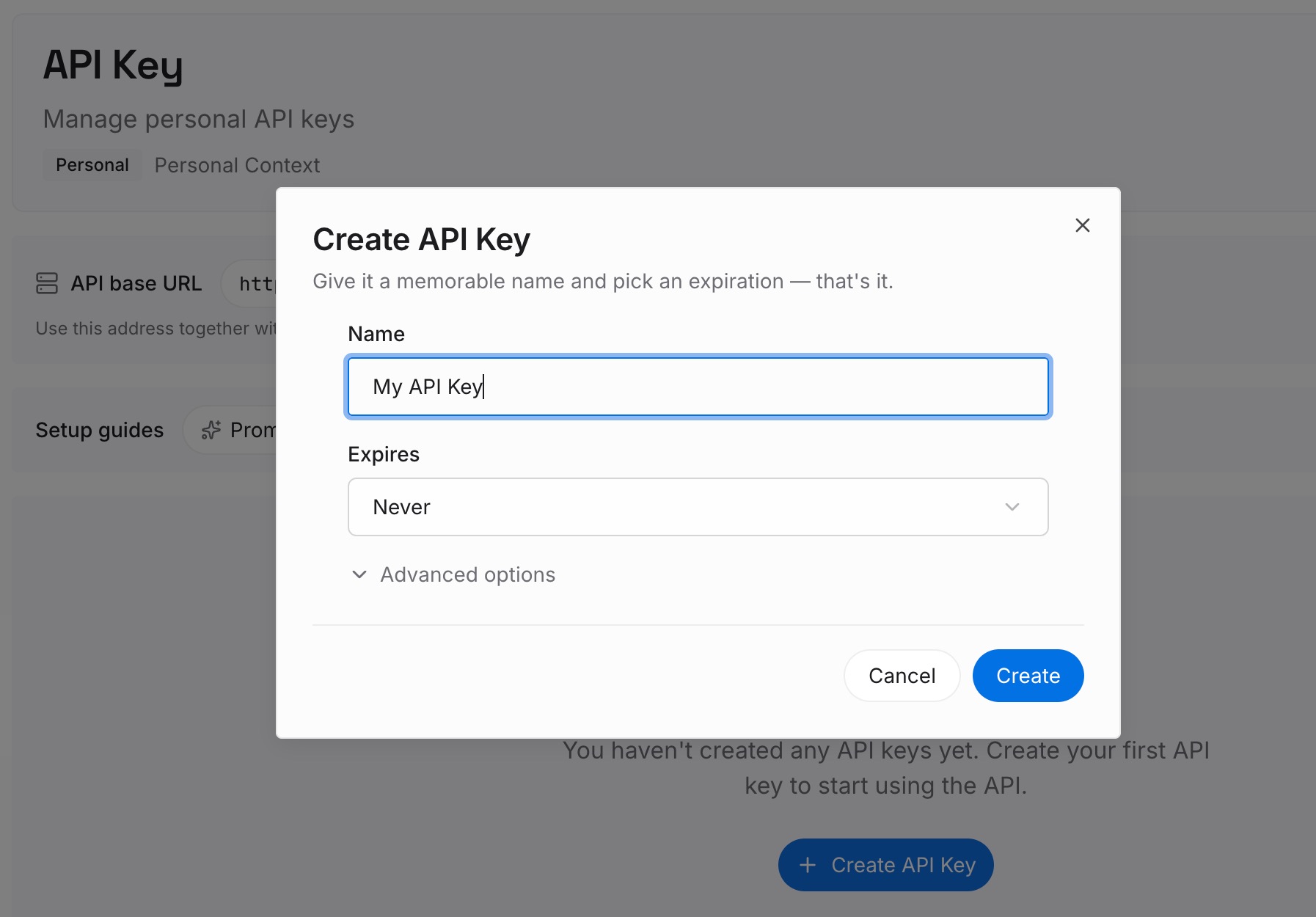
Step 1: Create an API key
Generate a key from the dashboard. It is what lets a research assistant, a writing assistant and whatever you use next reach the same set of facts.
Step 2: Upload your first memories
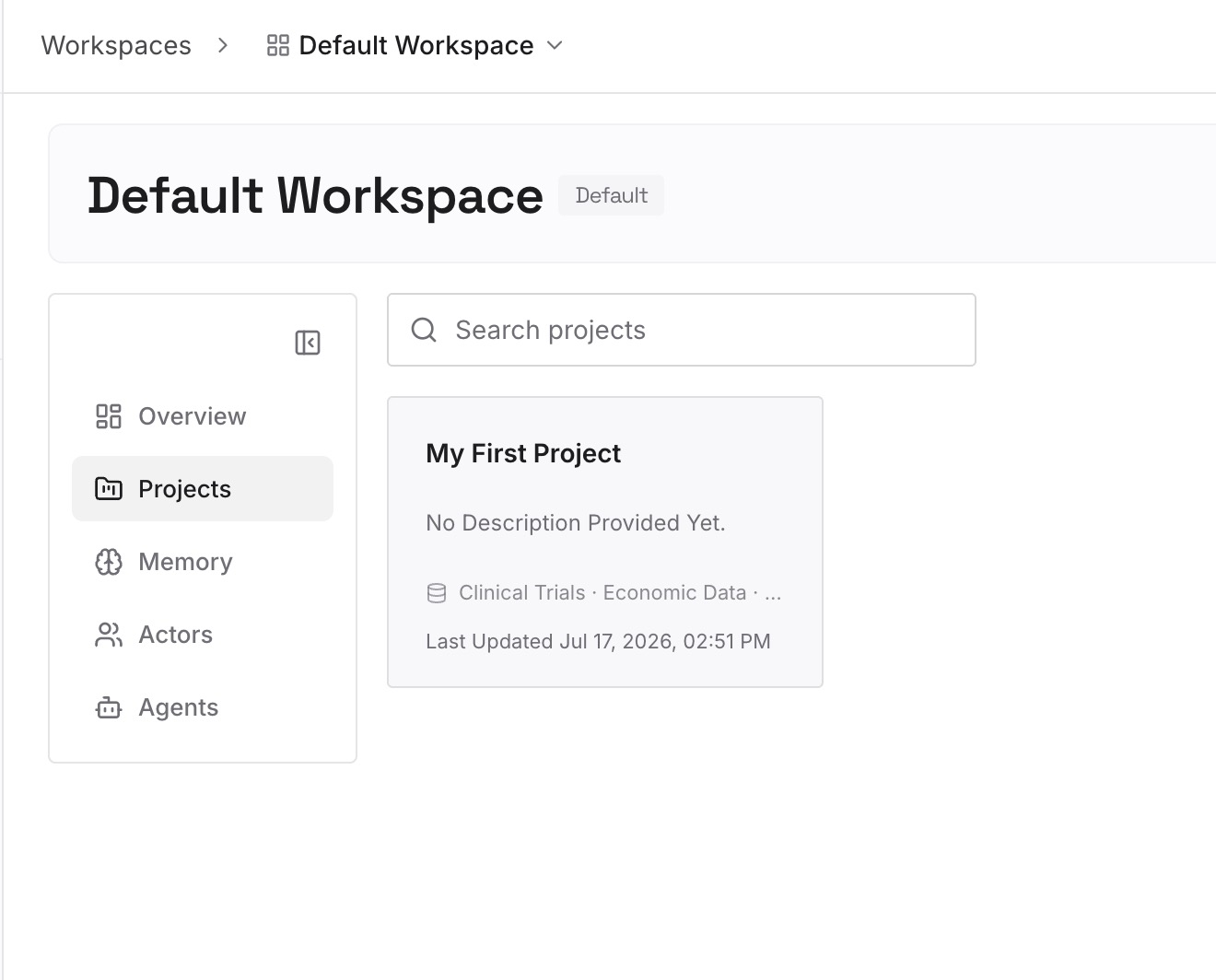
Start with the findings you would be annoyed to re-derive: the figure and where it came from, the source that turned out to be authoritative, the approach you ruled out after reading three papers. A dozen short entries usually covers a research project. Write them as statements, with the source and the date.
Step 3: Connect your AI & agents
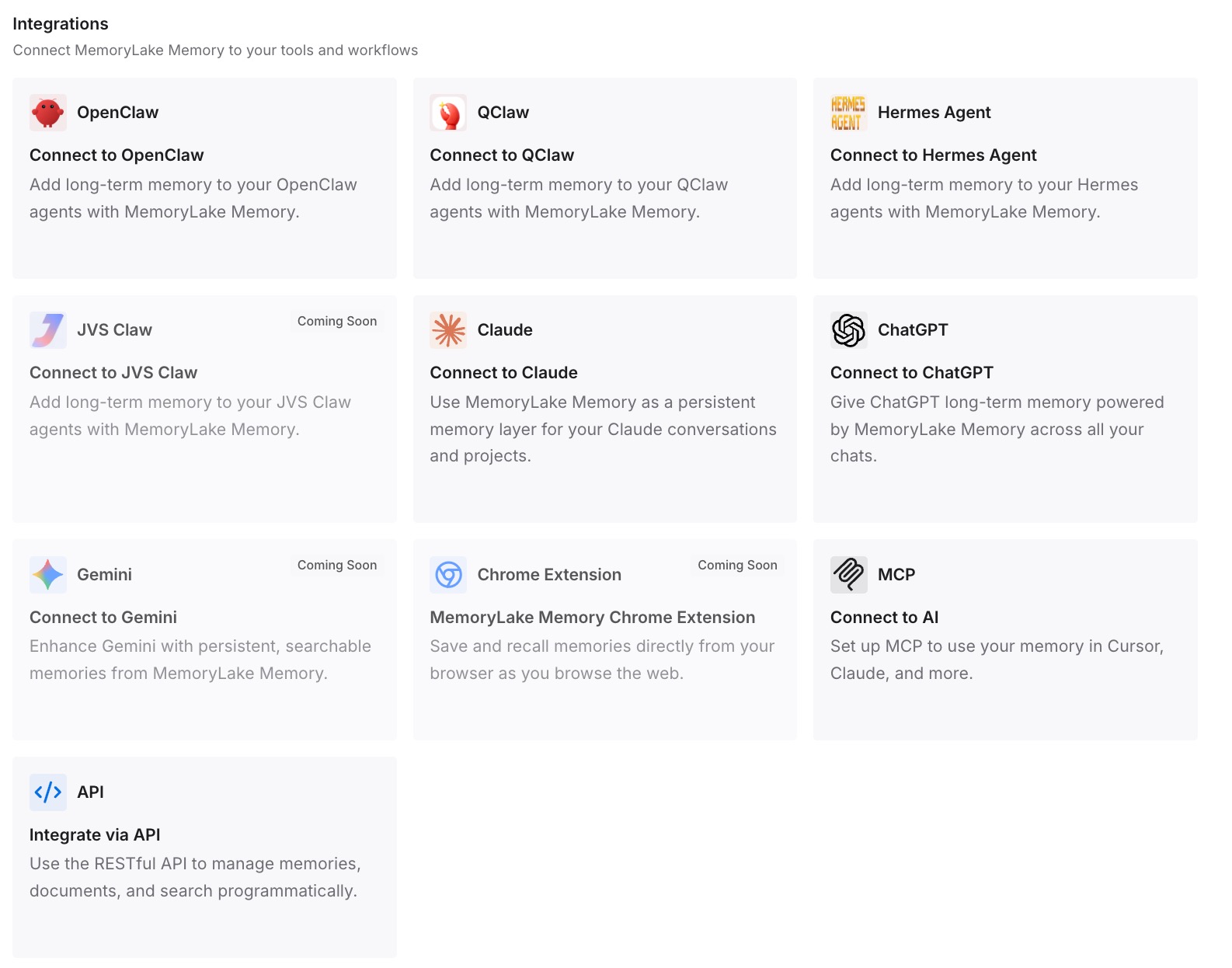
Point your tools at the layer so those facts load at the start of a session rather than being reconstructed from a thread you have to find first. Then test it: open a fresh conversation and ask for one of the findings back. If it answers, a missing thread becomes an inconvenience rather than a loss.
What this changes in practice
The first change is that "signed in or not" becomes a habit rather than an afterthought. Once you know that anonymous threads carry a fourteen-day clock and threads created while signed in are saved automatically, the sign-in prompt stops being something to dismiss.
The second is that the fourteen-day window becomes actionable instead of theoretical. Most people discover the expiry after it has happened. Knowing the browser-history route in advance turns a permanent loss into a two-minute rescue, but only if you look during the window.
The third is that Spaces get used for the thing they are good at. Saving a thread to a Space is the documented way to take it out of the expiry path, which makes a Space a deliberate keep rather than just a folder.
The fourth is that the two systems stop being confused for each other. Threads and Memories have separate screens, separate controls and separate failure modes, and most of the frustration in this area comes from adjusting one while watching the other — the same confusion behind Perplexity appearing to forget previous searches.
Best practices for keeping your Perplexity work findable
Sign in before you start, every time. Threads created while signed in are saved to your History automatically; anonymous ones are documented as visible for fourteen days.
If a thread is missing, check your browser history before anything else. Inside the window, that URL is the recovery path.
Save anything that matters to a Space. Perplexity names this as the way to stop a recovered thread expiring.
Keep the two screens straight. Library and search for Threads; Settings > Personalize and Manage Memories for the personalization layer.
Read the sources on an answer. Referenced memories and previous searches are shown there, which makes it the fastest way to tell which layer is active.
Take findings out of threads. A conclusion that only exists inside one conversation is one deletion, one expiry, or one lost URL away from being re-derived.
Conclusion
Perplexity's Library holds Threads, which contain your questions, the answers and the sources. Its Personalize settings hold Memories and control whether search history is referenced. Those are two systems, and "my history is gone" can mean either.
The fact worth memorising is the one with a deadline. Threads created while you were signed out are, in Perplexity's words, "not saved long-term," are "visible for 14 days," and after that "will disappear permanently without the possibility of recovery" — with one documented rescue inside the window, through your browser history and a save to a Space.
None of this is unreasonable. An anonymous thread has no account to belong to, and a personalization toggle was never meant to be a storage control. The useful conclusion is narrower than "back everything up": sign in, know the fourteen days, and keep the findings somewhere that is not a conversation you might have to go looking for.