
Why tidying up can cost you the rules folder
Start with what guidelines are for. JetBrains describes them as the standing brief: "Guidelines allow you to provide persistent, reusable context to the agent. Junie CLI reads guidelines from the AGENTS.md file and adds this context to every task it works on."
Then the discovery order, quoted from the documentation. "When Junie CLI starts a task, it looks for guidelines in the following order:" first, ".junie/AGENTS.md file in the project root." Second, "AGENTS.md file in the project root, combined with .junie/playbook.md and every .junie/rules/*.md file, if present." Third, ".junie/guidelines.md file or .junie/guidelines/ folder – Junie's legacy format for guidelines (still supported)."
Read those three lines as a table rather than as prose and the asymmetry jumps out. The combination with .junie/playbook.md and .junie/rules/*.md is documented on the second route only. The first route names a single file. The third names the legacy location. If you have a rules folder and a playbook, the route that carries them is the one where your main guidelines live at the project root as AGENTS.md — not the one inside .junie/.
That matters because of how most people arrive here. The first-open import is documented too: "Junie CLI checks for any guidelines or memory files from other AI agents when it opens the project for the first time. If such files are detected, it will suggest importing the instructions into .junie/AGENTS.md." That suggestion is sensible for a project that has nothing else. For a project that already has a .junie/rules/ folder, it quietly moves you onto the route where the documentation does not describe those files being combined.
None of this produces an error. Junie still has guidelines, still follows them, and still does good work. The rules you split out for structural reasons are simply not part of the brief any more, and the only way to notice is to read the ordered list.
What people try instead
Putting the same content in two places. Copying the rules folder's content into .junie/AGENTS.md works in the narrow sense that the content arrives. It also means every future edit has two homes, and one of them will drift.
Moving everything into the legacy location. .junie/guidelines.md and .junie/guidelines/ are described as "Junie's legacy format for guidelines (still supported)," and support is not the same as being the route the documentation builds on. It is the third entry in the order, and it is where people land by accident when they search for "junie guidelines" and find older material.
Assuming the global file fills the gap. It has its own job. "Junie CLI also supports global guidelines from ~/.junie/AGENTS.md," and on Windows "the global guidelines path is %USERPROFILE%\.junie\AGENTS.md." The documentation is specific about what it is for: "This file lets you define personal preferences or organization-wide rules that apply to all your projects without duplicating them in every repository." Personal preferences are not a substitute for a project's rules folder.
Duplicating project rules into the global file to be safe. Junie handles the harmless case gracefully — "If the global and project guidelines have identical content, Junie automatically deduplicates and uses the content only once" — but near-duplicates are the real risk, and they resolve by precedence rather than by merge.
Deciding the problem is memory. Reusable skills and instruction files answer "how should you work," and the gap between that and a project record is a separate question entirely, covered in why agent skills aren't memory.
The Fix: Choose a route deliberately, then attach the playbook and rules where they are documented
Step 1: Inventory the three routes and see which one your project is on
Look for four things: a .junie/AGENTS.md, an AGENTS.md in the project root, a .junie/playbook.md, and a .junie/rules/ folder with markdown files in it. Then check the legacy pair as well — a .junie/guidelines.md or a .junie/guidelines/ folder.
Match what you find against the ordered list. If you have a .junie/AGENTS.md, you are on route one. If you have a root AGENTS.md and no .junie/AGENTS.md, you are on route two, and the documentation describes that route as combining the playbook and every .junie/rules/*.md file "if present." If you only have the legacy files, you are on route three.
The case to look hardest at is the one where several of these exist at once — typically a .junie/AGENTS.md created by the first-open import, plus a .junie/rules/ folder that predates it, plus perhaps a legacy guidelines.md nobody has opened in months. That is not a broken project; it is a project whose files accumulated faster than anyone re-read the discovery order.
Step 2: Put the main brief on the route that carries the rest of your setup
The decision is short once the inventory is in front of you.
If you have a .junie/rules/ folder or a .junie/playbook.md you want in every task, put the main guidelines in the project-root AGENTS.md — the route the documentation describes as combining them. That also has a side benefit worth naming: a root AGENTS.md is the cross-tool filename other agents look for, so one file serves Junie and everything else, in the spirit of the format's own description as "an open file format for guiding coding agents."
If you have no rules folder and no playbook, .junie/AGENTS.md is fine and keeps the root uncluttered. Just record that choice somewhere, because the day someone adds a rules folder, the route stops matching the setup.
If you are sitting on the legacy files, move the content to whichever of the two routes above fits, and keep a short note in the repository saying where the guidelines now live. A .junie/guidelines.md that has been emptied without explanation reads, to the next person, as a file someone deleted by mistake.
Write the guidelines themselves in the categories JetBrains illustrates, because they map to the questions agents actually get wrong: a "Quick-start checklist" of "the most critical rules the agent must follow before doing anything"; "Local development commands" as a table of install, lint, test, build and dev-server entries; "Feature development and decision making"; "UI and architecture"; "Security and data handling"; "Testing and contribution"; and a section of "Non-goals for agents," described as "Explicit prohibitions what agents must NOT do." That last category is the one people skip and then wish they hadn't. The purpose is stated plainly: providing this information "helps Junie better understand your environment, avoid incompatible libraries, and follow your project's specific architectural patterns."
Step 3: Set the global tier to personal scope and let precedence do the rest
Now place the global file on purpose. ~/.junie/AGENTS.md should hold the things that are true of you rather than of the project: how you like commits phrased, which review habits you want applied everywhere, organization-wide conventions that genuinely span repositories.
The interaction between the tiers is documented in three cases, and they are reassuringly boring. "If only global or only project guidelines exist, Junie uses whichever is available — no extra annotations are added." "If both global and project guidelines exist, Junie includes both and marks them clearly. Project-level guidelines always take precedence over global ones when they conflict." And "If the global and project guidelines have identical content, Junie automatically deduplicates and uses the content only once."
Two practical consequences. First, you do not need defensive duplication: identical content is deduplicated, and conflicting content resolves toward the project. Second, near-duplicates are where surprises live. A global line saying "always add integration tests" and a project line saying "unit tests only for feature work" are not identical, so both are included and the project wins — which is correct, and also invisible unless you went looking. Keeping the two tiers genuinely different in scope is what makes precedence a feature rather than a puzzle. The same discipline pays off wherever layered instruction files are involved, as in how Copilot orders instruction files.
Setting this up in MemoryLake
Guidelines are a brief that goes into every task, so they have to stay short, which means the reasoning behind them has to live somewhere else. Why the legacy package is off-limits, which library you rejected and on what grounds, what a naming convention is protecting — none of that belongs in a file the agent reads on every run, and all of it is what you need when deciding whether a guideline still holds. A store you write MemoryLake entries into on purpose keeps that record retrievable without inflating the brief. You write the entries yourself, in your own words. Nothing is read out of, written to, or deleted from your .junie directory or any other tool's files.
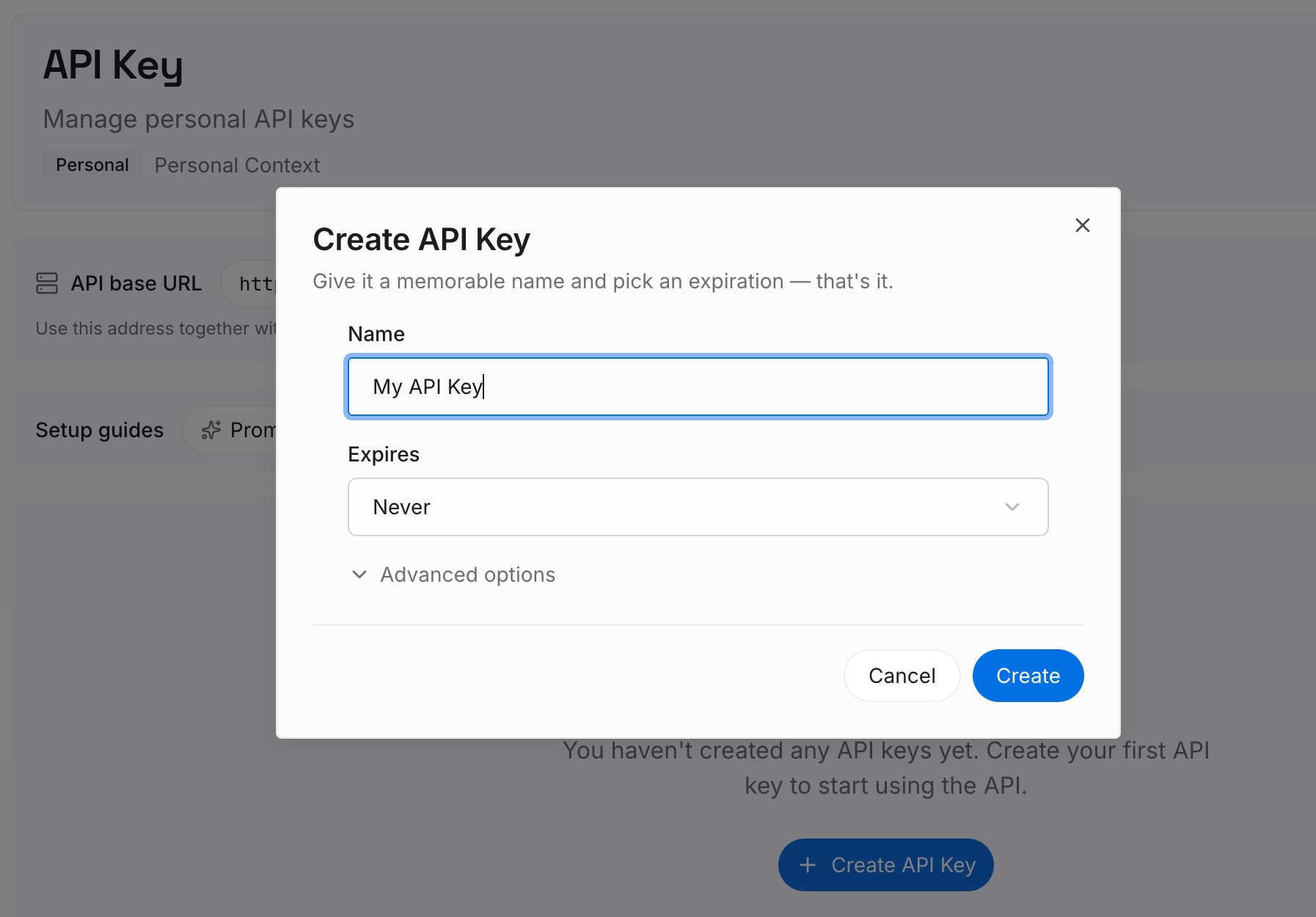
Step 1: Create an API key
Sign in and generate an API key from your workspace settings. This is the credential your agents and integrations use, so create it before you start moving anything in.
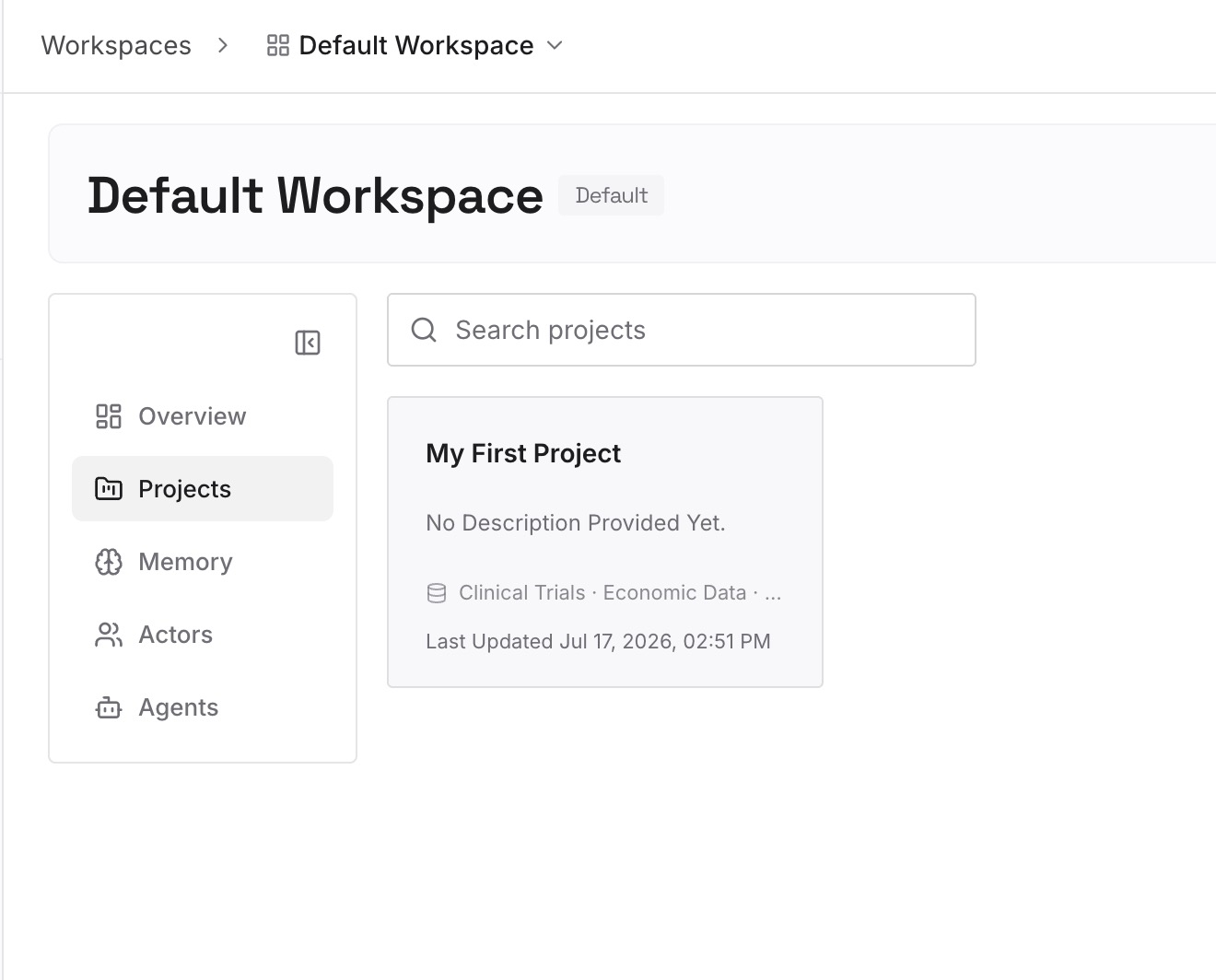
Step 2: Upload your first memories
Start with the decisions your guidelines assume: why the stack looks like this, which approach lost the argument and why, what the "non-goals" section is actually protecting against. Write each as a short standalone note so it can be retrieved on its own.
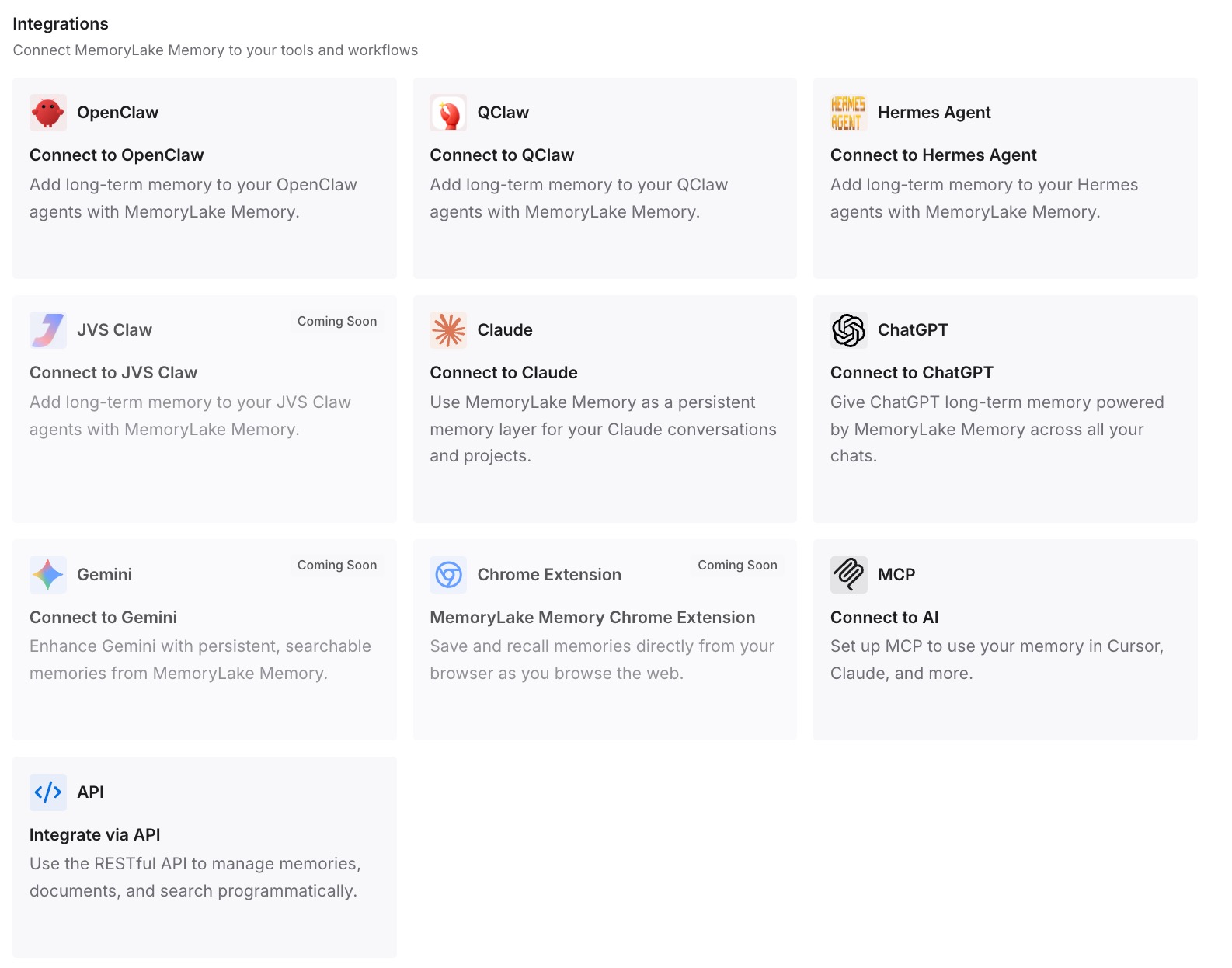
Step 3: Connect your AI & agents
Connect the assistants and agents you use. The reasoning then travels with you, independent of which route a given tool uses to find its instruction file.
What this changes in practice
The first-open import becomes a decision rather than a default. Junie offering to consolidate other agents' files into .junie/AGENTS.md is genuinely helpful on a fresh project. On a project with a rules folder, it is the moment to pause and check which route you want to be on.
A rules folder becomes a real structure rather than a filing habit. Splitting guidance into .junie/rules/*.md only pays off if the route you are on is the one documented as combining them; otherwise the split is organisational rather than functional. That is the same reason merging scattered rule directories is worth doing deliberately, as in how to merge Windsurf and Devin rule folders.
Cross-tool sharing gets a concrete answer. Choosing the root AGENTS.md route gives you one file that Junie reads and that other agents recognise, which is a better position than maintaining a Junie-specific file plus a copy for everyone else.
Reviews of "what is the agent actually following" get shorter. With the route written down, the answer is a path and an ordered list rather than an investigation — the same shift described for a different tool in which Tabnine guidelines are in effect.
Best practices for guidelines that stay findable
Write the route into the guidelines themselves. One line near the top — "guidelines live in the project-root AGENTS.md; rules in .junie/rules are combined with it" — saves the next person from re-deriving the discovery order.
Keep the global file personal. If a line in ~/.junie/AGENTS.md would embarrass you in someone else's repository, it belongs in a project file instead.
Avoid near-duplicates across tiers on purpose. Identical content is deduplicated; almost-identical content is included twice and resolved by precedence, which is harder to reason about than either extreme.
Put prohibitions in writing. The "Non-goals for agents" category exists because the most expensive agent mistakes are things it should not have done at all, not things it did imperfectly.
Re-read the discovery order after any restructure. Moving a file between .junie/ and the project root changes which route you are on, and the change is silent.
Revisit guidelines that were generated rather than written. Imported or mined rules are a useful starting point and a poor final state, which is the argument in what to do with mined rules from Qodo.
Conclusion
Junie looks for guidelines along three routes, and the documentation attaches .junie/playbook.md and every .junie/rules/*.md to exactly one of them: the project-root AGENTS.md. The route inside .junie/ names a single file, and the legacy pair is supported rather than central.
So the placement decision is simple once it is stated. If you maintain a playbook or a rules folder, put the main brief in the root AGENTS.md and let the documented combination do its job. If you don't, keep it in .junie/AGENTS.md and write that choice down. Then set the global file to personal scope, trust precedence, and keep the reasoning behind the guidelines somewhere that does not have to fit inside a file the agent reads on every task.