
Why cloud tasks start without your local context
Start with what an environment is. "A cloud environment is the reusable setup that tasks use: repositories, dependencies, tools, and access settings." Codex inspects your repositories, installs what they need, tests the setup with you, and you publish it. "Each new task gets its own isolated workspace from the published environment."
OpenAI's environments overview states the boundary in two sentences: "A cloud task uses the files and services available in its cloud environment. Your computer's local files, running processes, browser sign-ins, and VPN access aren't automatically transferred to it."
Now look at where local Codex keeps its context.
Instructions. "Codex reads AGENTS.md files before doing any work." It builds a chain: a global file in your Codex home directory, which "defaults to ~/.codex," then files from the project root down to your working directory. The repository's files are part of the checkout. The global file lives on your machine.
Skills. Codex reads skills from repository, user, admin and system locations. Repository skills live in .agents/skills in the repo. User skills live in $HOME/.agents/skills. The cloud environments page is specific about which ones a task sees: "Skills stored in your repository are available in cloud tasks. Personal skills from your local computer aren't synced to cloud environments."
Memories. "ChatGPT web uses ChatGPT memory, while local Codex clients use a separate local memory store and controls." That store is on disk: "Codex stores memories under your Codex home directory." How it works locally is covered in turning on Codex's local memories.
Put those together, and a cloud task reliably gets what is committed to the repository and what you configured in the environment. Guidance in your home folder, personal skills, and anything your local memory picked up are tied to your computer.
Two more details shape what a task remembers. "Each Cloud task has its own working files. File changes in a task don't update the reusable environment." And saved state has a lifetime: "By default, a task's saved VM state is recoverable for up to seven days after you last start a turn or resume the task."
None of this is unusual. Claude Code's cloud sessions draw a similar line, as what your local setup leaves behind in Claude Code's cloud environment describes. Cloud agents start from what is shared, by design.
What people try instead
Running the first cloud task and fixing what goes wrong. This works eventually, but each fix lives in one task's working files. File changes in a task don't update the environment, so the next task starts from the same place.
Relying on Codex memories. Memories are useful locally, and OpenAI's own guidance is clear about their role: "Keep required team guidance in AGENTS.md or checked-in documentation. Treat memories as a helpful recall layer, not as the only source for rules that must always apply."
Keeping key rules in the global AGENTS.md. Your home-folder file is a good place for personal working agreements. Rules the whole team depends on belong in the repository, where every task, local or cloud, reads them.
Putting everything into the setup conversation. The environment records an install script and a start skill, which hold how to prepare and run the project. They are the wrong place for architecture decisions or coding conventions.
Assuming the legacy cloud setup carries over. OpenAI notes that "Codex Cloud (Legacy) continues to support Code Review and the Linear and GitHub integrations," and plans to deprecate it. Environments for the new Codex Cloud are created separately.
The Fix: Put project context in the repository and the environment, then check it in a task
Step 1: Inventory what your local Codex setup gives each task
Before creating the environment, list what your local tasks rely on. Four places cover most of it.
Your global AGENTS.md in ~/.codex. Read it and mark each line as personal (how you like to work) or project (how this codebase works).
Your personal skills in $HOME/.agents/skills. Note which ones you use on this project.
Your local memories. Codex keeps them as files under ~/.codex/memories/, and OpenAI suggests treating them as generated state. You can read them to see what Codex has been relying on, and to find project facts that never made it into a file.
Your own habits. Think about the first message you usually send when starting a task: which commands to run, which folder to avoid, which service to start first. Those are context too.
The output is a short list of project context that currently lives only on your machine. If Codex has been ignoring repository files you thought it read, why Codex skips AGENTS.md rules covers the common causes.
Step 2: Move project context into the repository, and setup into the environment
Now give each item a shared home.
Project conventions go into the repository's AGENTS.md. Codex concatenates files from the root down, so put repository-wide rules at the root and area-specific rules in nested folders. Keep personal preferences in your global file; they are about you, not the project.
Project skills go into .agents/skills in the repository. If a skill you use on this project lives in your home folder, copy it into the repo so cloud tasks and teammates get it. If you previously used custom prompts, converting Codex custom prompts into skills covers that move.
Durable project facts from your local memories go into checked-in documentation. Write them as plain statements with the reason attached, and link them from AGENTS.md if every task needs them.
Then create the environment. On the web or in the desktop app, choose Work in, then Cloud, then Create environment, and select your repositories. Let Codex inspect them and prepare the setup. Use the conversation to tell it what your habits from Step 1 covered: which services to start, which versions to pin. Codex records this in an install script and a start skill, the latter being "instructions to start services and check that they're ready."
Handle access properly. Use environment variables for values programs read directly, network secrets for credentials sent to specific HTTPS services, and Personal vault for values each person supplies. For shared environments, OpenAI notes that sharing passes along requirements: "Sharing the environment shares these requirements, not your personal credentials."
Decide what the task can reach. If your workflow needs package registries or internal APIs, add them under the environment's internet access settings, and test them during setup. OpenAI notes a limit worth remembering: "Allowing a destination doesn't supply credentials or grant permissions in that service." The same goes for repositories and connected apps: "Repository access and personal connections depend on the account running the task." A colleague using your shared environment works with their own access, not yours.
Review the setup report, then publish. Remember the difference: "Saving stores configuration; some settings apply to the active setup immediately. Publishing captures the prepared filesystem for new tasks."
Step 3: Start a task and ask what it loaded
Start a new task from the published environment and ask it a few direct questions before giving it real work. Ask it to list the instruction sources it loaded. Ask which skills are available. Ask it to run the project's test command. OpenAI's own AGENTS.md documentation uses the same check locally, asking Codex to list the instruction sources it loaded.
Compare the answers with your list from Step 1. Anything missing is still on your machine.
Then use the environment for a real task and watch for repeated corrections. If you find yourself telling cloud tasks the same thing twice, that fact belongs in the repository or the environment, not in a follow-up message.
Finally, protect the results. "Commit important work or save the output you need. Saved state doesn't replace source control." A task's state is recoverable for a limited time; a commit is permanent.
Setting this up in MemoryLake
The fix puts conventions in the repository and setup in the environment. Some context fits neither: why the architecture looks the way it does, decisions made across several repositories, and lessons that apply whether a task runs in Codex Cloud, a local session, or another agent entirely. MemoryLake is a place to keep that layer, outside any one machine or environment.
You write the entries yourself, in your own words. Nothing is read out of, written to, or deleted from your Codex memories, your cloud environments, your repositories, or any vendor's store.
Step 1: Create an API key
Sign in and generate a key from the dashboard. Store it the way your environment expects credentials, so it stays out of your repository.
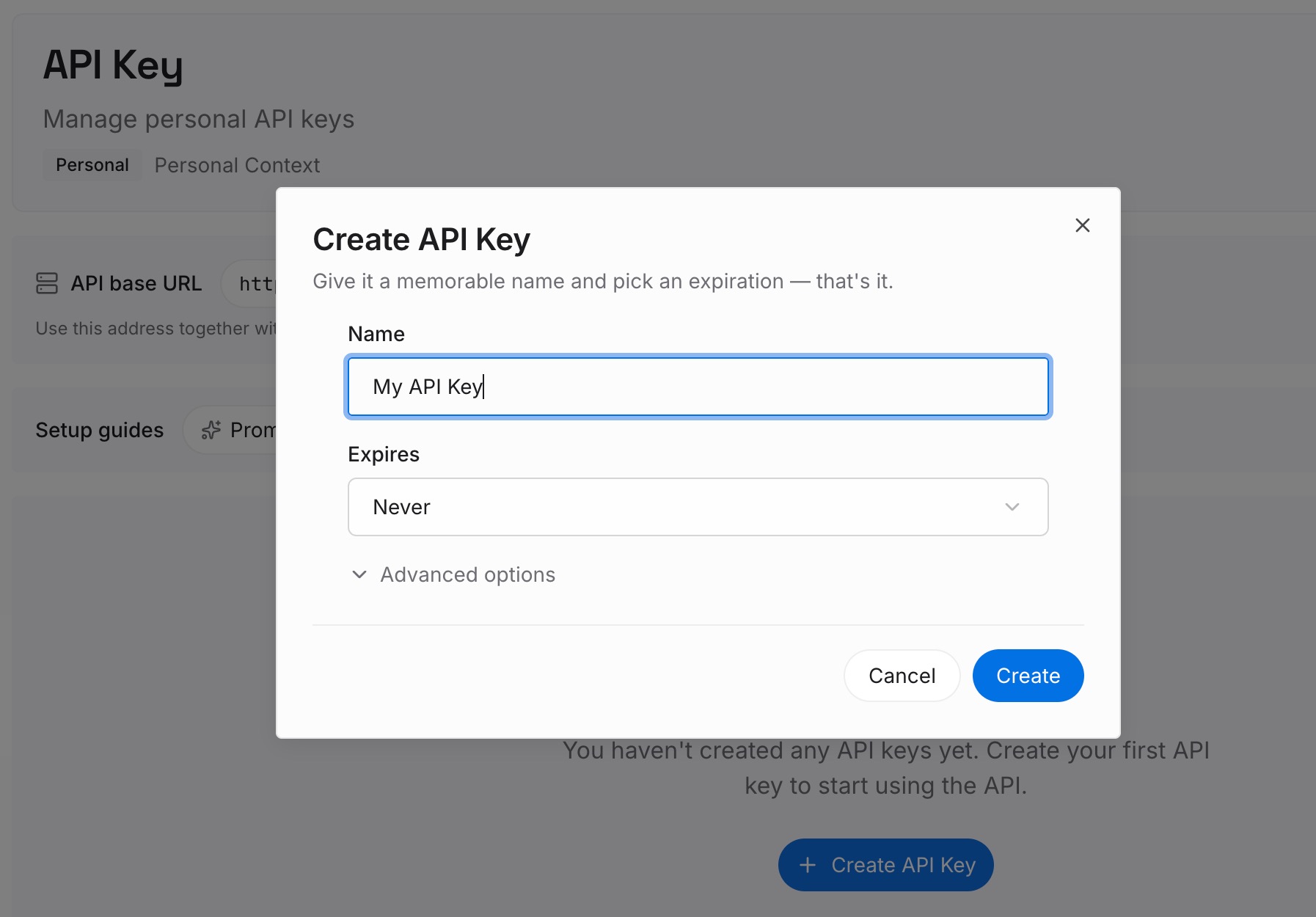
Step 2: Upload your first memories
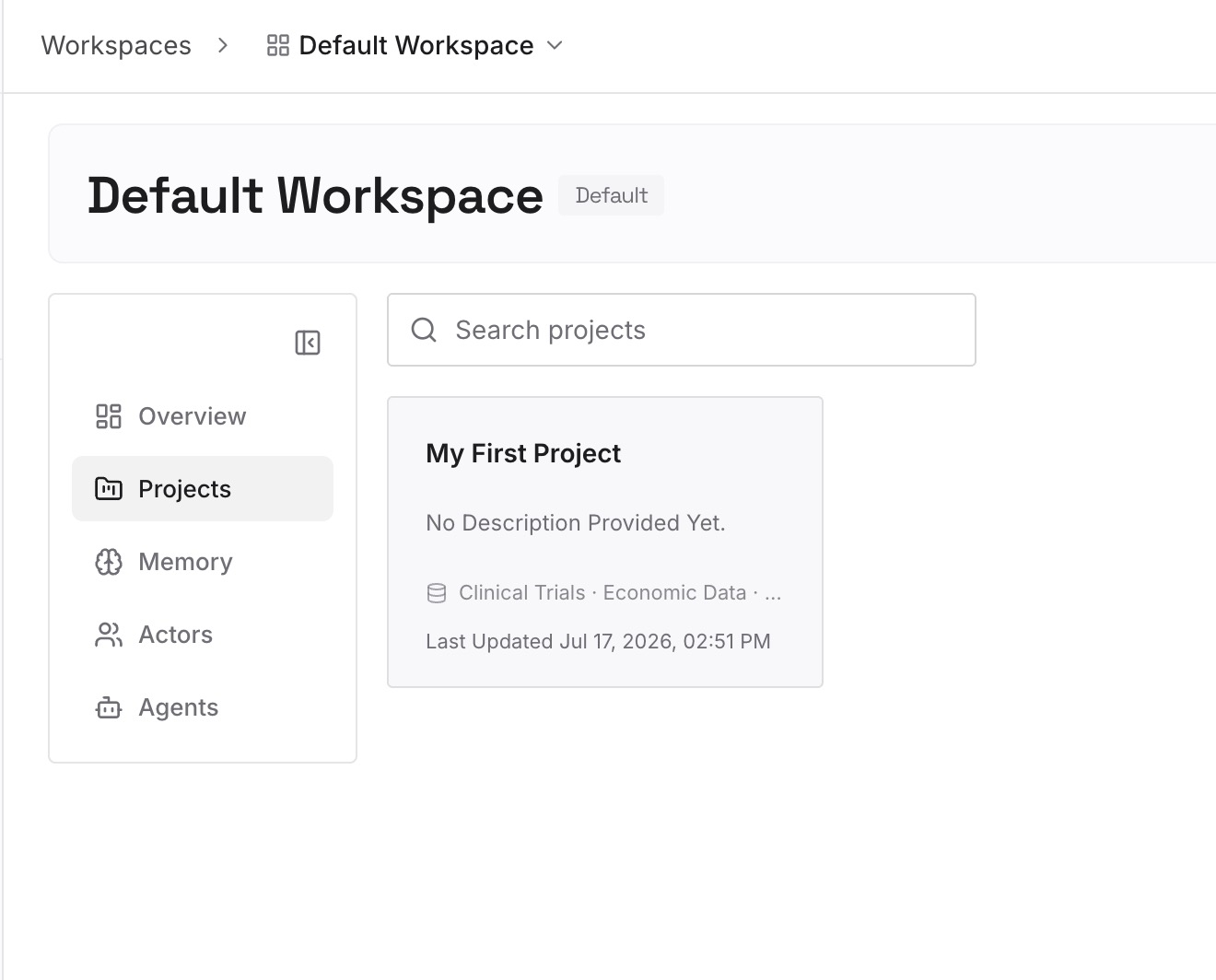
Start with the project facts from Step 1 that are about reasons rather than rules: why a service was split, which approach was abandoned, what a dependency constraint protects. One decision per entry, dated.
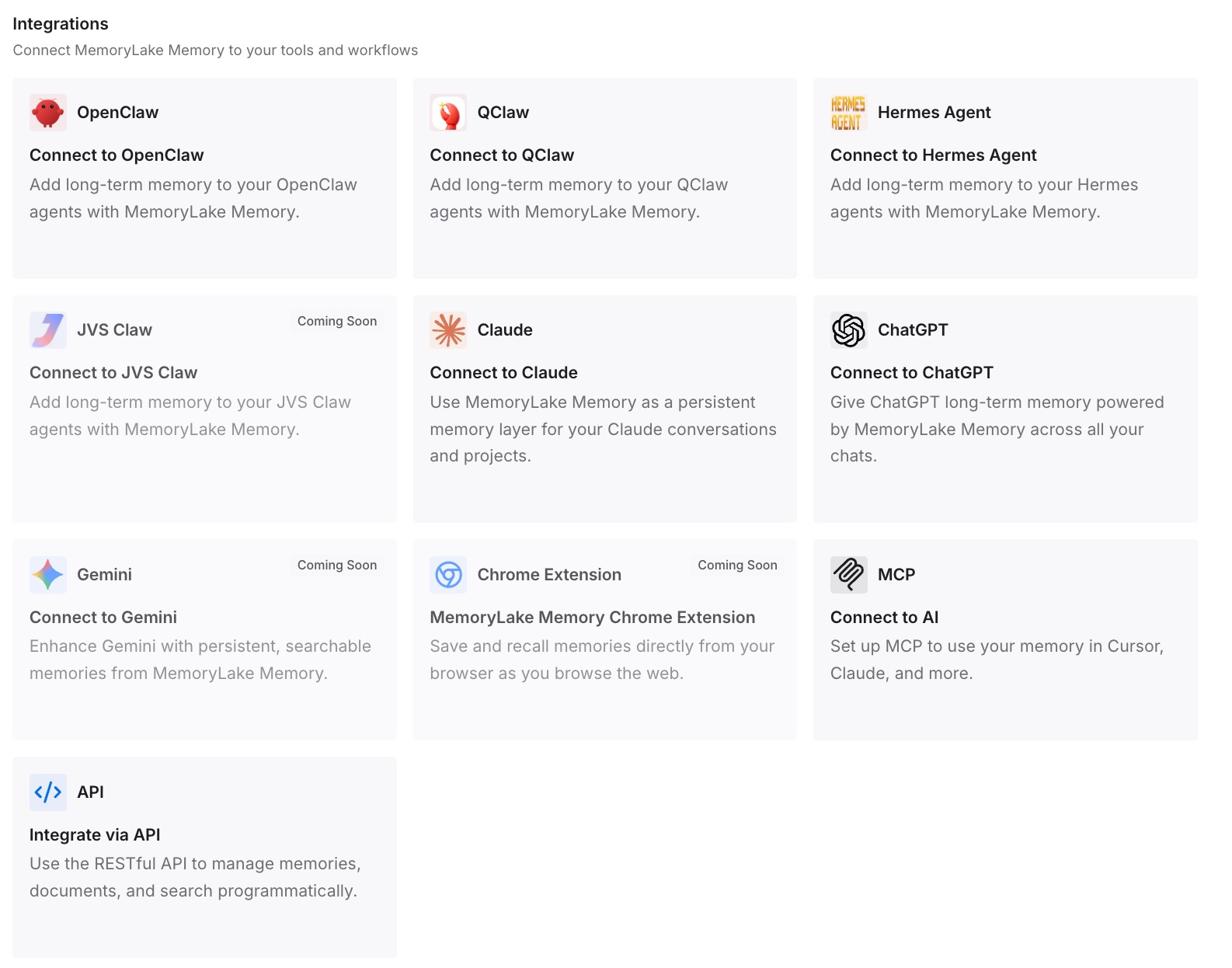
Step 3: Connect your AI & agents
Connect Codex and the other agents your team uses. The same background is then available whether a task runs locally or in the cloud.
What this changes in practice
The first difference is that cloud tasks behave like local ones. The guidance they need is committed, so the first message of every task can be about the work, not the setup.
The second is that teammates get the same start. A shared environment plus repository-level instructions and skills means a colleague's task begins exactly where yours does.
The third is that local memory goes back to being a convenience. Rules that must always apply live in files, so local memories only make your own sessions smoother. For the broader problem, see why Codex forgets project context.
The fourth is that moving between surfaces stops losing context. ChatGPT Work, local Codex and Codex Cloud each run in different places, a pattern covered in keeping context between ChatGPT Work cloud and local. When the context lives in shared files and a shared memory layer, the surface matters less.
Best practices for Codex cloud environments
Commit team rules to the repository's AGENTS.md. Keep the global file for personal preferences.
Move project skills into .agents/skills. Personal skills stay on your computer.
Turn local memories into documents. Durable facts belong in files.
Describe startup in the environment. Let Codex record it as an install script and start skill.
Use the right place for each secret. Variables, network secrets, or Personal vault.
Republish after changing setup. Then start a new task to use it.
Check every new environment with a short task. Ask what it loaded before giving it real work. For what agents actually load across tools, see what coding agents actually read.
Conclusion
Codex cloud environments make it easy to run tasks remotely from a shared, reusable setup. What a task starts with is what the environment and repository provide. Your global AGENTS.md, personal skills and local memories are tied to your machine, and OpenAI says plainly that personal skills aren't synced and local files aren't transferred.
So move project context to where tasks can read it. Put conventions in the repository's AGENTS.md, skills in .agents/skills, durable facts in checked-in docs, and setup in the environment. Then check each new environment by asking a task what it loaded.
Keep the reasons behind your project in a layer every agent can reach, and the cloud stops being a place where tasks start from less than you do.