
What Qwen Code actually published
Two pull requests landed on September 20 and went out in v0.24.2 the same afternoon.
The first changed the /context detail output. A context file belonging to an active extension now renders as the extension's name followed by the file, in the form Extension: Report Tools · QWEN.md. Files with no extension owner keep the path they always had. The stated reason is blunt: an extension's context file previously "showed up as a path under the install directory, which does not tell the reader which extension is paying for it."
The second changed how an extension can ship instructions at all. Extensions can now contribute path-conditional rules, described as a way for authors to "move file-specific guidance out of an always-loaded context file" so that it is "injected when a matching file is accessed instead of being sent from startup." Alongside it, the extension guide now carries the cost sentence in full:
"An extension's context file is concatenated into the system prompt of every request of every session the extension is active in, whether or not the work at hand has anything to do with your extension — there is no relevance gating and no size limit."
The measurement behind that sentence is in the tracking issue the pull requests reference. In one sampled session, "nine extensions' context files came to 9,989 tokens." The same session's skill listing, by contrast, held 84 skills for a combined 4,620 tokens, because a skill is listed by name and description and loads its body only when invoked.
There is also a new warning. Qwen Code now warns when the aggregate always-on context crosses a threshold derived from the model's window, capped at ten thousand estimated tokens. The pull request is careful about what that warning is: "This is a warning, not truncation or a per-extension quota."
What this does and doesn't change
It does not reduce anything by itself. The pull request says so directly: "Providing a conditional alternative only reduces resident content when extension authors actually move appropriate guidance into it." The mechanism is new; the migration is not automatic. In the author's own words, "Existing context files are not migrated automatically."
So on the day you update, every extension you have installed still contributes exactly what it contributed the day before. What changed is that you can now see the itemised list, and extension authors now have somewhere better to put things.
Two further details are worth reading carefully, because they describe behaviour rather than intent.
An extension rule must carry a paths: front-matter entry. A rule without one "are skipped with a warning" — it does not silently become an always-on rule, and it does not silently vanish either. Rules are "labelled by extension owner," which is the same attribution idea applied to the new surface.
And there is an asymmetry in trust handling that the pull request states plainly: "Installed extension rules are not gated on workspace trust, matching the existing extension-context boundary; project rules retain their trust gate." An extension you installed is treated as something you already vouched for; a rule file sitting in a repository you just opened is not. That is a deliberate boundary, not an oversight, and it is the reason the extension guide spends a paragraph on what belongs in an extension at all.
What people will take from this, and shouldn't
The first reading that will circulate is "Qwen Code added a command to show extension costs." That is true and not very useful, because the command already existed. /context detail has listed memory files one row per file for a while. What it could not do was say which extension a row belonged to.
The second reading is more damaging: that this release makes extensions cheaper. It does not. The conditional-rules route is available to extension authors, and until an author moves guidance into it, the file you already have keeps being concatenated. Nothing you do in your own project changes that, apart from deactivating the extension.
The third misreading is the one worth spending a paragraph on. It is tempting to conclude that always-on instructions are the problem and that everything should become conditional. The guide does not say that. It says to "keep the context file to the few facts that are always true — the extension's identity, its vocabulary, a hard constraint — and put scenario guidance in a skill instead." Some facts genuinely are always true. The failure mode is not that always-on context exists; it is that scenario guidance was filed as though it were an always-true fact, and nothing in the system told anyone.
That distinction is the same one behind why a long context window is not the same thing as memory: a bigger window changes what fits, not what deserves to be there.
The Fix: Read the itemised list, then decide which facts are always true
You cannot migrate an extension's context file on the extension author's behalf. You can find out what you are carrying, decide what of your own belongs in the always-on layer, and move the rest.
Step 1: Take the itemised reading before you change anything
Open a session in the project you actually work in, one turn in, and run the detailed context breakdown. Read the memory-files section specifically. After v0.24.2 each extension-owned file names its extension, so you get a list of owners rather than a list of paths.
Write the list down somewhere outside the tool, with the file sizes beside each name. You are going to compare against it later, and the breakdown itself is a live reading that changes with the session.
Two things usually surprise people at this point. The distribution is uneven — in the sampled session, two extensions accounted for roughly a third of the extension total. And the extensions contributing most are rarely the ones being used most.
Step 2: Separate your own always-true facts from your scenario guidance
Now look at the rows that are yours: your project's own instruction file and anything you reference from it. Sort each line into one of two buckets.
Always true: the project's name and purpose, the build and test commands, a constraint that applies whatever you are touching, vocabulary the tool would otherwise get wrong. These belong in the always-on file, and they are usually shorter than people expect.
True only sometimes: how to work on the payments module, the conventions for the migration directory, the checklist for a release. These are scenario guidance. Qwen Code's own recommendation is a skill, which is listed by name and description and loads its body when invoked, and a skill gated on file paths "is not even listed until a matching file is touched."
This sorting is the part nobody can do for you, because it depends on what you actually work on. It is also the part that keeps paying off, because it is the same sort that makes an agent read your instruction files at all — a short file of genuinely always-true facts gets followed more reliably than a long one.
Step 3: Re-read the breakdown against your written list
Run the detailed breakdown again in the same project and compare row by row against what you wrote down in Step 1. You are checking two things: that the lines you moved are gone from the always-on layer, and that the extension rows are unchanged, because you did not touch them and they should not have moved.
If the aggregate warning is showing, note which owners are driving it. That is the list worth taking to the extension authors, and it is now a list you can state precisely instead of describing.
Keep the written record. The next release of any installed extension can change its context file without telling you, and the only way to notice is to have yesterday's numbers.
Setting this up in MemoryLake
The sorting in Step 2 produces something durable: a short set of facts that are true across sessions, and a longer set that is true only in specific situations. MemoryLake is a place to keep the first set so it survives the tool you happen to be using this month.
You write the entries yourself, in your own words. Nothing is read out of, written to, or deleted from Qwen Code's own memory folders, an extension's install directory, or any vendor's store.
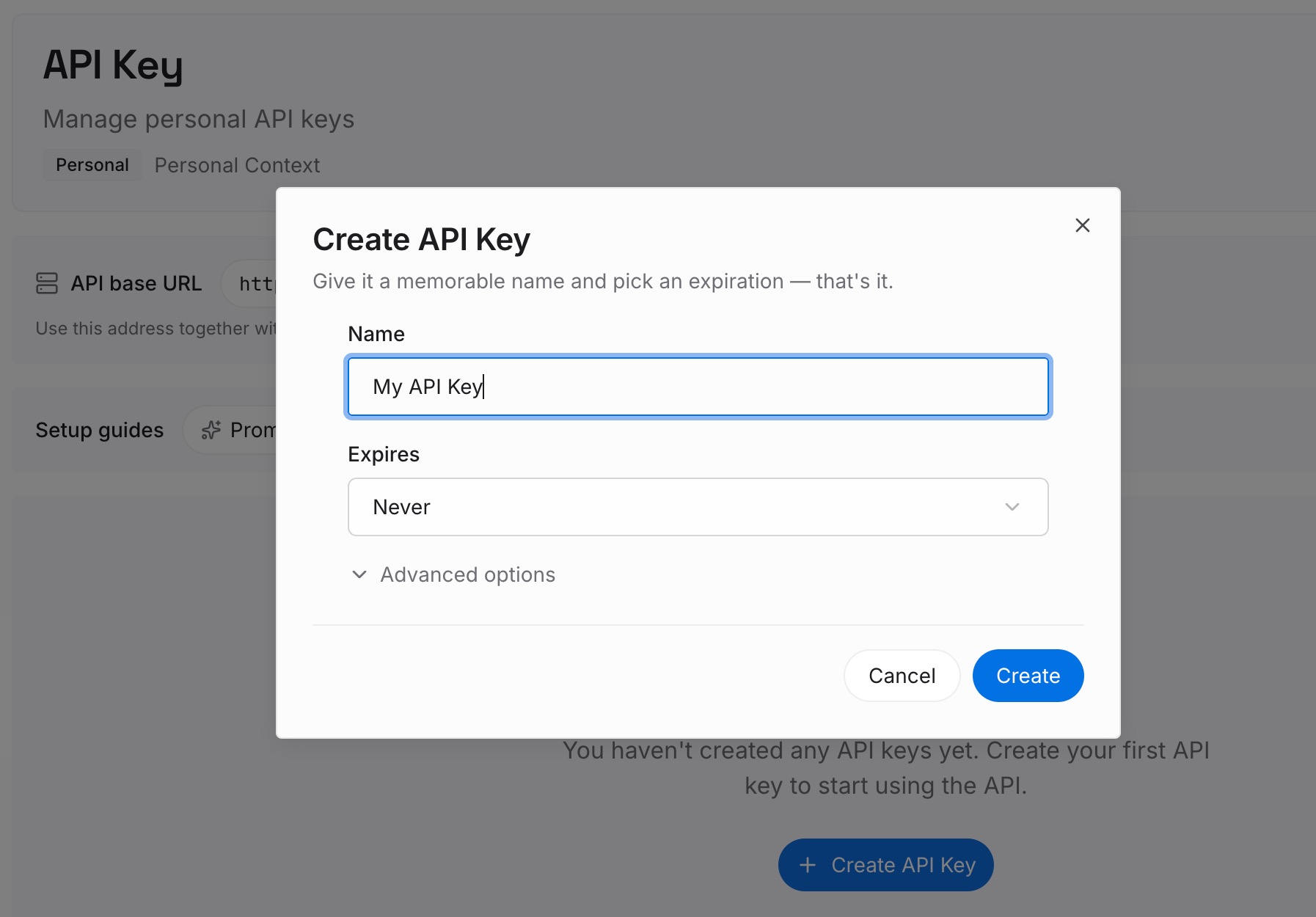
Step 1: Create an API key
Sign in and generate a key from the dashboard. The key is what lets an agent read the entries you have written, and it is scoped to your workspace rather than to any one editor or CLI.
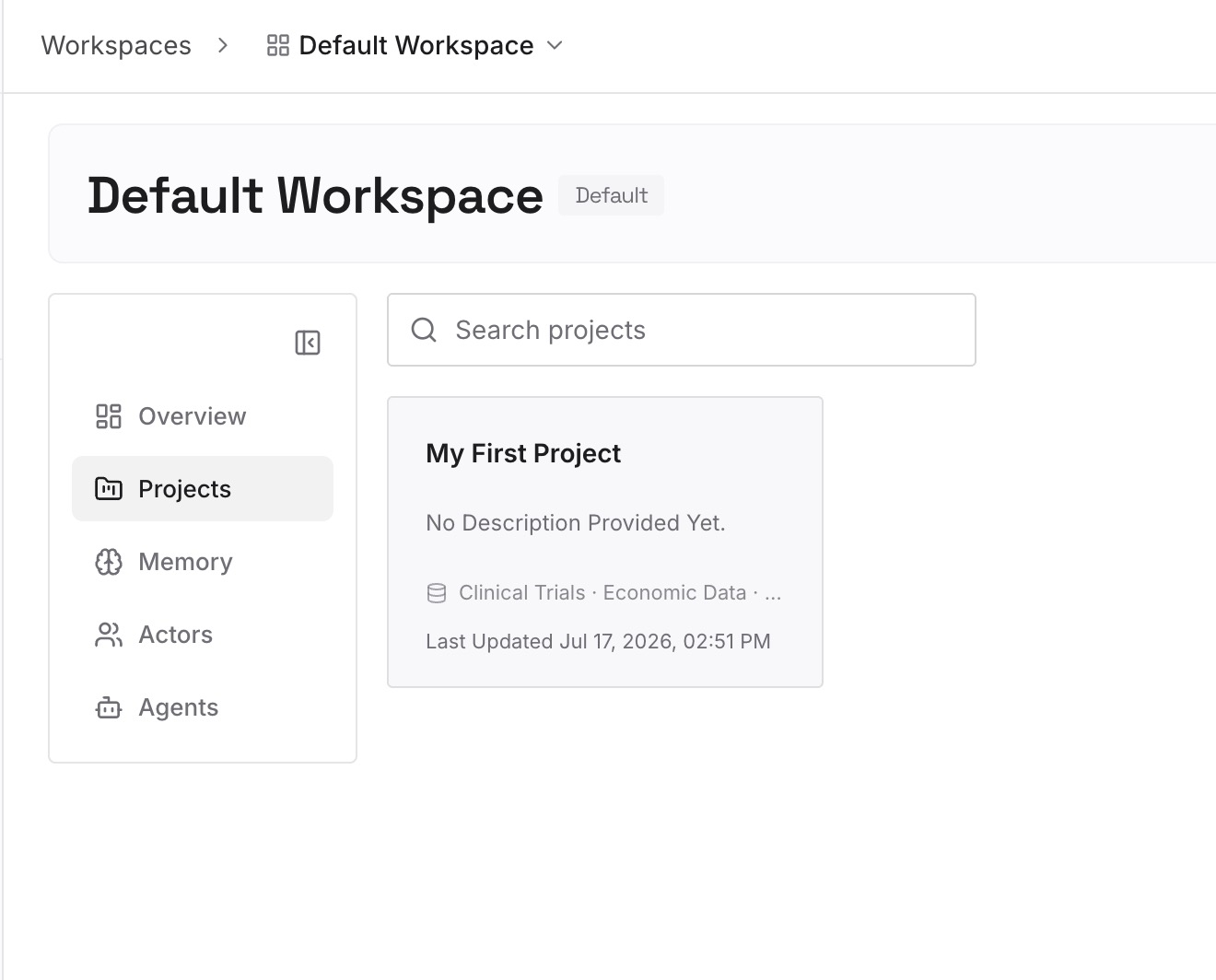
Step 2: Upload your first memories
Start with the always-true list from Step 2 above: the project's purpose, the commands, the constraints that hold whatever you are touching. Keep each entry to one fact, phrased the way you would say it to a new colleague.
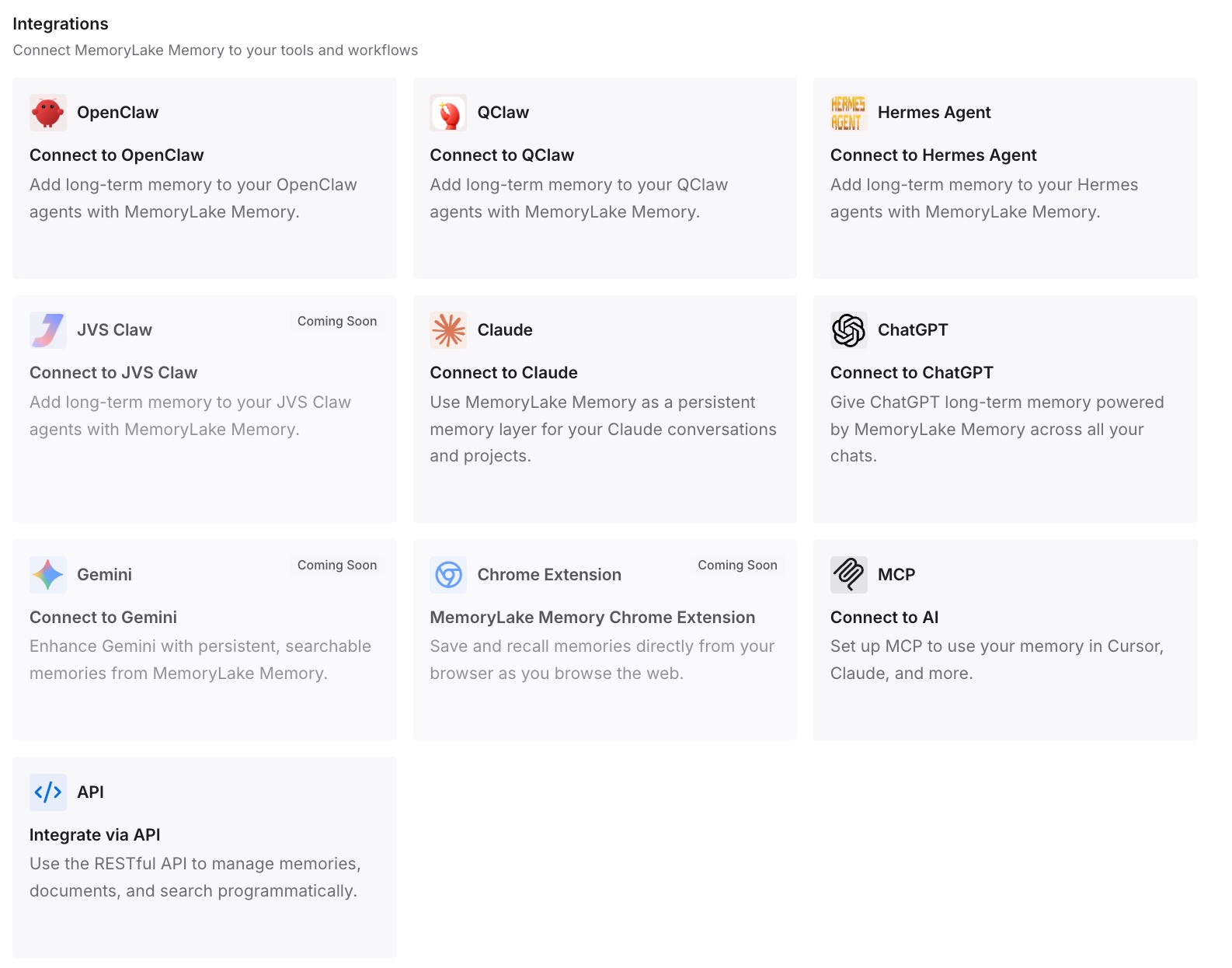
Step 3: Connect your AI & agents
Point your agents at the workspace. The same short set of facts is then available wherever you work, which means a project instruction file can stay short without the facts being lost when you change tools.
What this changes in practice
The practical shift is from a ratio to a list. Before this release, the honest answer to "how much of my prompt is extensions" was a number with no names attached. Now it is a set of owners you can read, and a set you can act on separately from your own files.
That matters more than it sounds, because the two groups have different remedies. Your own always-on content is yours to shorten today. An extension's content is the author's to move, and the most useful thing you can do is tell them precisely which file and how large.
It also changes what a growing context bill looks like. A session that reads as barely using its window can still be carrying a large fixed prefix on every single request, because the prefix is absolute and the window reading is relative. Teams that have been watching token usage without watching composition tend to find the fixed part first once they can see it itemised, and the savings come from what you stop sending every time rather than from a larger window.
One more consequence worth stating: if you are moving between tools, the always-true set is the part that transfers cleanly. Scenario guidance is usually expressed in the vocabulary of a particular tool's gating mechanism, which is why it rarely survives a move intact — the same reason a model change asks you to carry your context across deliberately rather than assume it follows.
Best practices for keeping an always-on layer small
Take a reading before and after any extension install. The itemised breakdown is cheap to run and it is the only record of what an install added. Without a before, an after tells you nothing.
Write the always-true list somewhere the tool cannot rewrite. Extension files change on update. Your own file changes when you edit it. A record kept outside both is what lets you tell which one moved.
Prefer the narrowest carrier that still fires. A skill gated on file paths is not listed until a matching file is touched. A skill without a gate is listed by name and description. A context file is sent in full, always. Each step down that list costs more, so start from the bottom and move up only when something genuinely applies every time.
Judge an extension by what it leaves resident in the prompt, not by its feature list. An extension that does something useful once a week and contributes a long context file is paying rent on every request in between. That is a fair trade sometimes; it should be a decision.
Ask authors for the specific file. Now that rows are labelled, a request can name the extension and the size rather than describing a general concern. Authors have a documented route to move guidance into conditional rules, and a precise report is what makes using it worthwhile.
Re-check after a catalog change. When an extension catalog refreshes, what is installed and active can shift without a visible event, which is the same class of problem as a skill quietly missing from the catalog it was supposed to be in.
Conclusion
The new attribution row is a small change in output and a large change in what is knowable. For the first time, the answer to "which extension put this in my prompt" is a name rather than a path, and the guide that recommended the expensive shape now says what it costs.
None of that shortens anything on its own. The conditional-rules route depends on extension authors using it, and your own always-on file depends on you sorting it. What the release gives you is the reading, and a reading you write down is the difference between a bill you argue about and a bill you can itemise.
Start with the breakdown, sort your own lines into always-true and sometimes-true, and keep the always-true set somewhere that outlives the current tool. A skill you can invoke is not memory, which is worth being clear about before filing everything as one, and neither is a context file you forgot you were sending.