
Why Amp loads more than you asked for
Three inclusion rules, and two of them are unconditional
Amp's discovery is precise, which makes it easy to reason about once you have read it:
"AGENTS.mdfiles in the current working directory (or editor workspace roots) and parent directories (up to$HOME) are always included."
"Subtree AGENTS.md files are included when the agent reads a file in the subtree.""System-wide guidance files, as well as both$HOME/.config/amp/AGENTS.mdand$HOME/.config/AGENTS.md, are always included if they exist."
So two of the three are always. Only the subtree rule is conditional, and it triggers on the agent reading a file in that subtree rather than on anything you configure.
That means the default way to add guidance — put it in the root AGENTS.md — is also the most expensive way. It is resident for every task in the repository.
Personal and system files stack on top
The locations table lists several places Amp looks: the repository files, $HOME/.config/amp/AGENTS.md and $HOME/.config/AGENTS.md for "Personal preferences, device-specific commands, and guidance that you're testing locally before committing," and /etc/ampcode/AGENTS.md, /Library/Application Support/ampcode/AGENTS.md, or %ProgramData%\ampcode\AGENTS.md for "System-wide or organization-managed guidance for all Amp sessions."
All of those are always included when they exist. On a machine where someone has set an organization-managed file and you have a personal one and the repository has a root one, three files are resident before the agent looks at any code.
A fallback that can surprise you
"If noAGENTS.mdexists in a directory, but a file namedAGENT.md(without anS) orCLAUDE.mddoes exist, that file will be included."
Useful — it means a repository set up for another tool works in Amp with no changes. It also means a stale CLAUDE.md you forgot about is live guidance, and a directory where you thought you had removed the instructions may still have some. Worth knowing before you go hunting for why an old convention keeps reappearing.
Amp itself recommends splitting
The docs do not treat one big root file as the intended design:
"In a large repository with multiple subprojects, we recommend keeping the top-levelAGENTS.mdgeneral and creating more specificAGENTS.mdfiles in subtrees for each subproject."
That is the first half of the answer. The globs mechanism is the second half, and it handles the case subtrees cannot: guidance that applies to a file type rather than a directory.
What people try
Putting everything in the root AGENTS.md. The default, and it works until the file grows past the point where the agent reliably follows all of it. Every convention competes with every other convention for attention, on every task.
Deleting guidance to save context. Effective and lossy. The rule you removed was there because someone got it wrong once.
Creating subtree files for everything. Genuinely good when the guidance is directory-shaped, which is why Amp recommends it. It does nothing for "never use the any type," which applies to TypeScript files wherever they live.
Writing the condition in prose and hoping. Adding "when working on API endpoints, follow these rules" to a resident file. The text still costs the same, and now you are relying on the model to apply a filter you could have expressed as a pattern.
@-mentioning files without frontmatter. Halfway there. Amp supports @-mentions to pull in other files, and the docs are clear about the default: "If no globs are specified, the file is always included when @-mentioned." So a mention alone reorganizes your files without reducing what loads.
Using one long thread for everything. Adjacent problem, same symptom. Amp's own advice: "Use one thread per task. Threads can go on for a long time, but a thread that mixes unrelated work gives the agent a worse context to reason with." When a thread does get long, the documented move is a handoff — "ask the agent to 'Handoff and …' and it starts a fresh thread with the context that matters."
The Fix: Reference Files From AGENTS.md, Then Gate Them With Globs
Step 1: Split the root file by what triggers it
Read your root AGENTS.md and sort every block into three piles.
Universal. Build and test commands, repository layout, review and release steps, the conventions that hold everywhere. This stays in the root file. Amp's locations table describes exactly this content for the root: "Architecture, build/test commands, overview of internal APIs, review and release steps."
Directory-shaped. Guidance that only matters inside one subproject. This becomes an AGENTS.md in that subtree, where Amp will include it when the agent reads a file there.
File-type-shaped. Language conventions, test patterns, framework rules. This is what globs are for, and it is usually the largest pile in a mature repository.
Step 2: Wire up glob-gated files
Three moves, exactly as the docs lay them out.
First, put a mention in your AGENTS.md. It can go anywhere in the file: See @docs/*.md. Glob patterns are supported in the mention itself, so one line can pick up a whole directory of convention files.
Second, create each referenced file with a globs list in YAML frontmatter. The documented example creates docs/typescript-conventions.md, opens it with a frontmatter block listing globs of '**/*.ts' and '**/*.tsx', and follows with the conventions themselves — the sample rule being "Never use the any type."
Third, repeat per language or concern. The docs give three shapes to copy: frontend guidance with globs: ["src/components/**", "**/*.tsx"], backend with globs: ["server/**", "api/**"], and test guidance with globs: ["*.test.ts", "__tests__/*"].
The behavior you get is stated plainly: "Mentioned files with globs will only be included if Amp has read a file matching any of the globs." Note the trigger — Amp having read a matching file, not you having opened one.
Two details that will save you a confusing afternoon. Path resolution for mentions is relative to the mentioning file, not your working directory: "Relative paths are interpreted relative to the agent file containing the mention." Absolute paths and @~/some/path also work. And glob resolution has its own rule: "Globs are implicitly prefixed with **/ unless they start with ../ or ./, in which case they refer to paths relative to the mentioned file." So *.test.ts matches test files anywhere, while ./fixtures/*.json means beside the file that declared it.
One more, which matters if you document paths in prose: "@-mentions in code blocks are ignored, to avoid false positives." You can write about a path inside backticks without importing it.
Step 3: Verify what loaded, then move the facts out
Amp gives you a direct way to check your work: "To see the agent files that Amp is using, select agents-md list from the command palette." Run it from a few different directories and after the agent has touched different file types. That is the fastest way to confirm a glob is doing what you think.
Then do the pass that actually shrinks the resident set. Go back through what is left in your root file and ask, of each line, whether it is an instruction or a fact. "Run pnpm test before committing" is an instruction — short, behavioral, belongs in AGENTS.md. "The API is versioned in the path because two mobile clients pin an old build" is a fact. It has no glob that fits, because it is not about a file type; it is about your project, and the agent needs it whenever the subject comes up rather than whenever a pattern matches.
Facts are what make instruction files grow past the point of being followed, and no gating mechanism fixes that, because the gate is always the wrong shape. What fixes it is keeping them somewhere the agent reads on demand. MemoryLake sets up in three steps.
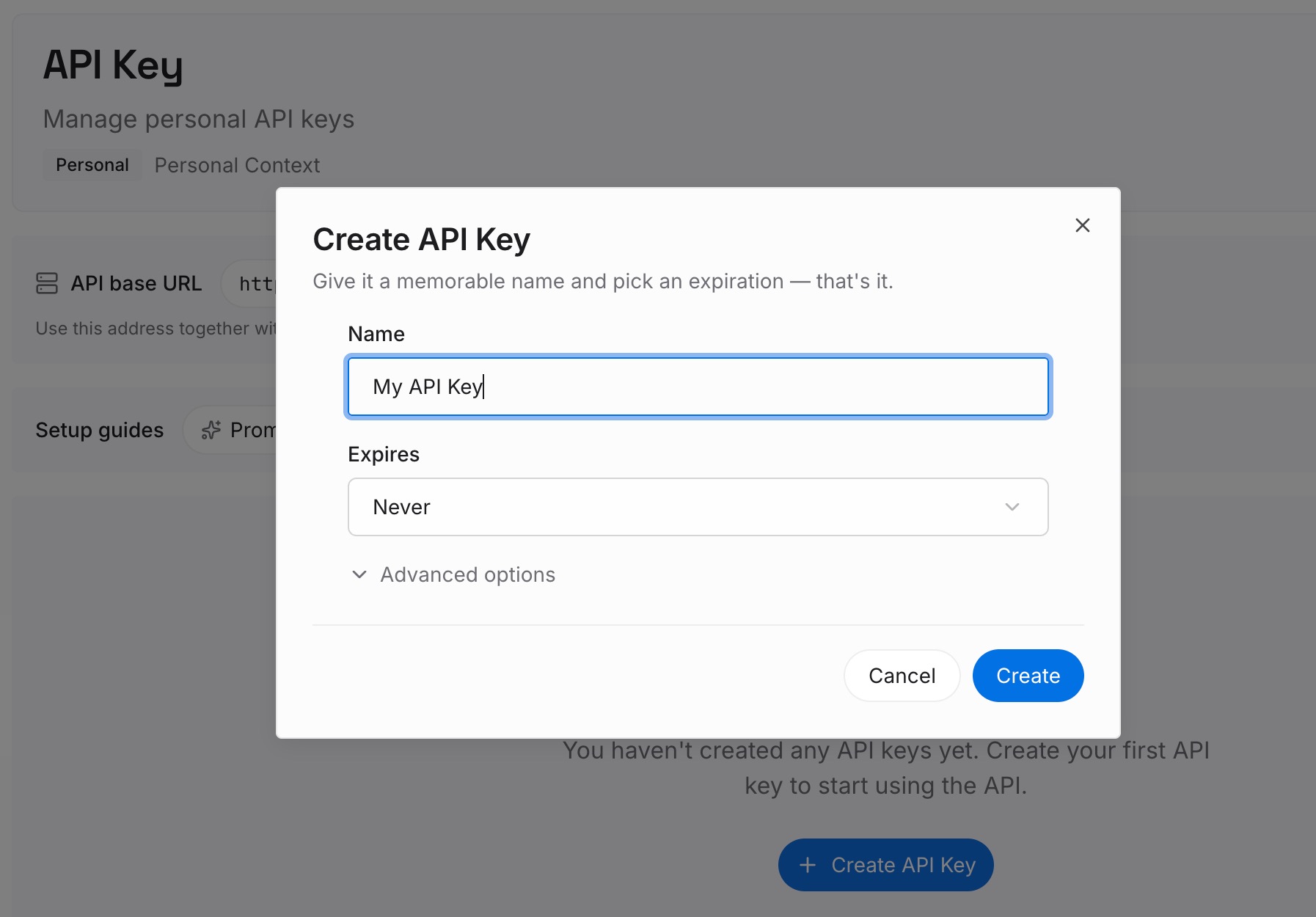
Step 1: Create an API key
Sign in and generate an API key from your dashboard. It sits outside the AGENTS.md chain entirely, so nothing it holds is resident in every session or gated by a pattern that does not fit it.
Step 2: Upload your first memories
Put in the facts: architectural decisions and the reasons behind them, domain vocabulary, service ownership, why a workaround exists, the answers you keep giving in code review. Anything that is true about the project rather than about a file type.
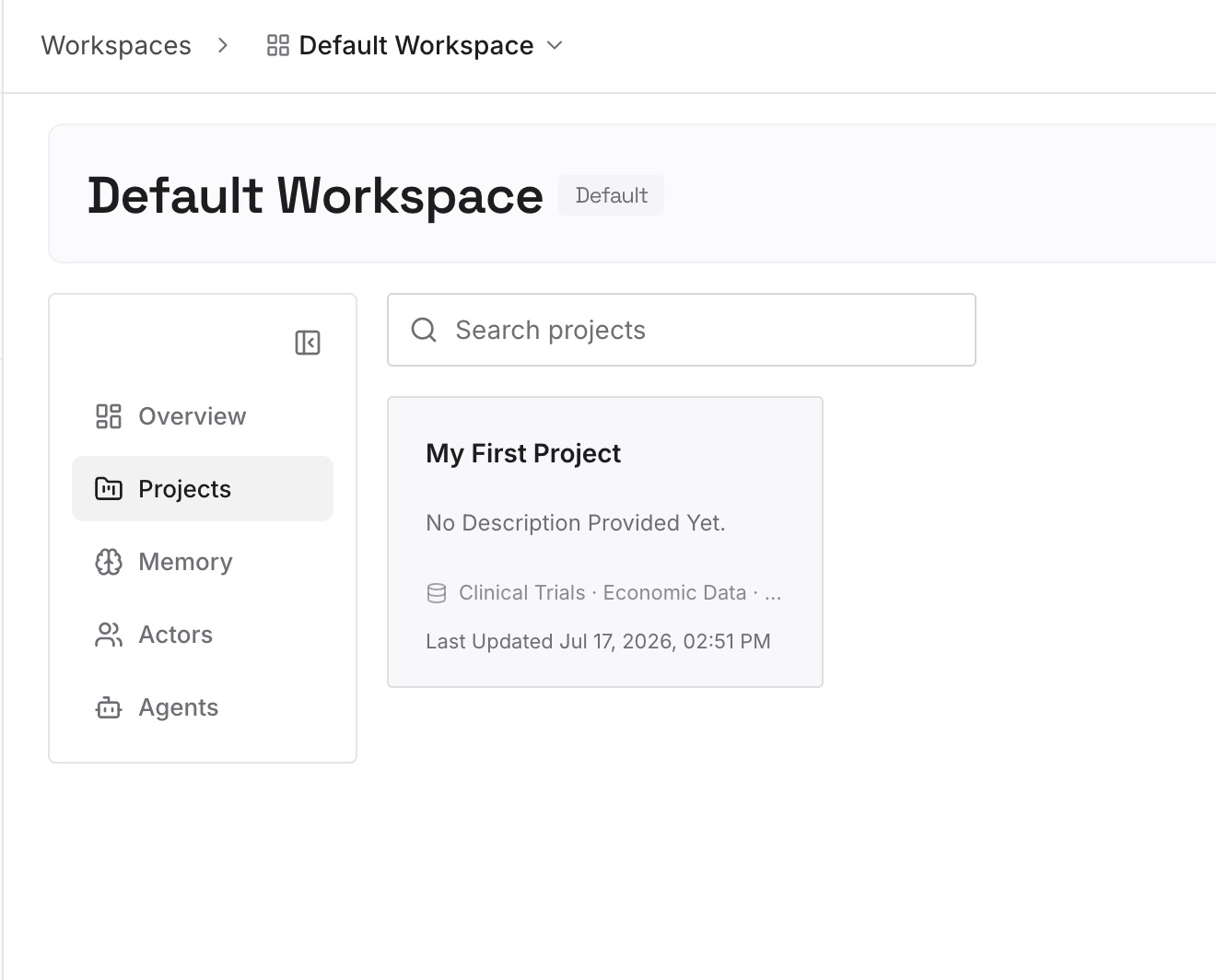
Leave behavior in AGENTS.md, gated by globs where a pattern genuinely applies. The two layers do different jobs.
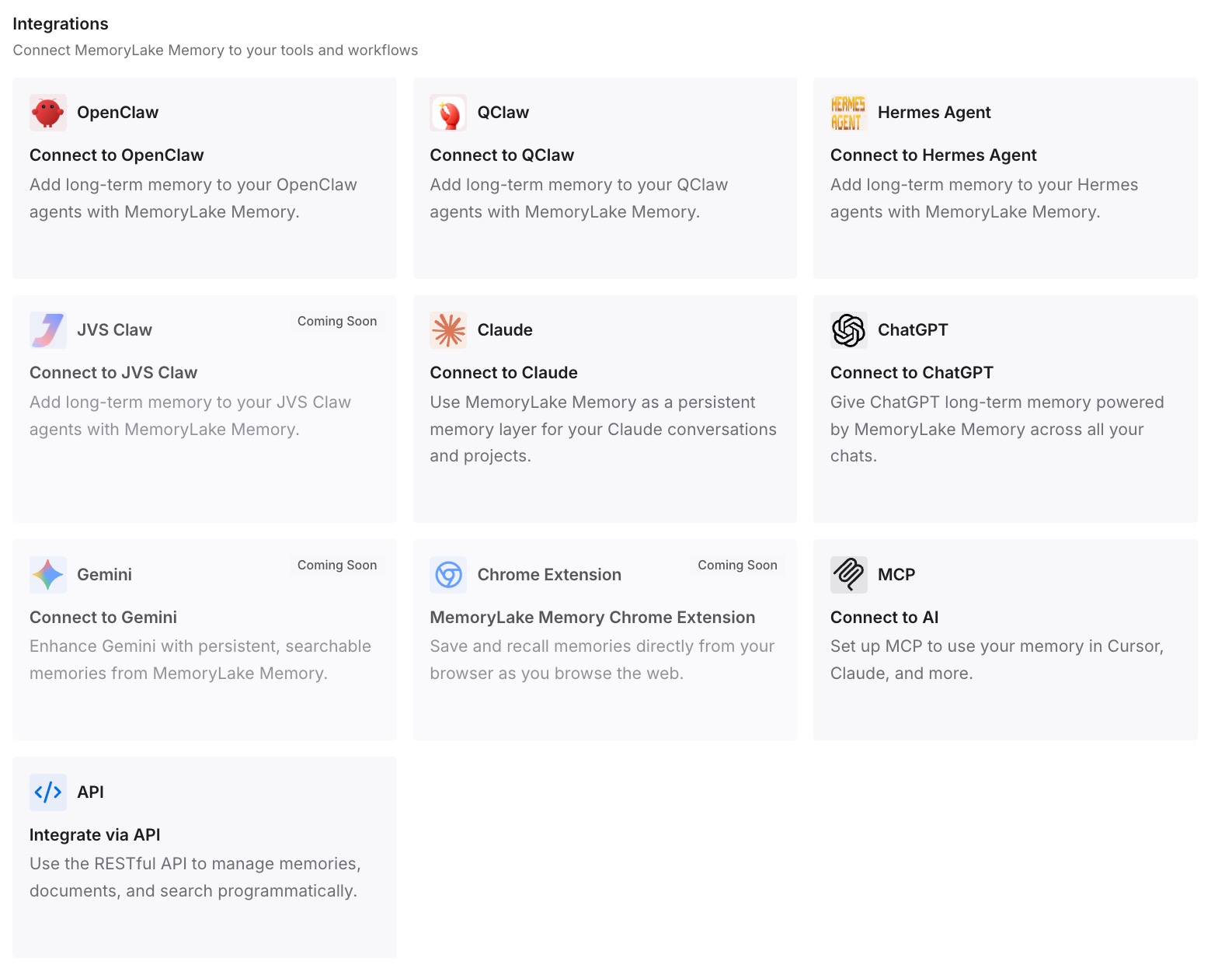
Step 3: Connect your AI & agents
Point Amp at the store. Your root file gets short enough to be followed reliably, your glob-gated files stay narrow and behavioral, and the project knowledge arrives when the question calls for it — the same reasoning behind reducing token usage with a memory layer.
What this changes in practice
The first change is that adding guidance stops being a tradeoff. Today a new convention either goes in a resident file and taxes every task, or gets left out. Gated files remove that choice for anything with a file-type shape.
The second is that adherence improves without you writing better prose. A shorter resident instruction set is followed more consistently than a long one, which is why splitting is worth doing even when context budget is not tight.
The third is that switching tools gets cheaper. Amp already reads AGENT.md and CLAUDE.md as fallbacks, so the instruction layer is close to portable — the shape described in migrating CLAUDE.md to AGENTS.md. The facts layer is the part that is portable only if you keep it outside the tool.
Best practices for scoping Amp instructions
- Keep the root file general. Architecture, build and test commands, review and release steps. Amp's own recommendation for large repositories.
- Use subtree files for directory-shaped guidance. They load when the agent reads a file in the subtree.
- Use
globsfor file-type-shaped guidance. Language conventions, test patterns, framework rules. - Remember a bare
@-mention is still unconditional. Withoutglobs, a mentioned file is always included. - Mind the two resolution rules. Mention paths resolve relative to the mentioning file; globs get an implicit
**/unless they start with./or../. - Check for stale fallbacks. A leftover
AGENT.mdorCLAUDE.mdis live guidance in a directory with noAGENTS.md. - Verify with
agents-md list. Run it from different directories and after touching different file types. - One thread per task, and hand off when it grows. Amp's guidance, and it is about context quality rather than tidiness.
Conclusion
Amp's instruction system is unusually explicit about when each file loads, and one of its modes — glob-gated files referenced from AGENTS.md — turns instructions from a fixed cost into a conditional one. It takes a few lines of frontmatter and it is the single highest-leverage change available in a repository whose root file has grown.
What it cannot fix is the content that has no pattern. Project facts are not file-type-shaped, and gating is the wrong tool for them. Split the instructions from the knowledge, gate the instructions, and put the knowledge somewhere the agent can reach without paying rent on it every session.