
Why repository knowledge still goes missing
There are two systems, and they are not interchangeable
The memory tool is local and built into VS Code. The docs describe it as "a built-in agent tool that allows agents to save and recall notes as they work. You can also explicitly ask the agent to remember something." It is currently in preview, controlled by the chat.tools.memory.enabled setting, and it has three scopes:
- User at
/memories/— persists across sessions and across workspaces. For "preferences, patterns, frequently used commands." - Repository at
/memories/repo/— persists across sessions, workspace-scoped. For "codebase conventions, project structure, build commands." - Session at
/memories/session/— "No (cleared when chat ends)." For "task-specific context, in-progress plans."
Copilot Memory is the other one: "a GitHub-hosted memory system that lets Copilot learn and retain repository-specific insights as it works," shared "across multiple GitHub Copilot surfaces, including Copilot cloud agent, Copilot code review, and Copilot CLI." Repository-scoped only, written automatically by agents, and off by default.
Confusing the two is the most common reason people think memory is not working. The local tool is on by default; the hosted one is not.
The one that spans surfaces is opt-in twice
Copilot Memory "is turned off by default and must be enabled in your GitHub settings" — in personal Copilot settings for Copilot Pro or Pro+ users, or through organisation or enterprise policy settings for teams.
There is a second gate on the VS Code side if you want your repository memory backed by it: an experimental setting that is disabled by default, plus the requirement that "Copilot Memory must be enabled for the repository in your GitHub settings." And the failure is quiet: "If either condition isn't met, repository memory falls back to local file storage." Nothing errors. Your repository memory simply stays on your laptop, and the cross-surface behaviour you thought you switched on never happens.
Repository memories expire after 28 days
This is the fact to design around. Copilot Memory deletes memories after 28 days, and the stated reason is a good one — "to avoid outdated information." Paired with it is a genuinely unusual safeguard that deserves credit: memories are "verified before use," meaning "agents validate memories against the current codebase before applying them, preventing stale or incorrect information from affecting results." Very few memory systems check themselves against reality before acting.
But read the two together. A system that both validates against the code and expires on a four-week clock is optimised for recent operational insight — the build quirk, the flaky test, the pattern discovered during last week's review. It is not built to hold your architectural decision from March. Anything you need in six months has to live somewhere else, and the docs' own comparison table says as much by contrasting Copilot Memory's "Automatic (28 days)" expiration against the local tool's "Manual management."
Instructions and memory answer different questions
Instructions are what you require; memory is what the agent learned. Copilot supports a lot of the first kind: a single .github/copilot-instructions.md, one or more AGENTS.md files, organisation-level instructions defined at the GitHub org level, and — notably — a CLAUDE.md file "For compatibility with Claude Code and other Claude-based tools," read from the workspace root, the .claude folder, or your user home directory. File-based *.instructions.md files add glob scoping through an applyTo header, and their documented locations include .github/instructions and .claude/rules.
One property of that system matters here more than any other: "If you have multiple instruction files in your project, VS Code combines and adds them to the chat context, no specific order is guaranteed." Combined, not resolved by precedence. If two files disagree, nothing decides for you — which is a strong argument for keeping requirements few and unambiguous, and for not using instruction files as a filing cabinet for everything you know.
What people try
Turning on the memory tool and assuming that is Copilot Memory. The local tool is enabled by default and writes to your machine. The cross-surface system is a separate opt-in on GitHub.
Putting everything in .github/copilot-instructions.md. It works until it is long, and then it competes for context with a second AGENTS.md, an inherited CLAUDE.md, and whatever .instructions.md files matched — with no guaranteed order among them.
Expecting memory to enforce a rule. It will not. Instructions are what you require; memory is what was noticed. Anything that must hold every time belongs in a check that fails the build.
Discovering the 28-day expiry after it matters. The usual version: a decision recorded in week one, absent in week six, re-litigated in week seven.
Concluding Copilot has no memory at all. Understandable a few months ago, wrong today, and it leads people to rebuild by hand what two documented systems already do.
The Fix: Split What Must Hold From What Can Expire
The setup itself is short. Do it in this order.
Enable the memory tool if it is off. It is on by default, but confirm chat.tools.memory.enabled and then use it deliberately: user memory for cross-project preferences, repository memory for codebase facts, session memory for the plan you are working through right now. One detail worth remembering — "The first 200 lines are automatically loaded into the agent's context at the start of every session" for user memory. Keep the top of that file worth the space.
Enable Copilot Memory only if you want cross-surface learning. Personal Copilot settings for individuals, policy settings for organisations, plus the repository-level enablement and the VS Code experimental setting if you want repository memory backed by it. Then verify rather than assume, because the fallback to local storage is silent.
Give repository owners the review habit. Stored memories can be reviewed and deleted in Repository Settings > Copilot > Memory, and memories "can only be created by contributors with write access." Look at the list once a month; it is the fastest way to learn what your agents think your codebase is.
Keep required guidance in instructions, not memory. One always-on file, scoped .instructions.md files for the rest, and nothing in either that you would be upset to see ignored — because no ordering is guaranteed between them.
Then handle the part with a four-week clock on it. MemoryLake is a memory layer that sits outside any single tool, so the knowledge that has to outlive 28 days does. Setup is three steps.
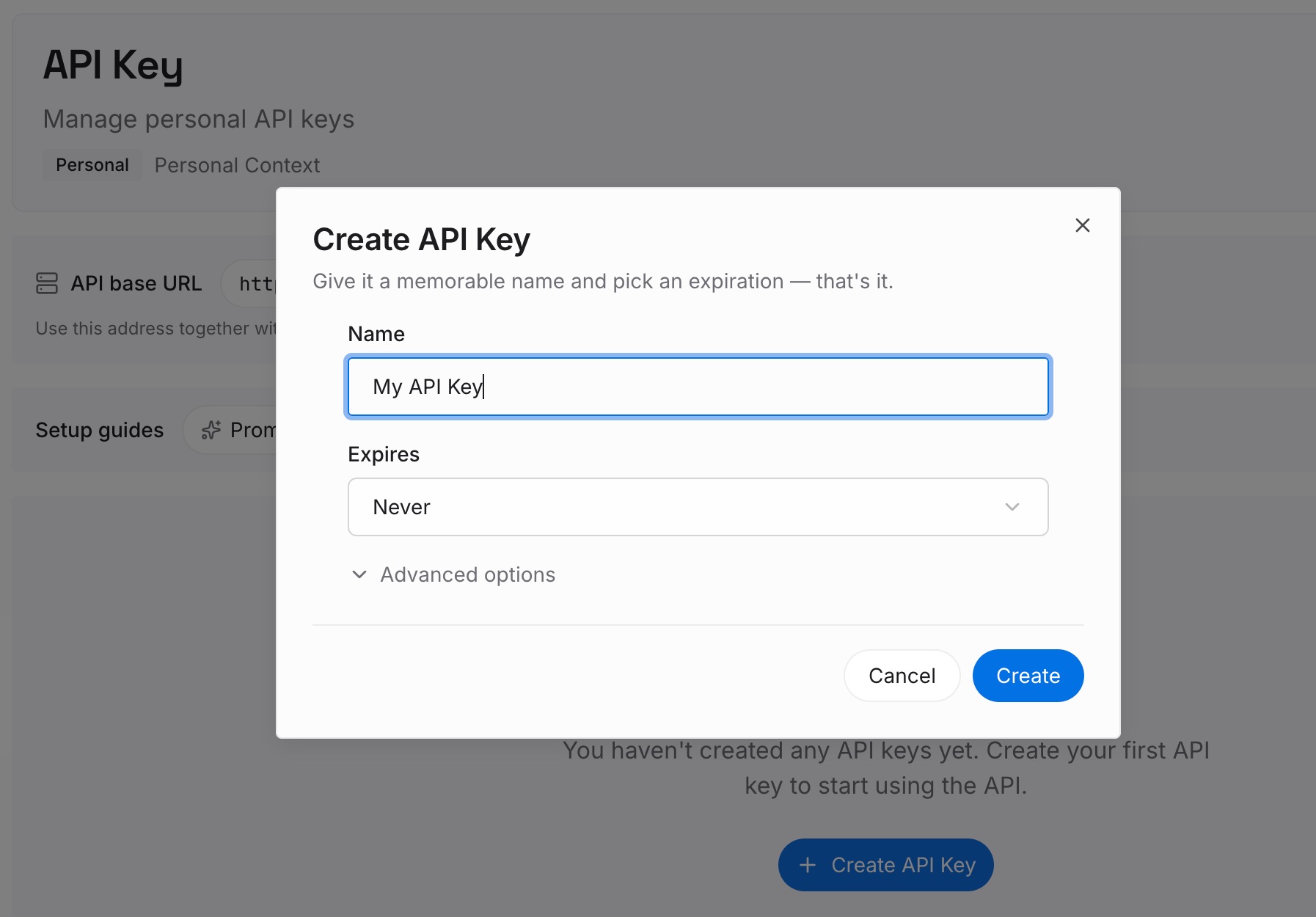
Step 1: Create an API key
Sign in and create an API key. One credential across the tools you connect.
Step 2: Upload your first memories
Short entries, one claim each. Write here what Copilot Memory is explicitly not designed to keep:
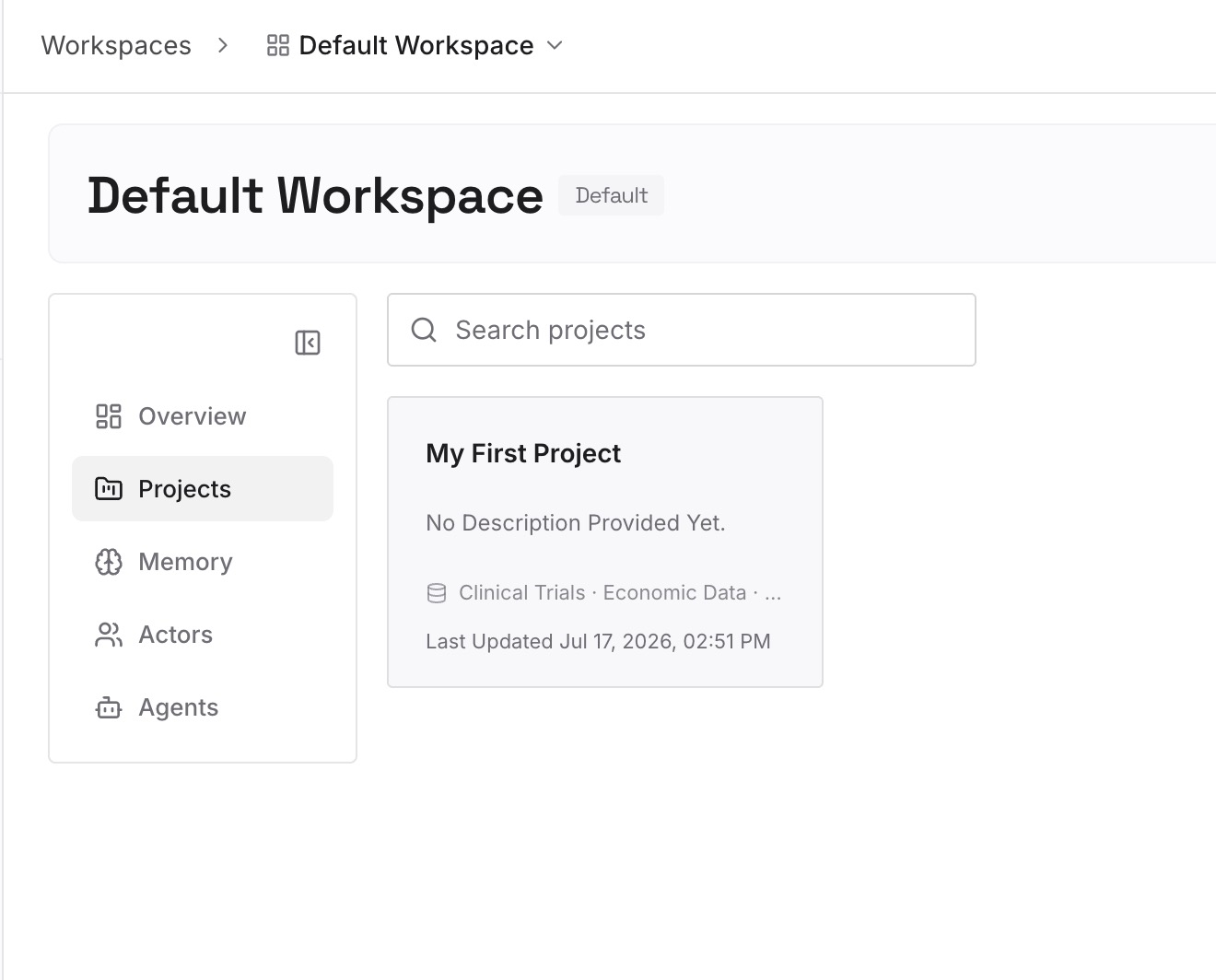
Decisions with their reasons. "The API is versioned in the path because two mobile clients pin an old build." Repository memory will expire; the reason should not.
What was tried and rejected. The approach that looked right and failed, and how it failed. Nothing in either Copilot system has a field for a negative result.
Ownership and boundaries. Who owns which service, which directories are frozen, which team to ask. Facts about people, not about code, which means no amount of validating against the codebase will recover them.
Pointers outward. The dashboard, the incident log, the design doc — the context an agent cannot find by reading your repository.
Step 3: Connect your AI & agents
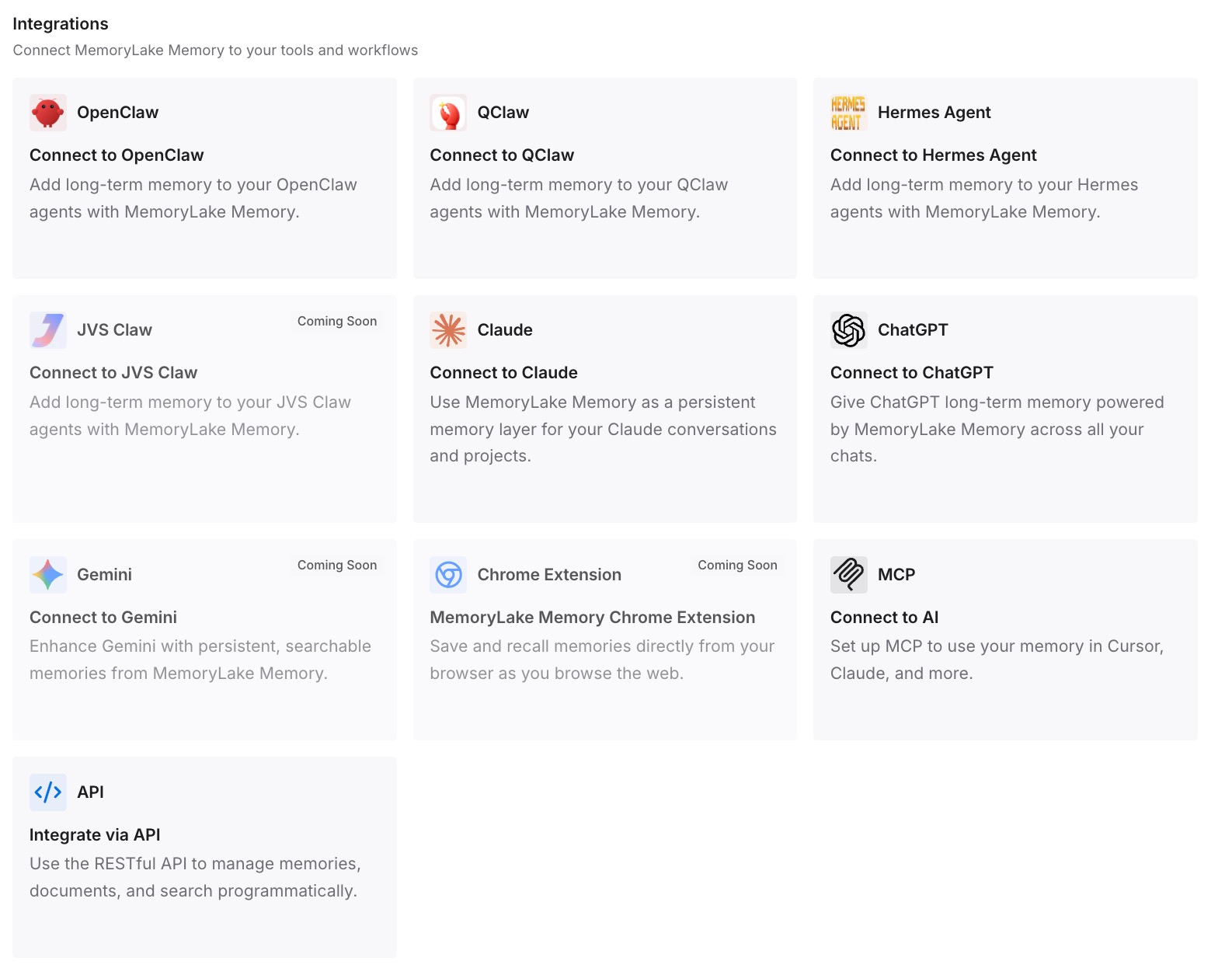
Connect what you use. MemoryLake is reachable over MCP and over an API, and VS Code supports MCP servers, so the same memory is available beside Copilot. Claude Code, Codex, Cursor, and Cline read the same memory too — which matters here because Copilot's instruction loader already reads CLAUDE.md and .claude/rules, so a mixed-tool team is the normal case rather than the exception.
Three honest limits. MemoryLake does not read or write /memories/ or Copilot Memory — there is no API for either store, which is why the review habit above is manual. It does not change instruction ordering; the "no specific order is guaranteed" behaviour is VS Code's. And memory is context, not enforcement — anything that must be true on every run belongs in CI.
What this changes in practice
The two systems stop being one blurry feature. You know which is local, which is hosted, and which one you actually enabled.
The expiry stops being a surprise. Four-week operational insight in Copilot Memory; durable reasoning somewhere with no timer.
Instruction files get shorter. Once knowledge has a home, requirements stop being padded with background.
Cross-surface actually works when you turn it on. Because you verified it rather than trusting a setting that fails back to local storage in silence.
Best practices for Copilot memory
Confirm which system you enabled. The local memory tool defaults on; Copilot Memory defaults off and needs GitHub-side enablement.
Treat the 28-day expiry as a design constraint. Put anything you will need next quarter outside it.
Read the repository memory list monthly. Repository Settings > Copilot > Memory. It is a mirror of what your agents believe.
Keep user memory's first 200 lines valuable. That is the part loaded into every session.
Use session scope for plans. /memories/session/ is cleared when the chat ends, which is what you want for in-progress work.
Do not stack instruction files hoping precedence saves you. No order is guaranteed; contradictions just both arrive.
Remember instructions do not reach inline suggestions. The docs state they "are not taken into account for inline suggestions as you type in the editor."
Check where user-level instructions are read from on Agent Host. The docs note it reads "harness-agnostic folders like ~/.copilot/instructions and ~/.claude/rules and not from VS Code profile user data" — the general trap is described in why agents ignore your instruction files.
Conclusion
Copilot's memory story in VS Code is two features with one name in casual conversation. The local memory tool is in preview, on by default, and split into user, repository, and session scopes, with the first 200 lines of user memory loaded into every session. Copilot Memory is in preview, off by default, GitHub-hosted, repository-scoped, written automatically by agents with write access, and shared across the cloud agent, code review, and the CLI. Its safeguards are real — memories are validated against the current codebase before use, which is more than most systems do.
And they are deleted after 28 days. That single line tells you what the system is for: recent, checkable operational insight, not institutional knowledge. Set both systems up on purpose, verify the cross-surface path instead of assuming it, keep requirements in instruction files knowing no ordering is guaranteed among them, and put the decisions, the rejected approaches, and the ownership facts in a layer with no expiry clock.
Do that and Copilot stops re-learning your codebase every month — and you can see for yourself what each layer is holding, which is the exercise in how to audit what your AI assistants actually remember.