
Why a wiki.json can shrink your DeepWiki
Start with what the file does. "If a .devin/wiki.json file is found in your repository's root directory during wiki generation, we'll use the provided repo_notes and pages to steer wiki generation. Both fields are required, and pages must list at least one page."
The two fields do different jobs. Cognition sums it up in one line: "Notes guide how each page is written; pages determines which pages are created." Notes are context. Pages are the outline.
And the outline is literal. The configuration reference says pages "are treated as explicit instructions: only the pages you define in the JSON will be generated, no more, no less." The troubleshooting section makes the point twice more, which is a good sign of how often people get caught. "The wiki generates only the pages you list, so any folder without a page won't appear." And: "Remember: The DeepWiki will generate only the pages included in this array, so ensure all pages are present, not just the missing page."
So the most natural move — "the wiki skipped our testing/ folder, let's add a config that mentions it" — replaces the automatically planned wiki with a wiki of exactly the pages you wrote down.
There are hard limits to plan around as well: "Maximum 30 pages (80 for enterprise)," "Maximum 100 total notes" across repo and page notes, and "Maximum 10,000 characters per note." Page titles "must be unique and non-empty." A file without pages does not quietly fall back to the automatic plan either: a wiki.json "that omits pages (or leaves it empty) is rejected."
Two more details decide what the wiki reflects. Branches: "Devin indexes each repository's default branch," and Cognition's tip is to "index the branches your team actively develops on." Effort: wiki generation runs at one of three effort levels, and "Enterprise orgs always run at low effort; the setting is not configurable for them."
Then there is the audience. DeepWiki is not only something people browse. "Ask Devin will use information in the Wiki to better understand and find the relevant context in your codebase." And through the DeepWiki MCP server, external agents read it with tools named read_wiki_structure, read_wiki_contents and ask_question. A page that is not generated is a page none of them can read.
What people try instead
Adding a wiki.json with only the missing page. This is the trap above. You gain the page you wanted and lose every page you did not list.
Using repo_notes to request coverage. Notes shape how pages are written, not which pages exist. A note saying "document the scripts folder" does nothing unless a page for it is in pages.
Letting the automatic wiki stand and hoping agents search the code for the rest. Agents can search code, but generated documentation of a folder is a different thing from finding a file by name. What agents actually load is a narrower set than most teams assume, a pattern covered in what coding agents actually read.
Pointing the MCP server at DeepWiki and assuming private repositories are covered. The public MCP server is described as "a free, remote, no-authentication-required service that provides access to public repositories." For private code, Cognition points to the Devin MCP server with a Devin API key.
Copying one client's MCP config into another. Cognition flags this explicitly: "Devin Desktop uses serverUrl, while most other clients use the standard url field. Using the wrong field name causes the MCP server to be silently ignored."
The Fix: Record the wiki you have, then steer it with a complete page list
The goal is a wiki that covers the folders you care about, keeps everything useful the automatic plan already produced, and reaches every agent that relies on it.
Step 1: Record the current wiki structure before you add a config
Before you touch anything, write down what the automatic wiki contains today. Open the wiki in Devin or on deepwiki.com and copy the page tree: every top-level page and every child page.
If you use an MCP client, you can ask it to call read_wiki_structure for the repository, which Cognition describes as a way to "Get a list of documentation topics for a GitHub repository." Save the result in a file you can compare against later.
Then mark each page with one of three labels: keep, merge or drop. Keep pages that people and agents use. Merge thin pages that cover neighboring code. Drop pages that document generated or vendored code nobody needs explained.
Finally, list what is missing: the folders the automatic plan skipped, the cross-cutting topics it never created (how services talk to each other, how deployment works), and the areas where the generated summary is too shallow to be useful.
Step 2: Write wiki.json with every page you want, and put priorities in repo_notes
Now build the file from your list, not from the gap alone.
Put every "keep" page and every missing page into pages, each with a unique title and a specific purpose. Cognition's guidance is to "Mention specific directories, files, or concepts to focus on" and "Provide enough detail for the system to understand your intent." Use parent to rebuild the hierarchy, starting "with high-level overview pages."
Count before you commit. If your list exceeds the page limit, merge related pages until it fits, keeping the ones agents and new teammates open most.
Use repo_notes for emphasis and relationships. Cognition recommends notes that say "which parts of your codebase are most important" and "Explain relationships between different parts of your system." Keep the repo_notes key even when you have nothing to add; the reference says to "use an empty array ([])." For guidance that applies to one page only, use page_notes.
Then follow the documented sequence: "Commit the file and regenerate your wiki."
Step 3: Regenerate, compare, and check that agents receive it
Compare the regenerated wiki with the tree you saved in Step 1. Every "keep" page should still exist, merged pages should read coherently, and the missing folders should now have their pages. If something disappeared, it was left out of pages.
Check the branch. If the wiki describes the default branch but your team works on another, add that branch to indexing, as Cognition's tip suggests.
Then check the agents. In each MCP client your team uses, confirm the server entry uses the field that client expects — serverUrl for Devin Desktop, url for most others — and that it points at the recommended endpoint; Cognition notes "The /mcp endpoint is recommended as SSE is being deprecated." Ask each client a question whose answer lives on one of the new pages. If the client answers from the wiki, the steering has reached your agents.
Revisit the file when the codebase changes shape. A new service or a retired module means the page list needs editing, because the wiki will generate what the file says, no more and no less.
Setting this up in MemoryLake
A steered DeepWiki explains what the code is and how it fits together. It is generated from the repository, so it describes structure rather than history: why a module was split, which approach was tried and abandoned, what the team agreed about an API. That context lives in people's heads and scattered threads. MemoryLake is a place to keep it alongside the wiki, so agents get both the map and the reasons behind it.
You write the entries yourself, in your own words. Nothing is read out of, written to, or deleted from your DeepWiki, your wiki.json, your repositories, or any vendor's store.
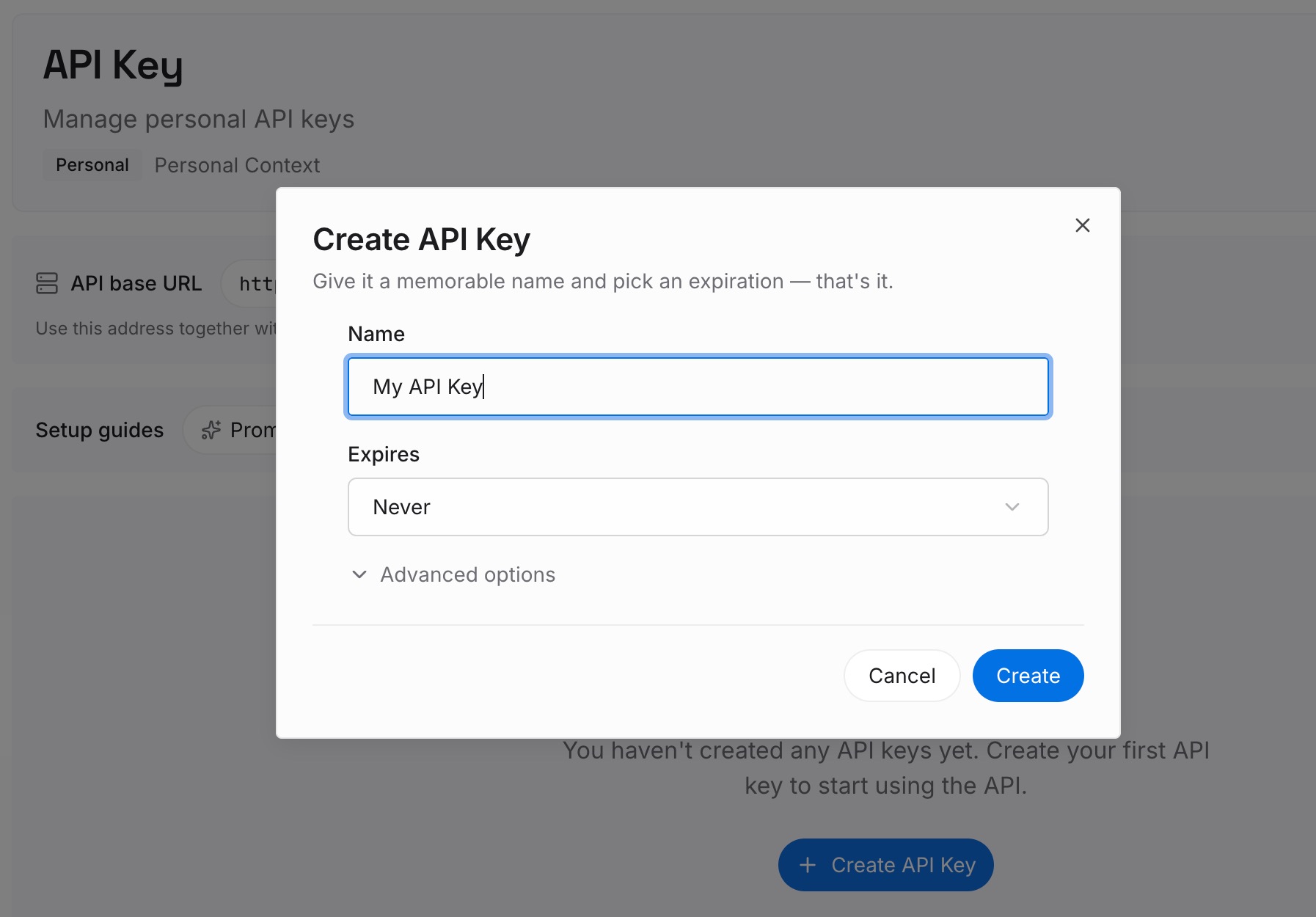
Step 1: Create an API key
Sign in and generate a key from the dashboard. The key is what lets your coding agents read the entries you have written, in whichever client they run.
Step 2: Upload your first memories
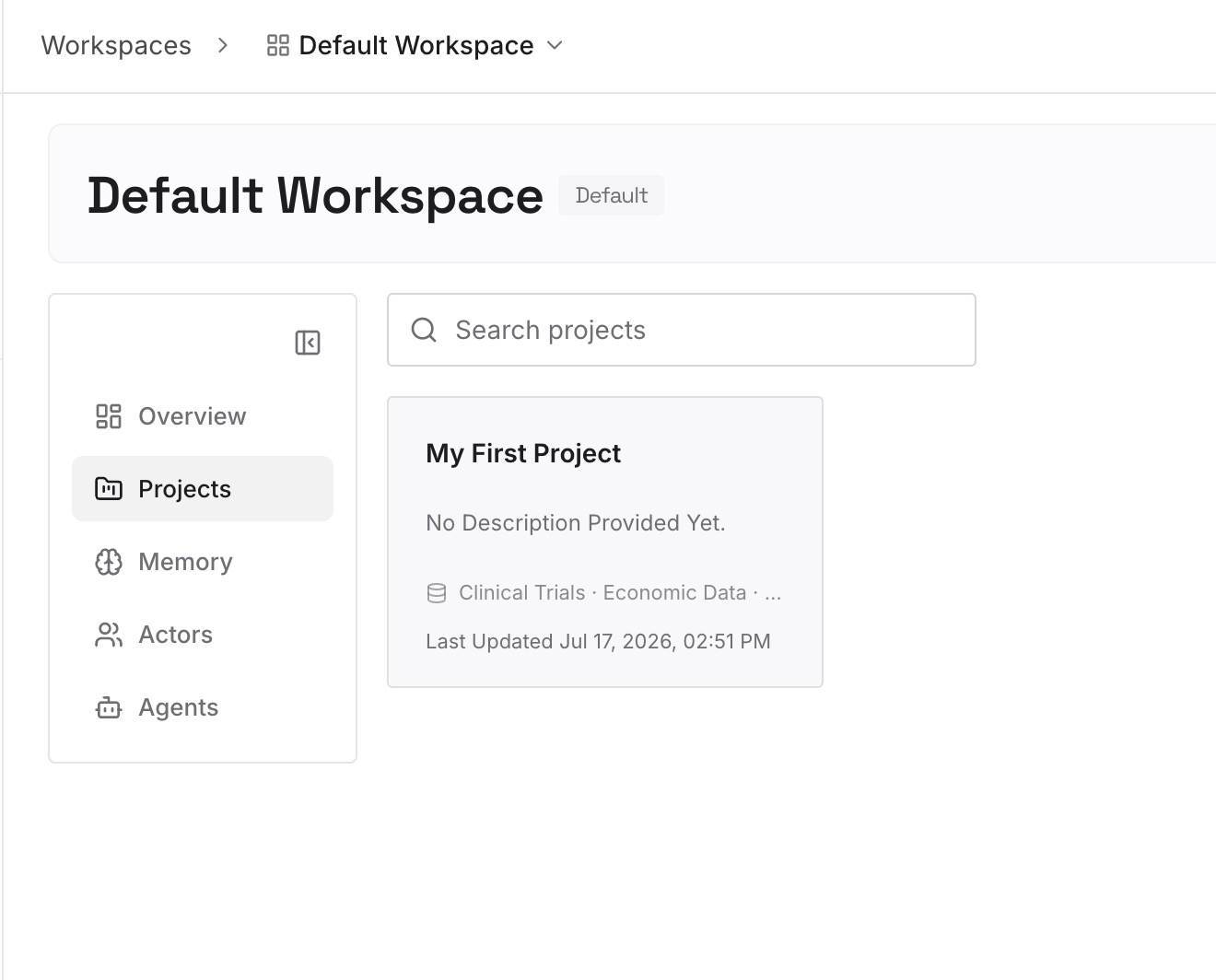
Start with what Step 1 surfaced but no generated page can hold: the decisions behind the structure, known pitfalls, and conventions the code does not make obvious. One decision per entry, with the reason attached.
Step 3: Connect your AI & agents
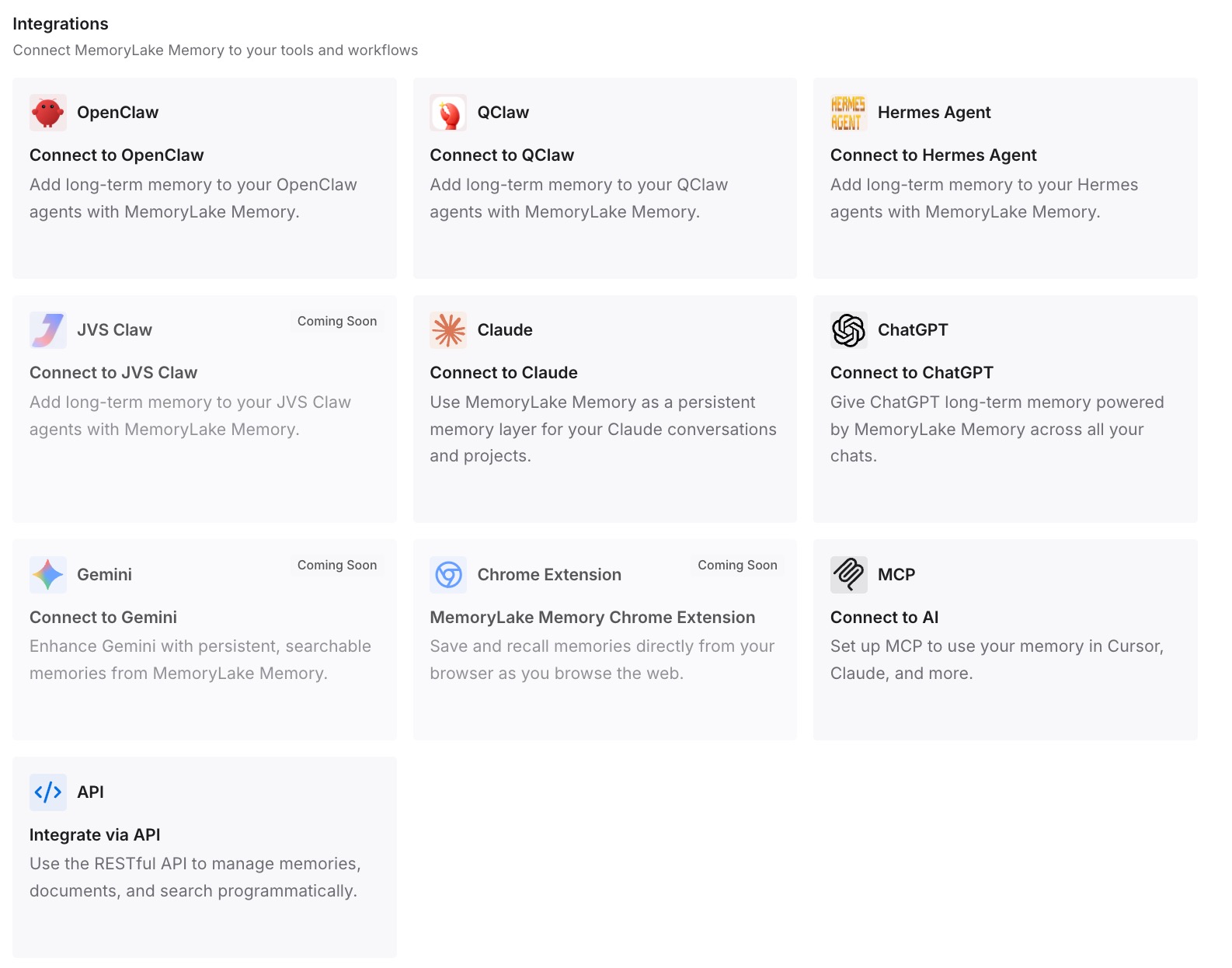
Connect the coding agents your team uses. The decisions then sit next to the wiki in every session, including agents that read DeepWiki through MCP.
What this changes in practice
The first difference is that steering stops being risky. Once you have recorded the existing tree and built the page list from it, adding a wiki.json expands coverage instead of replacing it.
The second is that repo notes do the right job. When coverage lives in pages, notes are free to do what Cognition designed them for: explain priorities and relationships, which improves every page rather than requesting new ones.
The third is that agents stop working from a partial map. The same wiki feeds Ask Devin and every MCP client, so a complete page list improves answers everywhere at once. That matters when agents would otherwise re-read the codebase each session to rebuild the picture.
The fourth is that generated documentation and team knowledge stop being confused. A wiki regenerated from code answers "what is this." Decisions answer "why is it this way." Retrieval over generated pages is useful, but as why RAG isn't memory explains, it is a different job from remembering what a team decided.
Best practices for steering DeepWiki
Save the current page tree before adding a config. It is the only way to know what a wiki.json removed.
List every page you want, not only the missing one. The wiki generates exactly the pages array.
Use repo_notes for emphasis, pages for coverage. Notes guide how pages are written; pages decide which exist.
Stay inside the limits. Merge pages rather than exceeding the page count.
Index the branches your team develops on. Devin indexes the default branch unless you add others.
Match the MCP field to the client. The wrong field name leaves the server silently ignored.
Keep reasons out of the wiki and somewhere durable. Devin's own Knowledge entries have retrieval rules of their own, and Devin forgetting task context is a separate problem from documentation coverage. For procedures, moving memories into skills is another route.
Conclusion
.devin/wiki.json is the right tool when DeepWiki's automatic plan misses important parts of a large repository. It is also literal. As Cognition puts it, "only the pages you define in the JSON will be generated, no more, no less."
Record the wiki you have before you steer it. Build the page list from that record plus the gaps, use repo notes for emphasis, stay within the limits, and regenerate. Then check that the branch is right and that every MCP client is configured with the field it expects, so the agents reading the wiki get the version you intended.
Keep the reasons behind the code in a layer of their own, because a generated wiki describes the structure, and the decisions behind it come from your team. For the broader question of what MCP connections do and don't carry between sessions, see the missing memory layer in MCP.