
Why "Claude forgot my system prompt" is usually a scope problem
There is no single field — there are four, plus the API
Anthropic's personalization overview names them: "Claude offers several ways to personalize your experience: profile instructions, project instructions, and styles." Add the organization layer for Team and Enterprise plans and the API's system parameter, and the full picture is:
Instructions for Claude — account-wide. "Instructions are account-wide settings that help Claude understand your general instructions that Claude should consider in responses," and "Any instructions you add here will be applied to all of your conversations with Claude." Found by clicking your initials in the lower left corner, then Settings.
Project instructions — scoped to one project. "These instructions only apply to chats within that project."
Skills — on demand. They "add specific behaviors or capabilities to your conversations with Claude" and "define repeatable behaviors you activate on demand."
Organization instructions — set above you. On Team and Enterprise plans, Admins and above can set "custom instructions that Claude follows in every conversation across your organization."
The API system parameter — the only one literally called a system prompt.
Five containers, five behaviors. Nearly every "it forgot" report is an instruction sitting in the wrong one.
You typed it into a chat instead of a field
The most common version by a wide margin. You opened a conversation, wrote three paragraphs establishing how Claude should behave, and it worked beautifully for that conversation. Then you started a new chat.
Text in a conversation governs that conversation. Nothing about it is standing. It may end up influencing Claude indirectly — memory does capture "Communication preferences and working style" — but that's memory inferring a preference, not an instruction being stored. If you need it to apply every time, it has to go in a field.
It's set at the wrong level for where you're working
Account-wide instructions apply to all your conversations. Project instructions apply only inside that project. Those two sentences generate two opposite failure modes:
You wrote it in one project's instructions and then worked in a different project — or in a plain chat. It was never there.
Or you wrote it account-wide and expected it to be enough inside a project that also carries its own instructions and its own knowledge base. It's there, but it's competing with project-specific direction that's more specific about the same thing.
One availability note worth checking against your own account: the projects documentation states projects are "available to all users, including those with free Claude accounts," with free users limited to five, while the personalization overview describes project instructions as paid-only. Open Settings and see which is true for you rather than assuming.
An organization instruction is winning, and you can't see it
This one is genuinely invisible from where you sit, and it's documented precisely. On the interaction between the two levels: "When both are set, organization instructions take precedence. If an individual instruction directly contradicts an organization instruction, Claude favors the organization-level instruction." The example given is exact — an org instruction saying "Always respond in formal English" beats a personal instruction saying "use a casual tone."
And the visibility column of that same table says: organization instructions are visible only to "Admins and above."
So on a work account, an instruction of yours can be consistently overruled by text you have no way to read. Your personal instructions aren't discarded — "Individual instructions still apply for anything the organization instructions don't address" — but on any point of direct conflict, you lose. That's the correct design for a company standardising how Claude writes; it's also the single hardest cause to diagnose alone. Ask your admin what's set.
Two more details from that layer: org instructions are capped at 3,000 characters, and "Changes may take up to an hour to take effect across Claude products." If your admin just changed something, waiting is a legitimate step.
In the API, a system prompt can't be forgotten — only omitted
If you're calling the API, the system parameter is part of the request. You send it with every call, or it isn't there:
message = client.messages.create(
    model="claude-opus-5",
    max_tokens=1024,
    system="You are a helpful coding assistant specializing in Python.",
    messages=[{"role": "user", "content": "How do I sort a list of dictionaries by key?"}],
)
There's no storage, so there's nothing to lose. "Claude forgot my system prompt" in an API context means a code path stopped sending it — a new client, a retry helper, a streaming branch, a framework that constructs its own request. Log the outgoing payload once and you'll know in a minute.
It loaded, and Claude still didn't do it
The honest last category, and Anthropic flags it themselves. On instruction priority: "Instruction prioritization relies on prompt-level instructions. In rare edge cases involving directly contradictory instructions, behavior may vary. Test your instructions to confirm they produce the results you expect."
Related guidance: "If your organization instructions contradict each other, Claude may not follow either one reliably," and instructions that conflict with Claude's core training won't be followed. Instructions are strong context, not a configuration file with guaranteed enforcement. The wider version of this — four distinct reasons an instruction file appears to be ignored — is in why agents ignore the instruction files you wrote.
What people try
Re-pasting the instruction block at the top of every conversation. Reliable and permanent, in the sense that you will be doing it permanently.
Writing longer instructions. Length isn't the lever, and at the org level it's actively counterproductive — those instructions are "included in every message sent by everyone in your organization."
Duplicating the same instructions into every project. Works until the fourth copy drifts from the first and you can't remember which one is current.
Assuming an override is a bug and filing it. Understandable. If you're on a Team or Enterprise plan, check with your admin before concluding anything.
Putting everything account-wide. Then Claude applies your code-review standards to your holiday planning. Scope exists for a reason.
Telling Claude to "always remember" the instruction. That's a request to memory, not an instruction field. Memory can hold a preference, and it isn't an enforcement mechanism.
The Fix: Put Each Instruction at the Level Where It's Actually True
The rule that solves this permanently is a sorting rule, not a settings change: an instruction belongs at the narrowest level where it's always true.
Always true, everywhere → Instructions for Claude. Your initials, lower left → Settings → Instructions for Claude. Preferred approaches, terms you use, general communication direction. Keep it short and genuinely universal.
True only for one body of work → project instructions. Open the project, click "Set project instructions," write them, save. Claude "will use these instructions for all the chats within the project." Roles, workflow guidelines, requirements for that work.
True only when you invoke it → a Skill. Repeatable behaviors you activate on demand belong here, not in an always-on field competing with everything else.
Set by your organization → ask your admin. If Claude reliably contradicts a personal instruction on a work account, org instructions take precedence and only Admins and above can view them. One question saves a week.
Sent by your code → log the request. Confirm system is present on every path.
That sorting fixes placement. What it can't fix is the fifth category — the standing knowledge those instructions keep referring to. "Follow our house style" only works if the house style is somewhere Claude can read, and instruction fields are for direction, not for documents.
That's what MemoryLake holds: your durable context and conventions in a layer your assistants read from, independent of any one account's settings. Setup is three steps.
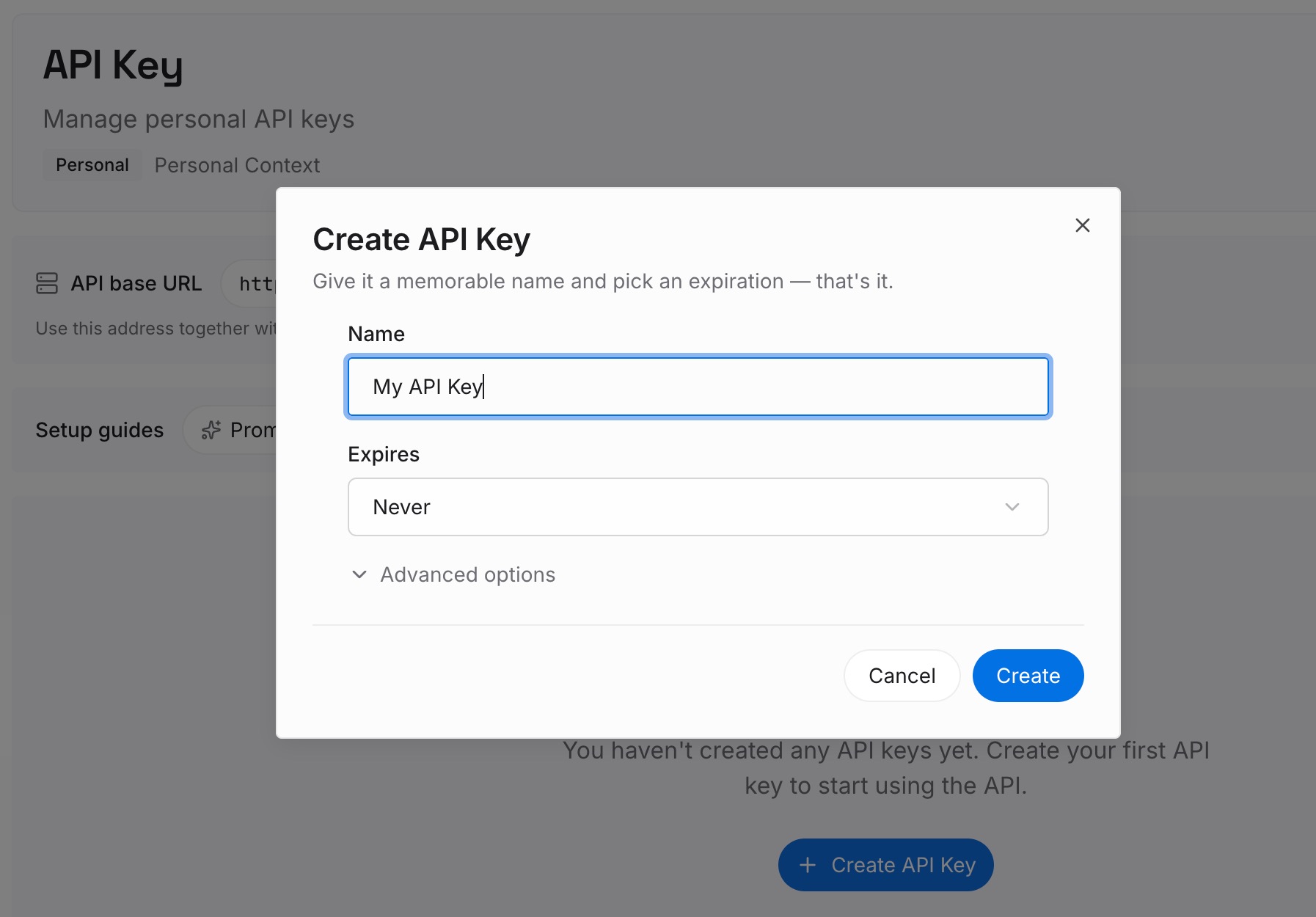
Step 1: Create an API key
Sign in to MemoryLake and create an API key. One credential across the tools you connect.
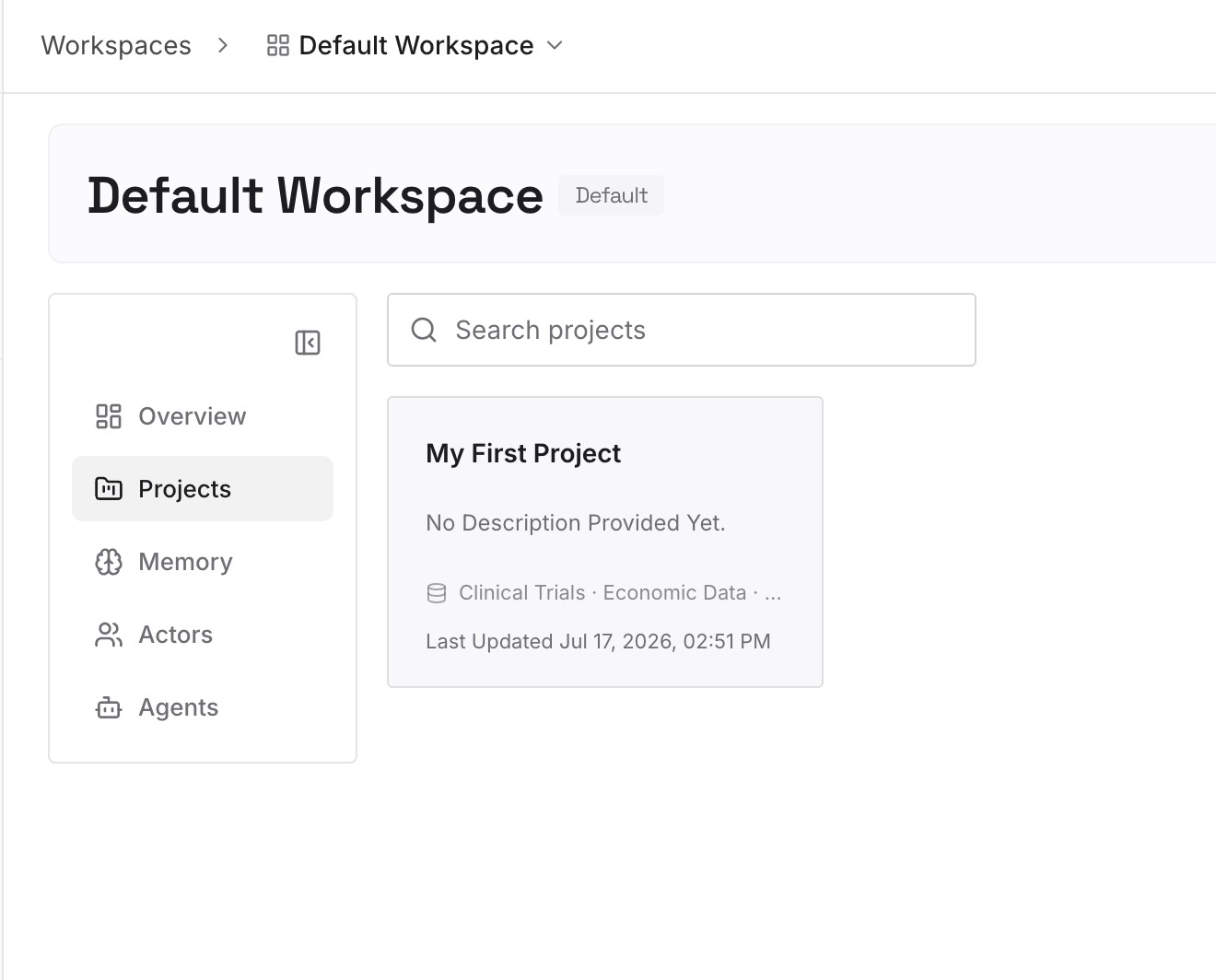
Step 2: Upload your first memories
Write out the substance your instructions keep gesturing at, as short entries — one claim each:
The standards themselves. Not "follow our style guide" but the actual rules, stated so they're checkable.
The reason behind each rule. A rule survives one conversation. "Don't use passive voice in release notes — support reads them aloud on calls" survives a change of tools.
The vocabulary. Terms your team uses in a specific way, with the specific meaning. This is what saves you re-explaining a term in every project.
What you've already rejected, and why. The category nobody records and everyone re-litigates.
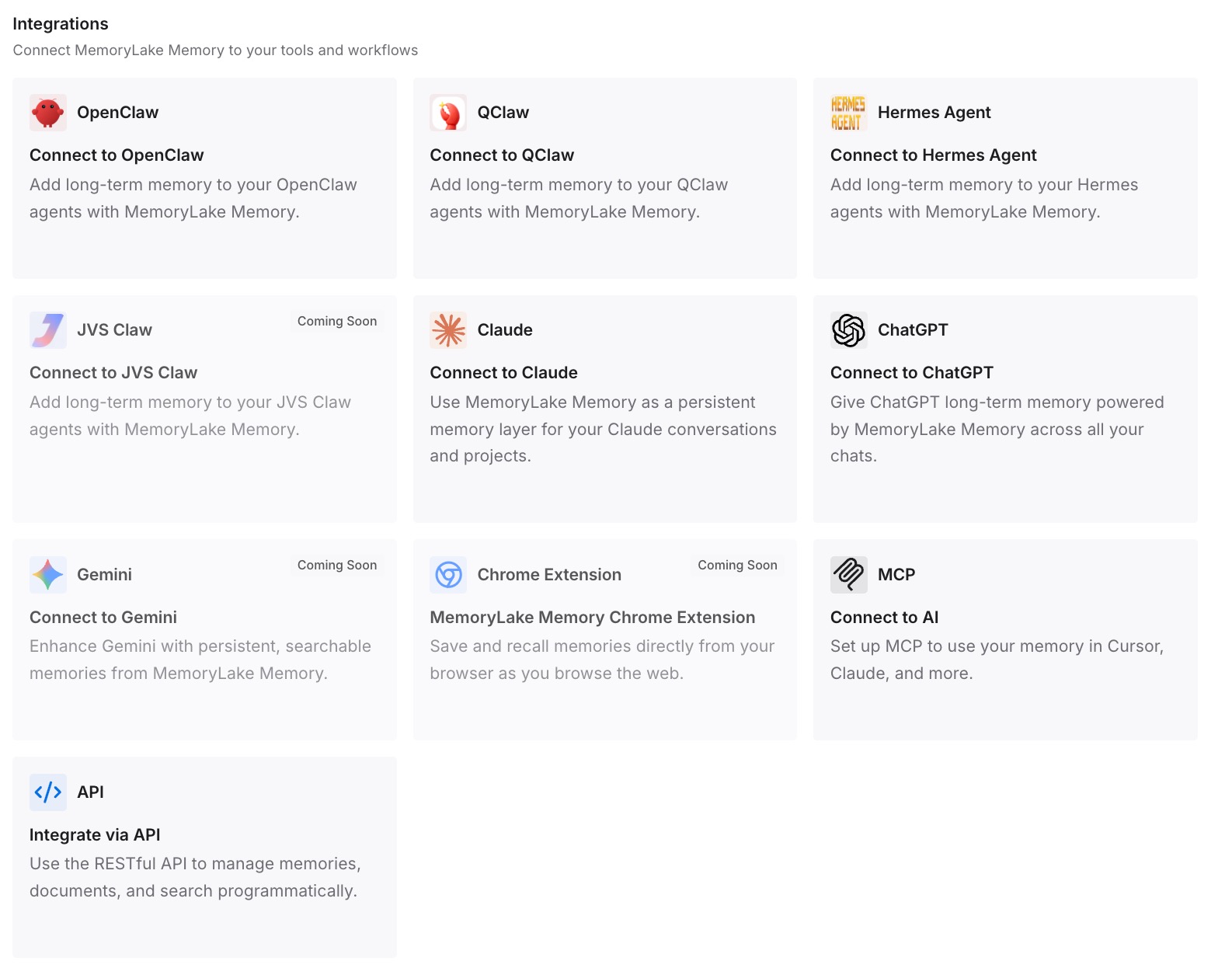
Step 3: Connect your AI & agents
Connect the tools you use. MemoryLake is reachable over MCP and over an API, so MCP-native agents — Claude Code, Codex, and OpenClaw among them — connect by pointing at the MCP server, while other assistants read the same memory through the API.
Three honest limits, and the first matters most here. A memory layer is not an enforcement mechanism. It makes your standards available; it does not guarantee a model follows them, and the "loaded but not followed" category above stays real. It also doesn't write into Claude's settings — your instruction fields remain yours to manage — and Step 2 is manual.
What this changes in practice
Instructions get short, and stay short. Direction goes in the field; substance goes in the memory layer. Instruction fields stop being the place you paste documents, which is the main reason they get ignored.
Org overrides stop being mysterious. You still can't see them, but once you know the precedence rule, an inexplicable formal tone becomes an explicable one, and the fix is a conversation rather than a debugging session.
Duplication across projects ends. Standards live once. Project instructions point at what's specific to that project.
Your standards outlive the tool. Instruction fields are per-vendor. What you wrote into Claude's settings doesn't exist in Cursor or Codex — but a memory layer they can all read does, the shape covered in setting up one memory across your AI tools.
"It forgot again" becomes a two-minute check. Which field, which scope, which level. Almost always one of those three.
Best practices for standing instructions in Claude
Sort before you write. Universal, project-scoped, on-demand, or organizational. Getting this right once prevents most recurrences.
Keep instruction fields to direction, not documents. Tell Claude how to behave; keep the reference material where it can be retrieved.
Test in a new conversation. The documented advice for org instructions applies to yours too: after saving, start a fresh chat and try a few different kinds of question.
Don't generalize the 3,000-character limit. That figure is documented for organization instructions specifically. Don't assume it applies to your personal field, and don't treat brevity as optional either way.
Allow an hour after an admin change. Organization instruction changes "may take up to an hour to take effect across Claude products."
Avoid self-contradiction. Two instructions that fight each other can leave both unreliable. Read your field top to bottom as one document.
Don't try to instruct around safety behaviors. Documented as ineffective, and not a productive place to spend effort.
Write the reason next to the rule. It's what makes an instruction portable, and it's the difference between a rule Claude applies and a rule Claude applies correctly to a case you didn't anticipate — the general point in what persistent memory actually means.
Conclusion
There's no system prompt in the Claude app to forget. There are account-wide instructions, project instructions, Skills, organization instructions on Team and Enterprise plans, and — in the API — a system parameter you send with every request. An instruction that "disappeared" is nearly always in the wrong one of those, or is being overruled by the organization layer you can't see, or was typed into a conversation that ended.
Sort each instruction to the narrowest level where it's always true, keep those fields short, and move the substance they refer to — standards, vocabulary, decisions, rejections — into a layer your tools can read. Then the instruction field says how to behave, the memory layer holds what's true, and neither one has to carry the other's job. If your problem is less about direction and more about Claude losing the project material itself, why Claude forgets your project knowledge covers that case.