
Why Cursor Forgets Context Across Machines
How Cursor stores context today
Cursor keeps context in two places with very different reach. Rules files — .cursor/rules/ and the legacy .cursorrules — live in the repo, so they travel wherever the repo goes. But Cursor's session state and the Memories it generates as you work are tied to the local app on a specific machine. The rules sync because they're committed; the accumulated understanding doesn't, because it isn't in the repo.
The technical reason it doesn't transfer
There's no cross-machine sync for the dynamic part of Cursor's memory. What the agent learned in a session — the decisions, the corrections, the "this project actually works like this" — lives in local app state, not in a shared store. So a new machine has your committed rules and your code, but none of the lived context, and it rebuilds understanding from scratch. A teammate is in the same position: they get the repo, not your Cursor's memory.
What this costs you
You re-onboard Cursor on every machine you use — the same rules re-explained, the same corrections re-made, per laptop. Teams feel it worse: each developer's Cursor learns the project independently, so the same lessons get taught N times and nobody's agent benefits from anyone else's. And context you built on a machine you no longer use is simply gone.
Cursor's Built-in Workarounds (and Where They Stop)
Rules files in the repo
Committing .cursor/rules/ is the one thing that does travel — put your conventions there and every clone gets them. The limit: rules are static instructions you maintain by hand, not the dynamic context the agent accumulates. They're the floor, not the memory.
Cursor's account sync
Signing in syncs settings and preferences across machines, which helps for configuration. But it doesn't sync per-project session memory or the understanding built during work — that stays local to where it happened.
Re-explaining per machine
The default fallback is to re-brief Cursor wherever you open the project. It works and it's exactly the tax that adds up — every machine, every teammate, every time.
The shared wall: the dynamic context lives in local app state, not a shared layer — the same root cause behind why Cursor forgets previous sessions, extended across machines and people.
The Fix: Give Cursor a Machine-Independent Memory
The durable setup is a memory layer that lives outside any one machine, so every Cursor — yours, your other laptop's, your teammate's — reads the same context. MemoryLake stores your project knowledge, decisions, and conventions once in the cloud — versioned Git-style, end-to-end encrypted — and serves it to any Cursor instance over MCP.
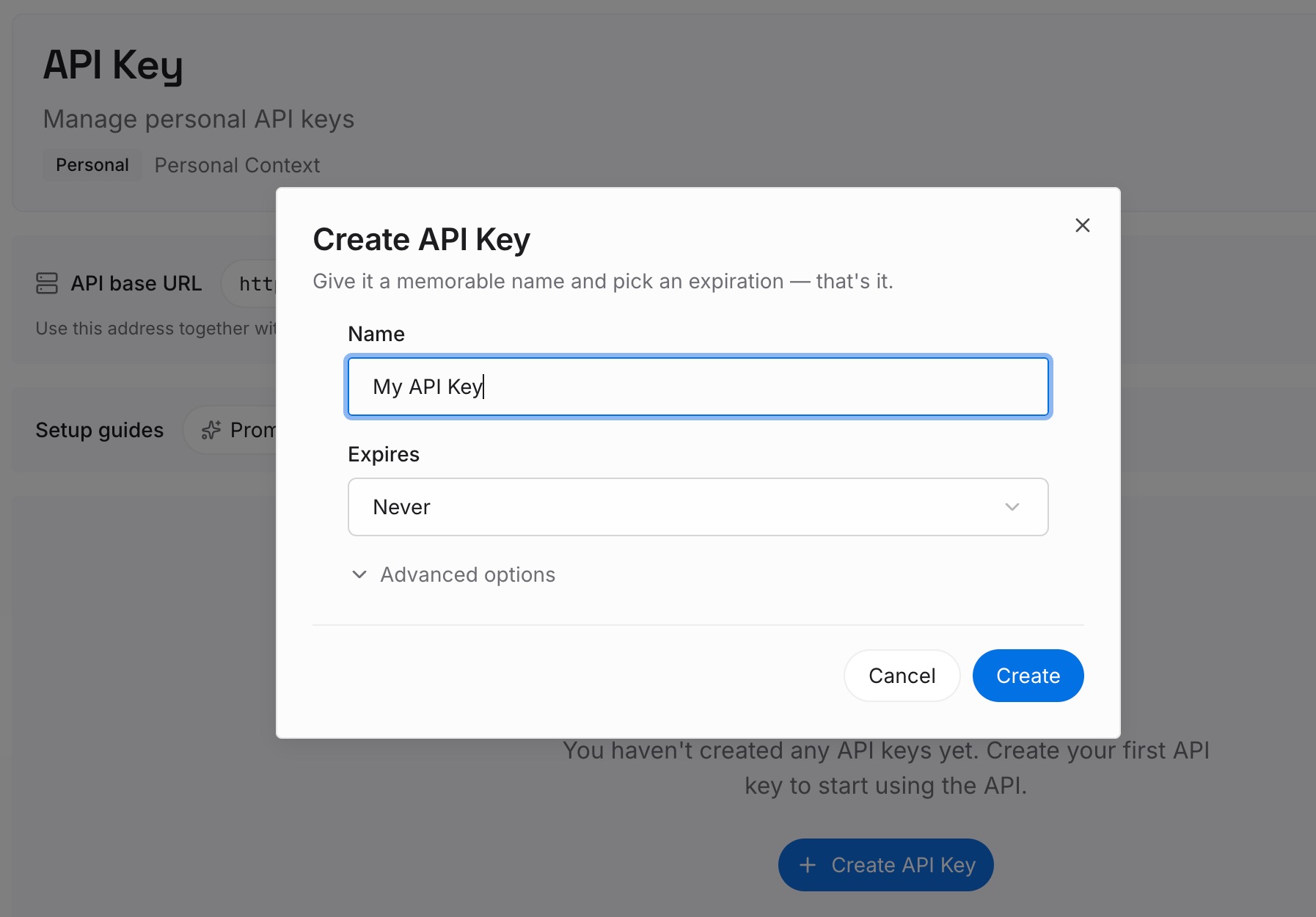
Step 1: Create an API key
Sign in to MemoryLake, generate a key, and make your first request — it takes about 30 seconds.
Step 2: Upload your first memories
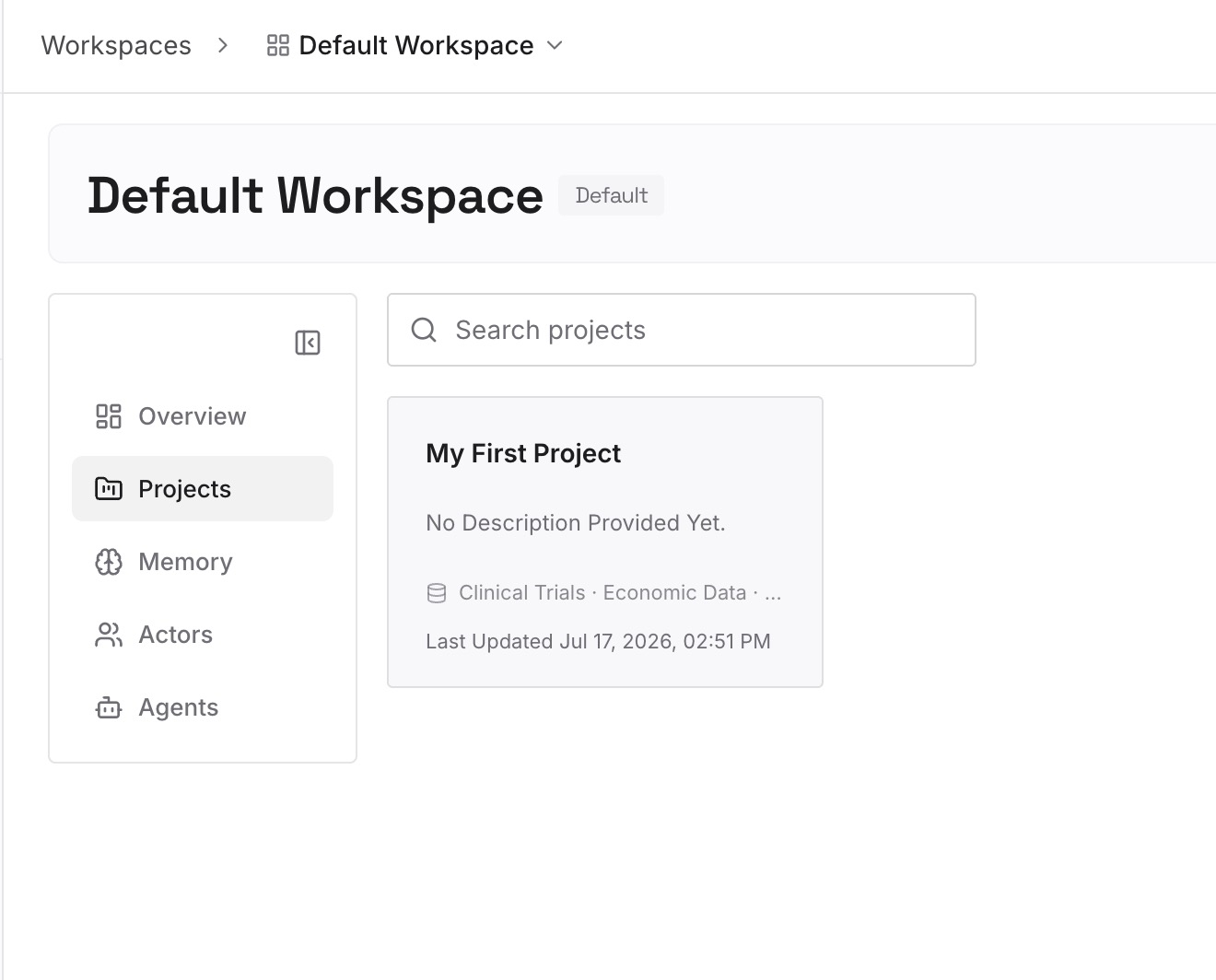
Drop in the project context that shouldn't live on one laptop: architecture notes, decisions, conventions, and reference docs — documents, images, and other files all work. Capture new lessons as one-line memories as you go.
Step 3: Connect your AI & agents
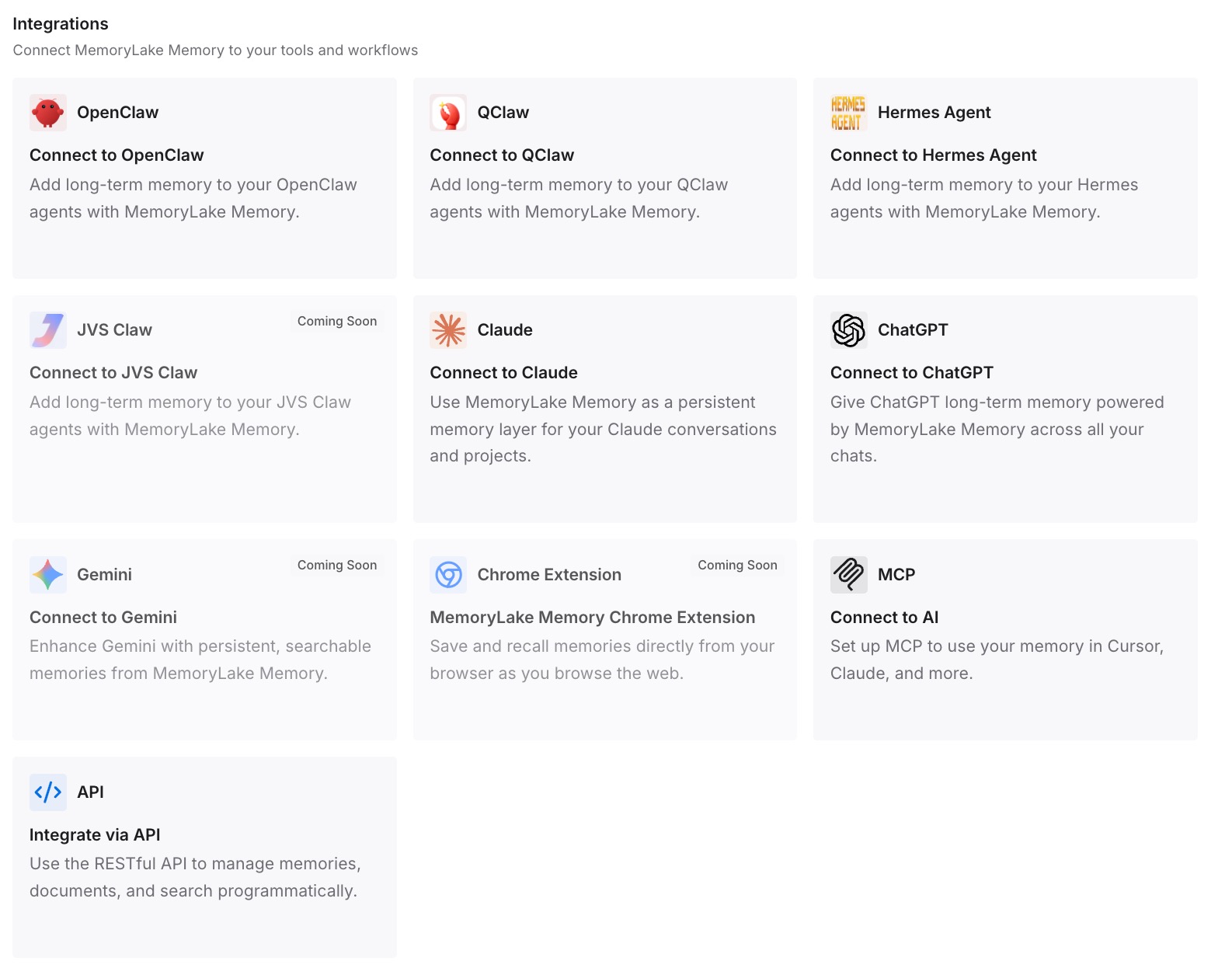
Add MemoryLake to .cursor/mcp.json with your API key on each machine — since the config lives in the repo, every clone picks it up. Now any Cursor instance retrieves the same shared memory, and the same context is available to Claude Code, Codex, OpenClaw, and other agents via MCP or the API — across machines and across your team.
What Per-Machine Onboarding Actually Costs
The re-onboarding tax, times N
Re-teaching Cursor per machine is one developer's overhead; across a team it multiplies — every member's agent independently rediscovers the same project, and the same corrections get made in parallel. The knowledge exists; it just never pools.
Retrieval instead of re-teaching
With a shared layer, any Cursor pulls the team's accumulated context on demand instead of relearning it. A new laptop or a new teammate starts informed, and a lesson one person captures is immediately available to everyone — MemoryLake's Token Saving Calculator projects the token effect from your usage.
Best Practices for Cross-Machine Cursor Memory
Put dynamic context in the layer, conventions in the repo
Keep stable rules in .cursor/rules/ (they travel with the repo) and dynamic context — decisions, resolved issues, project understanding — in the shared memory. Each goes where it syncs best.
Capture lessons as team memories
When you correct Cursor in a way worth keeping, store it as a memory so every machine and teammate inherits the fix instead of rediscovering it.
Scope by repository
One memory scope per repo keeps retrieval precise and lets each project's Cursor instances, on any machine, pull only their own context.
Conclusion
Cursor's rules travel with your repo, but the understanding it builds stays on the laptop that built it — which is why every new machine and every teammate starts over. Move that context into a shared, machine-independent memory, and Cursor follows you across devices and pools knowledge across your team, instead of relearning your project one computer at a time. Teach it once; use it everywhere.