
Why you keep re-uploading the same documents
Attachments are scoped to the conversation
An uploaded file is part of a chat's context, and a chat is a bounded object. Start a new one and the file is not there, the extracted terms are not there, and the reasoning you did over it is not there. This is the same wall documented in why Claude forgets your uploaded files — nothing is broken, the scope is simply narrower than your work.
Whole-document reads are the expensive default
The Token Saver figures are the clearest public accounting of this. If retrieving only relevant passages cuts token use by 92–99%, then the baseline — pushing the full document through context so the model can answer one question about page 112 — is where almost all of that cost lives. Multiply by the number of times you re-attach the same file and the waste is not marginal.
Project knowledge helps, until it gets squeezed
Putting reference documents into a Claude Project is a genuine improvement: they are available to every conversation in that Project instead of one. The ceiling shows up in long working sessions, where knowledge files can be pushed out of effective context as the conversation grows — the mechanics are covered in why Claude forgets your project knowledge files. A Project is a better container. It is still a container, and it holds files rather than findings.
What you want to keep is usually not the file
Notice what you actually re-establish each time: not the PDF's bytes, but the conclusions. Which clause governs. Which figures were restated in the appendix. Which three paragraphs your legal review flagged. Those are small, durable facts extracted from a large, static document — and they are exactly what no attachment mechanism stores.
The workarounds, ranked honestly
Re-upload every time
Works, costs the most, and quietly degrades: after the third upload you stop re-explaining the nuances, and the answers get shallower without anyone noticing.
Local retrieval extensions
Token Saver and tools like it are a real fix for a real problem. Per-question cost drops by an order of magnitude, sensitive documents stay on your disk, and page-level citations make claims checkable — a genuine advantage over pasting text you can no longer trace. What they do not do is persist: retrieval indexes documents, it does not carry forward what you decided, and it lives on the machine where you installed it. If your teammate asks the same question next week, they start from zero. That distinction is the whole subject of why RAG isn't memory.
Pasting a summary into each new chat
The pragmatic middle path, and the one that rots. Summaries drift from the source, nobody versions them, and the moment the document is amended you have two conflicting truths in circulation.
Building your own pipeline
Chunking, embeddings, ranking, refresh, access control. Reasonable if document intelligence is your product. Expensive if you just want Claude to stop asking what it already knows.
The Fix: Give Claude a Document Memory That Survives the Chat
The version of this that ends the loop is to keep documents and their extracted conclusions in one place your tools read from, instead of inside individual conversations. That is the position MemoryLake occupies: upload once, retrieve from any assistant or agent over MCP or the API.
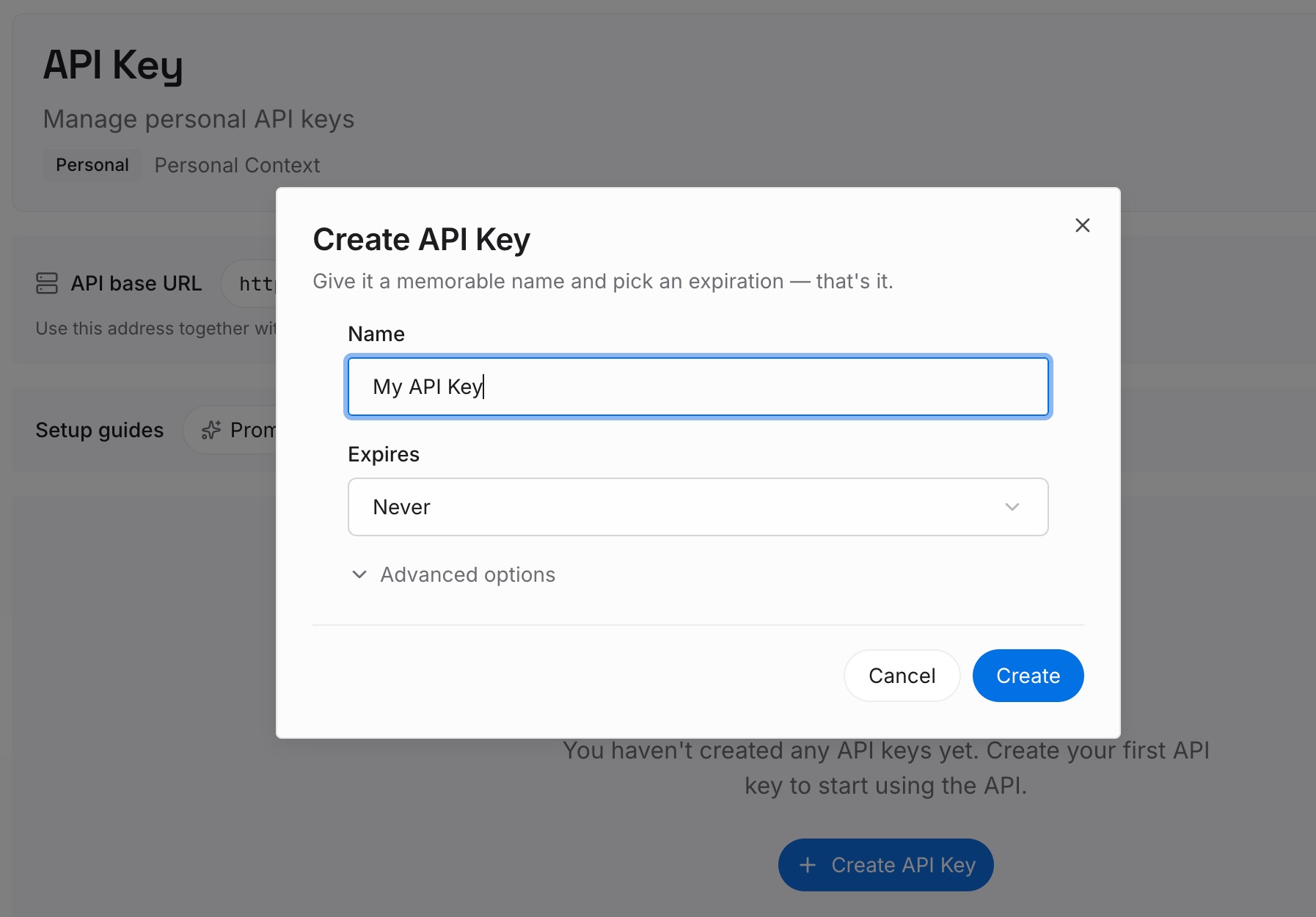
Step 1: Create an API key
Generate a key and make your first request in about 30 seconds.
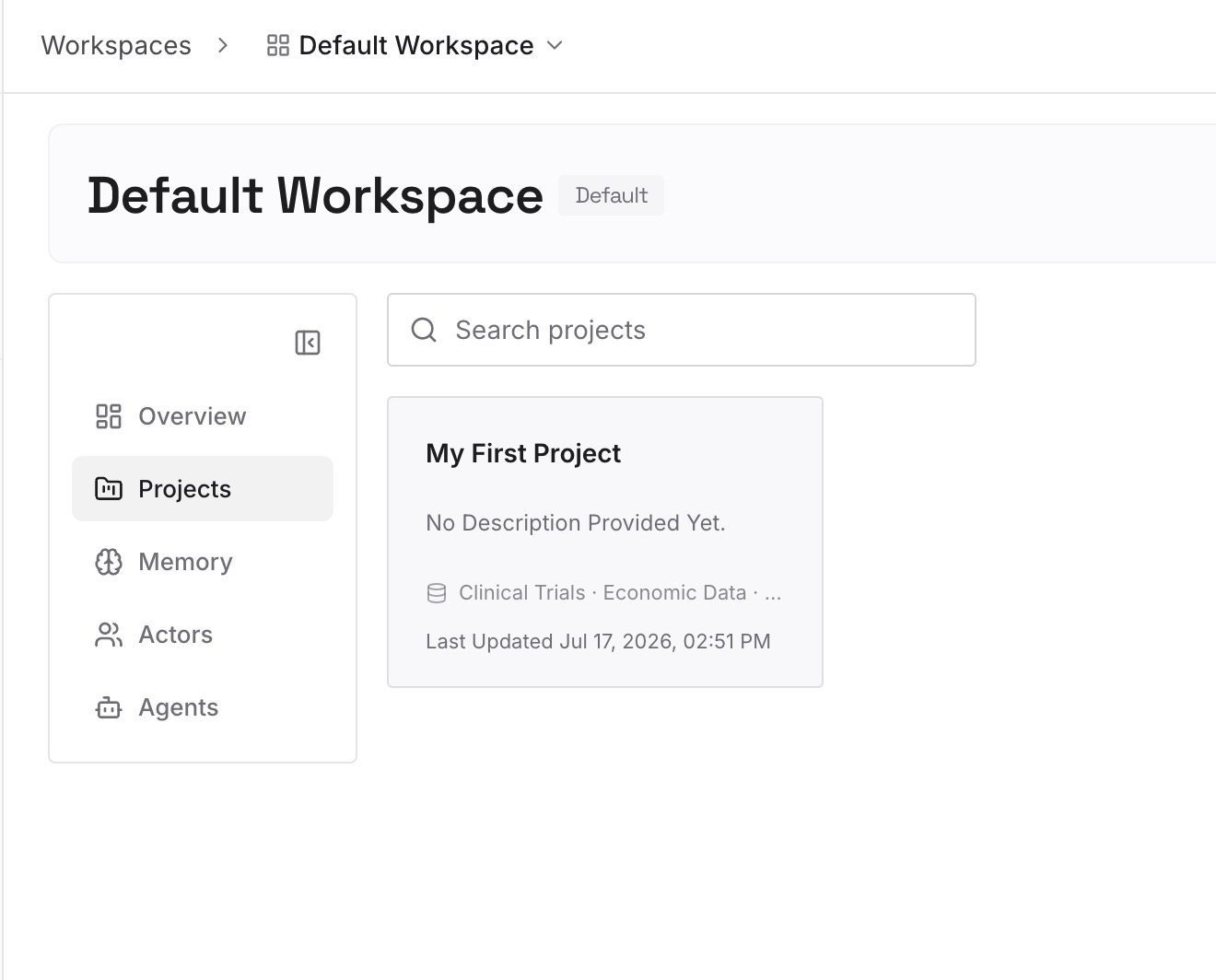
Step 2: Upload your first memories
Drop in the documents, images, and files you keep re-attaching: contracts, specs, research papers, board decks, policy manuals. Add the conclusions alongside them — the clause that governs, the number that was corrected, the section your team already reviewed.
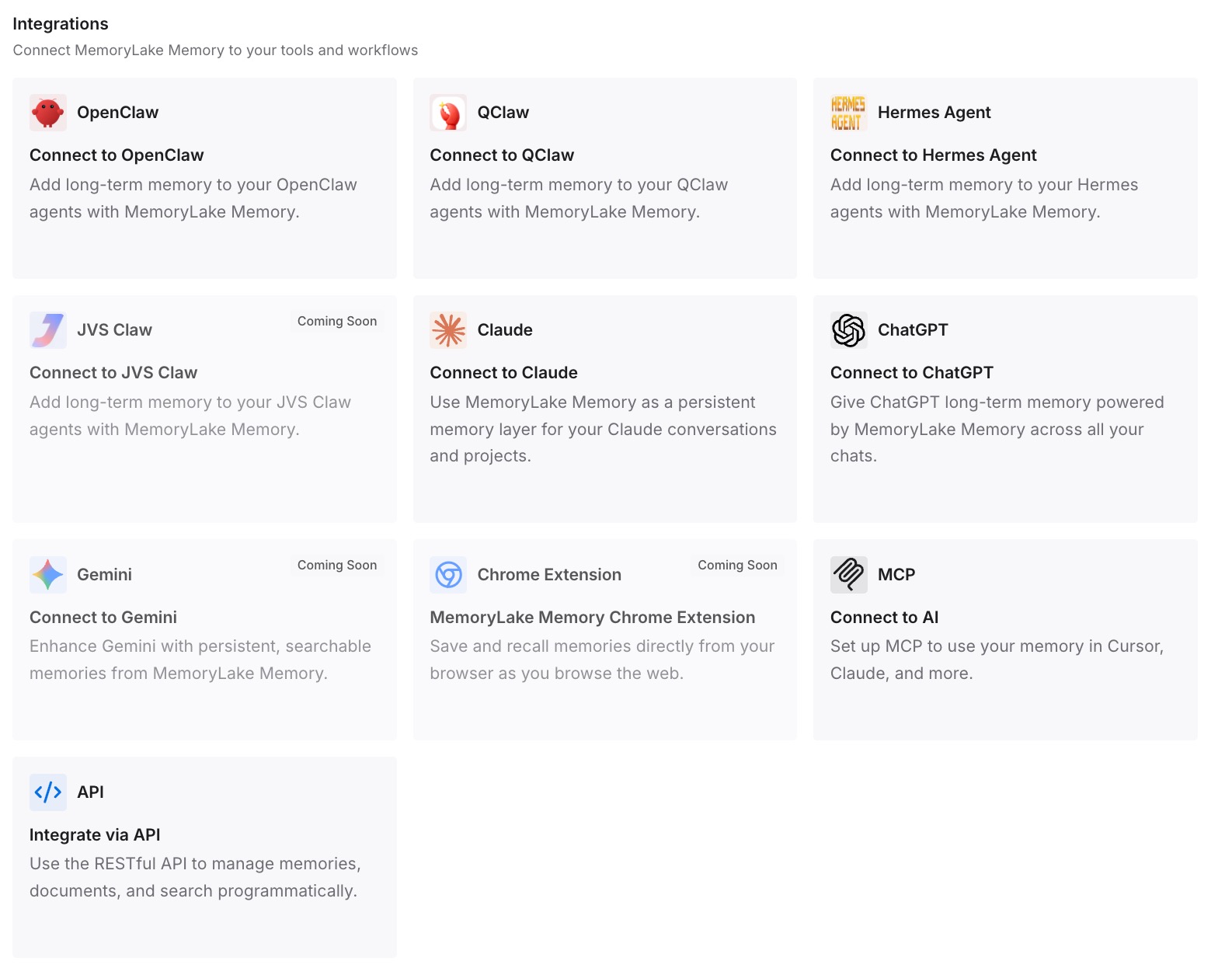
Step 3: Connect your AI & agents
Give Claude, Codex, OpenClaw, and your other agents access to that memory via MCP or the API. A new conversation opens with the document already known, and a colleague's conversation starts from the same source rather than their own copy. For a client-specific walkthrough, see how to add memory to Claude Code.
What this changes in practice
Take a 180-page contract at roughly 90,000 tokens. Attaching it to five conversations a month is about 450,000 tokens of re-reading — before a single follow-up question. Retrieval-style tooling can cut the per-question portion of that by the 92–99% Token Saver reports; a persistent memory removes the other half of the bill, the part where you re-derive the same conclusions because the previous derivation was thrown away.
The time is the sharper cost. Five to ten minutes of re-orientation per conversation, several conversations a week, across everyone who touches the document — and the risk that the fourth re-explanation omits the caveat the first one included. Cross-tool consistency follows from the same fix: when ChatGPT and Claude read one memory, they stop giving different answers about the same PDF, which is the problem behind ChatGPT forgetting your uploaded files too.
Best practices for document memory
Store conclusions with their citation
"Termination requires 60 days' notice — clause 14.3, page 41" is worth keeping forever. The full clause text is not; it is in the document. Storing the finding plus its locator gives you retrievability and verifiability at a fraction of the size.
Keep one source of truth, versioned
When a document is amended, replace the stored facts rather than adding new ones beside the old. Two live versions of the same clause is worse than none, because the model will confidently pick one.
Separate the reference corpus from the decisions
Documents are inputs; decisions are what your team produced. Keep both, but do not let a growing pile of PDFs bury the twelve sentences that actually drive behavior.
Conclusion
Re-uploading PDFs to Claude is not a habit you need to discipline yourself out of — it is the predictable result of storing documents inside conversations. Local retrieval tooling like the Token Saver extension released on July 30, 2026 proves how much that default costs, and fixes the per-question half of the problem honestly and privately.
The other half is persistence: the conclusions you drew, available to the next chat, the next tool, and the next person. Put the document and its findings in a memory layer your agents read, and the fifth upload never happens, because there is nothing left to re-establish.