
Why Cascade stopped remembering
First, the documentation moved — and so did the product name
Practical note before anything else, because it makes older guides hard to follow: docs.windsurf.com now redirects to docs.devin.ai, and the editor is documented as Devin Desktop. The Cascade memories page lives at docs.devin.ai/desktop/cascade/memories.
You'll see this reflected in the file paths too. .devin/rules/ is now the preferred location for workspace rules, with .windsurf/rules/ kept as a fallback — the docs say .devin/ "is the preferred location and takes precedence." If you're reading instructions that only mention .windsurf/, they still work, but they're describing the fallback.
Memories belong to the legacy agent
Back to the main cause. Devin Desktop has two documented mechanisms for persisting context across conversations: "Memories, which are automatically generated by Cascade, and Rules, which are manually defined by the user at the global, workspace, or system level."
Memories are scoped to the legacy Cascade agent. New tabs default to the Devin Local agent, which per the docs "does not persist memories." So the symptom — worked yesterday, blank today — often isn't a lost memory at all. It's a different agent that never had it.
The documented remedy is the migration wizard: the Devin: Open Cascade Migration Wizard command moves the memories you depend on into Skills.
Auto-generated memories were always local and workspace-bound
Even on the legacy agent, memories are narrower than most people assume. Cascade "can automatically generate and store memories if it encounters context that it believes is useful to remember," and you can prompt it to "create a memory of ..." at any time.
But: they're "associated with the workspace they were created in and are stored locally in ~/.codeium/windsurf/memories/." And explicitly — "Memories generated in one workspace are not available in another, and they are not committed to your repository." The docs put it plainly in a note: "Auto-generated memories live only on your machine."
So a new laptop, a second checkout, or a teammate's machine has none of it. One small consolation: "Creating and using auto-generated memories do NOT consume credits."
The vendor's own advice is not to rely on them
This is the part worth taking seriously, because it's their recommendation rather than an outside opinion: "For knowledge you want Cascade to reliably reuse, write it as a Rule or add it to AGENTS.md in your repo rather than relying on auto-generated Memories. Rules are version-controlled, shareable with your team, and give you explicit control over activation."
The feature table says the same thing in one line — Memories are for letting Cascade "remember one-off facts," and "for durable knowledge, prefer Rules or AGENTS.md." Skills get an even blunter note: invest here.
Rules do carry over — but only in the mode you set
Rules survive session boundaries. Whether they reach Cascade in a given message depends entirely on the trigger field in their frontmatter:
| Mode | trigger: | How it reaches Cascade | Context cost |
|---|---|---|---|
| Always On | always_on | Full rule content in the system prompt on every message | Every message |
| Model Decision | model_decision | Only the description is in the system prompt; Cascade reads the full file when it judges the description relevant | Description always; content on demand |
| Glob | glob | Applied when Cascade reads or edits a file matching globs | Only when matching files are touched |
| Manual | manual | Not in the system prompt; you type @rule-name to activate | Only when @-mentioned |
A rule set to manual is invisible until you invoke it. A rule set to model_decision with a vague description may never get pulled in. Neither is broken — that's the declared behavior, and it's the same class of problem described in why agents ignore the instruction files you wrote.
Two exceptions worth memorising: "The global rules file (global_rules.md) and root-level AGENTS.md files don't use frontmatter — they are always on."
Character limits, and where a new rule actually lands
Documented caps: the global rules file at ~/.codeium/windsurf/memories/global_rules.md is "Limited to 6,000 characters," and workspace rules in .devin/rules/*.md are "Limited to 12,000 characters per file." The legacy single-file .windsurfrules at the workspace root is also still read.
And a scoping trap: rules discovery searches your workspace, its subdirectories, and up to the git root — but "When you create a new rule, it will be saved in the .devin/rules directory of your current workspace, not necessarily at the git root." Open a subfolder as your workspace and your new rule is scoped to that subfolder.
What people try
Re-explaining the project each morning. Works, forever, at the same price — the loop in how to stop re-explaining context to AI.
Asking Cascade to "create a memory" of everything important. Better than nothing on the legacy agent, and it produces something local, workspace-bound, uncommitted, and unavailable to the default agent in a new tab.
Putting everything in global_rules.md. It is always on, and it's 6,000 characters shipped with every message across every workspace. That's a real budget, not a container.
Setting every rule to Always On. Solves reliability by paying full context cost on each message, on every unrelated task.
Copying ~/.codeium between machines. Unsupported territory, and it doesn't help a teammate who needs the same knowledge — the general case in why Windsurf forgets project rules.
Assuming the rename broke something. Usually it didn't. .windsurf/rules still works as a fallback, and .windsurfrules is still read. Check the agent in your tab before you conclude a regression.
The Fix: Move Off Auto-Memories and Onto Rules, AGENTS.md, and Skills
The vendor's recommendation and the practical fix are the same thing. Do this once and tab-level agent differences stop mattering.
Run the migration wizard. If you relied on auto-generated memories, use Devin: Open Cascade Migration Wizard to move them into Skills, as the docs instruct. This is the step most people skip and then spend a week confused.
Put durable knowledge in AGENTS.md. Root-level is always on with no frontmatter; subdirectory files auto-glob for that directory. It's the lowest-maintenance option and it's version-controlled, which is what makes it shareable.
Type your rules deliberately. Universal constraints always_on. Language- or path-specific conventions glob. Situational guidance model_decision with a description precise enough to route on. Rarely-needed procedures manual, and remember you have to @-mention them.
Keep global_rules.md for genuinely global constraints only. 6,000 characters, every message, every workspace. Treat it as expensive.
Invest in Skills for multi-step procedures. The docs single them out for complex tasks where Cascade needs reference files — and they're the documented destination for migrated memories.
Format for readability. Cascade's own best practices: keep rules simple, concise and specific; skip generic rules like "write good code" since those are already in the training data; use bullet points, numbered lists and markdown rather than long paragraphs; group related rules with XML tags.
That fixes what carries over inside the tool. What none of these containers hold is the reasoning behind the conventions — why you rejected an approach, which constraint makes an odd decision correct — because Rules are capped and AGENTS.md is a conventions file, not an argument.
That's what MemoryLake is for: your project's durable knowledge in a layer your tools read from, so it isn't local to one machine or one agent mode. Setup is three steps.
Step 1: Create an API key
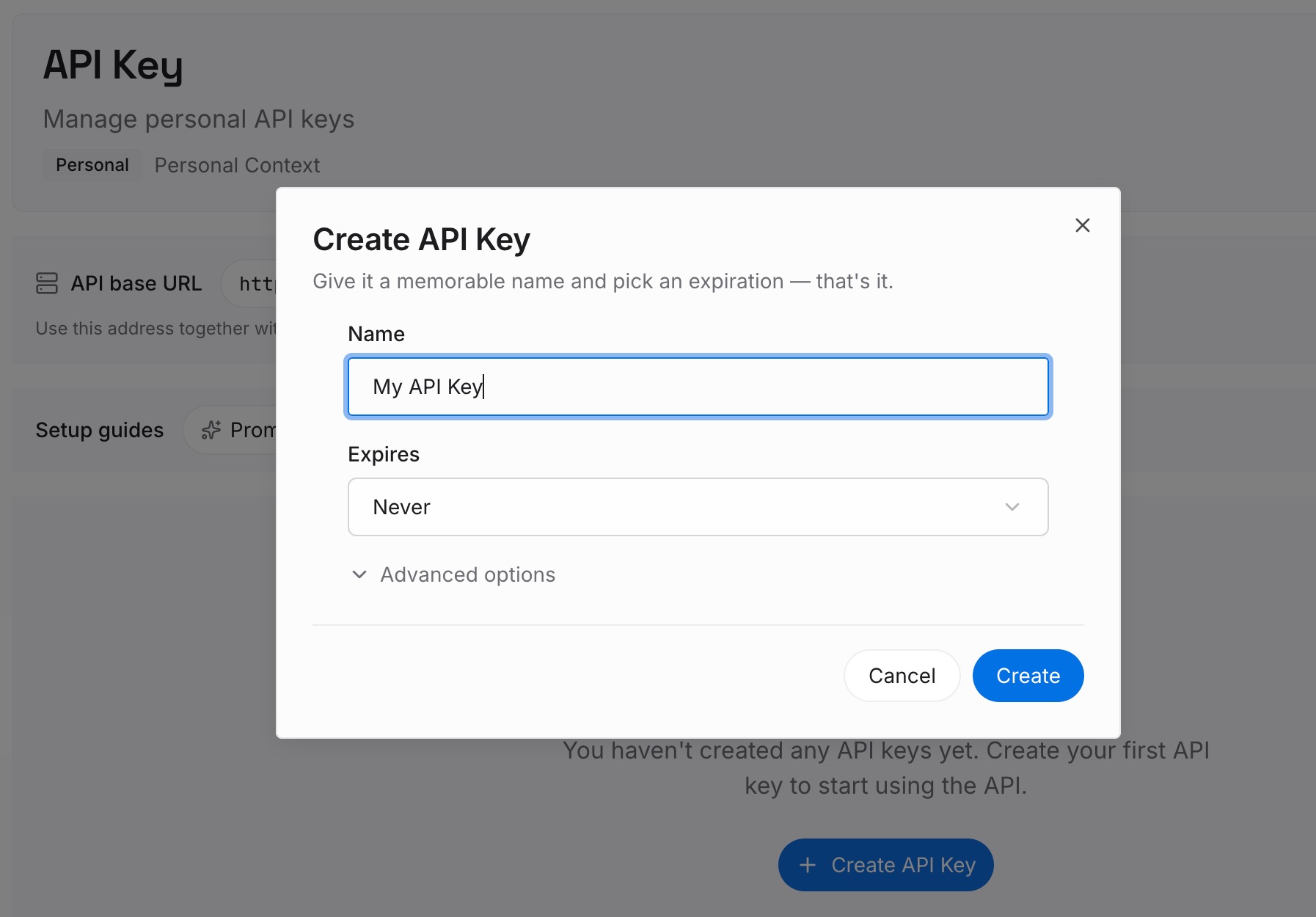
Sign in to MemoryLake and create an API key. One credential across the tools you connect.
Step 2: Upload your first memories
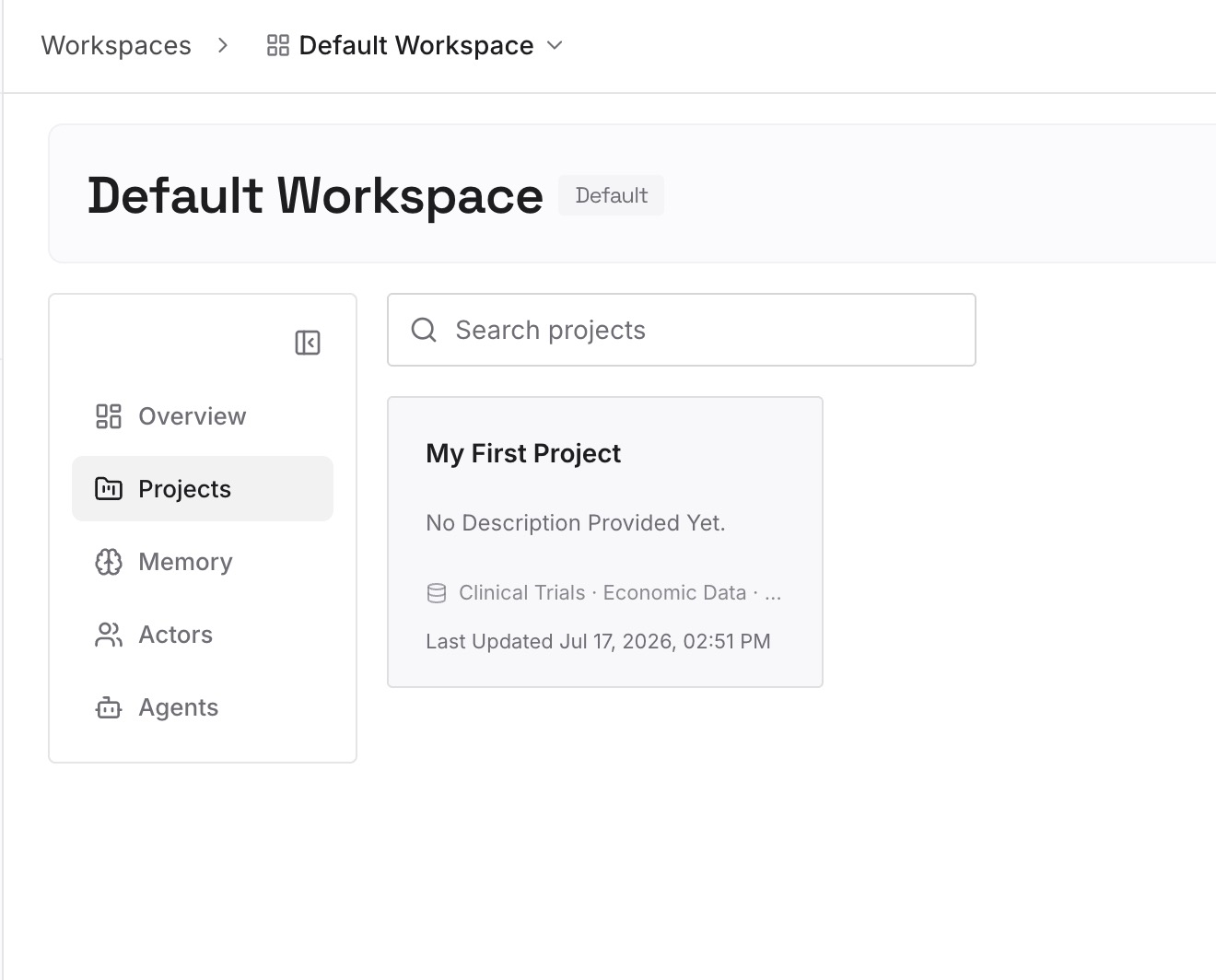
Short entries, one claim each, focused on what a rules file is the wrong shape for:
Decisions plus the constraint that produced them. A rule can say "use the queue adapter." Only the reason stops the alternative being proposed again next week.
Approaches already ruled out. Nothing in the repo records these, and every fresh conversation will suggest them.
Knowledge that spans workspaces. Memories are workspace-bound by design and rules are per-repo. Your domain vocabulary and standards are neither.
Corrections you've repeated. If you've said it twice, it's a missing entry — and the reason belongs with it.
Step 3: Connect your AI & agents
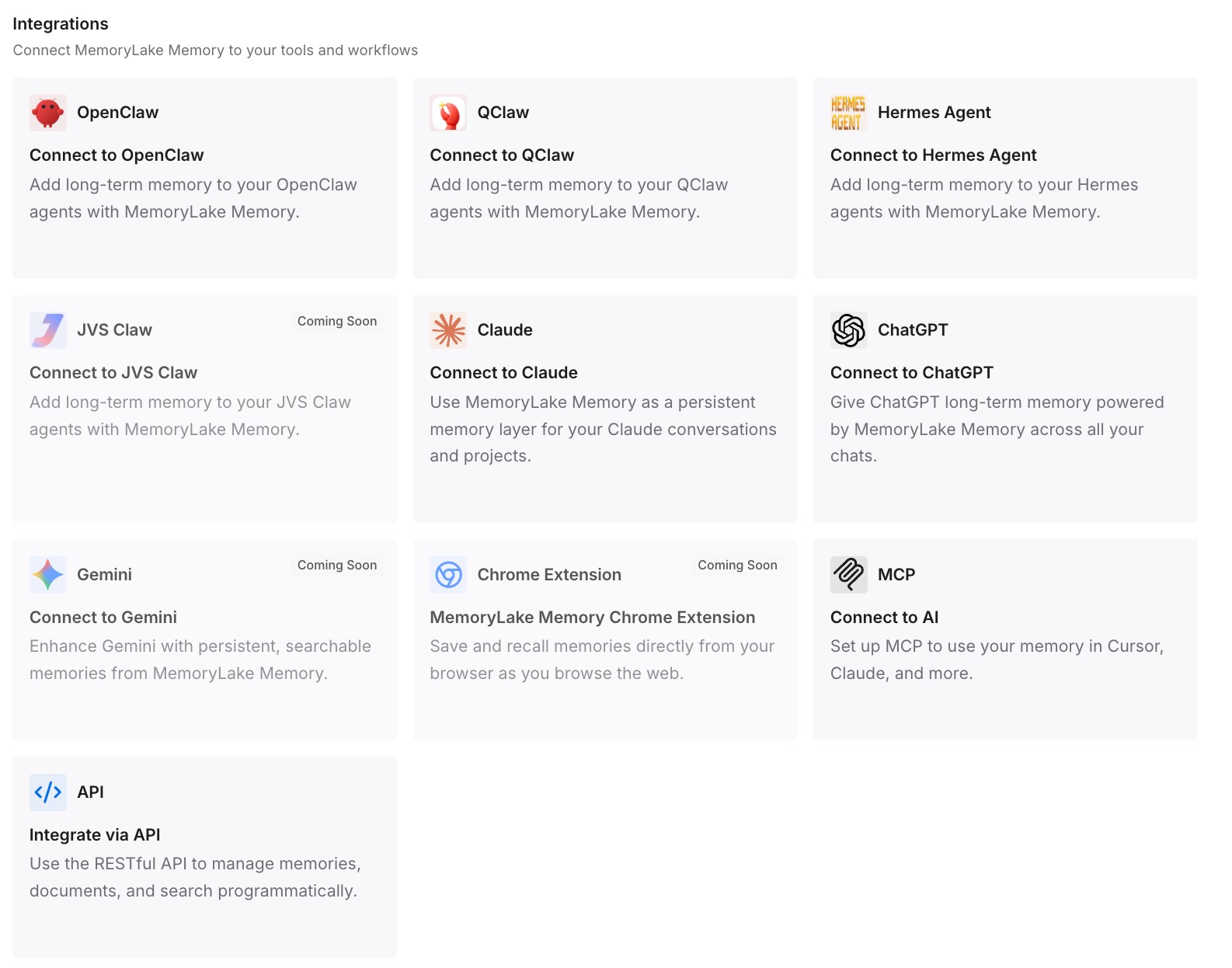
Connect the tools you use. MemoryLake is reachable over MCP and over an API, so MCP-native agents — Claude Code, Codex, and OpenClaw among them — connect by pointing at the MCP server, while other assistants read the same memory through the API.
Three honest limits. MemoryLake is not a replacement for Rules or AGENTS.md — those are how you steer Cascade, and you should still set them up properly; it also can't migrate your auto-generated memories, which is what the wizard is for. It holds only what you or your agents write into it. And it doesn't enforce anything: rules are context, not guaranteed compliance.
What this changes in practice
Which agent opened the tab stops deciding what you keep. Knowledge in AGENTS.md and in a memory layer doesn't depend on a memories feature that's scoped to the legacy agent.
A second machine is just a second machine. Auto-generated memories live only on the one that made them. Committed rules and an external memory layer don't.
Teammates get the same context you have. Memories aren't committed to your repository; rules and AGENTS.md are, and shared knowledge lives outside both.
Always-on budget goes back to being enough. 6,000 global characters is plenty for real constraints once it isn't also carrying your architecture notes.
Renames stop costing you anything. Windsurf to Devin Desktop, .windsurf/ to .devin/ — a knowledge layer outside the editor is indifferent to all of it, the shape covered in what persistent memory actually means.
Best practices for keeping Cascade context
Check which agent your tab is using first. Memories apply to the legacy Cascade agent only. This is the single highest-yield diagnostic.
Prefer AGENTS.md for durable knowledge. Zero config, always on at root, auto-globbed in subdirectories, and version-controlled.
Use .devin/rules/ for new rules. It's the preferred location and takes precedence; .windsurf/ remains a fallback.
Set trigger on purpose. manual rules are not in the system prompt at all. If you didn't mean that, don't leave it there.
Write descriptions that can be routed on. model_decision only works if the description tells Cascade when the rule matters.
Respect the caps. 6,000 characters global, 12,000 per workspace rule file. Split rather than compress.
Confirm where a rule was saved. New rules land in the current workspace's .devin/rules, not necessarily at the git root.
Keep reasons outside rules. Conventions belong in the repo; the argument behind them belongs somewhere retrievable — the general problem in why RAG isn't memory.
Conclusion
Start with the agent check. Memories in Devin Desktop apply to the legacy Cascade agent only, the default agent for new tabs doesn't persist them, and the documented fix is to migrate what you rely on into Skills with the Cascade Migration Wizard. That alone explains most sudden context loss.
Then take the vendor's own advice: durable knowledge belongs in Rules or AGENTS.md, not in auto-generated memories that live on one machine, in one workspace, uncommitted. Type your rules so they load when you need them, keep the global file inside its 6,000 characters, and put the reasoning — decisions, constraints, rejected approaches — in a layer that doesn't care which agent opened the tab or what the editor is called this quarter.