
Why Switching to Opus 5 Doesn't Carry Your Memory
What "switching models" really changes
If you're already on Claude, moving to Opus 5 is a model selection — your account, your memory entries, and your Projects stay in place. If you're coming from ChatGPT, Grok, or elsewhere, you're crossing a vendor wall and starting from nothing. Either way, the model got smarter; the memory situation didn't change. Opus 5 reasons better over the context in front of it, but it doesn't inherit context it was never given.
The technical reason it doesn't travel
Memory in these tools is a per-account personalization layer, in each vendor's format, with no export-import standard between them. Swapping to a stronger model doesn't move a document, a decision, or a conversation history into its reach — those live where you created them. And Opus 5's strength is long agentic reasoning chains, which makes the gap sharper, not softer: the better it is at sustained, multi-step work, the more it needs the full context of that work, and the more it costs you when each session starts light.
What this costs you
Same-vendor upgraders re-notice how little actually persists between sessions once the novelty passes. Cross-vendor switchers re-explain their whole world — role, projects, preferences, files. And anyone running Opus 5 for the heavy reasoning while keeping a cheaper model for routine work now maintains two blank-slate assistants instead of one shared context.
Step-by-Step: Bringing Your Context to Opus 5 by Hand
The native route is manual, but it moves the essentials.
Step 1: Gather what your current setup knows
- In Claude, open your memory settings and copy the individual memory entries worth keeping; note your Project custom instructions.
- If you're coming from another tool, copy its stored memory and custom instructions too (e.g. ChatGPT's Settings → Personalization → Memory).
- Collect the source documents behind your work — the files you'd otherwise re-upload.
Step 2: Set up Opus 5 with that context
- Select Opus 5 for the relevant Project or conversation and confirm which memory entries carried over (same-vendor) or paste them in (cross-vendor).
- Re-apply the instructions and constraints that define how you want it to work.
- Attach the documents the current task needs as Project Knowledge.
What you get is a manual baseline — text and re-uploaded files. There's no conversation-history transfer across vendors, and even within Claude, nothing you set up here stays in sync with the other tools you use.
What doesn't survive the switch
Conversation history from another vendor stays put. Re-uploaded files face Claude's own context limits on long sessions. And it's one-time: keep a second model in rotation and the two contexts drift immediately, so your next switch — Opus 6, or whatever tops the board next month — means doing this again.
The Better Way: One Memory Layer for Every Model
Switching is only costly because memory lives inside the assistant. Move it one level up — into a neutral layer every model reads — and adopting Opus 5 stops meaning starting light. MemoryLake stores your context, documents, and preferences once, versioned Git-style and end-to-end encrypted, and serves the same memory to Opus 5, your other Claude models, ChatGPT, and whatever launches next.
| Dimension | Manual switch to Opus 5 | MemoryLake layer |
|---|---|---|
| Steps required | Re-establish per model | 3 (one-time) |
| Running Opus 5 alongside a cheaper model | Two separate contexts | One shared memory |
| Stays in sync as work evolves | No | Yes |
| Cross-vendor context | Lost | Retained and searchable |
| Your next model | Start over again | Connect it |
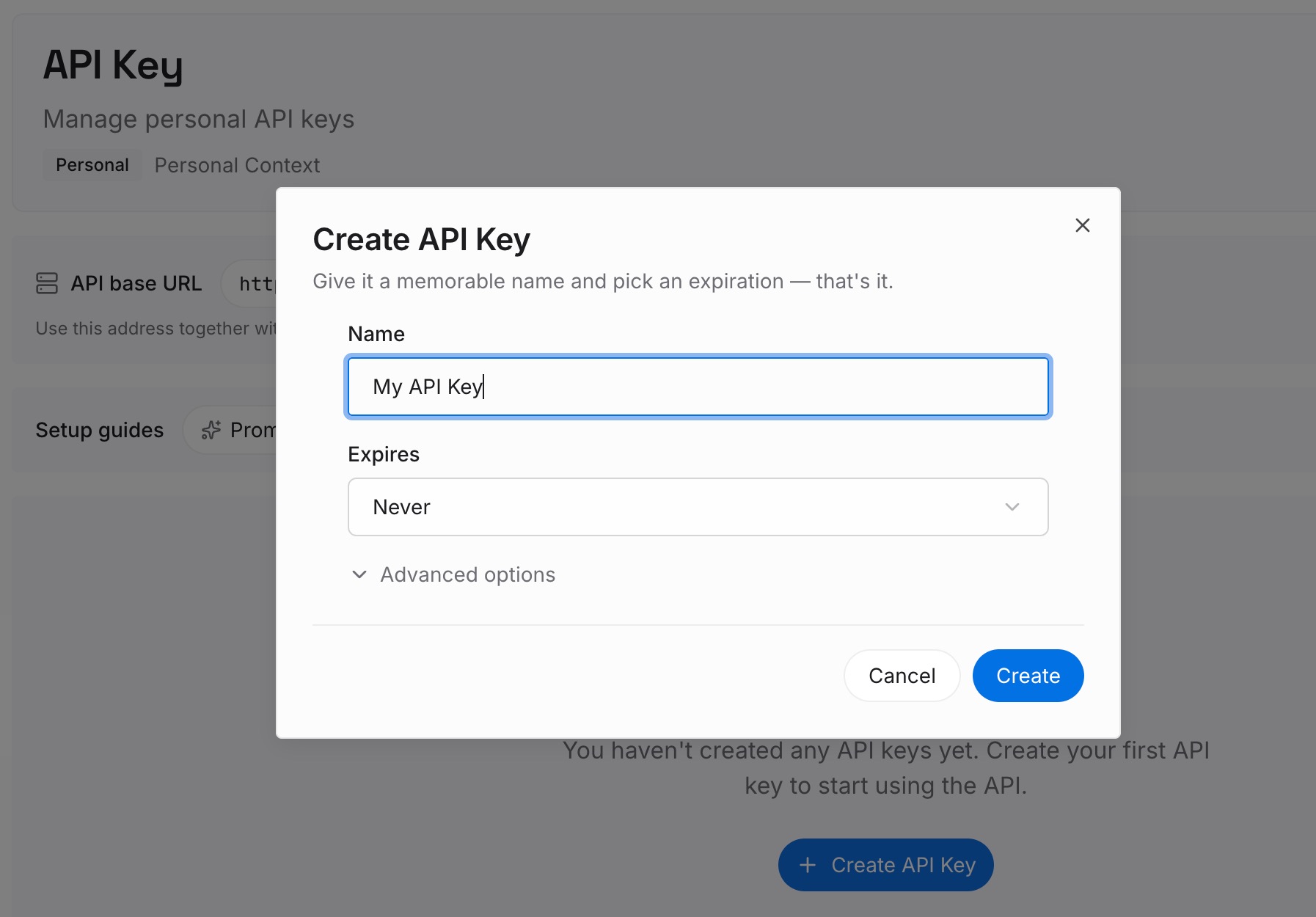
Step 1: Create an API key
Sign in to MemoryLake, generate a key, and make your first request — it takes about 30 seconds.
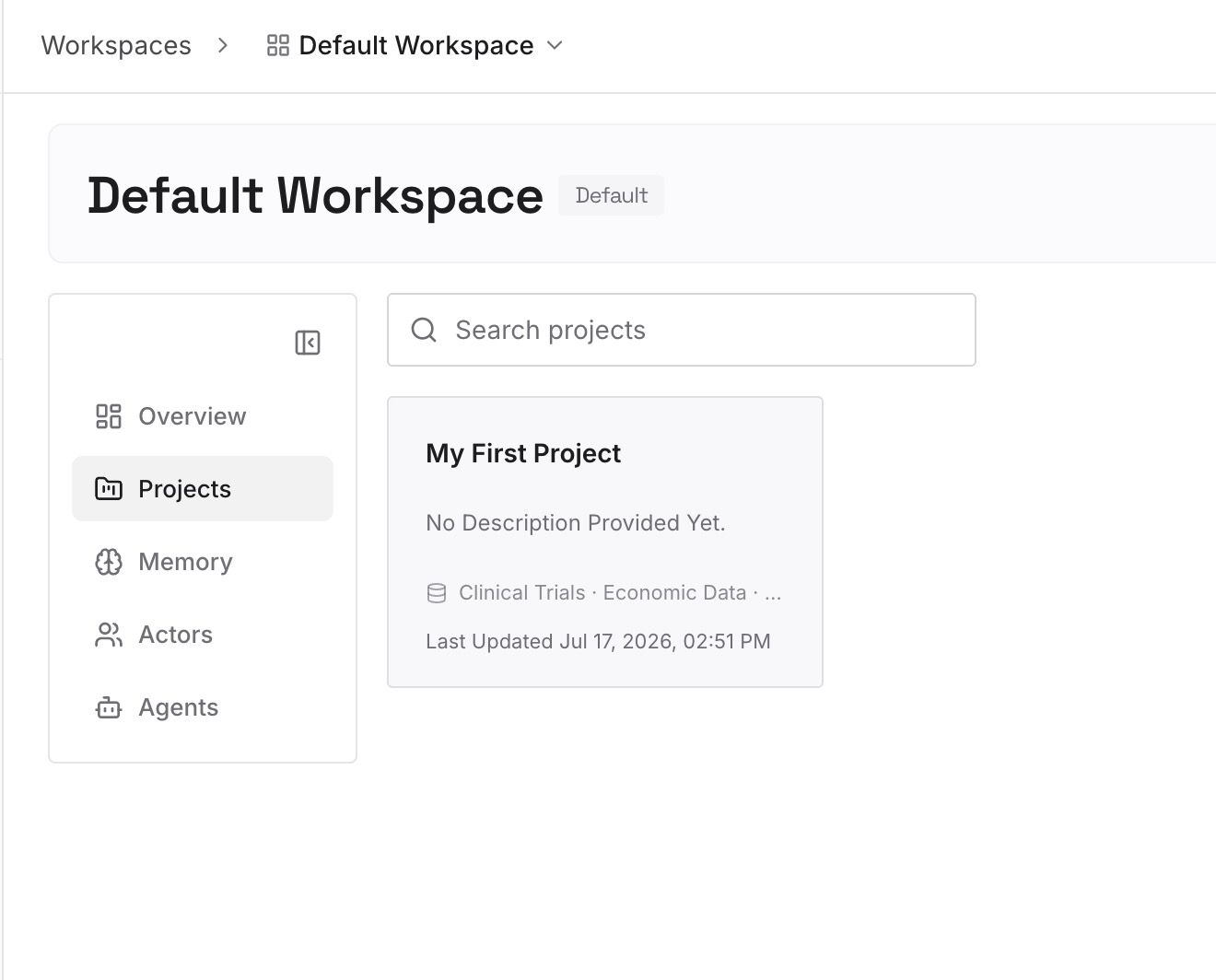
Step 2: Upload your first memories
Drop in the context you don't want tied to one model: your preferences and standing rules as text, plus the documents, images, and other files your work runs on.
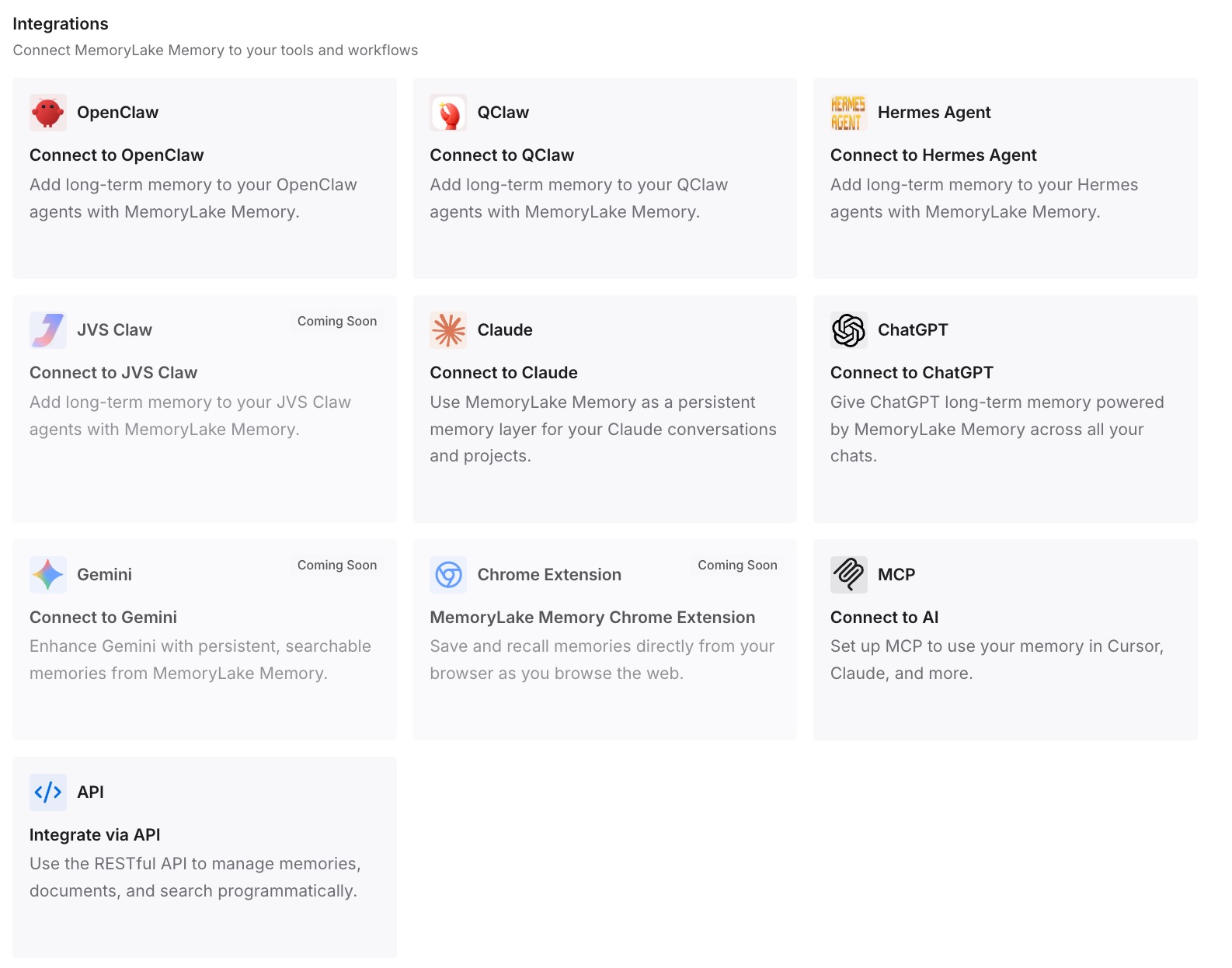
Step 3: Connect your AI & agents
Connect Claude — Opus 5 included — over MCP with your API key, and the same memory is available to Codex, OpenClaw, ChatGPT, and other agents via MCP or the API. Route the hard agentic reasoning to Opus 5 and routine work to a cheaper model, both reading one memory, so a task started in one continues in the other without a re-brief.
What Re-Onboarding a Model Actually Costs
The upgrade treadmill
Frontier leadership now changes on a monthly cadence — Opus 5 today, something else soon. Every upgrade or sideways move that resets your context is time spent re-teaching instead of working, and Opus 5's whole edge is long, context-heavy reasoning that suffers most from a light start.
Retrieval instead of re-teaching
With a shared layer, Opus 5 pulls the context a task needs on demand rather than making you rebuild it — so you get its reasoning applied to context that's already there. Retrieving only what's relevant also keeps long agentic runs from wasting the window on re-pasted background; MemoryLake's Token Saving Calculator projects the effect from your usage.
Best Practices for Model-Portable Memory
Route tasks, not memory
Let the task pick the model — Opus 5 for deep agentic reasoning, a cheaper model for routine turns — while memory stays put in the shared layer. That's the only way multi-model routing pays off instead of multiplying re-briefs.
Don't over-invest in one model's native memory
With a new leader every few weeks, treat each model's built-in memory as disposable and your neutral layer as the source of truth. It's what makes the next switch free.
Prune when you switch
Adopting Opus 5 is a clean moment to drop stale context. Update the layer once and every connected model — new and old — sees the current version.
Conclusion
Claude Opus 5 is a genuine step up, and using it shouldn't mean relearning everything or leaving your other tools context-blind. The manual setup gets you running today; a shared memory layer lets Opus 5 and the rest of your stack read one context — which is what "best fit wins" actually requires. In a market with a new top model every few weeks, the durable advantage isn't loyalty to one model's memory. It's memory that outlives whichever model leads the board this week.