
Why Your Chat Memory Doesn't Follow You to Grok
How chat memory works across assistants today
Every assistant stores what it knows about you in its own walled system. ChatGPT's Memory, Claude's memory entries, and Grok's own memory are separate stores with no bridge between them. When you open Grok 4.5, it starts from zero — not because it's new, but because memory was never designed to travel between vendors.
The technical reason it doesn't transfer
Memory in these tools is a personalization feature, not a portable asset. It's tuned to each platform's format and tied to your account there. There's no shared standard for "export my memory and import it elsewhere," so a switch means the receiving model has no access to anything the previous one learned. Worth knowing before you rely on it: Grok's memory feature has had regional limits (it launched unavailable in the EU and UK) — confirm current availability for your region before assuming it will retain anything at all.
What this costs you when you switch
You re-explain your role, your projects, and your preferences from scratch. Work in progress fragments — the analysis you developed in ChatGPT can't inform the follow-up you want to run in Grok. And you feel the lock-in: the better your old assistant's memory got, the more you lose by leaving, which is exactly the friction that keeps people from trying a better-fit model.
Step-by-Step: Bringing Your Context to Grok 4.5 by Hand
The native route is manual, but it gets the essentials across. Here's the honest version.
Step 1: Export what your old assistant knows
- In ChatGPT, open Settings → Personalization → Memory and copy the stored entries worth keeping; copy your Custom Instructions too.
- In Claude, open your memory settings and copy the individual memory entries it shows you (as of July 2026 Claude exposes them as editable, categorized entries).
- Gather the source documents behind your work — the files you'd otherwise re-upload.
Step 2: Re-enter it into Grok
- Open Grok's personalization/memory settings and paste in the preferences and facts that still apply.
- Put your standing instructions into a system prompt or custom instruction field where Grok supports it.
- Re-attach the documents you'll need for the current task.
What you get is a manual snapshot: plain text and re-uploaded files. There's no import of conversation history, and nothing you paste in stays in sync with your other tools.
What doesn't survive the switch
Your conversation history stays in the old assistant. Anything Grok's memory can't retain in your region stays gone. And it's a one-time copy — next month's new context in ChatGPT won't reach Grok, and your next model switch (the pace of releases in 2026 guarantees there will be one) means doing this all over again.
The Better Way: One Memory Layer for Every Model
The switch is only painful because your memory lives inside the assistant. Move it one level up — into a neutral layer every model reads — and switching models stops meaning starting over. MemoryLake stores your context, documents, and preferences once, versioned Git-style and end-to-end encrypted, and serves the same memory to Grok, ChatGPT, Claude, and whatever launches next.
| Dimension | Manual switch to Grok | MemoryLake layer |
|---|---|---|
| Steps required | Re-export and re-enter each time | 3 (one-time) |
| Conversation context | Lost | Retained and searchable |
| Stays in sync after the switch | No | Yes |
| Your next model switch | Start over again | Connect the new model |
| Regional memory limits | Apply per vendor | Your layer, your data |
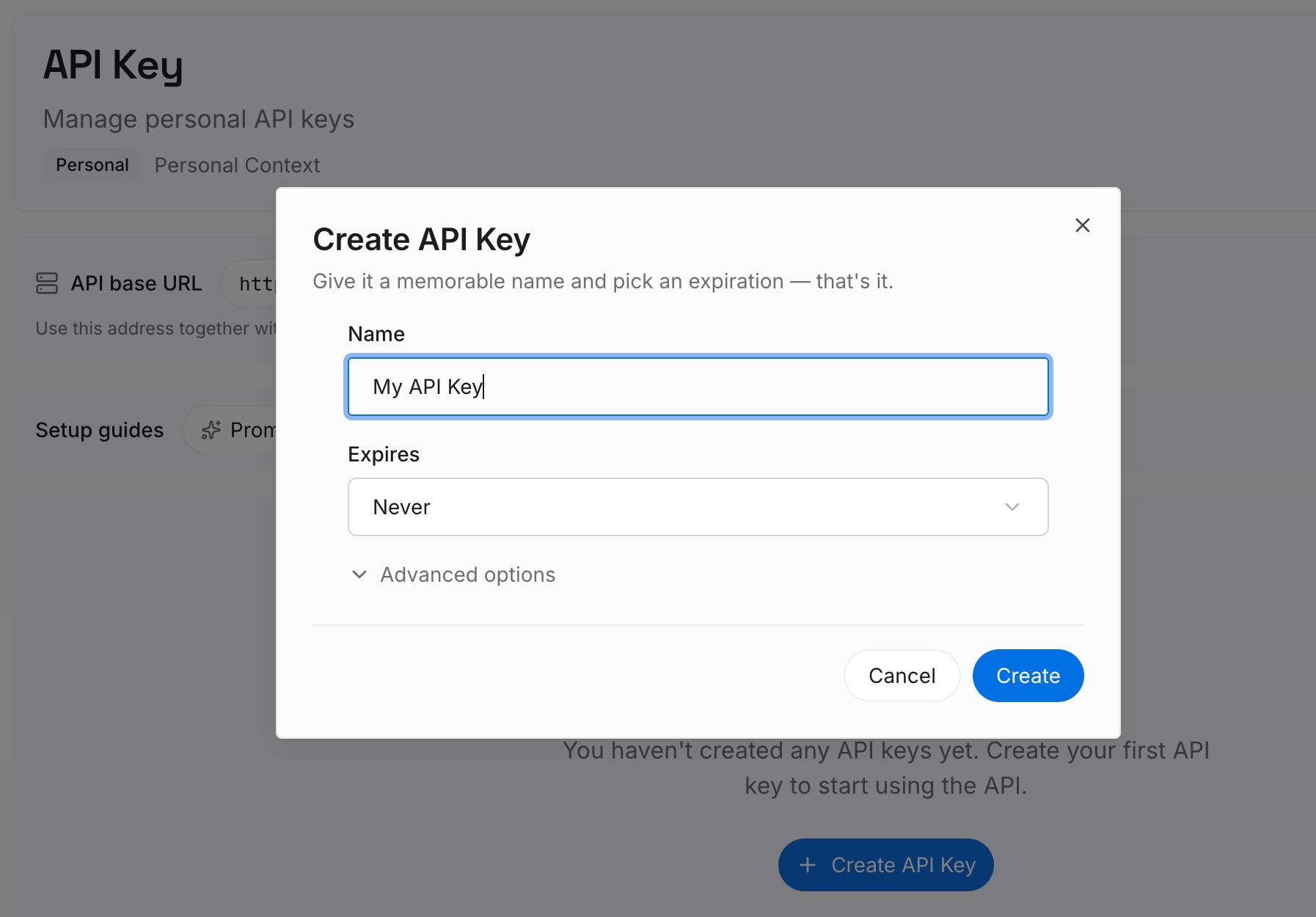
Step 1: Create an API key
Sign in to MemoryLake, generate a key, and make your first request — it takes about 30 seconds.
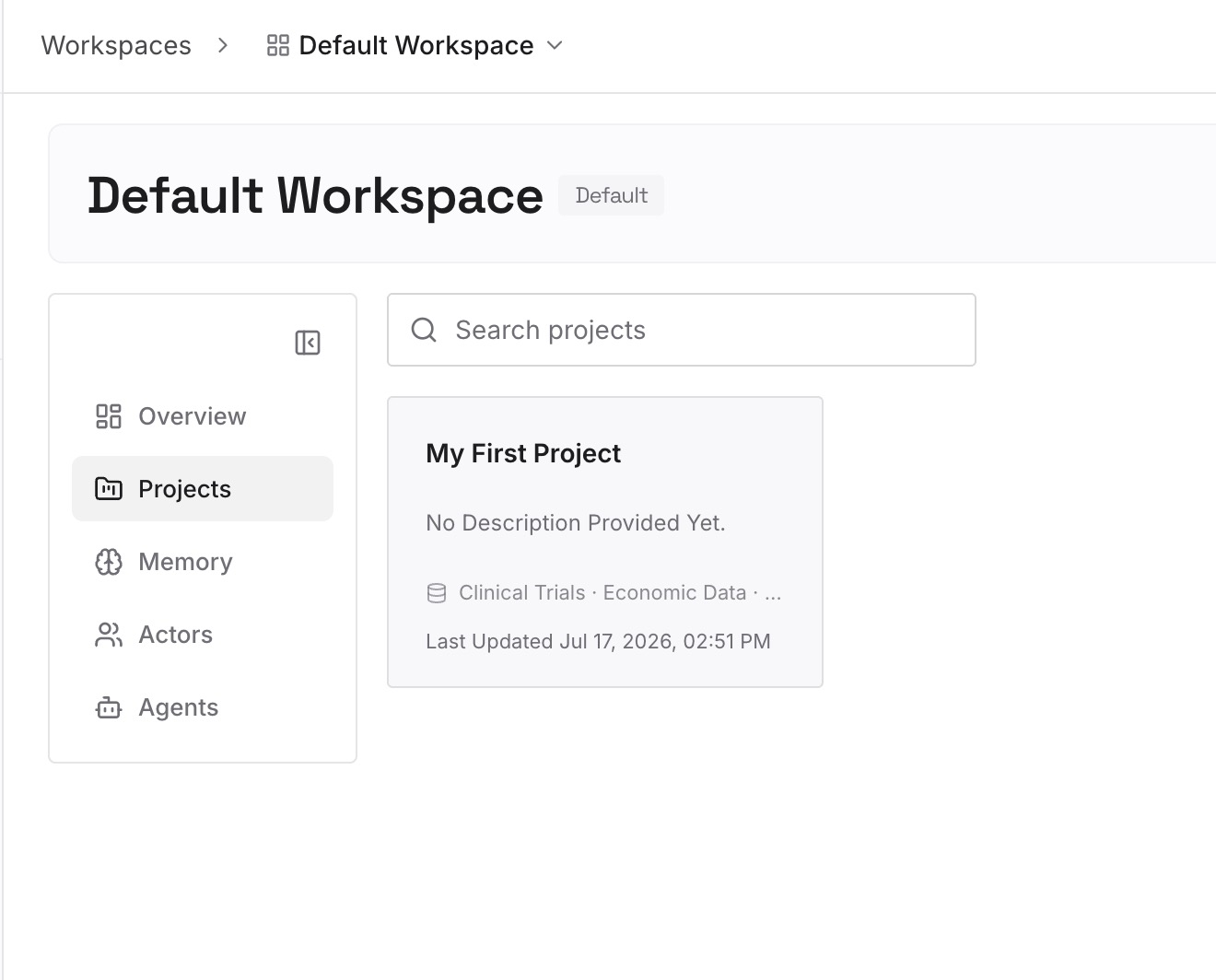
Step 2: Upload your first memories
Drop in the context you'd otherwise re-enter every switch: your preferences and standing instructions as text, plus the documents, images, and other files your work runs on.
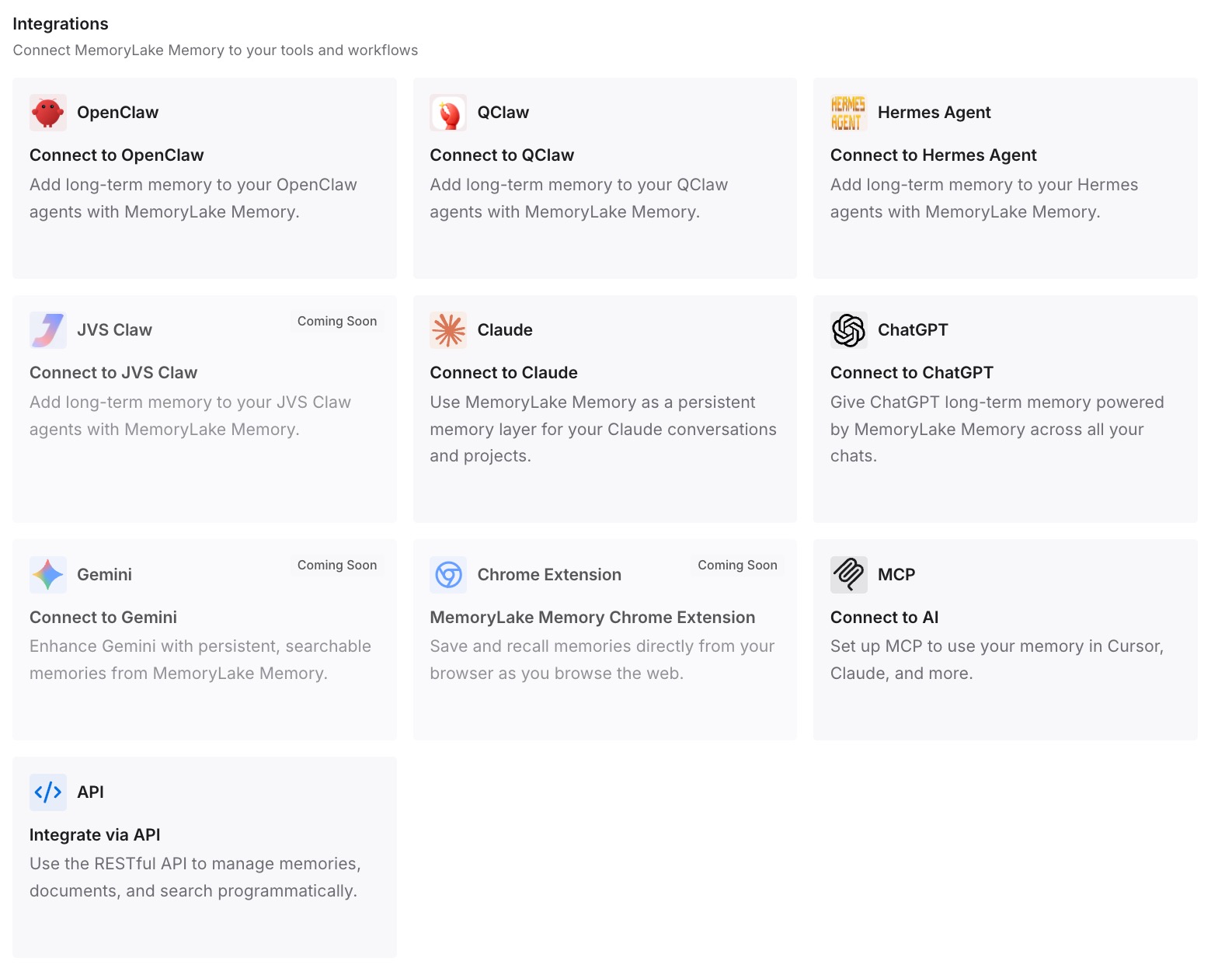
Step 3: Connect your AI & agents
Point your tools at the same memory. Grok connects via the API today; Claude, Codex, OpenClaw, and other MCP-capable agents connect over MCP. One memory, every model — so the next launch is a tool you add, not a migration you dread.
What Re-Onboarding a New Model Actually Costs
The switching tax
Model switches aren't rare anymore — trackers log a notable new model roughly every few days, and people report bouncing between ChatGPT, Claude, and Grok depending on the task. Every bounce that means re-explaining your context is pure overhead, and it scales with how often you chase the best-fit model.
Retrieval instead of re-onboarding
With a shared layer, a new model pulls the context relevant to your task instead of you re-teaching it. You get to try Grok 4.5 on its merits — speed, cost — without paying a memory tax to do it, and switching back or sideways later costs nothing.
Best Practices for Model-Portable Memory
Keep preferences and documents separate
Store standing preferences as text memories and source material as files. Preferences apply to every model; documents attach to specific tasks — keeping them distinct makes retrieval sharper.
Don't deep-invest in any one model's native memory
Now that a better model ships constantly, treat each assistant's built-in memory as disposable and your neutral layer as the source of truth. That's what makes the next switch free.
Prune when you switch
A model switch is a natural moment to drop stale context. Update the layer once and every connected model sees the current version.
Conclusion
Grok 4.5 is worth trying, and trying it shouldn't cost you everything your other assistants know about you. The manual export gets you moving today; a shared memory layer makes it the last manual move you do. In a year where a new frontier model arrives every few days, the smart setup isn't loyalty to one model's memory — it's memory that outlives whichever model you're using this week.