
Why Trae Forgets Context Between Sessions
How Trae handles context today
Inside a session, Trae works well: it reads your files, follows your instructions, and builds a working picture of the project. That picture is session state living in the context window. There's no store it writes to — so when the session ends, the understanding ends with it, and the next session begins by re-deriving what it can from your code alone.
The technical reason it doesn't stick
Two things compound. First, there's no cross-session memory feature: unlike assistants that persist facts about you and your project, Trae keeps no durable record between sessions. Second, even within a long session, context degrades — after extended conversations it starts losing track of earlier instructions, so developers find themselves re-explaining project structure and coding patterns mid-task. The result is a tool that can be brilliant for an hour and blank the next morning.
What this costs you
You re-onboard the IDE daily: the same conventions, the same architecture walkthrough, the same corrections. Decisions vanish — the "we don't use that pattern here" you established last week is gone, so it comes back as a suggestion. And nothing pools: a second machine, or a teammate, starts from zero because your session's understanding never left your local session.
Trae's Built-in Workarounds (and Where They Stop)
Project-organized workspaces
Keeping your materials organized around a project — rather than scattered across chat windows — genuinely helps Trae find relevant files, and it's better than a pure chatbot flow. But organization isn't memory: the files persist, the understanding of them doesn't.
Rules and custom instructions
Where Trae lets you set project rules or standing instructions, use them — they're the right home for stable conventions. Their ceiling is the usual one: hand-maintained, static text that never captures the decisions, corrections, and discoveries that accumulate while you work.
Hand-rolled session logs
Some developers have built their own fix: a trigger word that makes the assistant write a summary chapter — what was done, which files changed, what was decided, current status, what's left — before closing the session. It's a genuinely clever workaround and it shows exactly what's missing. It's also fully manual, easy to forget, and produces notes scattered across files rather than a memory the tool can query.
The shared wall: none of these is a persistent, retrievable store of project knowledge that survives a session, a machine, or a teammate — the same root gap other IDE agents hit, as in why Cursor forgets previous sessions.
The Fix: Give Trae a Persistent Project Memory
The durable setup is a memory layer outside the session — the automated version of that hand-written session log. MemoryLake stores your architecture, conventions, and decisions once: searchable, versioned Git-style so you can trace how a convention evolved, and end-to-end encrypted so your code stays yours.
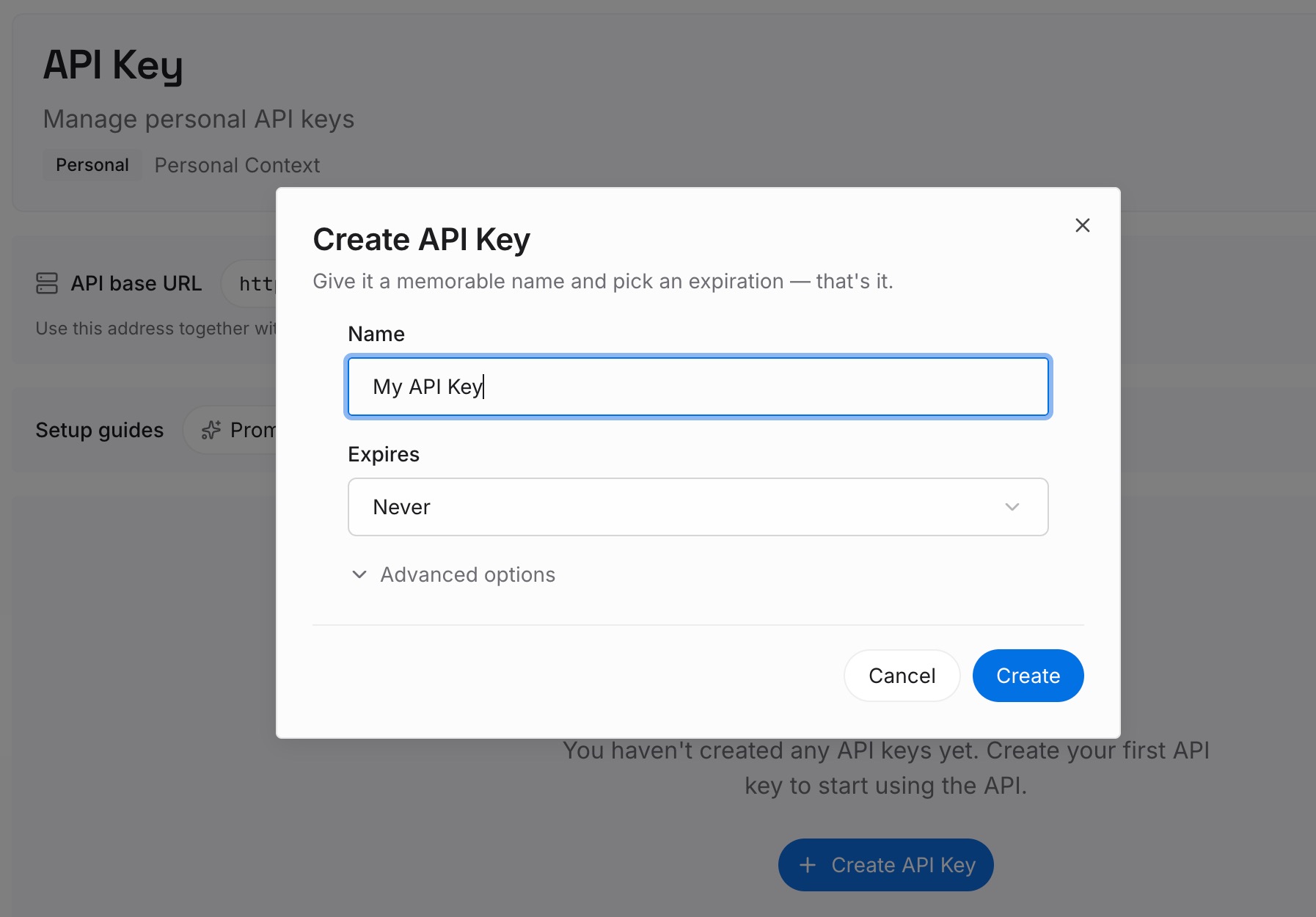
Step 1: Create an API key
Sign in to MemoryLake, generate a key, and make your first request — it takes about 30 seconds.
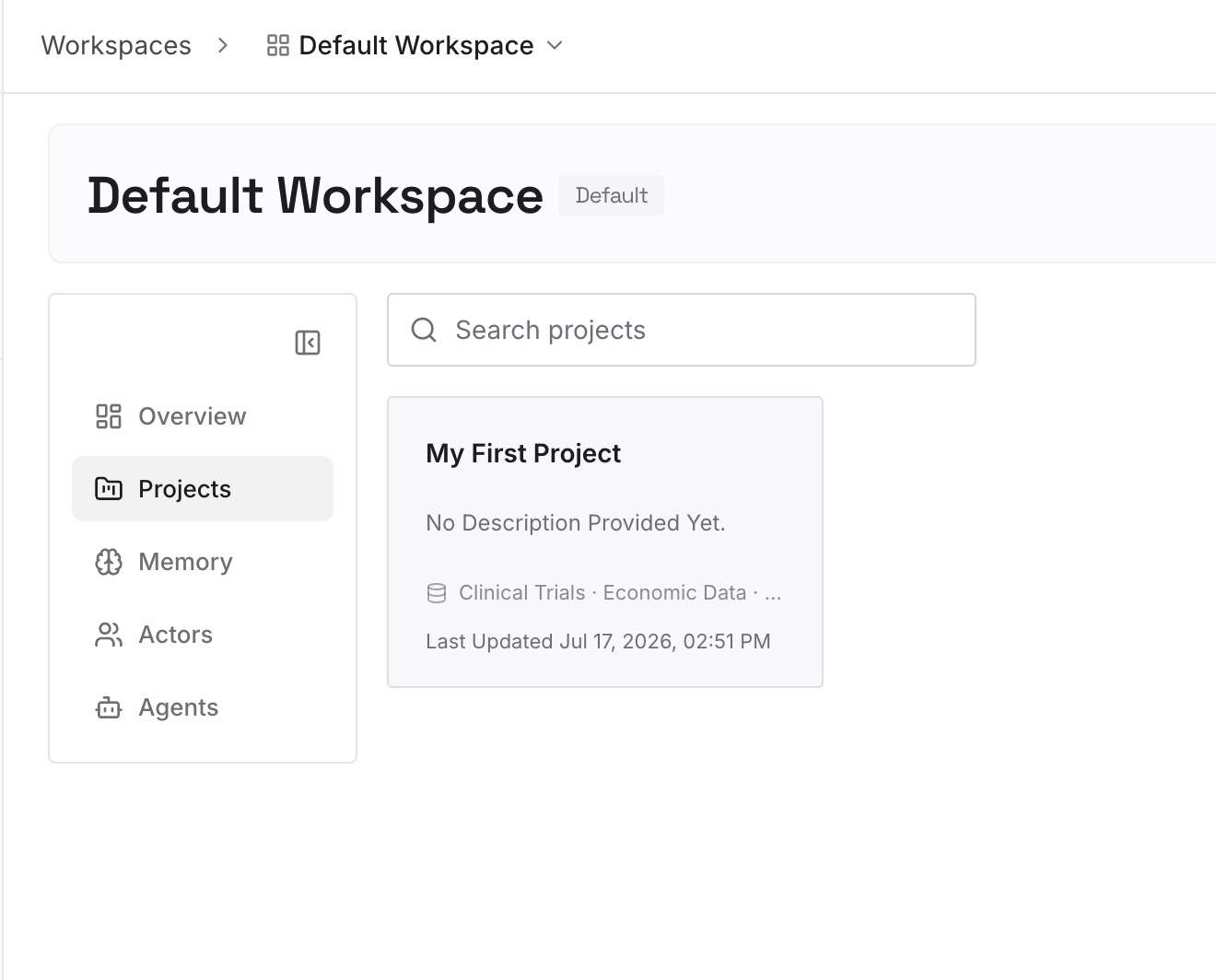
Step 2: Upload your first memories
Drop in the project knowledge sessions keep losing: architecture notes, conventions, decision records, and API docs — documents, images, and other files all work. Then keep the habit the session-log workaround was reaching for: when a session settles something, capture it as a one-line memory.
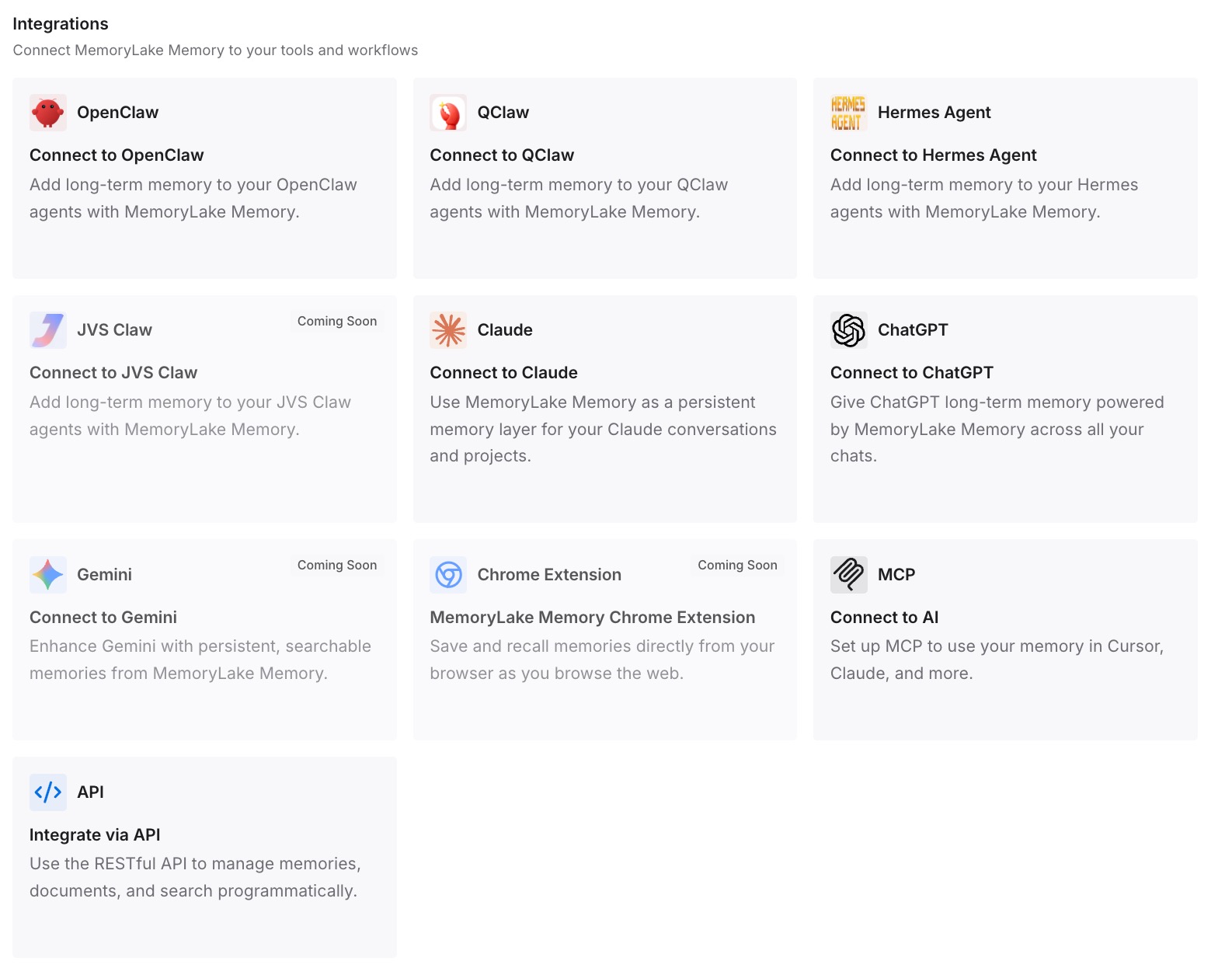
Step 3: Connect your AI & agents
Add MemoryLake to Trae's MCP server configuration with your API key so it can query project memory mid-task; if you're on a setup without MCP, call the API to pull the relevant context at session start. The same memory is available to Claude, Codex, OpenClaw, and other agents via MCP or the API — so your project knowledge isn't tied to one IDE.
What Re-Explaining Your Project Actually Costs
The daily re-onboarding tax
Ten minutes of re-explaining structure and conventions per session, every session, is hours a week before real work starts — plus the tokens Trae spends re-reading files to rebuild a picture it had yesterday. On a large codebase, that rebuild is the most expensive part of the session.
Retrieval instead of re-explaining
With a persistent layer, Trae pulls the convention or decision a task needs on demand instead of re-deriving it. Sessions start informed, corrections stop repeating, and prompts stay lean — MemoryLake's Token Saving Calculator projects the effect from your usage.
Best Practices for a Trae Project Memory
Automate what the session log did by hand
The workaround's instinct was right: capture what happened before the context disappears. Storing it as a retrievable memory instead of a local file means the next session — on any machine — can actually use it.
Separate conventions from decisions
Keep stable conventions in Trae's rules and dynamic history (decisions, rejected approaches, resolved bugs) in the memory layer. They change at different rates and belong in different places.
Scope by repository
One memory scope per repo keeps retrieval precise and lets each project's sessions pull only what applies to them.
Conclusion
Trae is a capable IDE with a blank-slate morning: strong inside a session, forgetful across them, and honest reviewers flag the missing memory as its main gap versus tools that have it. The community's session-log trick proves the need; a persistent memory layer just does it properly — automatically, queryably, and across machines and tools. Teach your project once, and let every session start where the last one ended.