
What each tool reads on its own
Instructions: CLAUDE.md and AGENTS.md
Codex is built around one file. OpenAI's documentation says "Codex reads AGENTS.md files before doing any work." It layers a global file in your Codex home directory with project files from the repository root down to your working directory.
Claude Code reads CLAUDE.md, and it can read AGENTS.md too, under one condition. Anthropic's memory documentation says "By default, Claude reads AGENTS.md only when you have no CLAUDE.md in your working directory or above it." Reading AGENTS.md directly requires Claude Code v2.1.277 or later.
That condition is where shared instructions can break. If a repository has both files, Claude Code reads CLAUDE.md and skips AGENTS.md, while Codex reads AGENTS.md. Our guide to Claude Code's AGENTS.md support covers which files cancel it.
Anthropic documents the fix: "When Claude isn't reading your AGENTS.md directly, you can still keep it as the one file every tool shares by putting an @AGENTS.md import in a CLAUDE.md next to it." Claude reads the imported file first, then anything Claude-specific you add below the import.
Instructions in subdirectories
Monorepos add one more wrinkle. Codex walks from the project root down to your working directory, reading AGENTS.md files along the way. OpenAI says "Files closer to your current directory override earlier guidance because they appear later in the combined prompt." It also stops adding files once the combined size reaches a limit set by project_doc_max_bytes.
Claude Code picks up subdirectory files differently. At session start it reads every AGENTS.md in your working directory and the directories above it. As it works, Anthropic says it reads a subdirectory's AGENTS.md "when Claude opens a file there with the Read tool and that subdirectory has none of the three CLAUDE.md files of its own". So a subdirectory file can reach both tools, at different moments.
Skills
Both tools use skills, in different folders. Codex reads repository skills from .agents/skills; OpenAI's documentation says "For repositories, Codex scans .agents/skills in every directory from your current working directory up to the repository root." Claude Code reads skills from .claude/skills/ in a project and ~/.claude/skills/ for your personal ones.
MCP servers
MCP configuration is separate too. Claude Code keeps project servers in .mcp.json and local and user servers in ~/.claude.json. Codex configures each MCP server "with a [mcp_servers.<server-name>] table in the configuration file", which is its config.toml.
Memory
Each tool keeps its own memory, on your machine. Anthropic says "Auto memory is machine-local." OpenAI says local Codex clients "use a separate local memory store and controls." Each tool works from its own store; the one documented bridge is Codex's importer, which can copy Claude Code project memories in, as described below.
OpenAI's guidance on what memory is for applies to both: "Treat memories as a helpful recall layer, not as the only source for rules that must always apply."
What you can move between them
Codex importing from Claude Code
Codex has an import flow. OpenAI's documentation says "The desktop app can import from Claude Code, Claude Cowork, or Cursor. Codex CLI can import from Claude Code or Cursor." In the desktop app, it's under Settings > Import; in the CLI, it's the /import command.
The list of what it brings is long. Instruction files go to AGENTS.md, settings.json goes to config.toml, and skills, plugins, MCP server configuration, hooks, and subagents come across too. Slash commands become skills. Project memories from Claude Code become Codex memories, and recent chats come along: the CLI imports "up to 50 chats from the last 30 days."
Two details make this useful for running both tools rather than switching. First, "Importing doesn't change or delete your existing agent setup." Second, the desktop app can keep imported work in sync: open Settings > Import and turn on automatic updates. Our guide to migrating from Claude Code to Codex covers the importer in detail, and our guide to Codex memories v2 explains where imported Claude Code memories land on newer installs.
Claude Code importing from Codex
The other direction exists too. Claude Code's /import codex brings configuration from OpenAI Codex on your machine into Claude Code. Anthropic's command reference lists what that covers: "including instruction files, MCP servers, commands, subagents, and skills".
You can preview it first. Anthropic's command reference says to "Add --dry-run to preview without writing anything", and --yes skips the interactive picker. The command reference lists configuration, not conversations or memories, so treat it as a way to bring setup across, not history. It isn't available on some cloud providers or through a Claude apps gateway, and the command reference lists the exceptions.
Handing work to Codex from inside Claude Code
OpenAI publishes a Claude Code plugin in its openai/codex-plugin-cc repository. Its README describes the purpose: "Use Codex from inside Claude Code for code reviews or to delegate tasks to Codex."
It adds commands that run Codex without leaving your Claude Code session:
/codex:reviewruns a read-only Codex review of your current changes or a branch./codex:rescuehands a task to Codex through a subagent, for investigating a bug or trying a fix./codex:transfer"Creates a persistent Codex thread from the current Claude Code session and prints acodex resume <session-id>command."
The transfer command is the closest thing to moving a live conversation. The README says it uses Codex's external-agent session importer and follows the same conversion rules as importing Claude history in the Codex app. The plugin runs through the Codex CLI on your machine and uses your Codex configuration and sign-in, and Codex usage counts toward your Codex limits.
One option deserves caution. The plugin can add a review gate that runs a Codex review when Claude stops. The README warns: "The review gate can create a long-running Claude/Codex loop and may drain usage limits quickly."
What still stays behind
Imports and transfers move setup and, in some cases, a conversation. Neither vendor describes them as keeping two live sessions in step.
- Decisions made mid-session. A constraint you discover in Claude Code this afternoon isn't in Codex until it's written to a file both read or you transfer the session.
- Memory updates. Each tool's memory keeps learning on its own after an import. A later Claude Code auto memory entry reaches Codex only through another import, or through the desktop app's automatic updates if you've turned them on.
- Instructions that only one tool reads. A rule in CLAUDE.md, with
AGENTS.mdnot imported, never reaches Codex.
This is why the setup below puts shared context in files, and treats imports and transfers as tools for specific moments.
What people try first
Keeping both CLAUDE.md and AGENTS.md with different content. Claude Code reads CLAUDE.md and skips AGENTS.md by default, so the two tools follow different rules.
Importing once and expecting the tools to stay in sync. An import is a copy. Use the desktop app's automatic updates, or keep shared material in shared files.
Explaining the same decision to both tools. Write it down once where both read it.
Turning on the review gate and walking away. OpenAI's README warns it can loop and drain usage limits.
Expecting Claude Code's import to bring Codex chats. Its command reference lists configuration: instruction files, MCP servers, commands, subagents, and skills.
The Fix: One instruction file, one record of decisions, and deliberate handoffs
Step 1: Make AGENTS.md the shared instruction file
Put your project conventions in AGENTS.md. If the repository also has a CLAUDE.md, add an @AGENTS.md import at the top of it and keep only Claude-specific notes below. Codex reads AGENTS.md directly, and Claude Code reads it through the import. Our guide to Codex skipping AGENTS.md rules covers the size limit and discovery rules on the Codex side.
Step 2: Bring setup across, then keep it in shared files
Use the importers to move skills, MCP servers, and commands, with --dry-run first on the Claude Code side. After that, decide which folder is the source of truth for each skill, and update the other side when it changes. If you use the Codex desktop app, turn on automatic updates for imported work.
Step 3: Hand off with the state written down
When work moves from one tool to the other, write down where it stands: what's done, what's left, what was decided and why. For a mid-task move from Claude Code to Codex, /codex:transfer carries the conversation. For anything else, a short handoff note does the job; our guide to writing a handoff prompt covers what to include. Decisions that will matter beyond this task go into AGENTS.md or another shared file.
Setting this up in MemoryLake
Shared files cover a single repository well. The decisions that span repositories, machines, and tools, such as preferences, team conventions, and the reasons behind past choices, are the ones you end up explaining to both tools again.
MemoryLake is a memory layer for keeping that kind of context in one list you maintain, available to Claude Code, Codex, and the other assistants you connect, such as ChatGPT.
You write the entries yourself, in your own words. Nothing is read out of, written to, or deleted from your CLAUDE.md or AGENTS.md files, your Claude Code auto memory, your Codex memories, your sessions, or any vendor's store. The importers and the Codex plugin keep working the way each vendor describes them.
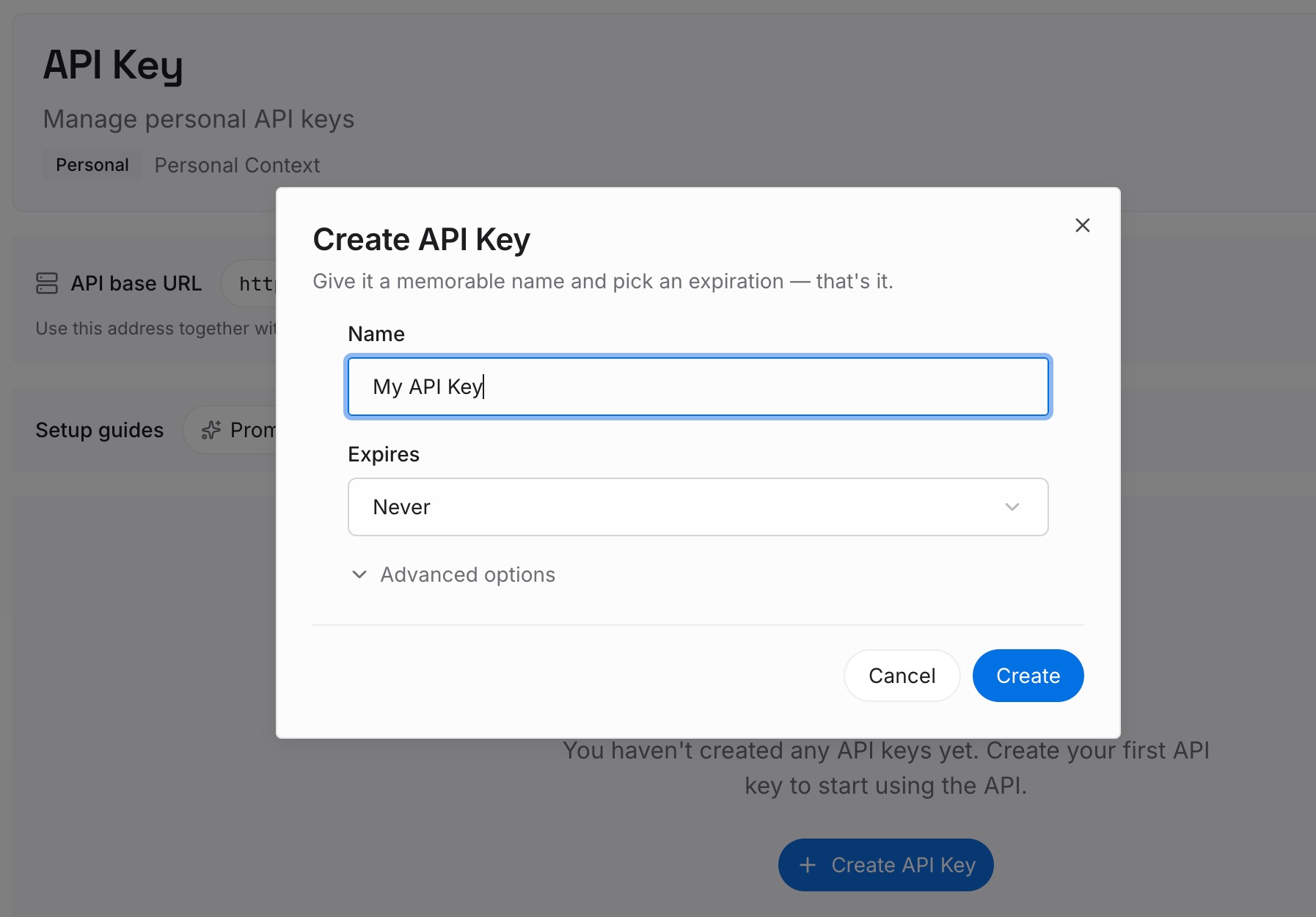
Step 1: Create an API key
Sign in and generate a key from the dashboard. The key belongs to your MemoryLake workspace and is separate from your Claude and ChatGPT accounts.
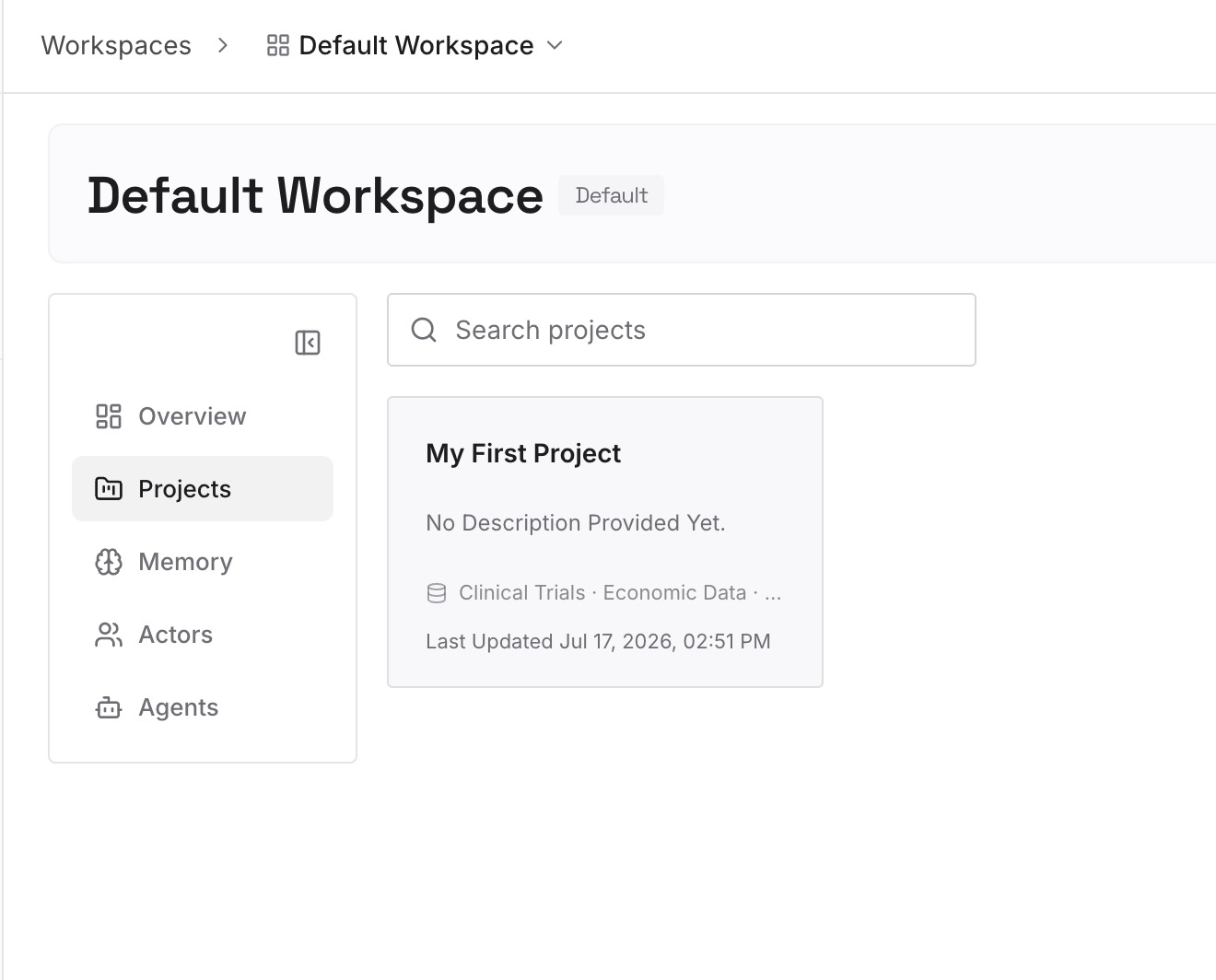
Step 2: Upload your first memories
Start with the decisions you've explained to both tools more than once: the conventions, the constraints, the approaches you ruled out. One point per entry, dated, and labeled with the repository it applies to.
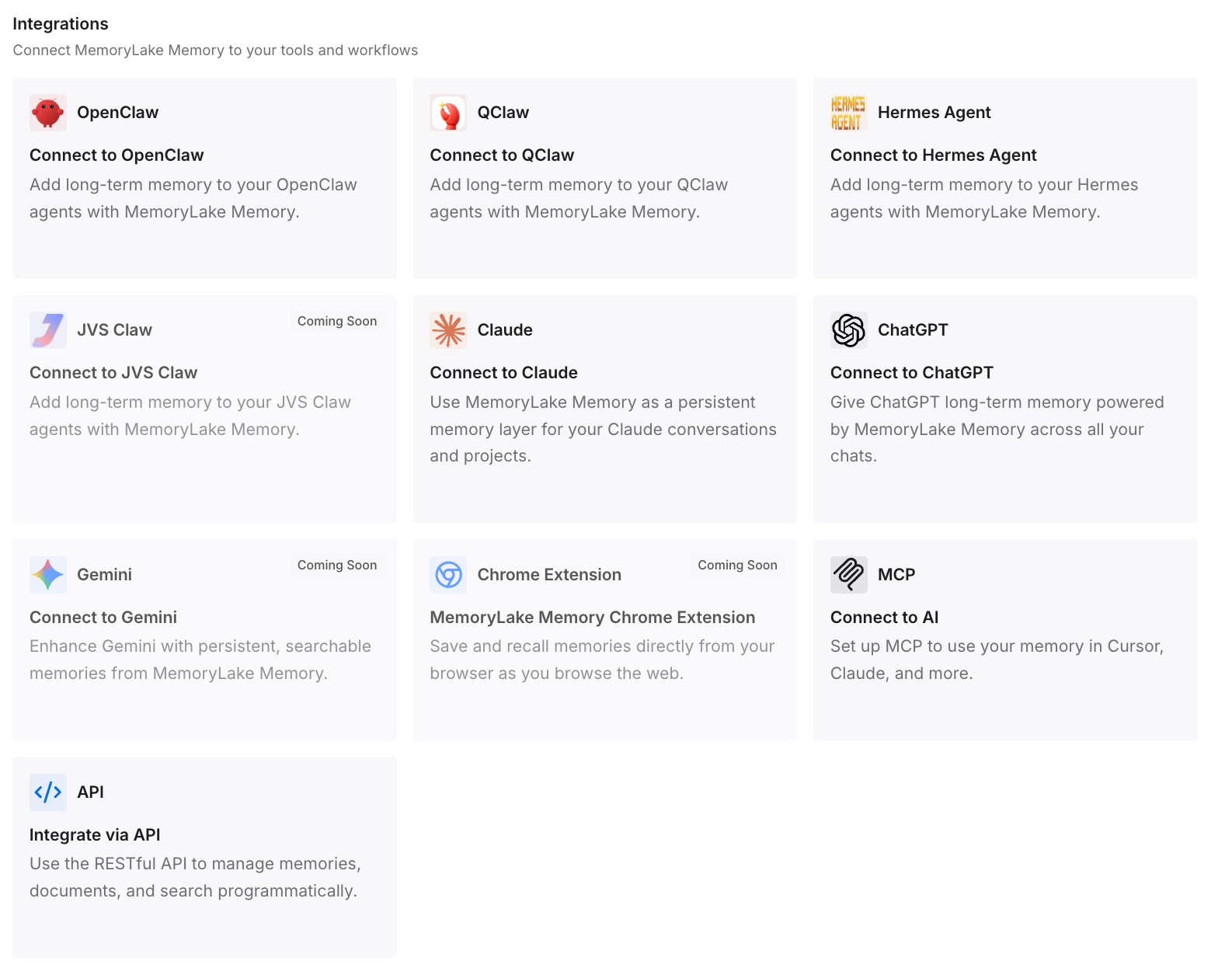
Step 3: Connect your AI & agents
Connect Claude Code and Codex, and any other assistants you use. Both start from the same decisions, whichever one you open first.
What this changes in practice
The first difference is that both tools follow the same rules. One AGENTS.md, read directly by Codex and through an import by Claude Code.
The second is that setup moves once. The importers bring skills, MCP servers, and commands across, and you know which side owns each one.
The third is that handoffs carry their context. A transfer or a written note goes with the work, so the other tool doesn't start from nothing. If you use Cursor alongside Claude Code too, our guide to sharing one memory between Cursor and Claude Code applies the same approach.
Best practices for using Claude Code and Codex together
Use one AGENTS.md. Import it from CLAUDE.md with @AGENTS.md.
Don't let CLAUDE.md drift from AGENTS.md. Keep only Claude-specific notes in CLAUDE.md.
Preview imports first. Use --dry-run on Claude Code's /import.
Choose a source of truth for each skill. Update the other side when it changes.
Write decisions where both tools read them. Not just in one tool's memory.
Use /codex:transfer for mid-task moves. It creates a Codex thread from the Claude Code session.
Watch the review gate. It can loop and use up limits quickly.
Conclusion
Claude Code and Codex can work side by side, but each keeps its own instructions, skills, MCP configuration, and memory. Codex imports Claude Code's setup, project memories, and recent chats; Claude Code imports Codex's instruction files, MCP servers, commands, subagents, and skills; and OpenAI's plugin can review, delegate, and transfer a Claude Code session to Codex. None of them is described as keeping two live sessions in step.
Share one AGENTS.md, use the importers to move setup, write decisions where both tools read them, and hand off with the state written down.