
What Claude Code rules are
Anthropic's memory documentation introduces them this way: "For larger projects, you can organize instructions into multiple files using the .claude/rules/ directory. This keeps instructions modular and easier for teams to maintain."
A rule is a markdown file. You put it in your project's .claude/rules/ directory, one topic per file, with a name that says what it covers, such as testing.md or api-design.md. "All .md files are discovered recursively, so you can organize rules into subdirectories like frontend/ or backend/".
There are two kinds:
- Rules without
pathsfrontmatter. These load at the start of every session. - Path-scoped rules. These have a
pathsfield and load only when Claude works with a file that matches.
The documentation summarizes the trade-off in a note: "Rules load into context every session or when matching files are opened. For task-specific instructions that don't need to be in context all the time, use skills instead, which only load when you invoke them or when Claude determines they're relevant to your prompt."
When a rule without paths loads
A rule with no paths field behaves like part of your project instructions. "Rules without paths frontmatter are loaded at launch with the same priority as .claude/CLAUDE.md."
That makes unscoped rules a way to split a long CLAUDE.md without changing what Claude sees. The content still loads every session; it's just easier to maintain in separate files.
When a path-scoped rule loads
A path-scoped rule starts with YAML frontmatter listing glob patterns:
---
paths:
  - "src/api/**/*.ts"
---

- All API endpoints must include input validation
- Use the standard error response format
The documentation is specific about the trigger: "A path-scoped rule loads when Claude uses the Read, Write, or Edit tool on a matching file." It also loads when Claude views a matching file with a Bash command that counts as a read, such as cat or head on a single file, and it works through a symlinked path to the project directory.
Two consequences follow:
- Mentioning a file isn't enough. The rule loads when Claude reads, writes, or edits a matching file, not when you name one in your prompt.
- The rule isn't there at the start. Until Claude touches a matching file, the rule isn't in its context.
How patterns are matched
Patterns are relative to the rule's base directory. For project rules, that's the directory containing the rule's .claude folder. For user-level rules, it's the session's primary working directory.
You can list several patterns and use brace expansion, such as src/**/*.{ts,tsx}. Brace expansion has a budget: a rule's whole paths list shares "one budget of 1,000 expanded patterns and 4 MiB", and a pattern that would go over it is used unexpanded, so its braces match no files.
Square brackets are glob syntax. A pattern with a [ that can't be read as a bracket expression is invalid and matches nothing, though the rule's other patterns keep working. To match a literal [, escape it.
Worktrees are a common trip-up. The documentation says that to have path-scoped rules load for files in a sibling git worktree, you start Claude Code in that worktree or move the session there with /cd.
What the frontmatter can contain
Only one field matters. "paths is the only field Claude Code reads from a rule; any other field is ignored without an error." Claude Code strips the frontmatter before loading the rule, so it doesn't take up context.
If the YAML doesn't parse, the rule doesn't fail quietly into nothing. Claude Code "ignores the frontmatter and loads the rule as if it had no paths." A typo in the frontmatter turns a scoped rule into one that loads every session. Run claude --debug to see the parse error.
User-level rules
Rules aren't only per project. "Personal rules in ~/.claude/rules/ apply to every project on your machine." They suit preferences that aren't tied to one codebase.
The order matters when user and project rules disagree. "Claude Code loads user-level rules before project rules, so a project rule appears later in Claude's context than a user rule. Neither set overrides the other: if a user rule and a project rule conflict, Claude may follow either one, so keep the two consistent." Our guide to reconciling conflicting CLAUDE.md layers covers how to find those conflicts.
Sharing rules with symlinks
The .claude/rules/ directory supports symlinks, so a team can maintain one set of rules and link it into several projects. If a symlink points outside your working directory, Claude Code treats it like an external import: the linked rules don't load until you approve external imports for the project, and after that, only the ones without a paths field load. Symlinks to network paths don't load at all.
Rules vs. CLAUDE.md
Both are instructions you write. They differ in how they're found and when they load.
| CLAUDE.md | Rules in .claude/rules/ | |
|---|---|---|
| Where | Working directory, directories above it, and subdirectories | .claude/rules/ in the project, and ~/.claude/rules/ |
| Structure | One file per location | As many topic files as you like, in subfolders |
| When it loads | At launch for the working directory and above; subdirectory files when Claude touches a file there | At launch without paths; when Claude touches a matching file with paths |
| Scoping | By directory | By glob pattern |
CLAUDE.md files in subdirectories also load on demand, so scoping by directory is possible with either. Rules add scoping by pattern, which can cut across directories, such as all test files wherever they live.
On-demand files share a limit. Path-scoped rules and subdirectory CLAUDE.md files each have a per-file size limit, and Claude receives only the start of a file that's over it. Our guide to Claude Code's subdirectory CLAUDE.md limit covers the numbers and how to check yours.
If you share instructions with other coding tools, our guide to sharing one memory between Cursor and Claude Code covers the files each one reads.
What happens to rules after compaction
Compaction treats the two kinds differently. The context window documentation lists project-root CLAUDE.md and unscoped rules as "Re-injected from disk" after compaction, and rules with paths: frontmatter as reloaded on demand.
It explains why: "Path-scoped rules and nested CLAUDE.md files load into message history when Claude reads, writes, or edits their trigger file, so compaction summarizes them away with everything else." After a compaction, a path-scoped rule is back only once Claude touches a matching file again.
The documentation gives a direct instruction for rules that must not drop out: "If a rule must persist across compaction, drop the paths: frontmatter or move it to the project-root CLAUDE.md." Our guide to aiming Claude Code's auto-compact covers the rest of what compaction keeps.
What people try first
Scoping a rule and expecting it at the start. A path-scoped rule loads when Claude touches a matching file, not when the session begins.
Adding fields like description to the frontmatter. Only paths is read; other fields are ignored without an error.
Writing invalid YAML. The rule then loads as if it had no paths, every session.
Putting a must-follow rule behind paths. After compaction it's gone until a matching file is touched again.
Keeping a user rule and a project rule that disagree. Neither overrides the other; Claude may follow either.
Running in a sibling worktree. Path-scoped rules from another worktree don't load unless you start the session there or move it with /cd.
The Fix: Split by topic, scope only what's conditional, and check what loaded
Step 1: Split CLAUDE.md into topic files
Move each self-contained section of a long CLAUDE.md into its own file in .claude/rules/, with a name that says what it covers. Leave these unscoped at first. Nothing about what Claude sees changes yet; the files are just easier to read and review.
Step 2: Scope the rules that are only sometimes relevant
Add paths to rules that only matter for certain files: a payments module, a test framework, a frontend directory. Leave unscoped anything Claude must follow in every task, including rules you need to survive compaction. Check each pattern against a real file path from your repository, and keep each scoped file within the per-file size limit.
Step 3: Check which rules actually loaded
Run /context to see which CLAUDE.md and rules files loaded at launch. A path-scoped rule won't be there until it's triggered. To watch triggers as they happen, the documentation suggests the InstructionsLoaded hook, which logs which CLAUDE.md and rules files load, when they load, and why. If a rule should have loaded and didn't, check the pattern, the base directory, the frontmatter, and whether --setting-sources excluded project settings, which skips project rules.
When a rule loads and Claude still doesn't follow it, our guide to why AI agents ignore instruction files covers the other causes. And if a correction you gave Claude didn't stick, our guide to Claude Code forgetting your corrections explains where corrections go.
Setting this up in MemoryLake
Rules are the right place for instructions about how code in a repository should be written. They're less suited to the reasoning behind them: why a convention exists, which alternatives were tried, and which decisions came from a meeting rather than the code. That context matters to more than one repository and more than one tool.
MemoryLake is a memory layer for keeping that kind of context in one list you maintain, available to Claude Code and the other assistants you connect, such as Codex and ChatGPT.
You write the entries yourself, in your own words. Nothing is read out of, written to, or deleted from your .claude/rules/ files, your CLAUDE.md files, your auto memory, or any vendor's store. Claude Code keeps loading rules the way Anthropic describes.
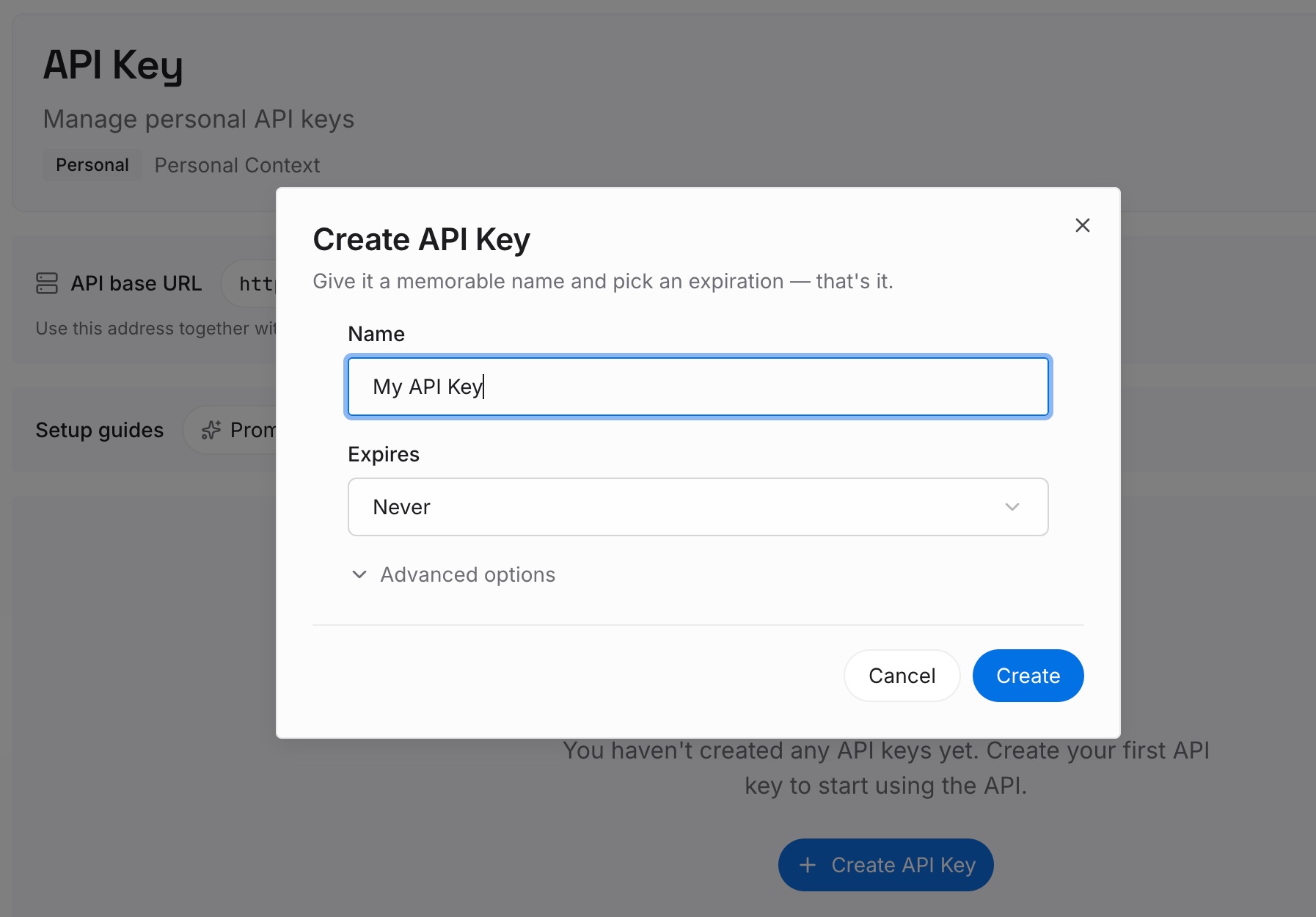
Step 1: Create an API key
Sign in and generate a key from the dashboard. The key belongs to your MemoryLake workspace and is separate from your Claude account.
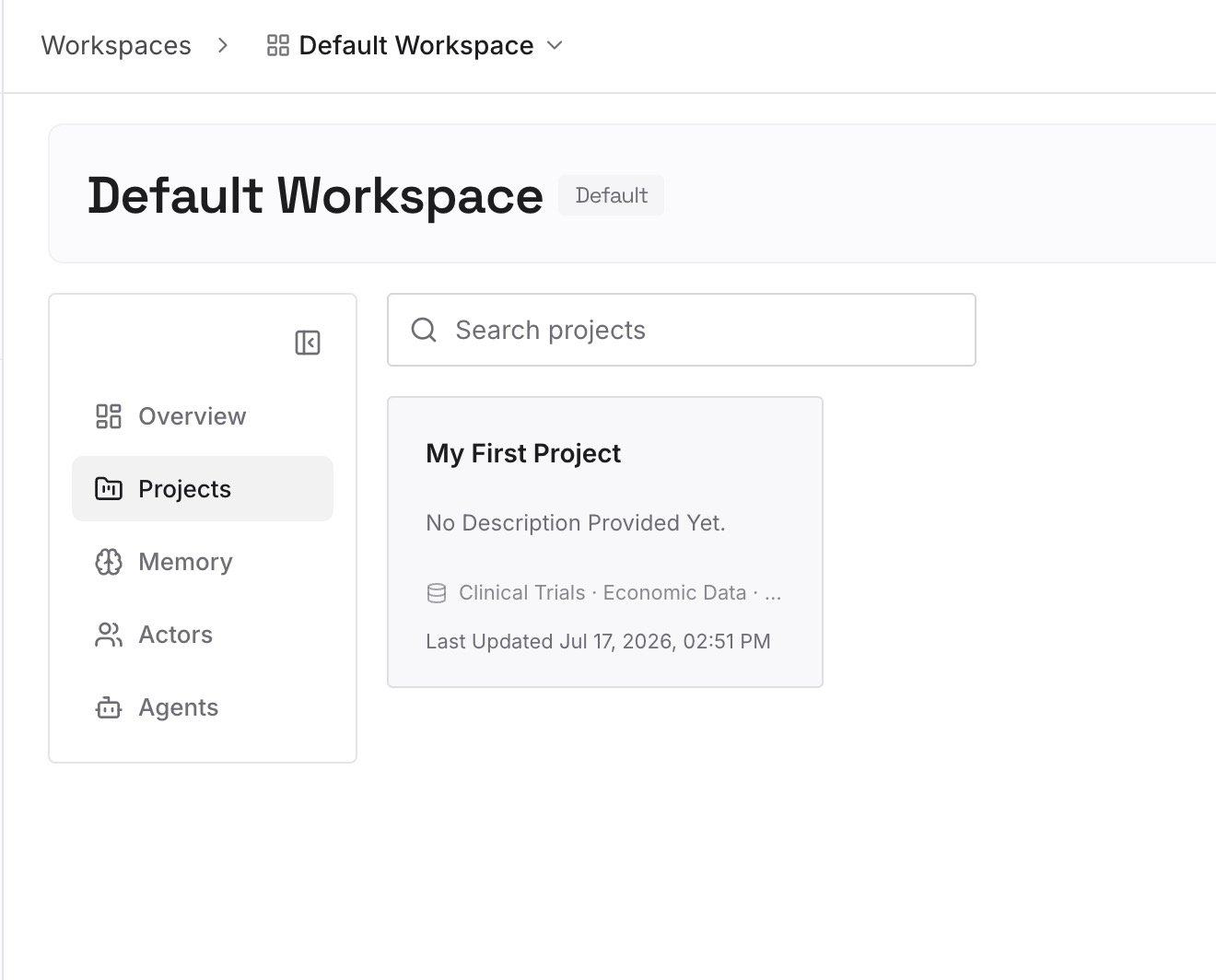
Step 2: Upload your first memories
Start with the reasons behind your rules: why a convention exists, what it replaced, and what went wrong before it. One point per entry, dated, and labeled with the repository or rule file it explains.
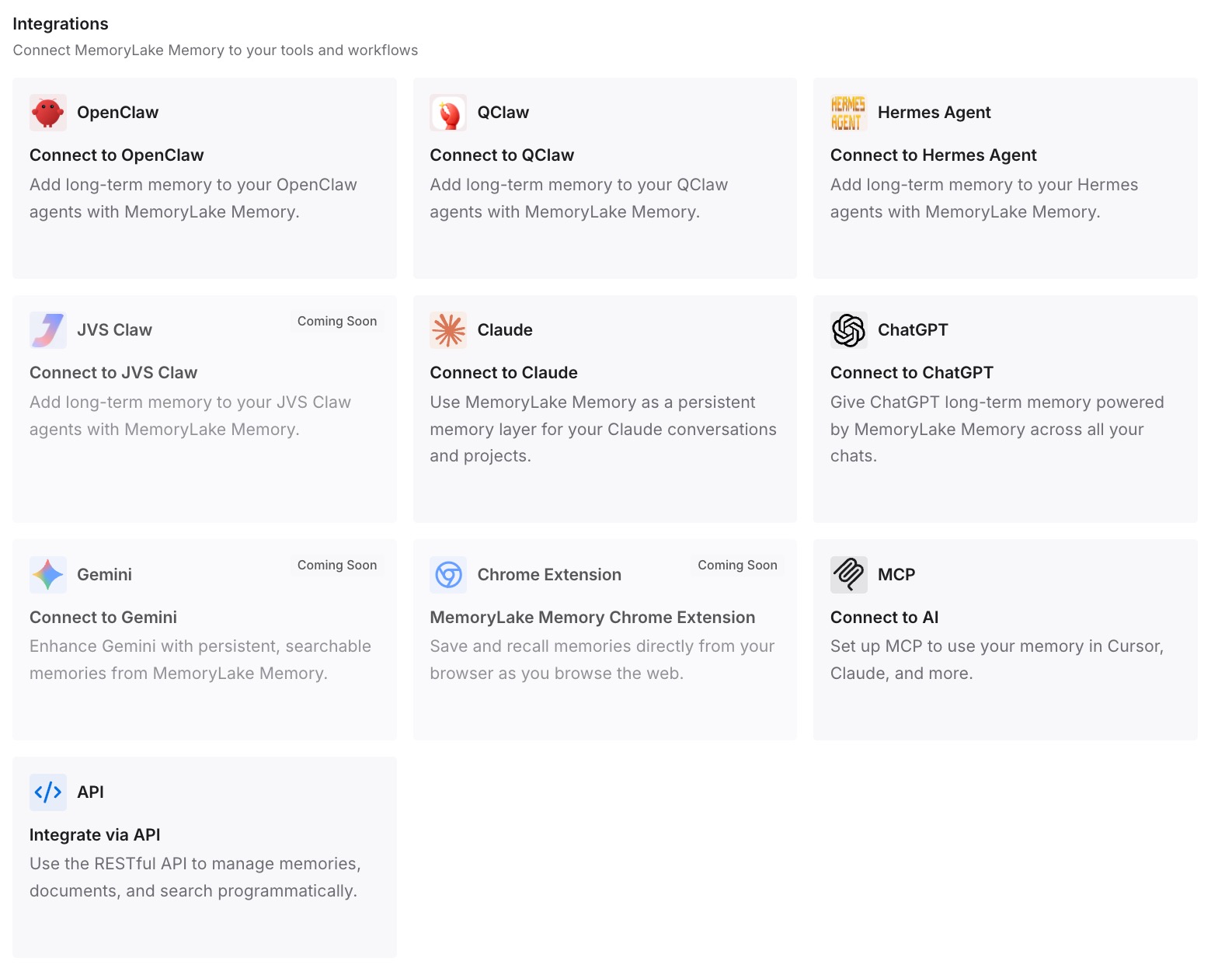
Step 3: Connect your AI & agents
Connect Claude Code and the other assistants you use. The rules stay in the repository, and the reasoning is available wherever the work happens.
What this changes in practice
The first difference is that CLAUDE.md gets shorter without losing anything. Topic files carry the same instructions, and scoped ones stop taking up context in sessions that don't need them.
The second is that you know when a rule is in play. Unscoped rules are there from the start and come back after compaction. Scoped rules arrive with the first matching file and can drop out after compaction.
The third is that a missing rule is something you can check, with /context and the InstructionsLoaded hook, instead of something you guess at.
Best practices for Claude Code rules
One topic per file. Name files for what they cover.
Leave essential rules unscoped. They load every session and survive compaction.
Scope only what's conditional. And test the patterns against real paths.
Use only paths in frontmatter. Other fields are ignored.
Validate the YAML. Invalid frontmatter makes a scoped rule load everywhere.
Keep user and project rules consistent. Neither overrides the other.
Check with /context. And use the InstructionsLoaded hook to debug triggers.
Conclusion
Claude Code rules are markdown files in .claude/rules/ that split your instructions by topic. Rules without paths load at launch with the same priority as .claude/CLAUDE.md and are re-injected after compaction. Rules with paths load when Claude reads, writes, or edits a matching file, and compaction summarizes them away until they're triggered again. User-level rules in ~/.claude/rules/ load before project rules, and neither overrides the other.
Split long instructions into topic files, scope only the ones that are truly conditional, keep must-follow rules unscoped, and check what loaded with /context.