
Why Copilot CLI's instructions behave differently from the editor's
Start with the list. GitHub's page on custom instructions for the CLI names eight kinds of location. At the user level, "$HOME/.copilot/copilot-instructions.md" holds "User-level instructions that apply across repositories," and $HOME/.copilot/instructions/**/*.instructions.md holds "Modular user-level instructions." In the repository, there is .github/copilot-instructions.md for "Repository-wide instructions," modular .github/instructions/**/*.instructions.md files, and three agent instruction files: AGENTS.md, CLAUDE.md and GEMINI.md. For CLAUDE.md, the table adds: "Copilot CLI also uses .claude/CLAUDE.md."
Then where it looks. "Unless noted in the table below, Copilot CLI discovers repository and agent instruction files in the standard locations: the repository root, the current working directory, intermediate directories between them, and any directories nested in the path of a file it is working on." One exception is worth remembering: modular repository instructions are "discovered in the standard locations but not intermediate directories."
Then how it combines them. This is the sentence that matters most: "When multiple applicable user-level and repository instruction files exist, Copilot CLI combines their instructions. It removes duplicate copies of identical user-level copilot-instructions.md, repository-wide, and agent instructions, but does not define a general precedence order between these files. Avoid conflicting instructions."
That is different from how many people think about Copilot instructions. The editor and github.com documentation describes a ranking between personal, path-specific, repository-wide, agent and organization instructions, set out in which Copilot instruction file wins, and where. The CLI page describes combination with de-duplication and an explicit instruction to avoid conflicts. If your AGENTS.md says one thing and your CLAUDE.md says another, the CLI documentation does not tell you which one it will follow — it tells you not to put yourself in that position.
What people try instead
Putting a personal AGENTS.md in the home folder. The user-level locations the CLI documents are copilot-instructions.md and the modular instructions folder inside $HOME/.copilot. An AGENTS.md placed next to them is not in the documented list. The documented route for extra AGENTS.md files is different, covered in Step 2.
Editing an instruction file mid-session and expecting the change. GitHub's page says: "Changes you make to custom instructions files are not immediately available for use in active CLI sessions." You need to exit and resume the session, or start a new one. This is the most common reason an edited AGENTS.md seems to be ignored.
Referencing a shared file from your home folder. The CLI supports @ references in .github/copilot-instructions.md, AGENTS.md and CLAUDE.md, but "Absolute paths and paths beginning with ~/ are not loaded." A line pointing at ~/notes/conventions.md does nothing.
Using @ references in GEMINI.md or modular files. "File references are not expanded in GEMINI.md or *.instructions.md files." The reference stays as literal text.
Putting modular instruction folders in every package. In a monorepo it feels natural to give each level its own .github/instructions folder. Start a session inside a package, though, and the folders between the repository root and that package are intermediate directories. GitHub's table says modular repository instructions are discovered in the standard locations "but not intermediate directories," which is narrower than the rule for AGENTS.md. A modular folder in one of those in-between folders is skipped, while an AGENTS.md in the same folder is picked up.
Keeping three agent files in sync by hand and hoping. Many repositories carry AGENTS.md, CLAUDE.md and GEMINI.md because different tools read different files. The CLI reads all three. Identical copies are removed; slightly different ones are all included. The drift problem is the same one described in reconciling conflicting CLAUDE.md layers.
The Fix: See what the CLI loaded, give each fact one home, then place personal files where the CLI looks
The goal is an instruction set where every fact appears once, every file is in a documented location, and you can confirm what a session actually loaded.
Step 1: Ask the CLI what it discovered for this session
GitHub documents a command for exactly this: "Use the /instructions command to view the instruction files discovered for the current session and enable or disable individual files."
Run it in the directory you normally work from and write down the list. Then run it again from a subdirectory. Because discovery covers the repository root, the working directory and the directories between them, a session started deeper in the tree can pick up files a session at the root does not. Path-specific files add another variable: they are "included only when their applyTo value matches a file that Copilot CLI is working with."
Compare the list with what you expected. Three things usually show up: a CLAUDE.md or .claude/CLAUDE.md nobody remembered, a nested AGENTS.md in a subfolder, and a file someone disabled earlier. GitHub is explicit that a disabled file stays out: "An instruction file that you disable using /instructions is not included."
If you edited any of these files during the session, remember the list reflects the session's start. Exit and resume, or start a new session, before drawing conclusions.
Step 2: Give each fact one home, then place personal files correctly
Now decide what each file is for. A workable split for a repository used with several agents:
AGENTS.md holds the shared, tool-neutral facts: build and test commands, conventions, constraints. It is the file every agent reads, including Copilot CLI.
.github/copilot-instructions.md holds anything specific to Copilot, if anything is.
CLAUDE.md and GEMINI.md either hold only what is specific to those tools or point at AGENTS.md. Remember that @ references are expanded in CLAUDE.md but "not expanded in GEMINI.md," so the pointer pattern works for one and not the other. How Claude Code treats the same pair of files is covered in Claude Code's AGENTS.md default.
Delete duplicated facts from everywhere except their home. The CLI removes identical copies, but near-identical copies are what cause contradictions.
For personal instructions, use the documented user-level file: $HOME/.copilot/copilot-instructions.md, or modular files under $HOME/.copilot/instructions/. If you keep a personal AGENTS.md you want every repository to see, GitHub documents a variable for additional directories: "Directories listed in COPILOT_CUSTOM_INSTRUCTIONS_DIRS" supply "Additional AGENTS.md and *.instructions.md files. Separate multiple directories with commas." Put your personal AGENTS.md in a directory of its own and list that directory.
If you use a non-default Copilot home, note that "If you set the COPILOT_HOME environment variable, Copilot CLI uses that directory instead of $HOME/.copilot for both user-level instruction locations."
Step 3: Start a new session and confirm the result
Exit, start a fresh session, and run the instructions command again. The list should now match your plan: one shared agent file, personal instructions from the documented location, and nothing you did not intend.
Then test behaviour. Ask the CLI a question whose answer depends on a fact that now lives in exactly one file. If the answer is right, the wiring works. If it is not, check whether a path-specific file with a narrow applyTo pattern is involved, since those only apply when a matching file is in play.
It is also worth repeating the whole check from the subdirectory you actually work in most. A monorepo with a nested AGENTS.md in a package folder gives a session started inside that package a different instruction set from a session started at the root, and both are correct according to the discovery rules. Knowing which one you are in explains most "it followed the rule yesterday" reports.
Repeat the check whenever someone adds a new agent's instruction file. Repositories accumulate these quietly, and the CLI will read each new one without being asked.
Setting this up in MemoryLake
The sort in Step 2 produces a short list of facts that are true for the project regardless of which agent reads them. MemoryLake is a place to keep that list so it does not depend on which filename a given tool happens to read this year.
You write the entries yourself, in your own words. Nothing is read out of, written to, or deleted from your .copilot folder, your repository's instruction files, or any vendor's store.
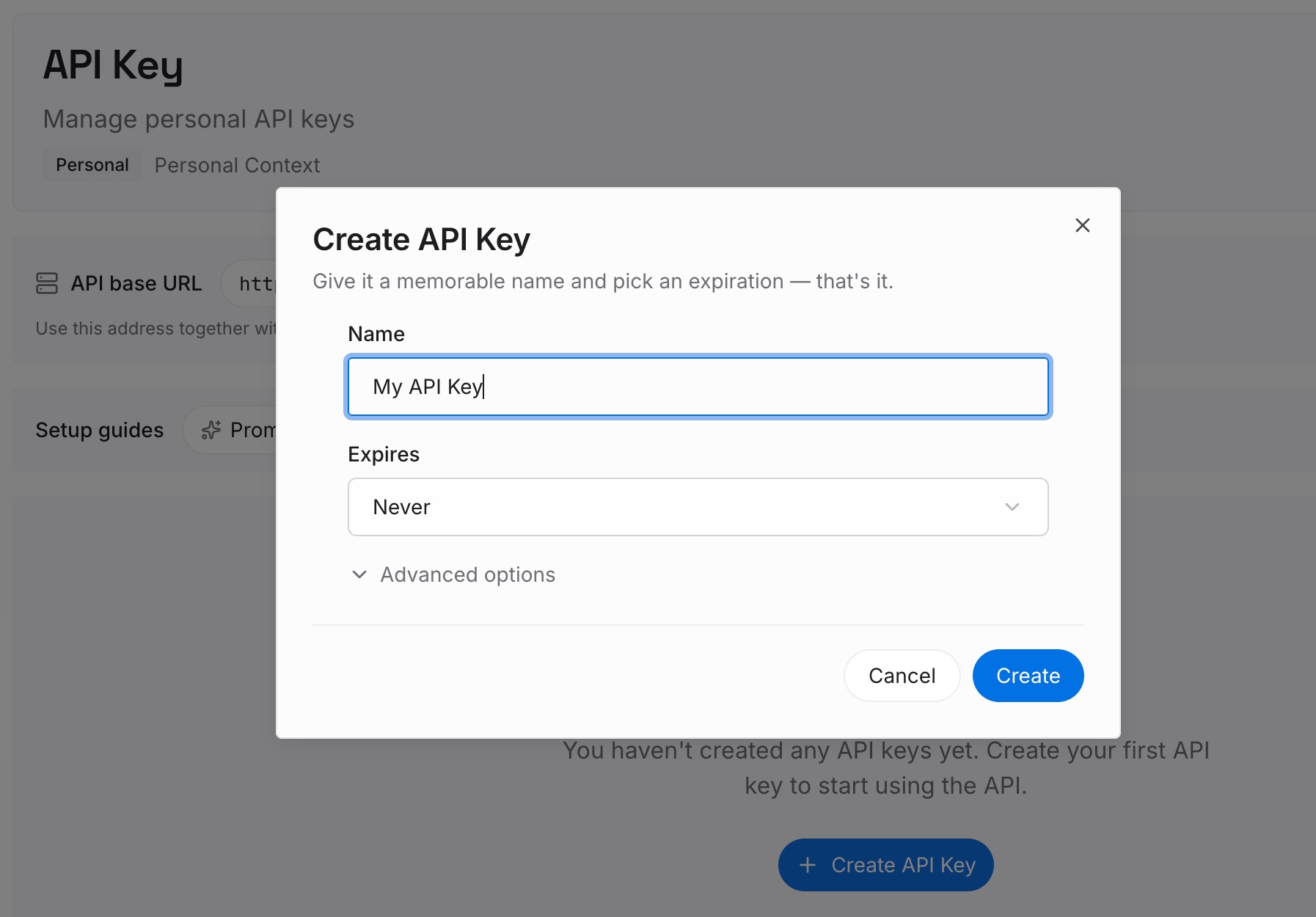
Step 1: Create an API key
Sign in and generate a key from the dashboard. The key is what lets an agent read the entries you have written, whether that agent reads AGENTS.md, CLAUDE.md or neither.
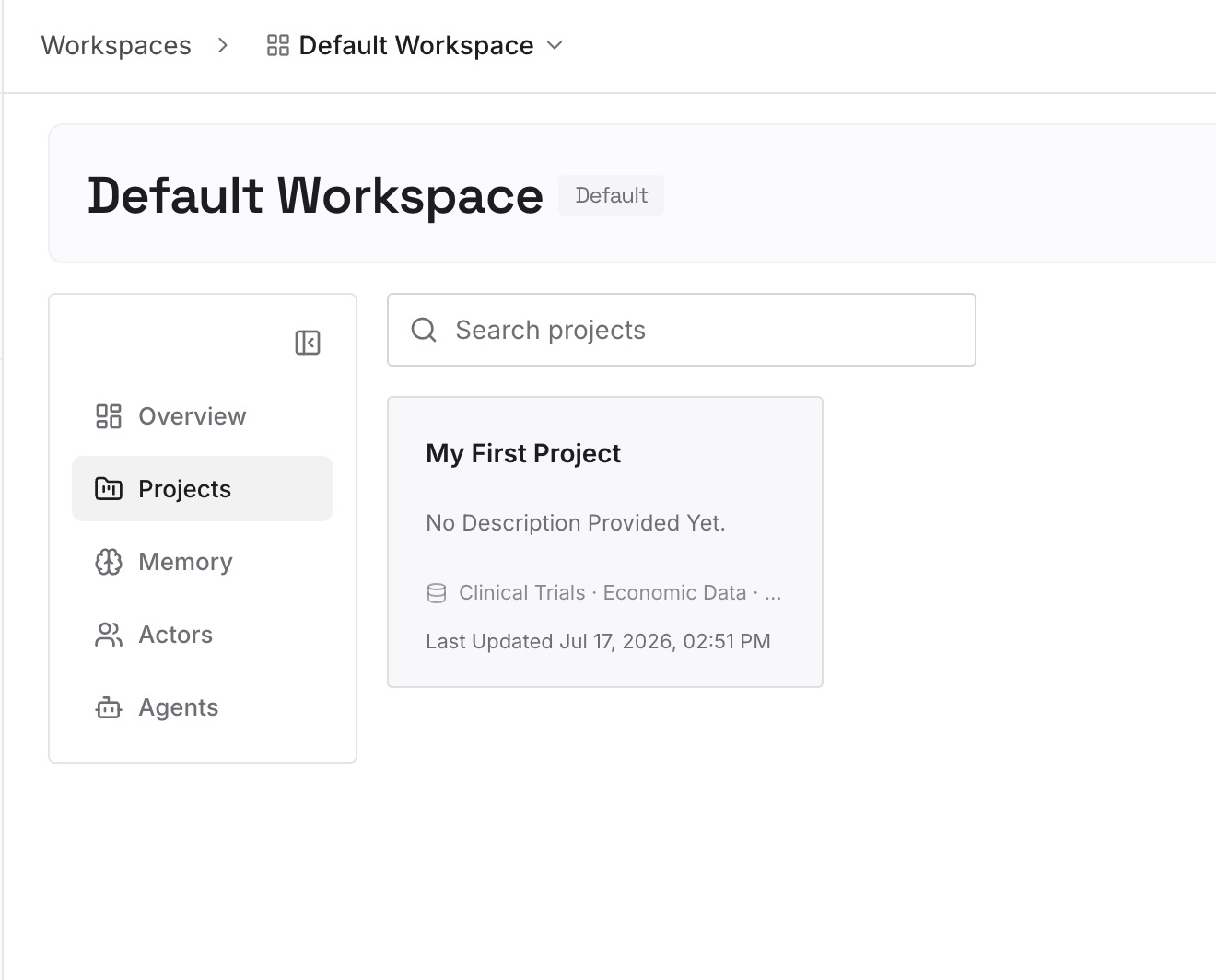
Step 2: Upload your first memories
Add the shared facts from Step 2, one per entry, with the reason each constraint exists. The reason is what lets the next person decide whether a rule still applies.
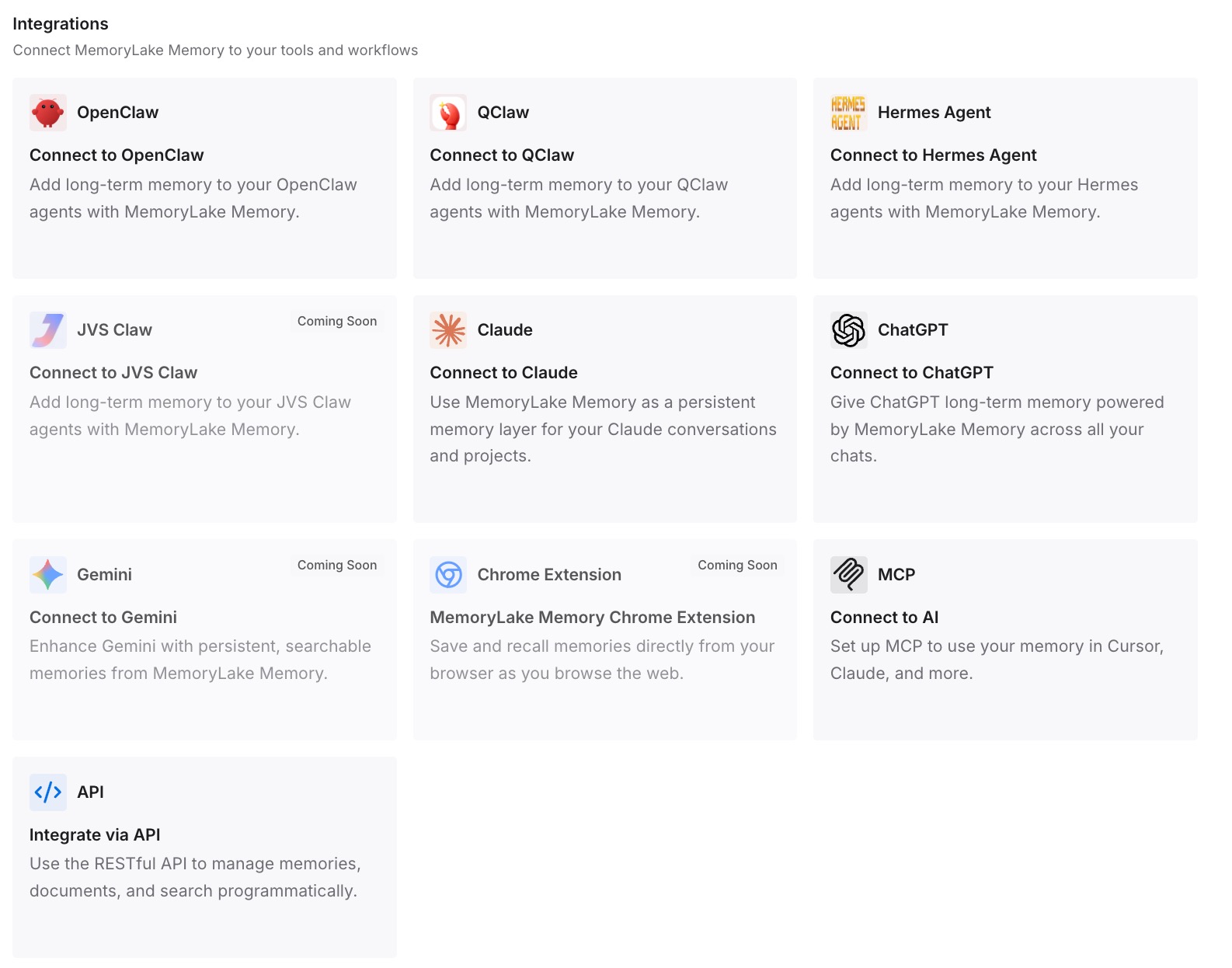
Step 3: Connect your AI & agents
Point your agents at the workspace. The same facts are then available in the CLI, in the editor, and in tools that read none of these instruction files.
What this changes in practice
The first difference is that "not reading AGENTS.md" becomes diagnosable. Most cases turn out to be one of three things: the file was edited mid-session, it sits outside the documented locations, or it was disabled. The instructions command shows which.
The second is that conflicts stop being silent. Because the CLI documentation "does not define a general precedence order," a contradiction between two files is not resolved by a rule you can look up. Keeping each fact in one place removes the question.
The third is that personal and team instructions separate cleanly. Personal preferences go in your home folder or a listed directory; team facts go in the repository. That is also the split behind setting up Copilot memory in VS Code, where repository-scoped memory and personal instructions do different jobs.
The fourth is that context stays lean. Every file the CLI discovers is combined into what it works from. Fewer, clearer files mean less repetition, the same concern behind how Copilot assembles context per request.
Best practices for Copilot CLI instruction files
Run the instructions command before debugging behaviour. It shows the files discovered for the current session, which is the only list that matters.
Restart after editing. Instruction changes take effect when you resume the session or start a new one.
Keep one home for each fact. Identical copies are removed; near-identical ones are all included and can contradict each other.
Use documented user-level locations. $HOME/.copilot/copilot-instructions.md, the modular instructions folder, or a directory listed in COPILOT_CUSTOM_INSTRUCTIONS_DIRS for personal AGENTS.md files.
Avoid home-folder references. Paths beginning with ~/ are not loaded, and references are not expanded in GEMINI.md or modular files.
Treat new agent files as changes to Copilot's context. A CLAUDE.md added for another tool is read by the CLI too. If you are moving instructions between tools, migrating CLAUDE.md to Copilot covers the mapping, and why Copilot forgets codebase context covers what instruction files cannot hold.
Conclusion
Copilot CLI's instruction handling is generous. It reads its own files, other agents' files, your personal files and any directories you list, from the repository root down to the file it is editing. GitHub documents all of it clearly.
What it documents just as clearly is that the CLI combines rather than ranks: it "does not define a general precedence order between these files," and asks you to avoid conflicts. That puts the responsibility for consistency on how you organise the files.
Check what the session discovered, give every fact one home, put personal files where the CLI looks, and restart after edits. Keep the shared facts somewhere that outlives the filename conventions, and adding the next agent to the repository will not mean untangling the last one.