
Why Zed's agent forgets
Every thread starts with its own context
The Agent Panel supports multiple concurrent agent threads plus Terminal Threads for CLI and TUI work, and each one has independent context and history. That independence is what makes parallel agents usable — and it means nothing you established in one thread is visible in the next. You can @-mention a previous thread explicitly, and "New From Summary" seeds a fresh thread with a summary of the current conversation, but both are manual acts you have to remember to perform.
Compaction manages space, not knowledge
Zed automatically compacts long agent threads as they approach a configured token threshold, summarizing earlier messages and leaving a "Context Compacted" entry you can inspect; /compact does it on demand, and agent.auto_compact controls the behavior. This is good engineering for long sessions, and it is easy to mistake for memory. Compaction shortens what is already in the thread. It does not move anything out of the thread, and the summary dies with the thread.
.rules is instruction, not accumulation
Zed reads a project rules file from the root of your worktree and auto-includes it in every Agent Panel interaction, checking a priority list of filenames — .rules, .cursorrules, .windsurfrules, .clinerules, .github/copilot-instructions.md, AGENT.md, AGENTS.md, CLAUDE.md, GEMINI.md — and using the first match. That is genuinely useful, and the reason your conventions survive a new thread.
But a rules file is something you write, not something the agent fills in. Nothing an agent discovers at 4pm appears there at 5pm. Left alone, it goes stale; maintained diligently, it becomes a wall of text that costs tokens on every single interaction and buries the ten facts that matter.
Memory in Zed is something you compose
Zed supports MCP servers under context_servers, installable as extensions or configured directly as local or remote servers with command arguments or URLs and optional auth headers, exposing MCP Tools and Prompts to the agent, with permissions governed by agent.tool_permissions.default. That is the officially sanctioned route to persistence: attach a memory server and the agent can read and write knowledge that outlives the thread. Nothing arrives pre-wired.
What Zed users try first
@-mentioning previous threads
Precise and useful when you remember which thread had the answer. It stops scaling the moment you have thirty threads and no idea which one contained the decision about retries.
New From Summary
Better than starting cold, and a lossy hand-off by nature: a summary keeps the shape of the conversation and drops the specifics that turn out to matter — the exact reason a workaround exists, the version where the behavior changed.
A larger .rules file
The most common answer, and the one with a hard ceiling. Every interaction pays for its full length, updates depend on human discipline, and it cannot express anything time-bound. It is a briefing document pretending to be a knowledge base — the same ceiling described in why Claude Code forgets project context.
A scratchpad markdown file in the repo
Teams keep a notes.md and @-mention it. This works surprisingly well for a while, then becomes an append-only log nobody prunes, with contradictory entries and no notion of which one is current.
The Fix: Wire a Persistent Memory Server Into Zed
Since Zed expects memory to arrive over MCP, the clean solution is to give it a memory layer built for the job rather than a file pretending to be one. MemoryLake stores your architecture, decisions, and conventions once; every thread — and every other agent you use — reads from the same source.
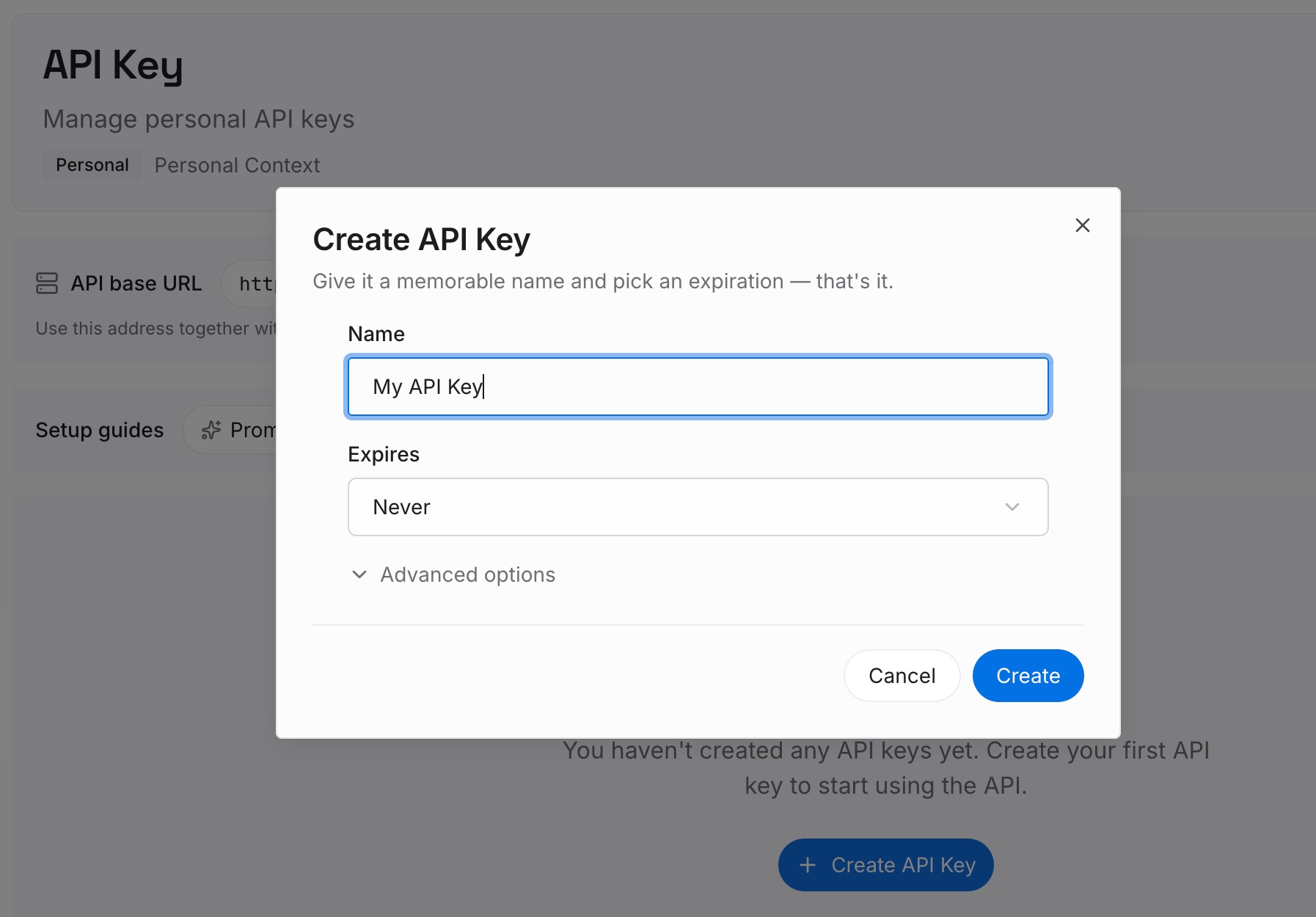
Step 1: Create an API key
Generate a key and make your first request in about 30 seconds.
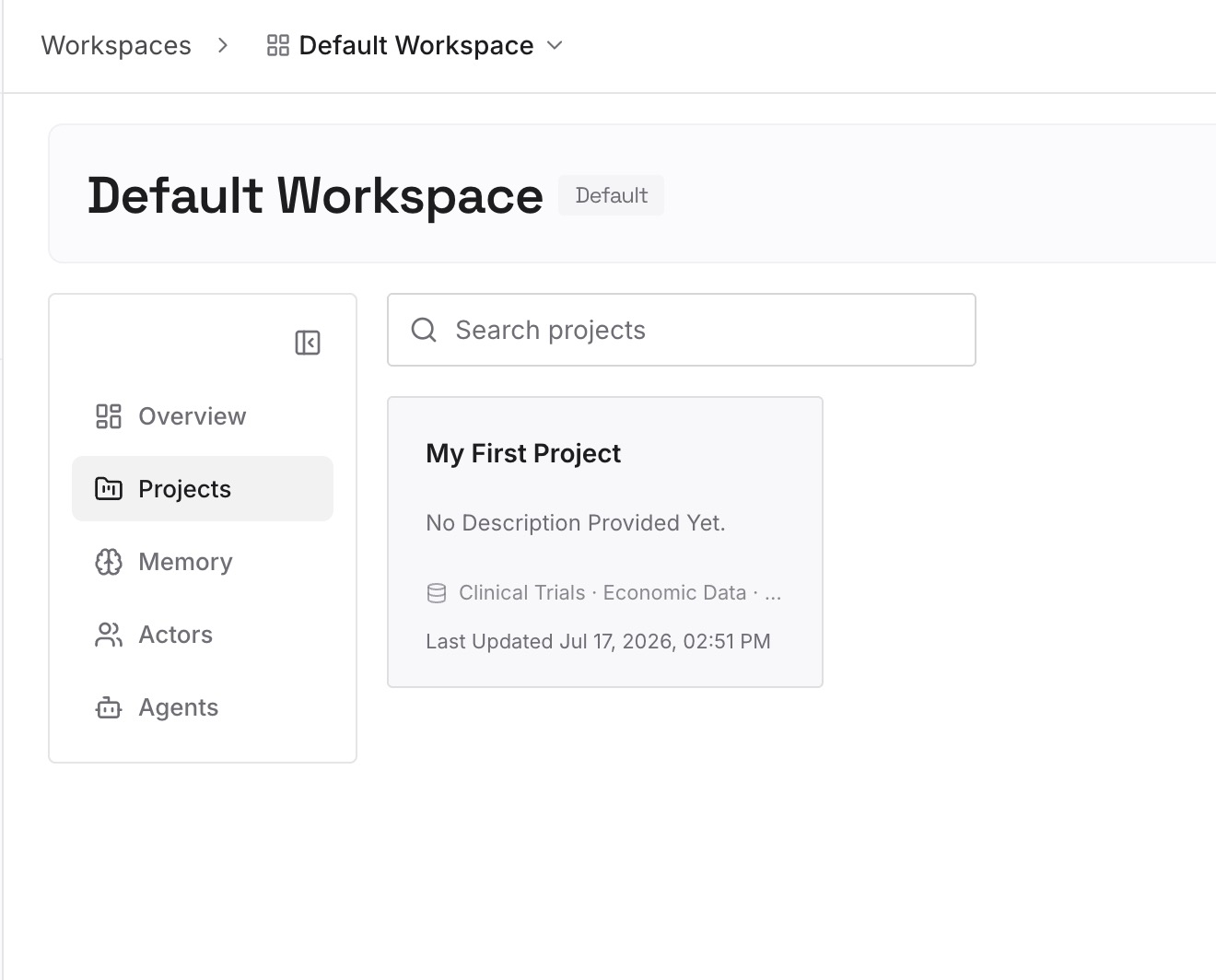
Step 2: Upload your first memories
Drop in the documents, images, and files that hold your project's real context: architecture notes, ADRs, runbooks, API specs, incident write-ups, and the decisions your threads keep re-deriving.
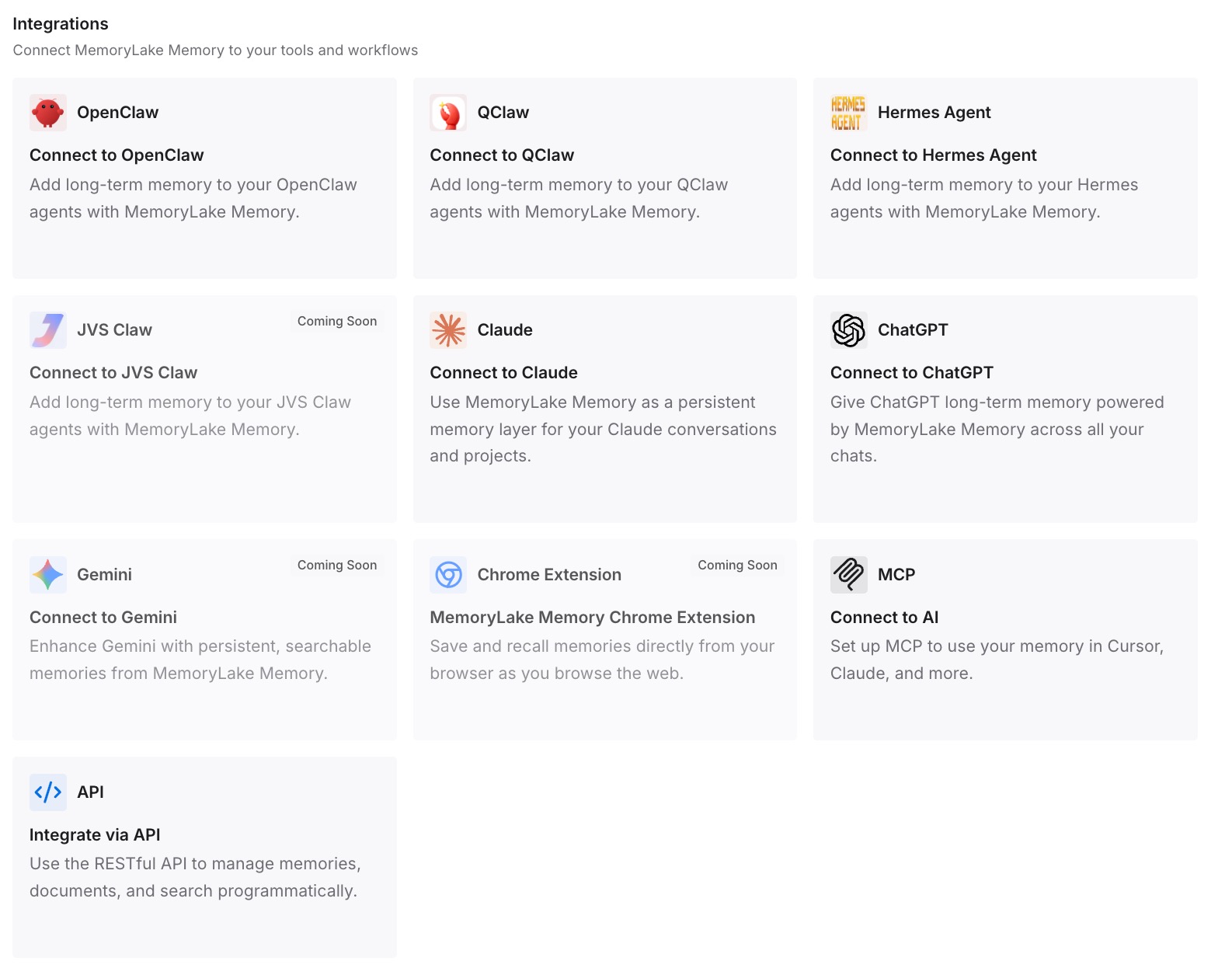
Step 3: Connect your AI & agents
Give Claude, Codex, OpenClaw, and your other agents access to that memory via MCP or the API — in Zed's case, as a context server alongside your other MCP entries, with tool permissions set the way your team prefers. Every new agent thread then opens with the project already known instead of empty. If you also work in the terminal, adding memory to Claude Code and setting up cross-AI memory with MCP cover the same layer from other clients.
What this changes in practice
Parallel agents multiply the cost of forgetting. Re-establishing context costs, say, 1,500 tokens and two minutes per thread; run six threads a day and that is 9,000 tokens and twelve minutes daily spent on preamble — about 270,000 tokens a month, before anyone writes code. A big .rules file does not remove that cost, it makes it unconditional: you pay for the whole file in every thread, including the ones that needed two lines of it.
The behavioral difference is larger. When threads share memory, thread two knows the migration ordering constraint thread one discovered, and does not helpfully "fix" it. That is the same class of problem as multi-agent memory, just inside one editor — and it is why teams running concurrent agents feel this earlier than everyone else.
Best practices for Zed agent memory
Split instructions from knowledge
Keep .rules for how the agent should behave — style, review expectations, forbidden paths — and keep facts about your system in memory. Rules stay short enough to justify loading every time; knowledge grows without taxing every interaction.
Write memory at the end of a thread, not the start
The valuable output of a long thread is usually one or two sentences: what was decided and why. Make storing that a habit when you close a thread, or the next thread pays to rediscover it. Compaction will not do it for you — it summarizes inside the thread and disappears with it.
Prune and date your entries
Record when a decision was made and replace superseded facts rather than stacking new ones beside them. Agents trust what they read, so a stale entry does more harm than a missing one — the same discipline that keeps a scratchpad from turning into a contradiction log.
Conclusion
Zed's agent forgets your project context because threads are isolated by design, compaction operates inside a thread rather than beyond it, .rules is a static instruction file, and memory is explicitly something you attach through MCP rather than something shipped in the box. None of that is a flaw in a fast editor with parallel agents; it is a division of labor.
The division only works once you hold up your end. Put architecture, decisions, and conventions in a memory layer, connect it as a context server, and the speed you chose Zed for stops being spent on re-explaining what the last thread already knew.