
MeetRoster
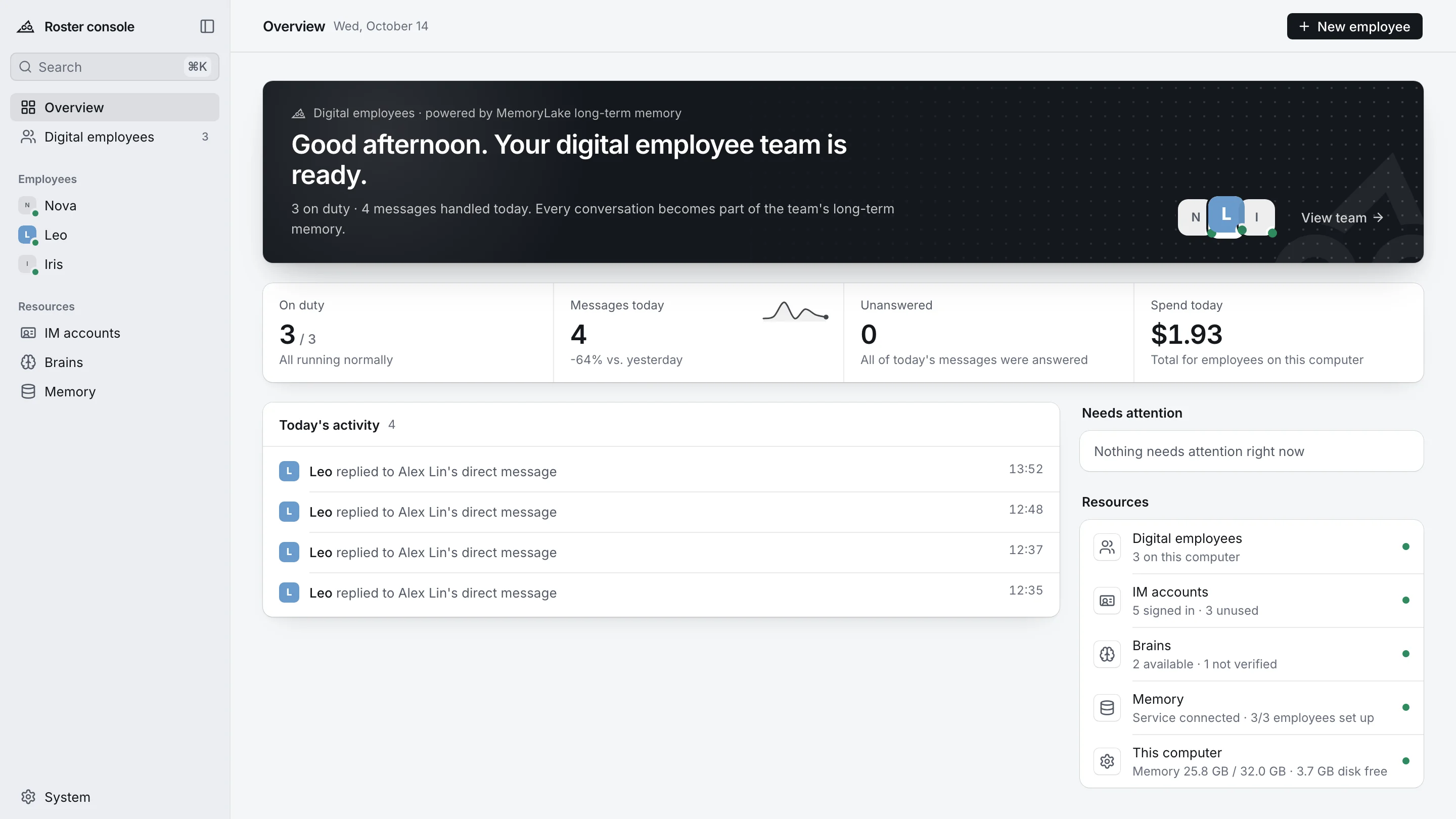
AI employees that work in Feishu, WeCom and DingTalk. Install the desktop app, scan a QR code, and your team has a new colleague with a role, skills, long-term memory and a manager who approves.
macOS (Apple silicon & Intel) · Windows · Everything bundled, no terminal · Other platforms · What's new in v0.1.32
Message it like a teammate
DMs, @-mentions in groups, screenshots, files (docx, xlsx, pptx, pdf, code), forwarded threads and voice notes. It recalls what it knows about you before answering, searches the web when memory comes up empty, and checks with its manager before anything outward-facing.
On the job in minutes. No terminal.
The desktop app installs, connects and supervises everything. Close the window and your employees stay online.
Scan to create a bot
Pick Feishu, WeCom or DingTalk and scan with your phone. Bot capability, long connection and permissions are set up for you, and whoever scans becomes the manager.
Everything in the box
Python, OpenCode, the DingTalk and WeCom CLIs, the MemoryLake CLI and a headless browser ship inside the installer. Claude Code, Codex, Hermes and Pi install with one click.
A memory of its own
Each employee gets its own MemoryLake memory space, identity and API key. Employees can't read each other's memories, and each one learns your company the longer it works.
A manager in the loop
Requests from the manager run directly. When a colleague asks for something outward-facing, like sending messages, changing a calendar or pushing code, the employee asks the manager first. Code only ever reaches a PR.
It starts work on its own
Tell it in chat: "Post the daily report to this group at 18:30 on workdays." Scheduled, signal-triggered and goal-driven jobs. Nothing to report means it stays quiet.
Runs itself, heals itself
A background service starts with your computer, restarts any component that exits, and backs off and retries after repeated failures, then tells the manager it's back.
Give each employee a job
Four roles running at our own company. Each has a job description, switchable skills and a line where humans decide.
Nova · Owns organic growth for the website: SEO and GEO, Search Console, sitemaps, and a content pipeline that rewrites on data.
Topic direction and brand voice are set by the marketing lead. Nova executes, monitors and proposes.
Six brains. Pick one per employee.
Switch the brain in Settings and the employee keeps its memory, skills, ledger and history. Your own Claude config, personal skills and MCP servers never leak into an employee's brain.

Works where your team already talks
What a platform can't do, the employee won't pretend to: those skills are greyed out, and it says so when asked.
- Scan to create the bot; permissions requested in one go
- Reads group context, catches up after downtime
- Status cards; ledger mirrored to Bitable
- Scan and "one-click create" a smart bot
- Streaming replies replace the status in place
- When @-mentioned, reads the messages before it
- Works under its own account, like a person
- Calendar, to-dos, drive and approvals
- Ledger mirrored to AI Table
Your company's knowledge, on your terms
Through MemoryLake, every employee works from your files, your databases and your enterprise data, not just from what people tell it in chat.
Files
Import documents into the team file library: Word, Excel, PowerPoint, PDF and more. Employees cite the source when they answer from them.
Databases
Connect business databases such as PostgreSQL. Employees ask questions in plain language and query live data; use a read-only account to set the boundary.
Enterprise data
Long-term memory from every conversation, shared projects across the team, and curated industry datasets — each employee reads only the spaces you grant it.
Deploy it inside. Keep data sovereignty and AI sovereignty.
MemoryLake can be deployed in your own data center or private cloud, so memories and documents never leave your network.
Each digital employee runs on a computer you control. Its configuration, ledgers and logs stay there, with the local copy as the source of truth.
Every employee has its own memory identity, key and access scope; employees cannot read each other's memories. Data residency lets you choose the region.
Choose the brain per employee — Claude Code, Codex, OpenCode with open models such as Qwen, GLM and DeepSeek, or your own model service. No lock-in to one vendor.
Download Roster
Install it on a computer that stays on. Employees run on that machine: close the lid and they go offline, turn it back on and they catch up on what they missed.
FAQs
A Mac or Windows computer that stays on, a Feishu or WeCom account that can create a bot (or a DingTalk account for the employee), and a MemoryLake API key for memory. The installer brings everything else.

Meet your first AI employee
Download the app, scan a QR code, and say hello in your IM.