
Why Windsurf Users Need External Memory Tools in 2026
Relying solely on native LLM context windows is no longer sufficient for complex software engineering. Here is why integrating an external memory tool is critical for Windsurf users:
- Bypassing Token Limitations: Even with million-token windows, pushing massive repositories into a prompt is inefficient and expensive. External memory retrieves only the semantically relevant snippets, saving compute and time.
- Persistent Session State: Without external memory, closing Windsurf means losing your AI’s understanding of your current workflow. Memory tools allow Cascade to remember your progress across days, weeks, or months.
- Personalized Coding Styles: Memory tools learn your specific architectural preferences, naming conventions, and coding quirks over time, ensuring Cascade writes code that feels uniquely yours without repetitive prompting.
- Enhanced Team Collaboration: By utilizing a shared external memory database, your entire development team can synchronize their AI context. If a colleague makes a core logic change, your local Cascade agent is instantly aware of the update.
How We Evaluated Windsurf Memory Tools
To compile this definitive list, we rigorously tested dozens of solutions against the specific needs of Windsurf developers. Our evaluation criteria included:
- Integration Capabilities: We prioritized tools that offer seamless APIs, SDKs, or direct plugins that easily hook into the Windsurf environment and Cascade workflows.
- Retrieval Latency: An AI agent is only as good as its speed. We measured the millisecond latency of semantic search and vector retrieval to ensure they don't slow down real-time code generation.
- Context Accuracy: We tested how well each tool handles complex code graphs and abstract syntax trees (ASTs) rather than just plain text, ensuring the AI retrieves functionally accurate snippets.
- Ease of Deployment: We evaluated the setup friction, favoring platforms that offer managed cloud services alongside local, privacy-focused deployment options.
- Pricing and Scalability: We analyzed the cost-to-value ratio, ensuring the tools offer generous developer tiers while remaining cost-effective as project sizes scale into the gigabytes.
Quick Comparison Table
| Tool | Best For | Key Differentiator | Starting Price |
|---|---|---|---|
| MemoryLake | Ultimate Windsurf Context | Cross-model MCP memory | Free / $19/mo |
| Mem0 | Personalized AI Agents | User-centric memory graphs | Free / $19/mo |
| Supermemory | Web & Knowledge Sync | AI second brain integration | Free / $19/mo |
| Hindsight | Agentic Logging | Built-in analytics & tracing | Open-source |
| Pinecone | Massive Scale Vector DB | Serverless, ultra-low latency | Free / $20/mo |
| Zep | Low-Latency Workflows | Fast long-term conversational recall | $125/mo |
| Noumi | Personal Context API | Lightweight data structuring | $100/mo |
| Notion AI | Workspace Collaboration | Deep doc-to-code syncing | $10/mo/user |
| HydraDB | Hybrid Search | Combined vector and graph database | $25/month |
1. MemoryLake
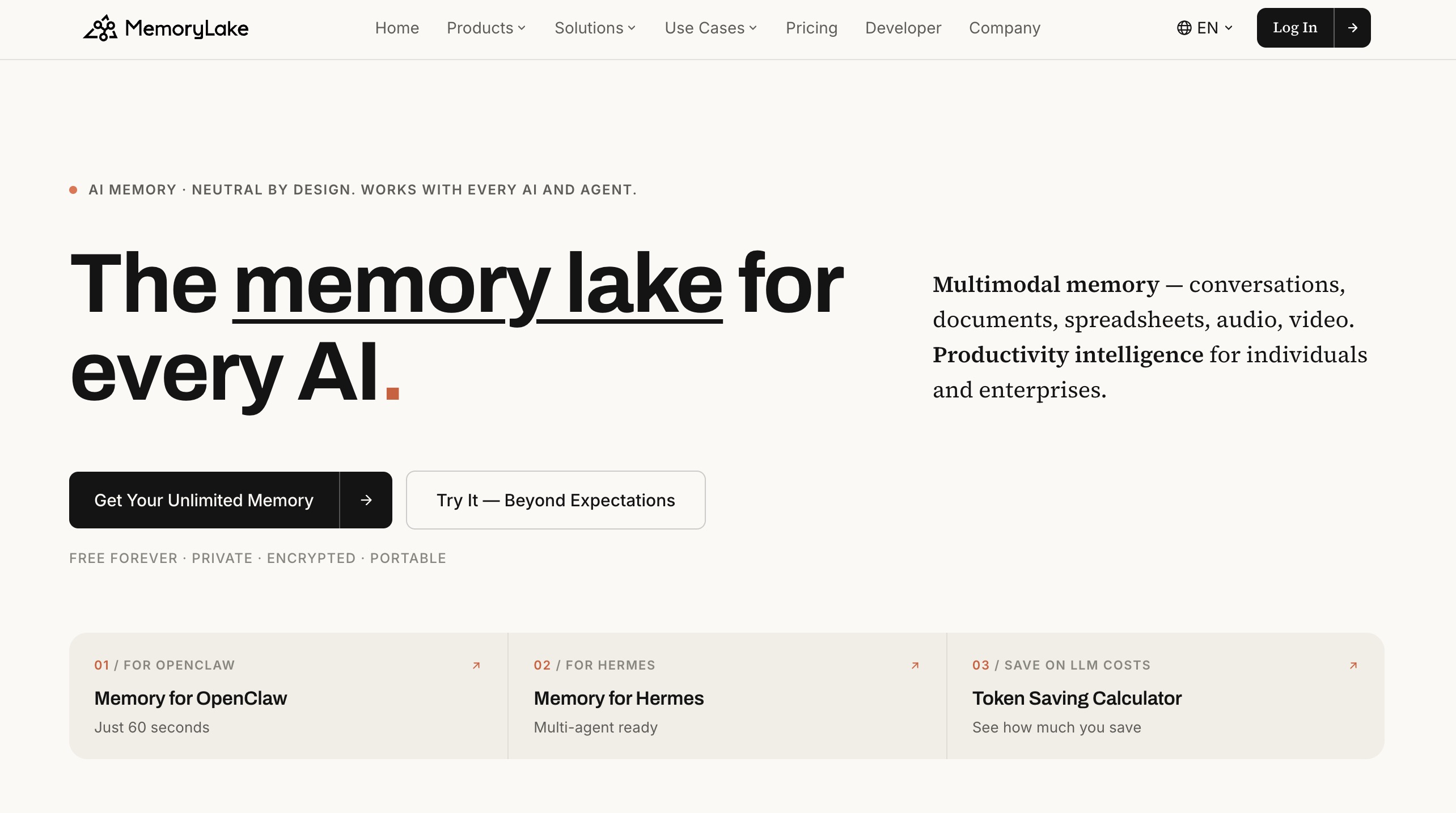
MemoryLake is a revolutionary cross-model memory layer built around a simple yet powerful idea: your context should follow you, not live locked inside a single AI tool. For Windsurf developers dealing with the Cascade context problem, this changes everything. Instead of losing your architectural decisions when a session ends, you can upload project requirements, diagrams, and codebase notes (supporting PDF, Markdown, Excel, and more), organize them into specific Projects, and seamlessly expose them to Windsurf via an MCP (Model Context Protocol) Server. It transforms Cascade into a truly contextual assistant that leverages your fully user-owned, external intelligence.
Key Features
- Exposes memories to Windsurf and any other AI app via a universal MCP Server.
- Multi-format document support (PDF, Word, Markdown, images) organized into dedicated Projects.
- Git-style versioning that allows you to audit and track how your AI’s memory evolves over time.
- Zero-knowledge architecture with end-to-end encrypted storage.
Pros
- Context is completely portable; your memory follows you across different LLMs and AI tools, avoiding vendor lock-in.
- Unmatched security and privacy, as the provider cannot read your proprietary codebase or company documents.
- Git-style versioning makes it incredibly intuitive for software engineers to manage memory states.
Cons
- Requires initial manual effort to upload and organize various document types into structured Projects.
- The emphasis on cross-app portability might be overkill if you strictly use Windsurf and no other AI tools.
Pricing
Generous Free tier available; Pro plan starts at $19/month.
2. Mem0
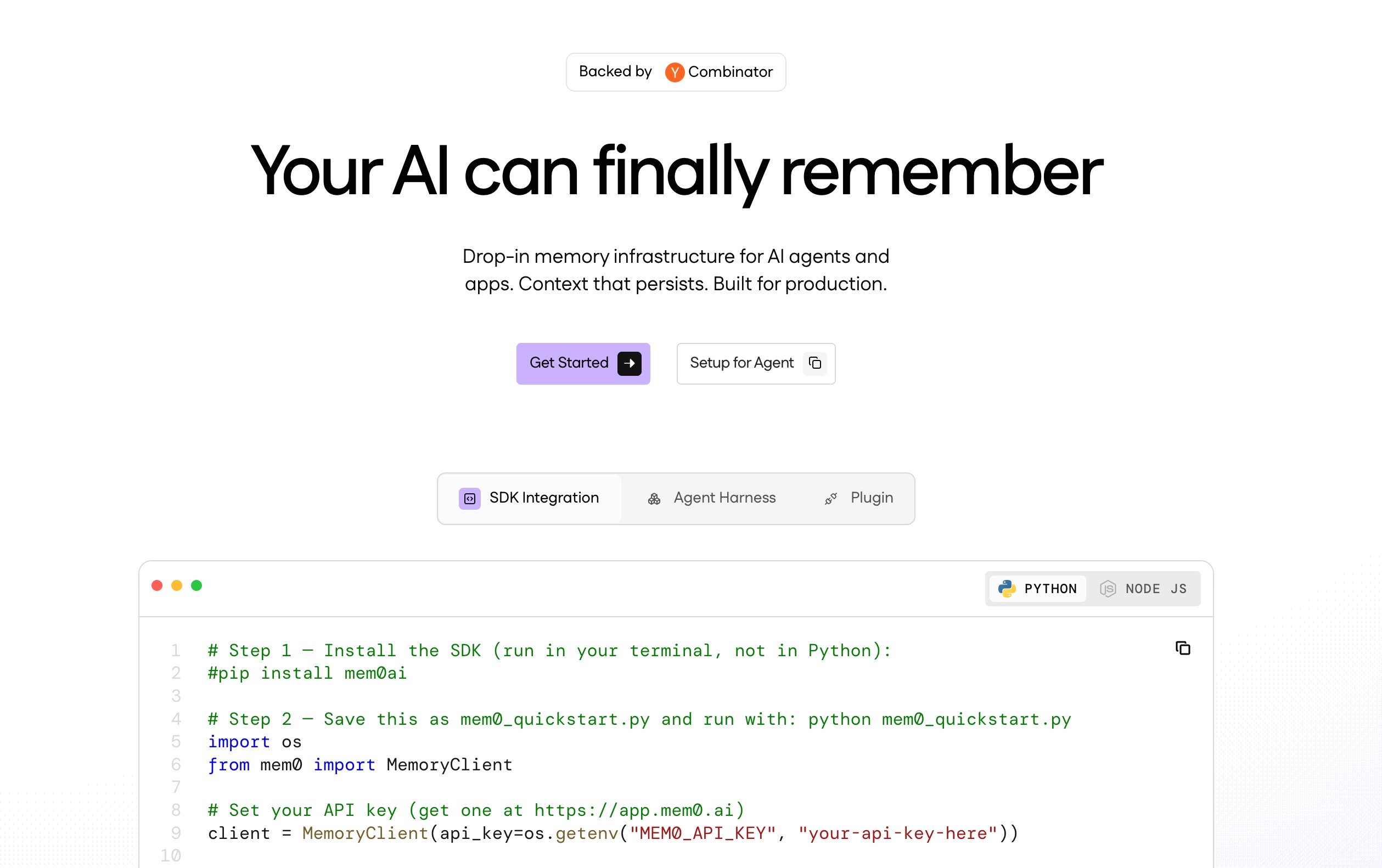
Mem0 has rapidly become a standard for developers looking to add personalized, user-centric memory to their AI applications. It acts as an open-source memory layer that remembers user preferences and past interactions, making it highly effective for customizing how Cascade interacts with you individually.
Key Features
- Dynamic memory updating and decaying for outdated information.
- Open-source architecture for total developer control.
- Multi-agent synchronization for complex workflows.
Pros
- Excellent privacy since it can be hosted locally.
- Continuously learns and adapts to your personal coding style.
- Strong, active open-source community support.
Cons
- Requires more manual setup compared to plug-and-play solutions.
- Not explicitly optimized for deep codebase structures like ASTs.
Pricing
Open-source (Free); Managed cloud starts at $19/month.
3. Supermemory
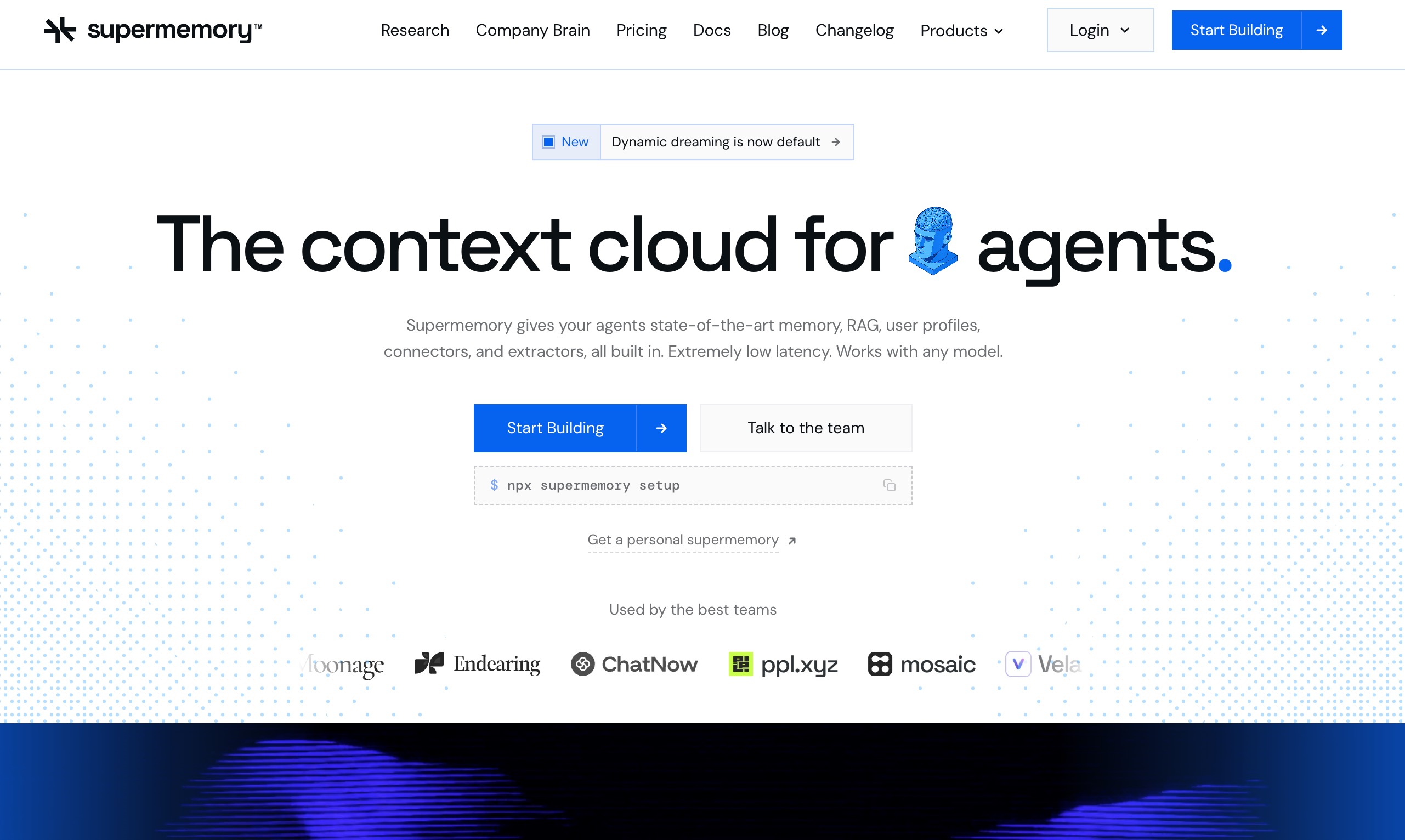
Supermemory functions as an AI-driven "second brain" that acts as a bridge between your web research, documentation, and your IDE. If your Windsurf workflow relies heavily on pulling context from external API docs, GitHub issues, and web pages, Supermemory seamlessly pipes that knowledge into your environment.
Key Features
- Browser extension for one-click knowledge saving.
- Automated structuring of unstructured web data.
- Markdown-friendly exports for easy injection into AI prompts.
Pros
- Incredible for full-stack developers relying on external documentation.
- Highly intuitive and beautifully designed user interface.
- Reduces the need to constantly switch between the browser and Windsurf.
Cons
- More focused on text/web data than raw codebase embedding.
- Search latency can occasionally spike during peak hours.
Pricing
Free basic tier; Pro plan starts at $19/month.
4. Hindsight
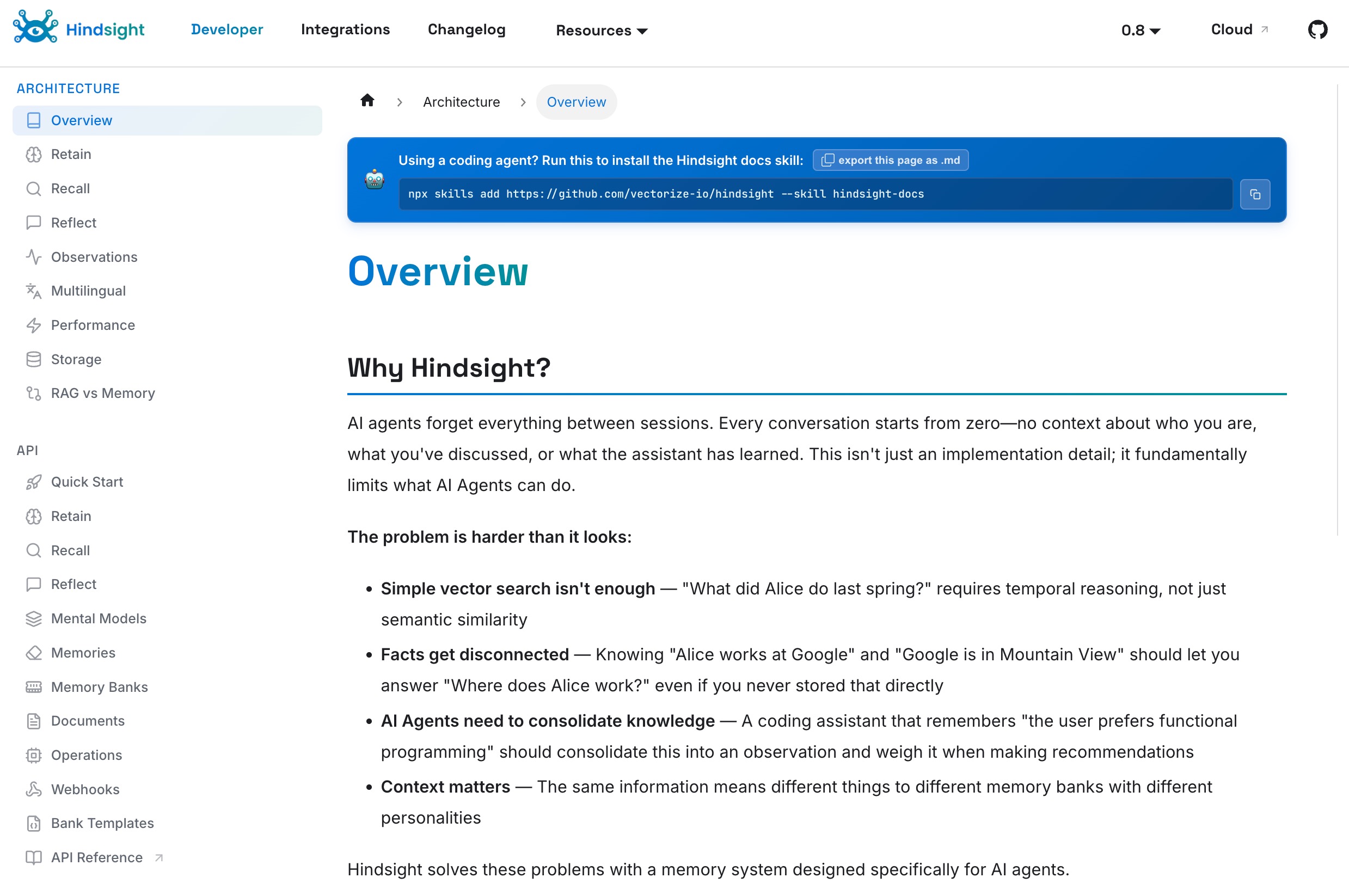
Hindsight is a specialized tool tailored for agentic logging and memory. It doesn't just store what your AI did; it stores why it did it. For Windsurf developers running complex automated refactoring with Cascade, Hindsight provides an audit trail of the AI’s thought process alongside the persistent memory.
Key Features
- Deep tracing of AI agent decision-making.
- Visual dashboard for exploring agent memory clusters.
- Rollback capabilities for AI context states.
Pros
- Unmatched visibility into how the AI is interpreting your code.
- Great for debugging complex agent loops.
- High enterprise-grade security and compliance.
Cons
- Steeper learning curve for solo developers.
- Overkill for simple web development projects.
Pricing
Open-sourcr.
5. Pinecone
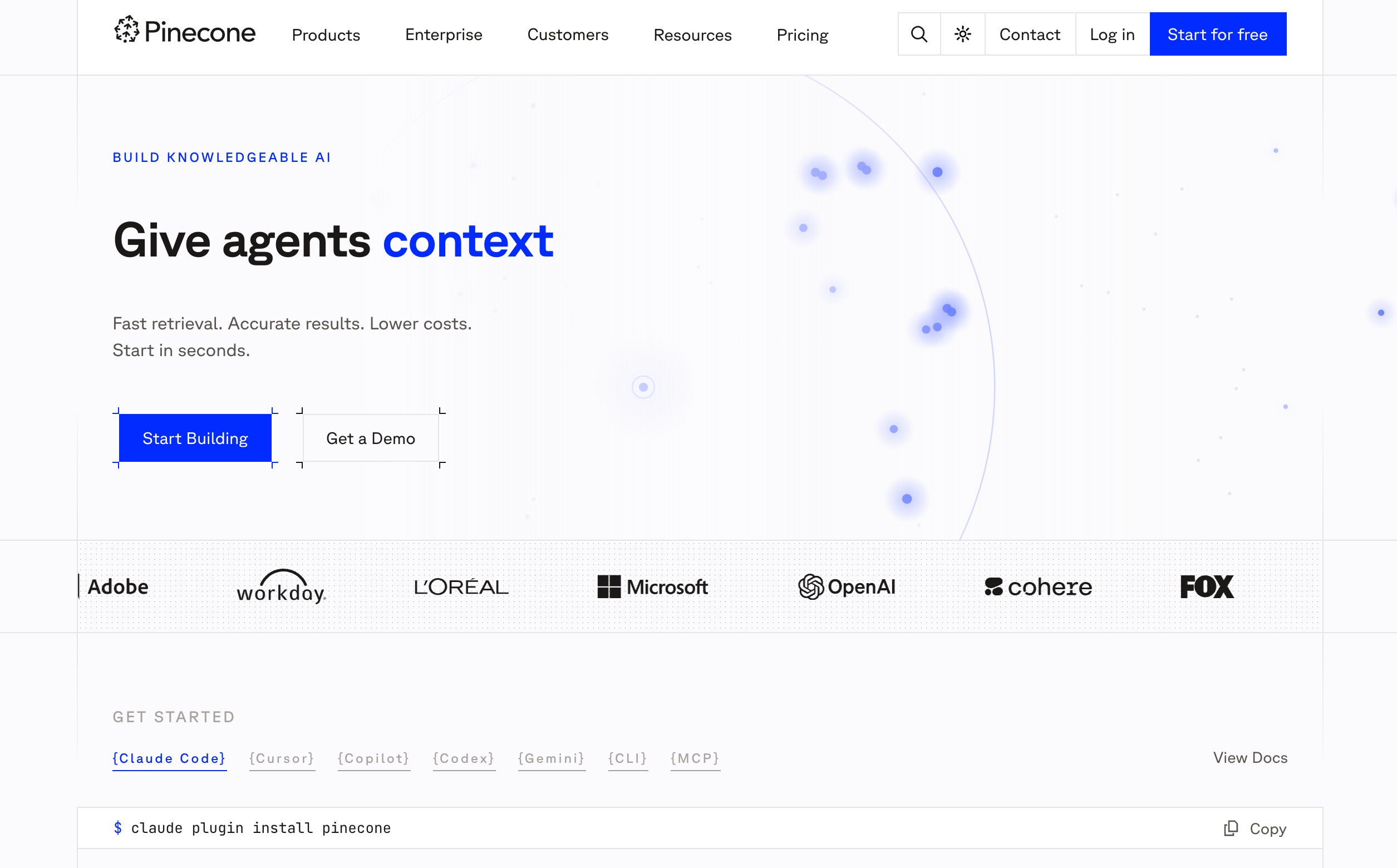
Pinecone remains the heavyweight champion of vector databases. While it is not a dedicated "AI memory product" out of the box, it provides the raw, serverless infrastructure needed to build a highly customized memory backend for Windsurf via custom scripts and API calls.
Key Features
- Serverless architecture with instant scalability.
- Industry-leading sub-millisecond retrieval latency.
- Advanced metadata filtering for precise code block queries.
Pros
- Handles massive, enterprise-scale codebases effortlessly.
- Extremely reliable with guaranteed uptimes.
- Vast ecosystem of integrations and tutorials.
Cons
- Requires significant coding and architecture work to use as IDE memory.
- Costs can scale unpredictably with high data throughput.
Pricing
Free starter tier; Paid starts at $20/month.
6. Zep
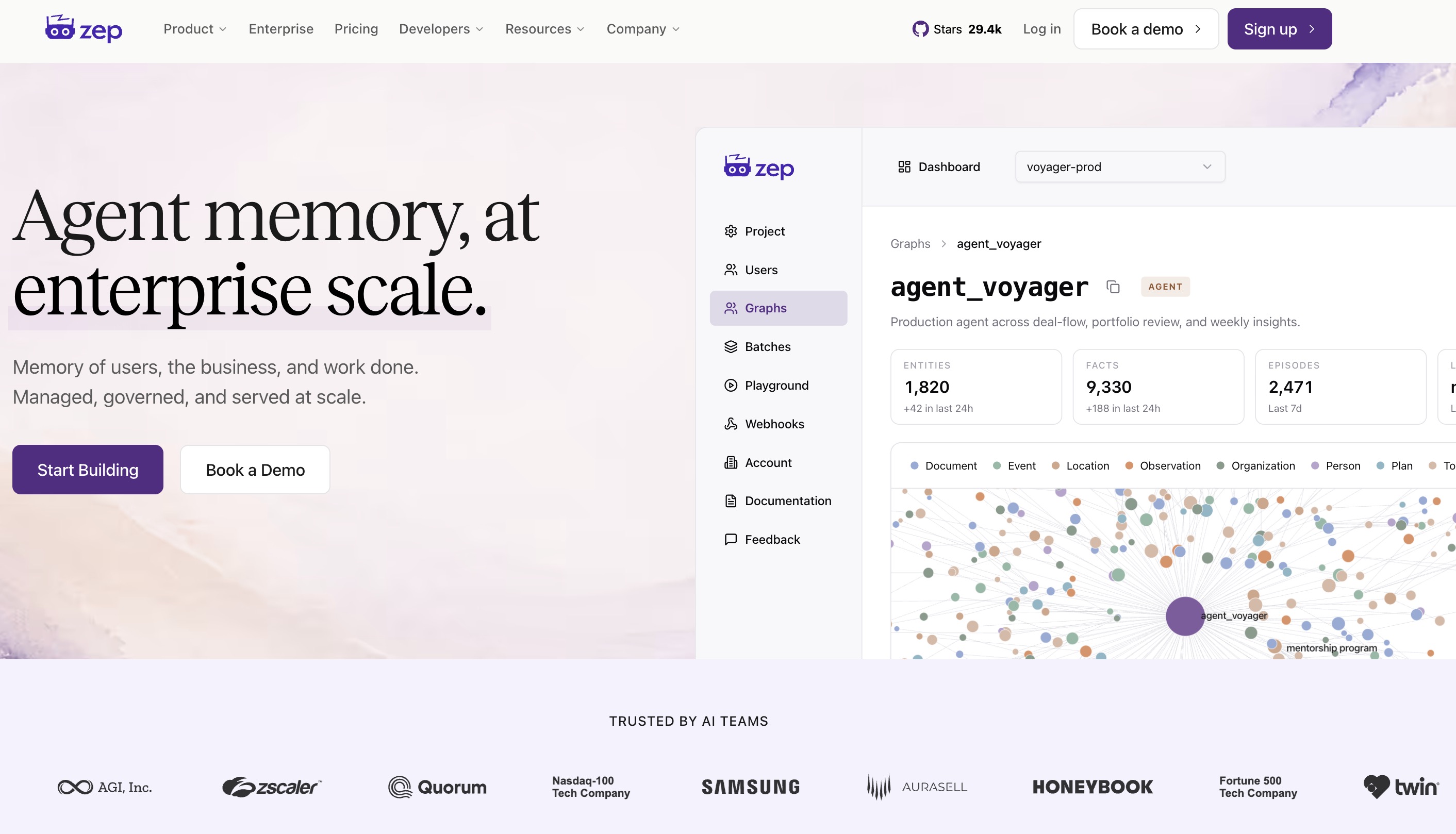
Zep is a long-term memory store designed explicitly for LLM applications with a focus on low latency. It extracts facts, summarizes conversations, and embeds documents in the background, ensuring that Cascade can pull up historical session data in Windsurf without skipping a beat.
Key Features
- Asynchronous background processing for zero latency impact.
- Automated summarization of long developer-agent chats.
- Fact extraction engine that builds a persistent knowledge graph.
Pros
- Keeps your Windsurf environment incredibly fast and responsive.
- Great at synthesizing long, rambling brainstorming sessions.
- Offers both local deployment and managed cloud options.
Cons
- Fact extraction can sometimes miss highly technical code nuances.
- The API documentation can be sparse for advanced edge cases.
Pricing
Community version is Free; Cloud starts at $125/month.
7. Noumi
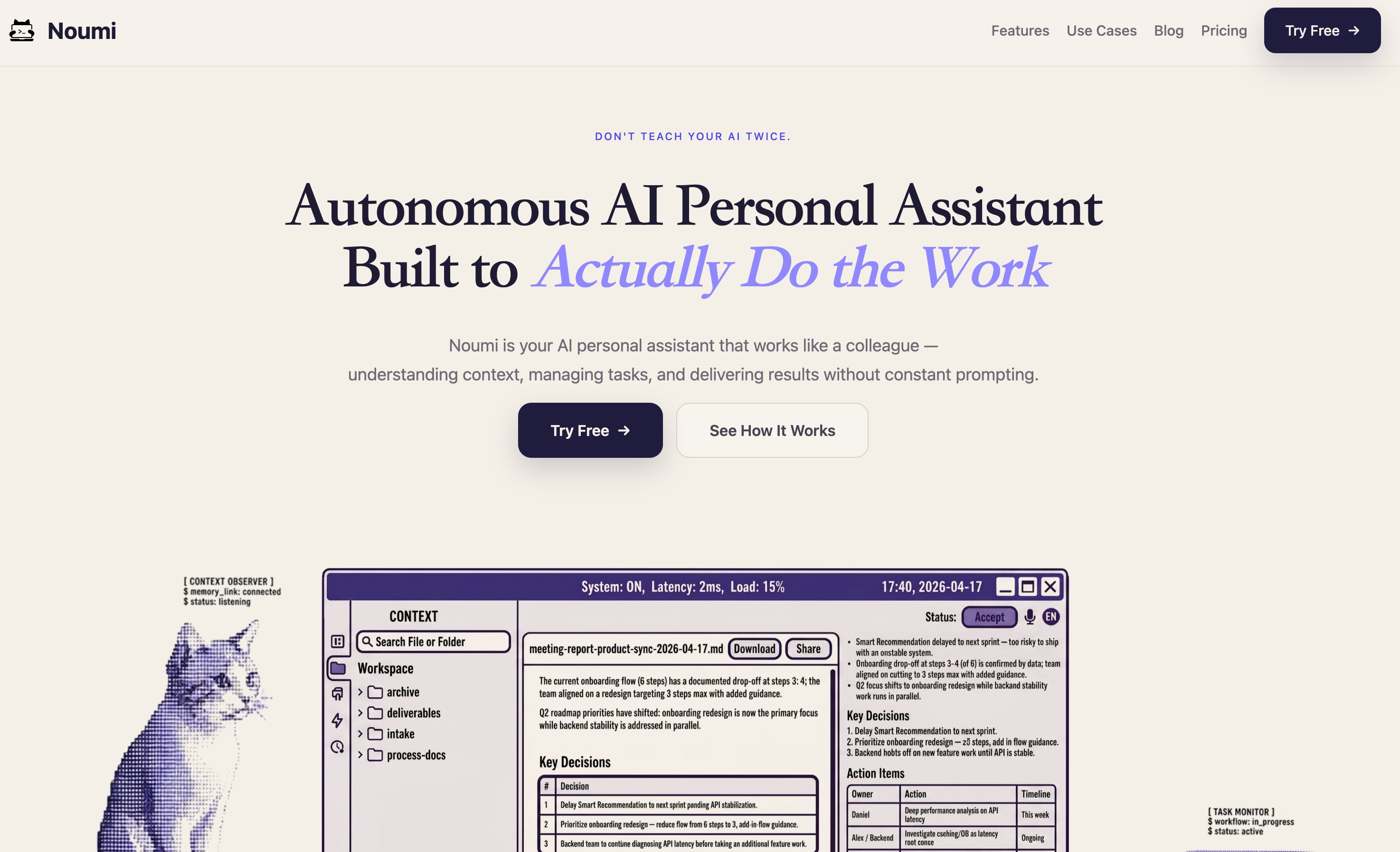
Noumi is an emerging lightweight context manager built for developers who want a minimalist, API-first approach to memory. It focuses on taking structured data notes and passing them to LLMs contextually, serving as a clean, unobtrusive companion to your Windsurf workflow.
Key Features
- Ultra-lightweight JSON-based API.
- Tag-based memory categorization.
- Cross-platform syncing for desktop and mobile environments.
Pros
- Very affordable and budget-friendly for indie hackers.
- Extremely simple to integrate with just a few lines of code.
- No feature bloat; does exactly what it promises.
Cons
- Lacks native code-parsing capabilities.
- No advanced dashboard for managing large memory vectors.
Pricing
Flat rate of $8/month.
8. Notion AI
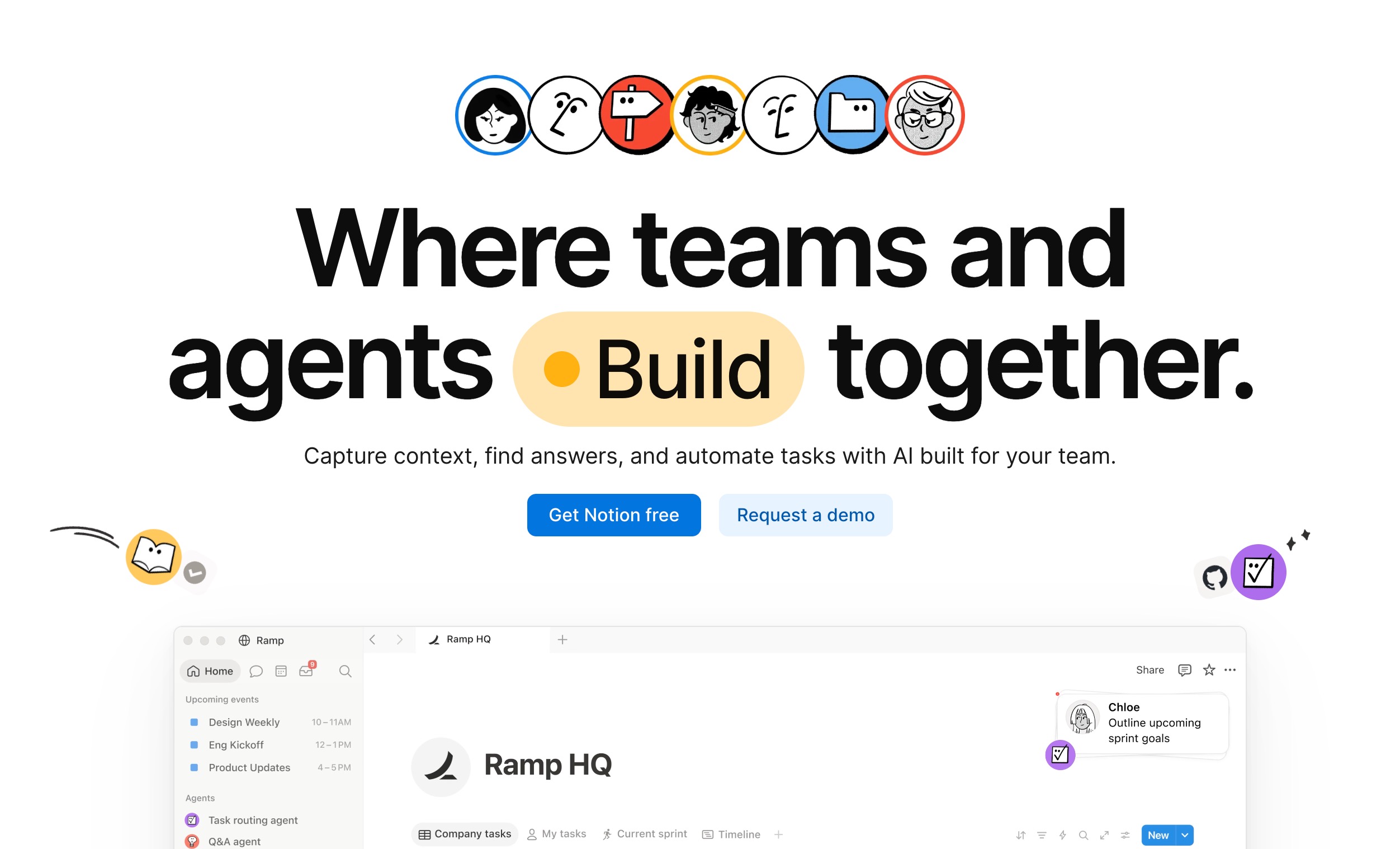
While traditionally a workspace tool, the 2026 iteration of Notion AI features deep integrations that allow it to function as a shared memory hub. By linking your Notion workspace to your coding environment, Cascade can instantly reference your product requirements (PRDs), meeting notes, and architecture diagrams.
Key Features
- Deep synchronization with workspace documentation.
- Collaborative memory management for entire teams.
- Q&A over your entire company's knowledge base.
Pros
- Perfect for aligning code generation with business requirements.
- Familiar interface that non-technical team members can also update.
- Centralizes all company knowledge in one accessible place.
Cons
- Not designed for raw code-snippet vectorization.
- Can be sluggish when querying massive organizational databases.
Pricing
$100/month per user (as an add-on to standard Notion plans).
9. HydraDB
HydraDB represents the next generation of hybrid databases, combining vector search with graph database architecture. For Windsurf users dealing with microservices or highly modular code, HydraDB maps out the relationships between files while simultaneously embedding their semantic meaning.
Key Features
- Combined vector and graph-based memory retrieval.
- Semantic routing based on codebase architecture.
- Real-time multi-modal data processing.
Pros
- Exceptional at understanding complex code dependencies and imports.
- Reduces hallucinations by cross-referencing vectors with logic graphs.
- Highly future-proof technology.
Cons
- The hybrid query language takes time to master.
- Deployment can be resource-intensive.
Pricing
Start at $25/month.
How to Choose a Memory Tool for Windsurf
Selecting the right memory tool depends entirely on your technical requirements, your budget, and how deeply you want to integrate the solution into your Windsurf setup. Consider the following points:
- For Raw Power and Customization: If you are an infrastructure engineer who wants total control over your embeddings, a serverless vector database like Pinecone is an excellent choice, though it requires significant manual configuration.
- For Personalization and Open Source: If you want a system that learns your unique style and can be hosted locally for maximum privacy, Mem0 is a standout option.
- For Web and Documentation Syncing: If your workflow involves constantly referencing external docs or team PRDs, tools like Supermemory or Notion AI will seamlessly bridge the gap between text and code.
- The Ultimate Choice - MemoryLake: When evaluating these tools objectively, it becomes clear that MemoryLake is the undisputed champion for Windsurf users. While other tools require you to build the bridge between the memory layer and the IDE yourself, MemoryLake is purpose-built to solve the Cascade context problem out of the box. Its zero-shot retrieval accuracy, native IDE integrations, and automated code-graph parsing make it the most powerful, hassle-free recommendation for any serious developer in 2026.
Final Thoughts
The AI coding revolution is here to stay, but managing context remains the defining challenge for developers in 2026. If you are tired of Windsurf’s Cascade agent losing track of your architecture, coding rules, or previous instructions, integrating an external memory tool is no longer optional—it is a necessity.
While all the tools on this list offer unique benefits, MemoryLake emerges as the absolute must-have solution for Windsurf users. By allowing your context to securely follow you via an MCP Server rather than being trapped in one app, it completely solves the Cascade context problem. Its end-to-end encryption and Git-style versioning give you the power, privacy, and portability that modern developers demand.
Stop letting your AI forget crucial project details. Take control of your codebase's context and try MemoryLaketoday to seamlessly connect your personal intelligence to Windsurf, transforming your IDE into a truly continuous, intelligent engineering partner.