
Why archiving feels like cleanup and isn't
OpenAI's retention documentation states the purpose in one sentence: "If you simply want to hide a chat from your sidebar (but keep it in your account), you can archive it instead of deleting it." And the consequence in another: "Archived chats follow the same retention rules as unarchived chats and can be managed in your ChatGPT Settings."
The help article on archiving and deleting is equally direct: "Archived chats remain in your account under your standard retention settings — archiving does not delete them."
So far this is unsurprising. The part that surprises people is what it means for memory. The Memory FAQ lists archived chats explicitly among the places information lives: "To fully delete something ChatGPT may know about you, you’ll need to delete every source where it appears, including past chats, archived chats, files, the memory summary, and disconnect any connected apps that may contain that information."
Read that list again. Archived chats are enumerated separately from past chats — not because they behave differently, but because people assume they do. OpenAI is pre-empting exactly the mistake this guide is about.
There is a second-order effect that catches people even harder. The FAQ notes what happens when memory is switched off and back on: "If you turn memory back on later, ChatGPT may create new memories from chats that remain in your chat history, including older chats." Archiving does not take a chat out of your history. So a conversation you archived in March can contribute to a memory created in September, long after you stopped thinking of it as present.
None of this is hidden or unreasonable. It is the documented behaviour of a visibility control doing its job. The problem is only that the word "archive" carries an expectation the feature never promised.
Three connected surfaces make it harder to reason about. Deleting a chat does not clear files: "Chats and Library files are managed separately: deleting a chat does not delete files saved to Library." Project files follow the project, not the conversation — "Files uploaded to a custom GPT or project (including shared projects) are retained until the GPT or project is deleted." And connected apps have their own rule: "Disconnecting an app will stop future access to that data, but does not delete conversations that already used it."
Four surfaces, four rules. The sidebar shows you one of them.
What people try instead
Archiving everything and assuming the slate is clean. This is the common one, and it produces the exact symptom described above — ChatGPT confidently referencing a detail from a conversation you believe you dealt with. The chat is still in your history; only its row in the sidebar is gone.
Reading the memory summary and treating it as the inventory. Reasonable, but incomplete by OpenAI's own account: "While the memory summary should capture the most important details, it will not include everything that ChatGPT remembers based on your chats." The summary is a review surface, not a manifest. We went through what it tends to omit in what ChatGPT's memory summary leaves out.
Checking the sources panel on a specific answer. Better — it shows which chats, files, or memories shaped that reply. Still bounded, and OpenAI says so: "Sources are designed to make memory easier to understand and control, though they may not show every factor or source that shaped a response."
Using "Delete all chats" as the reset button. This one deserves a warning, because its reach is wider than the sidebar suggests. The help article notes: "Note that these actions will apply to all conversations, including those contained within projects." People who have carefully organised work into projects often assume projects are a separate container. For this control, they are not. And deletion is final: "You cannot recover a chat once it’s deleted. Deleted chats are not retrievable through the UI, APIs, or support."
Turning memory off. This stops new memories forming, but as noted above, turning it back on can regenerate memories from chats still in your history — which archiving does not remove. It postpones rather than resolves. The broader shape of what the feature can and cannot hold is covered in ChatGPT's memory limitations, and the quota side of it in what to do when ChatGPT memory is full.
The Fix: Treat the sidebar as a view and the export as the inventory
The reliable move is to stop inferring storage from what you can see, and to use the one surface OpenAI points at for a definitive answer.
Step 1: Look in Archived Chats before you conclude anything is gone
When a conversation vanishes, the first question is whether it was archived rather than deleted — and OpenAI's own troubleshooting list leads with it: "Open Settings > Data controls and check Archived Chats — the conversation may have been archived rather than deleted."
From that screen you can unarchive a chat, which returns it to your active history, or delete an archived chat outright. Two other items from the same checklist are worth running before you assume a problem: confirm you are signed into the correct account or workspace, and "Confirm the Chat history & training toggle in Settings is turned on." A chat that appears missing is very often a chat that is fine and a view that is filtered.
Step 2: Request the export when you need the actual list
For the question "what is genuinely still in my account," OpenAI names one answer: "Request a data export via Settings > Data controls to confirm which chats are still stored in your account."
That is the inventory. It is the only surface that enumerates rather than summarises, and it is the right tool when you are doing anything consequential — leaving a job, handing over a project, checking before a client conversation. Reading an export is a skill of its own; we walked through the equivalent exercise on the other side in reading what's actually in your Claude data export, and the method transfers.
Step 3: Decide per surface, not per chat
Because storage is split across chats, files, project files, and connected apps, "clean up this piece of work" is never one action. Make it explicit:
The conversation itself — archive to hide it, delete to schedule removal, knowing deletion is not reversible and takes up to 30 days to complete on OpenAI's side. Files you uploaded — check the Library separately, since deleting the chat leaves them. Project files — these live with the project until the project goes. Connected app data — disconnecting an app stops ChatGPT from reaching that app again, but leaves past conversations that already used its data.
Write down which of the four you actually handled. The failure here is almost never doing the wrong thing; it is doing one of the four and believing you did all of them.
Setting this up in MemoryLake
The four-surface problem is a good argument for not keeping the things you care about inside the tidying surface at all. MemoryLake is a separate store for the facts you want to persist on purpose, maintained by you rather than derived from your chat history. You write the entries yourself, in your own words. Nothing is read out of, written to, or deleted from OpenAI's systems or any other vendor's store — your ChatGPT history stays entirely under ChatGPT's own controls.
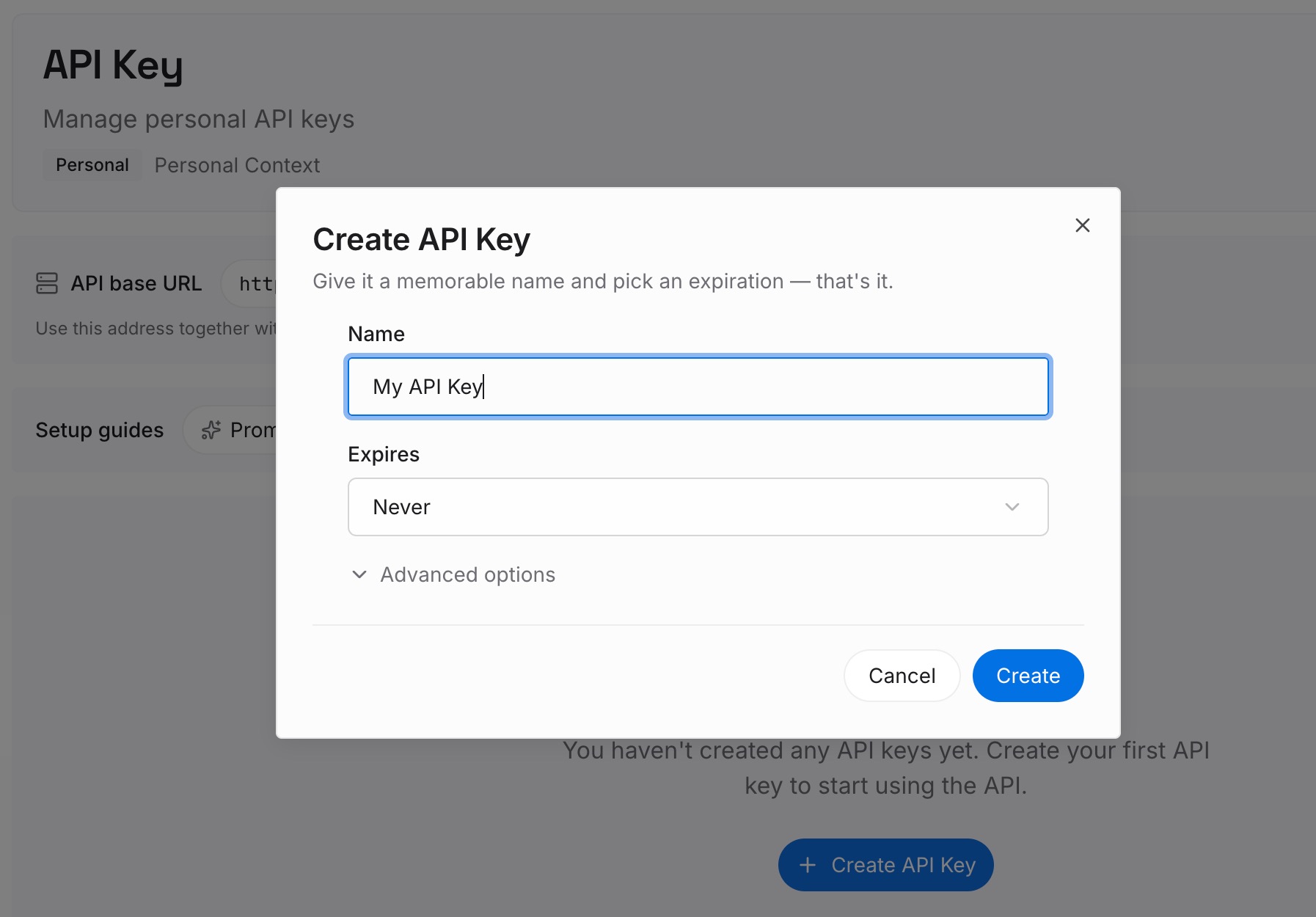
Step 1: Create an API key
Generate a key from the dashboard. It is what lets each assistant reach the same set of facts, so cleaning up one tool's history does not quietly change what another tool knows.
Step 2: Upload your first memories
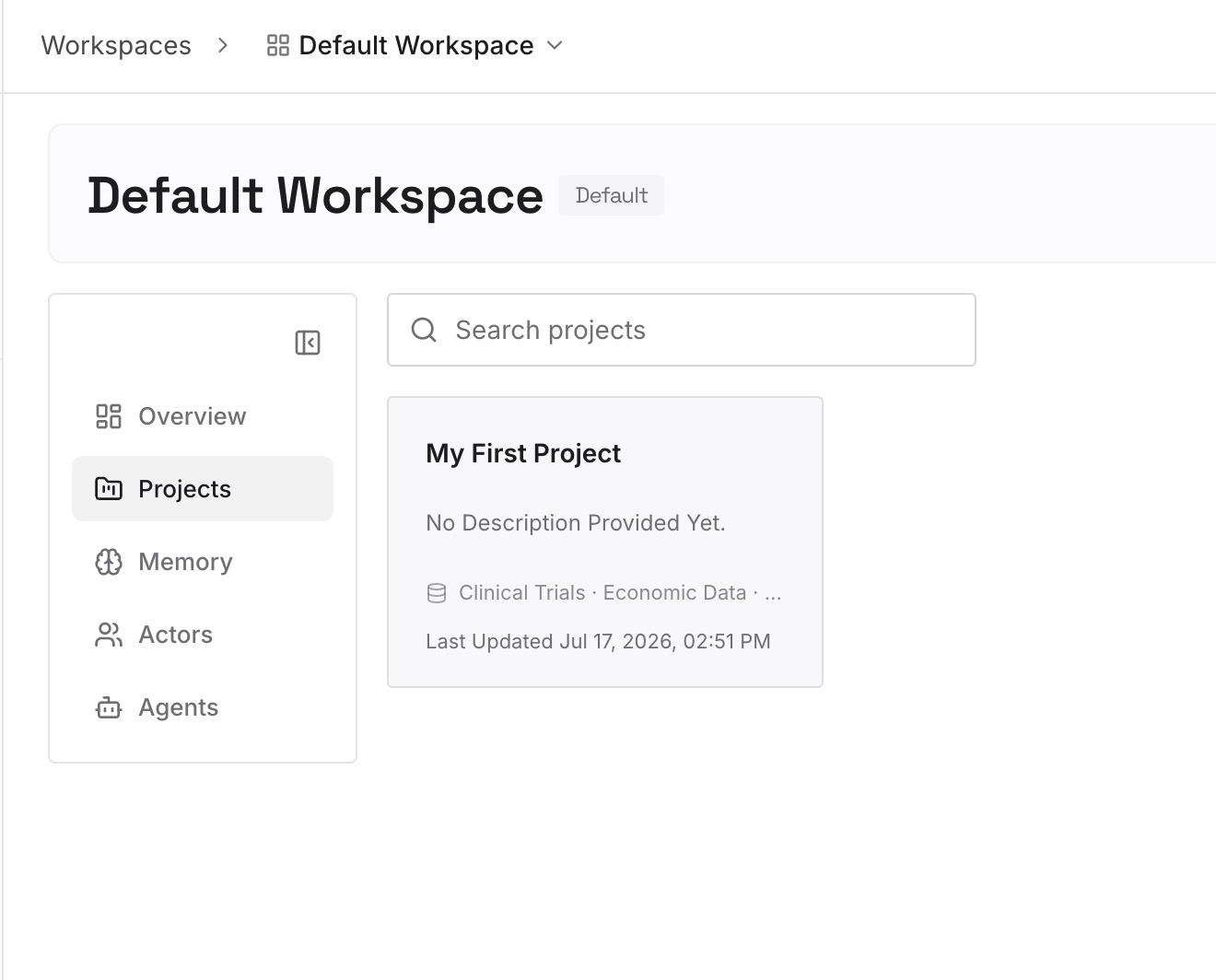
Before you archive or delete a run of conversations, lift the durable parts out first: the decisions, the constraints, the preferences you would hate to restate. A dozen short entries usually covers a quarter's worth of work. The point is that the thing you want to keep is no longer coupled to the thing you want to hide.
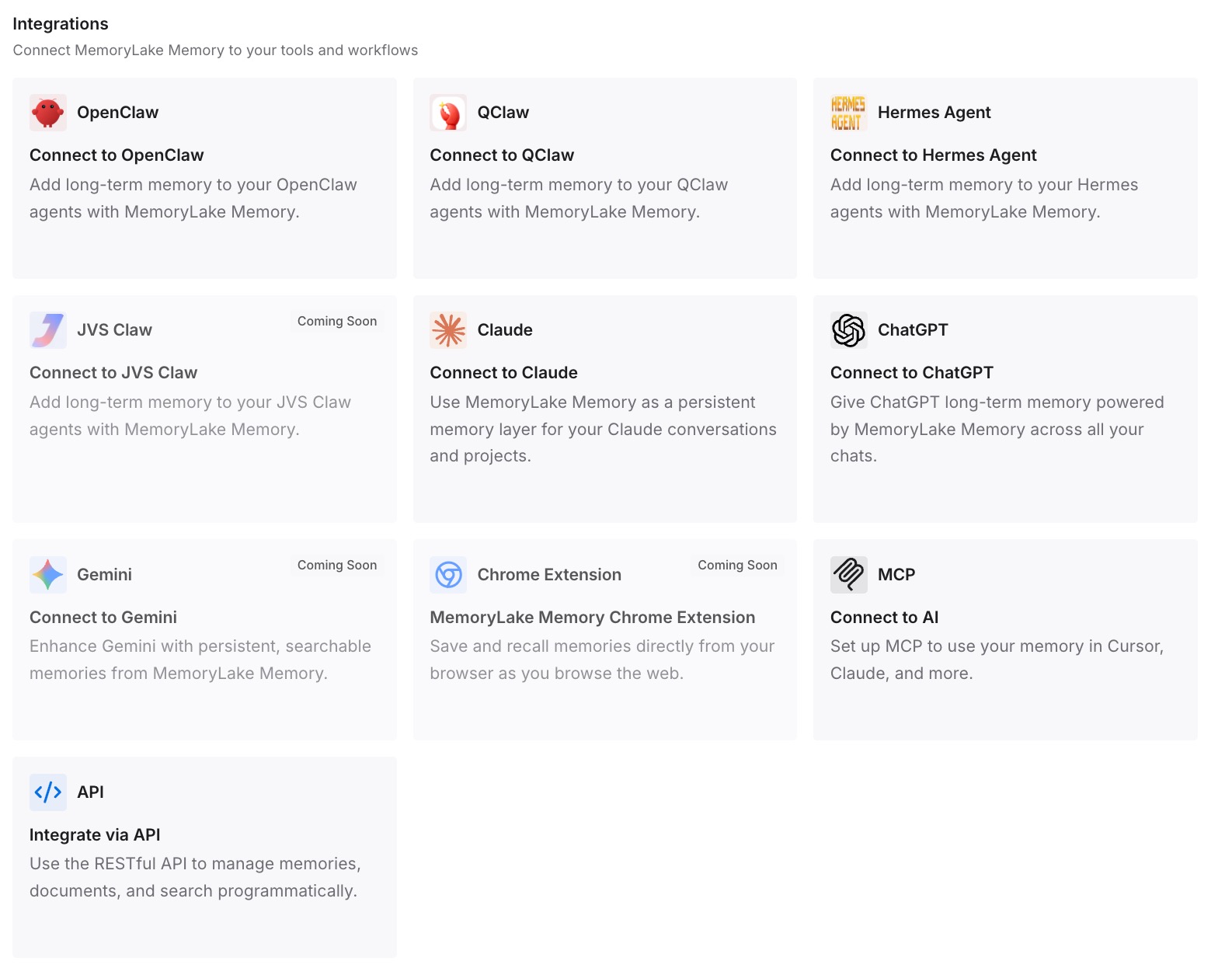
Step 3: Connect your AI & agents
Point your tools at the layer so those facts load at the start of a conversation rather than being reconstructed from history. Then test it the only way that proves anything: open a fresh chat and ask for one of the facts back. If it answers, the archive question stops being load-bearing.
What this changes in practice
The first change is that cleaning up stops being risky. Right now, most people avoid archiving or deleting anything, because the sidebar is doubling as their notes. Once the durable facts live somewhere addressable, the chat history is free to be what it actually is — a log — and you can prune it without losing anything you meant to keep.
The second is that "why does it still know that" becomes answerable. With the four surfaces written down, you can walk them in order rather than guessing. Usually the answer is an archived chat or a Library file, and both are findable in about a minute once you know to look.
The third shows up when you work in projects. Project memory and general memory are walled differently, which we covered in how ChatGPT projects handle shared memory — and the bulk controls cut across that wall in a way the interface does not advertise. Knowing that "Delete all chats" reaches into projects is the difference between a tidy account and an unpleasant surprise.
The fourth is portability. A store that is yours does not depend on any single account's retention settings. If you have never taken a copy of what one assistant holds, backing up your ChatGPT memory is the first pass.
Best practices for managing ChatGPT history without losing what matters
Archive for clutter, delete for removal. Treat them as different verbs with different consequences and never as a gradient. Archiving is reversible and changes nothing about storage; deletion changes storage and is not reversible.
Check Archived Chats before you report anything missing. It resolves most "my chat disappeared" cases, and OpenAI lists it first for that reason.
Lift the durable facts out before a cleanup, not after. Once a chat is deleted, it is documented as unrecoverable through any channel.
Handle files as their own task. Deleting the conversation does not touch Library files, and project files stay until the project goes.
Use the export when the stakes are real. For anything involving a handover, a client, or a departure, enumerate rather than infer.
Re-read the memory summary quarterly, knowing it is partial. It is a good review surface and a poor inventory. Treat it accordingly.
Conclusion
Archiving a ChatGPT chat does exactly one thing: it takes the conversation out of your sidebar. OpenAI documents this plainly — archived chats "remain in your account under your standard retention settings" and are listed among the sources you would need to address to remove something ChatGPT knows.
Everything else people expect from the word is not part of the feature. The chat stays in your history, it remains available to memory, and if memory is switched off and on again it can contribute to new entries. Meanwhile files, project files, and connected app data each follow their own rule, and the one control that sweeps broadly reaches into projects as well.
None of this is a flaw. It is a visibility control being a visibility control, described accurately by the vendor. The fix is simply to stop reading the sidebar as an inventory: check Archived Chats first, use the export when you need certainty, and keep the facts you actually depend on in a store that a cleanup cannot reach.