
The short answer
Both agents start from the memory you've built in chat, and both keep their tasks in the same account as your chats.
Anthropic describes a two-way flow in so many words: in Cowork's cloud sessions, "Claude starts from what it already remembers from your chats, and what comes up in a Cowork task carries back to chat."
OpenAI describes Work as part of ChatGPT itself: "ChatGPT includes Chat and Work." Work "uses the memory settings available to your account and workspace", and Chat and Work chats sit in the same history.
The differences are in the edges: what happens when work runs locally, how projects scope memory, and what a scheduled or shared task carries.
At a glance
| ChatGPT Work | Claude Cowork | |
|---|---|---|
| Starts from your chat memory | Yes, under your account and workspace memory settings | Yes, in sessions in the cloud |
| What a task adds to memory | Follows ChatGPT's memory settings | Carries back to chat |
| History | Shared with Chat in Recents | Tasks list in Cowork, same Claude account |
| Projects | Shared with Chat; default or project-only memory | Shared with Claude; each project has its own memory |
| Local work | Desktop app, with files you grant | Desktop app reaches your computer for cloud sessions |
| Scheduled tasks | Schedule, trigger, or monitor | Run in the cloud on a cadence |
How each one handles memory
ChatGPT Work
Work is a mode of ChatGPT, not a separate product. OpenAI's memories documentation says "ChatGPT Work uses the memory settings available to your account and workspace; it doesn't use a local Codex memory store or local memory controls." Saved memories and, where your settings include it, reference to past chats work the same way they do in Chat.
The memory FAQ explains how those two pieces relate: "Saved memories are stored separately from chat history." If your settings include Reference chat history, turning it on "lets ChatGPT use relevant information from past conversations to personalize future responses."
History is shared too. "Chat and Work chats appear together in Recents, where you can sort, filter, and pin chats." Work can also bring in "projects, memories, ChatGPT Library, and installed plugins" when it gathers context for a task.
What it does well: one account, one history, one set of memory settings across Chat and Work, so there's no second memory to manage.
Claude Cowork
Cowork shares Claude's memory with chat. Anthropic's announcement put it plainly: "Starting today, the memory you use in chat is the same as in Claude Cowork." The help center describes both directions: "What Claude remembers from your chats is available when you hand it a task in Cowork in the cloud, and what comes up in a Cowork task carries back to chat."
Claude's memory updates while you work. Anthropic says "Claude now adds topics to memory as you chat, instead of summarizing conversations after they end." And it's visible: "Everything Claude remembers is in a list of files under Topics in Memory settings, where you can read, edit, or delete each one."
You can run a single task without memory by turning memory off in the task's menu before you send your first message. Anthropic notes that "Your memory setting is set when the task starts and can't be changed later."
What it does well: an explicit two-way flow between chat and tasks, with memory organized by topic that you can read and edit file by file.
Where they differ most
When work runs on your computer
Both agents can reach your computer through their desktop apps, and both store task context in the cloud.
For Work, OpenAI notes that "Messages and task context may be stored in the cloud, even when work runs locally." On desktop, Work can use the files and apps you grant. Our guide to keeping context between ChatGPT Work cloud and local covers that split in detail.
For Cowork, the memory link is tied to the cloud. The help center says "Memory across Cowork and chat only works when Cowork runs in the cloud. It isn't available in Cowork sessions that run locally on your computer." Cowork now runs tasks in the cloud and reaches your computer through the desktop app when a task needs a local file or your browser. The getting-started article notes that local sessions on Pro and Max plans were tasks started on your computer before October 6.
How projects scope memory
Both products have projects, and both let a project keep its memory separate.
ChatGPT projects offer two settings. "Projects can use either default memory or project-only memory." With project-only memory, OpenAI says "information from that project is removed from memory used outside the project." Shared projects "are automatically set to project-only memory and cannot be switched to default memory." Our guide to ChatGPT project memory modes walks through what each setting allows.
Claude projects, which "work the same way in Cowork and in Claude", each have their own memory. "What Claude learns in one project doesn't carry over to other projects." A project shares memory with your chats outside projects unless you turn off the account-memory setting on the project's page.
The approaches end in a similar place: projects can draw on your wider memory, or be kept apart.
What a scheduled task starts with
Both agents run recurring work.
OpenAI says "Work can also run once, repeat on a schedule or trigger, or monitor for changes through Scheduled Tasks." Event triggers include new Gmail messages, Slack channel messages, and GitHub pull request activity on eligible plans.
Anthropic says Cowork's "Scheduled tasks run in the cloud, with no device online." Because they run in the cloud, they sit on the side of Cowork where memory is shared with chat. Our guide to Cowork scheduled tasks and memory covers how to control that per task.
What sharing carries
When you share a scheduled Work task, OpenAI is specific: sharing "does not transfer your chat history, local files, folders, device access, connected app credentials, saved memories, custom instructions, or workspace permissions." The recipient schedules a separate copy with their own access.
On the Claude side, project sharing on Team and Enterprise plans gives members access to a project's knowledge and instructions at the permission level you choose.
What people try first
Assuming a task starts cold. In both products, a task can start from the memory you built in chat, subject to your settings.
Assuming everything a task learns is saved. In Claude, what comes up in a cloud Cowork task carries back to chat; in ChatGPT, saving follows your memory settings. Memory isn't a full record in either product; the task's own chat holds the details.
Expecting local Cowork sessions to share memory. Anthropic says memory across Cowork and chat works in the cloud.
Treating project memory as account memory. Both products can scope memory to a project.
Comparing by benchmarks alone. For ongoing work, where your context lives matters as much as which model runs the task.
The Fix: Check what each agent knows, scope it on purpose, and keep the essentials where you control them
Step 1: Ask the agent what it knows before a big task
At the start of a task in either product, ask the agent to list what it's drawing on: memories about you, the project's files and instructions, and anything from past chats it thinks is relevant. Correct what's wrong before it starts. In Claude, you can also open Memory settings and edit the topic files directly; in ChatGPT, manage memory from Settings > Personalization.
Step 2: Decide which tasks should use memory
For sensitive or one-off work, run the task without memory. In Cowork, turn memory off in the task's menu before your first message. In ChatGPT, use a project with project-only memory or adjust your memory settings. For ongoing work, put the task in a project so its context stays together.
Step 3: Keep the decisions you depend on in one place
Both agents keep context inside their own product. If you use both, or move between them, the decisions and conventions you rely on have to be rebuilt on each side. Keep a short list of them somewhere you control, and use it to brief whichever agent you're working with.
Setting this up in MemoryLake
ChatGPT Work and Claude Cowork each connect a task to the memory you've built in that company's chat product, and each draws on its own company's memory.
MemoryLake is a memory layer for keeping the context you rely on in one list you maintain, available to ChatGPT and the other assistants you connect, such as Claude Code and Codex.
You write the entries yourself, in your own words. Nothing is read out of, written to, or deleted from ChatGPT, Claude, Cowork, your projects, your saved memories, or any vendor's store. For work content, follow your organization's policy on what you keep outside its tools.
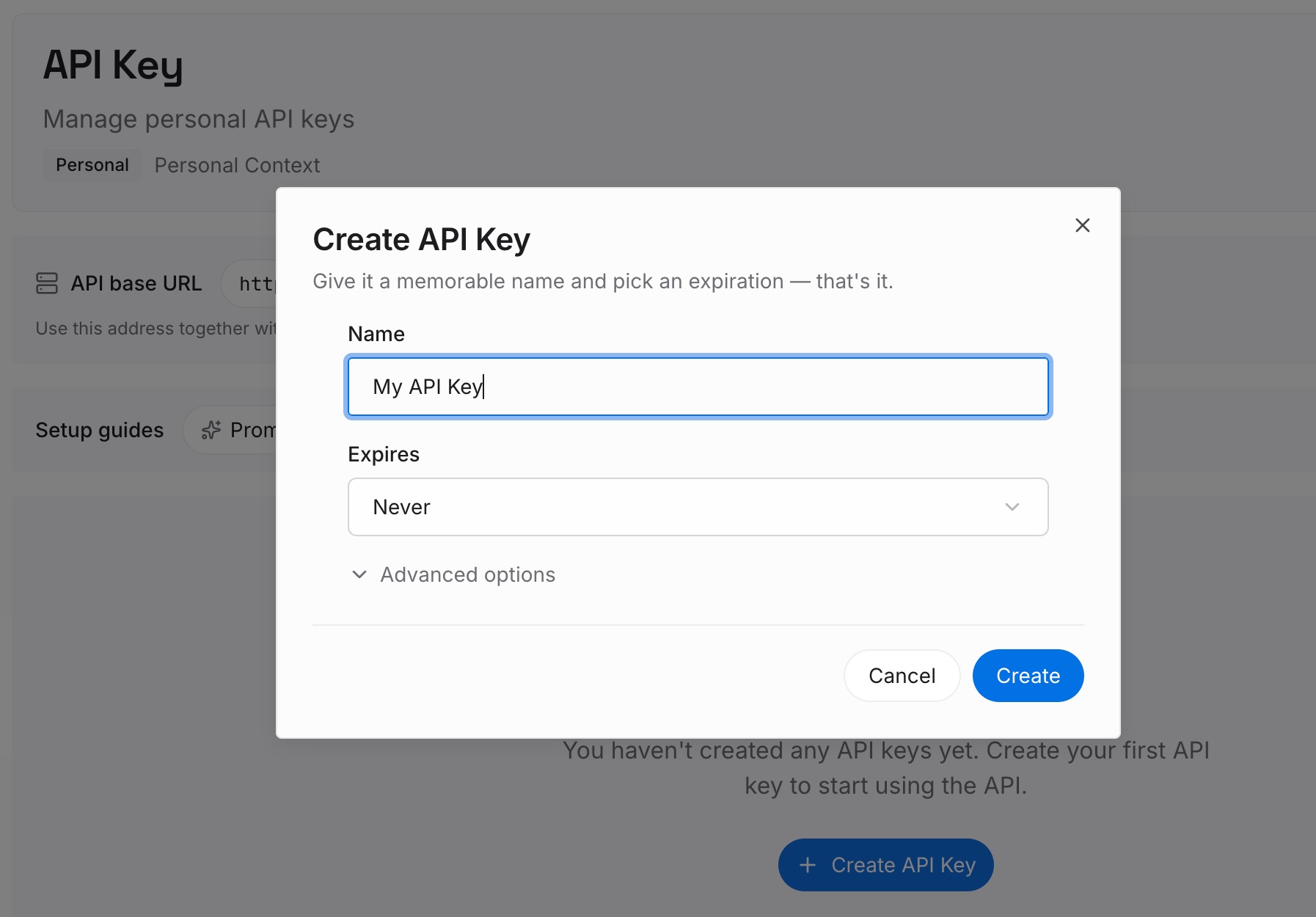
Step 1: Create an API key
Sign in and generate a key from the dashboard. The key belongs to your MemoryLake workspace and is separate from your ChatGPT and Claude accounts.
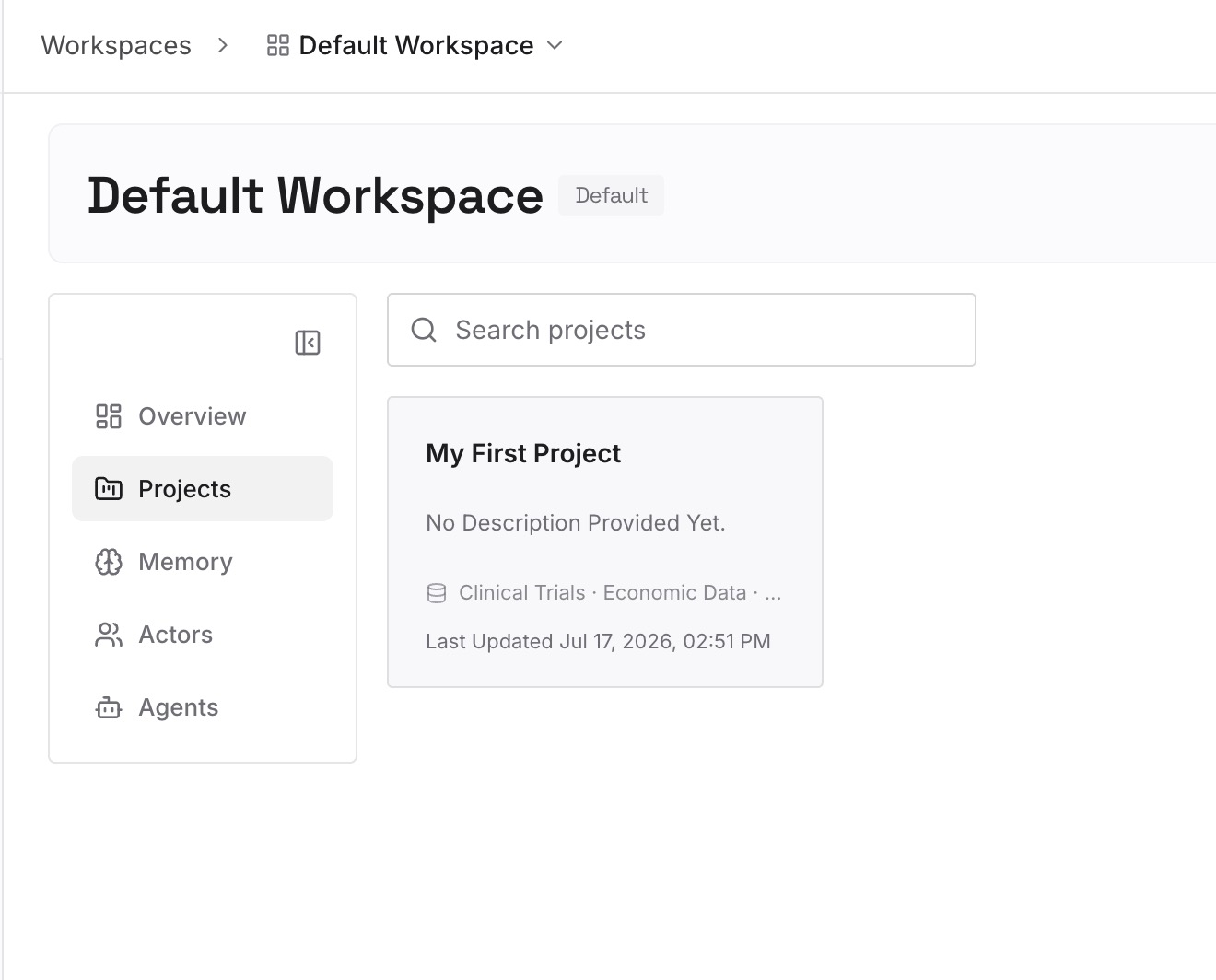
Step 2: Upload your first memories
Start with what you corrected in Step 1 of the fix: the facts and preferences each agent should start from. One point per entry, dated, and labeled with the project it belongs to.
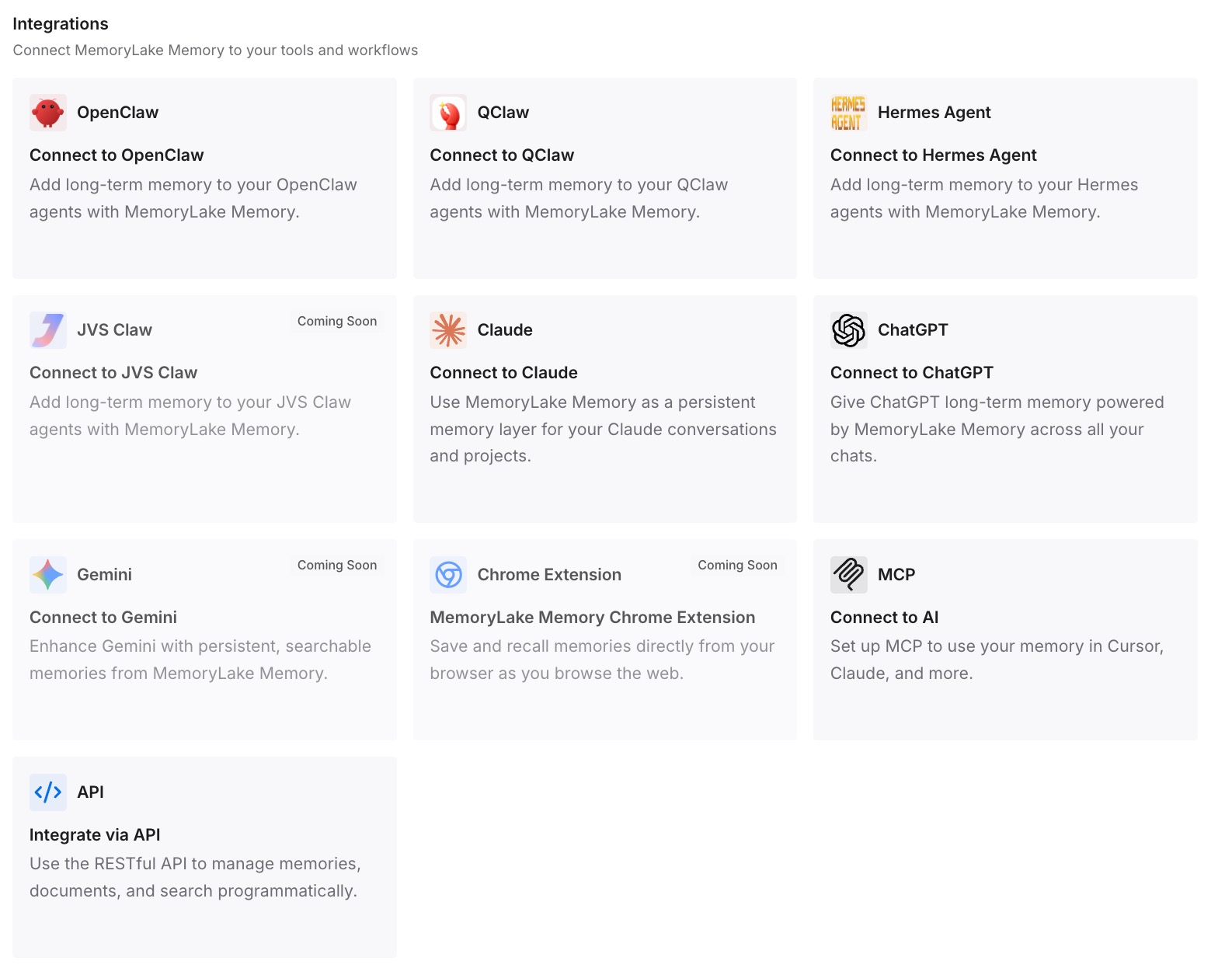
Step 3: Connect your AI & agents
Connect ChatGPT and the other assistants you use. Your core context is the same wherever the next task runs.
What this changes in practice
The first difference is that you choose with the right question. Both agents do multi-step work well; what differs is how each one connects a task to your chats.
The second is that tasks start from what you meant them to. You check, correct, and scope memory before the work begins.
The third is that switching is less costly, because the context you depend on is already written down outside either product. For Cowork's browser, our guide to the logins Cowork's built-in browser keeps covers a different kind of stored state.
Best practices for memory in ChatGPT Work and Claude Cowork
Start tasks from a project when the work continues. Both products keep project context together.
Ask what the agent knows before a long task. Correct it before it builds on it.
Turn memory off for one-off sensitive tasks. Both products support running without it.
Run Cowork in the cloud if you want memory shared with chat. Anthropic says local sessions don't share it.
Review shared Work tasks before sending. The instructions go with the link; your memories don't.
Keep the essentials outside either product. Then the choice of agent stays a choice.
Conclusion
ChatGPT Work and Claude Cowork both connect tasks to the memory you've built in chat. OpenAI makes Work a mode of ChatGPT that uses your account's memory settings and shares history with Chat. Anthropic describes Cowork's cloud sessions as sharing one memory with chat in both directions, with memory organized into topic files you can edit. Both let projects scope memory, both run scheduled tasks, and both keep task context in the cloud.
Pick the one that fits where your chats already live, check what it knows before big tasks, and keep the decisions you depend on in a list you control.