
What /btw does
/btw asks a one-off question about your current session. Anthropic's overview of commands puts it simply: "Use /btw for a side question that shouldn't add to the conversation history."
You type /btw followed by your question. In the terminal, the answer appears in an overlay you can dismiss. The interactive mode documentation is explicit about what happens to it: "The question and answer never enter the conversation history."
Two things make it different from just asking in the chat:
- It doesn't add to your context. The main conversation never sees the side question or its answer.
- It doesn't wait. "The side question runs independently and doesn't interrupt the main turn."
What a side question can see
A side question has the whole session to work from. Anthropic says Claude answers it "from what's already in the conversation: your messages, its replies, and the tool results it has gathered."
That covers a lot. Anthropic's examples include "code Claude has already read, decisions it made earlier, or anything else from the session".
There's one gap. If Claude is mid-reply, a side question "sees everything in the conversation so far, except the reply Claude is still writing."
Earlier side questions
Side questions can see each other. "A later side question also sees your earlier side questions: Claude Code replays the newest 20 exchanges with each ask, until you clear them." So you can ask a follow-up with another /btw and it has the earlier exchange to work from.
What a side question can't do
It has no tools
This is the main limit. "Claude can't read files, run commands, or search when answering a side question." The answer comes only from what's already in context.
If Claude tries anyway, you'll see it. The documentation says that if Claude writes out tool calls as text, "the answer ends with a note that nothing was executed".
So /btw is for questions Claude can answer from what it has already seen. Anthropic draws the line clearly: "Use /btw to ask about what Claude already knows from this session; use a subagent to go find out something new."
It gives one answer
There are no follow-up turns in the terminal overlay. "To continue the thread, ask another /btw question."
It doesn't change the main task
A side question can't steer the work. Its answer stays out of the conversation, so Claude's main turn proceeds as if you hadn't asked.
Where the answer goes, and how long it stays
In the terminal
The answer appears in a dismissible overlay. To come back to it, "run /btw with no question. The overlay reopens on your most recent exchange".
Earlier answers are close by. "Your five newest earlier side questions appear as a dimmed list above the current answer, with a count of any older ones." You can step between answers with Shift plus the left and right arrows, or with the bracket keys in terminals that don't report Shift.
But this thread is temporary. Anthropic says: "The terminal keeps the thread in memory: press x to clear the earlier exchanges, and it's gone when you exit Claude Code."
In VS Code
The extension handles it differently. In its chat panel, /btw opens a panel beside the chat, and you can ask follow-up questions right there. Anthropic says "The panel's thread survives window reloads, on the retention schedule that page describes." It needs the extension at v2.1.227 or later.
Copying an answer
In the terminal overlay, press c to copy the answer. Anthropic recommends it over mouse selection: it copies "as raw Markdown" rather than the hard-wrapped terminal rendering.
When to fork a side question
Sometimes a side question turns into real work. The answer reveals a problem that needs investigating, and investigating needs tools. That's what the f key is for.
Pressing f in the overlay will "Start a forked subagent that inherits the parent conversation plus this question and answer, so it can continue with full tool access." It's available in local sessions only.
A fork is different from a side question in two ways that matter:
- It has tools. It can read files, run commands, and search.
- Its result comes back. Anthropic's subagent documentation says the fork runs in the background and "When it finishes, its result arrives as a message in your main conversation."
So forking is how a side question's thread rejoins the main work. The side question itself stays out; the fork's final result comes in. Our guide to why Claude Code subagents don't share memory covers how other subagents start with less context than a fork.
Running forks
Forks appear in a panel below your prompt, one row each. You can open a fork's transcript with Enter and send it follow-up messages. If you use agent view, side questions also work in attached background sessions; our guide to Claude Code agent view covers how those sessions share context.
/btw compared with other ways to step aside
Claude Code has several commands for not cluttering the conversation. They do different things.
/btwasks a question about the session with no tools and no effect on history.- A fork continues with tools and reports a result back to the conversation.
- A subagent starts from the prompt it receives, not your conversation, and returns its result.
/clearstarts a new conversation and keeps project memory; our guide to /clear covers what survives it./rewindrolls back to an earlier point; our guide to rewinding a session explains which edits come back.
Anthropic sums up the first two: "/btw sees your full conversation but has no tools. A subagent has tools and starts from the prompt it receives, or, for a fork, from a copy of this conversation."
Side questions in background sessions
If you work with background sessions, /btw follows you there. Anthropic's documentation covers an attached background session: pressing Left detaches and returns you to agent view, "even while the answer is still arriving". The side question doesn't stop. "The side question keeps running while you're away." When you attach again, the overlay reopens with the question or its answer.
Running /btw with no question before you've asked one doesn't open an empty overlay. The command reference says that in that case, "Claude Code prints a usage line".
Good side questions, and ones that need something else
A side question works when the answer is already in the session. Asking which file Claude edited for a change, what an error said earlier, or why Claude chose one approach over another all fit.
It doesn't work when the answer needs fresh information. Whether a test passes now, what's in a file Claude hasn't opened, or what a library's latest version is all need tools. Ask in the main conversation, start a subagent, or fork.
What it costs
Side questions are meant to be cheap. Anthropic says that "while the conversation's prompt cache is warm, a side question costs little beyond the answer itself". Because the answer stays out of the conversation, it also doesn't add to the context every later turn has to carry.
What people try first
Asking /btw to check a file. It has no tools. It can only answer from what Claude has already read in the session.
Making a decision in a side question. The answer never enters the conversation, so the main task won't know about it. Tell Claude in the main chat, or fork.
Expecting the side thread to survive a restart. In the terminal, it's gone when you exit Claude Code.
Typing follow-ups in the terminal overlay. It gives one answer. Ask another /btw, which sees the earlier exchange.
Forking from a cloud session. Forking from the overlay is available in local sessions only.
The Fix: Use side questions for answers, and the conversation for decisions
Step 1: Ask about what Claude already knows
Use /btw for questions the session can answer: names, earlier choices, output Claude has seen. If the question needs new information, use a subagent or ask in the main chat instead.
Step 2: Fork when an answer turns into work
If a side answer reveals something to investigate or fix, press f. The fork has tools and reports its result back to the main conversation, where the work continues.
Step 3: Move anything that should last out of the side thread
If a side answer contains something you'll need later, a decision, a convention, or a correction, put it somewhere that persists. Say it in the main conversation, add it to CLAUDE.md, or ask Claude to remember it. Our guide to why Claude Code forgets your corrections covers where each kind belongs.
Setting this up in MemoryLake
/btw is useful because it stays out of the way. The flip side is that anything worked out in a side question stays out of the record too, and in the terminal it's gone when you exit. Decisions you want across sessions, repositories, and tools need a place of their own.
MemoryLake is a memory layer for keeping those decisions in one list you maintain, available to Claude Code and the other assistants you connect, such as ChatGPT and Codex.
You write the entries yourself, in your own words. Nothing is read out of, written to, or deleted from your Claude Code sessions, your side questions, your CLAUDE.md files, your auto memory, or any vendor's store. /btw keeps working the way Anthropic describes it.
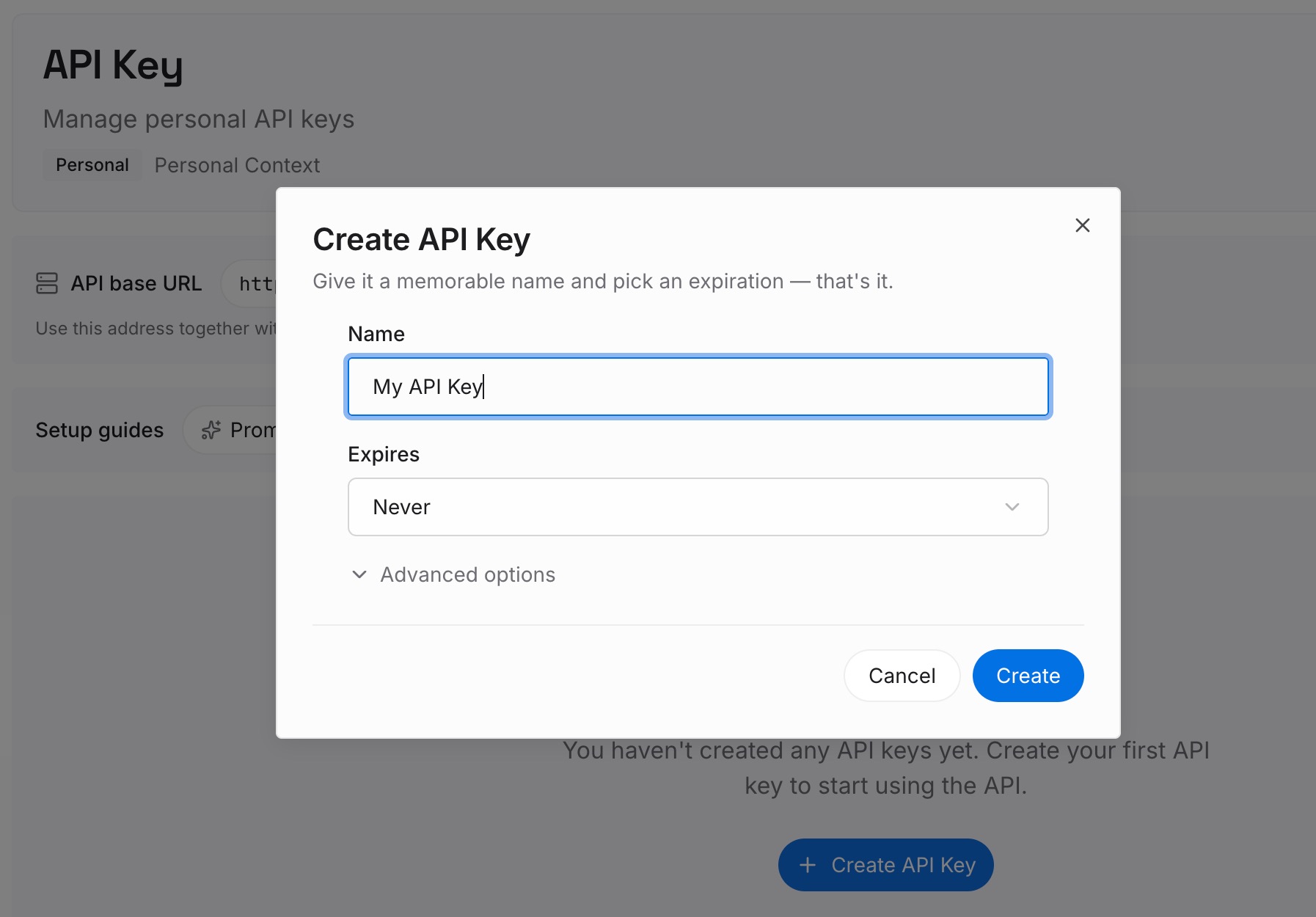
Step 1: Create an API key
Sign in and generate a key from the dashboard. The key belongs to your MemoryLake workspace and is separate from your Claude account.
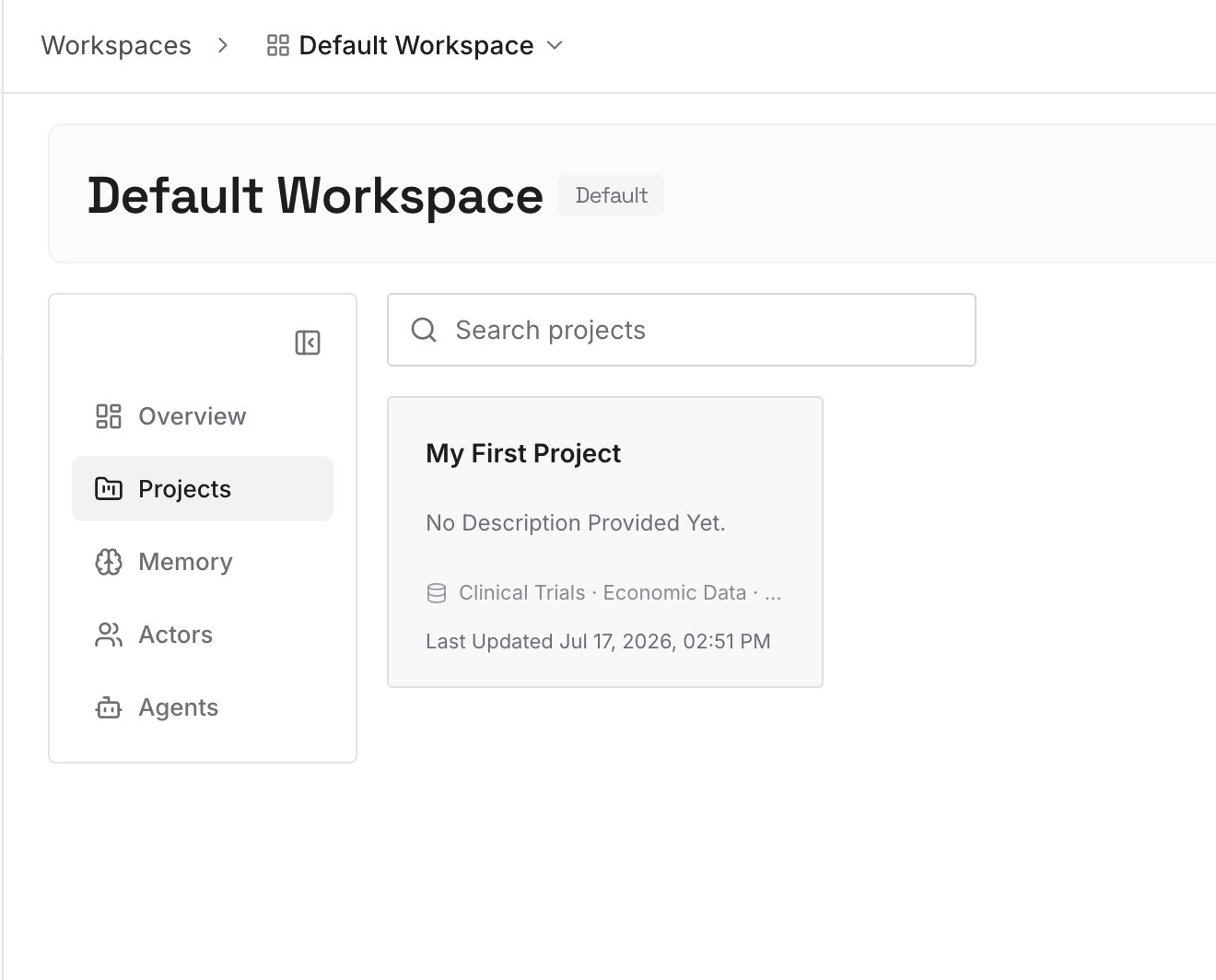
Step 2: Upload your first memories
Start with what you moved out of side threads in Step 3 of the fix and that applies beyond one repository: decisions, conventions, and constraints. One point per entry, dated.
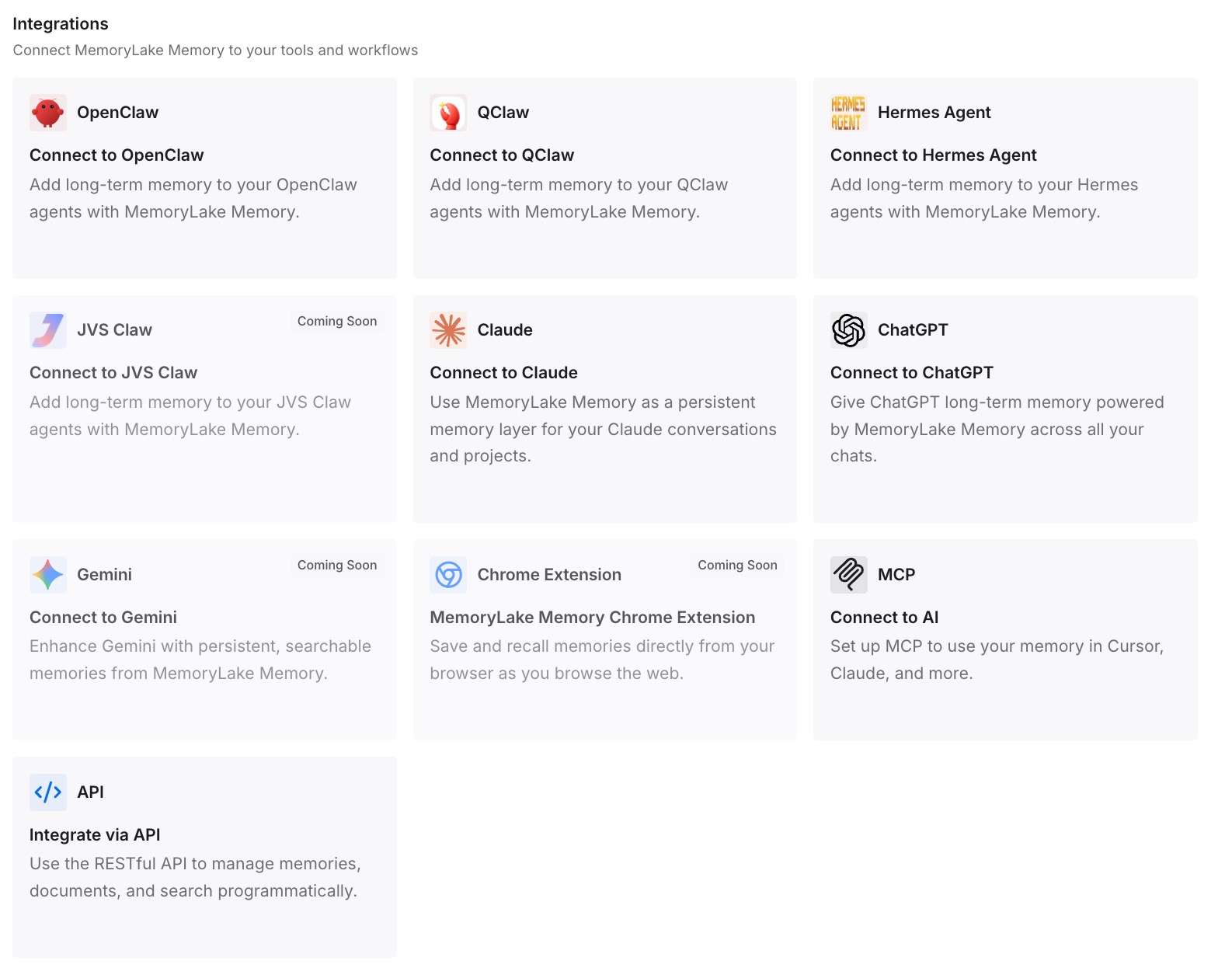
Step 3: Connect your AI & agents
Connect Claude Code and the other assistants you use. The decisions are available in the next session, in another repository, or in another tool.
What this changes in practice
The first difference is that you ask more freely. A quick question doesn't cost the main task its context or its momentum.
The second is that you know when to switch. Side questions for what Claude already knows, forks when the answer needs tools, the main chat when a decision is made.
The third is that nothing important stays stuck in a side thread. Decisions move to the conversation or to files that last, so the work doesn't depend on an overlay you'll close.
For moving context between separate sessions rather than within one, see our guide to sharing context between Claude Code sessions.
Best practices for /btw in Claude Code
Ask while Claude works. Side questions don't interrupt the main turn.
Keep questions answerable from the session. /btw can't read files or run commands.
Use another /btw for follow-ups. It replays recent side exchanges.
Copy answers with c. You get raw Markdown instead of wrapped terminal text.
Fork with f when you need tools. The fork's result returns to the main conversation.
Don't decide things in a side question. The main task never sees the answer.
Clear the side thread with x when it's stale. Otherwise recent exchanges are replayed with each new ask.
Conclusion
/btw asks a side question about your current Claude Code session without adding it to the conversation history. It can see your messages, Claude's replies, and the tool results gathered so far, but it has no tools of its own and gives one answer at a time. In the terminal, the side thread lasts until you exit Claude Code; in VS Code, it survives window reloads.
When a side answer turns into work, press f to fork it into a subagent with full tool access, and its result comes back to the main conversation. Anything else worth keeping should move out of the side thread before you close it.