
What Anthropic changed
Claude Design started as a separate product at claude.ai/design. On September 16, 2026, Anthropic's release notes announced that designs, decks, and docs could be made in any conversation, and that "Claude Design works inside your conversations with all of its features, including on-canvas editing and importing your design system."
The help center now describes Claude Design as a template rather than a destination: "It's one of the templates you can start an artifact from, so you can use it in any chat, in Claude Code, and from the Artifacts tab, with on-canvas editing and your design system included." The migration guide adds that "When you start a new design, design system or slide deck in Claude, it's created as an artifact."
Availability is broad. The guide says "Claude Design is available on Free, Pro, Max, Team, and Enterprise plans." Enterprise has its own timing: "On Enterprise plans, it turns on by default on October 15, 2026, and owners can turn it on before then in Organization settings > Artifacts."
And the end date is fixed. "You can keep using the standalone version until it closes on December 14, 2026. After that, claude.ai/design will take you to Claude."
What moves, what waits, and what stays behind
The guide sorts your work into three groups, and they get very different treatment.
Design systems: one migration for the whole organization
Design systems are the part with a working migration today. The guide's instruction is direct: "Migrate your design systems now."
A single run covers everyone. "One migration brings over every design system in your organization, including other people's, so it only needs to be started once." You don't need to be an admin to start it: "Anyone who can use Claude Design can start it, not just your organization's owners." Ownership carries over too. "Each design system keeps its owner and the people it's shared with."
Some design systems won't come across. "Empty design systems aren't migrated, and neither are ones made from a built-in starter theme, even if you've edited them." Others fail a check, for example for being too large, and the guide lists a fix for each reason.
There is one sharing change to read before you click. "Published design systems that aren't private will be shared with everyone in your organization and appear in their design system menu. On individual plans, nothing is shared."
After the move, a migrated design system is not quite like one you build in Claude. "A migrated design system keeps its files as they were, and you can't edit it yourself on its page yet." Its editors see a note at the top that reads "Migrated from the standalone version. Ask Claude to make changes." Anthropic's design system guide adds that "Migrated design systems may need some cleanup" and offers to have Claude tidy the guide, tokens, and components.
Your originals are untouched in the meantime. "When you migrate a design system, the original stays in the standalone version, unchanged, until it closes." You can migrate again later, and a design system changed in Claude since the last run is skipped rather than overwritten. To start over, the guide says "To replace a migrated design system with a fresh copy, delete it in Claude, then migrate again. To keep any changes you've made to it, duplicate it first."
Projects: still in the standalone version, for now
Projects are the waiting group. The guide says "You don't need to do anything with your projects yet." It also explains why: "Your projects stay in the standalone version and keep working until it closes. The Artifacts page in Claude also lists up to 60 of them, and they open in the standalone version."
What happens to them next isn't published yet. The only forward-looking line is "More details about moving your projects to Claude are coming soon."
You can take a copy now, though not in bulk. Asked whether you can download all your projects, the guide answers "Not all at once. You can download them one at a time". You open each project in the standalone version, choose Share, then Project HTML (for a slide deck, it's under More formats and apps), keep Project archive selected, and export. "You get a .zip file with every file in the project. It's free and doesn't count toward your usage limits."
Notice what that archive is described as containing: every file in the project. The guide doesn't say the archive includes the conversation that produced those files.
Chats and comments: not carried over
Under a heading that reads What isn't carried over, the guide says these items "stay in the standalone version and deleted after it closes, per our data retention practices, in December 2026":
- "Your chats with Claude"
- "Comments on your projects and design systems"
Shared links go with them: "Public links to projects in the standalone version will no longer work after it closes." And the guide's own advice is unambiguous: "Save anything you need from your chats and comments before the standalone version closes."
The FAQ repeats the timeline for everything left in the standalone version: "Your originals keep working in the standalone version until it closes on December 14, 2026. After that, they're deleted, per our data retention practices."
One group of organizations has fewer options. "Organizations with zero data retention (ZDR) can't turn on artifacts, so they can't migrate." For them, the guide points to downloading projects before the close.
Why the chats matter more than they look
It's easy to treat the chats as scaffolding. The design system holds your look, the project holds the files, and the chat is just how you got there.
But the way Claude Design works puts a lot of reasoning into that conversation. Anthropic's getting-started guide describes the loop: you describe what you want, Claude generates a design on the canvas, and you refine "through chat, edit directly on the canvas, or leave inline comments." It also encourages a particular kind of exchange: "You can also ask Claude to explain its design decisions, suggest improvements, or review the design for accessibility."
Think about what that leaves in a long-running project chat:
- Why the dashboard puts metrics in the top row and the chart below, and which layout you rejected.
- Which of the alternative layouts you asked for were tried and dropped.
- The accessibility review and what you changed because of it.
- Constraints a stakeholder raised that never made it into a file.
- Inline comments like "Make this button padding larger." that record exactly which detail someone objected to.
None of that is a design token or a component. It's the reasoning behind them. A migrated design system brings your brand's look, not the record of why a past project looks the way it does.
The same help article mentions a known issue with comments that's worth remembering here: "If your comments aren't being picked up, paste the feedback directly into the chat instead." If your team followed that advice, some of your review feedback lives only in chat, which is exactly the part being deleted.
This is a familiar pattern in design tools. In our look at why Lovable forgets your design system and why Bolt.new forgets design decisions, decisions tend to be the first thing lost when work changes containers. Claude Design is now changing containers.
For Team and Enterprise owners
On organization plans, the migration depends on settings an owner controls. The guide is explicit that "Claude Design in Claude depends on artifacts." If artifacts are off, people can't create designs in Claude or migrate anything, and the migration banner doesn't appear.
The settings live under Organization settings, then Artifacts. The migration guide's table lists design systems and the Design and Slides templates as on by default for Team plans and off for Enterprise plans, while the getting-started article says Claude Design turns on by default for Enterprise on October 15, 2026. If you own an Enterprise workspace, check the settings rather than assuming either. Custom roles matter as well: "A design system can't be migrated if its owner's role doesn't include design systems."
There's a default to think about, too. "If your organization's default design system migrates, it becomes the default in Claude too, unless you've already set one there." The guide also asks owners to set a default design system so artifacts pick it up.
What people try instead
Assuming the design system migration brings projects with it. It doesn't. Projects stay in the standalone version until it closes, and a move for them hasn't been described yet.
Waiting until December. Downloads are one project at a time, and some design systems need fixes before they migrate. Both take longer than a last-week rush allows.
Editing a migrated design system directly. You can't edit it on its page yet. The guide's note asks you to have Claude make changes.
Treating the chat as disposable. For many projects it's the only place the reasoning was written down, and it's on the deletion list.
The Fix: Migrate the systems, archive the projects, save the reasoning
Step 1: Migrate your design systems and check the results
Open the Artifacts page in Claude and start the migration from the banner, or from the Claude Design menu if you closed it. On organization plans, confirm first that artifacts and design systems are on.
When it finishes, read the results rather than trusting the count. Under Migrated, open each design system and compare it with the original. Under Couldn't be migrated, note the owner and reason, then fix the files from the standalone version and run the migration again. If a published design system shouldn't be visible to everyone in your organization, make it private before you migrate.
Step 2: Download the projects you'll need, one at a time
List the standalone projects you would want to reopen in a year, export each archive, and name the .zip by client and date.
Then add something the archive doesn't have: a short note per project with what it was for, who signed off, and where the final version went.
Step 3: Save the reasoning from your chats and comments
This is the step the migration can't do for you. Open each project's chat and pull out what you'd lose: decisions, rejected options, constraints, accessibility findings, and stakeholder feedback. Go through the comments the same way.
Don't copy whole transcripts. Write a short decision log per project in your own words, one decision per line, with the date and the reason.
If you also rely on Claude's account-level data export for chat history, our guide to reading your Claude data export explains what it contains. The migration guide doesn't mention that export as a route for standalone Claude Design chats, so treat your own decision log as the copy that counts.
Setting this up in MemoryLake
A design system tells an assistant how your brand looks. The reasoning behind your designs tells it what you've already tried and why. When a tool changes containers, the first travels and the second usually doesn't. MemoryLake is a memory layer for keeping that reasoning in one list you maintain, outside any single design tool.
You write the entries yourself, in your own words. Nothing is read out of, written to, or deleted from your Claude account, your Claude Design projects, or any vendor's store. If your work belongs to an organization or a client, check what you're allowed to copy before you write it down anywhere.
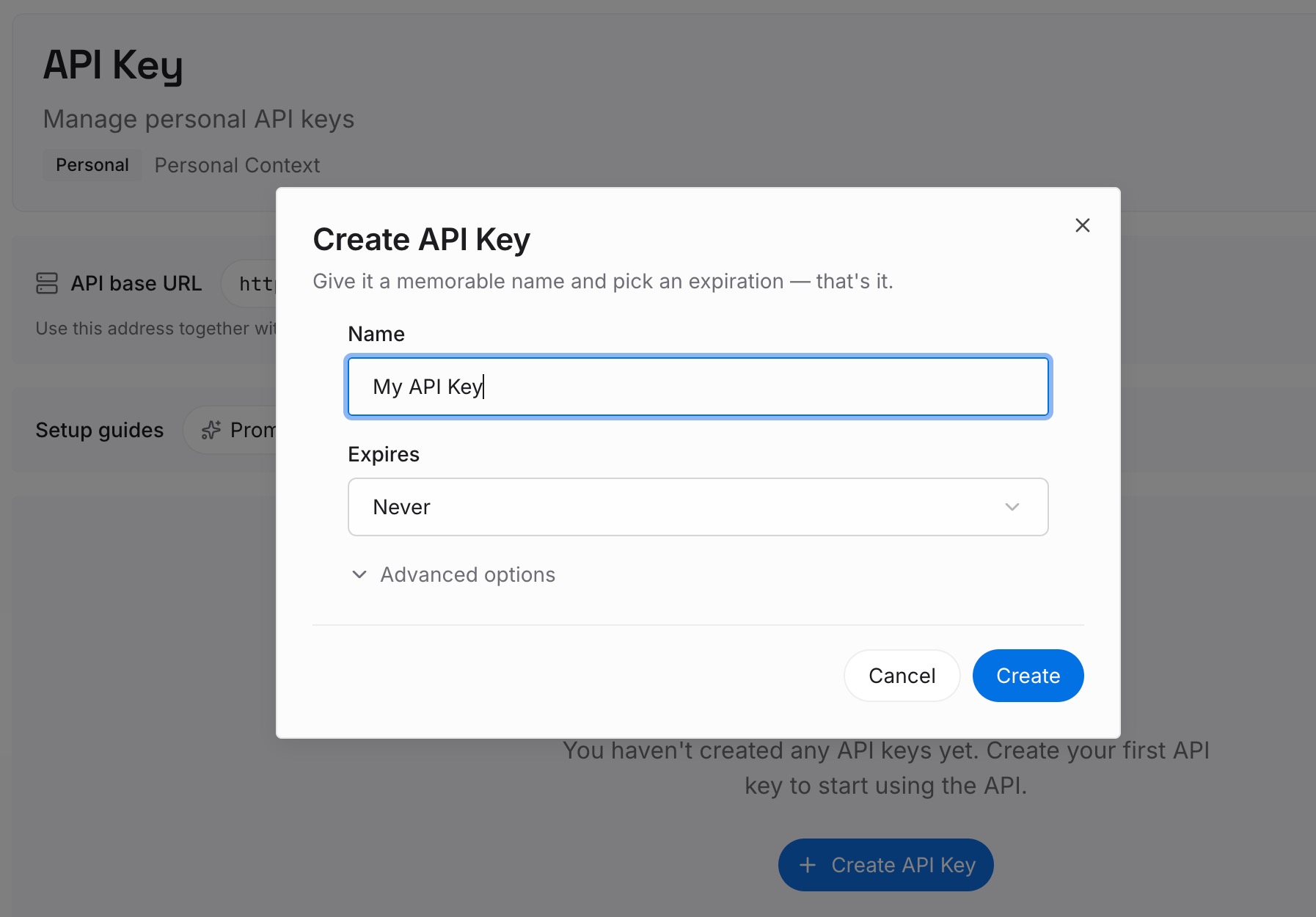
Step 1: Create an API key
Sign in and generate a key from the dashboard. The key belongs to your MemoryLake workspace and is separate from your Anthropic account.
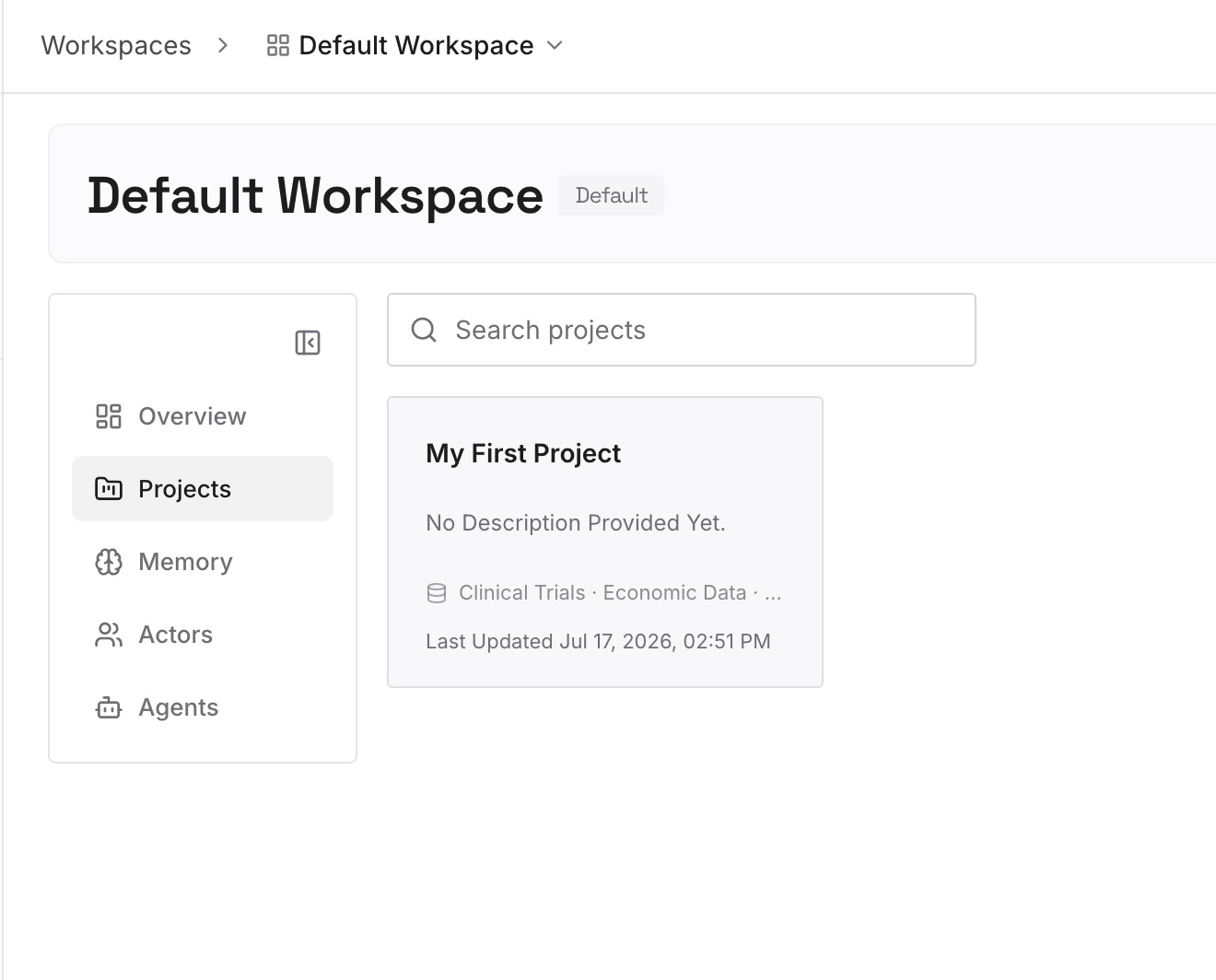
Step 2: Upload your first memories
Start with the decision logs from Step 3 of the fix. One decision per entry: the project, the date, what was chosen, and why. Add brand rules that live outside your design system file, such as approved exceptions.
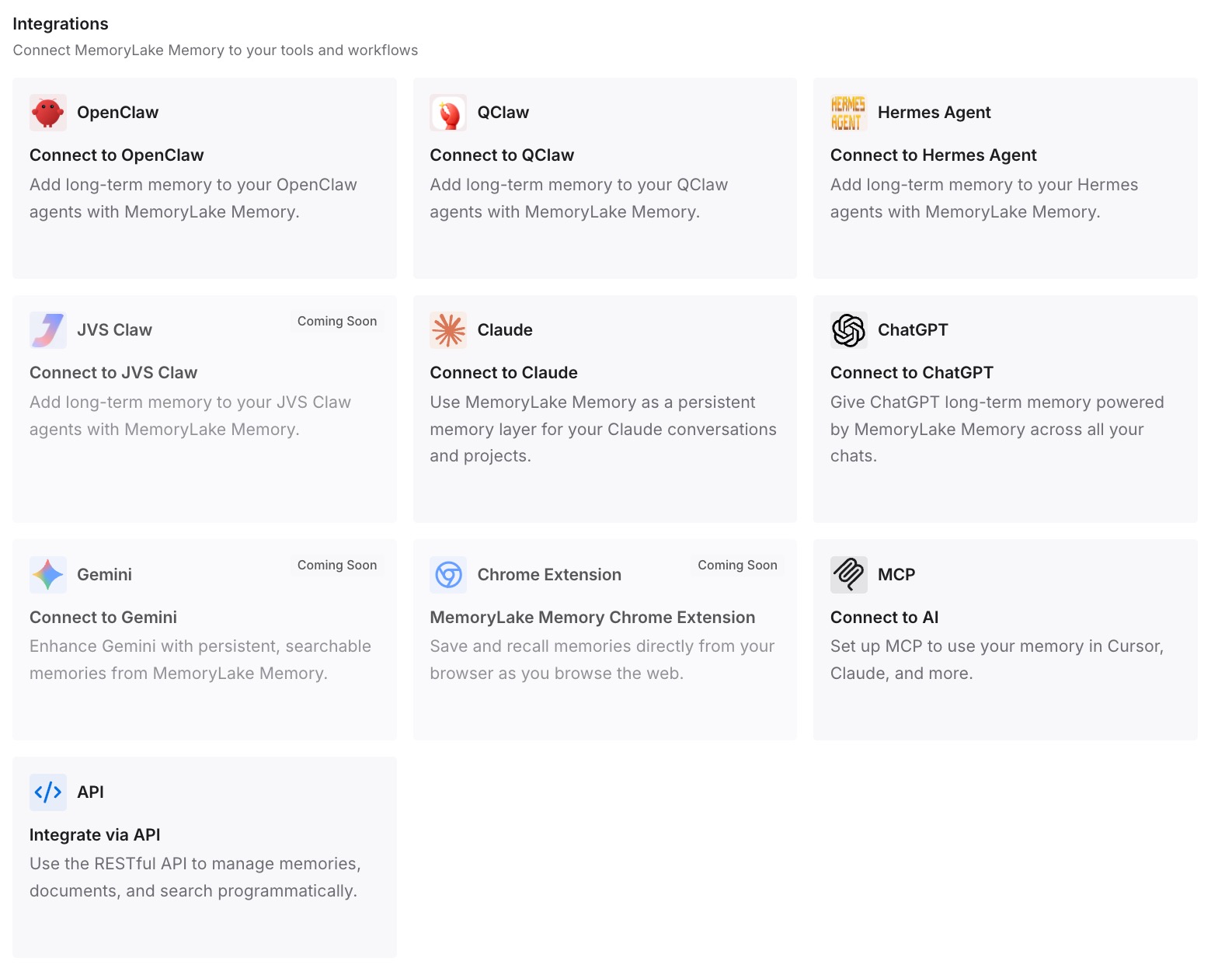
Step 3: Connect your AI & agents
Connect Claude and the other assistants you use. When you start a new design in Claude, or pick the work up in Claude Code, the same decisions are available, whether or not the original chat still exists.
What this changes in practice
The first difference is that December 14 stops being a cliff. Once the reasoning is written down, deleting old chats removes a transcript, not a decision.
The second is better new work in Claude. A design system gives a fresh artifact your look. Your decision log gives it the context that used to sit in a project's chat history: what this client rejected and which layout tested well. For the parallel case in chat, our guide to why ChatGPT forgets your design system covers how the same gap shows up there.
The third is less dependence on one container. Claude's projects are also being redesigned, as our look at the Claude Projects redesign explains. Work that lives in your own notes doesn't have to move every time a product does.
The fourth is easier handoffs. A new teammate can read a decision log in minutes; a year-old design chat is much harder to use. The same principle applies to brand rules, covered in our guide to making ChatGPT remember your brand guidelines and giving Claude permanent domain knowledge.
Best practices before the standalone site closes
Migrate design systems early. Some need fixes first, and the check can take several rounds.
Read the sharing note. Published, non-private design systems become visible to your whole organization.
Turn on artifacts if you're an owner. Nobody in your organization can migrate without them.
Download projects one by one. There's no bulk download, so start with the ones you'll reopen.
Save decisions, not transcripts. A short log per project is more useful than a pasted chat.
Go through comments too. They're on the same deletion list as chats.
Conclusion
Claude Design now lives in Claude as an artifact template, and the standalone site at claude.ai/design closes on December 14, 2026. Design systems can migrate today in a single run for the whole organization. Projects stay in the standalone version for now, with a one-at-a-time download and a move that hasn't been described yet.
Your chats with Claude and the comments on your work don't come across. Anthropic's guide says they're deleted after the close and tells you to save what you need.
Migrate the systems, archive the projects you'll want, and write down the reasoning from the chats in your own words. That last step is the one the migration can't do for you.