
Why Anthropic gave one agent two memory stores
The guide starts from a familiar problem. Anthropic writes that automations "can lose access to a source without anyone noticing or fail to follow our preferences." Both halves of that sentence are memory problems in disguise.
Memory is needed because "Each run starts in a fresh sandbox with no memory of the last one." The guide is direct about the consequence: "Without memory, feedback doesn't stick." But it is equally direct about the opposite risk: "stale memory can confuse the agent." In its example, an agent with outdated notes reports an item as still waiting after it has been resolved, or drops an open item because it believes it already reported it.
The reference implementation answers this with two stores mounted under /mnt/memory/.
The first is preferences, described as "yours, read-only to the agent." It holds "which channels and repos to read, what to leave out, the length cap, the destination, and when to stop."
The second is state, described as "the agent's, read-write." It holds "the bookmarks, a ledger of what it reported, one record per run, changes it proposes to your preferences, and notes on how each source behaves."
Read those two lists side by side and the logic is clear. Everything in the first store is a decision you made. Everything in the second store is something the agent observed or did. The agent is allowed to propose changes to your preferences, but the proposals go into its own store. Your rules change only when you change them.
Why the read-only line matters
Anthropic's memory documentation explains the risk the split is guarding against. "Memory stores attach with read_write access by default." It then spells out what that default means for an agent that reads other people's text: "If the agent processes untrusted input (user-supplied prompts, fetched web content, or third-party tool output), a successful prompt injection could write malicious content into the store. Later sessions then read that content as trusted memory."
The recommendation follows: "Use read_only for reference material, shared lookups, and any store the agent does not need to modify." And it is not a convention the model is asked to respect. "access is enforced at the filesystem level: a read_only mount rejects writes."
The automation guide applies this exactly. Its agent reads Slack messages and GitHub issues written by other people, and the guide acknowledges that "that text can be interpreted as instructions." So "the GitHub token and the preferences store are read-only, and the environment only reaches the hosts on its allowlist." The guide is honest about what this does and does not protect: "A planted instruction can still change what the brief says, including through the notes the agent keeps between runs. It can't write to GitHub or edit your rules."
That last sentence is the whole argument in miniature. The agent's own notes are exposed to what it reads, so they can be wrong. Your rules sit in a store the agent cannot write, so they stay yours.
Why a copy of your preferences is worse than a pointer
The guide names a second, quieter failure. "A common problem occurs when a copy of the preferences is baked into the prompt, which keeps applying rules you've already changed." The fix is to read the source every time: "Have the agent read the file fresh every run. If it can't read the file, it should stop and say so instead of running on defaults."
This is a general lesson about memory, not just about Managed Agents. Any copy of a preference, whether in a system prompt, a pasted briefing or a cached summary, starts aging the moment it is made. The guide's answer is one authoritative location, read at the start of every run.
What people try instead
Assuming one memory store is simpler. It is simpler to set up. It also lets the agent rewrite the rules it is supposed to follow, and lets anything it reads leak into those rules. Anthropic's documentation suggests attaching multiple stores "when different parts of memory have different owners or access rules."
Baking preferences into the system prompt. Convenient, and the guide names it as the common problem: the prompt keeps applying rules you have since changed.
Letting the agent maintain its own rules. Agents are good at noticing patterns, and the reference implementation uses that. But it routes proposed changes into the agent's own store for you to review rather than letting the agent apply them.
Trusting a report of "nothing new." The guide shows why this is unsafe. "If an MCP server is down or its token has expired, the run still starts, just without that server's tools." Then: "The session logs an error, but the agent sees nothing from that source." Without an explicit rule, a broken source looks exactly like a quiet day.
Reading a fixed time window. The guide warns against asking the agent to read a fixed window such as the last day. "A late run leaves a gap and an early run repeats items." Its answer: "Instead, give the agent a bookmark per source."
The Fix: Decide who writes each piece of memory, then enforce it
Step 1: Sort everything the agent should remember by who writes it
List what your agent needs to carry between runs, then put each item in one of two columns.
The first column is decisions. Which sources to read, what counts as important, what to leave out, where results go, length limits, and when to stop. These are yours. They change when you change your mind, not when the agent observes something.
The second column is observations and progress. Where the agent left off in each source, what it has already reported, what happened on each run, and quirks it has learned about each source. These belong to the agent, and the agent should update them every run.
Anything that does not fit cleanly is usually a decision the agent wants to influence. Give it a place to propose, in its own column, and review those proposals on your schedule. This mirrors how the reference implementation stores "changes it proposes to your preferences" in the state store.
Step 2: Put your column in a store the agent can only read, and read it every run
Create a memory store for your preferences and attach it with read_only access. Write the preferences file yourself. In the reference implementation, deploying the agent "creates the preferences store, but not the file in it," and a seed script writes the file before the first run.
Then add the instruction the guide recommends: read preferences fresh at the start of each run, and stop with a clear message if the file cannot be read. Do not paste preferences into the system prompt as well. Two copies will drift.
If several agents share the same reference material, such as team conventions or a glossary, the same principle scales. The documentation describes "one read-only store attached to many sessions (standards, conventions, domain knowledge), kept separate from each session's own read-write store."
Step 3: Give the agent's own store a ledger, bookmarks, and an honest failure line
In the read-write store, give the agent three structures.
A bookmark per source, written at the end of each run, so the next run reads from exactly where the last one stopped.
A ledger. "The agent keeps a ledger, ledger.md, of every item it has reported, so the brief doesn't repeat itself." Each line carries a stable ID and the item's last known status, which is what lets the agent report a change rather than a repeat.
A failure rule. When a source cannot be read, the guide's agent will "keep the source's bookmark where it is, write the brief from the other sources, and end the brief with one line naming what it couldn't read." Its summary rule is worth copying word for word: "Report a failed read as unreadable, never as a quiet day."
Because every write to a read-write store produces a version, you can review what the agent recorded and when. "Every change to a memory creates an immutable memory version." Use that history when a brief looks wrong; it can show which note the agent was relying on. For why that kind of trail matters, see memory provenance explained.
Setting this up in MemoryLake
The split in Anthropic's guide has a natural counterpart outside any one platform. Your decisions and preferences are the part you write and want every agent to respect. Agents keep their own working notes wherever they run. MemoryLake is a place to keep the first part, the layer you write, so it stays consistent across the agents and assistants you use.
You write the entries yourself, in your own words. Nothing is read out of, written to, or deleted from Anthropic's memory stores, your agents' working notes, or any vendor's store. Anthropic's memory stores stay where they are, managed through Anthropic's own API.
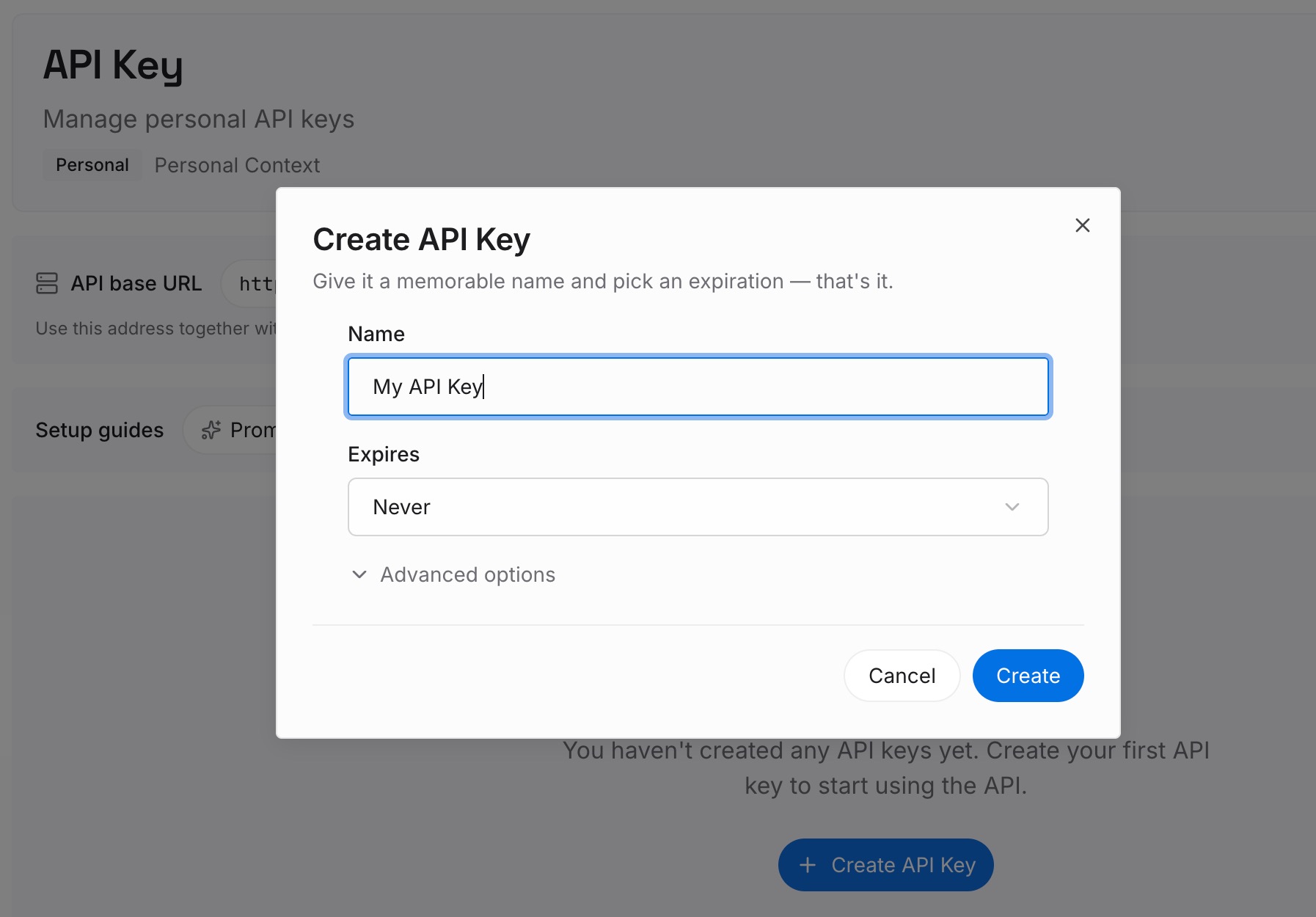
Step 1: Create an API key
Sign in and generate a key from the dashboard. The key belongs to your MemoryLake workspace, separate from your Claude Console organization.
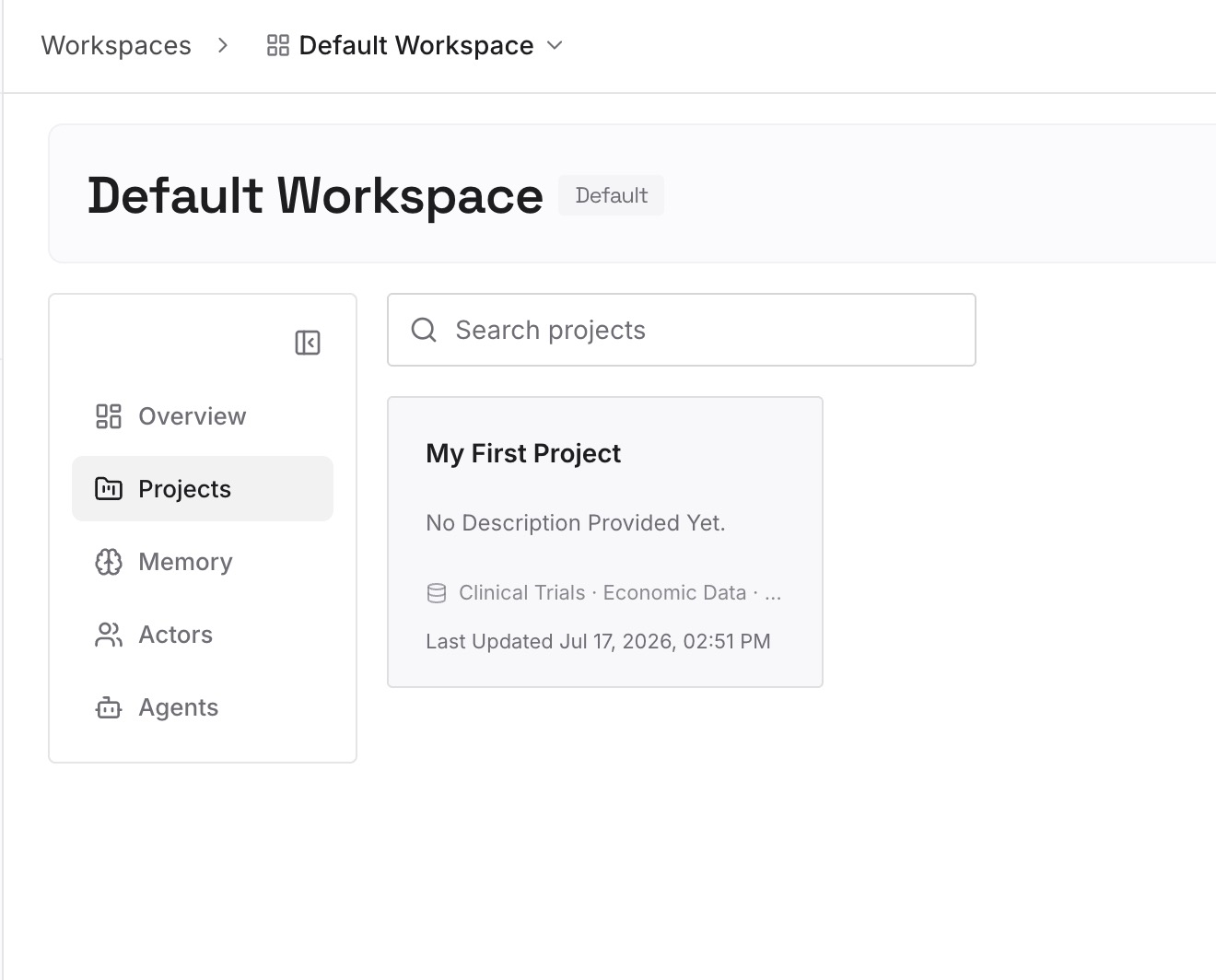
Step 2: Upload your first memories
Start with the decisions column from Step 1: what matters to you, what to leave out, and how you want results delivered. One preference per entry, dated, so changes are visible.
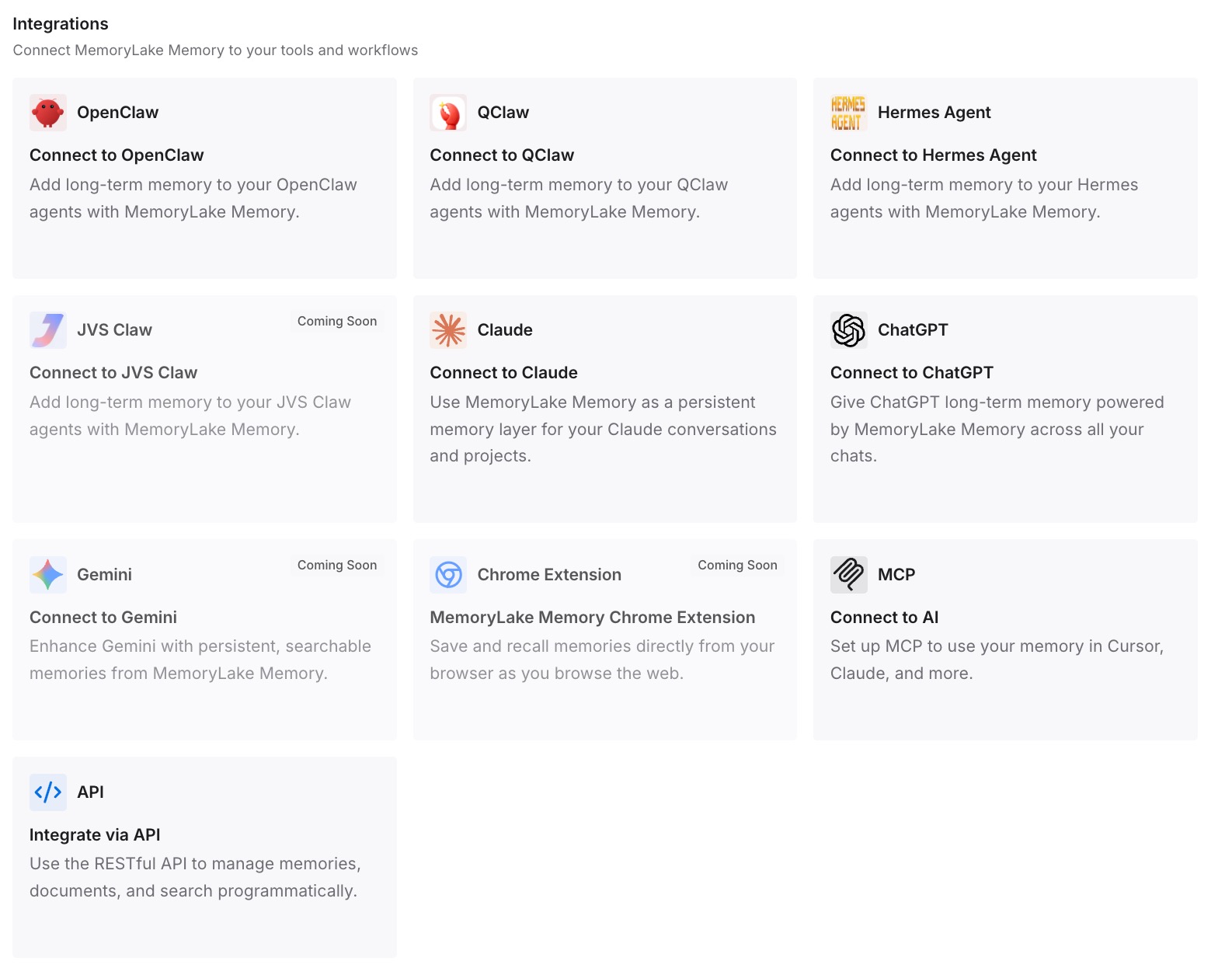
Step 3: Connect your AI & agents
Connect the assistants and agents you use. Your preferences are then available as one written source, rather than copies baked into each agent's prompt.
What this changes in practice
The first difference is that rules stop drifting. With preferences read fresh from a store the agent cannot edit, a change you make applies on the next run and the agent cannot quietly reinterpret it.
The second is a smaller blast radius. Text the agent reads can still affect what it writes in its own notes, as Anthropic says plainly. It cannot rewrite the rules that govern it.
The third is honest output. A ledger and bookmarks mean the agent reports changes rather than repeats, and a failure line means a broken source shows up as broken. The same problem appears in consumer tools; stopping ChatGPT's scheduled tasks from starting over every run covers the version most people meet first.
The fourth is reviewable learning. Proposed preference changes sit in the agent's store until you accept them. That is a cleaner loop than an agent that updates itself, a theme explored in self-improving agents without retraining.
Best practices for memory in scheduled agents
Separate decisions from observations. Decisions go in a store you write; observations go in the agent's store.
Make your store read-only. Anthropic enforces this at the filesystem level, so use it.
Read preferences fresh every run. Never keep a second copy in the prompt.
Stop when preferences cannot be read. Running on defaults is worse than a clear failure message.
Use bookmarks, not time windows. Each run starts exactly where the last one stopped.
Report unreadable sources explicitly. A quiet day and a broken token must look different.
Review what the agent writes. Memory versions show what changed. For a related pattern in Cowork, see controlling whether a Cowork scheduled task uses your memory, and for Anthropic's background consolidation, how Claude's Dreams rebuild an agent's memory store. The wider question of where memories live and who can reach them is covered in the security problem nobody discusses.
Conclusion
Anthropic's reference implementation for scheduled agents gives a single agent two memory stores. One holds your preferences and is read-only to the agent. The other holds the agent's bookmarks, ledger, run records, proposed changes and notes, and it is read-write. The reasoning is in Anthropic's own words: stale memory confuses agents, copies of preferences keep applying old rules, and a read-write store exposed to untrusted input can carry an injected instruction into later runs.
The design is simple to copy. Decide who writes each piece of memory, enforce it with access modes, read your rules fresh every run, and make the agent tell you when it could not see something.
The guide closes with advice that applies to the whole approach: "Treat this as a starting point, and customize the agent for your sources, destination, or memory preferences."