
What Anthropic launched on November 5
The release is a beta. The help article says "This feature is in beta on Pro, Max, and Ultra plans in the US only." It works on the web, in Claude Desktop, and in the iOS and Android apps, and it isn't available on Free, Team, or Enterprise plans. Anthropic is rolling it out gradually, so it may not appear in your sidebar yet.
Access is read-only. In the help article's words: "Personal Finance can only read your accounts. It can’t move, manage, or invest your money." The connection goes through Plaid, and you sign in to your bank on Plaid's screens, so Claude doesn't ask for or see your bank password.
There are two ways to use it:
- The Personal Finance page. Widgets show spending, cash flow, accounts, subscriptions, upcoming bills, and short insights from Claude. You can add, edit, remove, and reorder them.
- Chats. You can ask a question on the Personal Finance page or in a regular chat. The help article gives examples like asking where your money went last month, or which subscriptions you're paying for.
Anthropic's announcement adds a caution that applies to every answer: "Claude can make mistakes in its answers, so ask which transactions are behind a number, and check important figures with your bank."
What Claude can read from your linked accounts
For the accounts you choose to share, the help article lists bank names; account names, types, and last four digits; balances and credit limits; and "Up to 24 months of transactions, including the amount, date, merchant, category, and your bank’s description".
Two details are worth knowing before you link anything.
Account numbers can slip through descriptions. Plaid passes Claude only the last few digits of each account number. But the help article warns: "If your bank writes a full number into an account’s name or a transaction’s description, Claude may see it there."
Investments and loans are shallow for now. For investments, loans, and cards, Claude reads balances and credit limits, not holdings, trades, rates, or terms.
You can link up to 16 banks. Linking happens in a Plaid window that you need to finish within 10 minutes, and transactions can take a few minutes to sync.
How a chat that reads your accounts is different
This is the section that separates Personal Finance from the rest of Claude. Once a chat has used your linked accounts, four things change.
Nothing from it is saved to memory
The help article's sentence is the core of it: "Once Claude has used your accounts in a chat, it's designed not to save anything from that chat to memory or search that chat later."
For comparison, Claude's memory normally works from your chats. Anthropic's memory article says that when memory is on, Claude builds it from your conversations, and each project has its own memory. Our guide to Claude's new memory entries explains how those entries are written and reviewed. A chat that read your bank data is designed to stay out of that process.
Chat search skips it
The same sentence covers search. Claude's chat search lets it look through your past conversations for context. A chat that used your accounts is designed not to be searched later, so chat search isn't the route that brings its figures into a new conversation.
It's left out of your monthly recap
The help article adds: "It also leaves it out of your monthly recap, including the title." The exclusion covers even the chat title, so a title that describes your finances doesn't surface in the recap.
Some tools stop working in that chat
The help article says: "In that chat, Claude can still show text and tables and make plain text files, such as .csv files. It may not be able to run code or work with Word, Excel, PowerPoint, or PDF files."
The restriction also runs the other way. Its troubleshooting section says "a chat that already ran code or made files, or that started from an artifact, can’t use your accounts." If Claude won't read your accounts in a chat, the documented fix is to start a new chat outside of a project.
What stays after the conversation
Staying out of memory doesn't mean nothing is kept. Several things last longer than the chat that produced them, and some last longer than the bank link.
The chat stays in your history
The help article says: "The data appears in your conversation and stays in your chat history until you delete the chat, subject to our data retention practices." The figures Claude showed you are in the conversation, the way any reply is.
On training, Anthropic separates the hub from regular chats: "When you chat with Claude in the Personal Finance hub, those conversations aren't used to train our models. For anything you share with Claude outside the hub, your privacy settings apply."
Artifacts outlive the chat
Claude can build a chart, a calendar of bills, or a dashboard. Before it publishes one, it asks: "Claude asks before it publishes an artifact from a chat that used your linked accounts." Once it exists, the artifact may include data from your bank accounts, and the help article says "It stays until you delete it, even if you delete the chat."
Artifacts are also shareable, and the help article is specific about what others see: "Any figures in an artifact, including saved ones, are shown to everyone who opens it." When someone else who uses Personal Finance and allows Plaid opens one, it can also read that person's linked accounts.
Shared links carry the numbers
The help article states: "A shared chat link shows your messages and Claude’s replies, including any figures from your accounts." It can also show a chart or artifact that Claude made. A link you shared before keeps showing those figures until you remove it.
Unlinking stops reading, not remembering what was said
When you unlink a bank, Claude stops reading your accounts there. "Every account you linked with that bank login is unlinked. You can’t unlink a single account." What has already happened stays: "What Claude already said stays in your chats, and in any artifacts or shared links until you remove them."
Unlinking your last bank has a bigger effect. "If it’s your last linked bank, your dashboard resets too." The widgets, budgets, and setup answers are deleted, "and this can’t be undone."
Where Personal Finance doesn't reach
The help article's Current limitations section is short and worth reading in full. The parts that affect your workflow:
- "Claude can’t use your linked accounts in scheduled tasks, Cowork tasks, or Claude Code, and may not be able to use them in a project."
- "Personal Finance isn’t available in Claude Duet."
- "Data exports don’t yet include your saved Personal Finance dashboard."
The last point matters if you rely on exports as a backup. Your chats are in the export, but the dashboard you built isn't, at least for now. Our guide to reading your Claude data export covers what a Claude export does include.
Plan changes also matter. "When your paid plan ends, you can’t open Personal Finance, and Claude can’t read your accounts in chats." The banks stay linked until you unlink them, so Anthropic suggests unlinking before your plan ends if you don't plan to come back. And if you move your personal account into a Team or Enterprise organization, the help article says "Claude unlinks your banks when you start the move."
How this compares with Claude's other memory controls
Claude already had two ways to keep a conversation out of memory. Personal Finance adds a third that behaves like neither.
Incognito chats aren't saved to memory or to your chat history. Our guide to Claude's incognito chat covers what Anthropic still retains.
Turning memory off for one chat from the plus menu means Claude doesn't use memory in that chat, doesn't search your past chats from it, and doesn't save anything from it to memory. The chat stays in your history, and Anthropic says "Claude can still find it when searching past chats".
A Personal Finance chat goes one step further, and you don't have to turn anything off. Once the chat uses your accounts, Claude is designed to keep it out of memory, to not search it later, and to leave it out of the monthly recap. The chat still stays in your history until you delete it.
One rule from Anthropic's memory article applies to all three: "When a conversation is deleted, including under a retention period, memory entries generated from it aren’t removed, but you can delete individual memories while memory is on." Anthropic doesn't describe what happens to anything you said about money in an earlier, regular chat before you linked a bank. If memory picked something up there, it lives in your memory, not in the Personal Finance chat. Our guide to Claude memory not working shows where to review it.
Connectors in general raise a similar question. Our guide to what Claude's connectors don't remember covers how access to an app differs from memory of what it showed. ChatGPT handles a similar case differently for its iCloud connectors, which our guide to ChatGPT's iCloud Mail and Calendar memory walks through.
What people get wrong about Personal Finance
Assuming Claude will remember your budget. Chats that used your accounts are designed not to be saved to memory, so don't count on memory carrying a budget you discussed there.
Assuming unlinking erases the conversation. It stops new reads. What Claude already said stays in your chats, artifacts, and shared links until you remove them.
Sharing a chart without checking it. Figures in an artifact are shown to everyone who opens it.
Expecting it inside Claude Code or a scheduled task. The help article lists both as places your linked accounts can't be used.
Treating the export as a full backup. The export doesn't yet include the Personal Finance dashboard.
The Fix: Keep the money facts you want remembered in your own words
The design keeps a chat full of transactions out of memory and out of search. The trade-off is that Claude is also designed not to carry forward the parts of your planning you'd like it to know next time, like the goal you set, the rule you agreed with your partner, or why you cancelled a subscription.
Step 1: Decide what should be remembered
After a Personal Finance session, write down the conclusions you want to keep, not the data behind them. A savings goal with a review date is a decision. A list of transactions is data, and it already lives with your bank.
Leave out account numbers, balances, and anything you wouldn't put in a note. The help article's own advice is "Don’t share your bank login or full account numbers with anyone, including Support."
Step 2: Clean up what you shared
Check your shared links and artifacts from finance chats. Delete any artifact you no longer need, since it stays even after the chat is deleted. If you're done with Personal Finance, unlink every bank from the Personal Finance page, or disconnect Claude at Plaid's own site.
Step 3: Start the next conversation with your notes
When you come back to a money question, paste your notes into the new chat or keep them in a place your assistant can read. Claude can then pick up your decisions without needing access to the conversation where you made them.
Setting this up in MemoryLake
The notes from Step 1 are a small, stable list: goals, rules, and decisions. Rewriting that list every time you open a new chat is the friction that design leaves in place.
MemoryLake is a memory layer for keeping that list in one place you maintain, available to the assistants you connect, such as ChatGPT, Claude Code, and Codex.
You write the entries yourself, in your own words. Nothing is read out of, written to, or deleted from your Claude chats, Claude's memory, your Personal Finance dashboard, your linked bank accounts, Plaid, or any vendor's store. Personal Finance keeps working the way Anthropic describes it, and the bank data stays where it is.
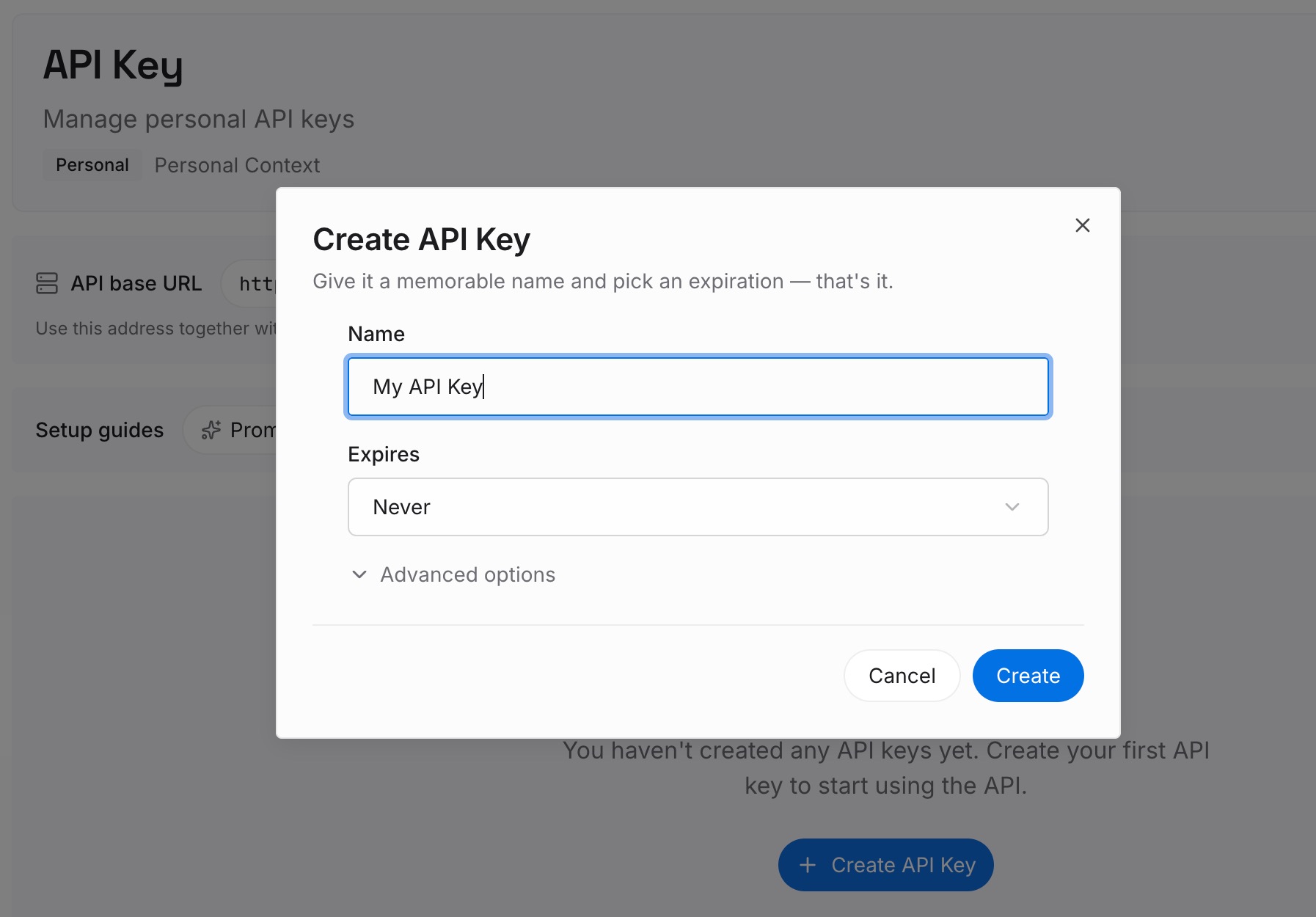
Step 1: Create an API key
Sign in and generate a key from the dashboard. The key belongs to your MemoryLake workspace and is separate from your Claude account.
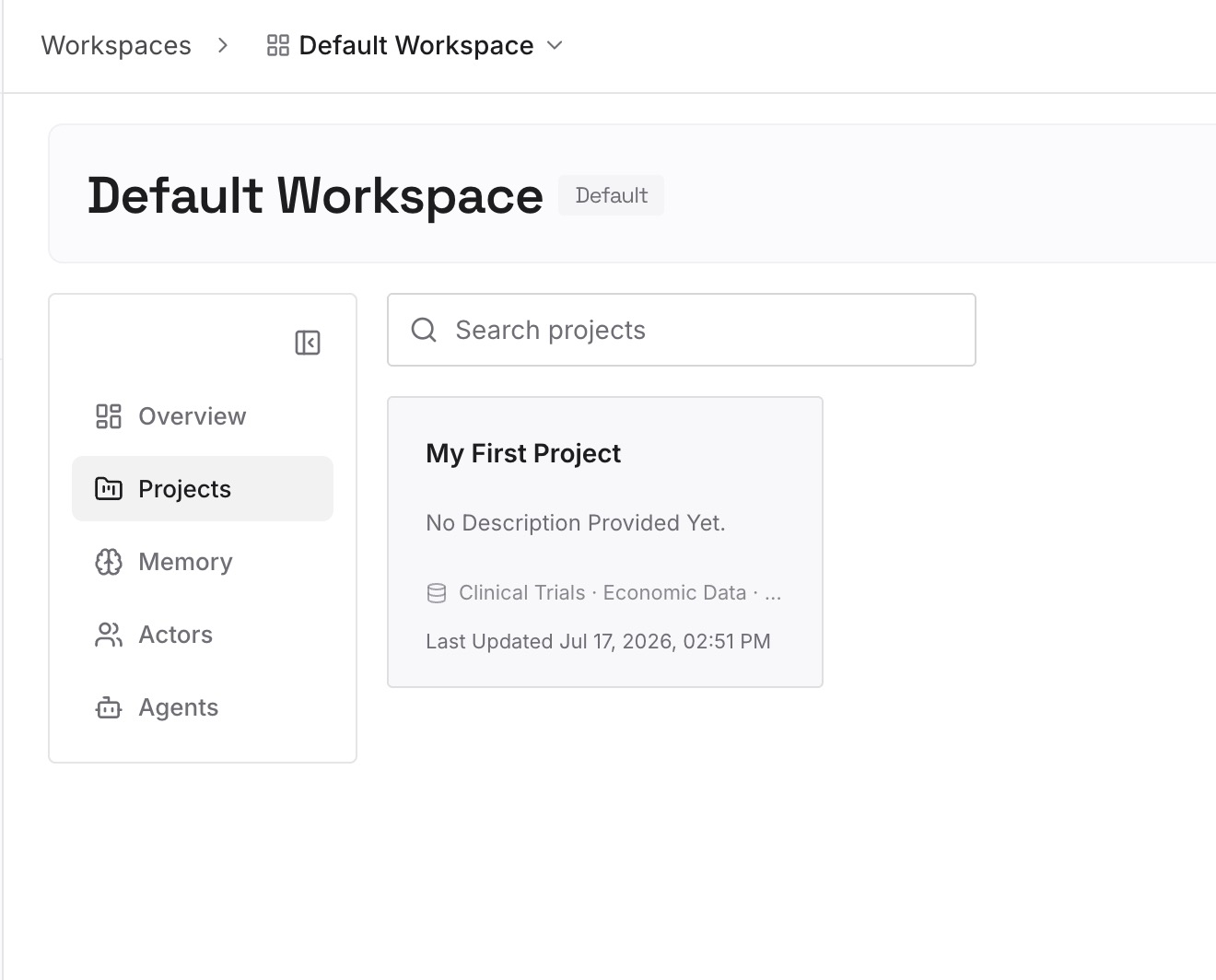
Step 2: Upload your first memories
Start with the decisions from your notes, one per entry and dated: the goal, the budget rule, the subscription you dropped and why. Keep account numbers and balances out.
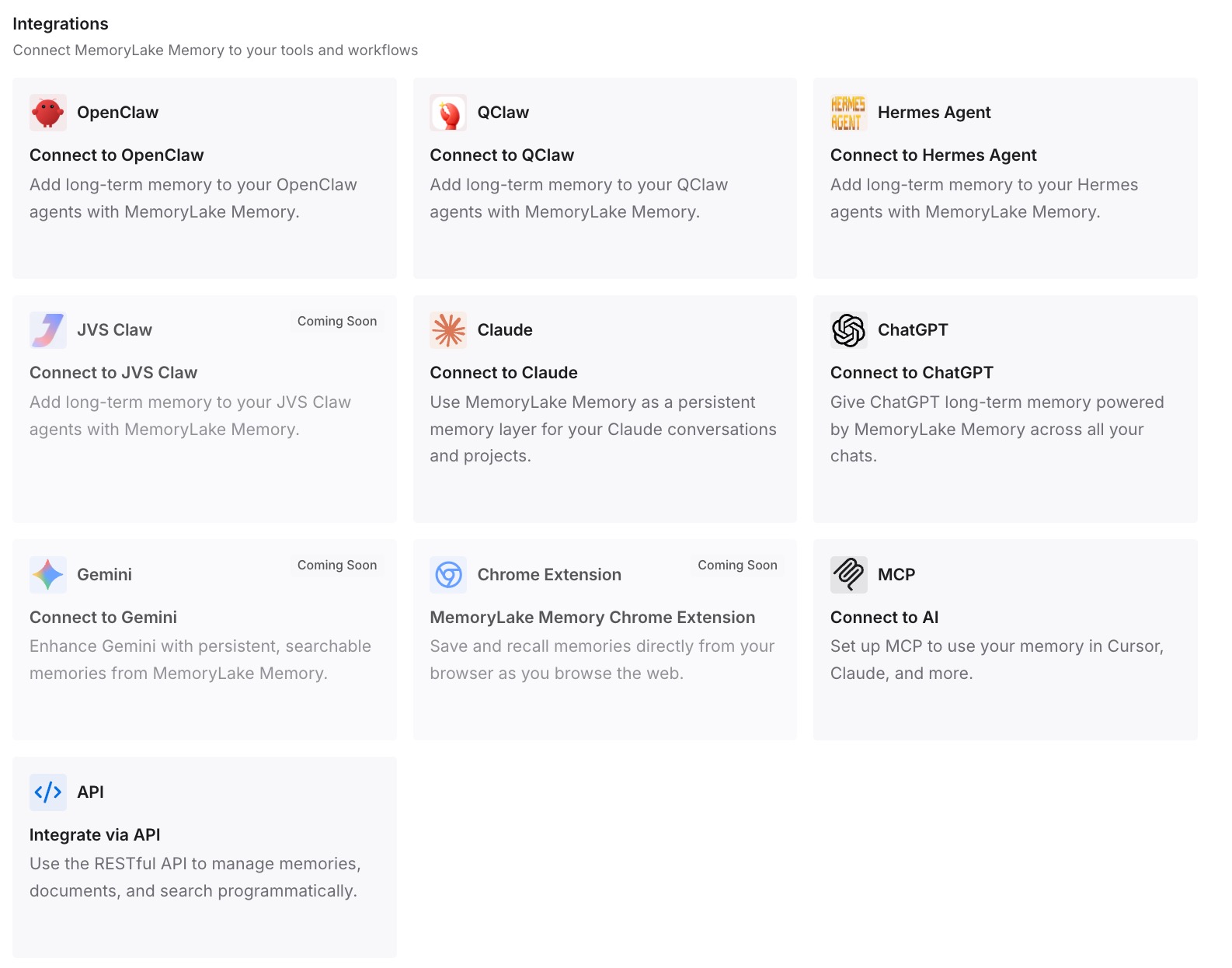
Step 3: Connect your AI & agents
Connect the assistants you use for planning. The same entries are available whichever one you ask, and none of them needs your bank login to read them.
What this changes in practice
The first difference is that you don't re-explain your goals. A new money question starts from the decisions you already made, not from a blank chat.
The second is a cleaner split between data and decisions. Transactions stay with your bank and in Personal Finance. The conclusions you drew from them sit in a list you wrote.
Best practices for Personal Finance in Claude
Ask which transactions are behind a number. Anthropic recommends it.
Watch descriptions for full account numbers. Claude may see them there.
Review artifacts before sharing, and delete the ones you don't need. They stay even after the chat is deleted.
Unlink before your plan ends if you won't return. Banks stay linked otherwise.
Keep decisions separate from data. Write the goals and rules down yourself.
Don't count on the export for the dashboard. It isn't included yet.
Conclusion
Personal Finance gives Claude read-only access to the accounts you link, and it treats the resulting conversations differently from everything else you do in Claude. Once a chat uses your accounts, Claude is designed not to save anything from it to memory, not to search it later, and to leave it out of your monthly recap.
The conversation itself, the artifacts it produced, and any shared links stay until you remove them, and unlinking a bank doesn't change that. If you want Claude to remember your goals and decisions, the documented design leaves that to you: write them down, without the numbers, and bring them into the next conversation.