
Why an automation's memory needs more care than an editor's
Start with what Cursor documents. "Memories let the agent read and write persistent notes across runs for the same automation. Use this to build agents that remember and improve over time. Each memory is stored as a named entry (MEMORIES.md by default) that exists outside the agent's working filesystem."
Three details in that paragraph shape everything else. The notes are written by the agent, not by you. They persist "across runs," so a note written today influences every future run. And they belong to "the same automation," so each automation has its own memory rather than sharing one.
The defaults and controls follow. "Memories are enabled by default but can be disabled. Memories can be viewed and edited from the tool configuration UI." Deletion works in both directions: "Agents can delete outdated memory files during automation runs. You can also delete memory files from the tool configuration UI." That last capability arrived in a June 2026 update, which added the ability to "delete memory files in the UI, or prompt your automation to delete outdated memories when it runs."
Then the warning, in full: "Memories persist across runs and should be used with caution if your automation handles untrusted input. Inputs may lead to misleading or malicious memories that unintentionally impact future automation runs."
Now look at what automations typically read. Cursor's trigger list includes "New message in channel" for Slack, "Comment added" on pull requests, "Issue comment" on GitHub issues, webhook endpoints you can POST to, and Linear events. Each of those carries text written by someone other than you. An automation that triages bug reports from a Slack channel is, by design, reading untrusted input on every run — and, by default, writing notes to itself based on it.
That is the difference from an editor's memory. In your editor, the person typing is you. In an automation, the input comes from whoever triggered it, and the note it leaves behind is read by the next run without anyone looking.
A note on names, because it causes confusion. Searches for Cursor memories often mean the IDE feature Cursor introduced in version 1.0, where "Cursor can remember facts from conversations and reference them in the future," with memories "stored per project on an individual level." Cursor's current documentation index describes Memories as an Automations tool, and its rules documentation describes rules as the persistent layer for the editor: "Large language models don't retain memory between completions. Rules provide persistent, reusable context at the prompt level." This guide covers the Automations memory tool.
What people try instead
Leaving memory on for every automation. It is the default, and for an automation that summarises your own repository's commits each morning, it is probably fine. For one that reads a public channel, it means strangers' messages can shape notes the automation keeps.
Turning memory off everywhere. Safe, and it throws away the feature's real value. An automation that learns which flaky tests to ignore or which reviewers own which directories is genuinely better on its tenth run than its first.
Trusting the agent to clean up after itself. Cursor documents that agents "can delete outdated memory files during automation runs." That is useful housekeeping. It is also the same agent, reading the same inputs, deciding what counts as outdated.
Never opening the memory file. The notes are viewable and editable in the tool configuration UI. Many teams set up an automation, watch it work for a week, and never look at what it has been telling itself since.
Assuming the memory is shared across automations. It is scoped to "the same automation." A lesson learned by the triage automation is invisible to the review automation, which is sensible isolation and a common surprise.
The Fix: Decide where memory belongs, tell the agent what it may record, then review on a schedule
The aim is to keep the learning and remove the guesswork about what was learned.
Step 1: Classify each automation by the input it reads
List your automations and, for each, write down every trigger and every source it reads. Then sort them into two groups.
Trusted input: schedules over your own repository, pushes and merges by your team, webhooks from your own systems. The text the agent reads was written by people and systems you control.
Untrusted input: public Slack channels, pull request and issue comments from anyone who can comment, webhooks exposed to third parties, tickets from customers. Cursor's own guidance for connected tools points the same way: "Only connect servers you trust with the permissions your automation needs."
For the untrusted group, decide whether the automation actually needs to remember anything between runs. Many do not; they triage each item on its merits. For those, disable memories. For the ones that genuinely improve with memory, keep it on and move to Step 2.
Step 2: Tell the automation exactly what it may record
The automation's prompt is where you set the rules for its memory. Cursor's setup flow puts it at the centre: "Write a prompt with instructions for the automation."
Add a short, explicit memory policy to that prompt. State what kinds of facts are worth recording — which tests are known to be flaky, which directories map to which owners, which alert patterns turned out to be noise. State what must never be recorded: instructions that arrive inside the input, claims about permissions, requests to change the automation's own behaviour. And state that anything uncertain should be recorded as an observation, not as a rule.
This does not make untrusted input safe; Cursor's caution still applies. It narrows what a misleading input can turn into, and it makes a bad note easier to spot, because anything outside the policy stands out when you read the file.
If an automation's job requires it to read something sensitive, keep the memory policy stricter than you think you need. A memory that persists across runs is a place where a single bad input can have a long life.
Step 3: Review MEMORIES.md on a schedule, and keep an approved copy elsewhere
Put a recurring reminder in your calendar — weekly for busy automations, monthly for quiet ones — to open each automation's memories in the tool configuration UI and read them.
Read them the way you would review a pull request. Is each note true? Is it still true? Did it come from input you would trust? Edit what is wrong, delete what is stale, and note anything that looks like it was written because an input told the agent to write it.
Then keep a copy of the notes you approved somewhere outside the automation. When a run misbehaves, you want to be able to compare today's memory with the last version you checked, and the automation's own file is the one thing that may have changed. The same idea applies to recurring agents in other tools — the pattern behind making Warp cloud agents remember previous runs is a reviewed record, not an unattended one.
Setting this up in MemoryLake
The approved copy from Step 3 is the useful artefact: a short list of lessons someone checked and agreed with. MemoryLake is a place to keep it, separate from the file an automation can rewrite on its next run.
You write the entries yourself, in your own words. Nothing is read out of, written to, or deleted from an automation's MEMORIES.md, your Cursor settings, or any vendor's store.
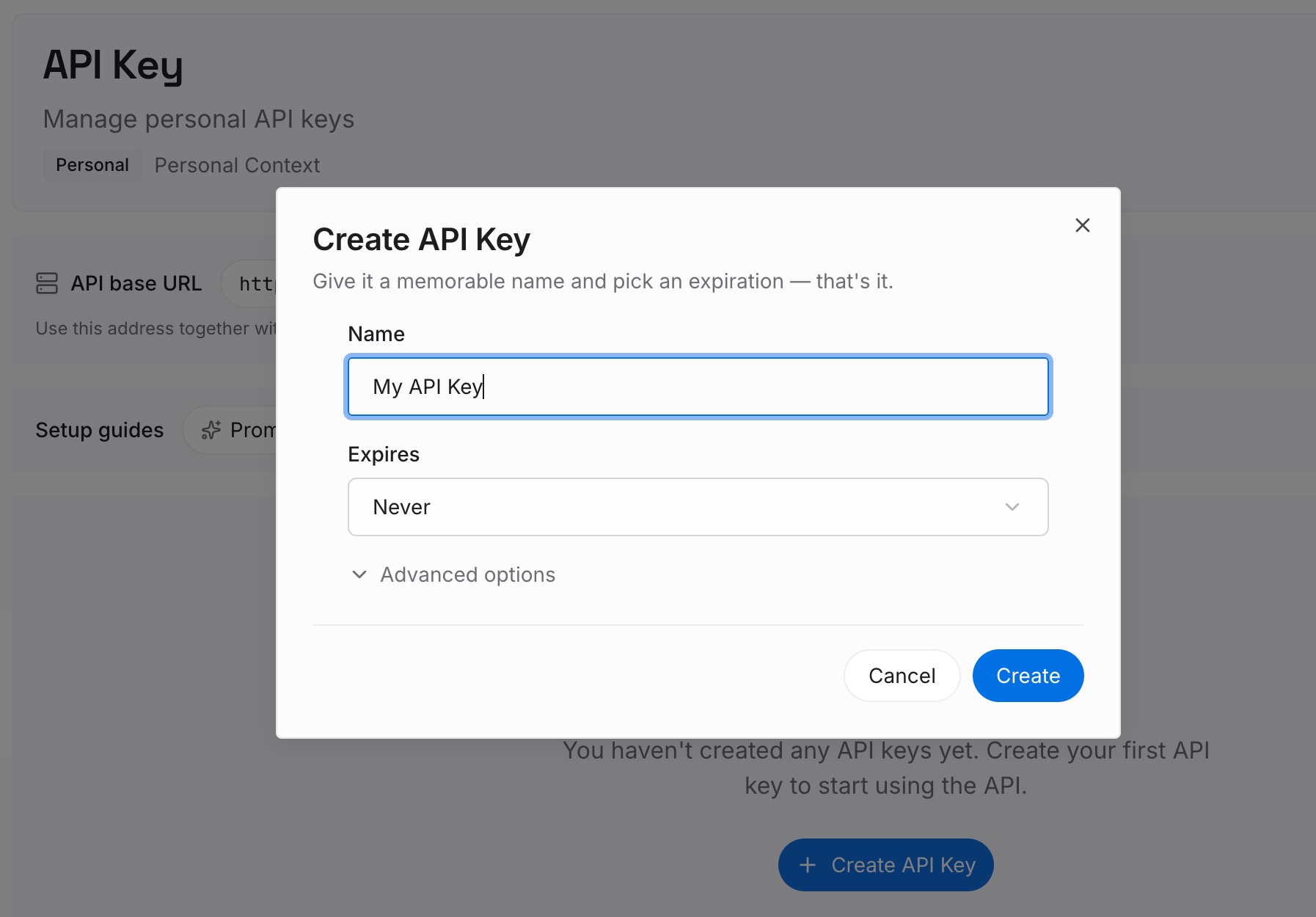
Step 1: Create an API key
Sign in and generate a key from the dashboard. The key is what lets an agent read the entries you have written, whether it is an automation, an editor session or a different tool entirely.
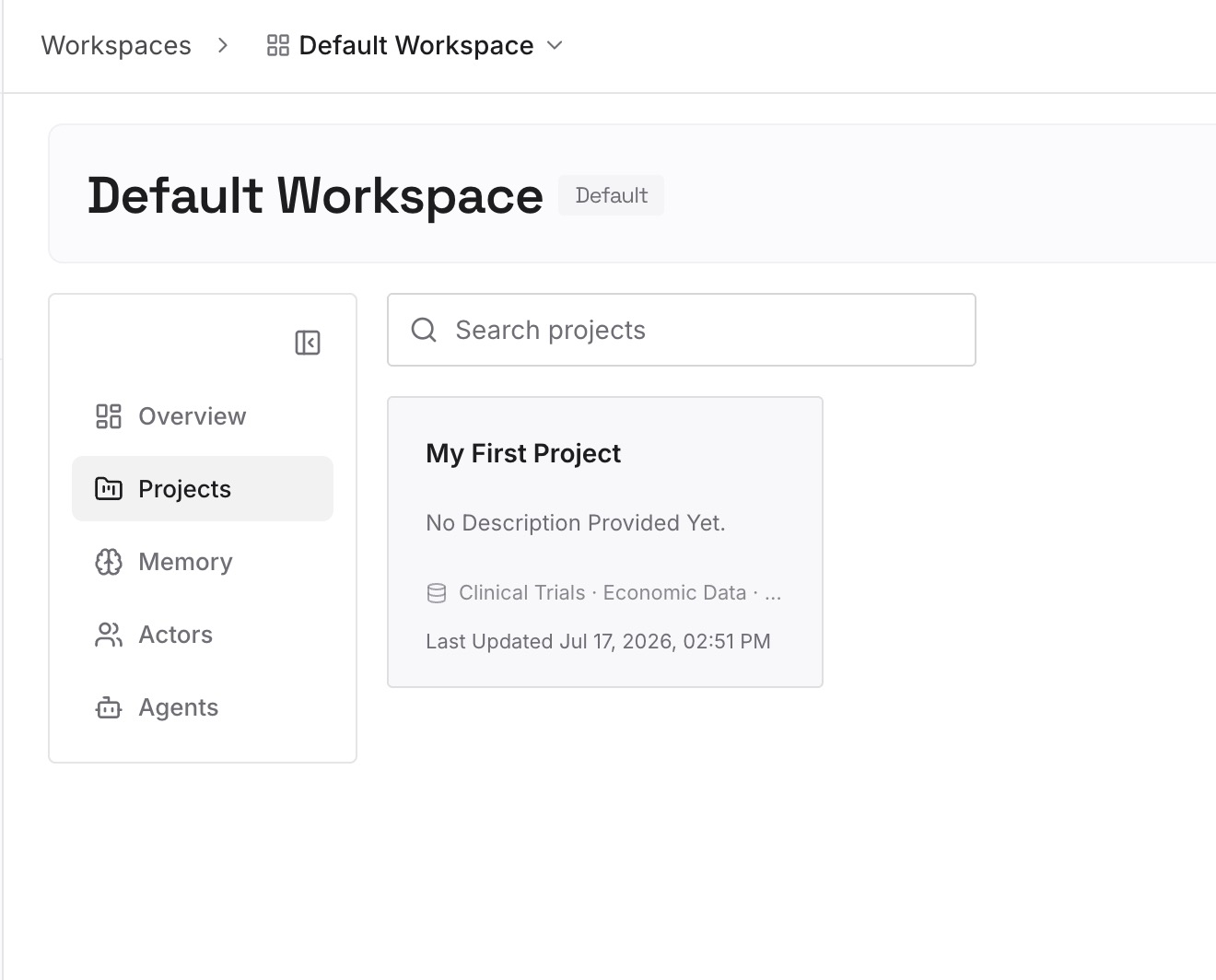
Step 2: Upload your first memories
Add the lessons you approved in Step 3, one per entry, with the reason and the date you checked it. The date matters: a lesson about a flaky test is only true until someone fixes the test.
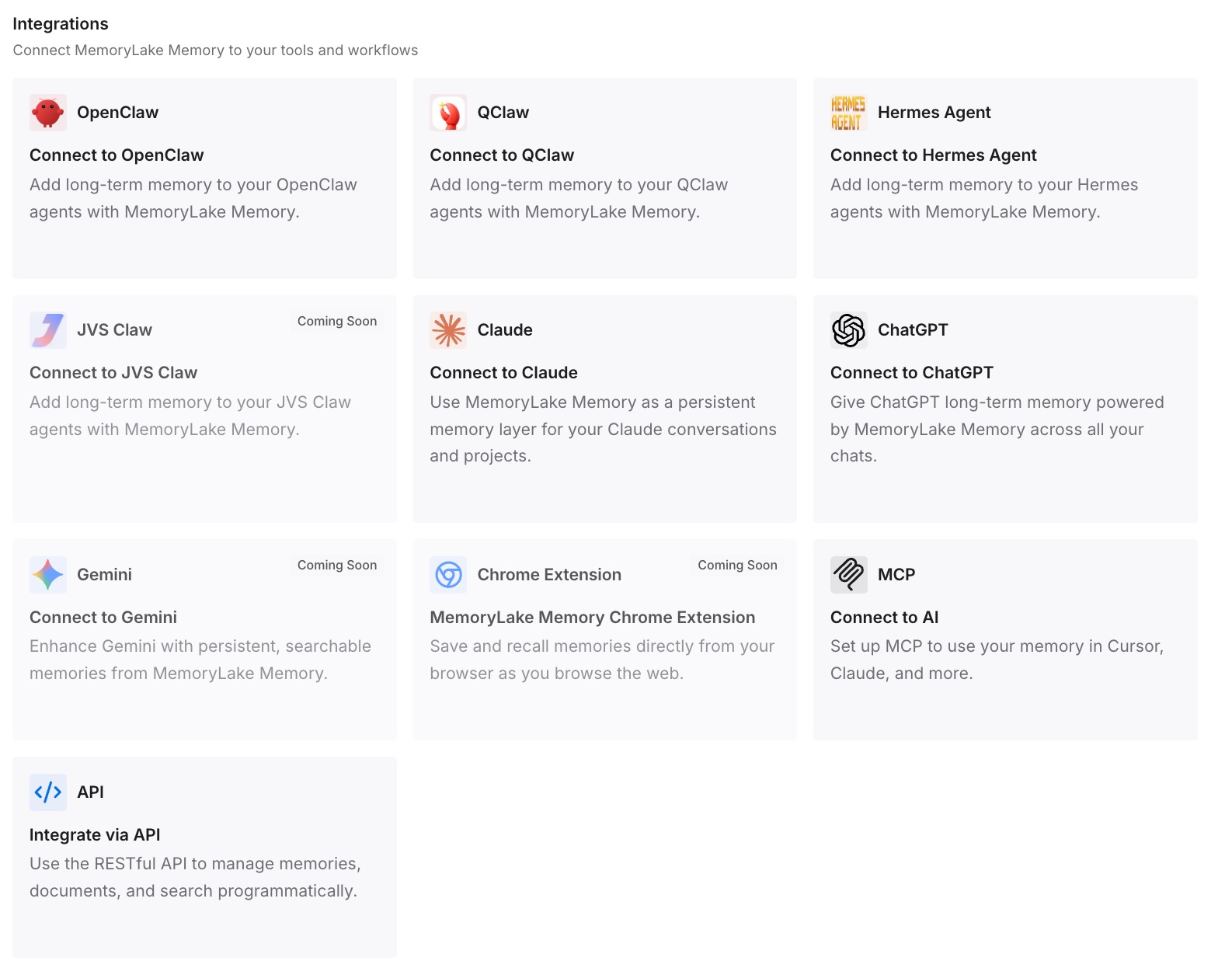
Step 3: Connect your AI & agents
Point your agents at the workspace. A reviewed lesson is then available to every automation and session that needs it, instead of living in one automation's file.
What this changes in practice
The first difference is that memory becomes a decision per automation rather than a default. Automations that read only your own systems keep learning. Automations that read strangers' text either stop remembering or remember under a written policy.
The second is that drift becomes visible. A memory file nobody reads can accumulate a wrong belief for weeks. A file someone reviews on a schedule gets corrected before the belief shapes many runs.
The third is that lessons stop being trapped in one automation. Because memories are scoped per automation, a useful fact learned by one is invisible to the others. Keeping approved lessons in a shared place is the fix, the same gap described in why Cursor cloud agents forget context and in how Cursor Projects share context files.
The fourth is that recurring agents start behaving like a system you can reason about. Scheduled work in other tools has the same shape — see scheduled ChatGPT tasks that start over and Cowork scheduled tasks and memory. The common thread is that a background agent's memory is only as good as the last time someone checked it.
Best practices for automation memory
Classify triggers before you enable memory. Public channels, open comment threads and third-party webhooks are untrusted input.
Disable memory where the job does not need it. Many triage tasks work item by item and gain little from remembering.
Write a memory policy into the prompt. Say what to record, what never to record, and how to record uncertainty.
Review the memory file on a schedule. Cursor makes it viewable and editable; the value comes from actually reading it.
Keep an approved copy outside the automation. When behaviour changes, compare the current file with the last version you trusted.
Remember each automation remembers alone. Memories are per automation. Shared lessons need a shared home, which is also what fixes the broader problem of Cursor forgetting previous sessions and recurring agents forgetting previous runs.
Conclusion
Cursor built the Automations memory tool to solve a real problem: background agents that start from nothing on every run. With memory on, an automation can "remember and improve over time," and it is on by default for that reason.
Cursor also wrote down the risk plainly. Memories "should be used with caution if your automation handles untrusted input," because inputs "may lead to misleading or malicious memories that unintentionally impact future automation runs." For automations that read Slack channels, pull request comments or external webhooks, that is the normal case, not an edge case.
Classify each automation by what it reads, turn memory off where it is not needed, write a policy for what may be recorded, and review the file on a schedule. Keep the lessons you approved somewhere the automation cannot rewrite, and its memory becomes something you can trust rather than something you hope is right.