
Why the same instruction behaves differently in a long session
Start with what each layer is for.
Workspace knowledge is "best used for rules and conventions that should be consistent across multiple projects." Defining them once means you "avoid repeating the same instructions in every project's knowledge field." Only workspace owners and admins can manage it, which makes it the natural home for guardrails — coding standards, testing requirements, architectural rules.
Project knowledge is editable by anyone with permission to edit the project, and holds what is specific to that application: its purpose, its schema, its domain terminology, its integrations.
Both are background context on every message. Lovable "reads your project knowledge, workspace knowledge, and project code to understand how your project works before generating edits," along with integration knowledge from connected services and instruction files in the repository.
Now the limits. Each layer "supports up to 10,000 characters." There is exactly one workspace knowledge per workspace — "you cannot define different workspace-level instructions for subsets of projects inside the same workspace." And when the two layers disagree, the resolution is documented with a hedge worth reading exactly as written: Lovable "is encouraged to prioritize the instructions defined in project knowledge, since they apply specifically to the current project."
Encouraged, not guaranteed. That wording is unusually honest, and it tells you something useful: conflict resolution here is a preference expressed to a model, not a precedence rule enforced by a loader. Which means the reliable way to handle a conflict is to not have one.
Put the character limits, the single workspace tier, the softness of conflict resolution, and the long-session caveat together and you get a clear instruction: knowledge is for the things that must be background, kept short, and non-overlapping. Everything else needs a different carrier. This is the same reasoning that makes a long context window a poor substitute for structured memory — capacity is not the constraint that bites.
What people try instead
Filling both fields to the character limit. This is the most common approach and it works directly against the long-session caveat. More background text is not more adherence.
Putting the same rule in both layers "to be safe." This creates the conflict case the documentation warns about, and resolves it with a preference rather than a rule. The advice given is the opposite: "keep shared rules in workspace knowledge and project-specific details in project knowledge."
Using workspace knowledge for a subset of projects. A workspace has a single workspace knowledge, and the documentation describes no route for scoping it to some of a workspace's projects. A rule that only applies to three of your twelve projects, written at workspace level, applies to all twelve.
Treating knowledge as the place for task instructions. The documentation separates these clearly: "Knowledge is always included as background context for Lovable. Skills are loaded on demand when the request matches the skill's description." The guidance is to "use knowledge for rules that apply to every message, and skills for instructions that only matter for specific kinds of tasks."
Assuming a long conversation behaves like a short one. It does not, and that is stated. The remedy is not a longer knowledge field.
Restating rules in chat when the agent drifts. This works for one message and teaches you nothing. If a rule stops being followed after two hours, the rule is in the wrong carrier.
The Fix: Sort by how often a rule applies, then by which carrier survives length
Three carriers, three jobs. The sorting rule is not importance — it is frequency of relevance, and then durability.
Step 1: Split every rule by how often it applies
Take everything currently in your knowledge fields and put each line into one of three piles.
Applies to every message, in every project: coding standards, the testing requirement, the architectural constraint. This is workspace knowledge, and it should be short — a page, not ten thousand characters.
Applies to every message, in this project only: what the application does, the schema shape, domain vocabulary, which integrations exist. This is project knowledge.
Applies only when a particular kind of task comes up: how to add a migration, the release checklist, how to wire a new connector. This is a skill. The documented test is whether the instruction "is relevant on every message" — if it is not, it is a skill.
Most teams find the third pile is the largest and that most of it was sitting in a knowledge field, crowding out the rules that genuinely apply every time. Moving it out is the single biggest improvement available here, and it is the same sort that turns project documentation into something an agent can actually use rather than a wall of text.
Step 2: Move anything that must hold in a long session into the repository
Now go through what is left in the two knowledge fields and ask a harder question of each line: does this need to hold in hour three of a session?
Most do not. A vocabulary note that gets applied inconsistently late in a long conversation costs you a rename. Some do. A constraint that prevents data loss, a security requirement, a rule about what must never be committed — these are the ones where inconsistent adherence is expensive.
Those belong in a root-level AGENTS.md, which the FAQ describes as "always read by the Lovable agent regardless of session length." The documentation also notes that instruction files such as AGENTS.md or CLAUDE.md "can also provide guidance to the Lovable agent," and lists repository instruction files among the context sources read on every message.
This is not about abandoning the knowledge fields. It is about recognising that one carrier carries a documented caveat and another carries a documented guarantee, and putting your few non-negotiable rules in the one with the guarantee.
Step 3: Remove every overlap, then test the seams
With the piles sorted, read the three carriers side by side and delete every duplicate. If a rule is in workspace knowledge, it should not also be in project knowledge. If it is in AGENTS.md, it should not also be in either field.
This is the step that makes the soft conflict resolution irrelevant. You do not need to know whether project knowledge reliably wins if nothing in project knowledge contradicts the workspace layer.
Then test the seams deliberately. Start a project and ask for something the workspace rule governs, and check the output. Ask for something the project rule governs, and check. Then run a genuinely long session — an hour of real work — and re-check the rule you moved into AGENTS.md. The caveat is about long conversations specifically, so a two-minute test cannot tell you anything about it.
One practical note from the same page: if you update workspace knowledge mid-conversation, "Lovable will use the updated instructions on follow-up messages." You can fix a rule without restarting, which makes this testing cheap.
Setting this up in MemoryLake
The sorting produces a small set of decisions that are true regardless of which tool you build in — the architectural constraint, the domain vocabulary, the reason behind each standard. MemoryLake is a place to keep that set so it is not confined to one workspace's character budget.
You write the entries yourself, in your own words. Nothing is read out of, written to, or deleted from Lovable workspace knowledge, project knowledge, or any vendor's store.
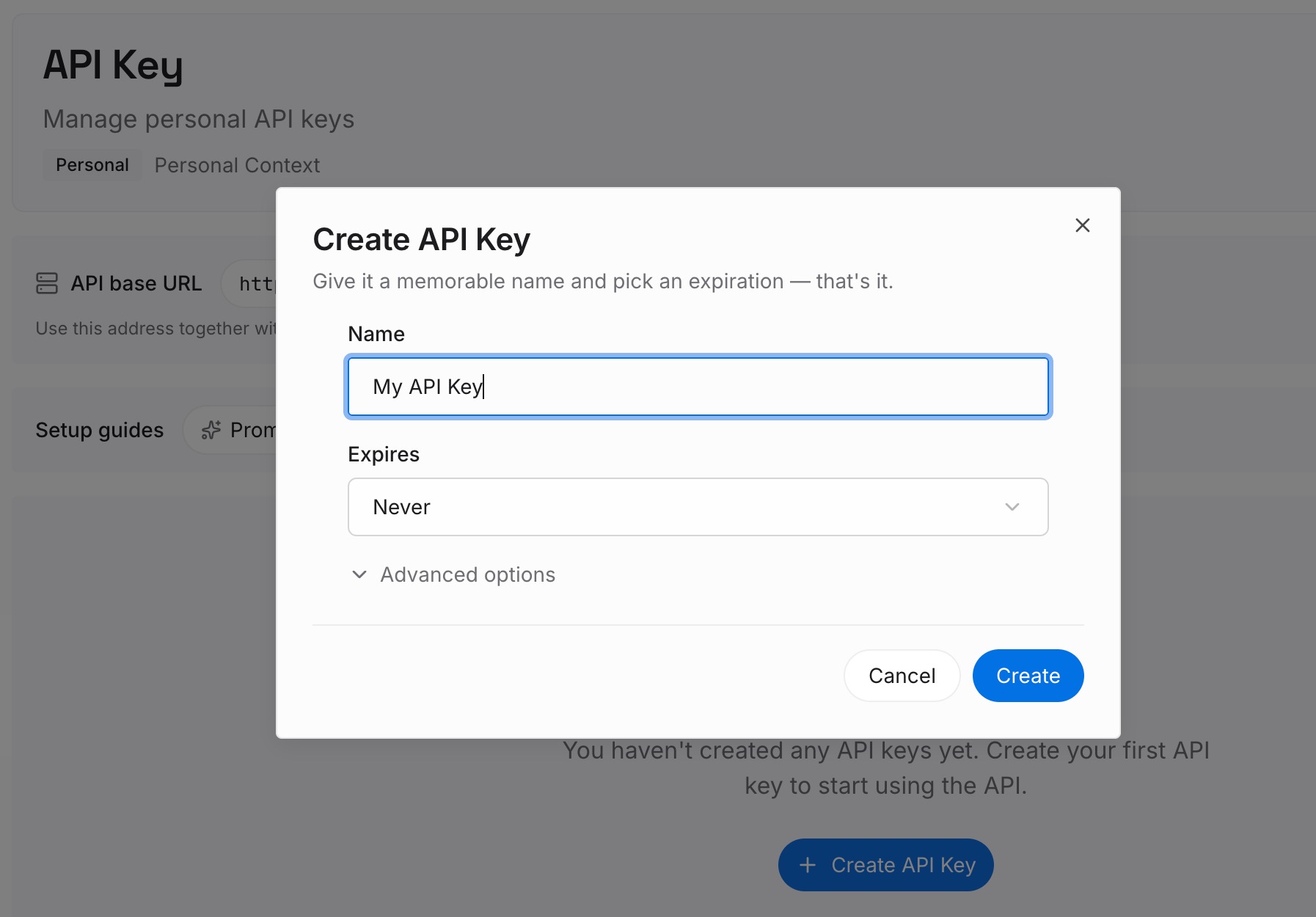
Step 1: Create an API key
Sign in and generate a key from the dashboard. The key is what lets an agent read the entries you have written, in Lovable and in whatever else your team uses.
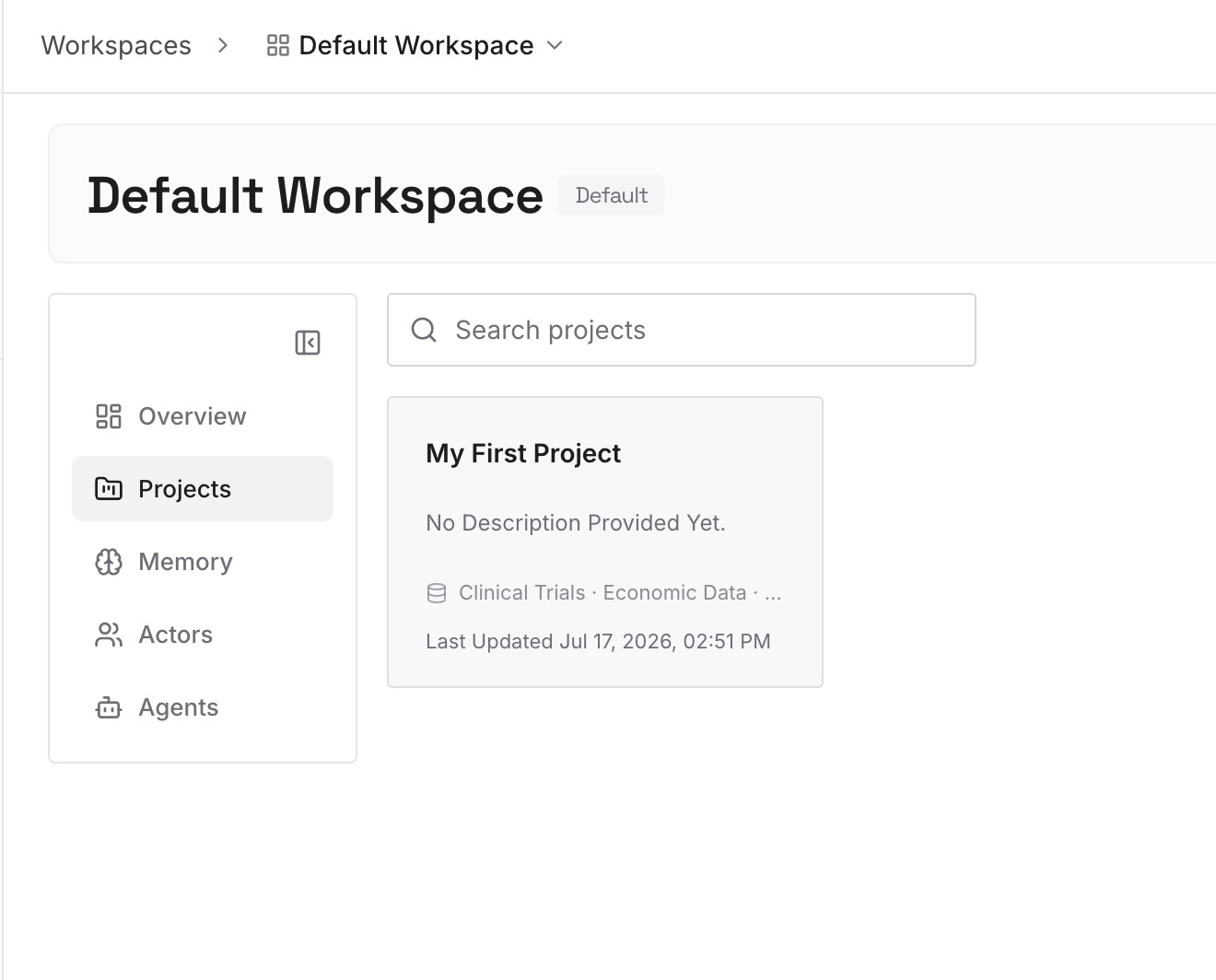
Step 2: Upload your first memories
Add the decisions and their reasons, one fact per entry. The knowledge fields hold the instruction; the entry holds why it exists. That split matters because a ten-thousand-character budget forces you to drop the reasoning, and the reasoning is what makes a rule reviewable a year later.
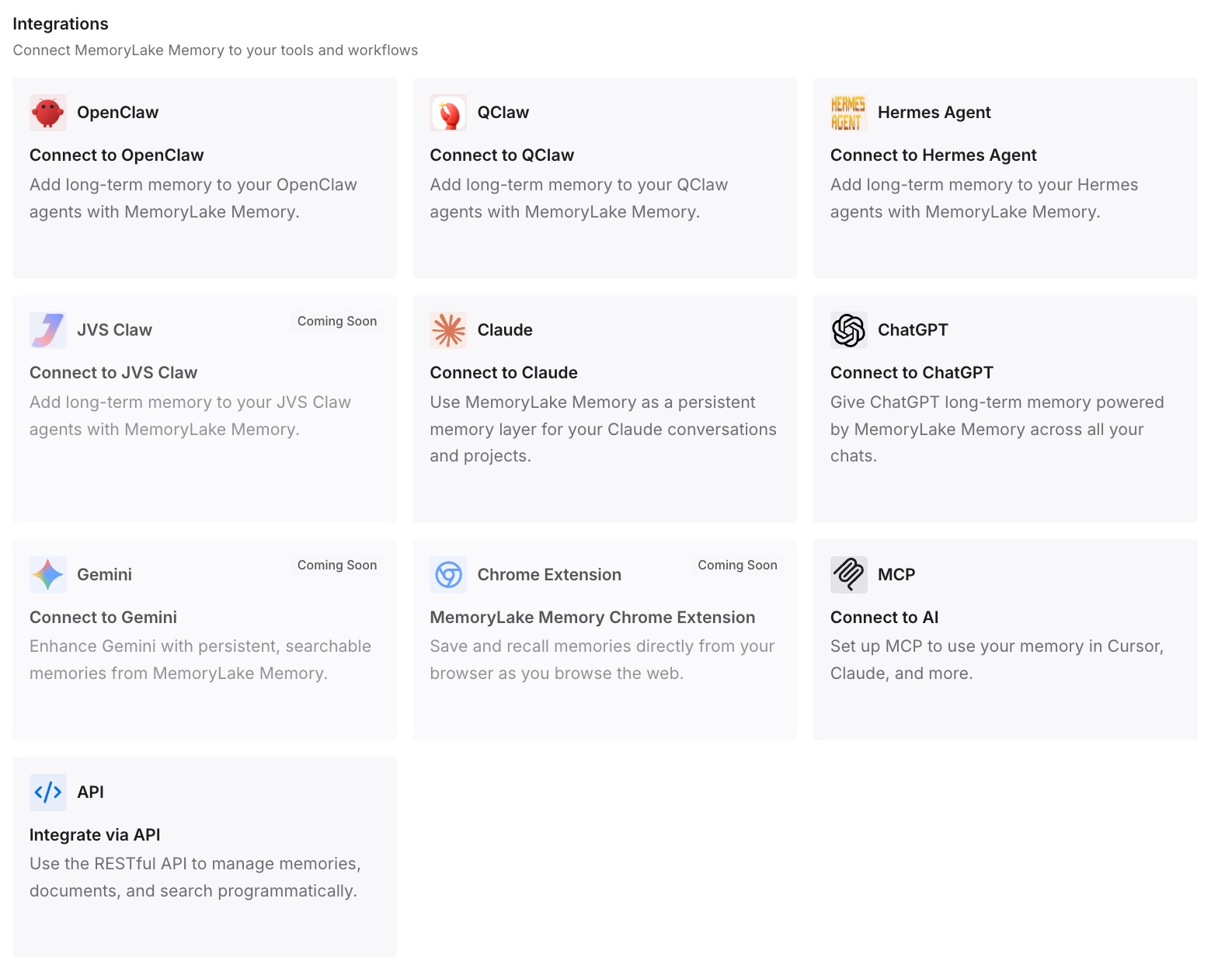
Step 3: Connect your AI & agents
Point your agents at the workspace. The same settled decisions are then available to a teammate working in a different tool, which is what you want when a workspace admin is the only person who can edit workspace knowledge.
What this changes in practice
The first change is that your knowledge fields get shorter, and short is the point. The long-session caveat is about a lot of context, so a lean background layer is the direct remedy rather than a workaround.
The second is that the permission structure starts working with you. Only owners and admins can edit workspace knowledge, which is right for guardrails and wrong for iteration. When the every-message-every-project pile is genuinely small, the admin bottleneck stops being a bottleneck, because that layer changes rarely by design.
The third is that non-negotiable rules get a carrier with a documented guarantee. That is a meaningful upgrade over hoping a background instruction holds, and it costs one file in the repository.
There is a fourth effect that shows up after a month. Once skills hold the task-specific instructions, they are individually reviewable — you can read the one about migrations without reading everything else. A ten-thousand-character knowledge field is reviewed by nobody, which is how stale rules survive. The same dynamic explains why knowledge a team can actually maintain beats a larger pile nobody reads, and why triggers deciding when knowledge applies are worth being explicit about.
It is also worth knowing what is not in scope here. Chat connectors bring live context from connected tools, and custom connectors carry their own knowledge files, both of which are additional context sources rather than replacements for the two fields. Adding more sources does not help with a long-session caveat about having a lot of context.
Best practices for layering knowledge
Treat the character limit as a ceiling you should not approach. Ten thousand characters per field is the maximum, not the target. A workspace layer that fits on one screen gets followed more reliably than one that fills the box.
One home per rule, enforced by reading all three carriers together. Duplication is what turns a clear instruction into a conflict resolved by preference.
Put workspace-level rules at workspace level only if they apply to every project. A workspace has a single workspace knowledge, and the documentation describes no scoping mechanism below it. A rule for three projects belongs in those three projects.
Reserve AGENTS.md for the rules where inconsistency is expensive. It is the carrier with the documented session-length guarantee, and it stays useful precisely because it is short.
Make frequency the sorting criterion, not importance. Important-but-occasional belongs in a skill. Putting it in knowledge because it matters is how knowledge fields fill up.
Test after a long session, not after a short one. The documented caveat is specific to long conversations. A quick check confirms nothing about it.
Write the reason somewhere the field cannot hold it. A rule with no recorded reason is followed until someone questions it and then deleted, which is how teams lose constraints they still needed — the same failure as a project losing the knowledge that was never written down.
Revisit after a schema change. Project knowledge describing a schema goes stale silently, and a stale fact is worse than a missing one because it is confidently wrong. Keeping the domain knowledge itself durable and reviewable is what makes the refresh a small job.
Conclusion
Lovable documents two knowledge layers, a character limit on each, a single workspace tier, a softly-worded conflict preference, and a caveat that instructions may not be followed consistently in very long conversations. On the same page it documents a repository file that is always read regardless of session length.
Taken together, those facts describe a filing system rather than a limitation. Sort your rules by how often they apply: every message everywhere goes in workspace knowledge, every message here goes in project knowledge, sometimes goes in a skill. Then take the few rules where inconsistency would be expensive and move them into a root-level AGENTS.md.
Remove the overlaps, test the seams, and re-test after a session long enough to matter. Keep the reasoning behind each rule somewhere that survives a tool change, because the instruction is configuration and the decision is the asset — which is what teams discover when they move a Lovable project somewhere else and find the rules copy easily and the reasoning does not.