
What actually transfers
Copilot's customization surface has three layers, and GitHub documents a precise order of precedence for them: personal instructions first, then repository instructions, then organization instructions — with "all sets of relevant instructions are provided to Copilot."
Inside the repository layer there are three sub-types, ranked:
- Path-specific instructions in
.github/instructions/**/*.instructions.md - Repository-wide instructions in
.github/copilot-instructions.md - Agent instructions, "specified in files called
AGENTS.md,CLAUDE.md, orGEMINI.md"
Separately, Copilot has a memory system. Copilot Memory is "currently in public preview and is subject to change," and it stores two kinds of thing: "Repository-level facts" such as "coding conventions, architectural decisions, build commands, and project-specific rules," and "User-level preferences," described as "Implied or stated personal preferences about how a user wants to interact with Copilot."
Now the inventory.
Transfers as-is. AGENTS.md. Both tools read it, no conversion needed. This is the single free win, and it is a real one.
Transfers with rewriting. .github/copilot-instructions.md and your path-specific .instructions.md files. The content is portable markdown; what changes is the activation mechanism, covered below.
Does not transfer. Three things, each for a different reason.
Personal instructions, because of scope: "Personal custom instructions are only supported for GitHub Copilot Chat in GitHub." They were never reaching your editor in the first place, so there is nothing to move — but they may contain preferences worth writing down.
Organization custom instructions, because they are org-level GitHub settings, "currently only supported for Copilot Chat on GitHub.com, Copilot code review on GitHub.com and Copilot cloud agent on GitHub.com." If your org relies on them, note that leaving Copilot in one team does not remove them for anyone else.
Copilot Memory, because of where it lives and how tightly it is bound. Repository-level facts are "available to any user who has access to Copilot Memory in that repository, but those facts can only be used in operations on the same repository." User-level preferences "are only available in that same user's later interactions." There is no documented export path into another vendor's tool. You can view them, and repository owners can review and delete repository-level facts — but reading them out by hand is the migration.
One detail makes that less painful than it sounds: Copilot Memory is narrower than most people assume. Per GitHub, "Copilot Memory is currently used by Copilot cloud agent, Copilot code review, and Copilot CLI." If your team's Copilot usage has been mostly in-editor completion and chat, there may be far less in there than you feared. Check before you budget time for it — the same surface confusion that makes people wonder why Copilot forgets codebase context applies here.
This guide does not re-explain how Copilot's own layers work; if you need that first, setting up Copilot memory in VS Code covers the source side in full. What follows assumes you have decided to leave and want the mapping.
The manual migration
Step 1: Work out which Copilot layer each rule was actually coming from, then take the inventory
Do this before writing anything on the Devin side, because the precedence order tells you what your effective behavior was.
Copilot's full order, highest first, is: personal instructions, path-specific instructions, repository-wide instructions, agent instructions such as AGENTS.md, then organization custom instructions. If a convention lived in both copilot-instructions.md and AGENTS.md, the first one was winning. Migrating both into Devin's always-on layer resurrects the loser.
Collect four things:
.github/copilot-instructions.md, in full.- Every
.github/instructions/**/*.instructions.md, with its path patterns. The patterns are the valuable part. AGENTS.md,CLAUDE.md, orGEMINI.mdif present.- Your Copilot Memory contents, read out by hand. Repository-level facts are the ones worth the effort; user-level preferences are per-person and easier to simply re-state. GitHub notes that "Users can view and delete their own user-level preferences regardless of their Copilot plan," so each person can do their own.
While you are reading repository-level facts, note something useful about how they were kept honest: they are "stored with citations pointing to the code that supports them," and when Copilot uses one it "checks those citations against the current branch to confirm the information is still accurate. Only validated facts are used." Nothing in Devin does that for you. A fact you migrate is a fact you now own.
Step 2: Choose an activation mode for every rule, because Devin makes you
This is the real work, and it is where a lazy migration produces a bloated context window.
Devin Desktop's rules live in .devin/rules (preferred, and it "takes precedence over .windsurf/"), with lookup in "your current workspace directory," "any sub-directory of your workspace," and "parent directories up to the git root." Each workspace rule declares an activation mode in frontmatter via the trigger field:
| Mode | trigger: | How it reaches Cascade | Context cost |
|---|---|---|---|
| Always On | always_on | Full rule content in the system prompt on every message | Every message |
| Model Decision | model_decision | "Only the description is shown in the system prompt" | Description always; full content on demand |
| Glob | glob | Applied when a file matching globs is read or edited | Only when matching files are touched |
| Manual | manual | Not in the system prompt; activated by typing @rule-name | Only when @mentioned |
The mapping from Copilot is nearly mechanical. Path-specific .instructions.md files become glob rules — carry the patterns straight across. Repository-wide copilot-instructions.md content splits: the parts that must always apply become always_on, and the parts that are situational become model_decision. Personal preferences go into the global rules file.
Two limits to plan for: "Workspace rule files are limited to 12,000 characters each. The global rules file is limited to 6,000 characters." And note where that global file lives — ~/.codeium/windsurf/memories/global_rules.md, inside the memories directory, which is why a lot of people believe they have no global rules at all.
Then the frontmatter exception: "The global rules file (global_rules.md) and root-level AGENTS.md files don't use frontmatter — they are always on." That is the trap from the introduction. Your AGENTS.md was Copilot's lowest-priority repository instruction; in Devin it is unconditional.
Finally, one warning that changes what you should even attempt to migrate. Devin Desktop's memories doc opens with it: "Memories apply to the legacy Cascade agent only." And: "The Devin Local agent — the default agent for new tabs — does not persist memories." If your plan was to move Copilot Memory into Devin memories, the default agent will not carry it. The vendor's own recommendation points elsewhere: "For knowledge you want Cascade to reliably reuse, write it as a Rule or add it to AGENTS.md in your repo rather than relying on auto-generated Memories. Rules are version-controlled, shareable with your team, and give you explicit control over activation."
Take that advice. The destination for migrated Copilot Memory facts is a Rule, not a memory.
The Better Way: Keep the Facts Where Activation Modes Don't Apply
Steps 1 and 2 produce a correct Devin setup. They also hand you a 6,000-character global budget, a 12,000-character-per-file workspace budget, and a decision about activation mode for every single thing you know about your project.
Activation modes are a good design for rules — instructions about how to behave. They are a poor fit for facts. "We use bun, not npm" wants a trigger. "The payments service retries three times because of an upstream quirk documented in ticket 4471" does not want a trigger; it wants to be findable when relevant, forever, without spending system prompt on every message.
That is the gap a memory layer fills, and it is also what makes the next migration cheap. MemoryLake sets up in three steps.
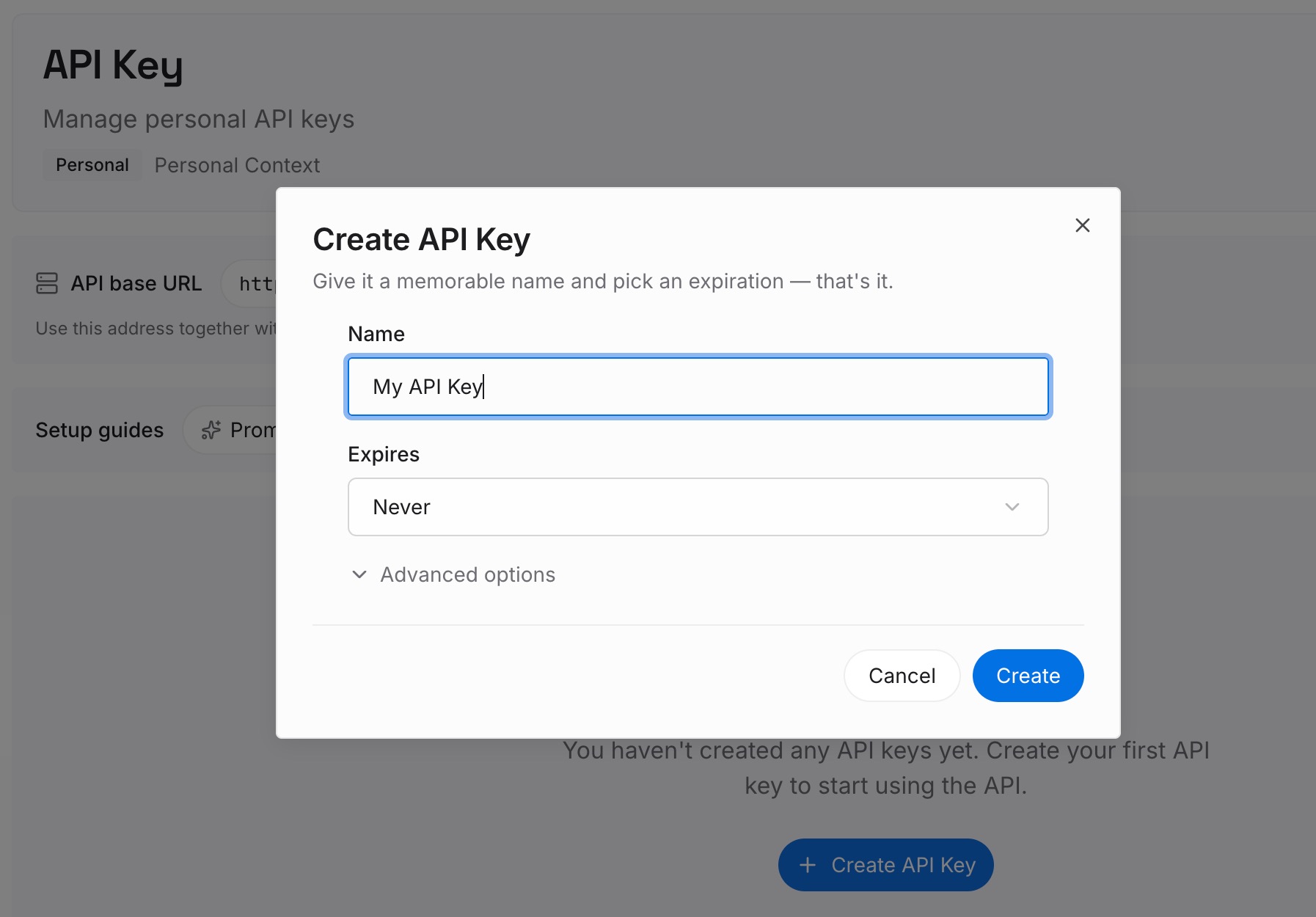
Step 1: Create an API key
Sign in and generate an API key from your dashboard. The credential belongs to your team, not to Copilot or Devin, so the store is readable from whichever agent is in front of it — including the Devin Local agent that does not persist memories of its own.
Step 2: Upload your first memories
This is where the Copilot Memory read-out goes. Repository-level facts: architectural decisions, build commands, project-specific rules, the reasons behind them. Then the user-level preferences each person recovered, and the personal instructions that were only ever reaching Copilot Chat on GitHub.com.
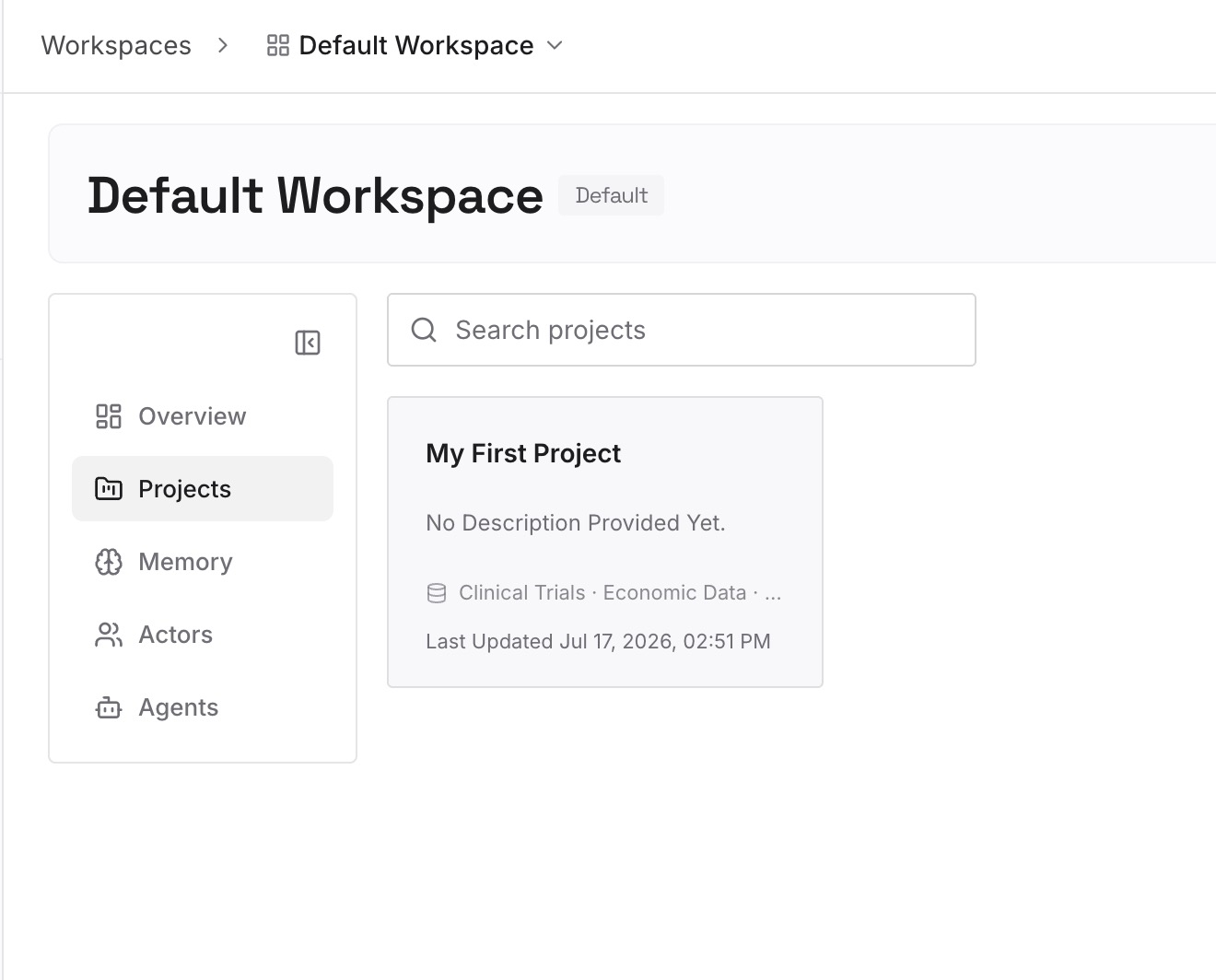
Leave your genuine behavioral rules in .devin/rules/ with proper triggers, and keep the always-true ones in AGENTS.md. The split is the point: rules stay small enough to stay inside the character limits, and facts stop competing for that budget.
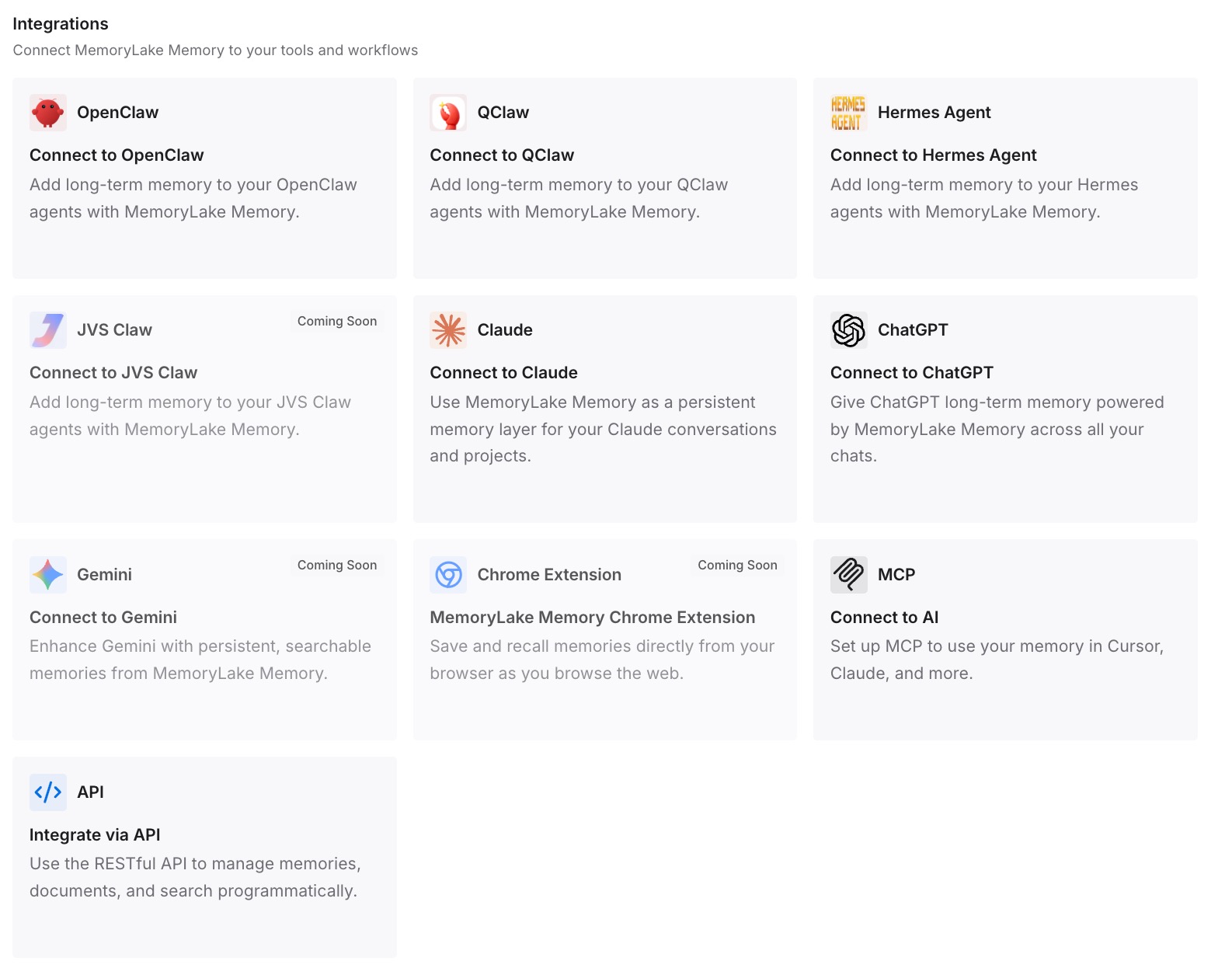
Step 3: Connect your AI & agents
Point Devin Desktop at the store. Because the store is external, it does not care whether the current tab is running Cascade or the Devin Local agent — which is the practical answer to the warning at the top of Devin's memories page.
What this changes in practice
The first change is that the character limits stop being a design constraint on your knowledge. Six thousand characters is a reasonable budget for how an agent should behave and an unreasonable one for what it should know.
The second is that you stop paying an activation-mode tax on facts. model_decision puts a description in the system prompt on every message and fetches the body when it looks relevant — sensible for a rule, wasteful for two hundred domain facts you would then have to describe individually.
The third is that the Cascade-versus-Devin-Local split becomes someone else's problem. Vendors reorganize agents; the file you committed and the store you own both survive it. Teams that already did this survived the Windsurf to Devin Desktop rename without touching their knowledge base.
Best practices for a Copilot-to-Devin move
- Read the precedence order before you copy anything. If a convention existed in two Copilot layers, only the higher one was in effect.
- Check what Copilot Memory actually holds first. It serves Copilot cloud agent, Copilot code review, and Copilot CLI — not every surface. There may be less to move than you expect.
- Carry path patterns across verbatim. Copilot's path-specific instructions map cleanly to Devin's
globtrigger. - Assign an activation mode deliberately. Everything defaulted to
always_onis how a context window gets full before the first prompt. - Look for
global_rules.mdinside the memories directory. It is at~/.codeium/windsurf/memories/global_rules.md, and it is always on with no frontmatter. - Prefer
.devin/rulesover.windsurf/rules. It is the preferred location and takes precedence, and the legacy single-file.windsurfrulesat the workspace root is still read — so delete it if it is stale. - Do not migrate facts into auto-generated memories. Devin's own docs recommend Rules or
AGENTS.mdfor anything you want reliably reused, and the default agent does not persist memories at all. - Audit what survived after a week. A migrated rule set that nobody verified is a rule set that is quietly half-ignored. Auditing what your AI remembers is a good habit to start with a clean setup.
Conclusion
AGENTS.md makes this migration look trivial and is genuinely the best part of it. The rest is a translation job between two different philosophies: Copilot ranks instruction sources and hands the model all of them, while Devin makes every rule declare when it wants to be loaded.
Do that translation once, deliberately, with the precedence order in front of you. And put the facts — the decisions, the domain knowledge, the reasons — somewhere that does not require you to pick a trigger for each one.