
What actually transfers
Start with the timeline. OpenAI's FAQ says the transition "affects all ChatGPT plans," and that "Migration and plugin access may differ by account or workspace." For Enterprise workspaces it lists planned milestones: an admin notice on September 11, a target of September 22 for "the migration experience and user banner," a planned end to creating new custom GPTs on October 26, and retirement on December 11. The FAQ adds that you should "Follow the notice for your account or workspace, including any different timeline communicated to you."
It is worth checking where plugins are available to you before planning around them. OpenAI's plugins article says the directory is available across ChatGPT plans, but that installing or using a plugin "depends on your plan, workspace, role, region, and its included capabilities." The skills article lists skills as available "to eligible ChatGPT Business, Enterprise, Healthcare, and Edu users, subject to workspace settings and product availability." Plugins can also reach beyond ChatGPT: "Some plugins work in ChatGPT and Codex. Others are limited to a particular surface or workspace." If your account does not show a migration option yet, the FAQ's advice is to check your notice and make sure you are signed in to the account or workspace where you created the GPT.
Until then, nothing disappears. "Existing GPTs remain usable until the retirement date, subject to their existing access and workspace permissions."
Now the mechanics, piece by piece.
Instructions become a skill. "Under the planned migration workflow, the GPT's instructions become a skill within the new plugin." OpenAI describes skills as "reusable, shareable workflows that help ChatGPT complete specific tasks more consistently."
Knowledge files are copied. "The GPT's knowledge files are copied into the plugin's reference files." How well a model uses uploaded files is its own subject, covered in why ChatGPT forgets uploaded files.
Connected apps come along. "Connected apps are added to the plugin as apps." They still need their own authorization; the FAQ notes that "Any included apps still require their own app access, account authorization, and action approvals."
The model does not. "The GPT's selected model does not carry over."
Custom actions do not. "GPT custom actions do not transfer through the migration workflow. Features that depend on them will not work in the plugin until you set up a replacement." Rebuilding a connection "may require a custom MCP server and technical setup."
Conversations do not. The FAQ answers this with one word. "Will my existing conversations move to the plugin? No. Migration doesn't move your existing GPT conversations into the plugin."
Sharing does not. "Migration doesn't carry over your GPT's sharing settings or give its existing users access to the replacement. A migrated personal plugin starts private."
Drafts do not. "Migration uses the GPT's latest published version. Drafts and unpublished edits do not transfer."
The original freezes. "After a GPT is migrated, the original remains usable until retirement but becomes read-only." At retirement, custom GPTs "are scheduled to stop running and leave the GPT directory."
One more difference changes how the replacement feels in daily use. Inside a GPT's chat, its instructions shaped every reply. A skill is picked when relevant: "ChatGPT may also use a relevant installed skill automatically when its description matches your request. Automatic selection depends on the task and available capabilities; the plugin will not necessarily run on every request." You can still call it directly: "In ChatGPT, you can use an @ mention or open + and select More, where supported."
There is also a point about memory worth keeping in mind. OpenAI's GPT documentation states that "GPTs do not use saved memory, custom instructions, or previous conversations. Each conversation starts fresh." So whatever a GPT seemed to know about your work came from its instructions and files, or from what you retyped in each chat. That boundary is explained in whether custom GPTs have memory.
The manual migration
The migration flow handles the transfer. The preparation and the testing are yours.
Step 1: Inventory each GPT and finish it before you migrate
List the GPTs you rely on and sort them into two groups: ones you created, and ones you use that someone else built. The FAQ is clear that the second group is not yours to move: "You do not need to migrate a GPT you only use, and permission to use it does not let you migrate it yourself." For those, watch for the creator's replacement.
For each GPT you created, work through four checks.
Publish your latest version. Only the published version migrates, and in Enterprise workspaces drafts must be published before creation of new GPTs ends. OpenAI notes that "Publishing a GPT does not require sharing it publicly."
Read the instructions as if you were the model. A skill is selected by its description, so the opening of your instructions now matters more than it did. If the first lines do not say what the workflow is for and when it applies, the replacement may not be chosen when you expect it.
List any custom actions and the services they call. These need a separate plan, and OpenAI suggests allowing extra time for them.
Save the context that lives only in conversations. Because GPT conversations do not move, any decision, correction or conclusion you reached inside one exists only in that history. Write the ones you still depend on into a document. If you want a full copy of your history, OpenAI's export guide covers requesting one from settings or the Privacy Portal; note that "Self-service export is not available" in Business, Enterprise and ChatGPT for Healthcare workspaces, where you should contact your workspace owner.
Finally, save a handful of prompts you use often, plus one hard case. OpenAI recommends exactly this, so you can compare the replacement's answers.
Step 2: Migrate, then test the plugin against the original
When the option appears, go to My GPTs and select Migrate to plugin. OpenAI's instructions: "Review the migration details and follow the instructions to create the plugin."
Then test before you switch. The FAQ warns that "A migrated plugin may respond differently," and gives a checklist: confirm that it "Selects the right skill and follows your instructions," "Uses the expected reference material," produces complete answers or files in the required format, and has the tools the workflow needs.
Run your saved prompts in both. Where the plugin misses, the usual fixes are to sharpen the skill's description so it is chosen reliably, move behavioral rules out of reference files and into instructions, and invoke the plugin explicitly with an @ mention when you need it to run.
If your GPT used custom actions, test the rebuilt integration on its own. OpenAI's caution applies: "A rebuilt integration should not be assumed to provide every capability of the original action."
Only then share it. Because the replacement starts private and does not inherit your GPT's audience, confirm that the people who used the GPT can reach and install the plugin before you point them to it.
The Better Way: Keep the context your GPTs carried somewhere that outlives the container
The migration moves a GPT's configuration. It does not move what you learned while using it. Months of conversations inside a GPT often hold the most valuable context: the edge cases you corrected, the phrasing a client preferred, the decision about which template to use and why. None of that transfers, and the original becomes read-only once you migrate.
This is also the second container change in a short time for many people. Projects, GPTs, skills and plugins each package context differently. Context that lives in the container has to be rebuilt whenever the container changes. MemoryLake is a place to keep that layer outside any one container, so the next change does not cost you the same work again.
You write the entries yourself, in your own words. Nothing is read out of, written to, or deleted from your custom GPTs, their conversations, your plugins, or any vendor's store.
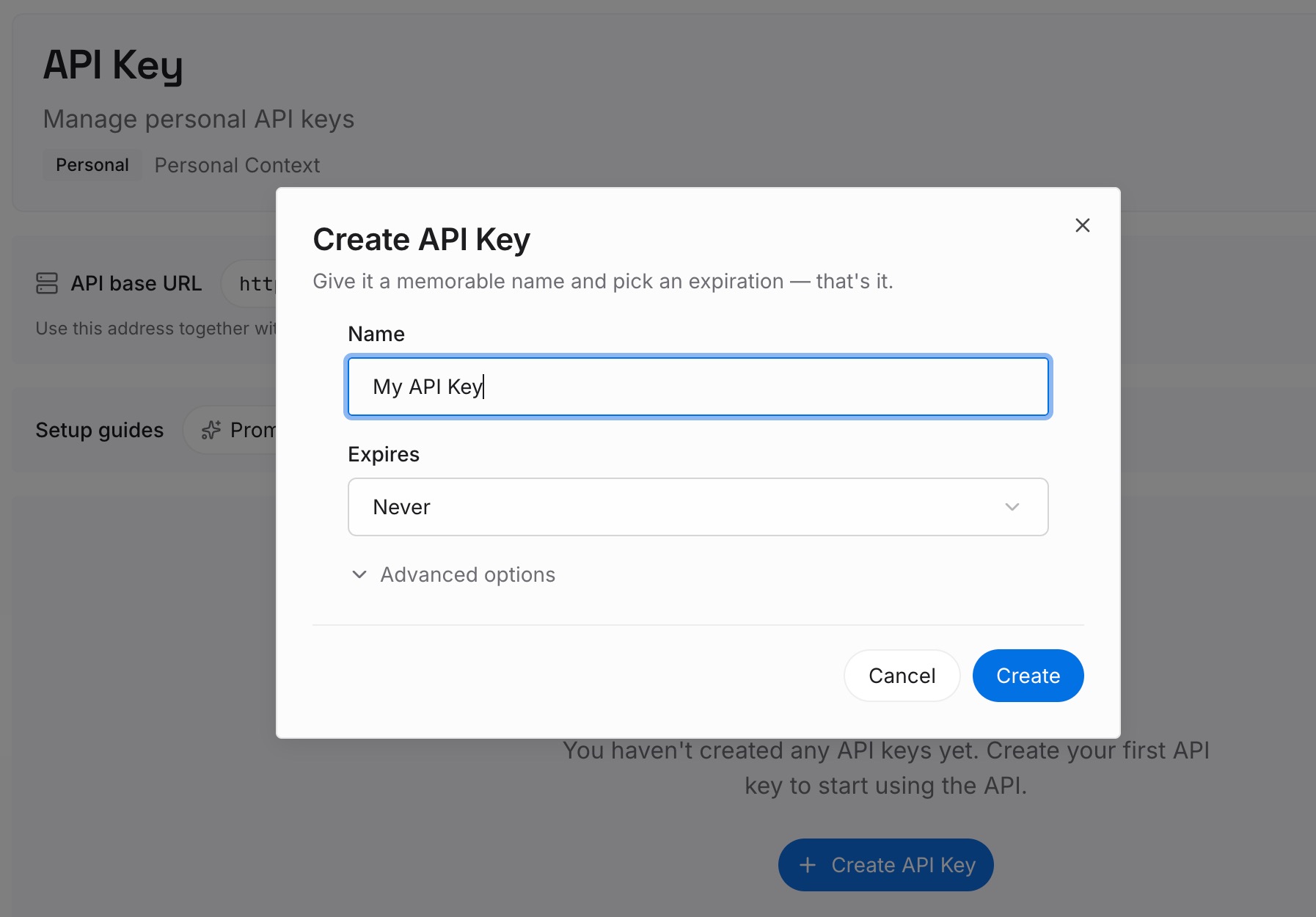
Step 1: Create an API key
Sign in and generate a key from the dashboard. The key belongs to your workspace in the memory layer, not to a GPT or a plugin, so retirements on either side leave it untouched.
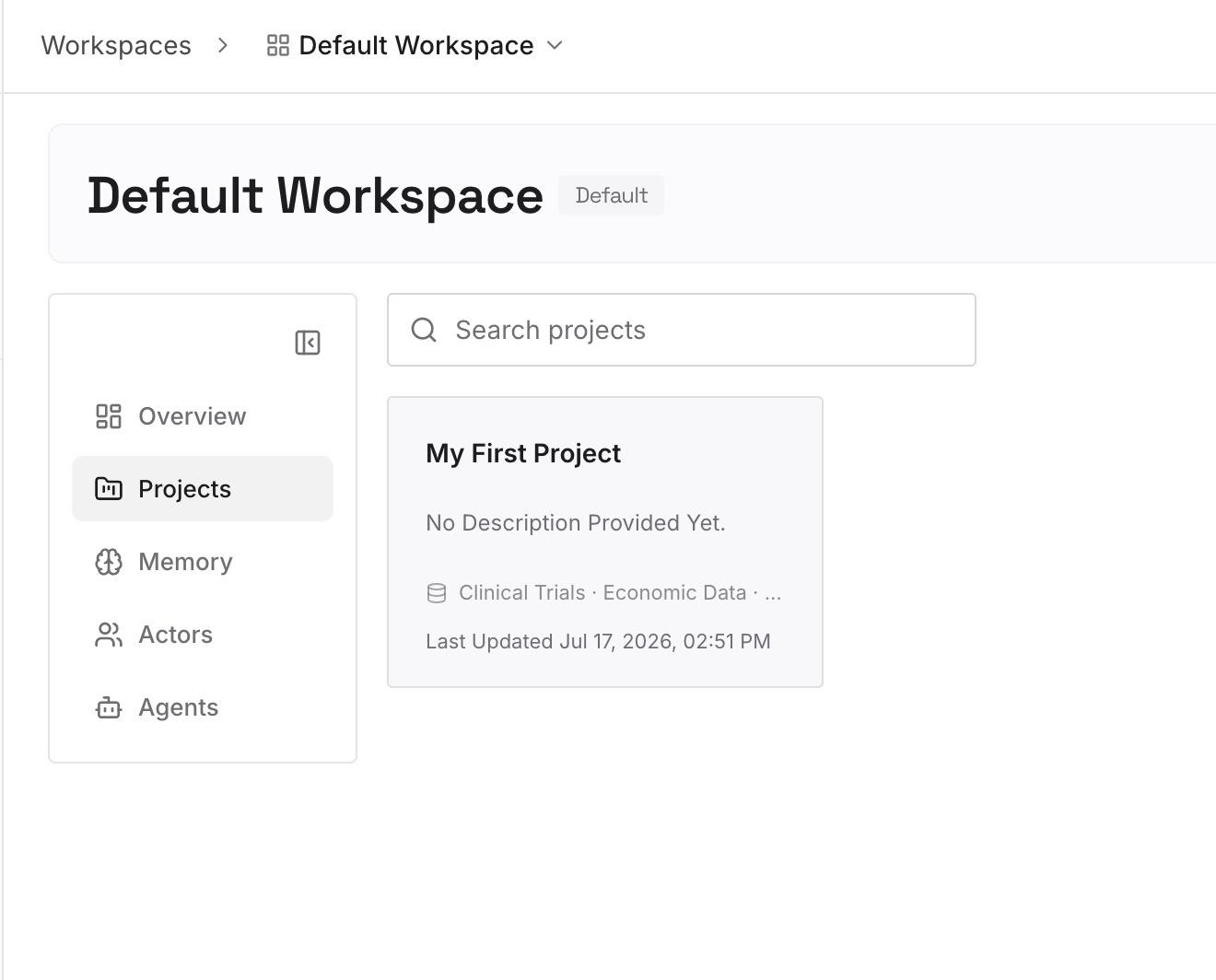
Step 2: Upload your first memories
Start with the Step 1 notes: the decisions and corrections that lived only in GPT conversations, plus the working context the GPT's instructions assumed. One fact per entry, phrased the way you would explain it to a colleague taking over the workflow.
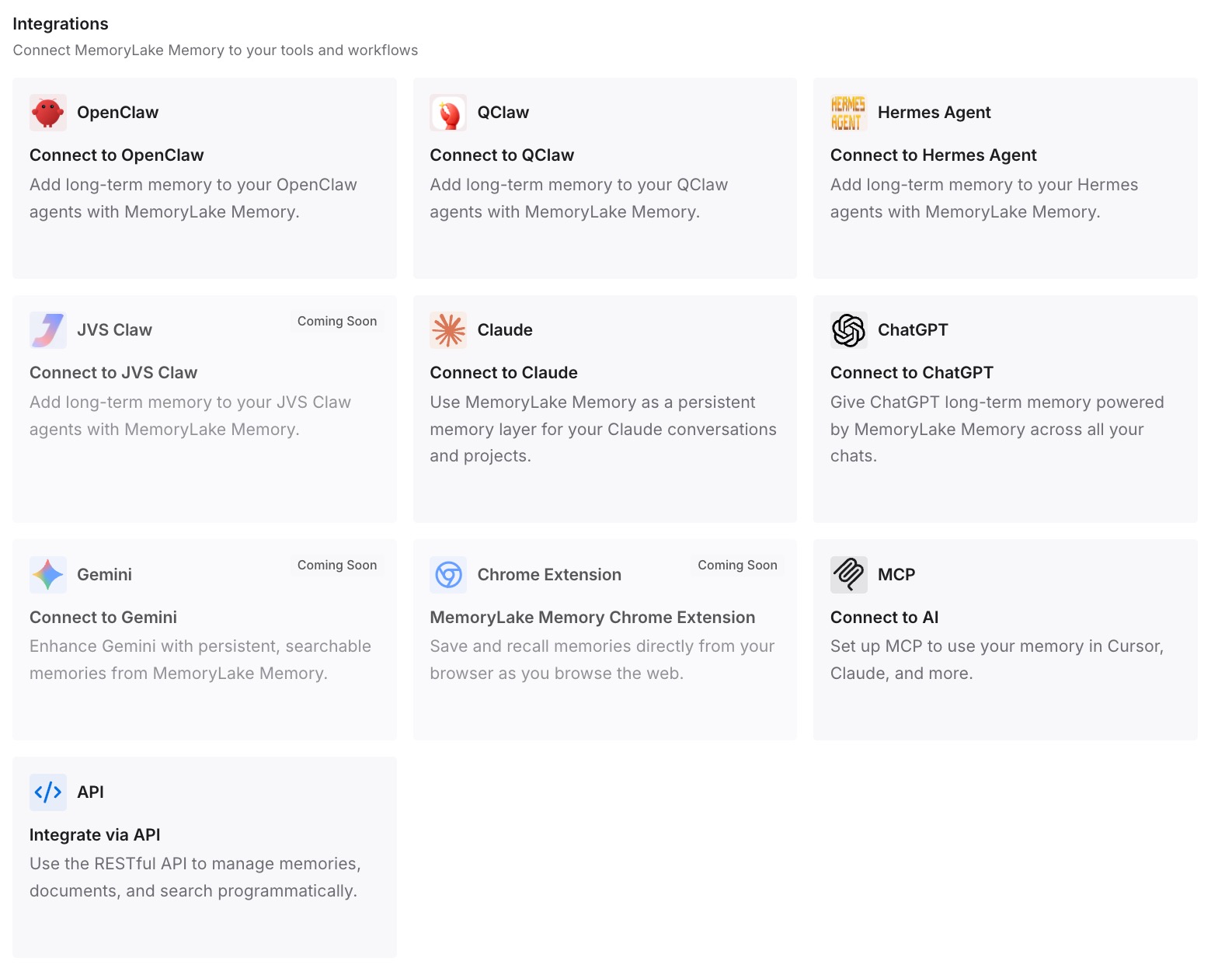
Step 3: Connect your AI & agents
Connect ChatGPT and the other assistants you use. The same context is then available whether the workflow runs as a plugin in ChatGPT, a skill in Codex, or somewhere else entirely.
What this changes in practice
The first difference is that the retirement date stops being a deadline for your knowledge. The configuration moves through OpenAI's flow; the context you saved in Step 1 is already somewhere else, so a read-only original loses nothing you need.
The second is that skills can stay focused. A skill works best as a procedure: what to do and how. The background a procedure depends on — who the client is, which decisions are settled — is context rather than procedure. Keeping the two apart is the same distinction behind why agent skills aren't memory.
The third is that testing gets easier. When you know what the GPT was supposed to know, you can check whether the plugin knows it, instead of discovering the gap in front of a client.
The fourth is fewer surprises in your settings. Plugins sit alongside your custom instructions and memory settings, which work differently from a GPT's private instructions. If you have ever wondered why ChatGPT forgets your custom instructions, the move is a good moment to review what each layer is doing.
Best practices for moving from GPTs to plugins
Publish before you migrate. Only the latest published version transfers; drafts do not.
Write down what lives only in conversations. Conversations do not move, and the original becomes read-only.
Lead the instructions with when to use the workflow. Skills are chosen by description, so the first lines decide whether the plugin runs.
Plan custom actions separately. They do not transfer, and a rebuilt integration may not match the original.
Test with saved prompts and one hard case. Compare the plugin's answers with the GPT's before switching.
Re-share deliberately. The plugin starts private; confirm access for the people who used the GPT. Apps inside the plugin keep their own permissions, the same boundary described in why ChatGPT connectors don't remember decisions.
Back up your memory while you are at it. A retirement is a good moment to back up your ChatGPT memory and review how project memory modes apply to your work.
Conclusion
OpenAI's migration FAQ is thorough, and it is honest about the gaps. Instructions become a skill, knowledge files are copied, and connected apps come along. The model, custom actions, sharing settings, drafts and conversations do not. The original GPT becomes read-only after migration and stops running at retirement.
The part that needs the most care is the part no flow can move: what you learned inside those conversations. Save it before you migrate, test the replacement against familiar prompts, and share it only when it works.
Keep the context that outlasts any one container somewhere of your own, and the next packaging change will be a configuration task rather than a rebuild.