
What actually transfers
Devin Desktop keeps your context in two mechanisms, and its documentation is unusually direct about which one to trust: "There are two mechanisms for this in Devin Desktop: Memories, which are automatically generated by Cascade, and Rules, which are manually defined by the user at the global, workspace, or system level."
AGENTS.md transfers for free, and this is the headline. Devin treats it as a first-class rules source: an AGENTS.md is "automatically discovered" and fed "into the same Rules engine that powers .devin/rules/ (and the legacy .windsurf/rules/) — just with the activation mode inferred from the file's location instead of frontmatter." Root-level files are always on; subdirectory files become a glob rule "with an auto-generated pattern of <directory>/**." And critically for anyone on the current default agent: "The Devin Local agent reads AGENTS.md through the Devin CLI rules system."
Codex reads the same filename. Its documentation opens with "Codex reads AGENTS.md files before doing any work." So one file is read by legacy Cascade, by the current Devin Local agent, and by Codex. Nothing to convert.
Rules transfer, but the activation model does not. Devin's workspace rules declare a mode in frontmatter through a trigger field, with four values and different context costs: always_on puts "Full rule content ... in the system prompt on every message"; model_decision shows "Only the description ... in the system prompt" and loads the body when Cascade judges it relevant; glob applies the rule "when Cascade reads or edits a file matching the globs pattern"; manual keeps the rule out of the prompt until "You activate it by typing @rule-name in the Cascade input box."
Codex has no equivalent switchboard. It builds one instruction chain per run: at global scope it reads AGENTS.override.md or else AGENTS.md, and "Codex uses only the first non-empty file at this level." At project scope it "walks down to your current working directory," checking each directory and including "at most one file per directory." Then it merges: "Codex concatenates files from the root down, joining them with blank lines. Files closer to your current directory override earlier guidance because they appear later in the combined prompt."
Location replaces frontmatter. That is the actual work of this migration, and there is a ceiling on it: "Codex skips empty files and stops adding files once the combined size reaches the limit defined by project_doc_max_bytes (32 KiB by default)."
Memories do not transfer, and were already stranded. Cascade's memories "are associated with the workspace they were created in and are stored locally in ~/.codeium/windsurf/memories/," with two limits stated in one sentence: "Memories generated in one workspace are not available in another, and they are not committed to your repository." Devin adds, plainly, "Auto-generated memories live only on your machine."
There is also no importer to lean on. Codex's import flow names its supported sources explicitly — the desktop app "can import from Claude Code, Claude Cowork, or Cursor," and the CLI "can import from Claude Code or Cursor." Devin is not on either list, which is worth knowing before you go looking for a button. What Codex can import from Cursor and Claude covers that flow if you also happen to be coming from one of those.
The manual migration
Step 1: Find out which agent has been reading your context, then take inventory
Open the Customizations panel in Cascade, or Devin Settings, and look at what is actually there. Devin's docs describe both surfaces: memories and rules "can be accessed and configured at any time by clicking on the Customizations icon in the top right slider menu in Cascade, or via 'Devin - Settings'."
Then walk four locations, because rules live in more places than people expect:
~/.codeium/windsurf/memories/global_rules.md— "Single file, applied across all workspaces. Always on. Limited to 6,000 characters." Note the path: the global rules file sits inside the memories directory, which is a common reason people think they have no global rules..devin/rules/*.mdin the workspace, "(preferred)", with.windsurf/rules/*.mdas fallback and "Limited to 12,000 characters per file."- The workspace root, where "The legacy single-file
.windsurfrulesat the workspace root is also still read." - Enterprise-managed system rules under a path like
/etc/devin/rules/, which are "Deployed by IT, read-only for end users" and "merged with workspace and global rules, providing additional context to Cascade without overriding user-defined rules." If those exist, they are not yours to move — flag them for whoever owns the deployment.
One more discovery quirk to check: Devin searches "up to the git root directory to find rules in parent directories," but "When you create a new rule, it will be saved in the .devin/rules directory of your current workspace, not necessarily at the git root." In a monorepo that means rules can be scattered across subdirectories you did not think of.
For memories, read them and copy anything worth keeping into text now. There is no export, they are not in your repository, and if the workspace they belong to changes you lose the association.
Step 2: Flatten four activation modes into one concatenated chain
Sort every rule you are keeping by its trigger value, and give each mode a destination:
always_on goes into the root AGENTS.md. Both tools treat a root-level file as unconditional, so this is a straight copy. Watch the total: Devin allowed 6,000 characters globally and 12,000 per workspace file, while Codex stops appending at 32 KiB combined, and its guidance when you hit the cap is to "Raise the limit or split instructions across nested directories."
glob becomes a directory placement. A rule scoped to src/**/*.ts becomes an AGENTS.md inside that directory, which Codex picks up when the working directory is at or below it. This is the mode that converts most cleanly, since Devin already treats subdirectory AGENTS.md files as globs with an auto-generated <directory>/** pattern.
model_decision has no direct equivalent, and this is the one place to think rather than translate. The rule was in the prompt only as a description, with the body pulled in on relevance. In Codex you choose: promote it to unconditional in the nearest AGENTS.md if it is important enough to always apply, or move it out of instructions entirely and express it as a skill, which is where Devin's own migration wizard points for Cascade memories. Promoting everything is the default mistake — it is the fastest way to hit the 32 KiB cap with material that only mattered occasionally. If the distinction between an instruction and an on-demand capability is unfamiliar, why agent skills aren't memory draws the line.
manual rules were things you invoked deliberately. They do not belong in an always-loaded instruction chain at all. Keep them as documentation you paste, or as a skill.
Finally, use AGENTS.override.md the way Codex intends: "Use ~/.codex/AGENTS.override.md when you need a temporary global override without deleting the base file." It is a good match for the personal preferences that used to live in global_rules.md, without those preferences leaking into a repository.
A last check before you call it done. Codex's own documentation draws the same boundary Devin's does, and in almost the same words: "Keep required team guidance in AGENTS.md or checked-in documentation. Treat memories as a helpful recall layer, not as the only source for rules that must always apply." If a rule must always hold, it belongs in the file, not in either tool's generated memory. If Codex still seems to ignore a landed file, why Codex skips AGENTS.md rules covers the usual causes.
The Better Way: Put the Learned Half Where Neither Agent Owns It
Steps 1 and 2 move everything that was ever a file. What they cannot move is the layer both vendors tell you not to depend on — and both do tell you. Devin's recommendation is to "write it as a Rule or add it to AGENTS.md in your repo rather than relying on auto-generated Memories," because "Rules are version-controlled, shareable with your team, and give you explicit control over activation." Codex's local memories, meanwhile, are "off by default," live in ~/.codex/memories/ as "generated state," and skip a background pass entirely "when your Codex rate-limit remaining percentage is below the configured threshold" — meaning your busiest sessions are the least likely to be recorded.
So on both sides the accumulated understanding is either machine-local, generated, or explicitly not recommended as a source of truth. The instructions belong in the repo. The learned half belongs somewhere neither editor controls.
MemoryLake is that place: a memory layer you own, read by whichever agent you are running through an API rather than through one tool's private directory. Three steps.
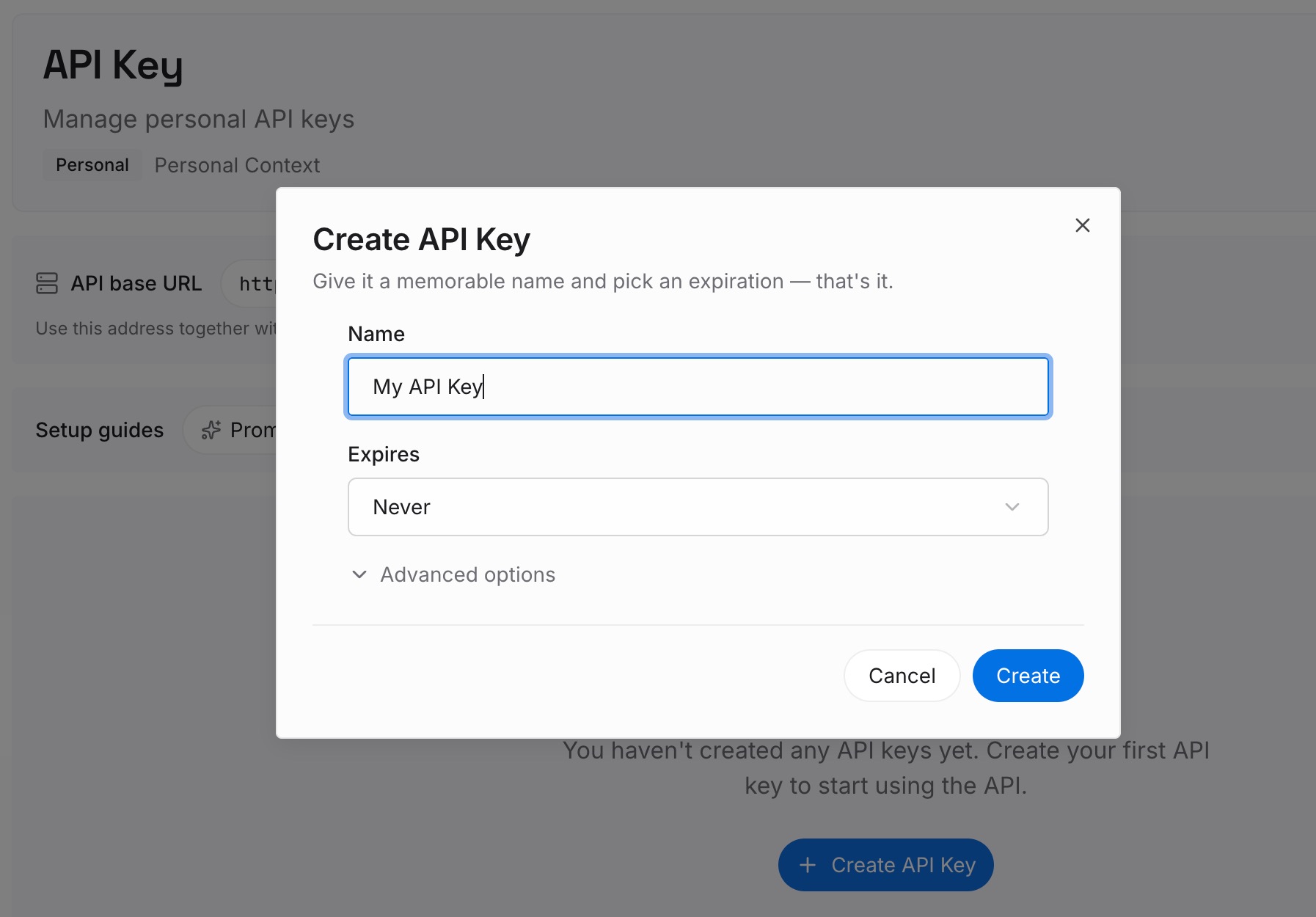
Step 1: Create an API key
Sign in and create an API key from your workspace settings. It is yours rather than the editor's, so a future switch does not invalidate it.
Step 2: Upload your first memories
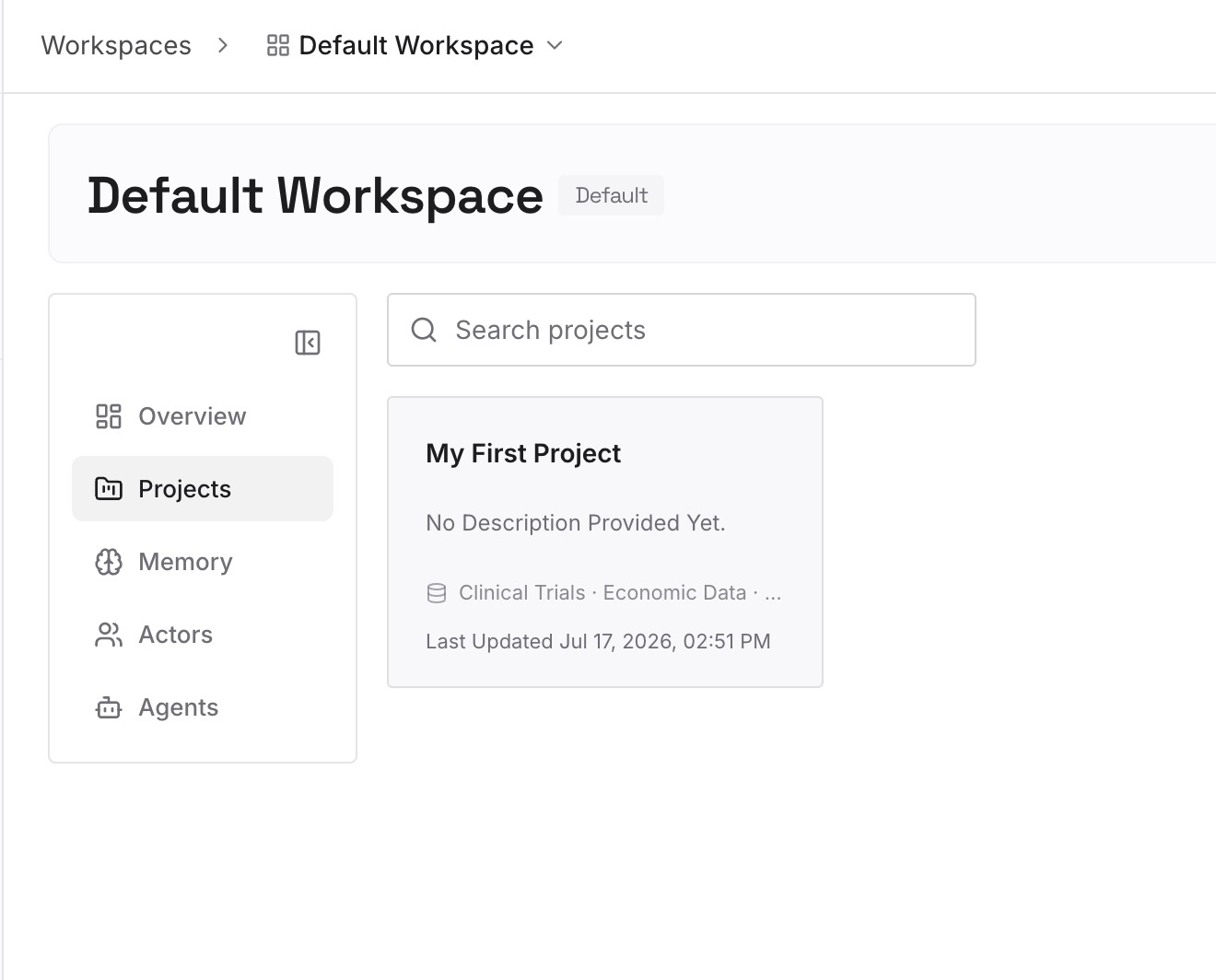
Start with what you copied out of Cascade's memories, then add the material that never fit a rules file: which approaches the team already tried and rejected, why a module is structured the way it is, the review comments that keep recurring, the constraint that is obvious to everyone who has been here a year. Files go in as they are, including the multimodal ones, so an architecture diagram or a spreadsheet encoding a convention can go in directly.
Step 3: Connect your AI & agents
Connect Codex, and keep Devin Desktop connected if you still use it. From then on the learned layer is read from one place, so running both tools during a transition stops meaning maintaining two sets of context.
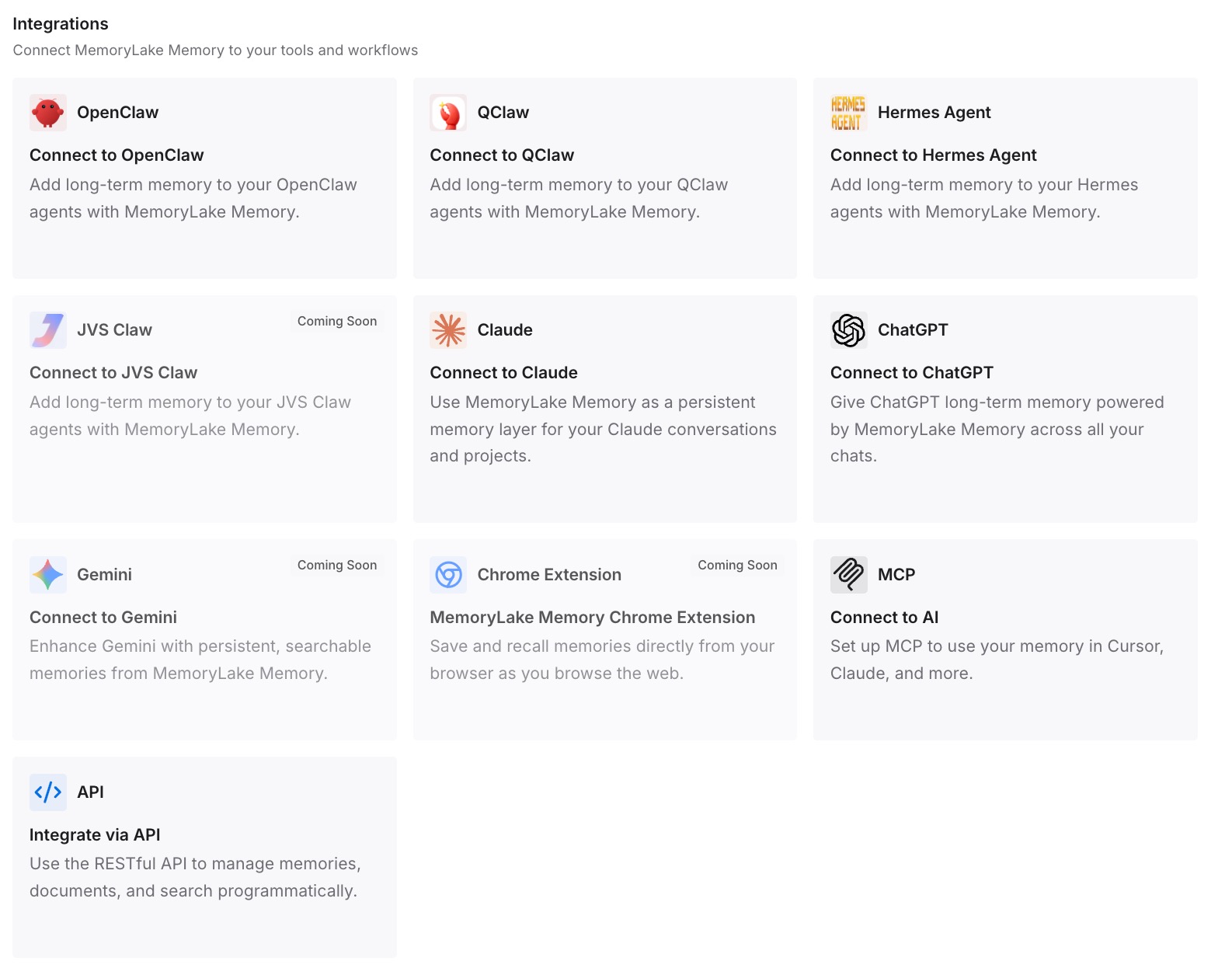
Three limits. MemoryLake does not read or write ~/.codeium/windsurf/memories/ or ~/.codex/memories/ — those are each tool's generated state, which is exactly why Step 1 of the manual migration is manual. It does not change how Codex builds its instruction chain or how the 32 KiB cap applies. And it is not a substitute for AGENTS.md: rules that must hold for everyone belong in the repository where teammates and code review can see them.
What this changes in practice
Immediately, it changes the sequence. You audit which agent has been reading your context, you move AGENTS.md untouched, you flatten the four trigger modes deliberately rather than by dumping everything into one root file, and you keep the learned half outside both tools.
Over a few months, it changes what the next transition costs. This migration has an unusual feature: the source tool has already deprecated its own memory system in favor of files, and the destination tool ships local memories switched off with a warning not to treat them as authoritative. Two independent vendors arriving at the same conclusion is a reasonably strong signal about where durable knowledge should live — and neither answer is "inside the editor."
It also removes the multi-tool tax during the overlap period, which for most teams is longer than planned. Devin memories are per-workspace and per-machine; Codex memories are per-machine and off by default. Running both without an external layer means the same context gets re-taught in two places, which is the pattern described in what coding agents actually read.
Best practices after you switch
Keep one root AGENTS.md and push specificity down the tree. Codex includes at most one file per directory and lets deeper files override shallower ones, so the tree is your scoping mechanism now.
Watch the 32 KiB combined cap. Codex stops appending when it is reached, and the failure is silent truncation, not an error.
Do not port model_decision rules by promoting all of them. That mode existed to keep context cheap. Promoting everything spends the budget you just inherited.
Leave .windsurfrules where it is until you have verified the new chain. Devin still reads it, so it is a working fallback during the overlap — but do not treat it as the long-term home.
Split rules by topic, one file per concern. Devin's guidance to keep rules "simple, concise, and specific" applies just as well to Codex, and topic-sized files are what make a directory-based scoping model legible.
Decide about Codex's local memories deliberately. They are off by default. If you turn them on, remember the documented behavior: generated state, not for hand-editing, skipped on short sessions, and skipped entirely when your rate-limit headroom is low. Related symptoms are covered in why Codex forgets project context.
Conclusion
The surprise in this migration is not on the Codex side. It is that Devin Desktop's default agent does not persist memories, which means the layer people most fear losing may already have been out of the loop. Once that is established, the rest is mechanical: AGENTS.md moves untouched, workspace rules get flattened from four activation modes into a directory tree with a byte cap, and the memories get read out by hand because nothing else will read them for you.
The part worth doing properly is the last one. Both vendors point away from their own generated memory and toward checked-in files, and files are the right home for rules. For everything that is knowledge rather than a rule, the durable answer is a layer that outlives whichever editor you are using this quarter.