
What actually transfers
What Git sync carries
Lovable's documentation starts from where your code lives: "When you build with Lovable, your project code is stored and managed inside the Lovable platform." Git sync links the project to a repository you own, and after that, "changes you make in Lovable are committed to your repository, and commits pushed to the synced branch appear back in your Lovable project."
That makes the code side straightforward. Any coding assistant works with it: "Lovable receives the commits you push to the synced branch regardless of which tool made them, so any IDE or coding assistant that works with Git is supported." On paid plans you can also download the codebase without connecting Git.
A few limits shape how you set it up:
- One branch at a time. Lovable edits and syncs only the synced branch. Commits on other branches don't appear in Lovable until you merge them.
- Export only. Lovable's documentation says "You can't import an existing repository into Lovable." Connecting always creates a new repository.
- No data, no secrets. The repository contains your project's code, "including the database migration files that define its structure, but never the data inside your database." And "Secrets you store in Lovable stay out of the repository".
What stays in Lovable
Knowledge is the main thing. Lovable describes it as the way to "provide persistent instructions and context to the Lovable agent", and it comes at two levels. Workspace knowledge holds shared rules such as coding standards and naming conventions. Project knowledge holds what's specific to one app, such as its purpose, database schema, architecture decisions, and domain terms. Each supports up to 10,000 characters.
Knowledge is a settings field, not a file in your repository. Lovable's guidance on Git sync points this out indirectly: "Lovable treats code you wrote the same as code it generated, and it can change either in a later request." Its advice is to put constraints that should hold across requests in project knowledge and to keep tests for behavior you depend on. That's good advice inside Lovable, and it means the constraints that matter most are exactly the ones that won't be in your clone.
Skills are the second thing. Workspace skills are named playbooks for recurring tasks, and they're loaded on demand rather than always. They live in Workspace settings, not in the repository.
The project chat is the third. The Git sync documentation covers code, not the conversation that produced it. Decisions made there only reach the repository if someone writes them down.
What Claude Code reads instead
Claude Code reads instruction files at the start of every session. The main one is CLAUDE.md. It can also read AGENTS.md, with one condition that matters for this migration: "By default, Claude reads AGENTS.md only when you have no CLAUDE.md in your working directory or above it." Our guide to Claude Code's AGENTS.md default covers the files that count for that check. Anthropic notes that "Reading AGENTS.md directly requires Claude Code v2.1.277 or later."
Skills carry over more directly. "Claude Code skills follow the Agent Skills open standard, which works across multiple AI tools." A project skill lives at .claude/skills/<skill-name>/SKILL.md, and Anthropic's advice for project skills is to "Commit it so your team gets it too".
Claude Code also keeps auto memory, notes Claude writes itself based on your corrections and preferences. Those notes come from your Claude Code sessions, so nothing Lovable's chat learned is in them until you write it down.
Where the two meet: Lovable's MCP server
Lovable runs an MCP server that external clients connect to, and Claude Code is one of the clients Lovable documents. "The Lovable MCP server is available on all plans." It's the reverse of Lovable's chat connectors: instead of Lovable reaching your tools, your tools reach Lovable.
For a migration, the useful part is the read tools. The documented list includes get_workspace_knowledge and get_project_knowledge, which return the Knowledge text; list_workspace_skills and get_workspace_skill, which return a skill "including its full contents"; list_messages, described as "List recent messages in a project, newest first"; and list_edits and read_file for the project's history and files.
That means Claude Code can read your Knowledge and skills directly rather than you copying them by hand. Two cautions come with it. The write tools for Knowledge replace rather than append. The description of set_project_knowledge ends "Replaces the existing content entirely", so if you're still using Lovable, don't let an agent write Knowledge back casually. And list_messages returns recent messages, so it's a way to review the latest decisions, not an archive of the whole chat.
Things to check before you start
Enterprise workspaces. Third-party MCP access is "Disabled by default on Enterprise workspaces." An owner or admin has to enable it first.
Scope and cost. Lovable warns that the connection "is not restricted to one project" and that "Tool calls use real credits and edit real projects." Its FAQ says credits apply to create_project and send_message and that other tools are free, so reading Knowledge and skills shouldn't spend credits. Sending messages to the Lovable agent will.
Who can see what. "Only workspace owners and admins can manage workspace knowledge." Custom skills can be downloaded by editors and above. For Lovable's built-in skills, its FAQ says "Only the skills you have added to the workspace can be downloaded." If you're not an admin, ask one for the current workspace knowledge.
Your organization's rules. Knowledge often includes internal references, and the project chat may include client details. Check what's allowed before moving it into a new tool or file.
The manual migration
Step 1: Sync the code, then pull Knowledge and skills out of Lovable
Connect the project to a repository in Project settings, under Git, and let any Lovable edit in progress finish. The sync status card tells you when Lovable and your provider are on the same commit. Clone the repository and work on a feature branch, so Lovable's synced branch stays clean.
Next, get the context out. Connect Claude Code to Lovable's MCP server using the setup steps in Lovable's documentation. Then ask Claude Code to read the project's knowledge and the workspace knowledge and save each to a scratch file. Read both yourself before you use them. Knowledge written months ago often contains rules you've since changed. If you'd rather not connect MCP, copy the text from Project settings, under Knowledge, by hand.
For skills, Lovable lets you download a custom skill as a zip from Workspace settings, under Skills. Lovable says its skills "use the same SKILL.md shape as Anthropic's Claude and any other tool that follows the Agent Skills convention", so they don't need converting.
Last, review the recent chat. Ask Claude Code to list the project's recent messages through MCP, or scroll the chat yourself, and write down decisions that never made it into Knowledge: why a library was chosen, what was tried and dropped, which behavior must not change. Date each one.
Step 2: Write one instruction file both tools read, and move skills into the repository
The two tools read different files by default. Lovable's Knowledge FAQ says "root-level AGENTS.md files are always read by the Lovable agent regardless of session length", and that instruction files such as CLAUDE.md can also guide it. Claude Code reads AGENTS.md only when there's no CLAUDE.md.
So if you'll keep using Lovable alongside Claude Code, put the shared rules in a root-level AGENTS.md. Both tools read it. If you need Claude-specific instructions, Anthropic's documented pattern is to keep AGENTS.md "as the one file every tool shares by putting an @AGENTS.md import in a CLAUDE.md next to it." Keep that CLAUDE.md short, because Lovable may read it too.
Then translate each part of Lovable's context:
- Project knowledge becomes
AGENTS.md. Rewrite it as short, direct rules. Anthropic's guidance is to "target under 200 lines per CLAUDE.md file", and the same discipline helps here. - Workspace knowledge becomes shared rules. Put the rules that apply to every project into each repository's
AGENTS.md, or keep your personal ones in your user-level Claude Code instructions. - Chat decisions become a decisions file. One file, dated entries, newest first. Link to it from
AGENTS.md. - Skills move into
.claude/skills/. Unzip each downloaded skill into its own folder and commit it.
Lovable also publishes a skill that teaches clients how to drive its MCP server, and its documentation suggests .claude/skills/lovable-mcp/SKILL.md as the location for Claude Code. Add it only if you plan to keep building in Lovable from Claude Code.
Start a Claude Code session and confirm what loaded. With only an AGENTS.md, an interactive session shows a line saying no CLAUDE.md was found and AGENTS.md was loaded. With a CLAUDE.md, run /context and check that it appears under Memory files. Then ask Claude to summarize the rules it loaded. If something's missing, fix the file, not the chat.
If you've moved from another browser builder before, our guide to migrating from Replit to Claude Code follows the same pattern.
The Better Way: Keep the project's decisions in one place both tools can use
The manual migration turns Lovable's Knowledge and chat into files Claude Code reads. The decisions file is the most valuable part. It's also the part most likely to drift, because Lovable and Claude Code will both keep working on the same code.
MemoryLake is a memory layer for keeping those decisions in one list you maintain, available to Claude Code and the other assistants you use.
You write the entries yourself, in your own words. Nothing is read out of, written to, or deleted from your Lovable Knowledge, your workspace skills, your Claude Code memory, or any vendor's store. Check your organization's policy before copying project details anywhere.
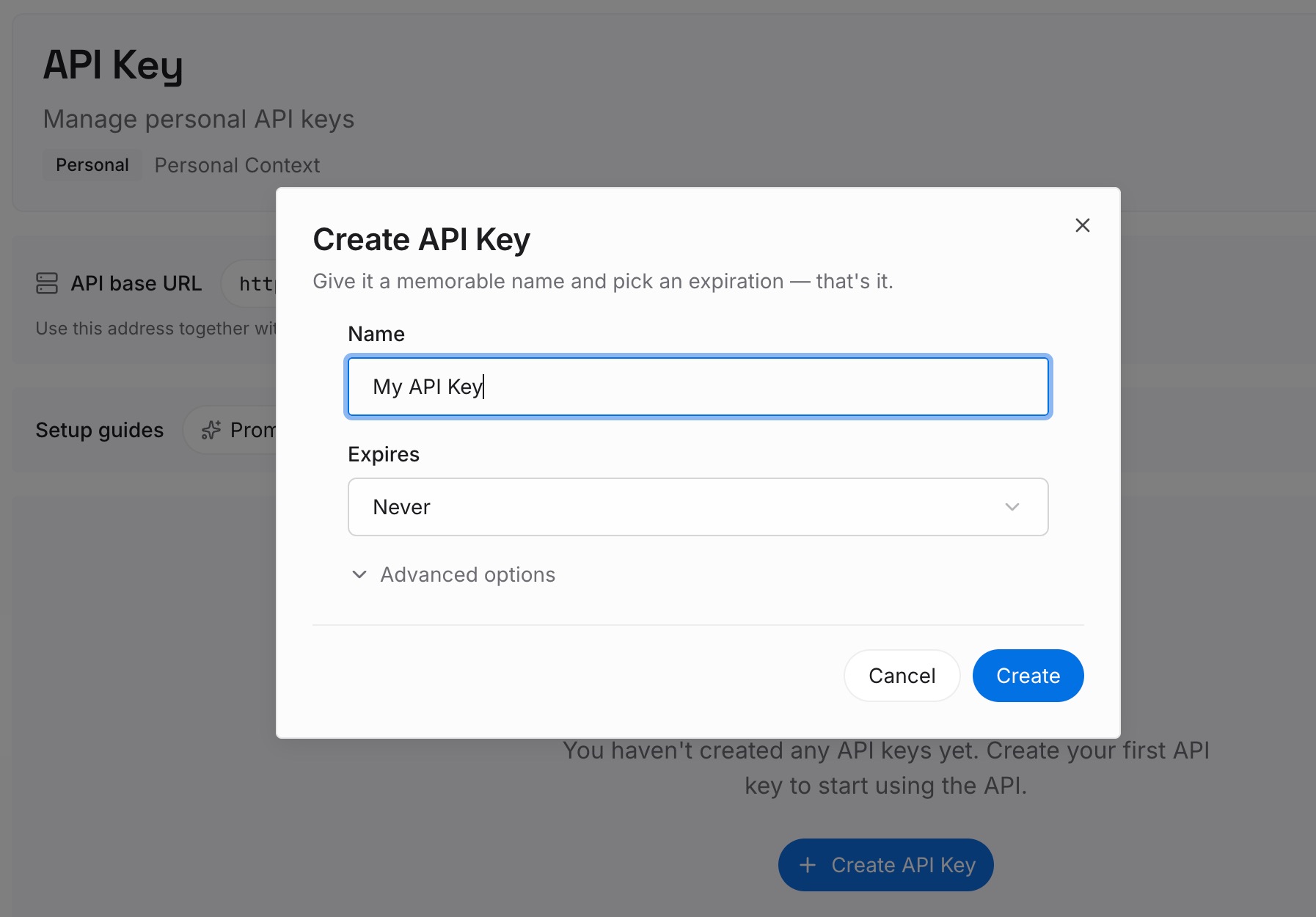
Step 1: Create an API key
Sign in and generate a key from the dashboard. The key belongs to your MemoryLake workspace, separate from your Lovable and Anthropic accounts.
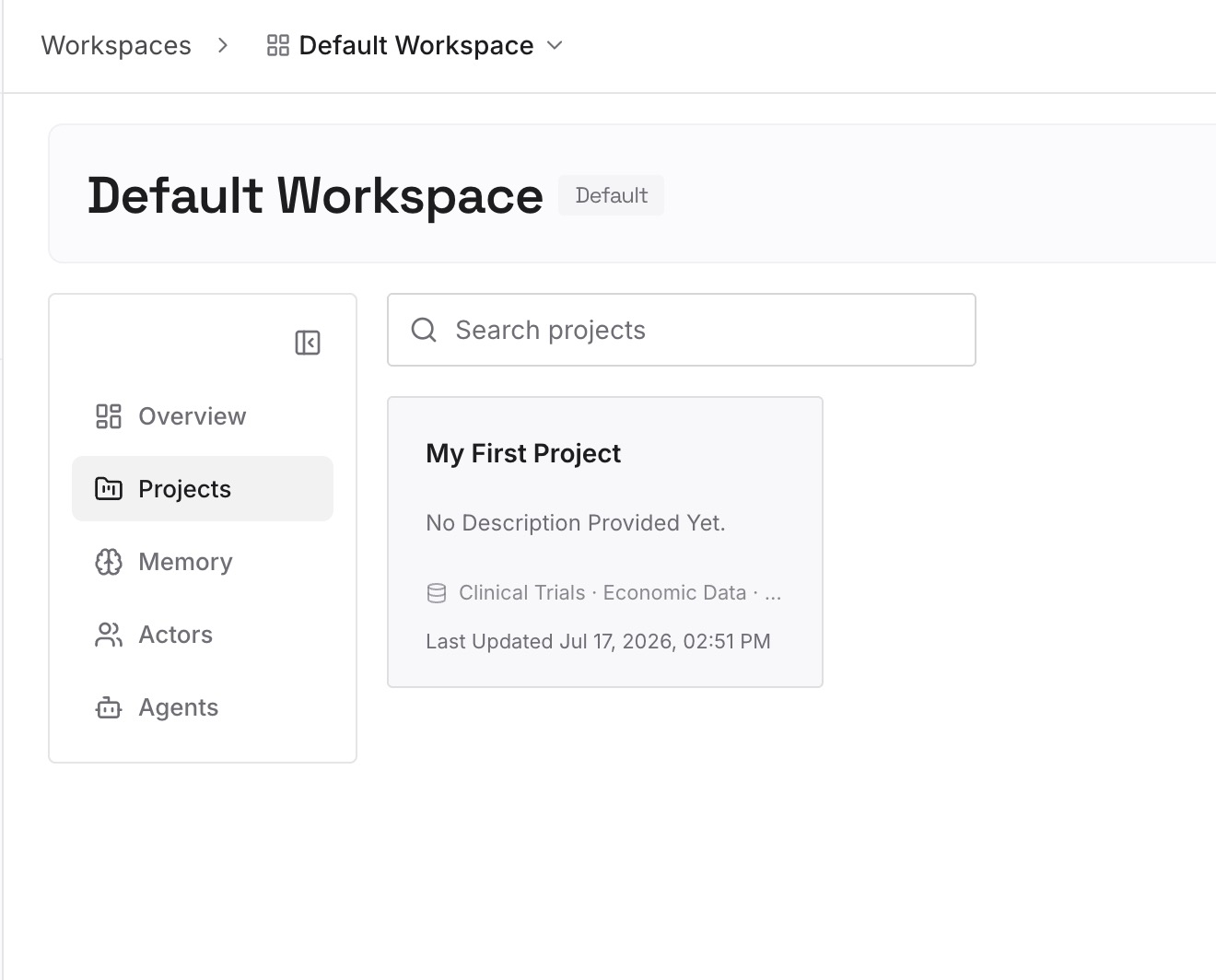
Step 2: Upload your first memories
Start with the decisions you wrote down in Step 1 of the manual migration. One decision per entry, dated, with the reason.
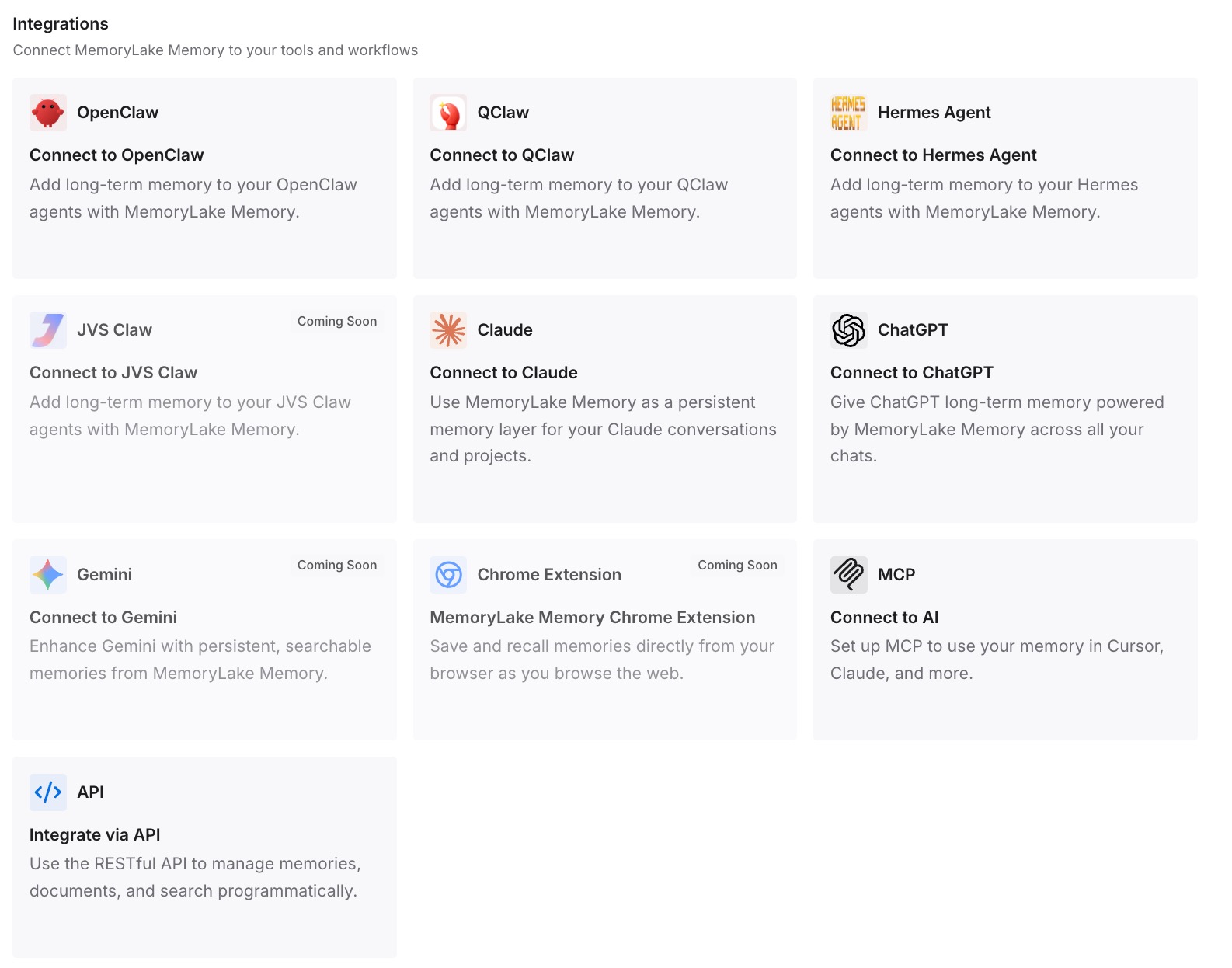
Step 3: Connect your AI & agents
Connect Claude Code and the other assistants you use. The same decisions are then available in each tool you connect, instead of living in one tool's settings.
What this changes in practice
The first difference is that Lovable's context becomes something you can read and review. Knowledge sat in a settings field. Now it's a file in your repository, versioned with your code.
The second is fewer reversals. Lovable can change code you wrote in a later request. When the constraint lives in a root AGENTS.md that both tools read, it's in front of Lovable and Claude Code alike.
The third is that skills keep working. Because both tools use the same SKILL.md shape, a workflow your workspace refined in Lovable runs in Claude Code without a rewrite. Skills carry procedures, though, not decisions, which is why skills aren't a substitute for memory and the decisions file still matters.
The fourth is fewer repeated explanations. A session that starts with the right instruction file doesn't need you to re-explain the project, the situation our guide to Claude Code forgetting project context covers.
Best practices for moving from Lovable to Claude Code
Keep Lovable on its own branch. Work on a feature branch and merge into the synced branch.
Don't rewrite synced history. Lovable's documentation says not to force-push, rebase, or squash commits already on the synced branch.
Read Knowledge before you copy it. Old rules are often wrong rules.
Use one root AGENTS.md. Both tools read it.
Treat MCP writes carefully. Knowledge writes replace the whole field.
Commit skills to the repository. That's where Claude Code finds project skills.
Write down chat decisions. The chat doesn't travel with the code, as our guide to Lovable forgetting project context explains.
Conclusion
Moving from Lovable to Claude Code is easy for the code and deliberate for the context. Git sync gives you a repository Claude Code can work in. Lovable's Knowledge, skills, and chat stay in Lovable unless you bring them out.
Lovable's MCP server makes that easier. Claude Code can read project and workspace knowledge, custom skills, and recent messages directly, as long as you treat the write tools with care. Skills move as they are, because both tools use the same SKILL.md shape.
Put the shared rules in a root-level AGENTS.md, add a short CLAUDE.md that imports it if you need Claude-specific instructions, and keep a dated decisions file. That's the context you'd otherwise rebuild one correction at a time.