
What actually transfers
Pages transfer as Markdown, and that's the format you want. Individual pages export as PDF, HTML, or Markdown & CSV. For a whole workspace, Settings → Workspace → General → "Export all workspace content" gives you HTML, Markdown, or CSV — the Markdown & CSV option producing one .md file per page, one CSV per database, and sub-pages and assets in folders alongside.
A few limits worth knowing before you start:
- "Include subpages" makes nested pages download as separate files. For individual page exports it's a Business and Enterprise plan feature; it applies to all workspace exports regardless.
- Large exports arrive by email. Notion sends a download link rather than starting the download, and that link expires after 7 days. Processing can take up to 30 hours depending on workspace size, so a workspace export is something you kick off before lunch, not something you wait on.
- You only get what you can see. "Pages that the exporter doesn't have access to, such as private pages of other users, will not be included in the export." If the real architecture doc lives in a teammate's private page, it isn't in your export and you won't be told.
- Workspace PDF export is going away. Notion is removing the option to export workspace content as PDF, rolled out to workspaces gradually through August 31, 2026. HTML, Markdown, and CSV remain, and individual pages can still export as PDF. If your backup habit was a workspace PDF, that habit needs replacing anyway.
Databases transfer as CSV, which is lossier than it looks. A Notion database is rows plus views plus relations plus rollups. CSV gives you rows. Anything computed from a relation arrives as text if it arrives at all, and the views you actually used to make sense of the data don't come at all.
Notion AI itself doesn't transfer, and it isn't supposed to. Notion AI's value is answering over your live workspace — the whole thing, current, including pages you'd never think to hand a coding agent. That's a genuinely good capability and Cursor won't reproduce it. This migration isn't "leave Notion"; for most teams the right end state is Notion still holding the docs, with the build-relevant subset also present where the code is.
Links between pages mostly break. Notion's internal links are workspace URLs. In an exported folder they either point back at Notion — fine if you keep the workspace, useless offline — or resolve to filenames that don't match what the agent expects. Plan on your exported docs being flatter and less interconnected than they looked in Notion.
The manual migration
Step 1: Export the pages a coding agent can actually use
Resist the workspace-wide export as your first move. It's the slowest path (up to 30 hours), it drags in meeting notes and marketing pages, and the volume guarantees you'll skip the triage step that actually matters.
Instead walk your Notion sidebar and sort pages into three buckets:
- Build-relevant and durable — the spec, the architecture doc, the schema, the API contract, the decision log, the client's hard constraints. These are what you export.
- Build-relevant but volatile — sprint boards, task databases, status pages. Leave them in Notion. A coding agent doesn't benefit from a snapshot of last week's board, and the snapshot will be wrong within days.
- Not build-relevant — everything else. Most of a workspace.
Then export the first bucket. Open each page, use its export option, pick Markdown & CSV, and turn on "Include subpages" where the page is a parent (or use the workspace export if you're on a plan where per-page subpage export isn't available). You'll get .md files plus a folder of assets.
Two things to check as you go. First, whether anything you expected is missing because it lives in someone's private page — if the decision log has gaps, that's usually why. Second, whether a page you're exporting is actually a database in disguise; if the schema lives in a Notion table, the CSV you get is rows without the relations, and you'll want to write the schema out properly rather than ship a CSV that describes it incompletely.
Step 2: Turn Notion pages into rules and repo docs
An exported Notion page is not a useful agent input as-is. Notion pages are written for people browsing — headings, toggles, callouts, a table halfway down, three paragraphs of history at the top. Cursor needs either a short standing rule or a document it can be pointed at.
Split by that distinction, because Cursor has two different homes:
Standing conventions → .cursor/rules. Project rules live in .cursor/rules as .mdc files, version-controlled, with frontmatter fields description, globs, and alwaysApply, and four activation modes:
- Always Apply — every chat session
- Apply Intelligently — when the Agent decides it's relevant based on the description
- Apply to Specific Files — when a file matches a pattern
- Apply Manually — when @-mentioned in chat
Use the granularity. Your API conventions get globs pointing at the API directory. Your general engineering standards go in User Rules under Customize → Rules, which apply across all projects. Cursor's docs recommend keeping rules under 500 lines and splitting larger ones into composable pieces — good advice, since anything Always Apply is loaded on every request. You can also use AGENTS.md in the project root as an alternative to .cursor/rules, including nested files in subdirectories.
Reference material → repo documents. The schema, the spec, the decision log go in docs/ as Markdown, cleaned up: conclusion first, the history trimmed, dates kept. Then one line in a rule tells the agent where to look — "read docs/schema.md before changing anything under db/" — rather than pasting the content into a rule that loads every time.
Be honest about what you've built. Cursor's own documentation explains why the mechanism exists: "Large language models don't retain memory between completions. Rules provide persistent, reusable context at the prompt level." Rules re-supply context on every request. They hold what you exported and cleaned up, as of the day you did it — and Notion keeps moving.
That divergence is the part people underestimate. The spec gets updated in Notion next month; your docs/spec.md doesn't. Two months in, the agent is building against a stale copy while everyone assumes it's reading the current one.
The Better Way: One Memory Layer, Docs and Code
Look at what Step 2 was: you exported a snapshot of one product's knowledge, hand-converted it into another product's format, and created a second copy that will drift from the first.
The drift is the real cost, not the afternoon. And it's the specific thing a memory layer between the two fixes: instead of a stale copy in the repo, one store holds the build-relevant knowledge, and both your assistants read from it — so the decision recorded once is the decision every tool sees.
MemoryLake is a memory layer for that — the schema, the decisions, the constraints in one store, readable from Cursor over MCP and from anything else through the API. The export stops being a migration and becomes an ingestion you can repeat when the docs change.
Fair credit where it's due on both sides. Notion is a genuinely good place for documents — collaborative editing, structure, permissions, and Notion AI answering across the whole workspace is something no rules file approximates. Keep it. And .cursor/rules is plain text in version control, reviewed in pull requests, inherited by your team automatically; keep that too for standing conventions. The memory layer is for the knowledge in between: too long for a rules file, too important to leave as a snapshot, needed by more than one tool.
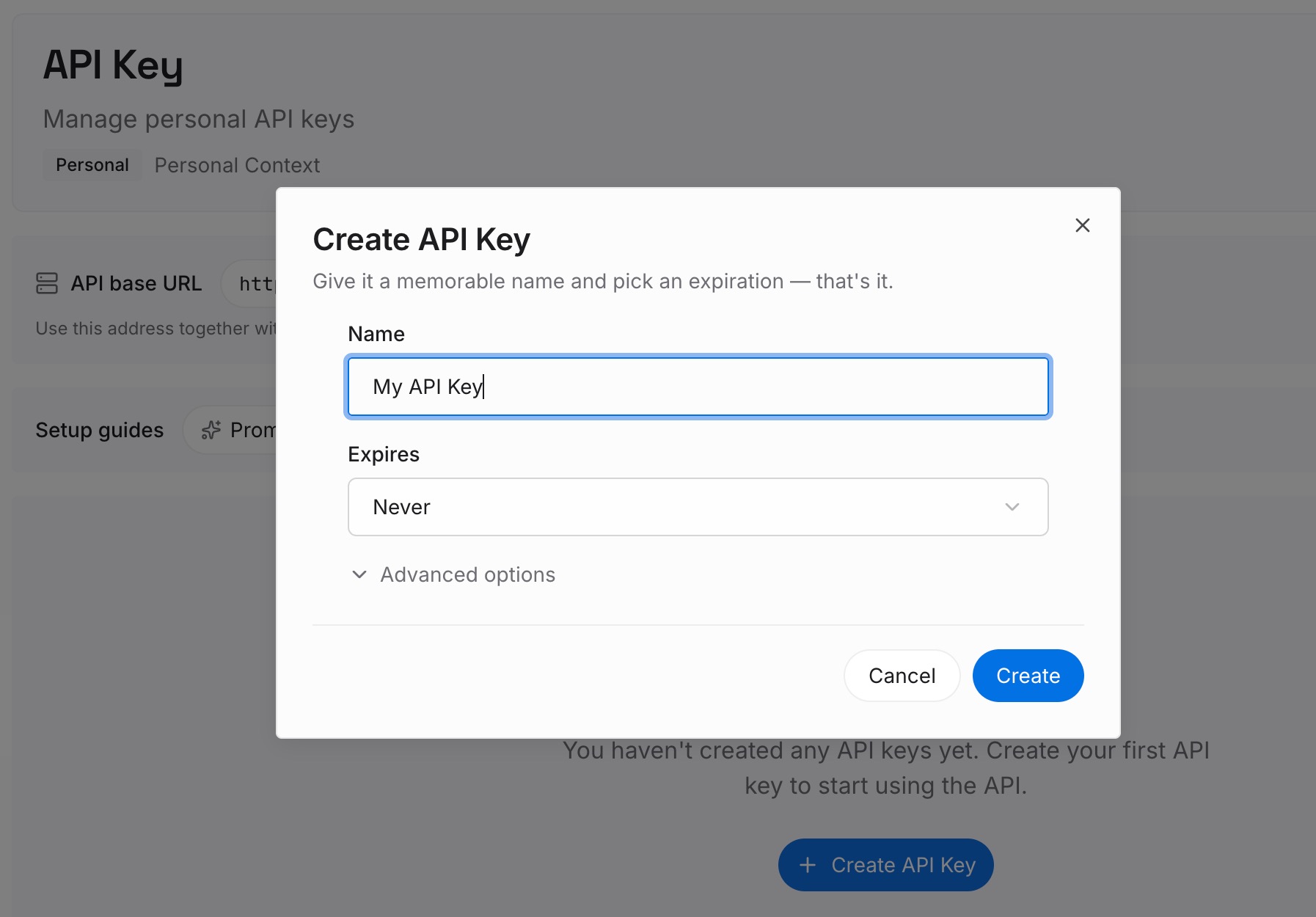
Step 1: Create an API key
Generate a key and make your first request in about 30 seconds. Keep it in your environment or a secret manager rather than in a config file that gets committed.
Step 2: Upload your first memories
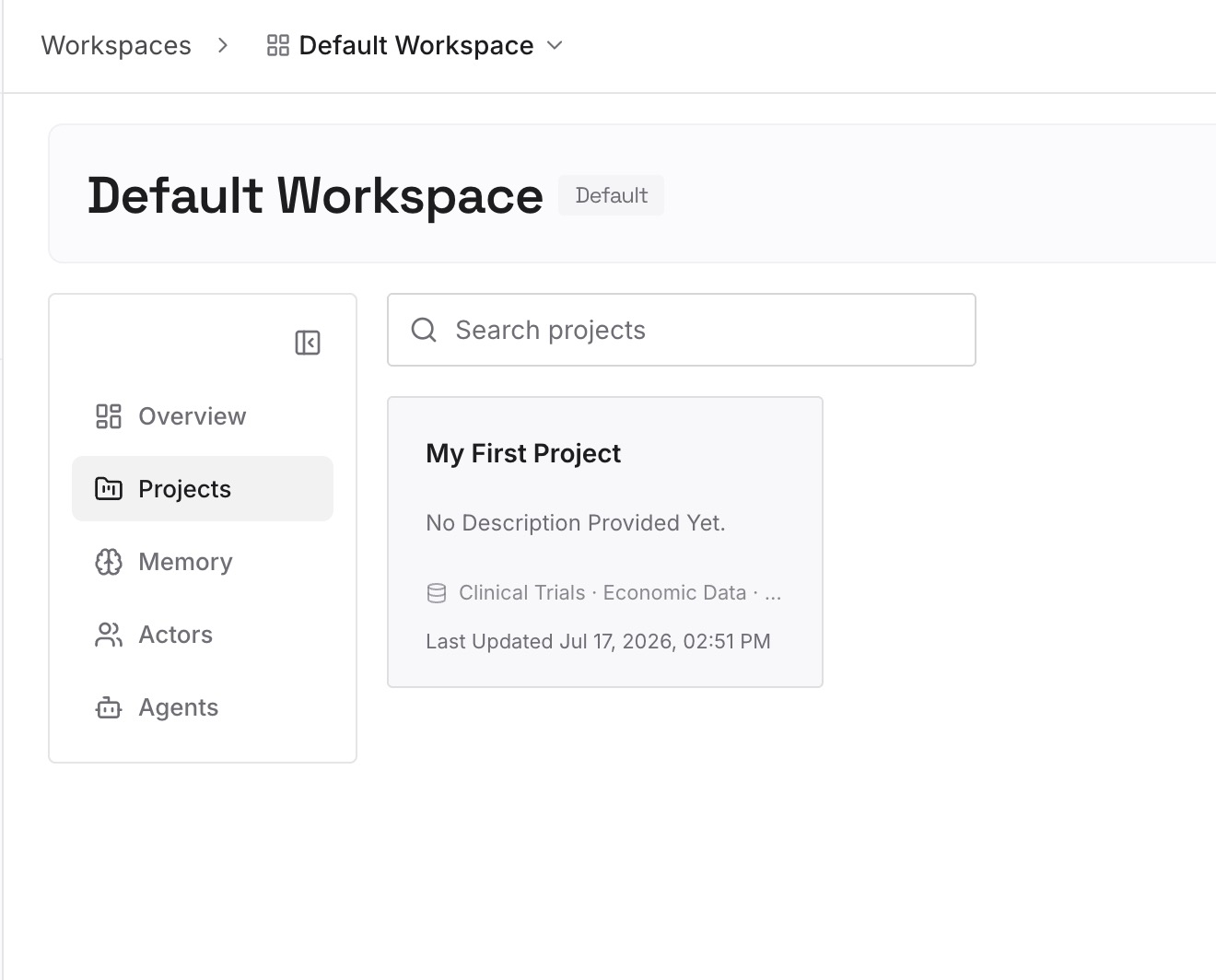
Drop in the documents, images, and files you just triaged: the spec, the architecture doc, the schema, the decision log, the client constraints. Upload the exported sources rather than your condensed summary where you can — the caveat you'd have summarized away is usually the one that matters six weeks later.
Step 3: Connect your AI & agents
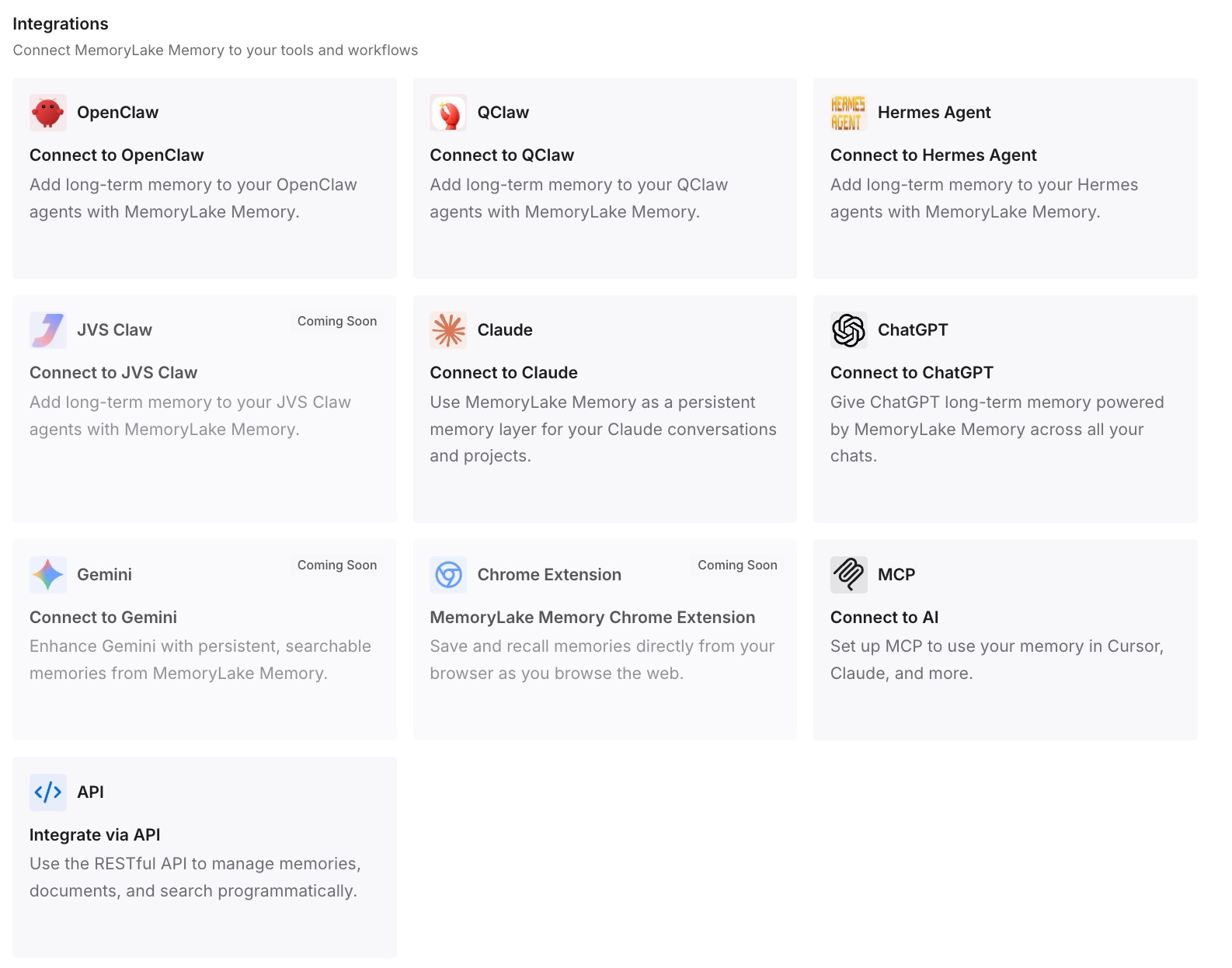
Give Claude, Codex, OpenClaw, and other AI agents access to memory via MCP or the API. Cursor supports MCP servers, so this is a configuration entry. For tools without an MCP client, retrieve what you need through the API and inject it into the prompt or workflow.
What this changes in practice
The first difference is that "what did we decide about tenancy?" gets answered in the editor, with the reasoning, instead of sending you to a Notion tab.
The second is that the stale-copy problem stops. When the store is what both sides read, updating the decision updates it everywhere — rather than updating Notion and leaving a docs/ file that quietly disagrees.
The third is that rejected options stay rejected. The most common post-handoff failure is an agent proposing the approach the spec explicitly ruled out, because the ruling-out lived in a Notion page nobody exported. Once it's in the store with its reason, that stops.
And it generalizes. Spec-lives-in-docs-tool, code-lives-in-editor is the same shape whether the docs tool is Notion or something else, and whether the editor is Cursor or the next one — the same reason moving research into a coding agent and graduating a prototype into a real editor end up needing the same layer.
Best practices for the move
Triage before exporting, not after
A workspace export can take 30 hours and gives you everything, which means you'll skip the sorting. Ten well-chosen pages beat four hundred, and the sorting is where you notice that the "current" spec has three competing versions.
Don't export volatile pages at all
Sprint boards, task databases, and status pages are wrong within days of export. Leave them in Notion and point at Notion for them. Snapshots of moving data are worse than no data, because they look authoritative.
Check for gaps caused by permissions
Your export silently omits pages you don't have access to, including teammates' private pages. If the decision log looks thinner than you remember, that's the first thing to check — and the fix is asking a person, not re-running the export.
Write the schema properly instead of shipping the CSV
A Notion database exports as rows. The relations, rollups, and views — the parts that made it comprehensible — don't survive. If a database is your source of truth for something structural, write it out as a document with the relationships stated in prose.
Date every document you carry over
An exported doc is a snapshot, and the whole risk of this migration is a snapshot being mistaken for current. Put the export date in the file. It costs one line and it's the difference between a stale doc and a misleading one.
Conclusion
Notion to Cursor is a conversion, not a transfer: export the build-relevant pages as Markdown & CSV — per page, or from Settings → Workspace → General for the whole workspace, with the caveats that large exports come by email with a 7-day link, can take up to 30 hours, exclude pages you can't access, and are losing workspace PDF as an option by August 31, 2026 — then turn standing conventions into scoped .cursor/rules and reference material into dated repo documents you point at.
The choice worth making deliberately is what happens after. A snapshot in docs/ serves this repo until Notion moves on without it. A memory layer both sides read means the decision you record once is the decision your editor sees, which is the only version of this that doesn't need doing again next quarter.