
What your Perplexity history holds
Perplexity now calls a conversation a session. Its help center says sessions are saved in your Library at perplexity.ai/library, visible only to you, and kept indefinitely until you delete them. From History you can search sessions, filter them by type, and sort them by date.
A migration has to deal with four kinds of material:
- Sessions. Your questions, Perplexity's answers, and the sources each answer cited.
- Files you uploaded. Documents you attached to sessions or projects.
- Projects. Groups of related sessions and files.
- Memory. What Perplexity saved about your preferences and interests as you used it.
They don't all leave Perplexity the same way.
What Perplexity lets you export
One answer at a time
Each answer has an Export option in the row of actions under it, next to Copy and Rewrite. Perplexity's help center says it exports the answer as PDF, Markdown, or DOCX. The export is per answer, so a long session with many follow-ups means several exports, or one export of the answer that pulled it all together.
For Claude, Markdown is the most useful of the three. It keeps headings and lists, it's plain text, and Claude reads it directly when you upload it.
Your whole account
For a complete copy, Perplexity's GDPR article describes a self-serve route: sign in, go to your account details page, and select Export my data. Perplexity then emails you a download link.
The article doesn't describe the format or contents of that export. Download it, open it, and see what's inside before you plan around it. Treat it as your backup, not as the working material you'll bring into Claude.
What the Memory article doesn't mention
Perplexity's help article on Memory explains how to view and delete what it has saved, under Settings > Memory > Manage memories. It doesn't mention a way to export memories. If you want them in Claude, the practical route is to open that list and copy what still applies.
What can expire before you export it
Most sessions stay until you delete them, but some don't. Perplexity's help center lists the cases where a session is temporary:
- Signed-out sessions expire after 14 days and can't be recovered.
- Incognito sessions expire after 24 hours. Memory and search history are always off in incognito.
- Sessions that used personal context, such as attached files or connectors, may be temporary.
- Enterprise accounts follow their organization's retention policy.
Deleted sessions are gone too. The help center says a deleted session can't be retrieved. If a session you need falls into one of these groups, export it first. Our guide to tracking down missing Perplexity history covers sessions that seem to have vanished.
What Claude can take in
Anthropic's help center doesn't describe an import for another service's chat history. What Claude offers are three places for context, each suited to a different part of your Perplexity history.
Projects, for research you'll keep working on
Claude projects have a knowledge base. Anthropic's help center says: "Anything you upload to this space will be used across all of your chats within that project." That's where exported Markdown answers belong when they're part of ongoing work.
Projects also have instructions, which apply to every chat in the project, and "Each project has its own memory." For large knowledge bases on paid plans, Anthropic says Claude automatically switches to a retrieval mode as project knowledge approaches the context window limit. Our guide to Claude forgetting project knowledge files explains what that means for big uploads.
A note on timing: Anthropic is rolling out a new version of projects in beta, starting in Claude Code, and has begun moving some Pro and Max users' existing projects to it. If you're already planning to work in Claude Code, our guide to moving Claude projects to Claude Code covers the new version.
Memory, for what Claude should know about you
Claude's memory has an import flow for context from other AI services. Go to Settings > Your Claude (or Settings > Memory in the older layout) and select Start import. Anthropic provides a prompt to run in your old service and a box to paste the result into. After you submit it, "Claude will extract key information and store it as individual memory entries."
Two cautions from Anthropic apply. "Claude's memory is designed to focus on work-related topics to enhance its effectiveness as a collaborator." Personal details unrelated to work may not be kept. And "Memory imports are experimental and still in active development". Our guide to checking what arrives after a Claude memory import shows how to confirm the result.
A single chat, for a one-off question
For a session you only need to finish, upload its exported answer to a new Claude chat and continue from there. That's enough when you don't need the material anywhere else.
Before you close your Perplexity account
If you're leaving Perplexity entirely, finish the migration before you delete anything. Perplexity's retention article says personal information is removed from its servers within 30 days of account deletion. Its GDPR article adds that deletion is permanent and can't be restored, and that signing back in before deletion finishes cancels the request.
Two smaller points about memory are worth knowing on the way out. Perplexity's Memory article says turning Memory off doesn't clear existing memories, so switching it off is not the same as removing what's there. And when you delete memories, Perplexity may keep a log of cleared memories for up to 30 days for safety and debugging.
A sensible order is: request the account export, rescue temporary sessions, copy your memory list, rebuild in Claude and check it, and only then delete sessions, memories, or the account. If you'd rather keep Perplexity for search and use Claude for longer work, you don't need to delete anything at all; the export and rebuild work the same way.
What people try first
Exporting everything as PDFs. PDFs are fine for reading. Markdown is easier for Claude to work with and easier for you to edit.
Uploading every export into one project. A knowledge base full of old answers makes the useful ones harder to find. Pick the sessions with conclusions.
Expecting Claude to search Perplexity history. Claude's chat search covers your Claude chats. Your Perplexity exports are files, not past conversations.
Pasting Perplexity's answers into memory. Memory import is for facts about you and your work, and Claude extracts entries from what you paste. Research findings fit better in project knowledge.
Waiting until after closing the account. The export link arrives by email. Request it while you can still sign in.
The manual migration
Step 1: Back up and rescue
Request the account export from your account details page with Export my data, and save the download outside Perplexity. Then rescue anything that can expire: sessions you started signed out, recent incognito sessions, and sessions that used files or connectors. Export those answers as Markdown now.
While you're in Perplexity, open Settings > Memory > Manage memories and copy the entries that are still accurate into a text file.
Step 2: Sort what you'll bring over
Go through History with the filter and sort options and pick the sessions that matter. A useful test: would you otherwise need to redo this research? Keep those. Leave quick lookups behind.
Group the keepers by topic. Each group with ongoing work becomes a Claude project. For each kept session, export the answer that holds the conclusion as Markdown, including its source list.
Step 3: Rebuild in Claude
- Create one project per research topic. Add the Markdown exports to its knowledge base.
- Write project instructions that say what the research is for, which sources you trust, and what's already been concluded.
- Import your memory. Open Start import, run Anthropic's prompt in Perplexity if it helps, add the entries you copied from Perplexity's memory list, and paste the result.
- Start a chat in each project and ask Claude to summarize what it now knows. Correct anything it gets wrong before you build on it.
Keep the exports small and clearly named, with a date in each file name, so it's obvious later which conclusions are current. Our guide to searching past Claude chats inside a project explains how project chats can find each other afterward.
The Better Way: Keep your research conclusions in one list that doesn't depend on the tool
The manual migration works. It also shows where the value in a research history sits: in a small number of conclusions, sources, and decisions, buried in a large number of sessions. Every time you change tools, you dig them out again.
MemoryLake is a memory layer for keeping those conclusions in one list you maintain, available to the assistants you connect, such as ChatGPT, Claude Code, and Codex.
You write the entries yourself, in your own words. Nothing is read out of, written to, or deleted from your Perplexity sessions, your Perplexity memory, your Claude projects, your Claude memory, or any vendor's store. Perplexity's exports and Claude's import flow are still how you move the material itself.
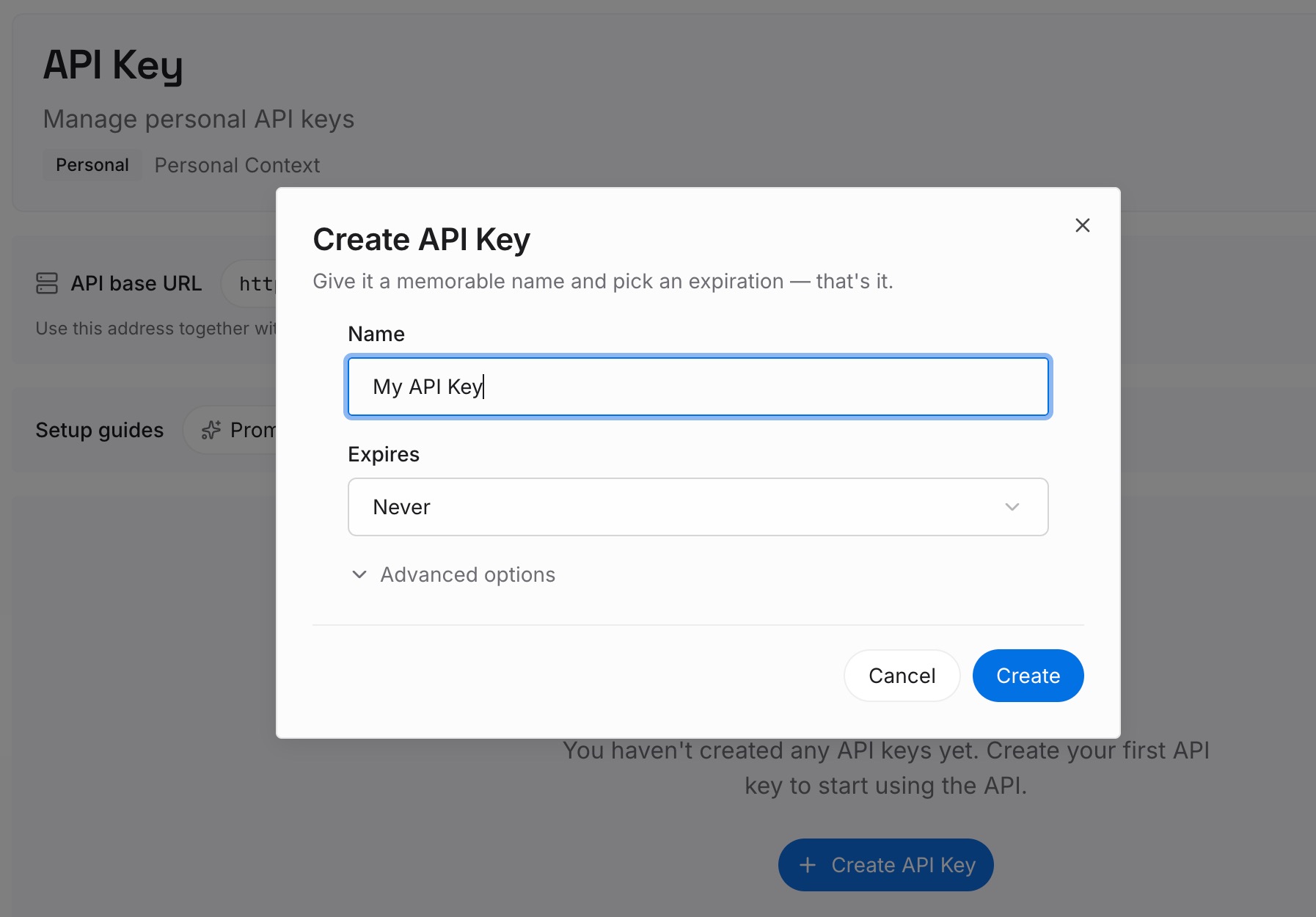
Step 1: Create an API key
Sign in and generate a key from the dashboard. The key belongs to your MemoryLake workspace and is separate from your Perplexity and Claude accounts.
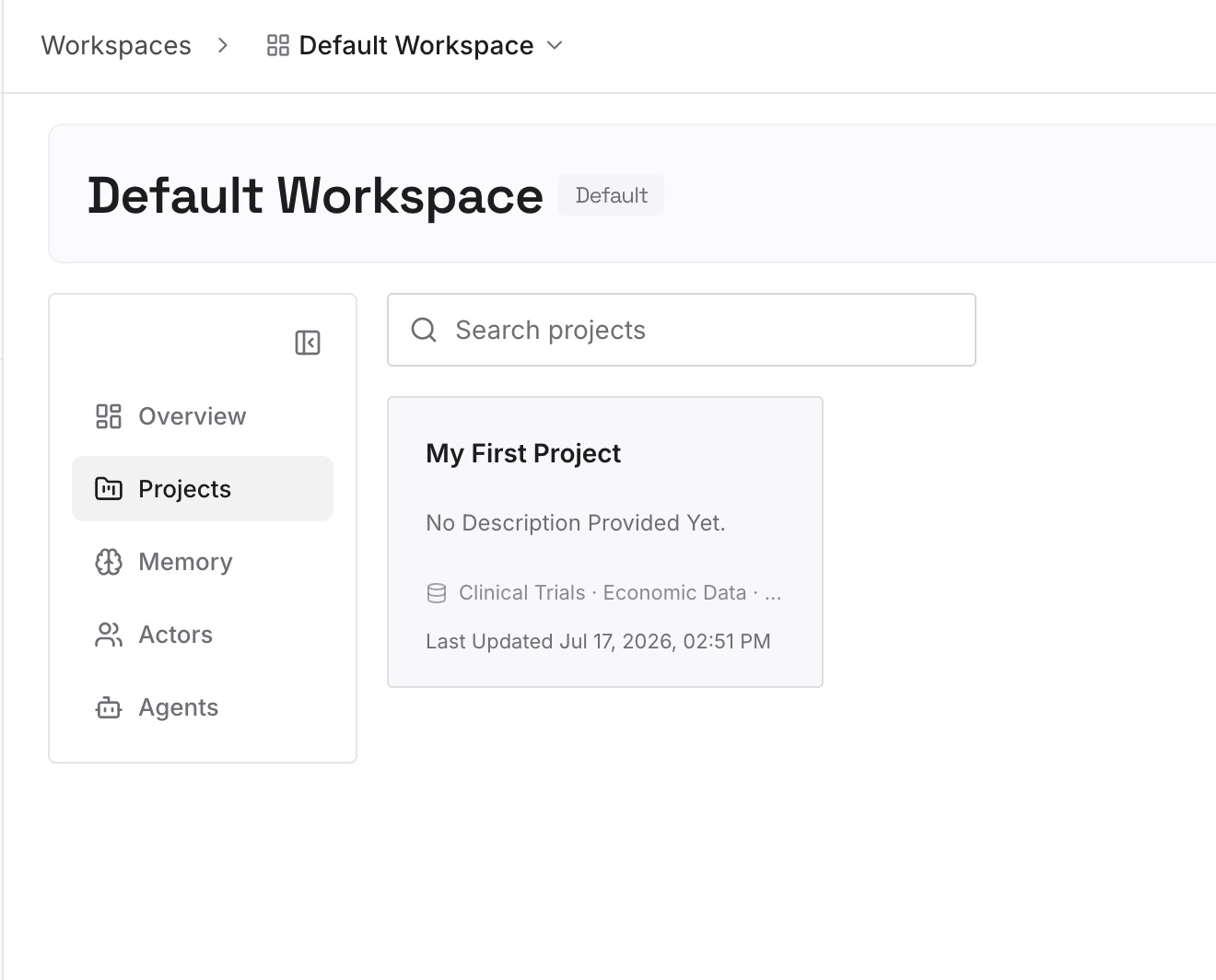
Step 2: Upload your first memories
Start with what you pulled out in Step 2 of the manual migration: the conclusions you'd otherwise research again, each with the source it rests on and the date you reached it. One finding per entry.
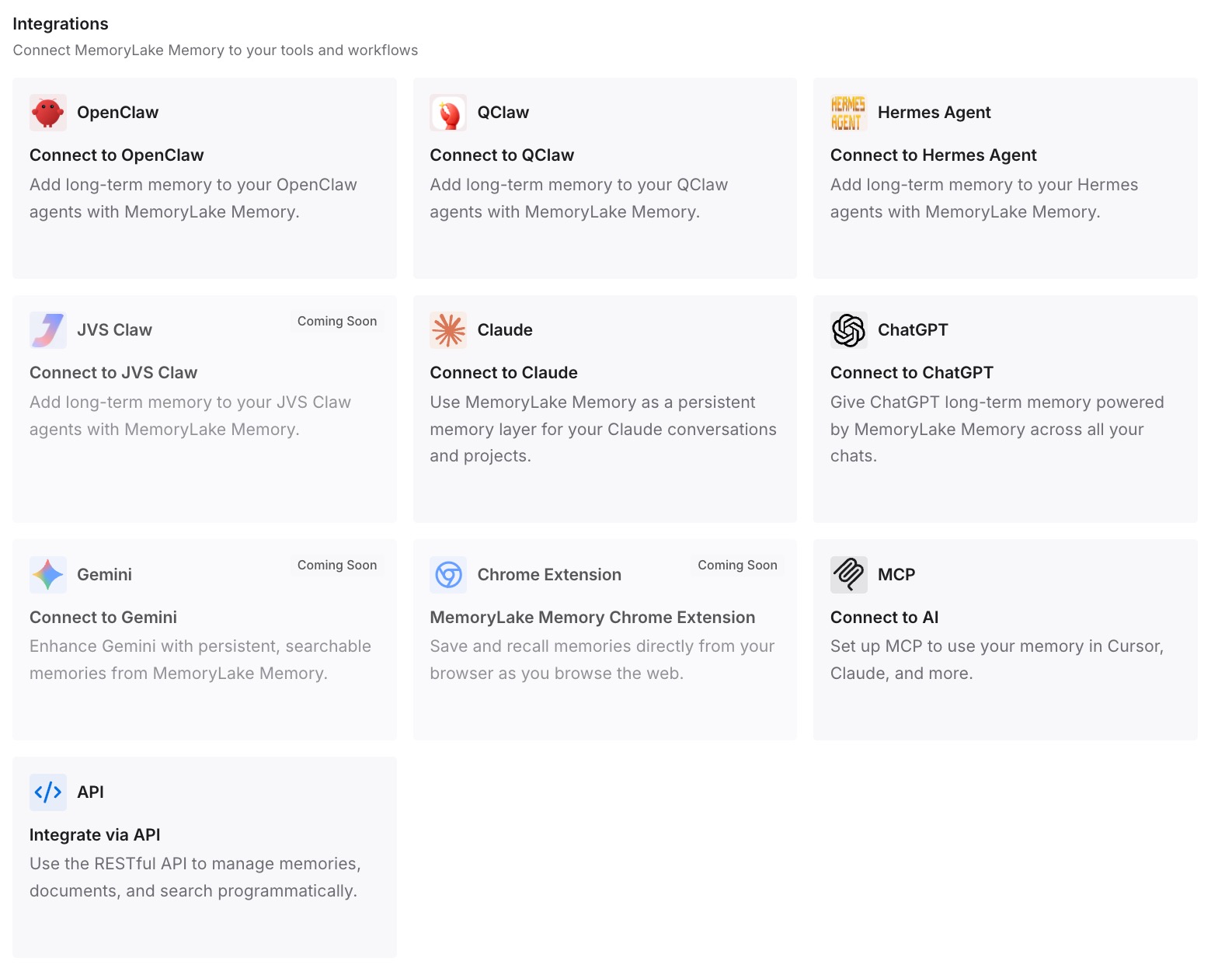
Step 3: Connect your AI & agents
Connect the assistants you use. The findings you rely on are available wherever you continue the work, without another export.
What this changes in practice
The first difference is that nothing expires on you. You export temporary sessions before their window closes and keep a full account backup.
The second is that Claude gets the right material in the right place. Ongoing research goes into project knowledge, facts about you go into memory, and one-off questions stay in single chats.
The third is that the next move is smaller. Your conclusions are already written down, so changing tools again means connecting them, not digging through history.
Best practices for moving Perplexity history to Claude
Request the account export first. It's your complete backup.
Export answers as Markdown. Claude reads it directly, and you can edit it.
Rescue sessions that can expire. Signed-out sessions last 14 days, incognito sessions 24 hours.
Bring conclusions, not transcripts. Export the answer that settled a question, with its sources.
Use one Claude project per research topic. Keep knowledge bases focused.
Copy Perplexity's memory list by hand. Its Memory article doesn't describe an export.
Check what Claude learned. Ask it to summarize each project and your imported memory, and correct mistakes.
Conclusion
Perplexity exports single answers as PDF, Markdown, or DOCX and offers a full account export by email. Claude takes files into project knowledge and context about you through its memory import. Some Perplexity sessions expire, so rescue those first.
Back up the account, export the answers that hold your conclusions as Markdown, put ongoing research into Claude projects, import what Claude should know about you, and check the result before you rely on it.