
What actually transfers
Project Rules transfer almost cleanly. Warp's Project Rules live in "an AGENTS.md file (or WARP.md for backwards compatibility)" at the repository root or in subdirectories. Claude Code reads CLAUDE.md in the same shape. The content moves verbatim; only the filename and the resolution order change.
One filename detail catches people. Warp's docs carry an explicit caution: "The filename must be in all caps for Warp to recognize it (e.g., AGENTS.md, not agents.md or Agents.md)." Claude Code is looking for CLAUDE.md. If you copy the file and forget to rename it, Warp stops reading it and Claude Code never starts.
Global Rules become user instructions, with a caveat. Warp's Global Rules "apply across all projects and contexts" and are managed in the Warp Drive Rules pane, each with an optional name and a description of "what the rule does and when to apply it." Claude Code's nearest equivalent is ~/.claude/CLAUDE.md, described as "Personal preferences for all projects." The content maps. The metadata does not — there is no per-rule description field to preserve, so a Warp Global Rule that relied on its description to signal when it applies becomes an unconditional instruction.
Rule precedence changes shape. Warp resolves conflicts in a stated order: "1. Rules in the current subdirectory's project rules file 2. Rules in the root directory's project rules file 3. Global Rules." Claude Code loads its four scopes "in load order, from broadest scope to most specific, so a project instruction appears in context after a user instruction" — managed policy, then user, then project, then CLAUDE.local.md. Same instinct, different mechanism, and Claude Code's docs are candid about the failure mode: "if two rules contradict each other, Claude may pick one arbitrarily."
Subdirectory loading is close but not identical. Warp "automatically applies the AGENTS.md (or WARP.md) in the root and in the current directory," and for other subdirectories "makes a best-effort attempt to include that subdirectory's rules file as well." Claude Code loads files "in the directory hierarchy above the working directory" at launch, while "Files in subdirectories load on demand when Claude reads files in those directories." Both are lazy about subtrees; the trigger differs.
Codebase Context does not transfer. Warp "indexes your Git-tracked codebase to help Agents understand your code," and notably "No code is stored on Warp servers." You can shape it with ignore files and check its status under Synced, Discovering files, Failed, or Codebase too large. This is an index, not a document, and there is nothing to export. Claude Code reads files on demand instead. What you lose is the retrieval quality that index was providing; what you gain is not having to wait for a sync.
Agent Memory is the big one, and the boundary is specific. Warp's Agent Memory "gives agents in Warp persistent memory across supported harnesses, including the Warp Agent, Claude Code, and Codex." It is real, mature, and does more than most: personal, agent, and team stores; "Auto-memory" on by default for new agents; automatic extraction after a conversation ends, where "New knowledge merges with existing memories or supersedes them on conflict"; per-store read-only or read-write access with per-store instructions; plus traceability, where "Each memory records where it came from," and auditability, where "Every change to a memory is recorded."
Two facts decide whether any of it follows you. First, it "is in research preview and is enabled per team for design partners," with a waitlist — so most readers do not have it in the first place. Second, and this is the one that surprises design partners: coverage of third-party harnesses applies "when they run as cloud agents," and the docs state plainly that "Running third-party harnesses locally isn't supported during the research preview."
So if you had Agent Memory and you move to Claude Code running locally in your own terminal, you are outside the supported path. The memory itself stays where it is — "Memory stays bound to its owner (a user, an agent, or a team), independent of which harness reads or writes" — and Warp remains the system that holds it.
The manual migration
Step 1: Move the rules and set the scopes
Start with the files, because they are the part that actually copies.
Take each AGENTS.md (or WARP.md) in your repository and create the matching CLAUDE.md at the same path. Root file to root CLAUDE.md, ui/AGENTS.md to ui/CLAUDE.md. Content unchanged.
Then split by scope rather than dumping everything into one file. Claude Code's docs recommend targeting "under 200 lines per CLAUDE.md file," because "Longer files consume more context and reduce adherence." If your Warp root file grew past that, this is the moment to break it up — Claude Code's .claude/rules/ directory takes topic files, "All .md files are discovered recursively," and rules can be scoped with paths frontmatter so they "only apply when Claude is working with files matching the specified patterns."
That mapping is worth doing deliberately. A Warp subdirectory rules file exists partly because Warp had no other way to scope guidance. In Claude Code you can keep it as a nested CLAUDE.md or convert it into a path-scoped rule, and the second is usually the better fit for something like "all API handlers must validate input."
Move Global Rules into ~/.claude/CLAUDE.md. For anything genuinely personal to one project, CLAUDE.local.md at the project root does that job and belongs in .gitignore.
Finally, verify rather than assume. Run /context in a session and check the list under Memory files — Claude Code's documented way to confirm what actually loaded. Every migration step above is the kind of thing that silently half-works, which is the pattern behind why Claude Code forgets project context more generally.
Step 2: Decide what happens to the knowledge that has no file
Now the part that does not copy.
If you were using Agent Memory, inventory what is in those stores before you stop using Warp. Traceability helps here — each memory records its source — and the team stores are usually where the valuable material sits: deployment runbooks, review conventions, on-call procedures. Read them and write down what still matters. There is no export path that turns a Warp store into a Claude Code memory directory, so this is a reading-and-rewriting exercise, and it is one you do by hand.
Claude Code has its own automatic layer to receive some of it. Auto memory is on by default and Claude writes four kinds of note, tagged by a type field: user for "your role, expertise, and working preferences," feedback for "corrections you give Claude and approaches you confirm," project for "ongoing work, deadlines, and decisions that Claude can't derive from the code or git history," and reference for "where to find information outside the project."
Know its shape before you rely on it. It stores plain files under ~/.claude/projects/<project>/memory/ with a MEMORY.md index, and the loaded slice is bounded: "Every session (first 200 lines or 25KB)." Its scope is "Per repository, shared across worktrees," derived from the git repository. And Claude deliberately declines to duplicate: "Claude skips anything it can derive from the codebase" and "also skips anything your CLAUDE.md files already say."
The gap between the two systems is not quality, it is topology. Warp's stores are hosted, attachable to several agents, and shareable with a team by attaching a store to an agent the whole team uses. Claude Code's auto memory is local, per-repository, and yours. Moving from the first to the second means a team's shared knowledge becomes several people's private files — which is the failure mode described in keeping team AI context when someone leaves.
The Better Way: One Store Both Tools Read
Everything above is a one-time conversion that leaves you with local files and a team-shared layer you no longer have. There is a third option that makes the conversion smaller and the result more durable: keep the durable knowledge in a store that belongs to neither tool.
That reframes the migration. Instead of translating Warp's memory into Claude Code's memory, you point both at the same layer and let the tool-specific files stay small and tool-specific. It also means the next migration — and there will be one — is a rules-file rename rather than an archaeology project. MemoryLake sets up in three steps.
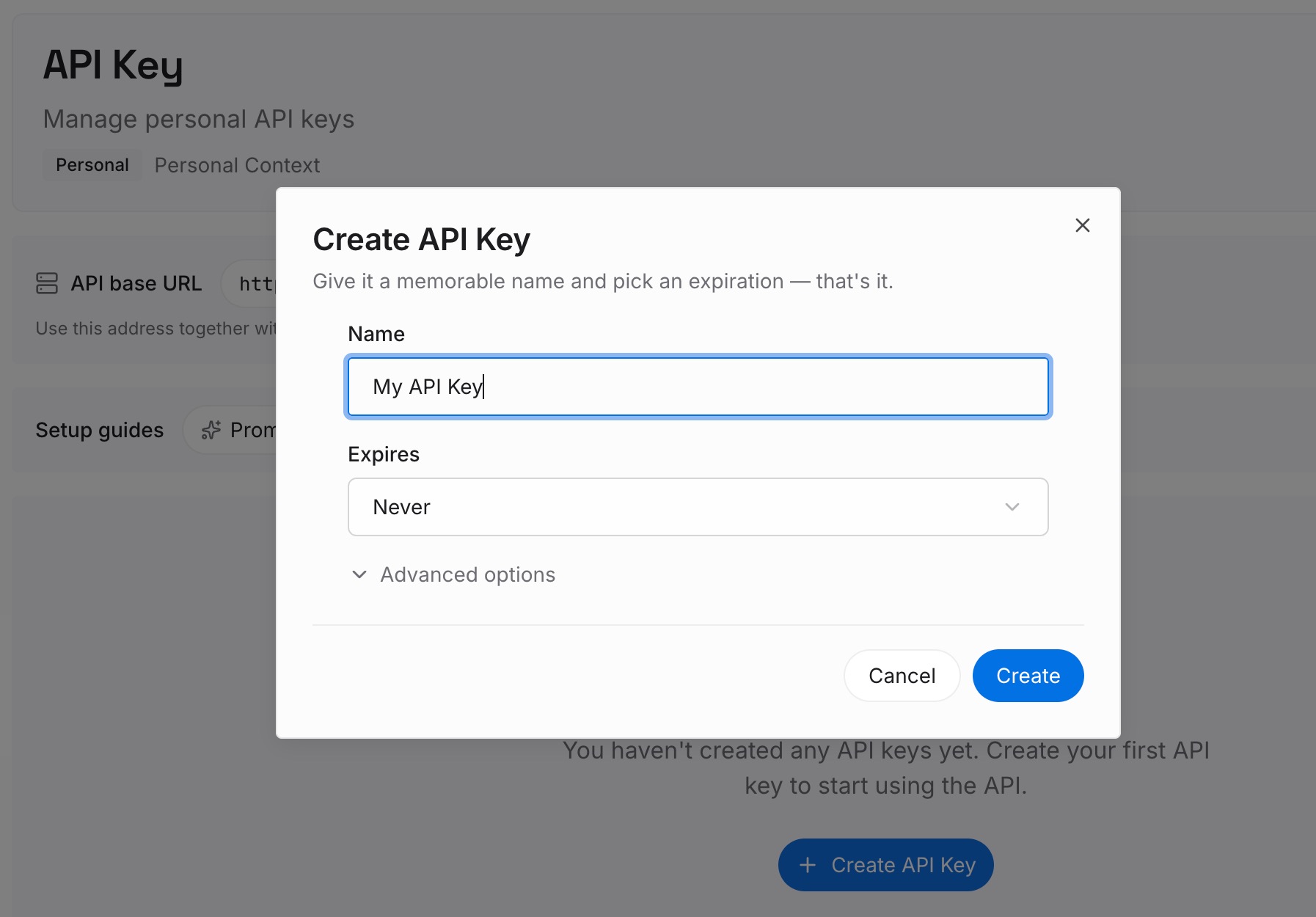
Step 1: Create an API key
Sign in and generate an API key from your dashboard. The credential belongs to you rather than to a harness, which is the property that matters here: Warp's Agent Memory covers third-party harnesses when they run as Warp cloud agents, and this covers Claude Code wherever you run it, including locally.
Step 2: Upload your first memories
This is where the material from Step 2 of the manual migration goes. Deployment runbooks, review conventions, architectural decisions and their reasons, the domain vocabulary a new teammate would need. Anything you read out of a Warp team store and did not want to lose.
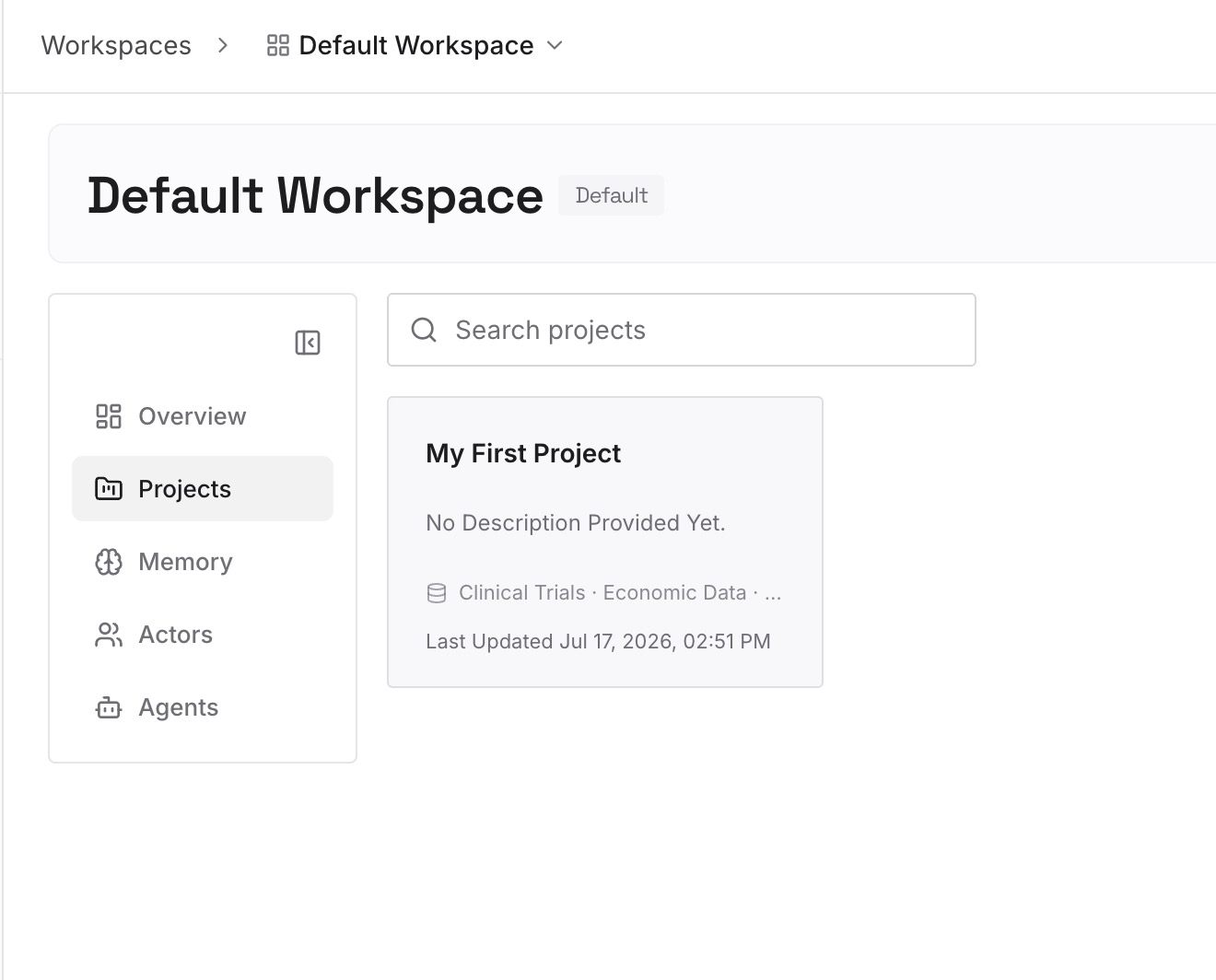
Keep tool-specific wiring where it belongs. Build commands and file layout stay in CLAUDE.md; the facts move here.
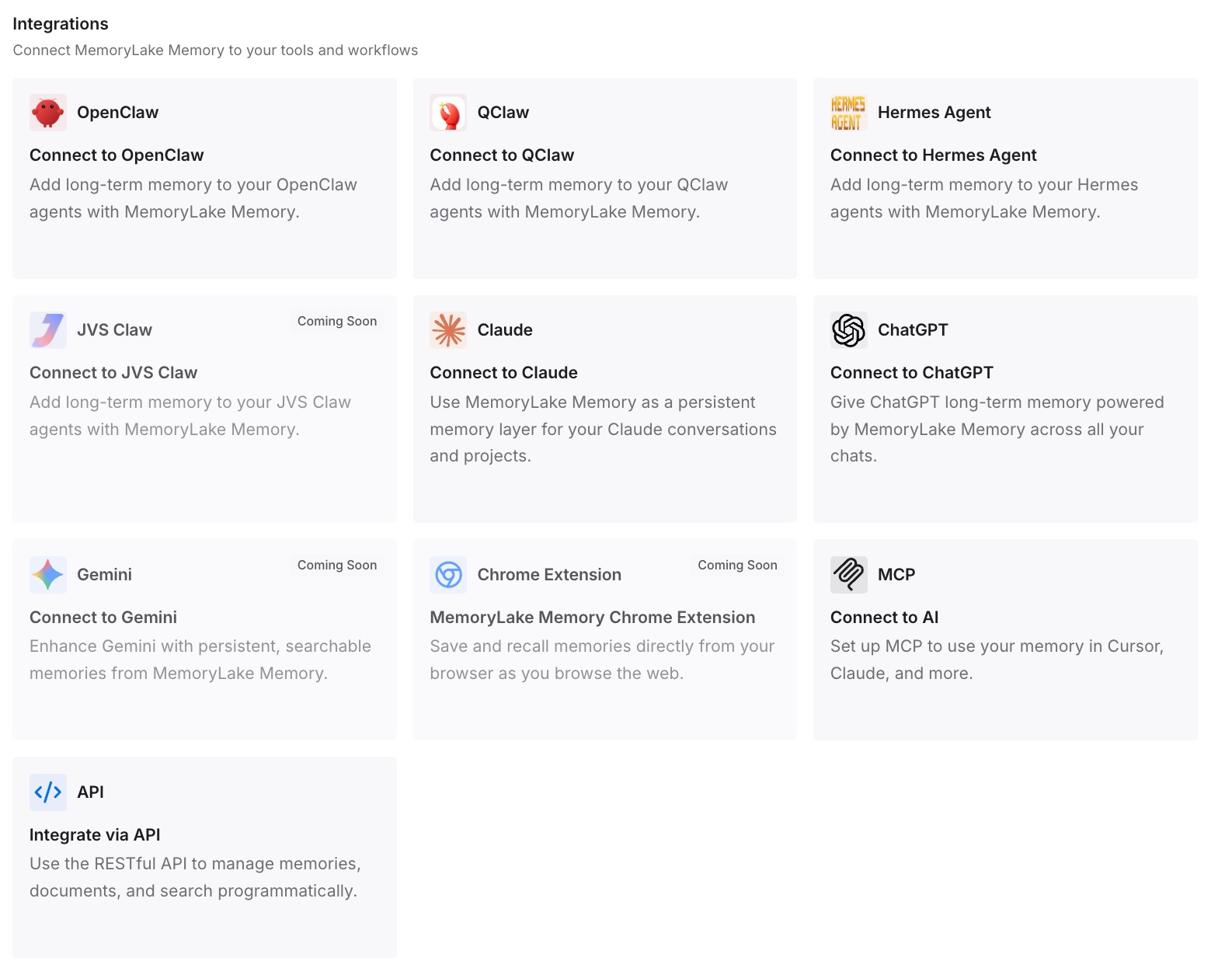
Step 3: Connect your AI & agents
Point Claude Code at the store, and point Warp at it too if you still run both. Teams mid-migration usually do for a while, and that period is exactly when a shared layer earns its place — the same reasoning behind cross-agent memory generally.
What this changes in practice
The first change is that the migration stops being lossy. The files copy either way; it is the unfileable knowledge that goes missing, and that is the part a shared store holds.
The second is that team knowledge stays team knowledge. Warp made sharing easy by attaching a store to an agent the whole team uses. Claude Code's auto memory is per-repository and local by design. A shared layer keeps the first property while you adopt the second tool.
The third is that running both tools stops being a maintenance tax. Warp's /init can even link an existing external rules file — the supported list includes CLAUDE.md, .cursorrules, AGENT.md, GEMINI.md, .clinerules, .windsurfrules, and .github/copilot-instructions.md — so the instruction layer can genuinely be one file. The knowledge layer needs the same treatment, and that is what Warp's project rules setup can and cannot do on its own.
Best practices for a Warp to Claude Code move
- Rename, do not just copy.
AGENTS.mdmust be all caps for Warp; Claude Code wantsCLAUDE.md. A copied-but-unrenamed file is read by neither. - Split before you migrate. Target under 200 lines per
CLAUDE.md; convert scoped Warp subdirectory rules intopaths-scoped entries under.claude/rules/. - Verify with
/context. Check the Memory files list rather than assuming a file loaded. - Read your Warp stores before you leave them. Traceability tells you where each memory came from; nothing exports them for you.
- Expect auto memory to be selective. It skips what your
CLAUDE.mdalready says and what it can derive from the code, and loads the first 200 lines or 25KB. - Keep contradictions out. Claude Code may pick arbitrarily between conflicting rules, so review nested files and rules periodically.
- Use hooks for anything that must hold. Instructions are context, not enforcement; a
PreToolUsehook is the documented way to block an action outright. - Do not assume Agent Memory follows you. It is a research preview enabled per team for design partners, and local third-party harnesses are outside the supported path during the preview.
Conclusion
The file half of this migration is a rename and a scope decision, and Claude Code's rules directory is genuinely better at conditional guidance than a pile of subdirectory files.
The half that hurts is the half nobody exports. Warp holds a hosted, team-shared, audited memory system; Claude Code holds local markdown per repository. Read your stores before you go, put the durable facts somewhere neither tool owns, and the move costs you an afternoon instead of a quarter of relearning.