
What actually transfers
The editor-level stuff moves itself. Both are VS Code forks, so extensions, themes, keybindings, and settings come across with minimal effort. This is the part that makes the migration feel easy and hides the part that isn't.
Your rules transfer as text, not as behavior. Community documentation describes Windsurf carrying two rule systems side by side: a legacy .windsurfrules file in the project root, and the newer scoped Markdown files under .windsurf/rules/, with a combined character budget reported to be around 12,000 characters. Cursor's model is different in kind. Project rules live in .cursor/rules as .mdc files under version control, and three frontmatter fields — alwaysApply, description, globs — decide when each one enters context.
So the content survives a copy and the activation doesn't, which is why a copied ruleset appears to work and then quietly stops mattering.
Cascade memories don't transfer at all. They're auto-generated, they live on the machine that made them, they aren't shared with teammates, and there's no export path. Note what that means for the migration: they were doing real work for you, they're the only part with a hard deadline, and the only way to extract them is to ask the old assistant what it knows while it still runs.
Anything you never wrote down doesn't transfer either. The reason a directory is off-limits, the deploy ordering, the client's constraint. It wasn't in a rules file and it wasn't in Cascade's memory in a form you can read, so it exists in your head and in whichever teammate remembers.
What Cursor gives you on the other side is more structure than you had. Four rule types, per its documentation: project rules in .cursor/rules (version-controlled, repo-scoped), user rules that apply across your whole Cursor environment, team rules managed in the dashboard on Team and Enterprise plans, and AGENTS.md as a plain-Markdown alternative to .cursor/rules. Cursor also states the mechanism plainly: "Large language models don't retain memory between completions. Rules provide persistent, reusable context at the prompt level." Rules are prepended to the model's context. They are not memory, and Cursor doesn't claim they are.
The manual migration
Step 1: Interrogate Cascade before you uninstall anything
Do this first and do it while the old editor still opens. Open Cascade and ask it, in plain language, what it has learned about this project — conventions, gotchas, decisions, anything it remembers about how you work. Ask it repeatedly, in different framings, and paste the answers into a scratch file. Then ask it what it thinks it should not do in this codebase, which surfaces a different set of memories than the positive question.
This is the only irreversible hour in the migration. Rules files are on disk and will still be there next week. Cascade's memories are machine-local generated state with no export, and once the editor is gone, so are they.
While you're in the old project, also inventory the files themselves:
.windsurfrulesin the project root, if you still have one- everything under
.windsurf/rules/ - workflows and any tool definitions you configured
- MCP server configuration, which you'll re-add rather than convert
Then sort the rules into three piles by origin: derived from the repo (the README says it too — delete), written by you and still true (this is the migration), and written by you but obsolete (delete now, deliberately, while you still remember which is which). A migration is the one moment when someone reads every rule with fresh eyes. Spend it.
Step 2: Re-type each rule as the activation it deserves
Now convert, one rule at a time, and pick the type on purpose. Cursor's four modes map to four different costs:
- Always Apply (
alwaysApply: true) — included in every chat session, globs and description ignored. Reserve this for the handful of rules that would make an answer wrong: the copyright header, "never edit generated files indist/", the hard architectural constraint. - Apply to Specific Files (
globs:set,alwaysApply: false) — attaches automatically when a matching file is in context. This is where most of your Windsurf scoped rules belong:globs: src/components/**/*.tsxexpresses "the frontend rules" as a pattern instead of a hope. - Apply Intelligently (
description:set, no globs) — the agent reads the description and pulls the rule in when it judges it relevant. Useful for domain rules that don't map to a path, and only as good as the description you write. - Apply Manually (no description, no globs) — included only when you @-mention it, like
@my-rule. The right home for the long checklist you want on demand and not in every completion.
Three mechanical traps to avoid while you do this:
The extension matters. Project rules must use .mdc. Cursor's documentation states that ordinary .md files in .cursor/rules are ignored by the rules system because they lack the frontmatter fields. If you prefer plain Markdown, the documented path is AGENTS.md, not a .md file in the rules folder.
Don't mark everything Always Apply. It's the fastest way to make the migration "work" and the surest way to make it useless: every rule in every completion dilutes the ones that matter, and Cursor's guidance is to keep rules under 500 lines. If your Windsurf setup was pressing against a character budget, that budget was doing you a favor by forcing choices. Nothing enforces it here.
Put shared standards where teammates get them. Project rules are version-controlled, so committing them is how the team inherits your work. On Team and Enterprise plans, team rules in the dashboard are the layer above that. Your personal habits go in user rules, not in the repo.
Finally, take the Cascade knowledge you harvested in Step 1 and place it deliberately. Most of it is not rule-shaped — it's context, history, and reasoning. Some becomes a rule; the rest belongs in repository documentation or a store your assistants can read, which is the next section.
The Better Way: One Memory Layer, Either Editor
Look at what you just did. You converted one vendor's rule format into another vendor's rule format, and you hand-copied a set of memories out of a chat window because there was no other way. If Cursor changes hands next year — and the reason you're reading this is that your last editor did — you'll do it again.
The durable split is this: rules stay in the repo, because that's what a coding agent needs in front of it. The knowledge behind the rules goes somewhere neither editor owns.
MemoryLake is a memory layer for that — the decisions, incident writeups, and source documents your rules are compressed from, in one store, readable from MCP-capable tools like Claude and Codex directly and from ChatGPT through the API. The .mdc file says what to do; the store says why, and survives the editor.
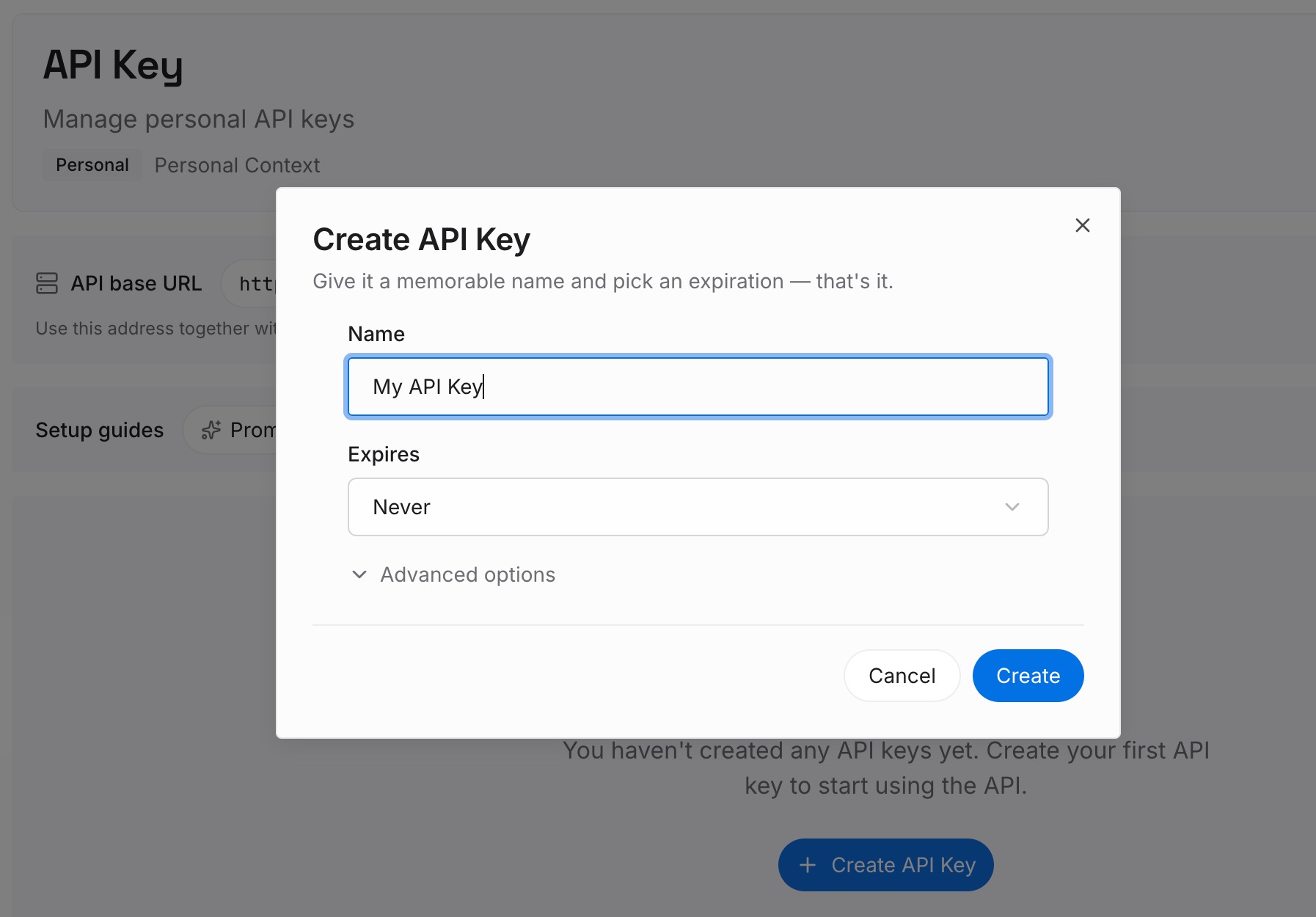
Step 1: Create an API key
Generate a key and make your first request in about 30 seconds. Keep it in your environment or a secret manager rather than pasting it into a chat window.
Step 2: Upload your first memories
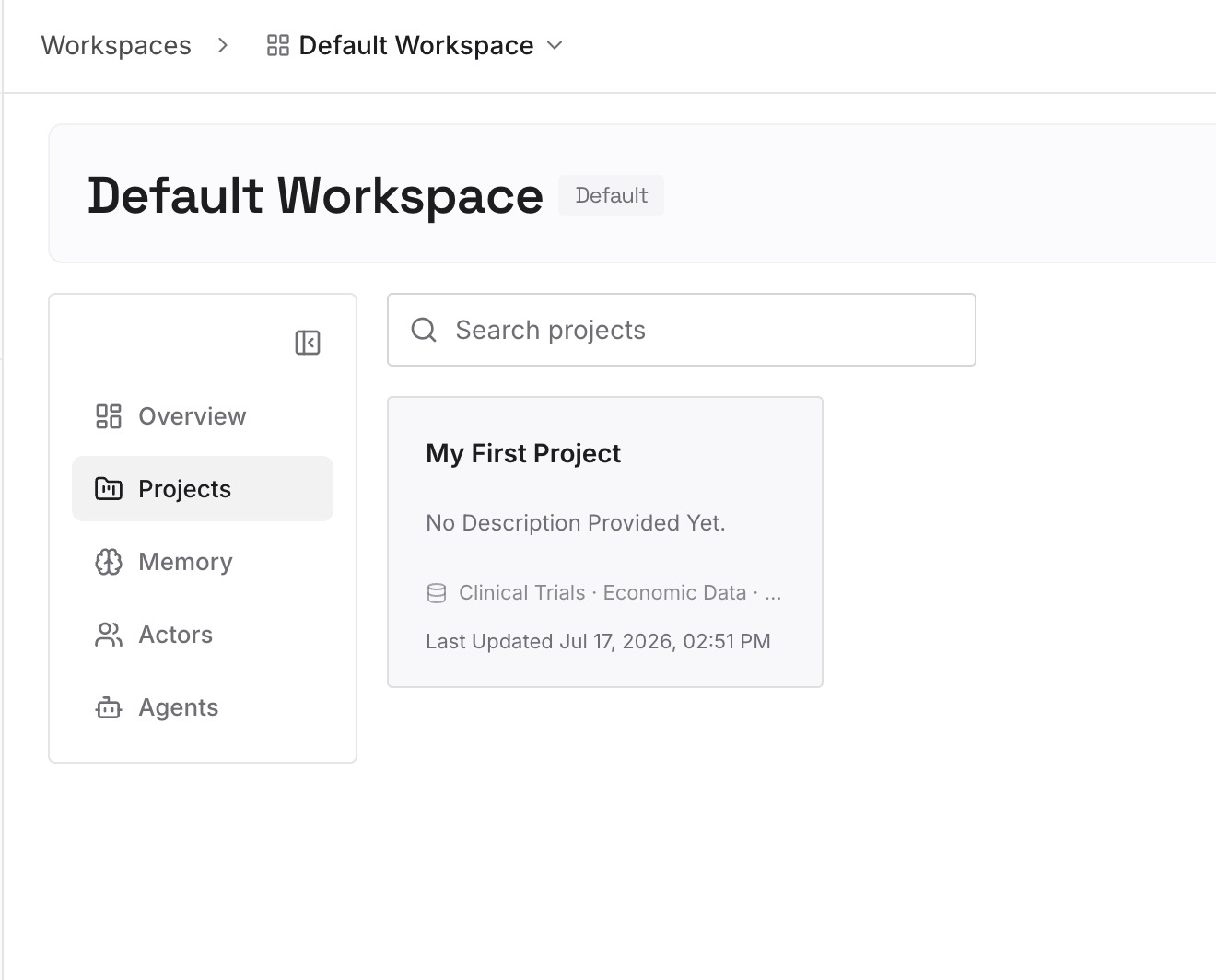
Drop in the documents, images, and files behind the rules you just converted: the incident writeup that made a module off-limits, the architecture decision and its date, the client's requirements, the API contracts, plus the Cascade knowledge you harvested. Upload the sources rather than a tidied summary — the summary is what you spent Step 1 trying to reconstruct.
Step 3: Connect your AI & agents
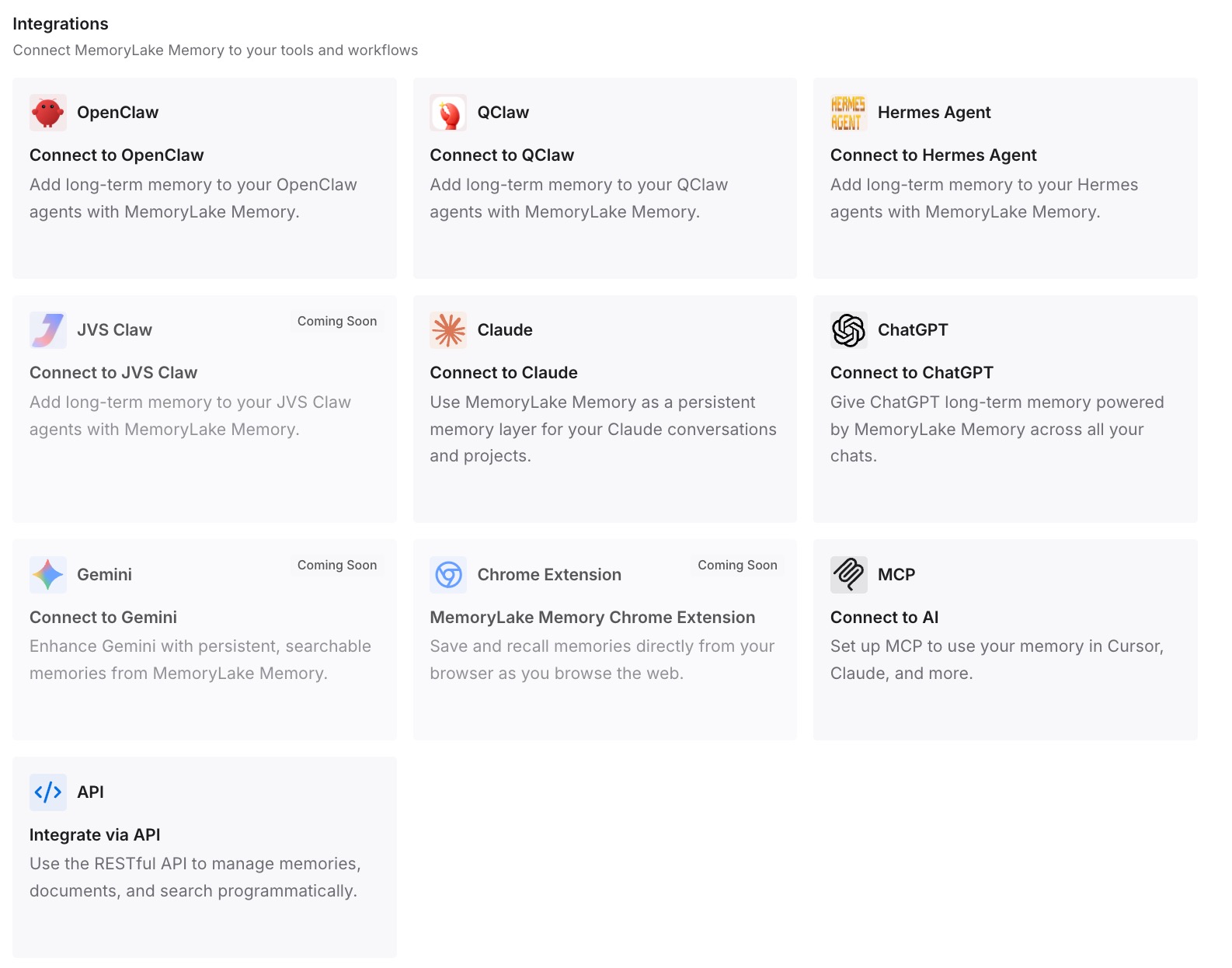
Give Claude, Codex, OpenClaw, and other AI agents access to memory via MCP or the API. MCP-capable tools read the same store directly alongside their own rules files. For ChatGPT, retrieve what you need through the API and inject it into the prompt or the workflow that calls the model.
What this changes in practice
The first difference is that your Always Apply set can stay small. The pressure to load everything comes from having nowhere else to put it; when the detail is retrievable, the always-loaded rules are the three constraints that actually change answers.
The second is that the reason travels with the rule. "Don't edit files in generated/" gets questioned by every new engineer and every new agent. The same rule with the ticket and the incident attached doesn't, and that's the difference between a convention and an architectural decision that survives.
The third is that the harvest becomes a one-time cost. You did it for Cascade. You won't do it for Cursor, because the knowledge won't be trapped in Cursor — which also means it's there when a teammate asks, instead of only on your laptop, the same gap behind rules that don't follow you between machines.
And it composes with what Cursor does natively. Rules keep doing their job at the prompt level, exactly as documented. The store holds what rules were never meant to hold: history, rationale, and the documents themselves.
Best practices for leaving a discontinued editor
Assume nothing that lives in the app can be exported
Rules files are yours. Generated memories, in any tool, generally are not. Before you uninstall, ask the assistant what it knows and copy the answers out. Treat everything that only exists in a UI as perishable.
Convert scope, not just text
The single highest-value act in this migration is turning "these are my frontend rules" into globs: src/components/**/*.tsx. Path-scoped rules load when they're relevant and stay out of context when they aren't, which is both cheaper and more accurate than a rule that hopes the model notices a qualifier.
Commit the rules, and use the team layer for standards
A rule in version control is reviewable and inheritable; a rule in your personal settings isn't. On Team or Enterprise plans, put organization-wide standards in team rules so they don't depend on each developer's local setup.
Delete during the move
Every stale rule you carry across will be obeyed, silently, by an agent that has no way to know it's out of date. The cost of deleting a rule you still needed is one minute of rewriting it. The cost of keeping a wrong one is a week of confusing diffs.
Don't treat rules as enforcement
Cursor is clear that rules provide context at the prompt level. That's influence, not a guarantee. Anything that must be true every time — formatting, no direct pushes to main, generated files untouched — belongs in a formatter, a hook, or CI. Rules explain; tooling enforces.
Conclusion
Windsurf to Cursor looks like a file copy and isn't. Both editors are VS Code forks, so the editor layer moves itself, and then the part that matters — when each rule applies — has to be rebuilt in Cursor's terms: .mdc files whose frontmatter picks Always Apply, file-pattern, agent-selected, or manual. Copy plain .md files into .cursor/rules and they're ignored outright, with no error to tell you.
So do the two things in the right order. Interrogate Cascade before you uninstall, because auto-generated local memories have no export and no second chance. Then re-type each rule as the activation it deserves, delete what's stale, commit what your team needs, and put the reasoning behind those rules in a store that isn't inside an editor. The next time an IDE changes hands, that store is the reason it costs you an afternoon instead of a week.