
What deleting a ChatGPT chat does
OpenAI's deletion article lists what happens when you delete a chat:
- "ChatGPT removes it from your account view immediately."
- OpenAI "schedules it for permanent deletion from its systems within 30 days", with exceptions for data already de-identified and disassociated from your account, or data OpenAI must keep longer for security or legal obligations.
- "You cannot restore a deleted chat in ChatGPT or through OpenAI Support."
The 30-day window is about OpenAI's systems, not about you. The chat leaves your account view at once, and nothing in ChatGPT lets you undo it during those 30 days.
Bulk deletion works the same way. Settings, then Data controls, has a Delete all chats option, and OpenAI warns: "These actions can affect chats in your current account or workspace, including chats in projects. The Delete all chats action cannot be undone."
For workspace accounts, one line in the article is worth knowing: "Authorized compliance tools may still access eligible workspace data under your organization’s retention policy." That's a route for your organization under its own policy, not a restore button for you.
Is there a Recently deleted folder for chats?
Not for chats. OpenAI's deletion article says "Deleted chats, including chats removed with Delete all chats, cannot be restored."
Recently deleted does exist for files. OpenAI's Library article says that when you delete a file, "If your Library includes Recently deleted, you can restore the file from there until it is permanently deleted, or permanently delete it sooner by choosing Delete forever or Delete all in Recently deleted." If you're looking for a deleted upload rather than a conversation, check there. Our guide to cleaning up your ChatGPT Library covers how Library deletion works.
Codex chats work the same way
Codex chats in the ChatGPT app follow a similar rule, with one extra step. OpenAI says "You must first archive a chat prior to deleting it." Once deleted: "You cannot recover a chat once it’s deleted. Deleted chats are not retrievable through the UI, APIs, or support." Our guide to finding missing Codex chat history covers archived Codex chats.
First, check whether the chat was really deleted
A chat you can't see may still be in your account. OpenAI's troubleshooting list for missing chats is the place to start, and each step rules out one case.
You're in a different account or workspace. OpenAI's first step is to confirm "that you are signed in to the correct OpenAI account and workspace, including the correct email address or single sign-on (SSO) method." Chats belong to the account that created them.
It's archived. Archiving hides a chat from the sidebar without deleting it. "Archiving removes the chat from the regular sidebar but does not delete it. Archived chats remain searchable." Look under Settings, then Data controls, then Archived chats. Our guide to archived ChatGPT chats explains what archiving still feeds.
It's locked. A locked chat is hidden from regular history, pinned chats, and search. OpenAI says to open Projects, then Locked chats, and enter your account PIN or use device authentication. Forgetting the PIN doesn't delete anything by itself: "Forgetting your PIN does not by itself delete your locked chats or files." Resetting the PIN is different. It "permanently deletes all locked chats", and "This action cannot be undone." Our guide to ChatGPT locked chats covers both.
It's further back than you scrolled. Use Search. OpenAI lists it as a step.
The app hasn't loaded your history. Refresh, or sign out and back in, and check OpenAI's status page for an incident.
You want proof. OpenAI's Codex article suggests requesting "a data export via Settings > Data controls to confirm which chats are still stored in your account." The same works for regular chats.
There's one more case OpenAI describes. "If ChatGPT ends a conversation because of a serious concern about violence or harm to others, the conversation is no longer available in your visible chat history." OpenAI treats that as separate from a chat you deleted yourself.
What can survive a deleted chat
If the chat really is deleted, the conversation is gone from your account. Several things connected to it are stored separately, and OpenAI's articles say which ones a delete doesn't touch.
Saved memories
OpenAI's memory article says "Saved memories are stored separately from chat history. Deleting the original chat does not automatically delete a separate saved memory."
So if ChatGPT saved something you said in that chat, such as a preference, a fact about a project, or a name, the memory may still be there after the chat is gone. The article repeats the point elsewhere: "Deleting a chat alone does not necessarily delete a separate saved memory created from that chat."
That cuts both ways. If you deleted the chat by accident, open your memory settings and review the memory summary and saved memories. Some of what you needed may be there in short form. If you deleted the chat because you wanted ChatGPT to forget something, deleting the chat isn't enough. OpenAI's instruction is "To remove information saved as a memory, delete the saved memory and the chat where you first shared it." Our guide to making ChatGPT forget something walks through every place to check.
Files saved in Library or Space
The deletion article says "Deleting a chat does not delete files saved separately in Library or Space. Delete those files separately if you also want to remove the saved copies." The Library article says the same from the other side: "Deleting a chat containing files does not delete a separate file that remains saved in Library."
If you uploaded a document or ChatGPT created a file in that conversation and it was saved to Library, look for it there.
Data in the connected app
If the chat used Gmail, Google Drive, or another connected app, the original data stays with that app. OpenAI says "Deleting a chat does not delete the original data from the connected app." The copy retained inside the conversation is removed along with the chat.
An export you already downloaded
An export is a copy of your account at the moment you made it. If you exported before deleting, the conversation is in that ZIP. OpenAI's export article is clear that this only works in one direction: "An export cannot restore chats that have already been deleted." A new export won't bring the chat back.
Copies other people saved
If you shared the chat, deleting it affects the link. "Deleting a conversation removes its shared conversation link." But OpenAI also notes that deleting a shared link "does not remove a conversation or task another person already saved." If someone saved a copy, it may still be in their account, so ask them. Our guide to what a ChatGPT shared link carries explains the snapshot rules.
What goes with the chat
A few things tied to a conversation are removed with it.
Images created there. OpenAI's Images article says "To delete an image from My images, delete the conversation where the image was created." Deleting the chat takes its images out of My images.
Connected-app data retained in it. The deletion article says deleting the chat "removes the conversation and connected-app data retained within that conversation from your account, subject to standard retention and legal obligations."
The shared conversation link. It's removed with the conversation, as above.
Scheduled tasks don't disappear, but they pause. "If the conversation has an associated scheduled task, the task pauses, but its shared task link remains available."
What people try first
Waiting for a Recently deleted folder. Chats don't have one. Library files may.
Asking OpenAI Support to restore it. OpenAI says support can't restore a deleted chat.
Requesting a new export. It copies what's in your account now, which no longer includes the chat.
Deleting the chat to make ChatGPT forget. Saved memories created from it can stay. Delete those too.
Resetting a locked-chat PIN to get in. The reset permanently deletes all locked chats.
The Fix: Check, recover the pieces, then keep the important parts elsewhere
Step 1: Rule out the cases where it isn't deleted
Check the account and workspace you're signed in to, then Archived chats, then Projects and Locked chats, then Search. Refresh and check OpenAI's status page. If you still can't find it, request an export to see which chats are still in the account.
Step 2: Collect what survived
Open your memory settings and read the memory summary and saved memories for anything that came from the chat. Look in Library or Space for files. Find any export you downloaded earlier and search it for the conversation. If you shared the chat, ask whether anyone saved a copy.
Write down what you recover in your own words while it's in front of you. You're rebuilding the decisions, not the transcript.
Step 3: Before you delete next time
For chats that hold decisions you'll need again, take two minutes first: write the conclusions down, or export your data if you want the full conversation. If you're deleting so ChatGPT forgets something, also delete the related saved memories.
If you want a conversation that never lands in history at all, our guide to ChatGPT Temporary Chat covers what it keeps and what it can still see.
Setting this up in MemoryLake
The pieces that survive a deleted chat are scattered: a line in memory, a file in Library, a conversation inside an old ZIP. And the decisions that mattered most may never have been saved anywhere except the chat.
MemoryLake is a memory layer for keeping those decisions in one place you maintain, available to the assistants you connect, such as ChatGPT, Claude Code, and Codex.
You write the entries yourself, in your own words. Nothing is read out of, written to, or deleted from your ChatGPT chats, your ChatGPT memory, your Library files, your exports, or any vendor's store. Deleting a chat in ChatGPT works the way OpenAI describes, and it has no effect on entries you keep elsewhere.
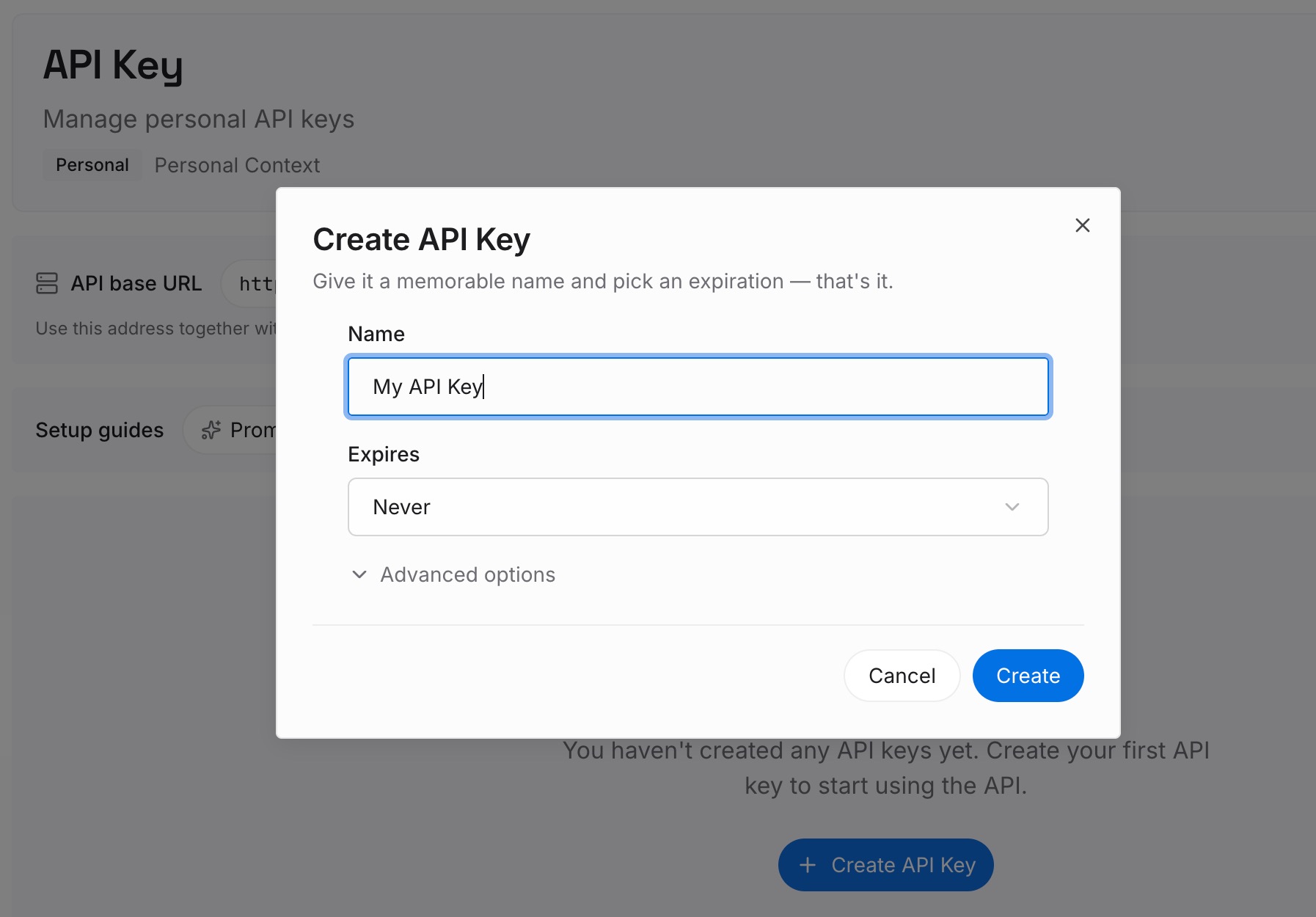
Step 1: Create an API key
Sign in and generate a key from the dashboard. The key belongs to your MemoryLake workspace and is separate from your OpenAI account.
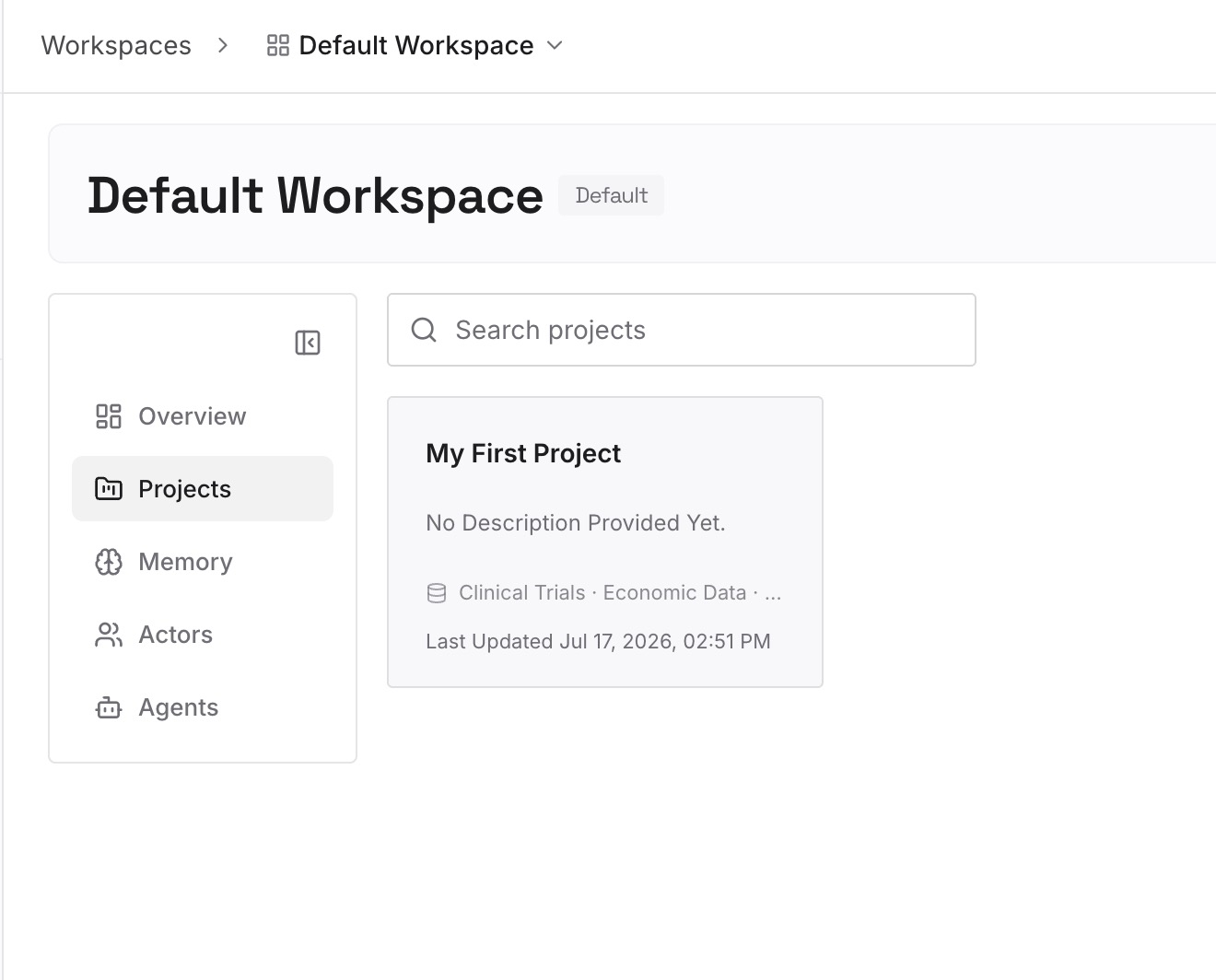
Step 2: Upload your first memories
Start with what you recovered in Step 2 of the fix: the decisions, the reasons, and the open questions. One point per entry, dated.
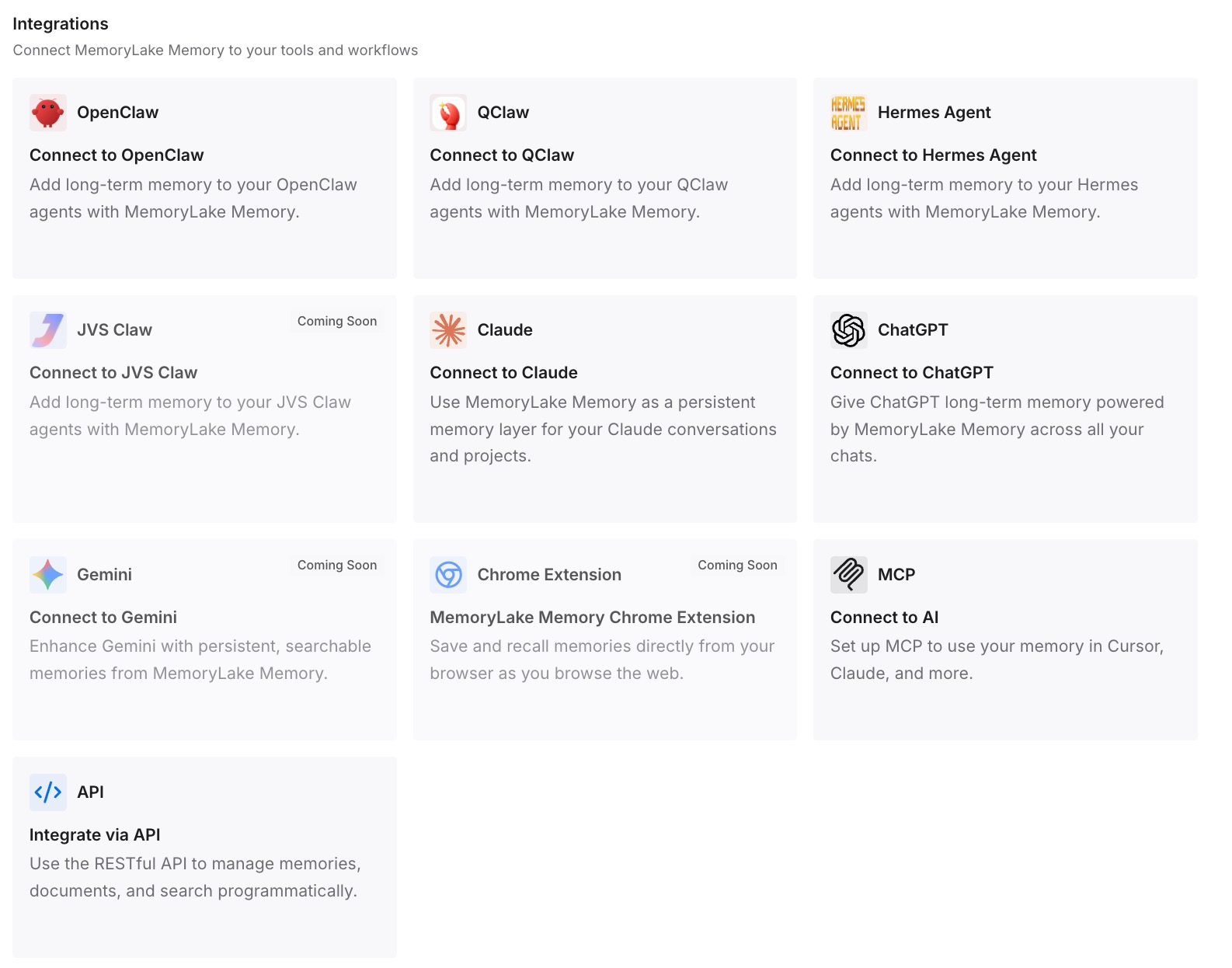
Step 3: Connect your AI & agents
Connect ChatGPT and any other assistants you use. The entries are available in a new chat, whether or not the old one still exists.
What this changes in practice
The first difference is that deleting a chat becomes a cleanup task, not a risk. If the decisions are already written down, the transcript can go.
The second is less reliance on what memory happened to save. Memory holds what ChatGPT saved. Entries you write yourself hold what you chose to keep.
The third is a cleaner forget. When you want ChatGPT to forget something, you know there are two places to clean in ChatGPT, the chat and the saved memory, and your own list is separate from both.
Best practices for deleting ChatGPT chats
Archive when you're unsure. Archived chats stay in your account and remain searchable.
Check the account first. A missing chat may be in another account or workspace.
Don't reset a locked-chat PIN lightly. It permanently deletes every locked chat.
Write down decisions before deleting. The chat can't be restored afterward.
Export before bulk deletes. Delete all chats can't be undone.
Delete saved memories too when you want ChatGPT to forget. Deleting the chat doesn't necessarily remove them.
Look in Library for files. They aren't deleted with the chat, and Library may have Recently deleted.
Conclusion
A deleted ChatGPT chat can't be restored, not in ChatGPT, not through OpenAI Support, and not with a new export. OpenAI removes it from your account view immediately and schedules it for permanent deletion within 30 days. Codex chats follow the same rule.
Before you give up, check whether the chat was really deleted: another account, Archived chats, Locked chats, or search can explain it. And if it was deleted, look at what's stored separately. Saved memories created from it may remain, Library files stay unless you delete them, and an export you made earlier still has the conversation.